
Excel Class Outline What is a spreadsheet What
- Slides: 16
Excel Class Outline • • What is a spreadsheet? What can you do with them? The Cell - basic unit of a spreadsheet Making a Table - cells in Rows and Columns Using your tables - sorting, re-arranging, editing Viewing & Printing - formatting, titles & insert pictures Using graphs - using the right kind & making it clear Beyond the basic table - formulas, analysis, linking, exporting • Menu terms & Help - useful info to help you work • Work on your project & ask questions
Excel Class What is a Spreadsheet? What can you do with them? • A spreadsheet is a way to collect and use information – – – Your information goes in a cell Cells are arranged in rows and columns As big or as small as you need You decide what you want, and how it should be arranged Spreadsheet = Workbook = Table = List = Database • Some uses for spreadsheets – – – Inventories Investment tracking Mailing lists Maintenance records Collections – – – Budgets Bookkeeping records Mileage records List of Anniversaries, Birthdays Statistical data & analysis
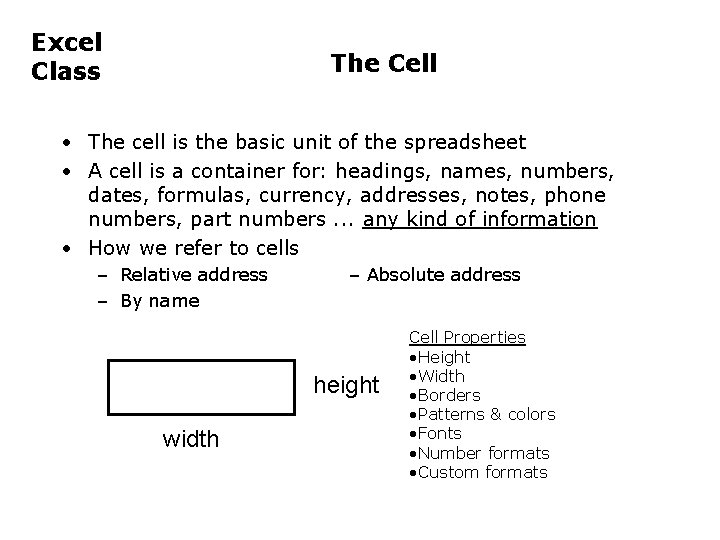
Excel Class The Cell • The cell is the basic unit of the spreadsheet • A cell is a container for: headings, names, numbers, dates, formulas, currency, addresses, notes, phone numbers, part numbers. . . any kind of information • How we refer to cells – Relative address – By name – Absolute address height width Cell Properties • Height • Width • Borders • Patterns & colors • Fonts • Number formats • Custom formats
Excel Class Making a Table • Excel calls your table a “Workbook”. It can have several sheets. • A “Template” is a pre-designed workbook. (yours or theirs) • You can use a Template of create your own from a Blank one. • First, decide the purpose for your table. • How do you want it arranged? Info in rows or columns? • How should it look? Format the cells, add header/titles. • Enter your information. Use filling & copying too. • Save As vs. Save. Make a Template?
Excel Class Using Your Tables; Viewing & Printing • Once a basic table has been created you can: – – Add or insert information - by cell, or rows & columns Delete or revise information - cell, or rows & columns Find information (Edit/Find) & Replace Re-arrange information • Within columns/rows • Re-arrange rows or columns • Sort – – – Add Headers and Footers (dates, filenames, page #’s. . . ) Create graphs from your data [See Using Graphs] Insert graphics Copy cells to/from another table Format and Print your table (Print Range)
Excel Class Using Graphs • Makes numeric data easier to understand • Use the Chart Wizard and experiment with chart types – – – Pie chart (also Bar graph) shows parts to whole Column chart shows comparisons of values Line or area chart shows changes over time 2 -axis chart compares different, but related quantities 3 D vs flat is your preference • Customize the look with colors, labels, patterns • Use a Legend? • Add titles, gridlines and axes formats to improve readability • New data can be added to existing graphs • Save with spreadsheet or on new page
Excel Class • • • Beyond the Basics Formulas - let the table do the work Link Tables and/or graphs Use analysis features Automate steps for repetitive actions Exporting/importing data with other applications Spreadsheet data on the Web
Excel Class • • • • Menu Definitions - File Menu New - opens new workbook Open - open existing workbook Close - close current screen (not same as Save) Save - use this to update an existing file Save As - Lets you name file AND locate place to save Save as HTML - makes your data Browser-readable Save Workspace - ? Page Setup - For printer Print Area - Allows you to select printed portion Print Preview - Shows how page will print Print - Calls up your printer dialog to print your doc. Send to - Lets you e-mail the file Properties - Descriptions you write
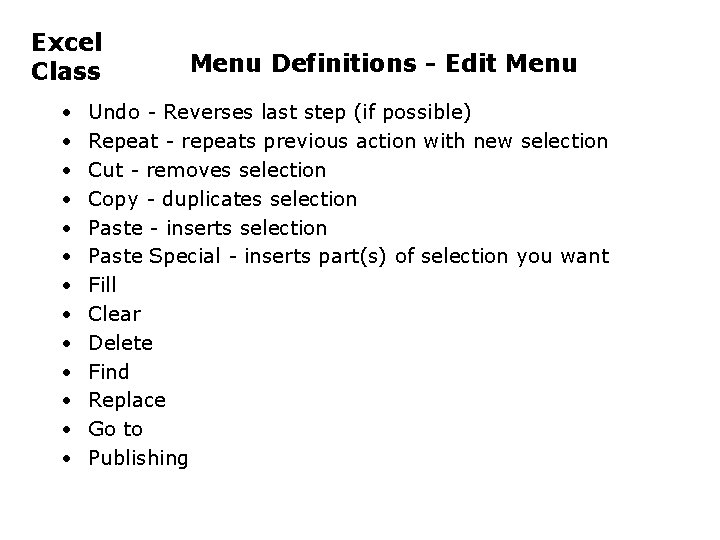
Excel Class • • • • Menu Definitions - Edit Menu Undo - Reverses last step (if possible) Repeat - repeats previous action with new selection Cut - removes selection Copy - duplicates selection Paste - inserts selection Paste Special - inserts part(s) of selection you want Fill Clear Delete Find Replace Go to Publishing
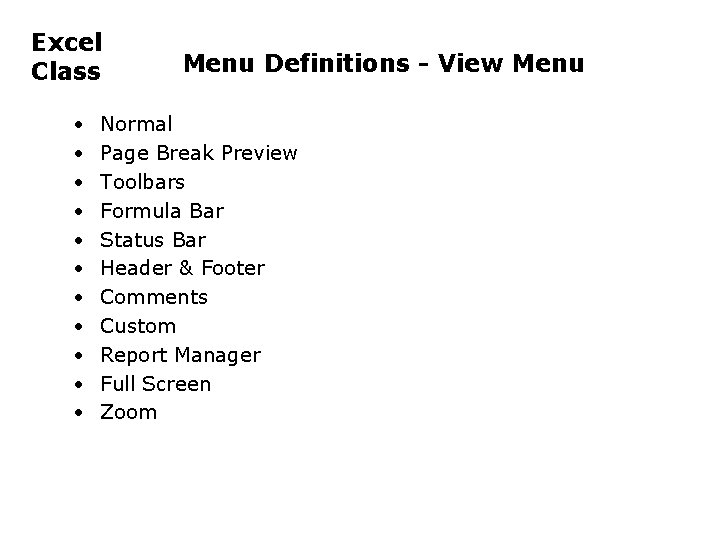
Excel Class • • • Menu Definitions - View Menu Normal Page Break Preview Toolbars Formula Bar Status Bar Header & Footer Comments Custom Report Manager Full Screen Zoom
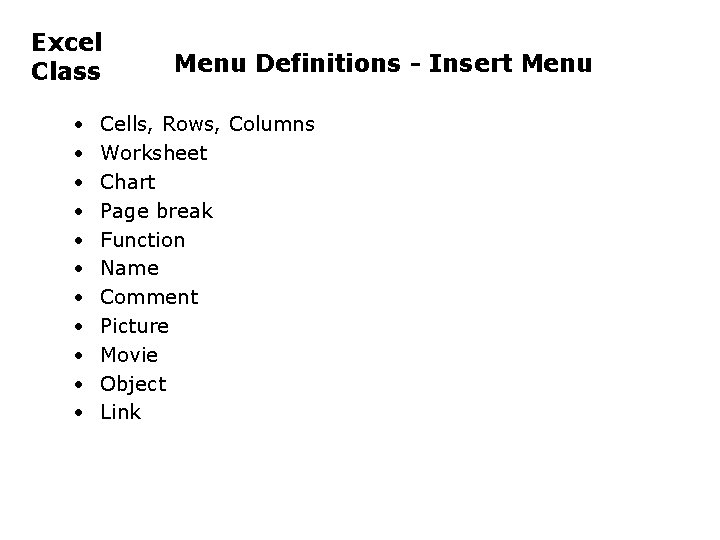
Excel Class • • • Menu Definitions - Insert Menu Cells, Rows, Columns Worksheet Chart Page break Function Name Comment Picture Movie Object Link
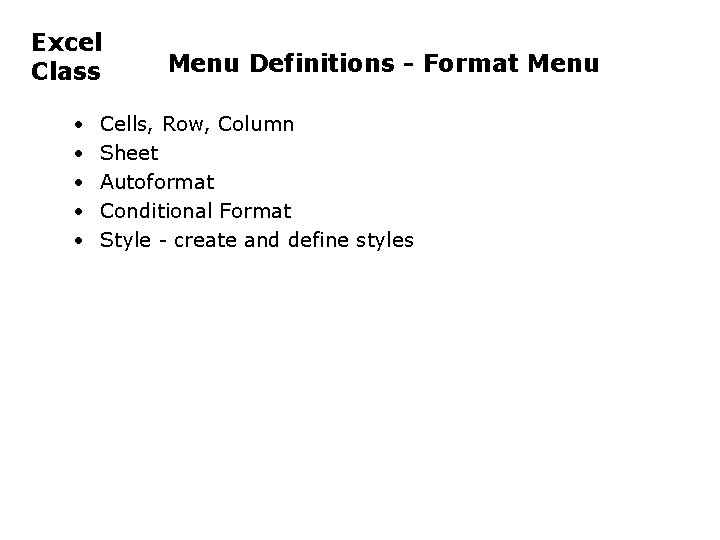
Excel Class • • • Menu Definitions - Format Menu Cells, Row, Column Sheet Autoformat Conditional Format Style - create and define styles
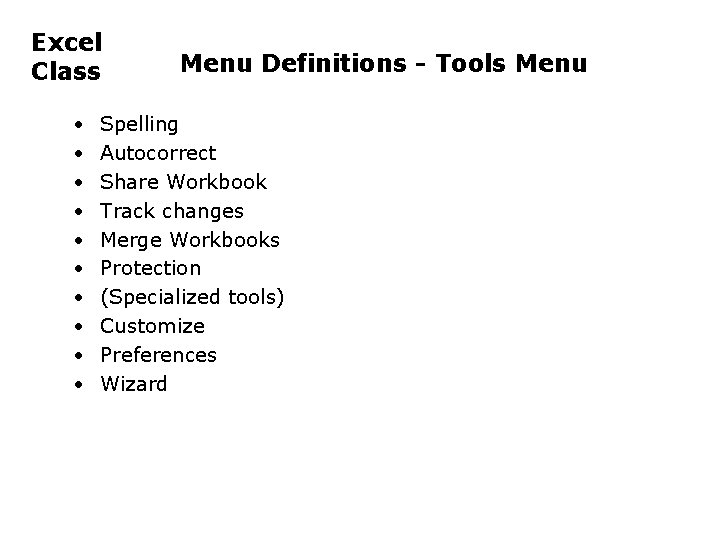
Excel Class • • • Menu Definitions - Tools Menu Spelling Autocorrect Share Workbook Track changes Merge Workbooks Protection (Specialized tools) Customize Preferences Wizard
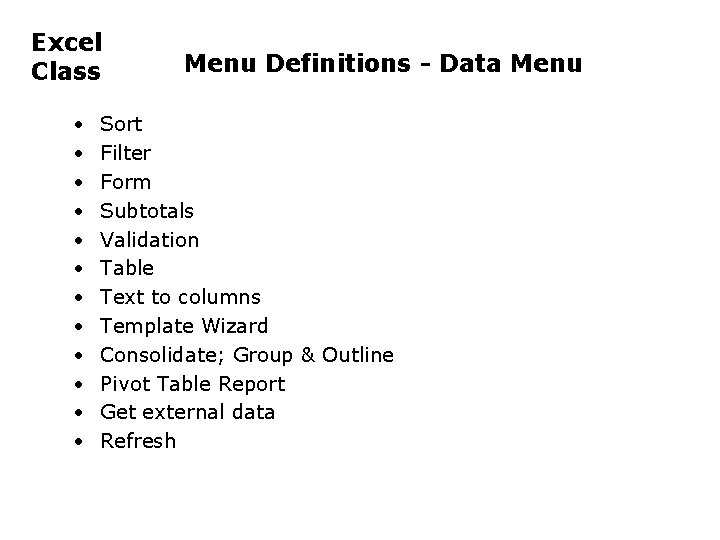
Excel Class • • • Menu Definitions - Data Menu Sort Filter Form Subtotals Validation Table Text to columns Template Wizard Consolidate; Group & Outline Pivot Table Report Get external data Refresh
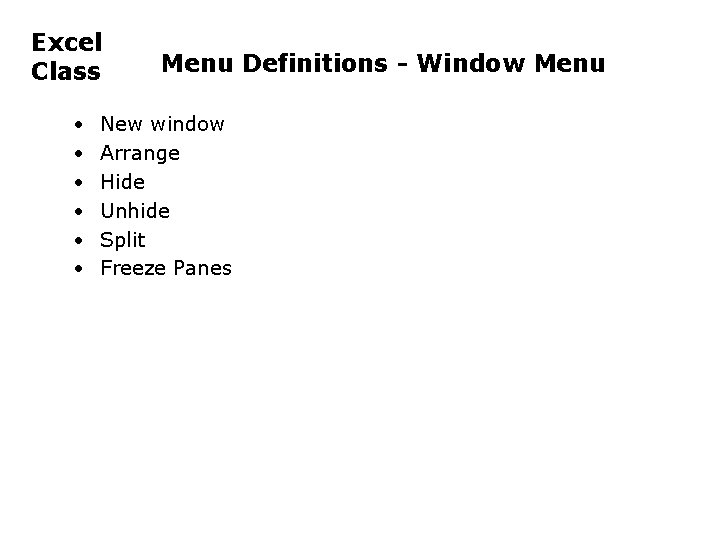
Excel Class • • • Menu Definitions - Window Menu New window Arrange Hide Unhide Split Freeze Panes
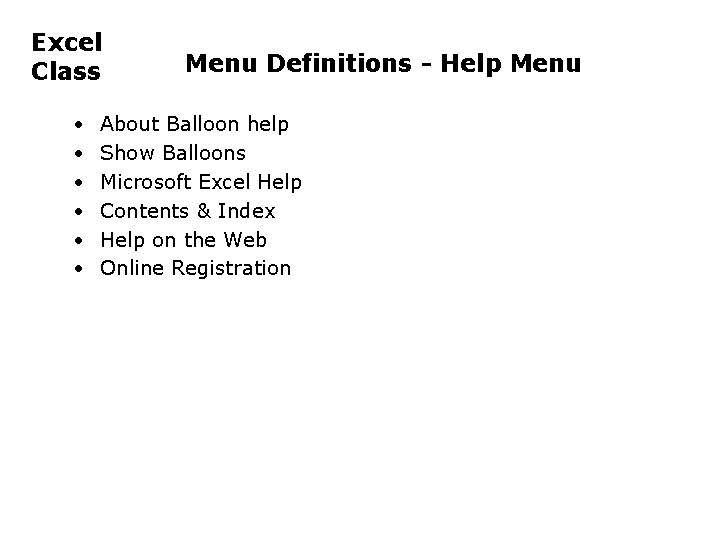
Excel Class • • • Menu Definitions - Help Menu About Balloon help Show Balloons Microsoft Excel Help Contents & Index Help on the Web Online Registration