
Examples of user centered design A few examples
- Slides: 39
Examples of user centered design A few examples of systems (partially) inspired by studying users
Example 1: Virtual desktop
Study of document organization in a physical office/on a desk Malone (1983) http: //scholar. google. ca/scholar? q=malone+%22 How+do+people+organize+their+desks%22 • At time of study, virtual desktop was still a recent innovation • Malone wanted to identify problems with paper media to inform designs of computerized interfaces • He found “subtle but useful aspects” of paper media “that might inadvertently be lost in the new technology” • Office workers have difficulty categorizing papers, and identifying what categories are appropriate to use • Use of both piles and folders for organizing papers • The former is looser, and can serve as a reminder, allowing categorization decisions to be left until later • Documents are placed not only to allow later retrieval, but to serve as reminders of tasks to be done (approx. 2/3 of piles)
How can computers help ? • Allow users to defer decisions about classification • Allow documents to be members of more than one collection simultaneously • Perform automatic classification / support for searching • Allow users to use documents as visual reminders of tasks to do
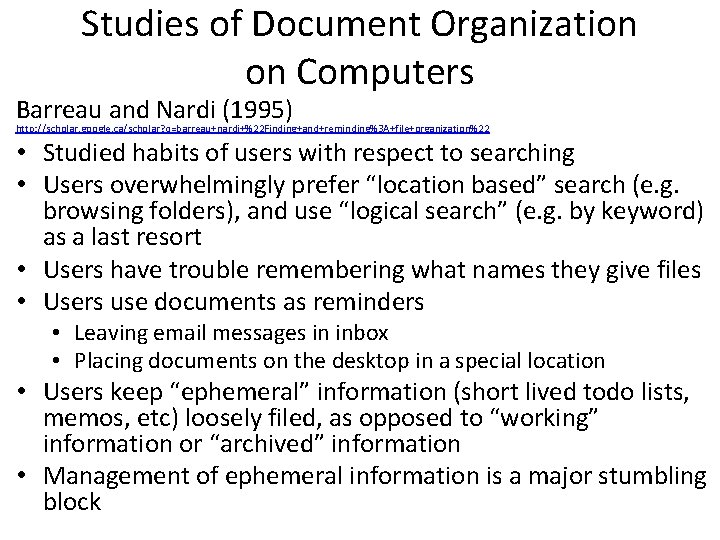
Studies of Document Organization on Computers Barreau and Nardi (1995) http: //scholar. google. ca/scholar? q=barreau+nardi+%22 Finding+and+reminding%3 A+file+organization%22 • Studied habits of users with respect to searching • Users overwhelmingly prefer “location based” search (e. g. browsing folders), and use “logical search” (e. g. by keyword) as a last resort • Users have trouble remembering what names they give files • Users use documents as reminders • Leaving email messages in inbox • Placing documents on the desktop in a special location • Users keep “ephemeral” information (short lived todo lists, memos, etc) loosely filed, as opposed to “working” information or “archived” information • Management of ephemeral information is a major stumbling block
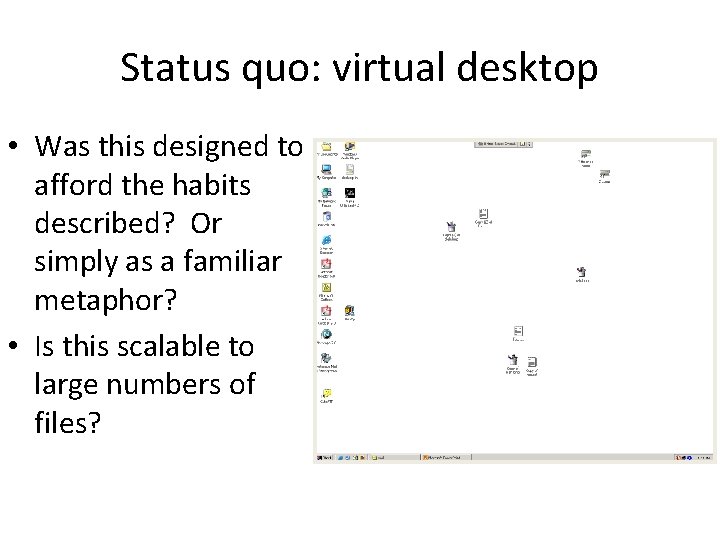
Status quo: virtual desktop • Was this designed to afford the habits described? Or simply as a familiar metaphor? • Is this scalable to large numbers of files?
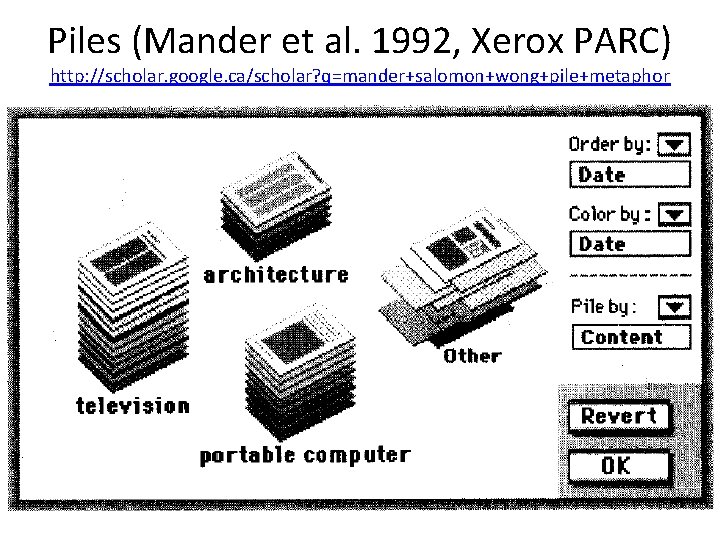
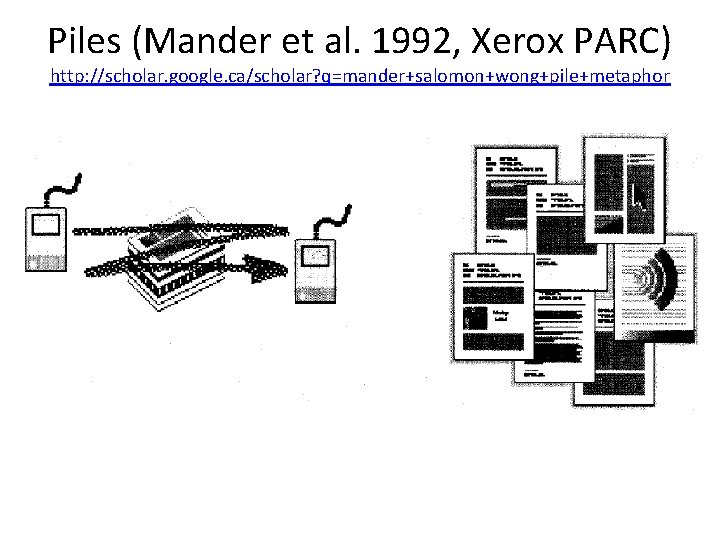
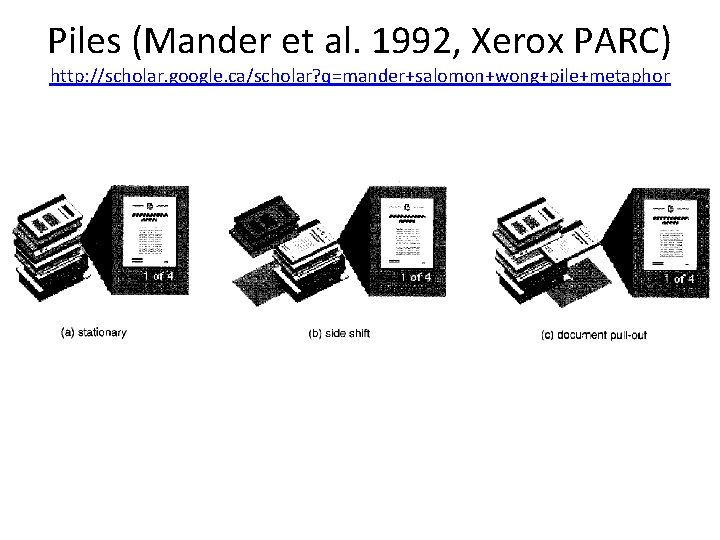
Piles (Mander et al. 1992, Xerox PARC) http: //scholar. google. ca/scholar? q=mander+salomon+wong+pile+metaphor
Piles (Mander et al. 1992, Xerox PARC) http: //scholar. google. ca/scholar? q=mander+salomon+wong+pile+metaphor
Piles (Mander et al. 1992, Xerox PARC) http: //scholar. google. ca/scholar? q=mander+salomon+wong+pile+metaphor
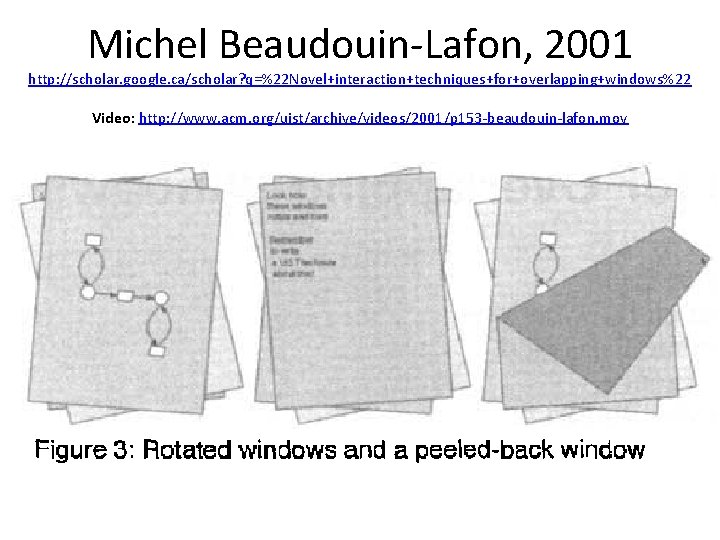
Michel Beaudouin-Lafon, 2001 http: //scholar. google. ca/scholar? q=%22 Novel+interaction+techniques+for+overlapping+windows%22 Video: http: //www. acm. org/uist/archive/videos/2001/p 153 -beaudouin-lafon. mov
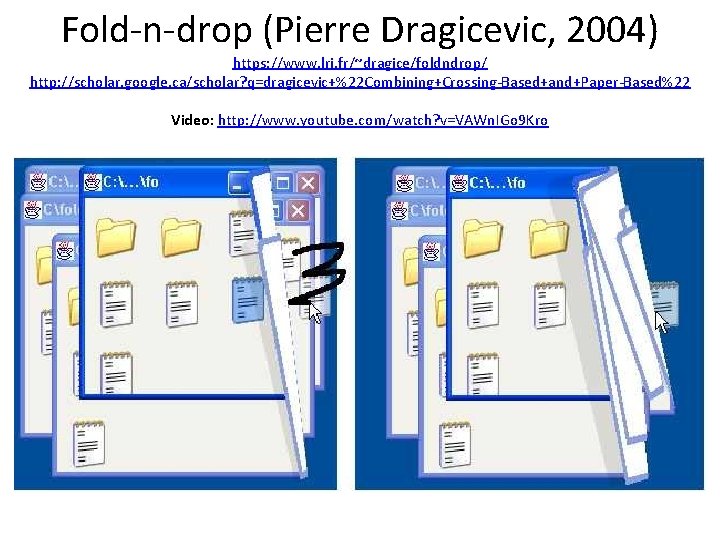
Fold-n-drop (Pierre Dragicevic, 2004) https: //www. lri. fr/~dragice/foldndrop/ http: //scholar. google. ca/scholar? q=dragicevic+%22 Combining+Crossing-Based+and+Paper-Based%22 Video: http: //www. youtube. com/watch? v=VAWn. IGo 9 Kro
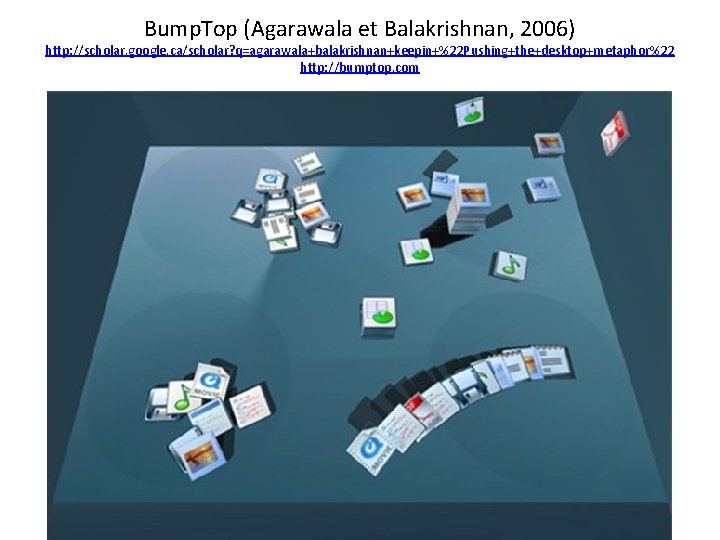
Bump. Top (Agarawala et Balakrishnan, 2006) http: //scholar. google. ca/scholar? q=agarawala+balakrishnan+keepin+%22 Pushing+the+desktop+metaphor%22 http: //bumptop. com
Bump. Top (Agarawala et Balakrishnan, 2006) http: //scholar. google. ca/scholar? q=agarawala+balakrishnan+keepin+%22 Pushing+the+desktop+metaphor%22 http: //bumptop. com Videos: • Prototype: http: //www. youtube. com/watch? v=M 0 ODskd. EPn. Q • Hip-hop version: http: //www. youtube. com/watch? v=o. UVp. SY 4 e. BCc • Parody: http: //www. youtube. com/watch? v=k. QL 9 V 2 dn. KFY • TED talk: http: //www. ted. com/talks/anand_agarawala_demos_his_bumptop_desktop • Commercial version: http: //www. youtube. com/watch? v=6 jho. Ws. Hw. U 7 w
Example 2: Tape Drawing
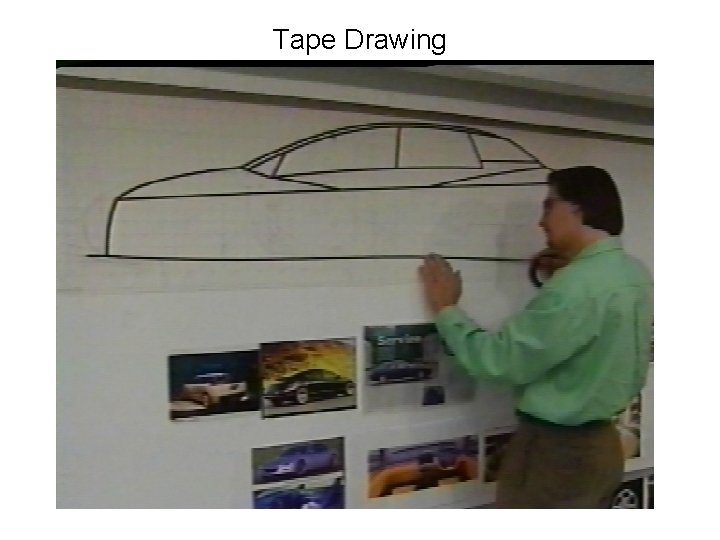
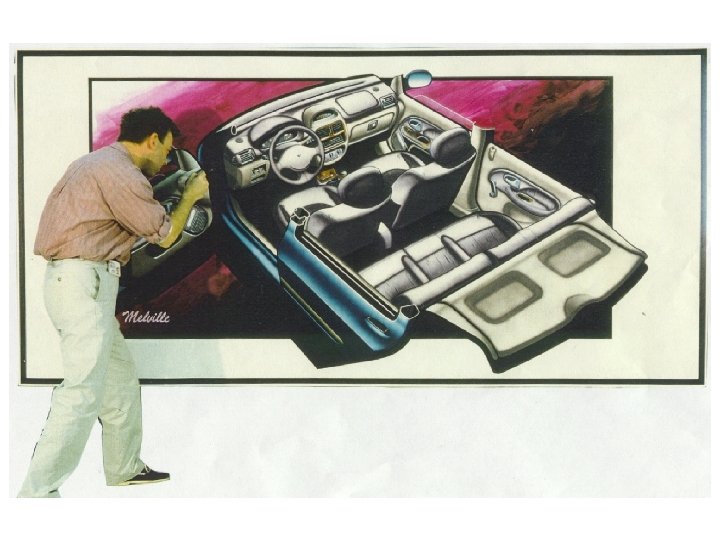
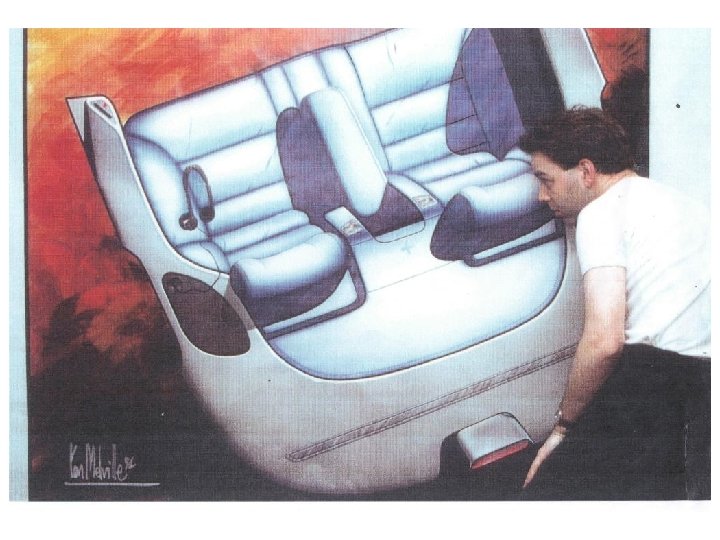
Tape Drawing
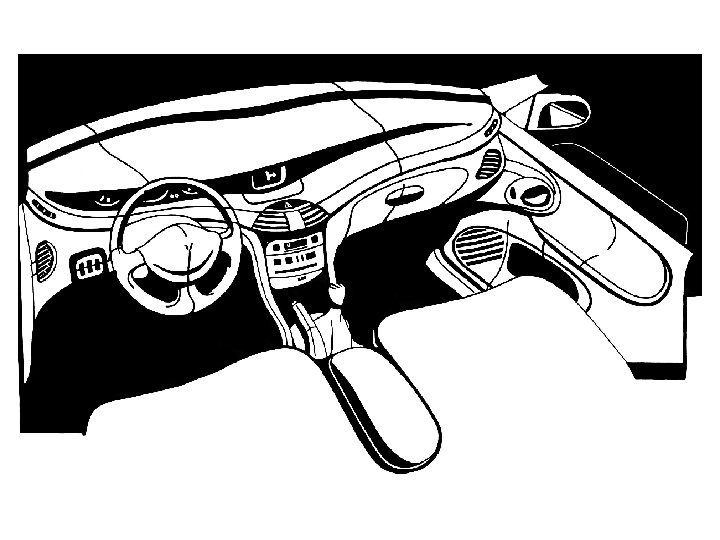
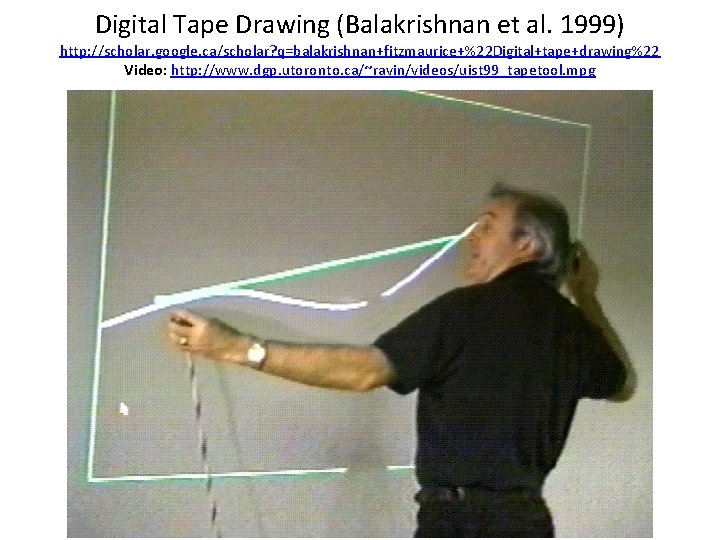
Digital Tape Drawing (Balakrishnan et al. 1999) http: //scholar. google. ca/scholar? q=balakrishnan+fitzmaurice+%22 Digital+tape+drawing%22 Video: http: //www. dgp. utoronto. ca/~ravin/videos/uist 99_tapetool. mpg
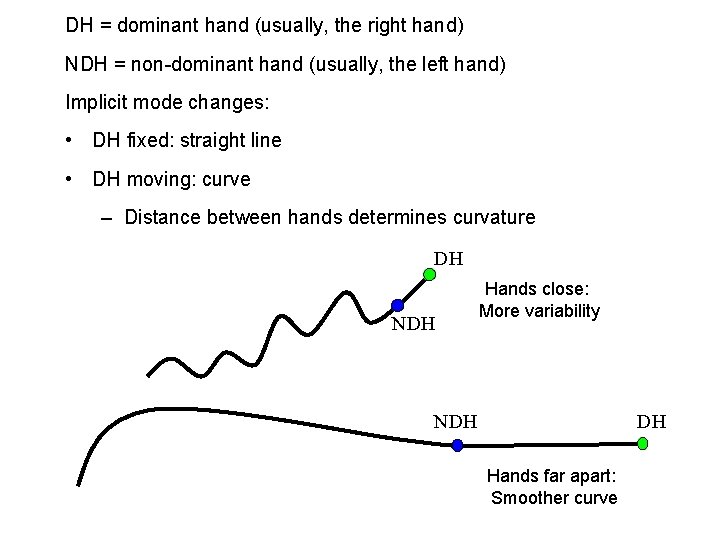
DH = dominant hand (usually, the right hand) NDH = non-dominant hand (usually, the left hand) Implicit mode changes: • DH fixed: straight line • DH moving: curve – Distance between hands determines curvature DH NDH Hands close: More variability DH NDH Hands far apart: Smoother curve
User reactions • Demonstrated to 5 auto design studios in France, UK, and USA • Approx. 20 artists tried the system – After only 1 minute of instructions, the artists were able to produce output that was superior to that of the designers of the system who had hours of experience – The skill of the artists transcended the technological limitations (cables, lag, and calibration problems) – They exhibited common gestures, like sighting down a line • Asked for a 3 D version
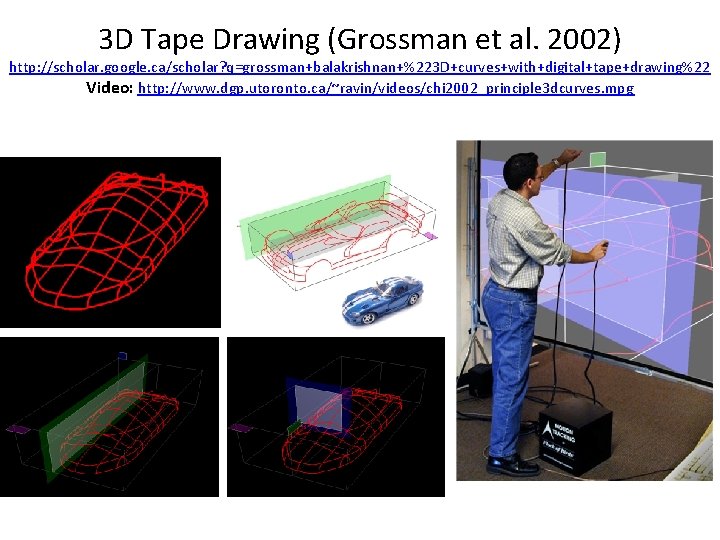
3 D Tape Drawing (Grossman et al. 2002) http: //scholar. google. ca/scholar? q=grossman+balakrishnan+%223 D+curves+with+digital+tape+drawing%22 Video: http: //www. dgp. utoronto. ca/~ravin/videos/chi 2002_principle 3 dcurves. mpg
Example 3: Personal Digital Assistants (PDAs)
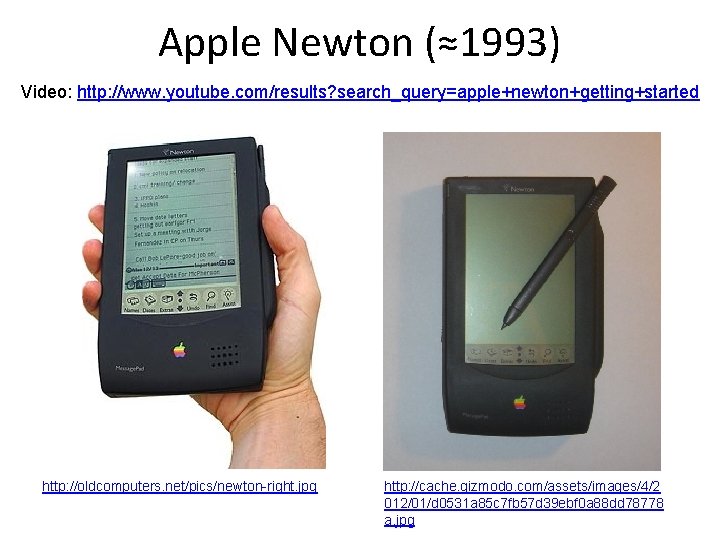
Apple Newton (≈1993) Video: http: //www. youtube. com/results? search_query=apple+newton+getting+started http: //oldcomputers. net/pics/newton-right. jpg http: //cache. gizmodo. com/assets/images/4/2 012/01/d 0531 a 85 c 7 fb 57 d 39 ebf 0 a 88 dd 78778 a. jpg
Why was the Newton not successful? • Focus groups said that handwriting recognition would be cool ! • But the handwriting recognition was not reliable enough • Device too big • Too expensive
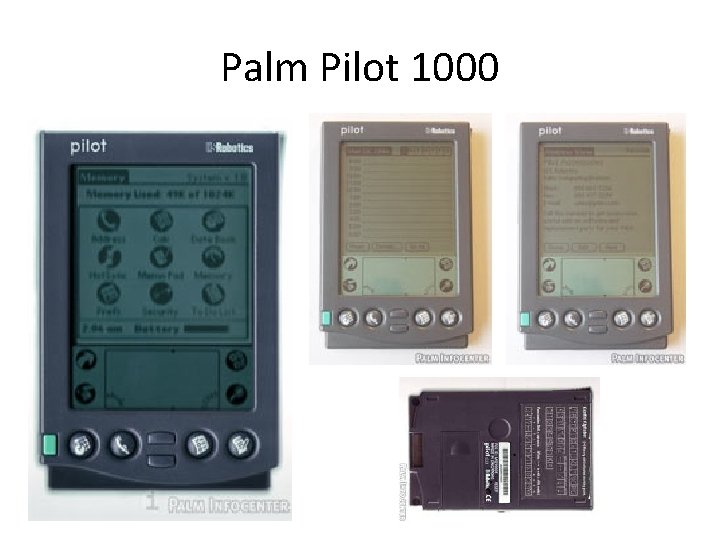
Palm Pilot (≈1997) Basic requirements: • Size: must fit in a shirt pocket • Price: 299 $ • Can be synchronized with a desktop computer • Speed: must be as fast as a physical notepad for writing down an appointment or a person’s contact info. Also : – No wait cursors – No error dialog boxes, especially messages like "Error xyz, Abort or Cancel? "
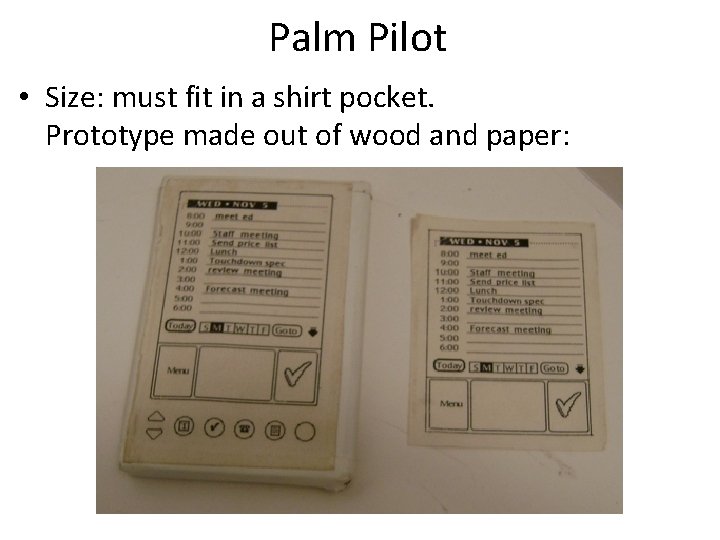
Palm Pilot • Size: must fit in a shirt pocket. Prototype made out of wood and paper:
Palm Pilot Chosen design principles: • Less is more • Avoid adding features • Strive for fewer steps • Simplicity is better than complexity The "Zen of Palm" Screen had 160 x 160 pixels!
Palm Pilot 1000
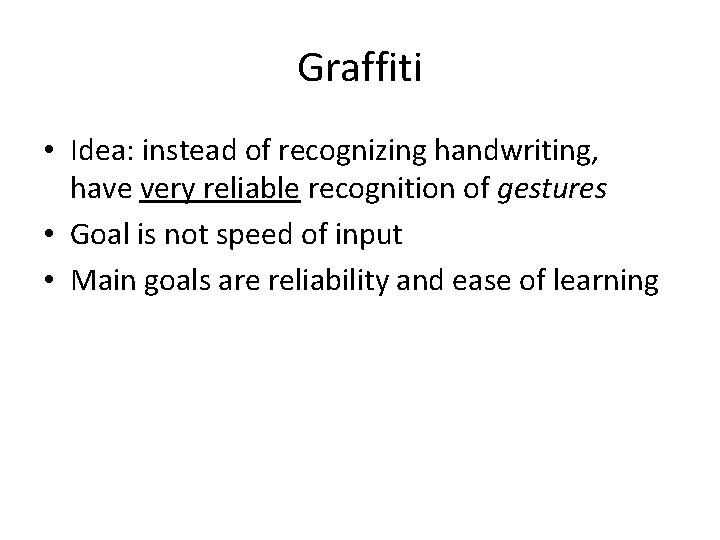
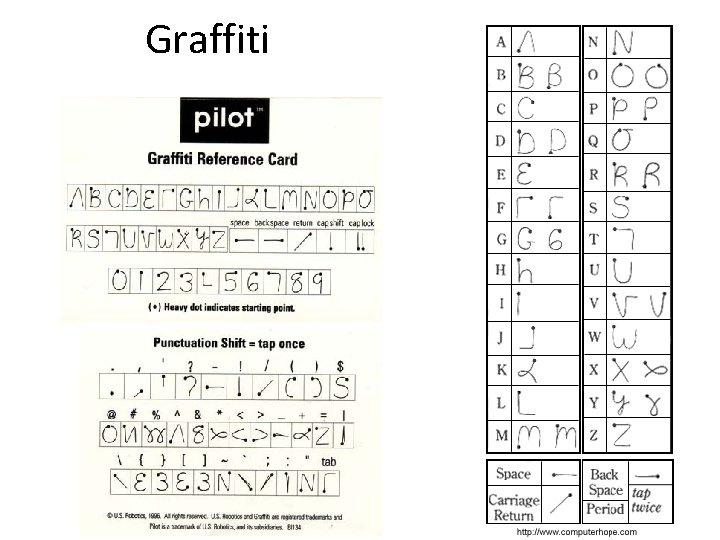
Graffiti • Idea: instead of recognizing handwriting, have very reliable recognition of gestures • Goal is not speed of input • Main goals are reliability and ease of learning
Graffiti
Example 4: Redesign of bank machines by IDEO
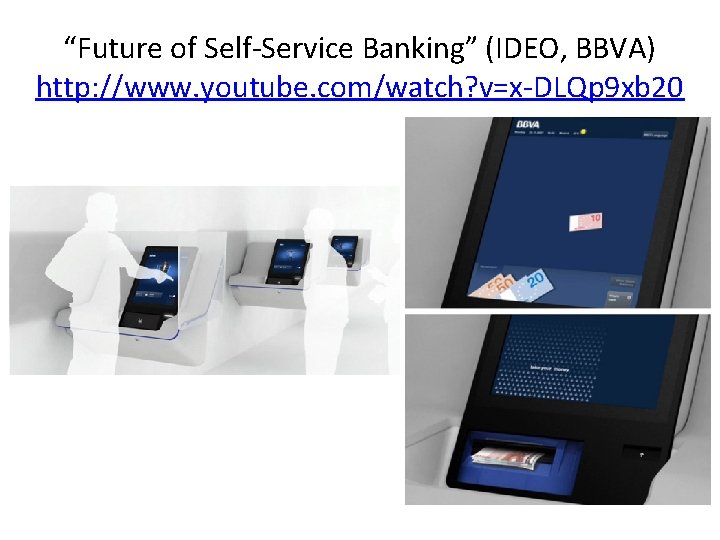
“Future of Self-Service Banking” (IDEO, BBVA) http: //www. youtube. com/watch? v=x-DLQp 9 xb 20
Observations • The redesign started with observing users, and then proceeded with prototypes made from cardboard to simulate use cases • Terminals are rotated 90° for privacy • Only one slot for money and receipts • User-specific options are displayed, such as most frequently used accounts • Smooth animations show progress and when money will come out
Exemple 5: “One laptop per child” http: //one. laptop. org/
The XO laptop
The XO laptop
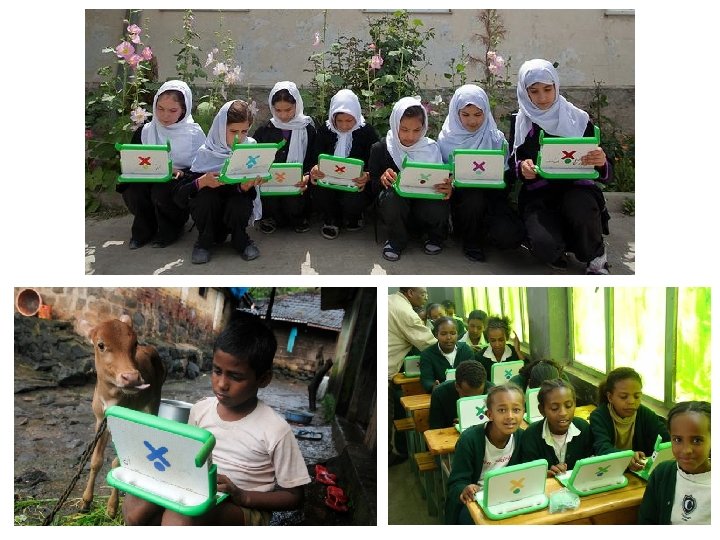
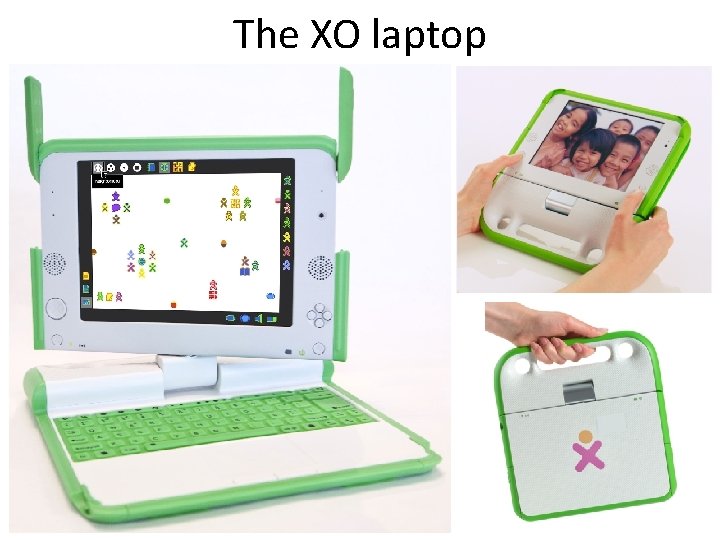
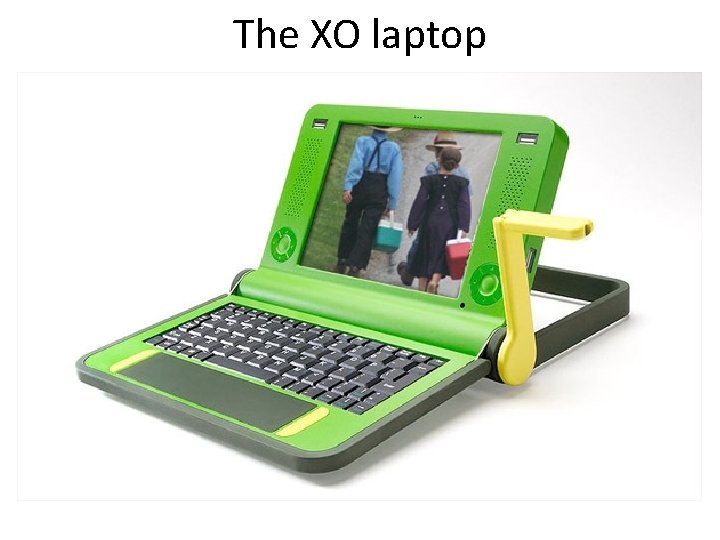
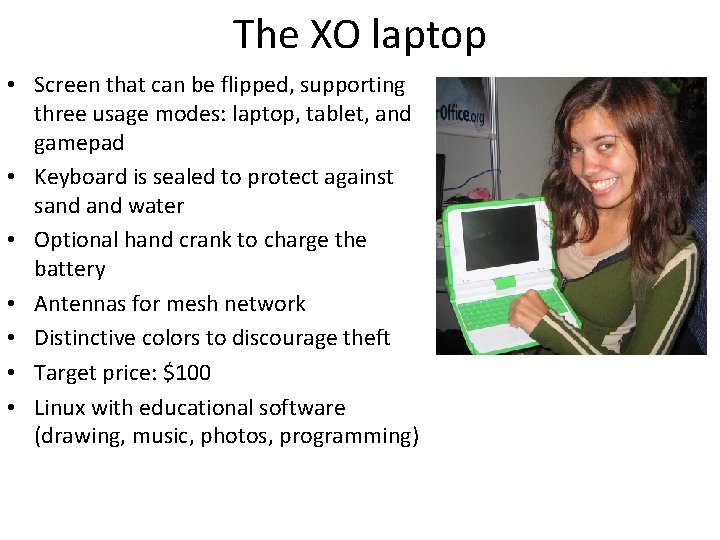
The XO laptop • Screen that can be flipped, supporting three usage modes: laptop, tablet, and gamepad • Keyboard is sealed to protect against sand water • Optional hand crank to charge the battery • Antennas for mesh network • Distinctive colors to discourage theft • Target price: $100 • Linux with educational software (drawing, music, photos, programming)