
Example Web Application Internet HTTP request DMZ AJP
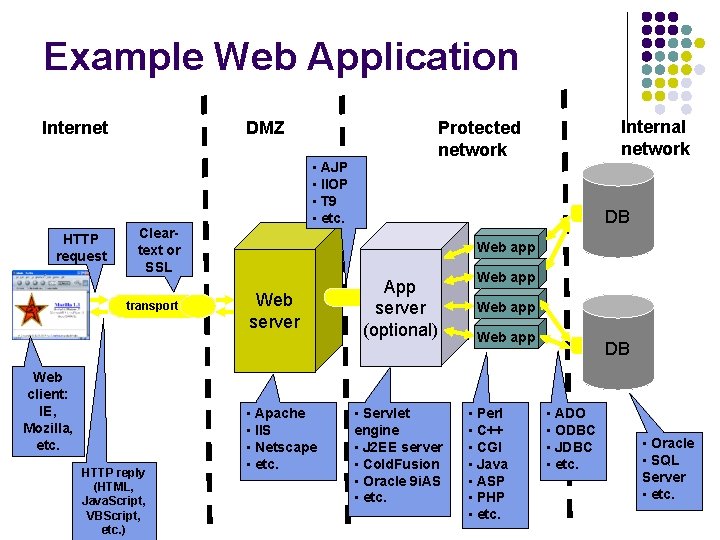
Example Web Application Internet HTTP request DMZ • AJP • IIOP • T 9 • etc. Cleartext or SSL transport Web client: IE, Mozilla, etc. HTTP reply (HTML, Java. Script, VBScript, etc. ) Internal network Protected network DB Web app Web server • Apache • IIS • Netscape • etc. App server (optional) • Servlet engine • J 2 EE server • Cold. Fusion • Oracle 9 i. AS • etc. Web app • Perl • C++ • CGI • Java • ASP • PHP • etc. DB • ADO • ODBC • JDBC • etc. • Oracle • SQL Server • etc.
Basic Web Technology
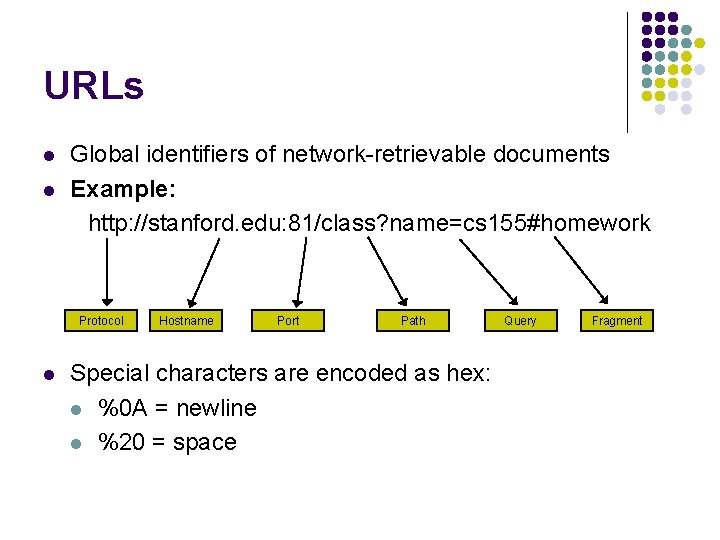
URLs l l Global identifiers of network-retrievable documents Example: http: //stanford. edu: 81/class? name=cs 155#homework Protocol l Hostname Port Path Special characters are encoded as hex: l %0 A = newline l %20 = space Query Fragment
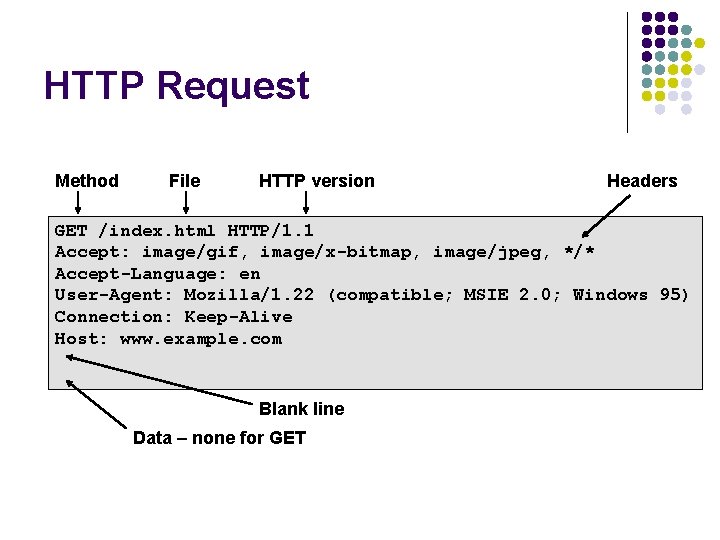
HTTP Request Method File HTTP version Headers GET /index. html HTTP/1. 1 Accept: image/gif, image/x-bitmap, image/jpeg, */* Accept-Language: en User-Agent: Mozilla/1. 22 (compatible; MSIE 2. 0; Windows 95) Connection: Keep-Alive Host: www. example. com Blank line Data – none for GET
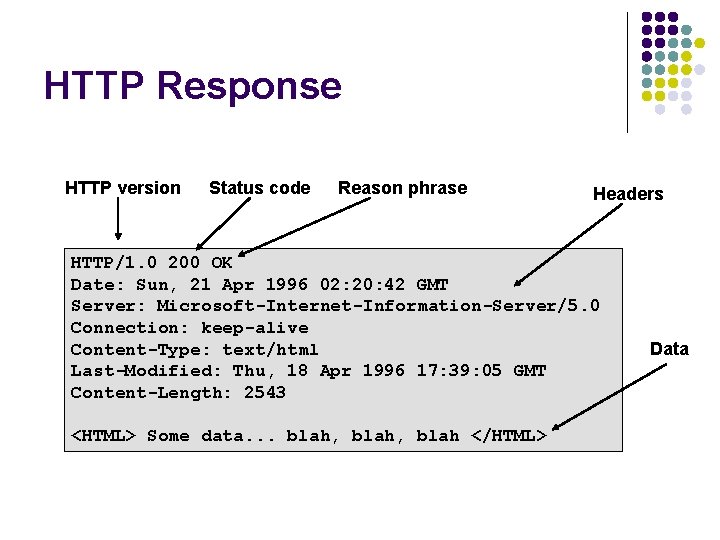
HTTP Response HTTP version Status code Reason phrase Headers HTTP/1. 0 200 OK Date: Sun, 21 Apr 1996 02: 20: 42 GMT Server: Microsoft-Internet-Information-Server/5. 0 Connection: keep-alive Content-Type: text/html Last-Modified: Thu, 18 Apr 1996 17: 39: 05 GMT Content-Length: 2543 <HTML> Some data. . . blah, blah </HTML> Data

SECURE SOCKET LAYER
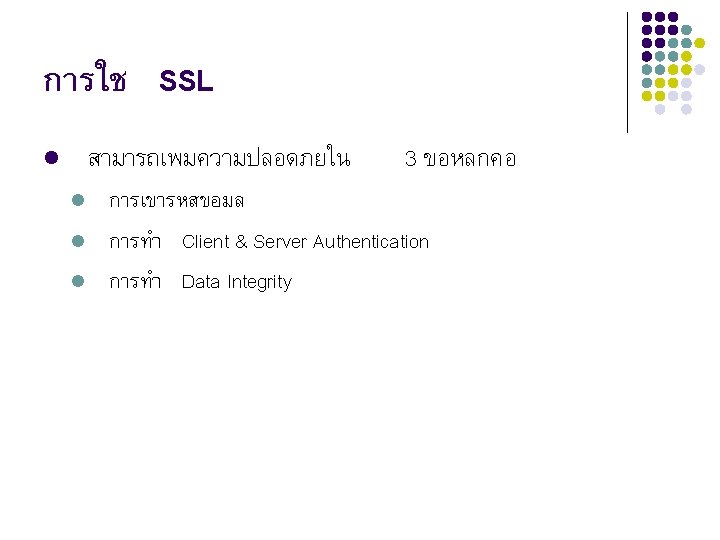
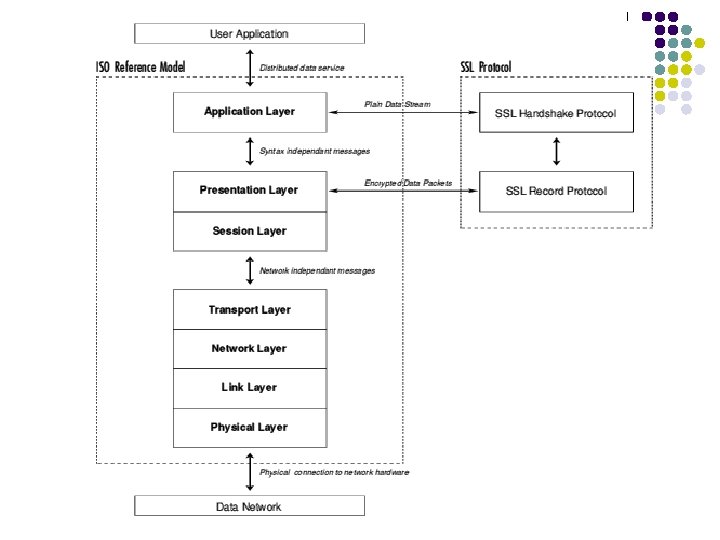
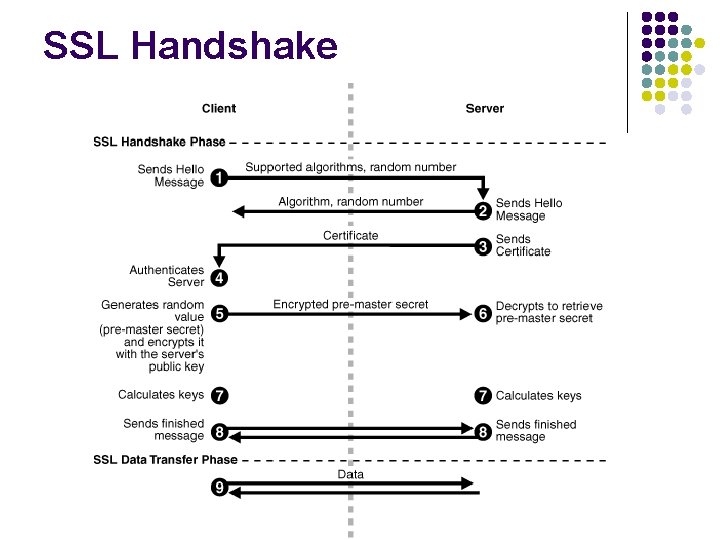
SSL Handshake
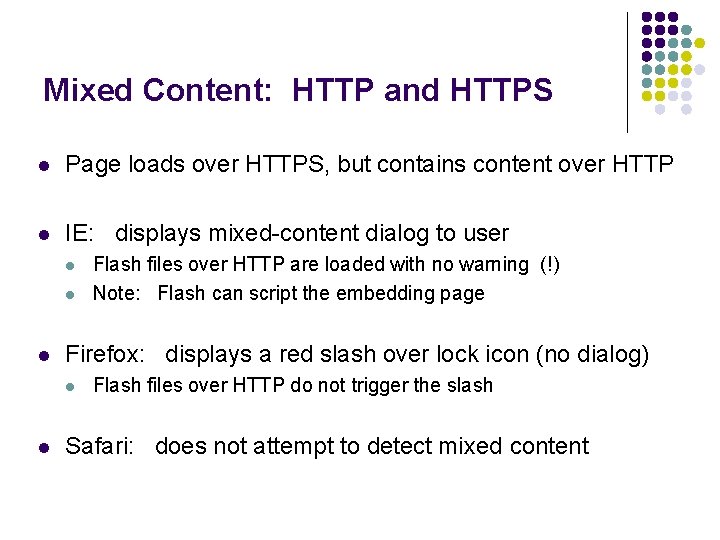
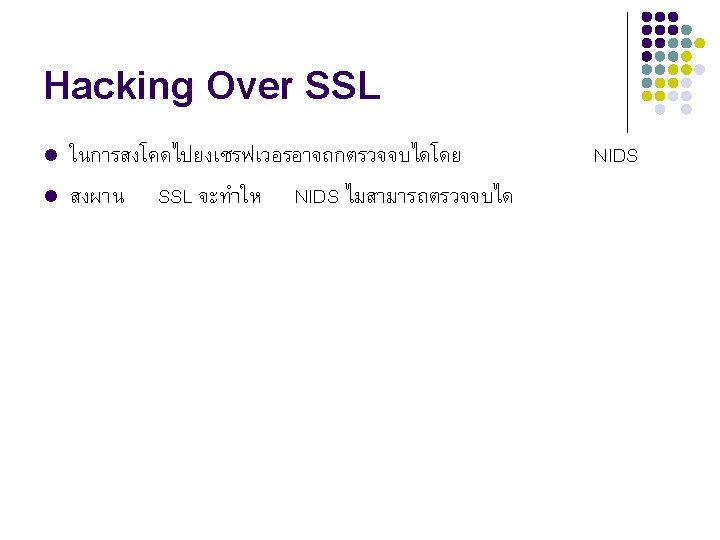
Mixed Content: HTTP and HTTPS l Page loads over HTTPS, but contains content over HTTP l IE: displays mixed-content dialog to user l l l Firefox: displays a red slash over lock icon (no dialog) l l Flash files over HTTP are loaded with no warning (!) Note: Flash can script the embedding page Flash files over HTTP do not trigger the slash Safari: does not attempt to detect mixed content
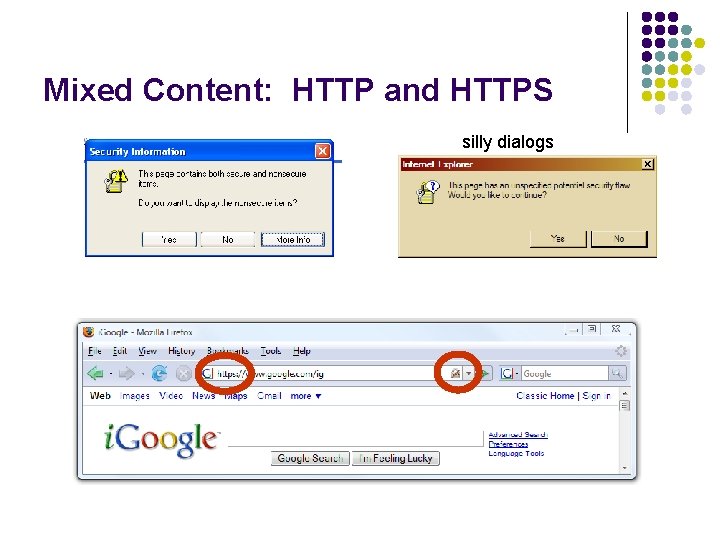
Mixed Content: HTTP and HTTPS silly dialogs
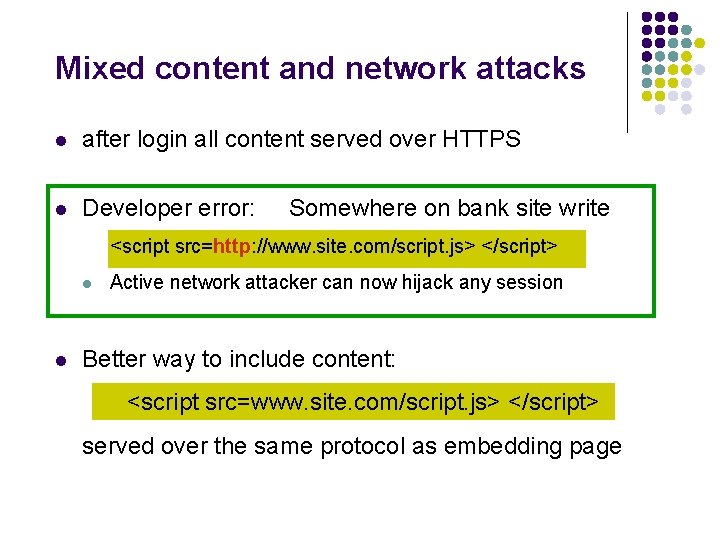
Mixed content and network attacks l after login all content served over HTTPS l Developer error: Somewhere on bank site write <script src=http: //www. site. com/script. js> </script> l l Active network attacker can now hijack any session Better way to include content: <script src=www. site. com/script. js> </script> served over the same protocol as embedding page
Cookies: client state 14
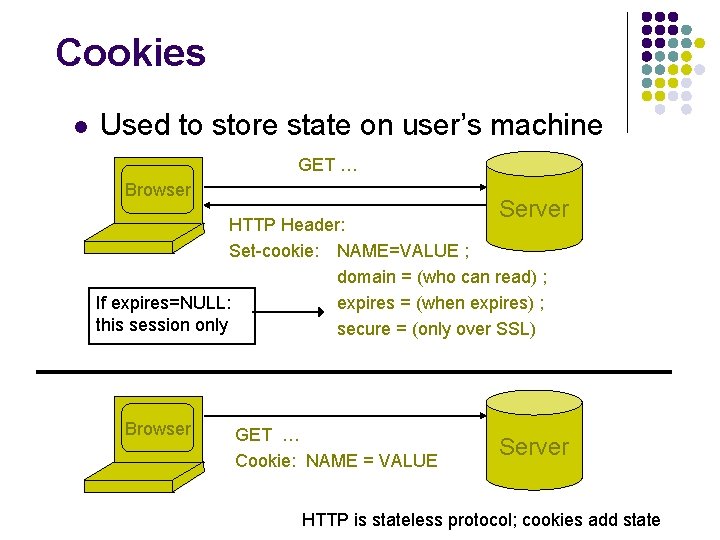
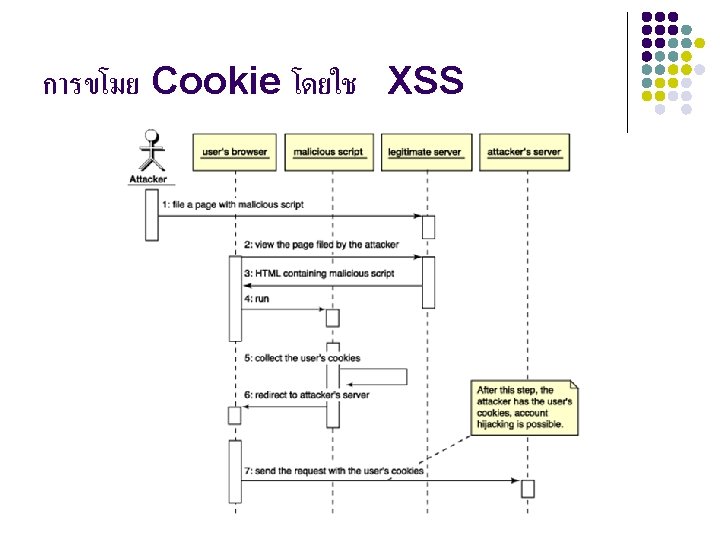
Cookies l Used to store state on user’s machine GET … Browser Server HTTP Header: Set-cookie: NAME=VALUE ; domain = (who can read) ; expires = (when expires) ; If expires=NULL: this session only secure = (only over SSL) Browser GET … Cookie: NAME = VALUE Server HTTP is stateless protocol; cookies add state
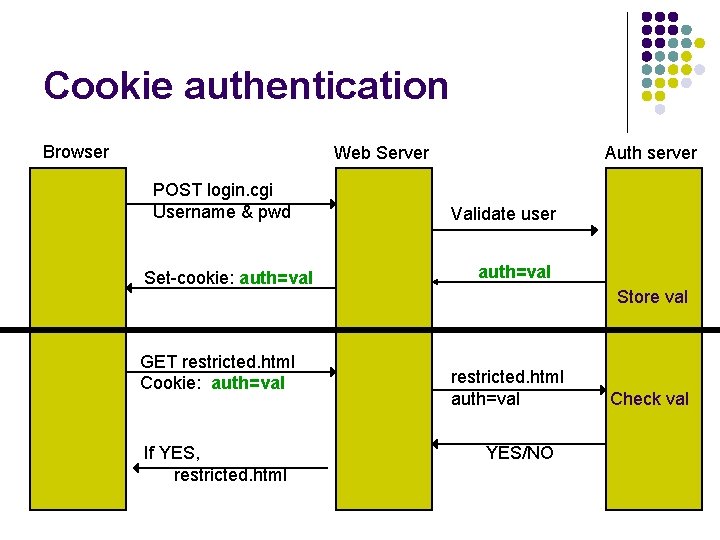
Cookie authentication Browser Web Server POST login. cgi Username & pwd Set-cookie: auth=val GET restricted. html Cookie: auth=val If YES, restricted. html Auth server Validate user auth=val Store val restricted. html auth=val YES/NO Check val
DOCUMENT OBJECT MODEL
What is the DOM? l The DOM is a platform- and language-neutral interface that will allow programs and scripts to dynamically access and update the content, structure and style of documents. l The document can be further processed and the results of that processing can be incorporated back into the presented page. Ref: http: //www. w 3 c. org/
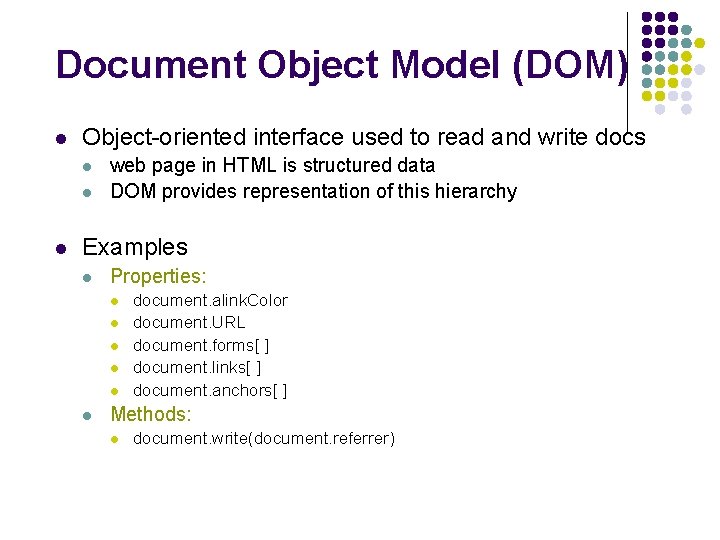
Document Object Model (DOM) l Object-oriented interface used to read and write docs l l l web page in HTML is structured data DOM provides representation of this hierarchy Examples l Properties: l l l document. alink. Color document. URL document. forms[ ] document. links[ ] document. anchors[ ] Methods: l document. write(document. referrer)
Document Object Model (DOM) l Also Browser Object Model (BOM) l l l Window document frames[] History Location navigator (type and version of browser)

OWASP project l l l OWASP project (http: //www. owasp. org) Open Web Application Security Project Minimum standards for web application security International membership Interesting project: l l Developing and maintaining secure web applications following the ISO 17799 standard Web application assessment tools
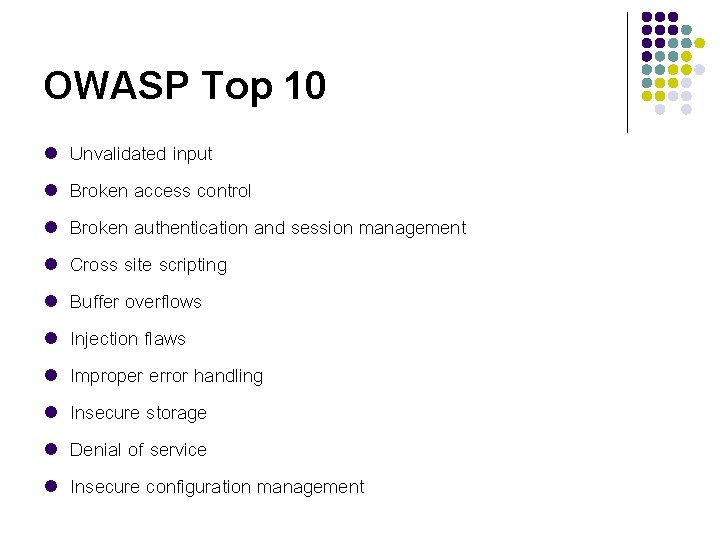
OWASP Top 10 l l l l l Unvalidated input Broken access control Broken authentication and session management Cross site scripting Buffer overflows Injection flaws Improper error handling Insecure storage Denial of service Insecure configuration management
Weak authenticators: security risk l Predictable cookie authenticator Verizon Wireless - counter user logs in, gets counter, can view sessions of other users l l Weak authenticator generation: [Fu et al. ’ 01] l l l WSJ. com: cookie = {user, MACk(user) } Weak MAC exposes K from few cookies. Apache Tomcat: generate. Session. ID() l l MD 5(PRNG) … but weak PRNG Predictable Session. ID’s [GM’ 05].
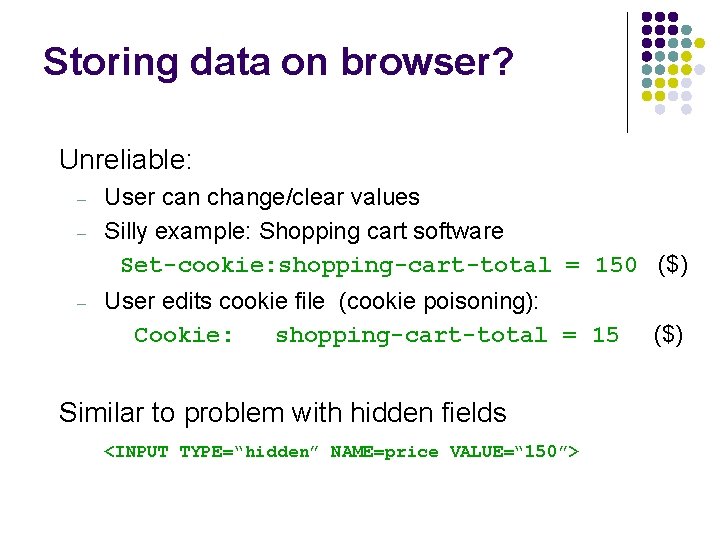
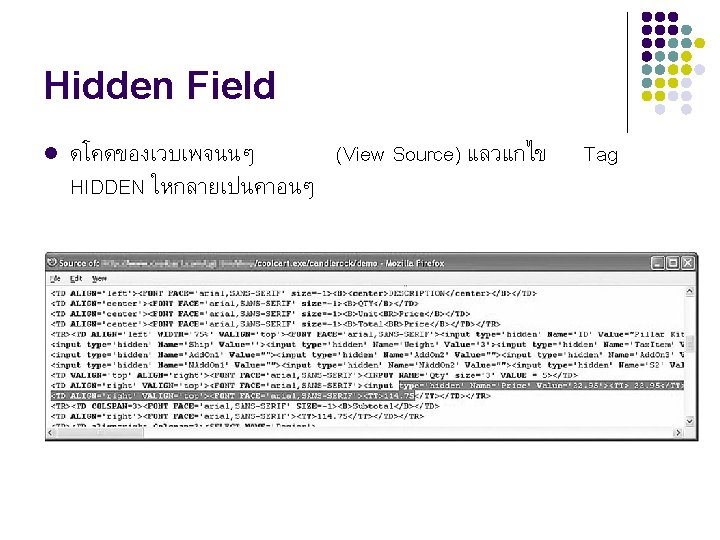
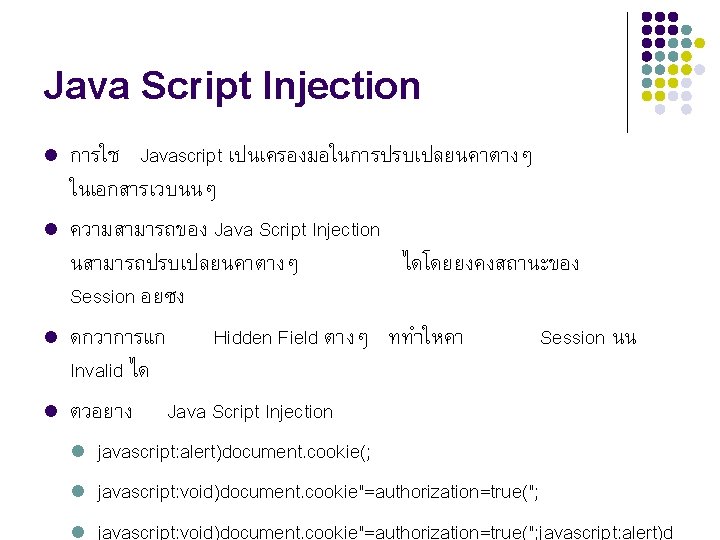
Storing data on browser? Unreliable: – – – User can change/clear values Silly example: Shopping cart software Set-cookie: shopping-cart-total = 150 ($) User edits cookie file (cookie poisoning): Cookie: shopping-cart-total = 15 ($) Similar to problem with hidden fields <INPUT TYPE=“hidden” NAME=price VALUE=“ 150”> 27
![Picture-in-picture attacks Trained users are more likely to fall victim to this [JSTB’ 07]](http://slidetodoc.com/presentation_image/512b6cd1561aa86862d74db39fe1fc95/image-29.jpg "Picture-in-picture attacks Trained users are more likely to fall victim to this [JSTB’ 07]")
Picture-in-picture attacks Trained users are more likely to fall victim to this [JSTB’ 07]
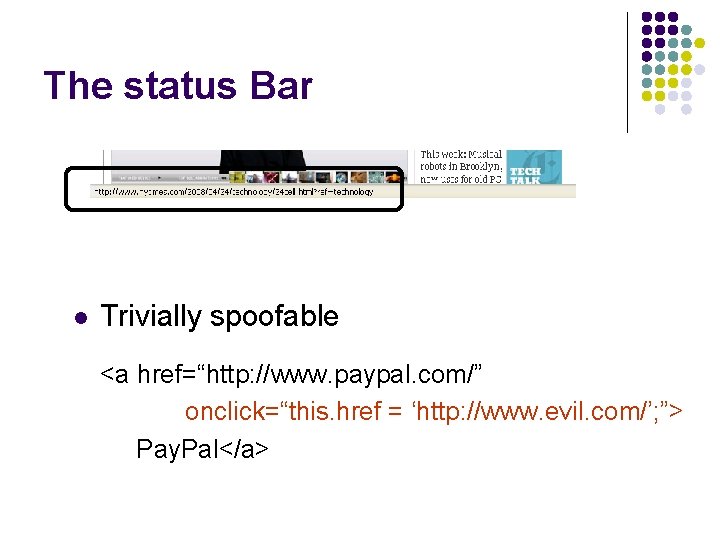
The status Bar l Trivially spoofable <a href=“http: //www. paypal. com/” onclick=“this. href = ‘http: //www. evil. com/’; ”> Pay. Pal</a>
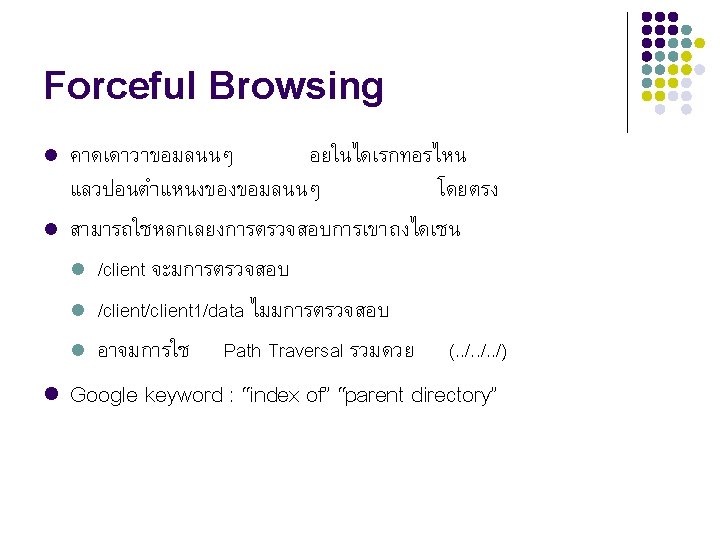
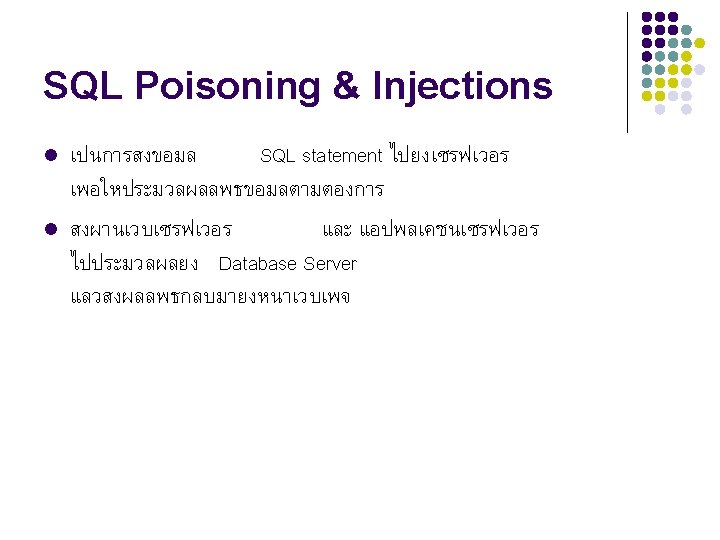
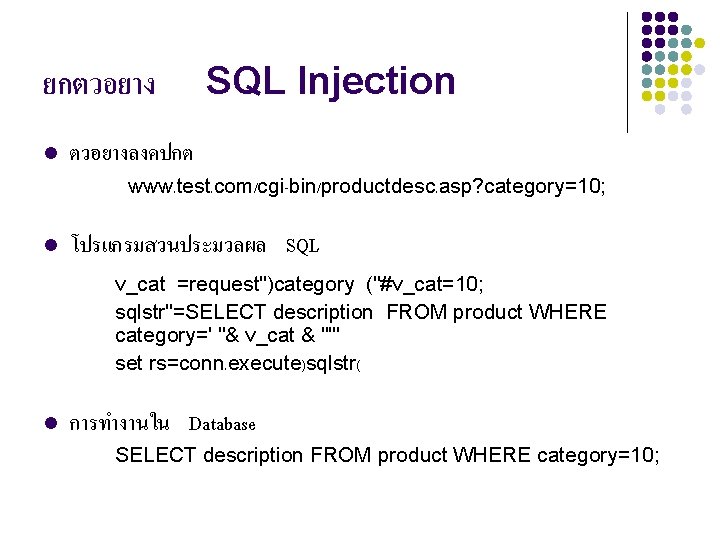
ยกตวอยาง l SQL Injection ตวอยางลงคปกต www. test. com/cgi-bin/productdesc. asp? category=10; l โปรแกรมสวนประมวลผล SQL v_cat =request")category ("#v_cat=10; sqlstr"=SELECT description FROM product WHERE category=' "& v_cat & "'" set rs=conn. execute)sqlstr( l การทำงานใน Database SELECT description FROM product WHERE category=10;
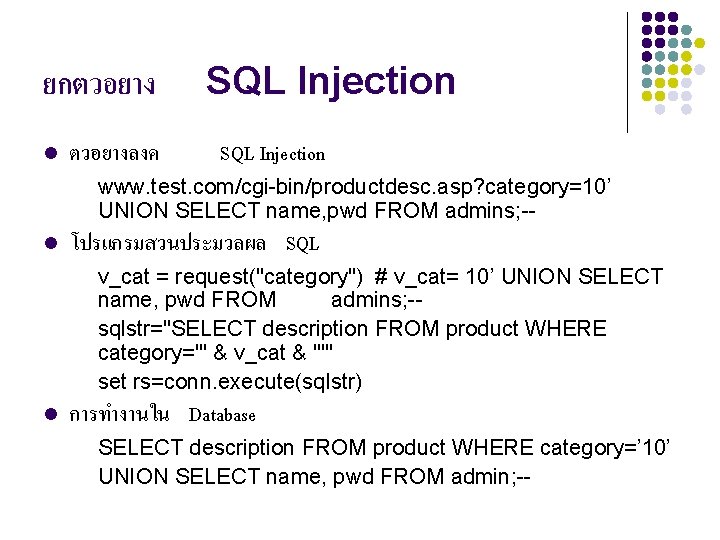
ยกตวอยาง l ตวอยางลงค SQL Injection www. test. com/cgi-bin/productdesc. asp? category=10’ UNION SELECT name, pwd FROM admins; -l โปรแกรมสวนประมวลผล SQL v_cat = request("category") # v_cat= 10’ UNION SELECT name, pwd FROM admins; -sqlstr="SELECT description FROM product WHERE category='" & v_cat & "'" set rs=conn. execute(sqlstr) l การทำงานใน Database SELECT description FROM product WHERE category=’ 10’ UNION SELECT name, pwd FROM admin; --

การปองกนการโจมต l l l การออกแบบ Network Architecture Secure Web Application ตรวจสอบความปลอดภยระบบ l Vulnerability Scanner l Penetration Testing
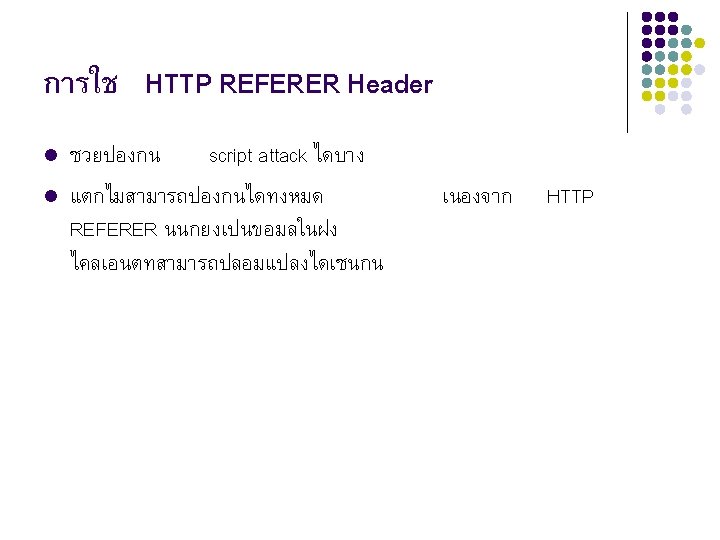
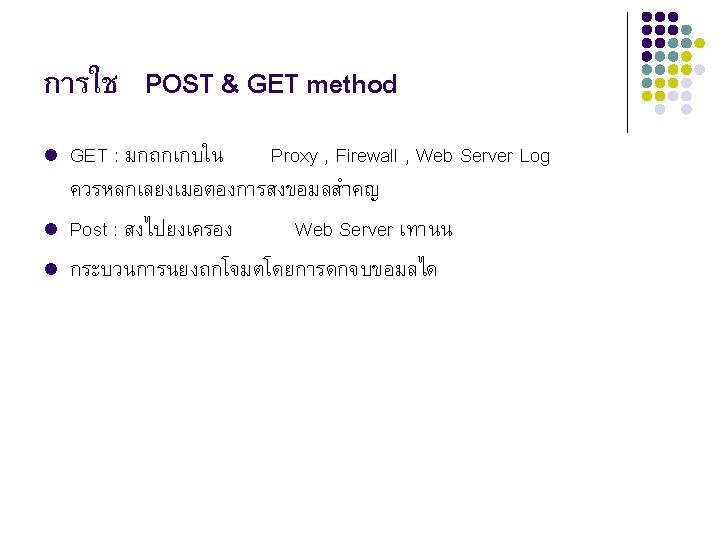
Secure Coding l l l l การทำ input & output validation การใช SSL การใช HTML forms การใช Cookies การใช HTTP REFERER Header การใช POST & GET method มกระบวนการในการทำ logout (logout mechanism) Error Handling
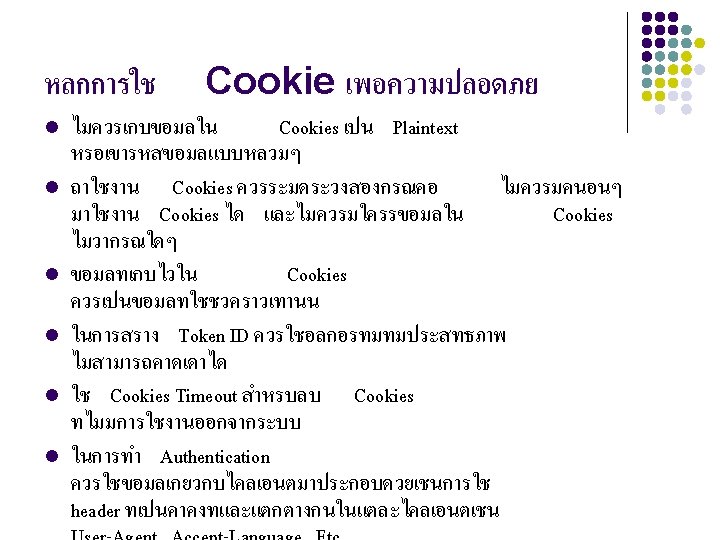
การใช Cookies l l ม 2 ชนด (Persist , Non-Persist) ประโยชนสำหรบเวบแอปพลเคชนในการทำงาน ลกษณะคอ l User Authentication l State Management l Saving user preference 3
System Scanner and Security Infrastructure Software l เครองมอชวย l l NMAP NESSUS Open. VAS SQLmap ตรวจสอบชองโหวในระบบ
Penetration Testing l การทดลองเจาะระบบโดยสมมตตวเองเปน l l Black box testing White box testing Hacker
- Slides: 55