
Example web accessible Power Point With advice and
Example web accessible Power. Point With advice and tips on how to make your own
Include alternative text with all visuals. Visual content includes pictures, Smart. Art graphics, shapes, groups, charts, embedded objects, ink and videos.

This slide has a decorative image on the left. Decorative means – ‘the image does not change, add-to or define the meaning or information of the page. Any other broadly similar image may replace this one without affect. ’ In the editing fields an ‘alt text’ option that accepts descriptions of the image has been used. Without the alt option ticked some users would know an image is there but not know if it was important. They may have difficulty finding out one-way or the other. Adding correct alt eliminates the unknown. The first and last slides in this deck have the crest image including the text explained in ‘alt text’. Those images are not decorative.
Make sure slide contents can be read in the order that you intend. These two text boxes follow in order. Imagine 10 objects that overlapped. What order would they need to be read in to make sense?
Make new slides using the built-in slide designs.

Add meaningful hyperlink text and Screen. Tips. Describe a links destination using unique terms.
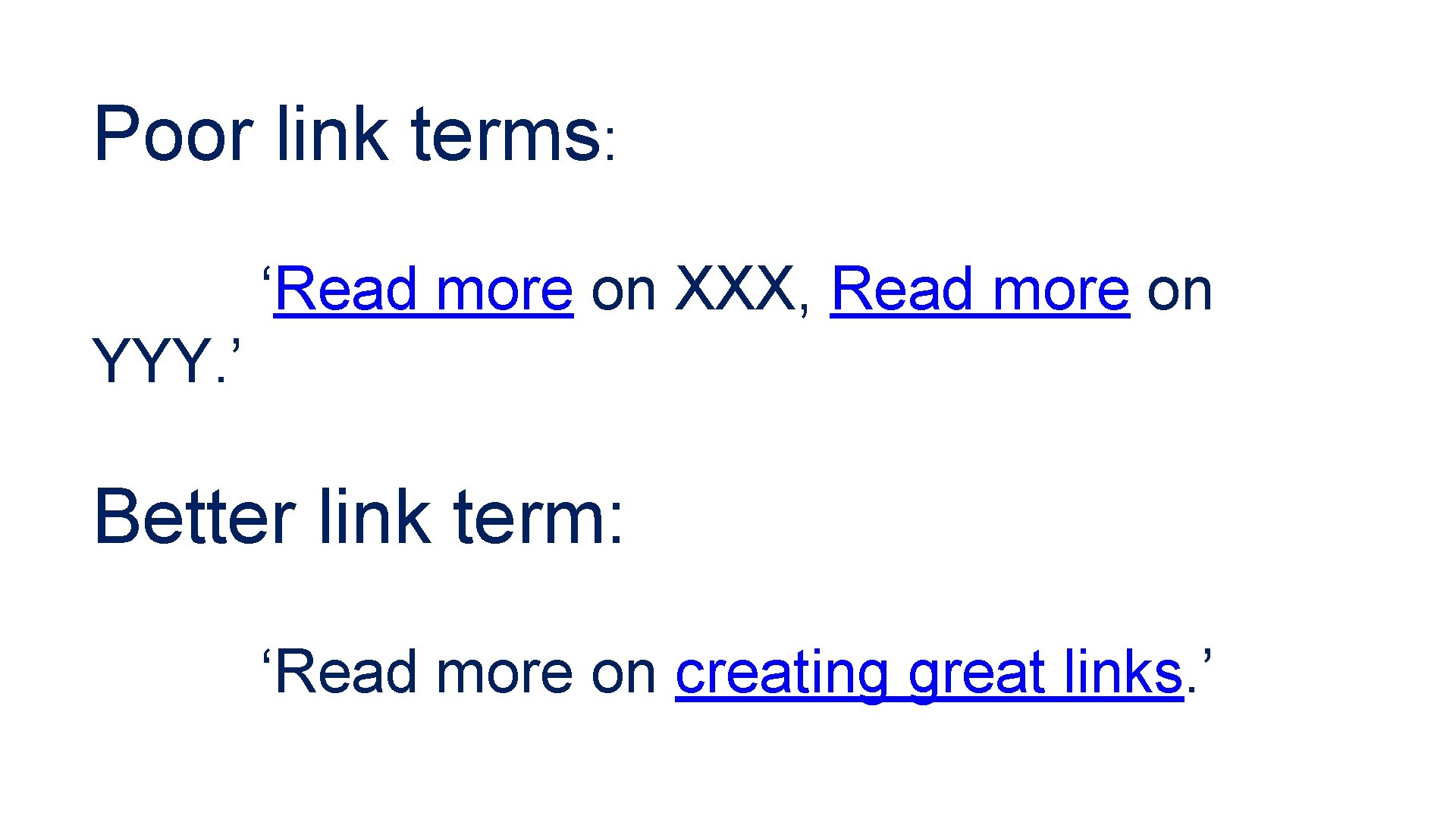
Poor link terms: ‘Read more on XXX, Read more on YYY. ’ Better link term: ‘Read more on creating great links. ’
Ensure that colour is not the only means of conveying information. The previous slide has link underlines. They’re not colour dependent! The next slide is an example of poor contrast.

Can you tell, this is white copy on a bright yellow background?

Give every slide a unique title.
Use a simple table structure and specify column header information. Or, avoid tables if possible.
Use a larger font size (18 pt or larger), sans serif fonts and sufficient blank space.
Make videos accessible to visually impaired and hearing-impaired users. Add captions for audio and explanations of important images.
Consider the audience and environment for the slides. Are they being presented in person and interactively? Or, will your audience browse the file? Slides were designed for presentations, other things may be better for browsing.

The end.
- Slides: 15