
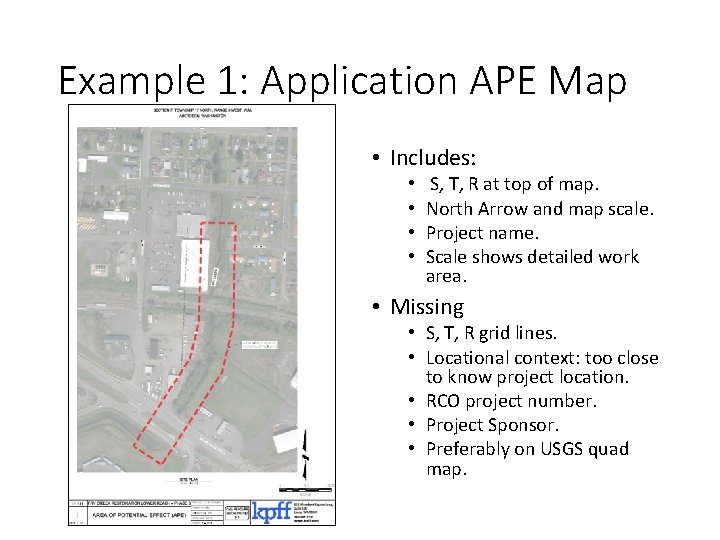
Example 1 Application APE Map Includes S T
![21 -xxxx APE Map [project name] [sponsor] Section x, Township x, Range x Area](https://slidetodoc.com/presentation_image_h2/4570f585a6f3b63287435a8996aefbe9/image-7.jpg "21 -xxxx APE Map [project name] [sponsor] Section x, Township x, Range x Area")
- Slides: 7
Example 1: Application APE Map • Includes: • • S, T, R at top of map. North Arrow and map scale. Project name. Scale shows detailed work area. • Missing • S, T, R grid lines. • Locational context: too close to know project location. • RCO project number. • Project Sponsor. • Preferably on USGS quad map.
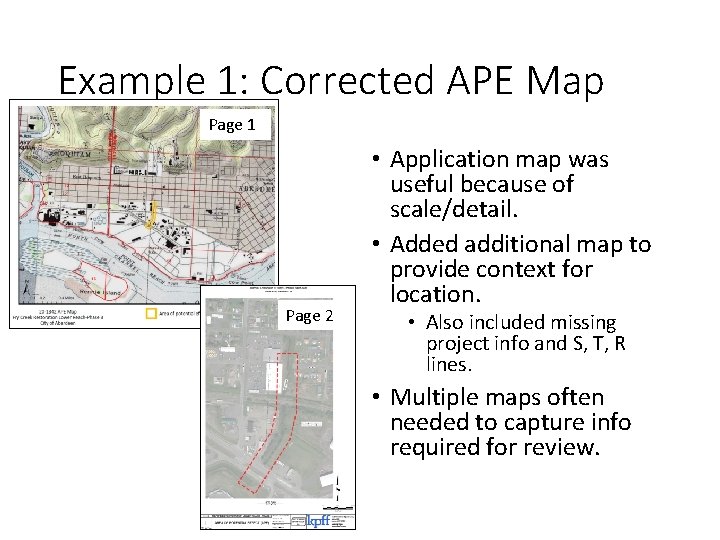
Example 1: Corrected APE Map Page 1 Page 2 • Application map was useful because of scale/detail. • Added additional map to provide context for location. • Also included missing project info and S, T, R lines. • Multiple maps often needed to capture info required for review.
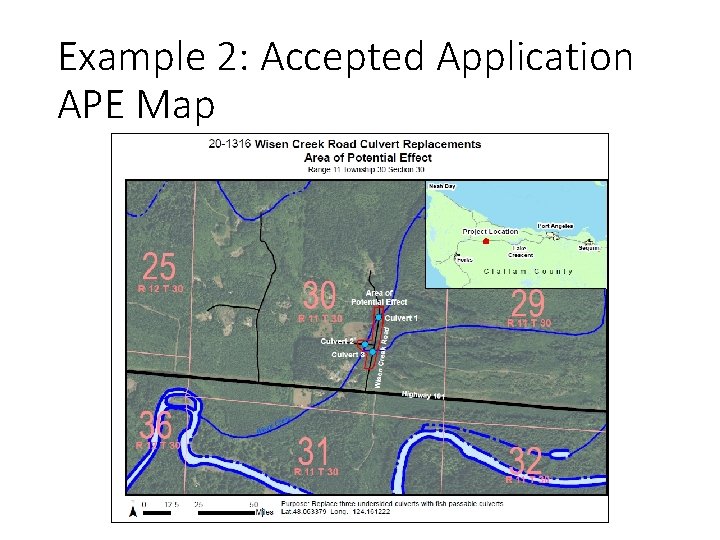
Example 2: Accepted Application APE Map
APE Map requirements • Outline all areas of disturbance including staging areas and temporary access, for all worksites. • North arrow. • Map scale. • Project sponsor, name, and PRISM number. • Section, township, and range grid lines. • Optional but often necessary: reference map at a scale so project can be located easily. • USGS quad/topo maps preferred, aerial maps in urban settings may be used (to show identifiable landmarks).
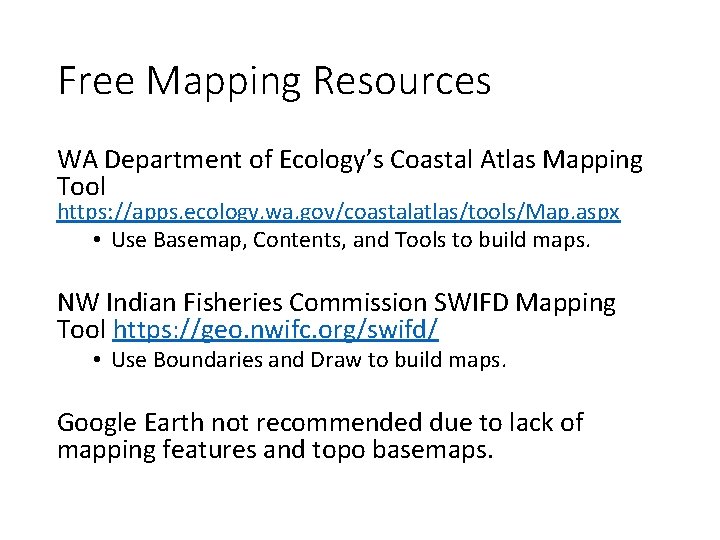
Free Mapping Resources WA Department of Ecology’s Coastal Atlas Mapping Tool https: //apps. ecology. wa. gov/coastalatlas/tools/Map. aspx • Use Basemap, Contents, and Tools to build maps. NW Indian Fisheries Commission SWIFD Mapping Tool https: //geo. nwifc. org/swifd/ • Use Boundaries and Draw to build maps. Google Earth not recommended due to lack of mapping features and topo basemaps.
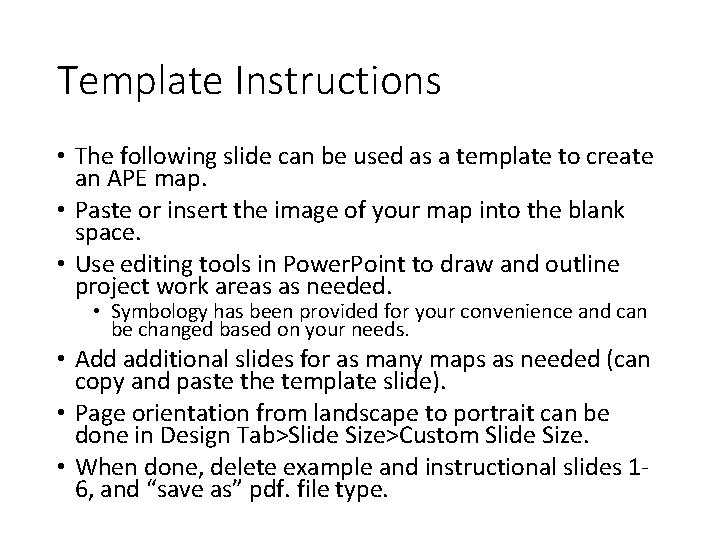
Template Instructions • The following slide can be used as a template to create an APE map. • Paste or insert the image of your map into the blank space. • Use editing tools in Power. Point to draw and outline project work areas as needed. • Symbology has been provided for your convenience and can be changed based on your needs. • Add additional slides for as many maps as needed (can copy and paste the template slide). • Page orientation from landscape to portrait can be done in Design Tab>Slide Size>Custom Slide Size. • When done, delete example and instructional slides 16, and “save as” pdf. file type.
21 -xxxx APE Map [project name] [sponsor] Section x, Township x, Range x Area of potential effect Project parcel [Location]