
Evidence Analysis Text Searches Slack Space Unallocated Space

- Slides: 31
Evidence Analysis Text Searches Slack Space Unallocated Space
Text Searches
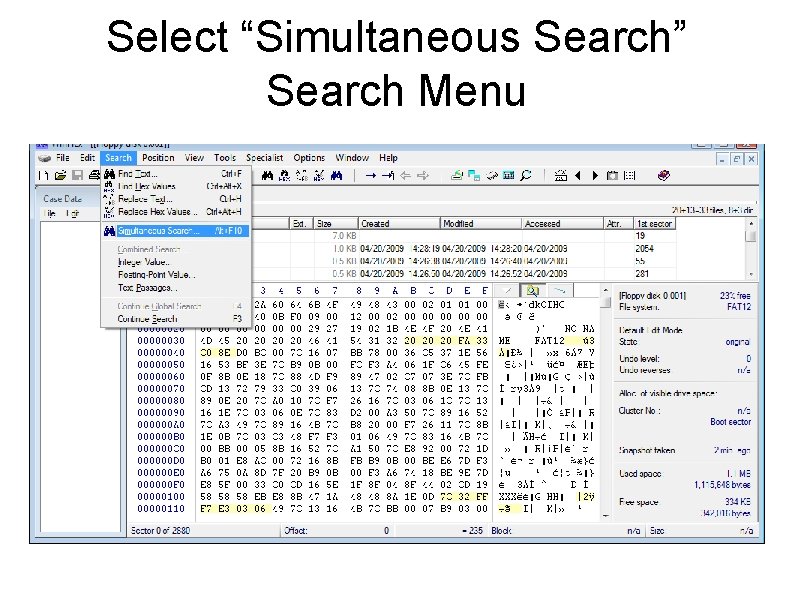
Select “Simultaneous Search” Search Menu
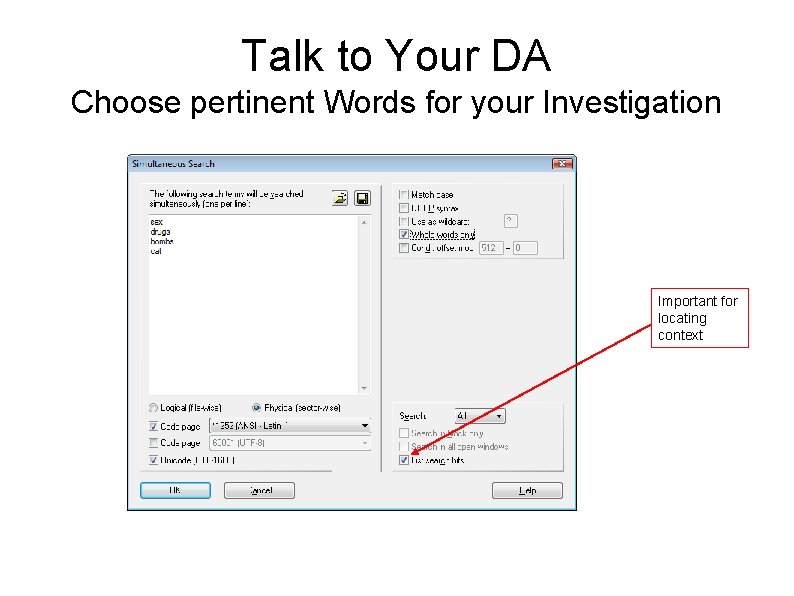
Talk to Your DA Choose pertinent Words for your Investigation Important for locating context
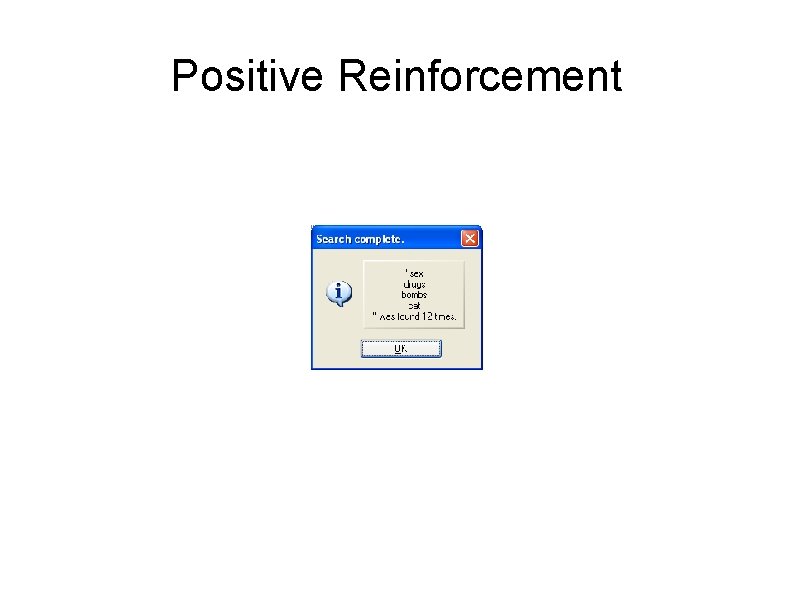
Positive Reinforcement
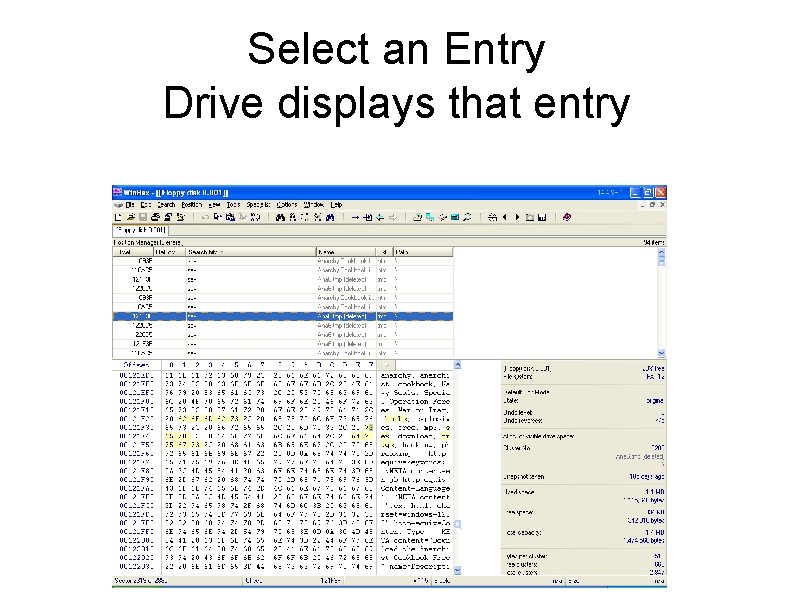
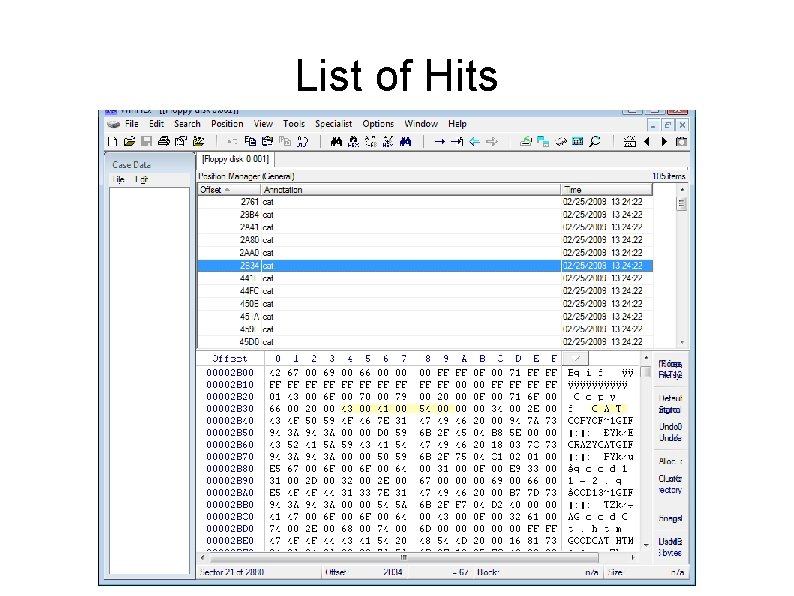
Select an Entry Drive displays that entry
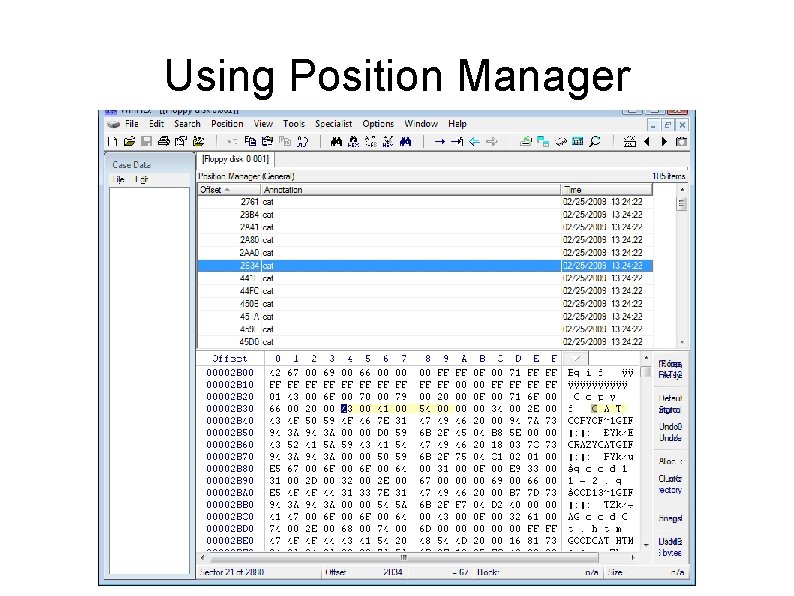
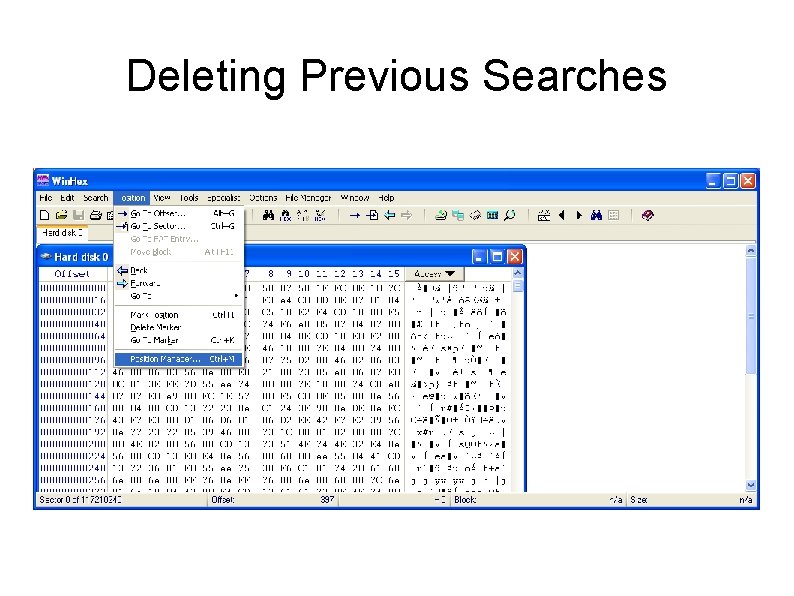
Using Position Manager
Key Word Search ● Displays context of the key word ● Go through every hit ● What can you discern about the case? ● Is it relevant to your case?
Slack Space Free Space What is lurking in the background
Windows – Drives ● In Windows drives are specified by a letter followed by a colon. ● ● ● C: , D: , etc. Each drive is either a partition or an actual hard drive. Often referred to as logical drives.
Files ● ● ● A File is data that is related, as such it is a logical grouping of data. Files are allocated storage space on a drive when it is created. As a file is used it is allocated more space as needed. File names usually have a first name that is descriptive of its contents. And a second name, the file extension, that indicates the type of file, such as. txt, . pdf, . exe, etc.
Disk Storage Review ● Data is stored on disks one entire sector at a time – A sector is usually 512 bytes – If you use only one byte, the system still provides the other 511 bytes for you – A sector is the minimum size read from, or written to, a disk – A sector is the minimum I/O unit
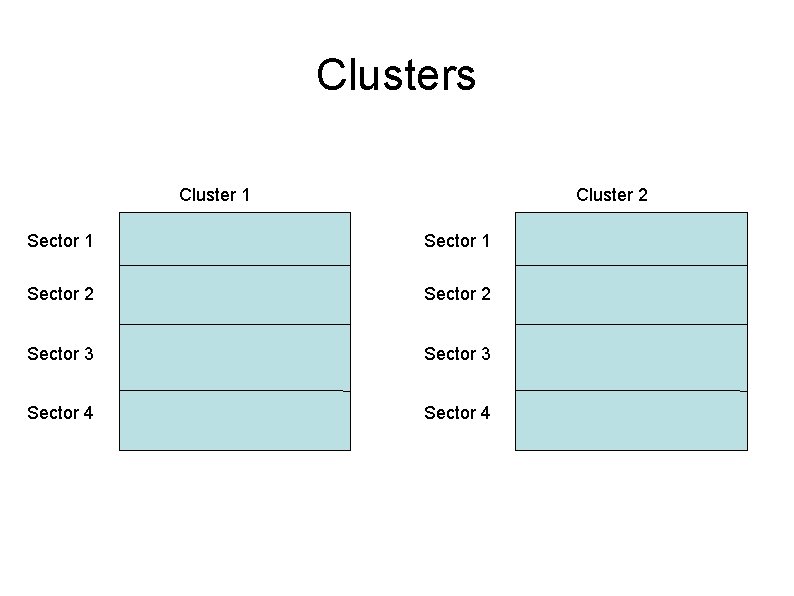
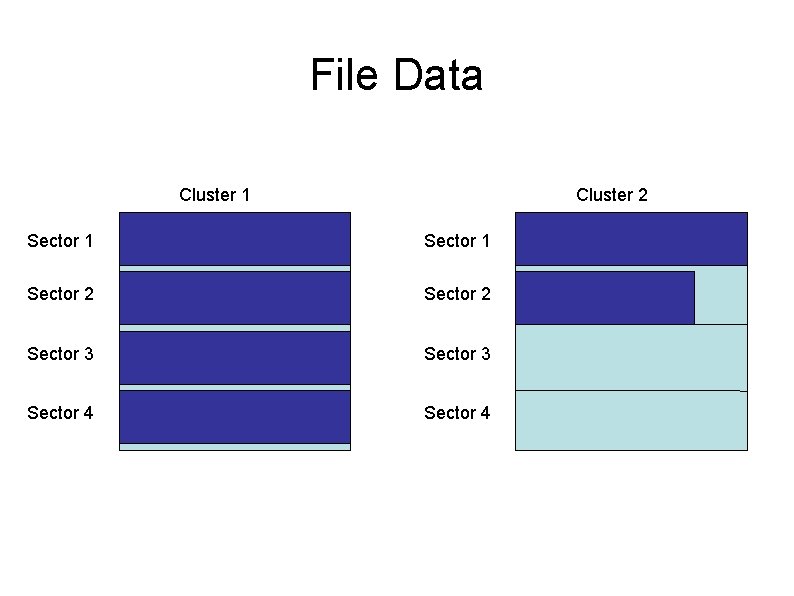
Clusters ● Space is allocated to a file one cluster at a time – A cluster is a fixed number of sectors ● Must be a power of 2 (1, 2, 4, 8, . . . 64) – Unused sectors retain the data that was on them prior to allocation – A cluster is the minimum file allocation unit
Clusters Cluster 1 Cluster 2 Sector 1 Sector 2 Sector 3 Sector 4
File Data Cluster 1 Cluster 2 Sector 1 Sector 2 Sector 3 Sector 4
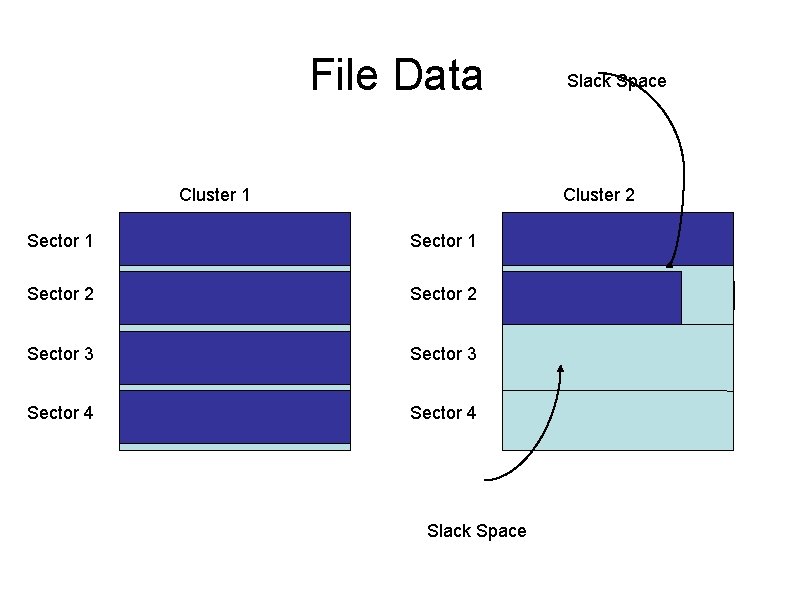
Slack Space ● ● ● Slack is the space allocated to a file, but unused – Space at the end of a sector that remains unused by the file – Sectors allocated to the file that the file hasn’t yet used Slack space often contains useful evidence – Unused bytes in an allocated sector are less useful – Unused sectors in an allocated cluster retain their original contents and are very useful Current operating systems write 0’s in the slack space per sector, often leaving the residual data in
File Data Cluster 1 Slack Space Cluster 2 Sector 1 Sector 2 Sector 3 Sector 4 Slack Space
Unallocated Clusters ● ● ● Many clusters on a modern hard drive are unallocated Some have never contain data Unallocated clusters may have been allocated earlier though and since been deleted – These clusters retain their data until they are reallocated to a new file – Deleted files are still recoverable!
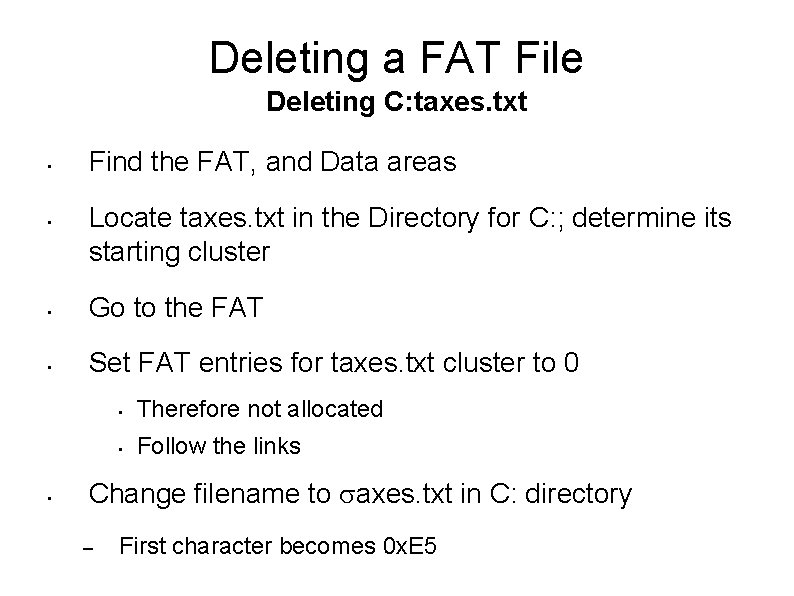
Deleting a FAT File Deleting C: taxes. txt • • Find the FAT, and Data areas Locate taxes. txt in the Directory for C: ; determine its starting cluster • Go to the FAT • Set FAT entries for taxes. txt cluster to 0 • • Therefore not allocated • Follow the links Change filename to axes. txt in C: directory – First character becomes 0 x. E 5
Unallocated Space ● After deleting a file the previously allocated clusters become unallocated. ● They ready to be allocated to some other file. ● They have not been touched. ● ● They still contain the data from the original file. You can recover the data so long it hasn’t been written over by a new file.
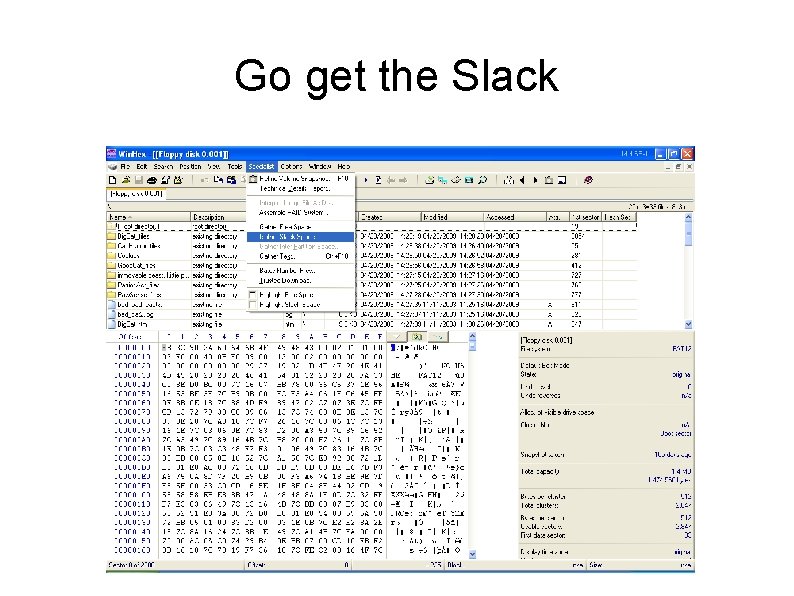
Win. Hex to the Rescue ● Presents the file system ● Lets you look at the individual files ● Shows files that have been deleted ● Attempts to recover deleted files ● Gathers slack space
Go get the Slack
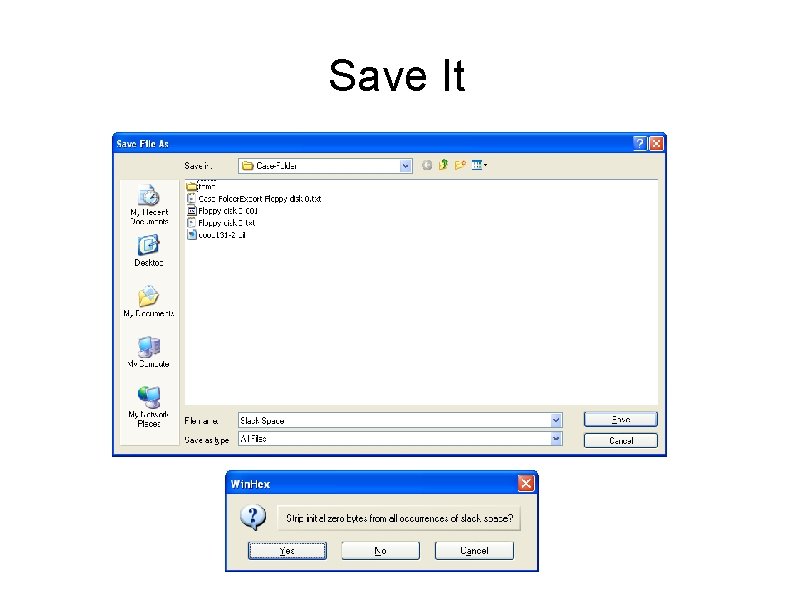
Save It
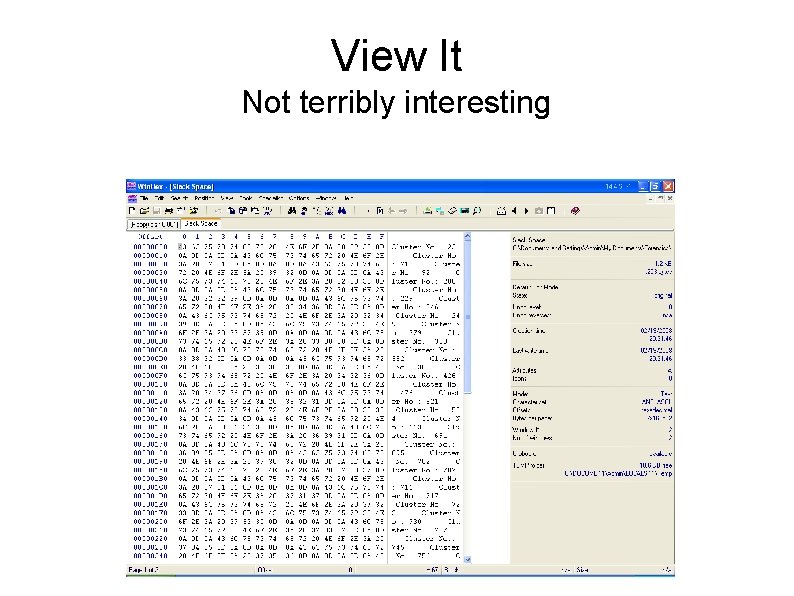
View It Not terribly interesting
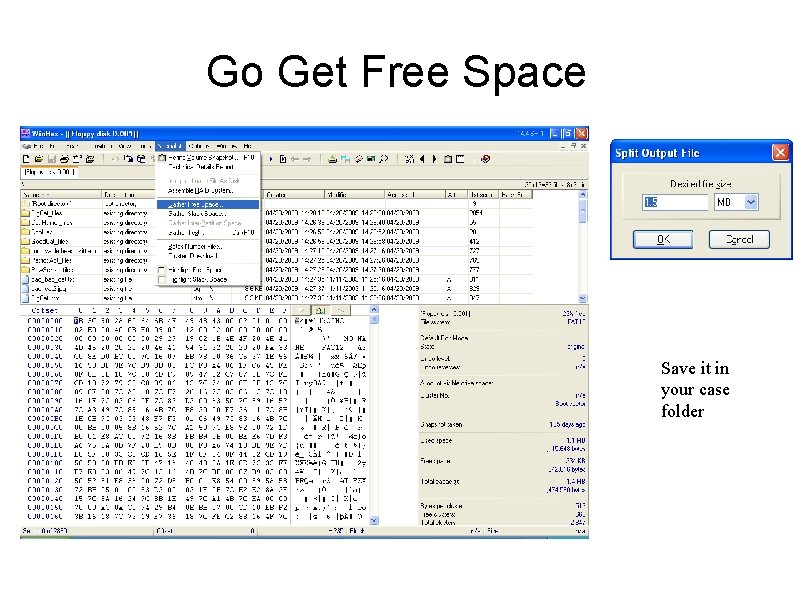
Go Get Free Space Save it in your case folder
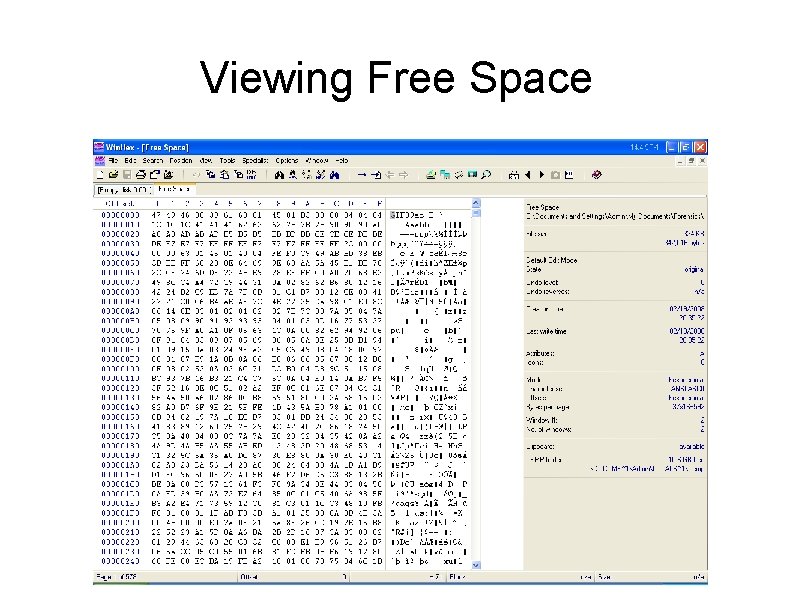
Viewing Free Space
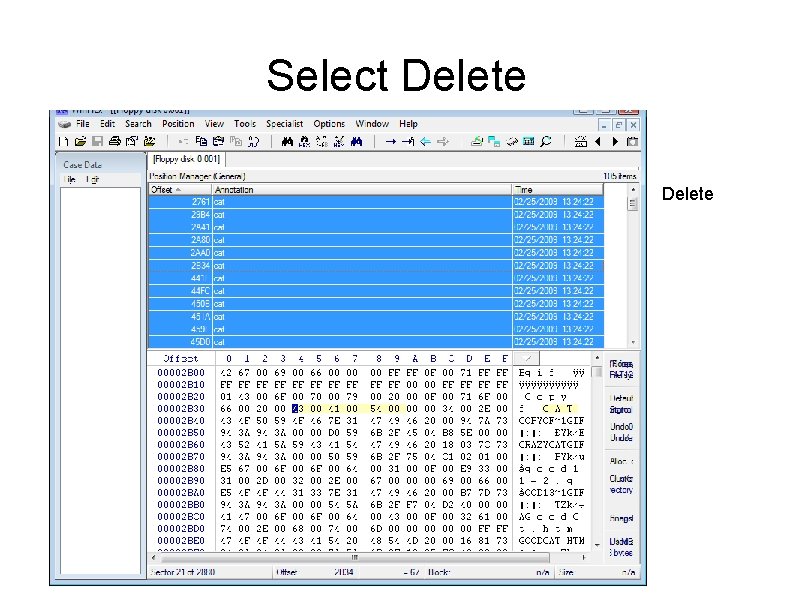
Text Search ● ● ● “Simultaneous Search” First you must delete all positions from the first search Then search
Deleting Previous Searches
List of Hits
Select Delete
Lab Assignment ● Select keywords and search for them. ● Gather slack space and comment ● Gather free space and comment ● Search free space for keywords ● Highlight some of the keyword hits in free space ● Be sure you comment on the relevance of your discovered evidence on the charges