
Everything You Wanted to Know about X 509
Everything You Wanted to Know about X. 509 Certificates (But Were Afraid to Ask) JOE STROMMEN JOE@JOESTROMMEN. COM
Introductions ― Thanks for coming! ― Jump in w/ questions! (please) ― About Me: ◦ Minnesota life-r ◦ Doing software since 2004 ◦. NET since 2006 ◦ Web since 2011 ◦ Independent Consultant ◦ Entrepreneur
What we’ll learn today ― Crypto theory: RSA ― Crypto practice ◦ X. 509 Certificates ◦ Public Key Infrastructure (PKI) ― Tools & Libraries for certificates ― How & Why to roll your own PKI
Cryptography Theory: RSA ― Based on Public Key & Private Key ― “Asymmetric” – i. e. public/private keys are different ― Supports message encryption & signing (i. e. identity verification) ― For large values, impossible to derive/guess private key ― WARNING: math ahead…
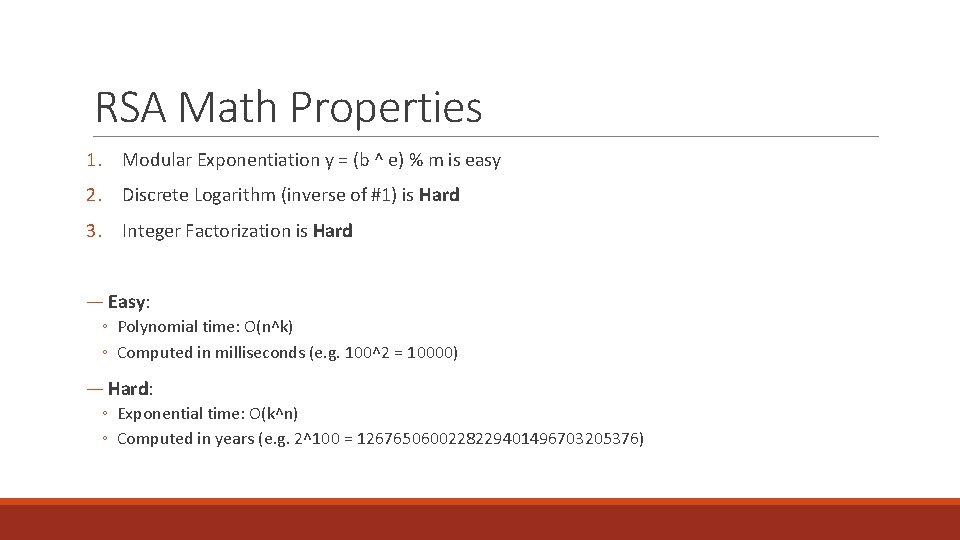
RSA Math Properties 1. Modular Exponentiation y = (b ^ e) % m is easy 2. Discrete Logarithm (inverse of #1) is Hard 3. Integer Factorization is Hard ― Easy: ◦ Polynomial time: O(n^k) ◦ Computed in milliseconds (e. g. 100^2 = 10000) ― Hard: ◦ Exponential time: O(k^n) ◦ Computed in years (e. g. 2^100 = 1267650600228229401496703205376)

RSA example – key generation 1. Select two prime numbers p = 11, q = 17 2. Multiply them n = 187 3. Calculate “totient” phi = (p – 1) * (q – 1) = 160 4. Choose a number coprime to totient e=3 5. Solve (d * e) % phi = 1 d = 107 (321 % 160 = 1) ― Result: ◦ Public Key = (n, e) ◦ Private Key = (n, d) HTTPS: //EN. WIKIPEDIA. ORG/WIKI/RSA_(CRYPTOSYSTEM)
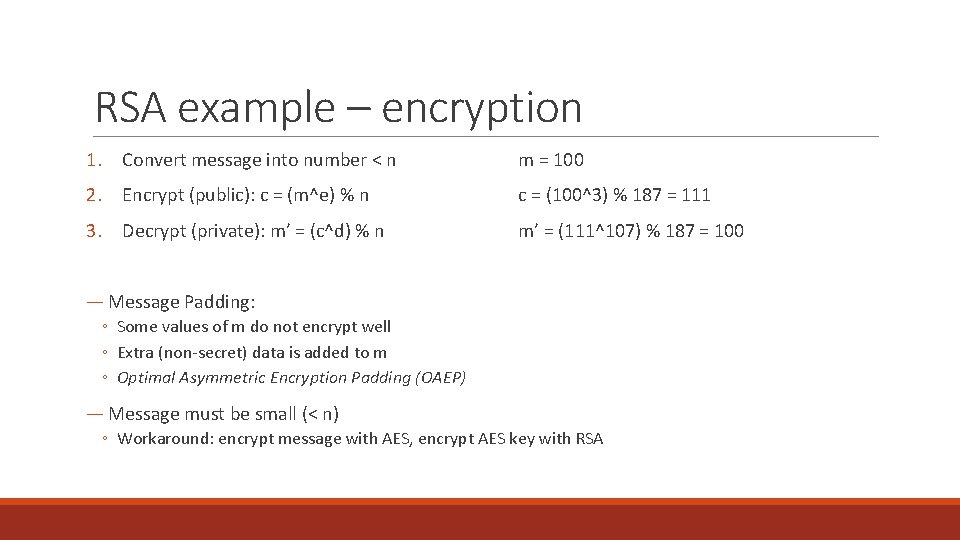
RSA example – encryption 1. Convert message into number < n m = 100 2. Encrypt (public): c = (m^e) % n c = (100^3) % 187 = 111 3. Decrypt (private): m’ = (c^d) % n m’ = (111^107) % 187 = 100 ― Message Padding: ◦ Some values of m do not encrypt well ◦ Extra (non-secret) data is added to m ◦ Optimal Asymmetric Encryption Padding (OAEP) ― Message must be small (< n) ◦ Workaround: encrypt message with AES, encrypt AES key with RSA
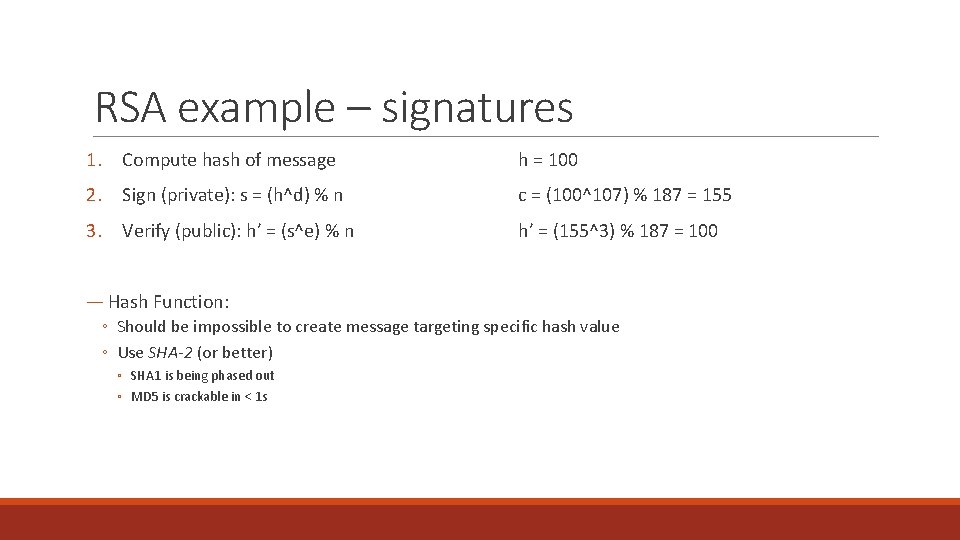
RSA example – signatures 1. Compute hash of message h = 100 2. Sign (private): s = (h^d) % n c = (100^107) % 187 = 155 3. Verify (public): h’ = (s^e) % n h’ = (155^3) % 187 = 100 ― Hash Function: ◦ Should be impossible to create message targeting specific hash value ◦ Use SHA-2 (or better) ◦ SHA 1 is being phased out ◦ MD 5 is crackable in < 1 s
I have to say it… ― DO NOT implement yourself for production! ― Many caveats, side-channel attacks, etc. ― Use proven library ◦ Open. SSL ◦ Bouncy. Castle ◦ Windows crypto API
What we’ll learn today ― Crypto theory: RSA ― Crypto practice ◦ X. 509 Certificates ◦ Public Key Infrastructure (PKI) ― Tools & Libraries for certificates ― How & Why to roll your own PKI
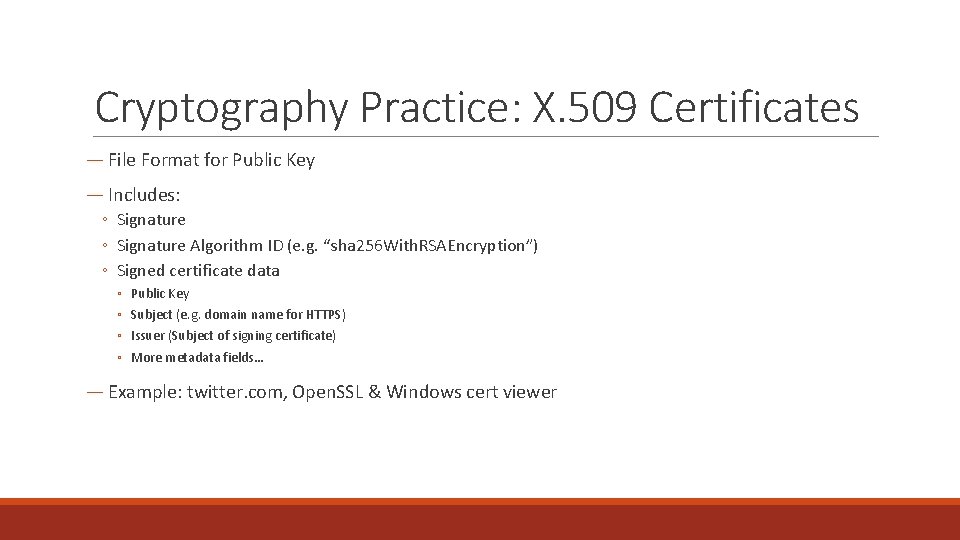
Cryptography Practice: X. 509 Certificates ― File Format for Public Key ― Includes: ◦ Signature Algorithm ID (e. g. “sha 256 With. RSAEncryption”) ◦ Signed certificate data ◦ ◦ Public Key Subject (e. g. domain name for HTTPS) Issuer (Subject of signing certificate) More metadata fields… ― Example: twitter. com, Open. SSL & Windows cert viewer
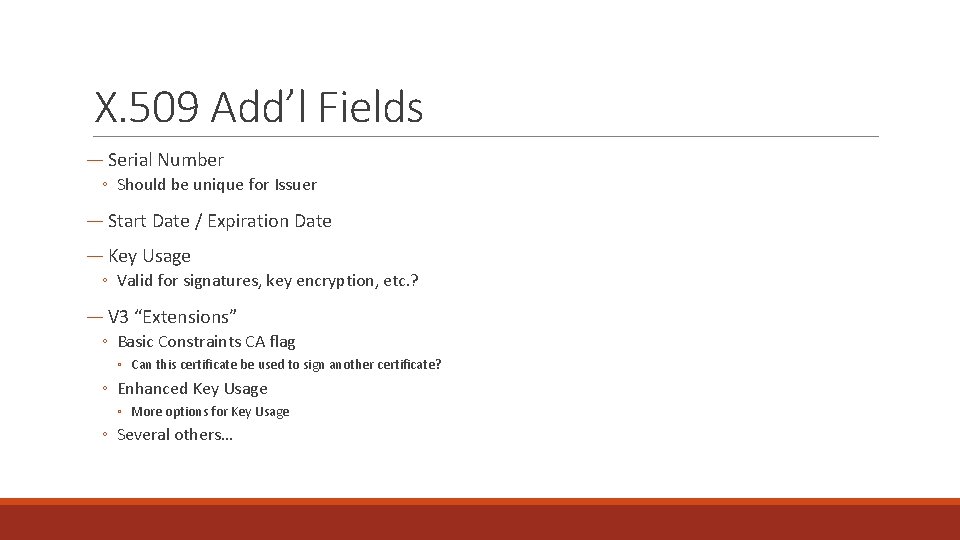
X. 509 Add’l Fields ― Serial Number ◦ Should be unique for Issuer ― Start Date / Expiration Date ― Key Usage ◦ Valid for signatures, key encryption, etc. ? ― V 3 “Extensions” ◦ Basic Constraints CA flag ◦ Can this certificate be used to sign another certificate? ◦ Enhanced Key Usage ◦ More options for Key Usage ◦ Several others…
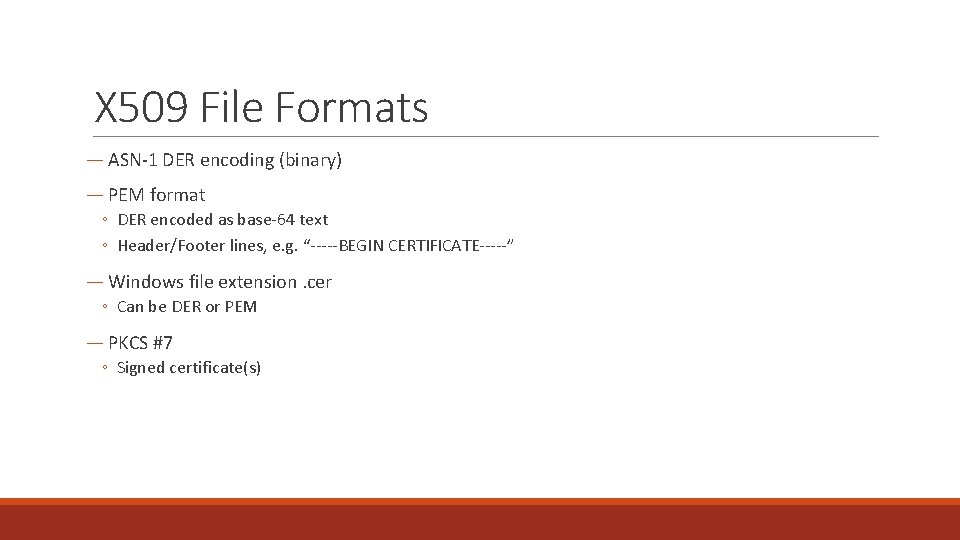
X 509 File Formats ― ASN-1 DER encoding (binary) ― PEM format ◦ DER encoded as base-64 text ◦ Header/Footer lines, e. g. “-----BEGIN CERTIFICATE-----” ― Windows file extension. cer ◦ Can be DER or PEM ― PKCS #7 ◦ Signed certificate(s)
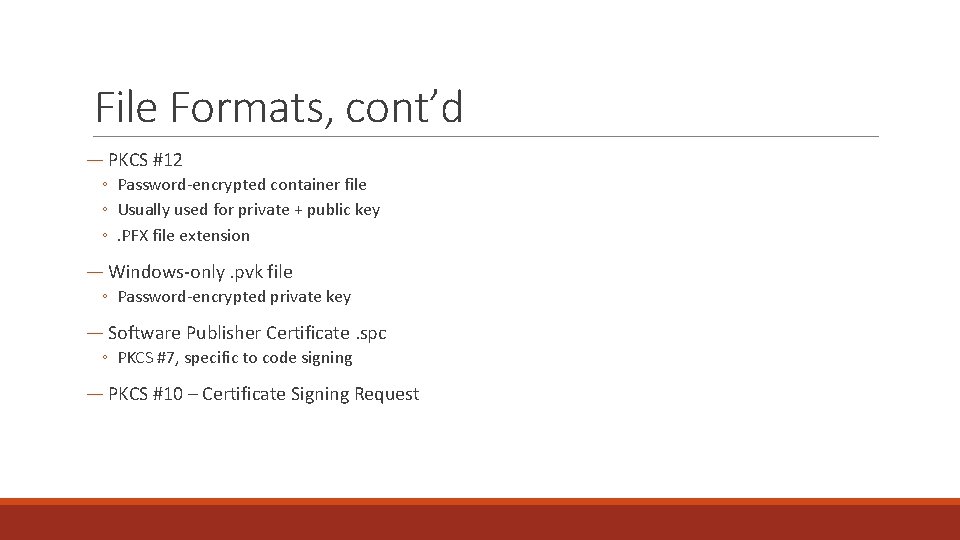
File Formats, cont’d ― PKCS #12 ◦ Password-encrypted container file ◦ Usually used for private + public key ◦. PFX file extension ― Windows-only. pvk file ◦ Password-encrypted private key ― Software Publisher Certificate. spc ◦ PKCS #7, specific to code signing ― PKCS #10 – Certificate Signing Request
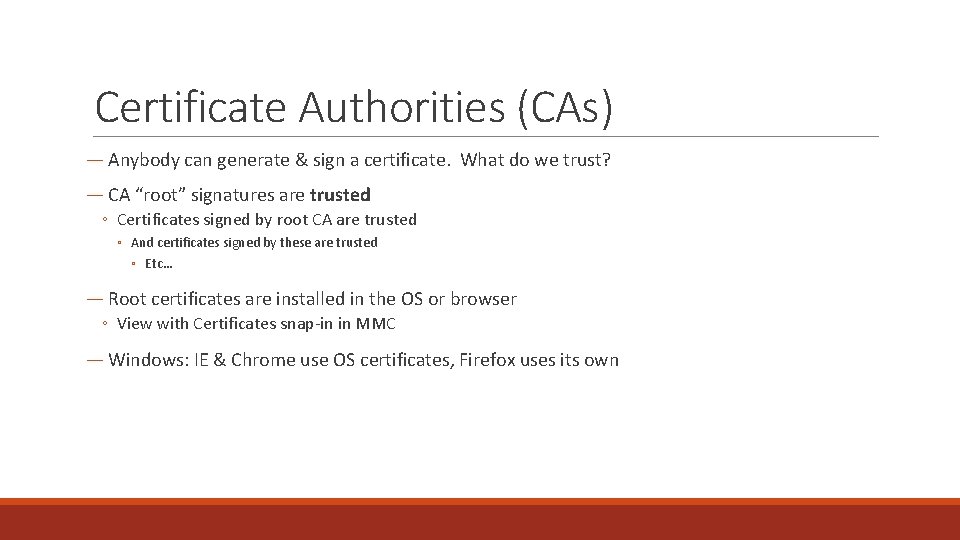
Certificate Authorities (CAs) ― Anybody can generate & sign a certificate. What do we trust? ― CA “root” signatures are trusted ◦ Certificates signed by root CA are trusted ◦ And certificates signed by these are trusted ◦ Etc… ― Root certificates are installed in the OS or browser ◦ View with Certificates snap-in in MMC ― Windows: IE & Chrome use OS certificates, Firefox uses its own
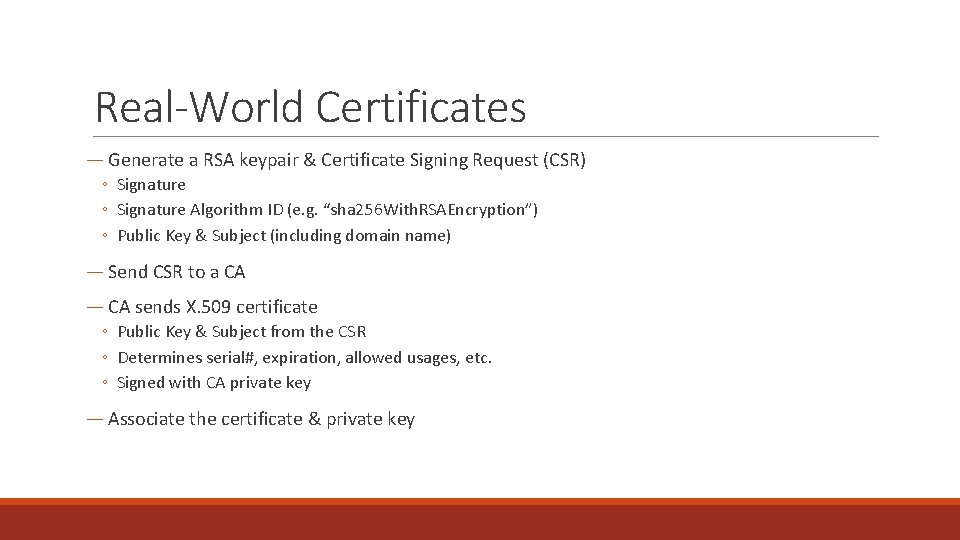
Real-World Certificates ― Generate a RSA keypair & Certificate Signing Request (CSR) ◦ Signature Algorithm ID (e. g. “sha 256 With. RSAEncryption”) ◦ Public Key & Subject (including domain name) ― Send CSR to a CA ― CA sends X. 509 certificate ◦ Public Key & Subject from the CSR ◦ Determines serial#, expiration, allowed usages, etc. ◦ Signed with CA private key ― Associate the certificate & private key
CA Demo with IIS & Open. SSL ― Create CSR in IIS ― Show Certificate Enrollment Requests in MMC ― Sign with Open. SSL ― Install result ― Install CA root as trusted ― Private Key storage on Windows
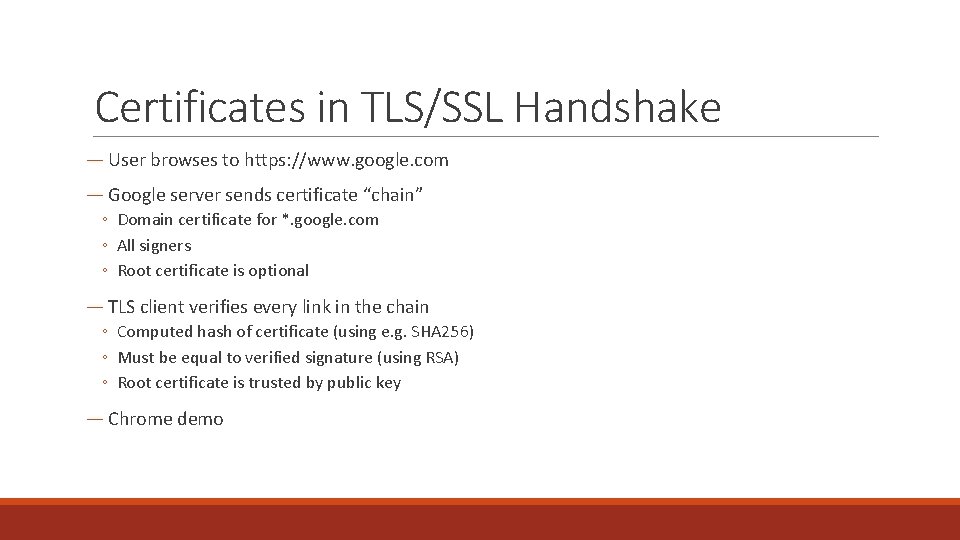
Certificates in TLS/SSL Handshake ― User browses to https: //www. google. com ― Google server sends certificate “chain” ◦ Domain certificate for *. google. com ◦ All signers ◦ Root certificate is optional ― TLS client verifies every link in the chain ◦ Computed hash of certificate (using e. g. SHA 256) ◦ Must be equal to verified signature (using RSA) ◦ Root certificate is trusted by public key ― Chrome demo
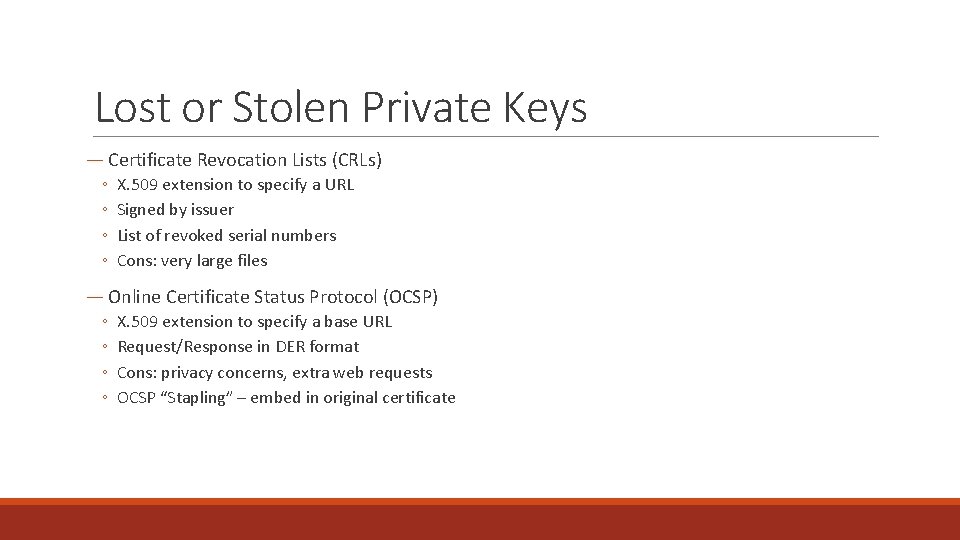
Lost or Stolen Private Keys ― Certificate Revocation Lists (CRLs) ◦ ◦ X. 509 extension to specify a URL Signed by issuer List of revoked serial numbers Cons: very large files ― Online Certificate Status Protocol (OCSP) ◦ ◦ X. 509 extension to specify a base URL Request/Response in DER format Cons: privacy concerns, extra web requests OCSP “Stapling” – embed in original certificate
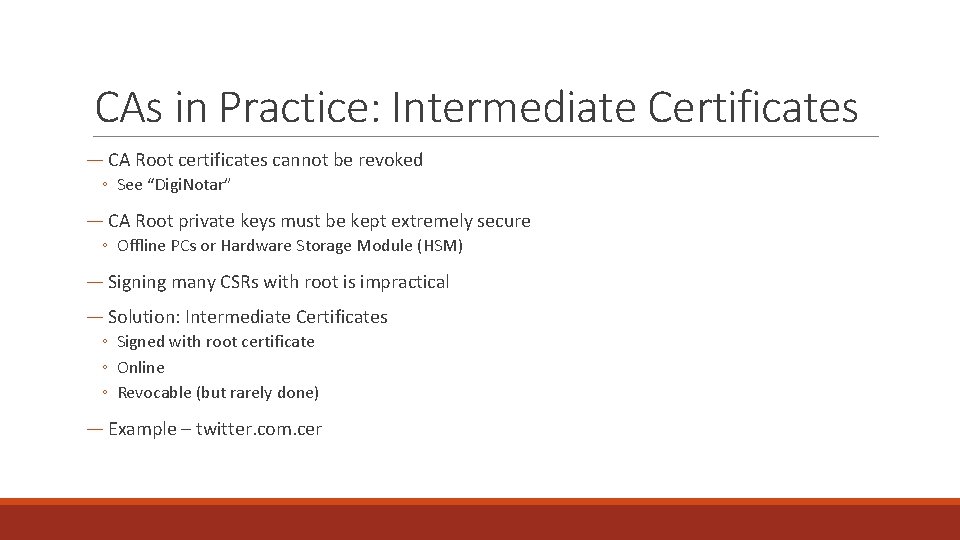
CAs in Practice: Intermediate Certificates ― CA Root certificates cannot be revoked ◦ See “Digi. Notar” ― CA Root private keys must be kept extremely secure ◦ Offline PCs or Hardware Storage Module (HSM) ― Signing many CSRs with root is impractical ― Solution: Intermediate Certificates ◦ Signed with root certificate ◦ Online ◦ Revocable (but rarely done) ― Example – twitter. com. cer
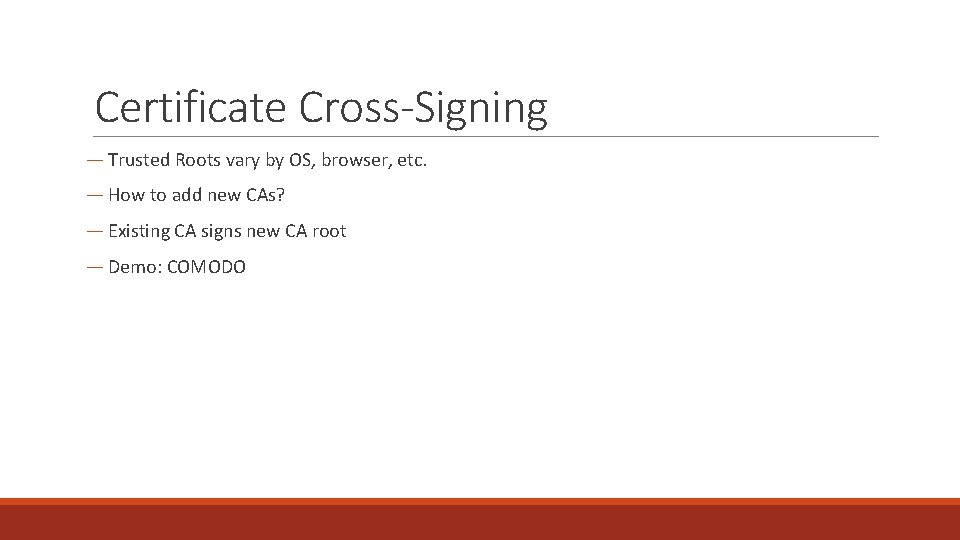
Certificate Cross-Signing ― Trusted Roots vary by OS, browser, etc. ― How to add new CAs? ― Existing CA signs new CA root ― Demo: COMODO
What we’ll learn today ― Crypto theory: RSA ― Crypto practice ◦ X. 509 Certificates ◦ Public Key Infrastructure (PKI) ― Tools & Libraries for certificates ― How & Why to roll your own PKI
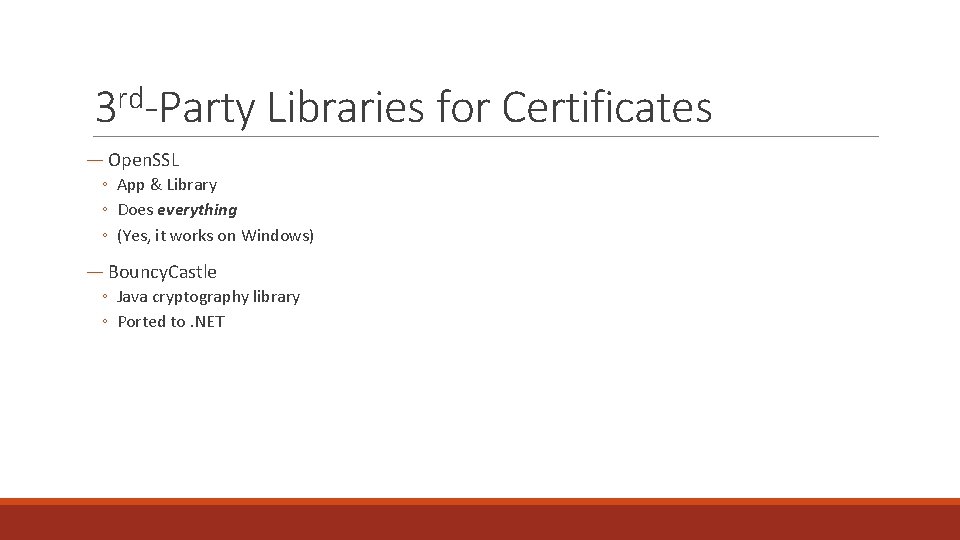
3 rd-Party Libraries for Certificates ― Open. SSL ◦ App & Library ◦ Does everything ◦ (Yes, it works on Windows) ― Bouncy. Castle ◦ Java cryptography library ◦ Ported to. NET
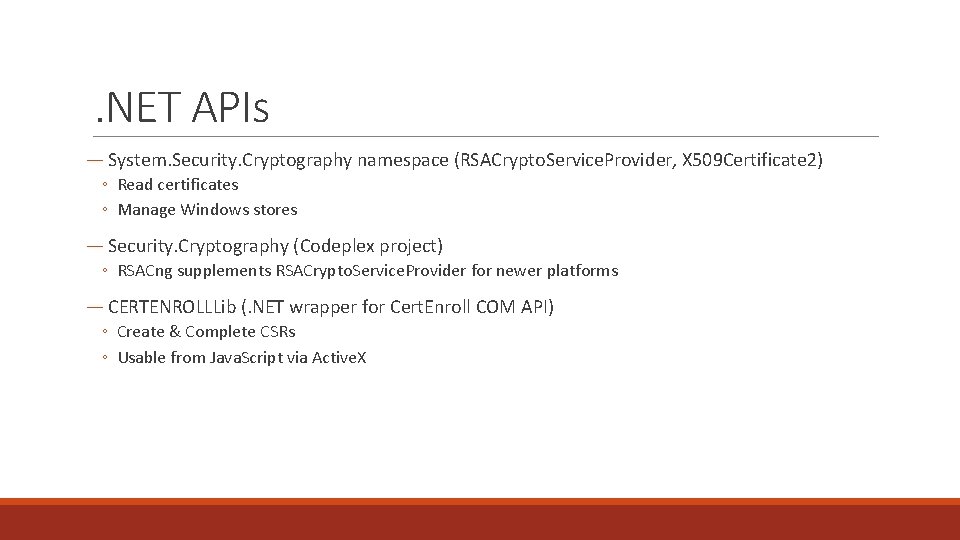
. NET APIs ― System. Security. Cryptography namespace (RSACrypto. Service. Provider, X 509 Certificate 2) ◦ Read certificates ◦ Manage Windows stores ― Security. Cryptography (Codeplex project) ◦ RSACng supplements RSACrypto. Service. Provider for newer platforms ― CERTENROLLLib (. NET wrapper for Cert. Enroll COM API) ◦ Create & Complete CSRs ◦ Usable from Java. Script via Active. X
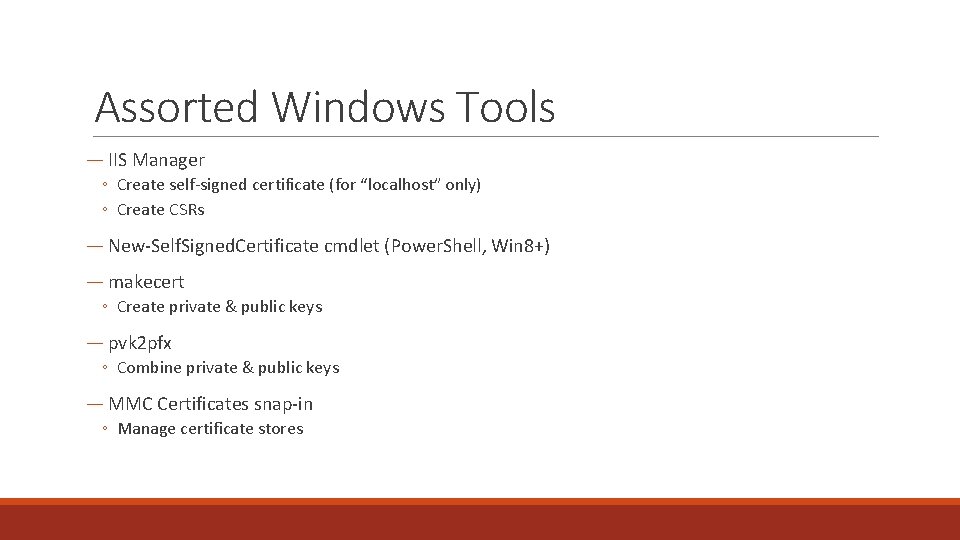
Assorted Windows Tools ― IIS Manager ◦ Create self-signed certificate (for “localhost” only) ◦ Create CSRs ― New-Self. Signed. Certificate cmdlet (Power. Shell, Win 8+) ― makecert ◦ Create private & public keys ― pvk 2 pfx ◦ Combine private & public keys ― MMC Certificates snap-in ◦ Manage certificate stores
What we’ll learn today ― Crypto theory: RSA ― Crypto practice ◦ X. 509 Certificates ◦ Public Key Infrastructure (PKI) ― Tools & Libraries for certificates ― How & Why to roll your own PKI
Building a PKI – why? ― Multi-Factor Authentication ◦ Digital Certificate is something a user “has” ― Mutually-Authenticated networking, between data centers ◦ E. g. Cloudflare (https: //blog. cloudflare. com/how-to-build-your-own-public-key-infrastructure/) ― Authentication without username/password ◦ Microsoft Office roaming settings
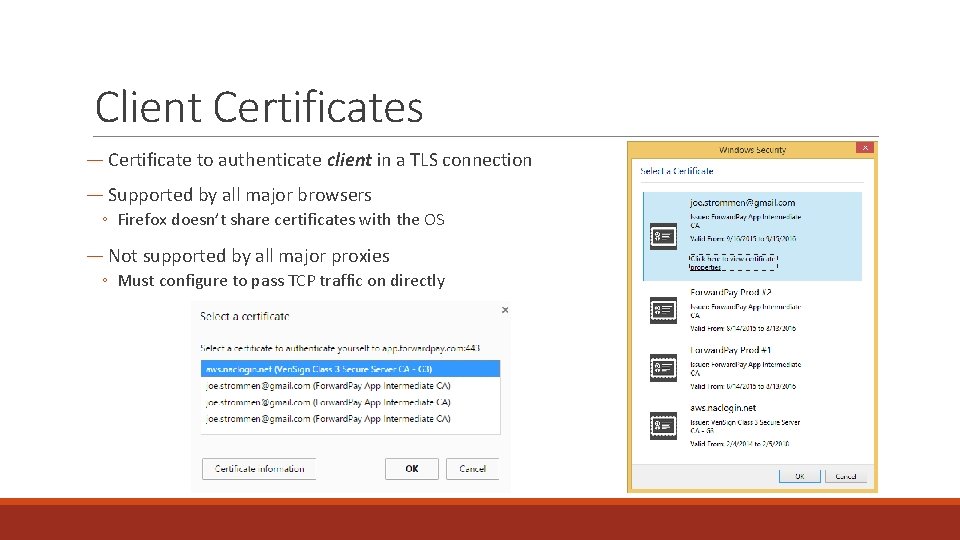
Client Certificates ― Certificate to authenticate client in a TLS connection ― Supported by all major browsers ◦ Firefox doesn’t share certificates with the OS ― Not supported by all major proxies ◦ Must configure to pass TCP traffic on directly
Building a PKI – Components ― Client must: ◦ Generate CSR for client certificate ― Server must: ◦ Sign client certificates with intermediate certificate ◦ Authenticate client certificates against the intermediate ◦ Generate CSR for intermediate certificate ― Offline PC / HSM with root certificate ◦ Ability to sign the intermediate CSR ― Code Samples
What we learned today ― Crypto theory: RSA ― Crypto practice ◦ X. 509 Certificates ◦ Public Key Infrastructure (PKI) ― Tools & Libraries for certificates ― How & Why to roll your own PKI
More Q&A
Thanks! ― Get in touch: ◦ joe@joestrommen. com ◦ @strommen
- Slides: 32