
Eventdriven Programming Robin Burke IT 130 Fall 2004
Event-driven Programming Robin Burke IT 130 Fall 2004
Outline l l l The event-driven model Web applications Form HTML l l l forms buttons text boxes accessing form content Handlers l l on. Click on. Change
Imperative programming l Program l l User l l l defines a series of operations invokes program waits for result "Batch" processing
Event-driven programming l l Modern applications are event-driven Different kind of programming from sequential (batch) execution l programmer does not control when code is executed l user controls that Programmer provides capabilities l the user invokes them l may be multiple ways to do the same thing Basic idea = "event handlers" l small bits of code that the application calls l when certain events occur
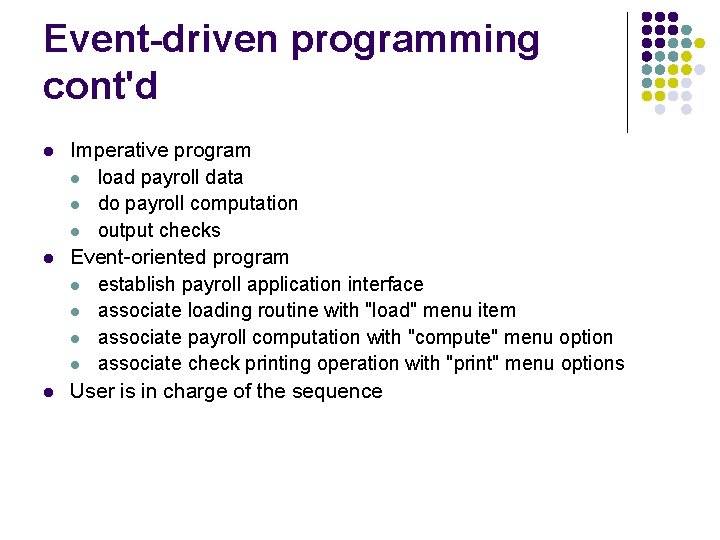
Event-driven programming cont'd l l l Imperative program l load payroll data l do payroll computation l output checks Event-oriented program l establish payroll application interface l associate loading routine with "load" menu item l associate payroll computation with "compute" menu option l associate check printing operation with "print" menu options User is in charge of the sequence
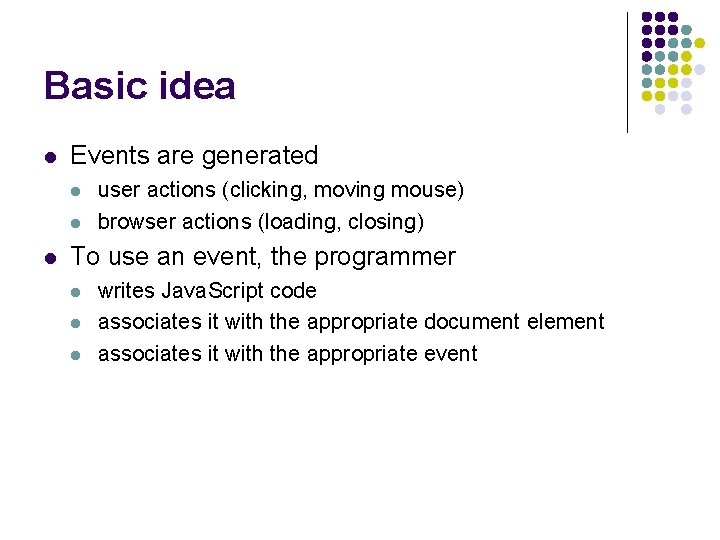
Basic idea l Events are generated l l l user actions (clicking, moving mouse) browser actions (loading, closing) To use an event, the programmer l l l writes Java. Script code associates it with the appropriate document element associates it with the appropriate event
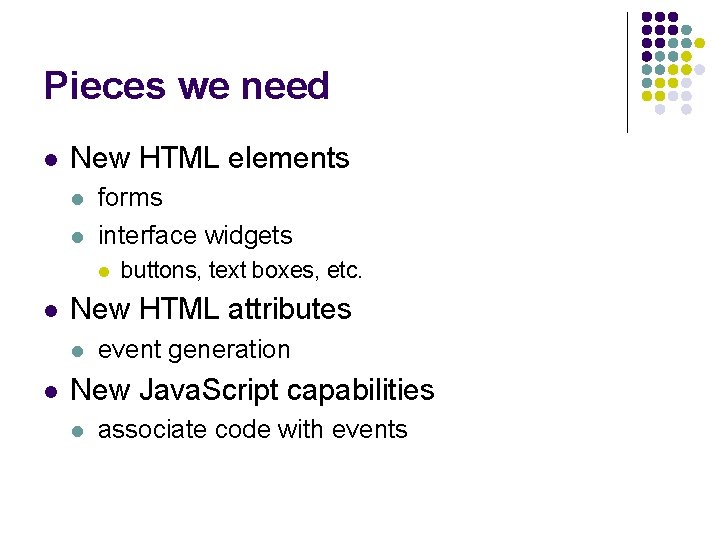
Pieces we need l New HTML elements l l forms interface widgets l l New HTML attributes l l buttons, text boxes, etc. event generation New Java. Script capabilities l associate code with events
Web application l Application l l "A complete, self-contained program that performs a specific function directly for the user" Web application l an application delivered over the WWW
Web applications l Core of web development l l l Not in our scope l l l 90% of the web's "pages" are generated from user input only 10% are static pages IT 230 teaches how to build those kinds of applications we will not use forms as input to applications But l l l web applications need input comes from HTML forms we can use form element to explore event handling
Example applications l l Course online Any search engine
What all these share. . . l l The need to get user input from a web page Format of input l l Interaction idea l l name-value pair web form How to get from user? l depends on the data
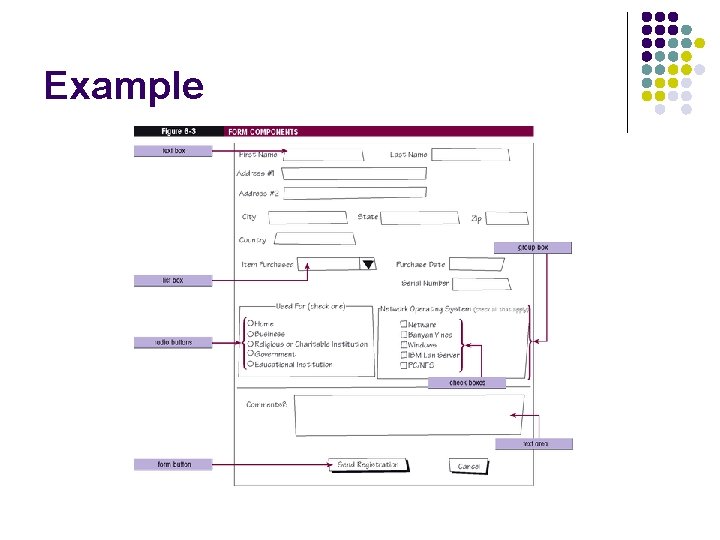
Form elements l Form element l l identify a part of the page where the user can input data Input element l l l specific data items name and value attributes user can change the value attribute
Input elements l l l name and value attributes user can change the value attribute how depends on the type l l l text field selection list radio button, etc
Example
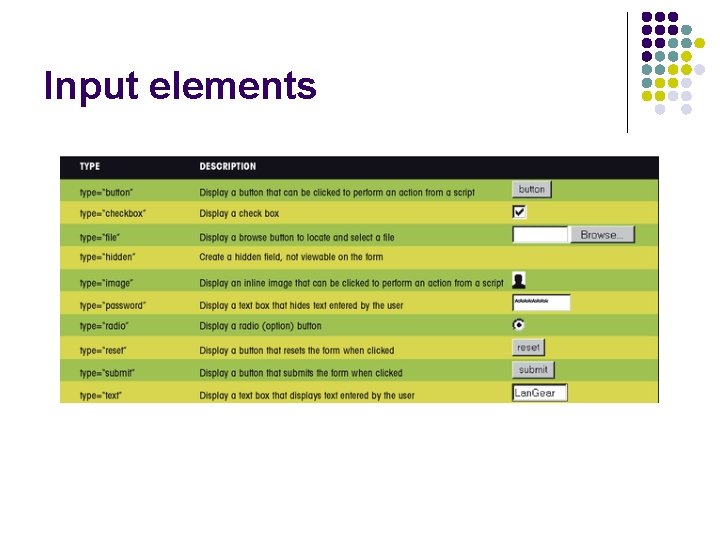
Input elements l Treated like other page elements l l l can be organized into paragraph, tables, etc. Form layout is almost always table-based All use the same base element l l INPUT what kind of input controlled by the type attribute
Input elements
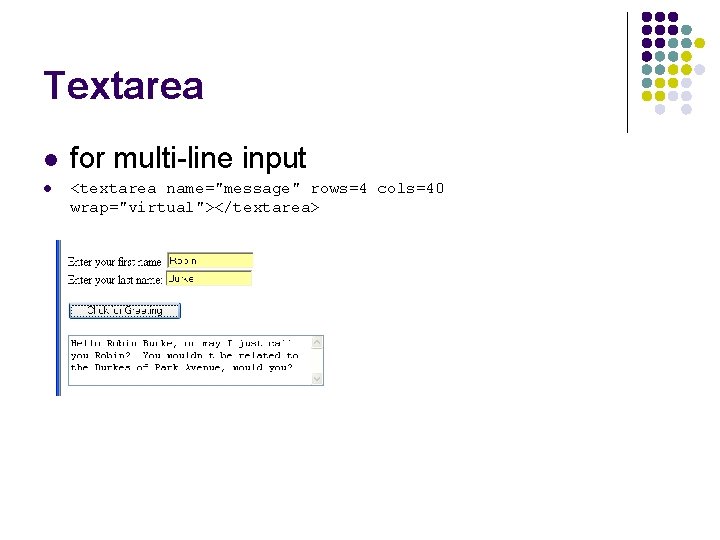
Textarea l l for multi-line input <textarea name="message" rows=4 cols=40 wrap="virtual"></textarea>
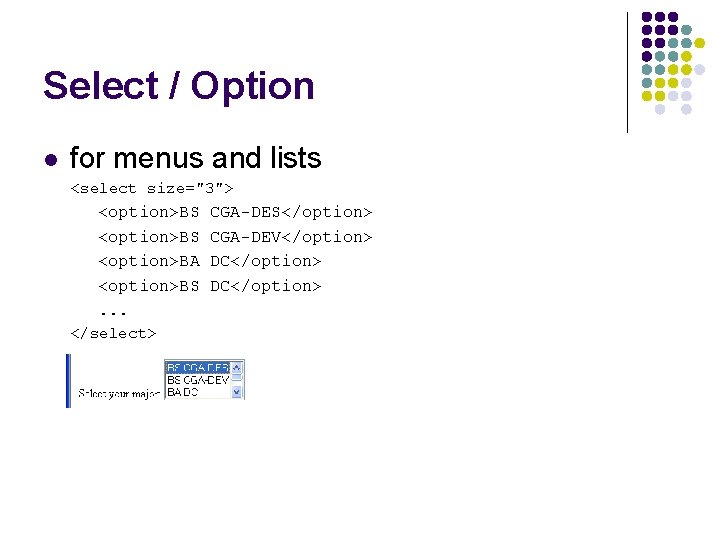
Select / Option l for menus and lists <select size="3"> <option>BS <option>BA <option>BS. . . </select> CGA-DES</option> CGA-DEV</option> DC</option>
Input elements we will use l type="button" l l l rendered as a "raised" rectangle user can click type="text" l l l rendered as an "indented" box can display text user can enter text
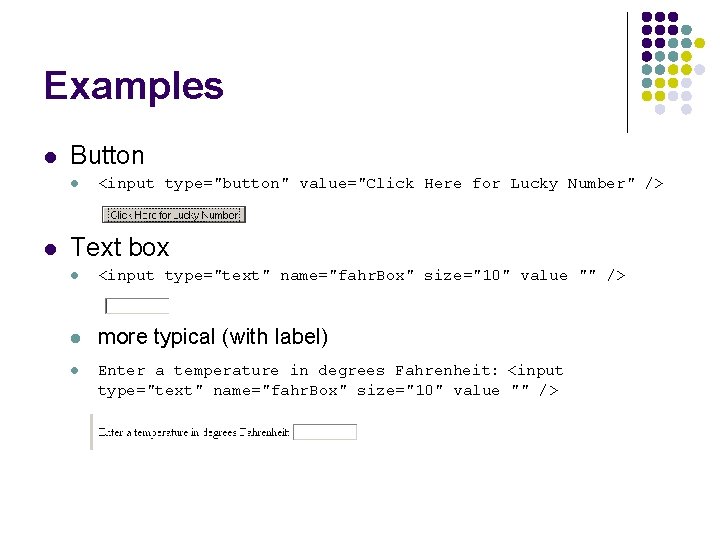
Examples l Button l l <input type="button" value="Click Here for Lucky Number" /> Text box l <input type="text" name="fahr. Box" size="10" value "" /> l more typical (with label) l Enter a temperature in degrees Fahrenheit: <input type="text" name="fahr. Box" size="10" value "" />
Events l Any HTML element can generate events l l many different types Commonly-used l button click event l l when the user clicks on the button text change event l when the user changes the value
Linking element and event l event handler attribute l l l Example l l when the event occurs on that element the Java. Script statement will execute on. Click="Convert(); " In Element l <input type="button" value="Convert to Celsius" on. Click="Convert(); " />
Example l lucky. html
Programming l rollem. html
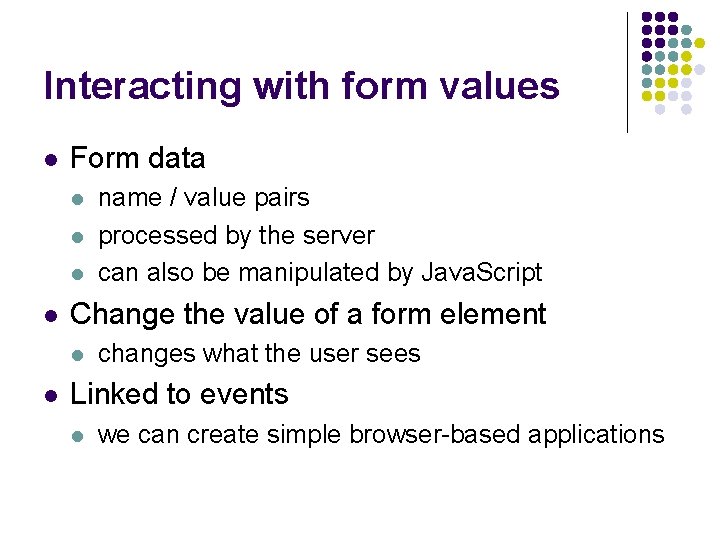
Interacting with form values l Form data l l Change the value of a form element l l name / value pairs processed by the server can also be manipulated by Java. Script changes what the user sees Linked to events l we can create simple browser-based applications
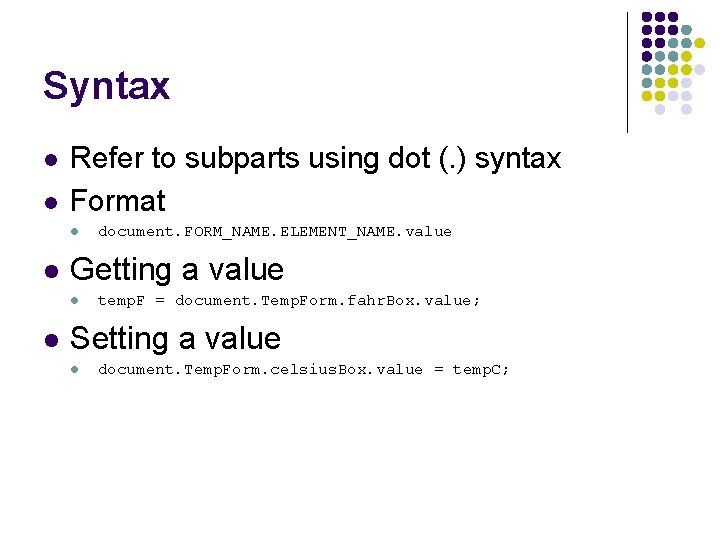
Syntax l l Refer to subparts using dot (. ) syntax Format l l Getting a value l l document. FORM_NAME. ELEMENT_NAME. value temp. F = document. Temp. Form. fahr. Box. value; Setting a value l document. Temp. Form. celsius. Box. value = temp. C;
Examples l l lucky 1. html convert 1. html
Programming l convert 2. html
Dynamic HTML l Java. Script can alter many HTML properties l l l "dynamic HTML" we see more of this later in the class Example l alter the src attribute of an img element l pics. html
on. Change event l on. Click event l l For text elements l l user presses a button on. Change event when the user alters the contents and then clicks outside the element Example l copybox. html
Homework #5 l Metric conversions l l two conversions work inches <--> cm feet <--> meters You need to add l miles <--> km
Structure l convert. js l l hwk 5. html l l a library with the conversion functions the page that interacts with the user Tasks l l l add lines for miles / km and text elements add functions that handle on. Change events add conversion functions to convert. js
Advice l Start early l l 45 -50 lines of code to write Use cut, paste and edit! Don't forget documentation Test each step
Wednesday l l l Lab (Rm 722) Forms and Events Good practice for the homework
- Slides: 34