
Evaluation Based on Cognitive Modeling Comparing Evaluation Methods

Evaluation Based on Cognitive Modeling Comparing Evaluation Methods
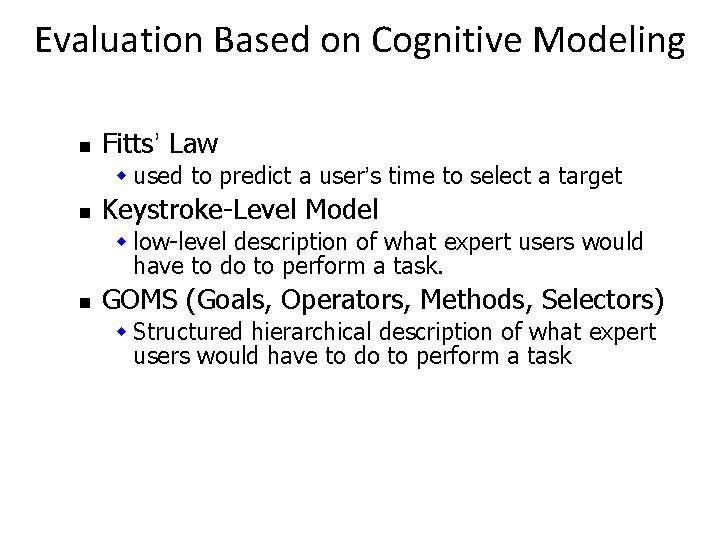
Evaluation Based on Cognitive Modeling n Fitts’ Law w used to predict a user’s time to select a target n Keystroke-Level Model w low-level description of what expert users would have to do to perform a task. n GOMS (Goals, Operators, Methods, Selectors) w Structured hierarchical description of what expert users would have to do to perform a task
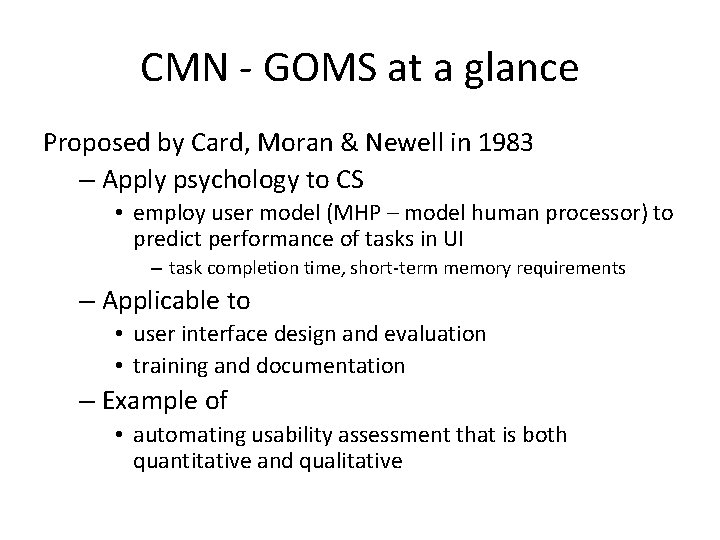
CMN - GOMS at a glance Proposed by Card, Moran & Newell in 1983 – Apply psychology to CS • employ user model (MHP – model human processor) to predict performance of tasks in UI – task completion time, short-term memory requirements – Applicable to • user interface design and evaluation • training and documentation – Example of • automating usability assessment that is both quantitative and qualitative

Model Human Processor (MHP) Card, Moran & Newell (1983) – most influential model of user interaction • used in GOMS analysis – 3 interacting subsystems • cognitive, perceptual & motor • each with processor & memory – described by parameters » e. g. , capacity, cycle time • serial & parallel processing

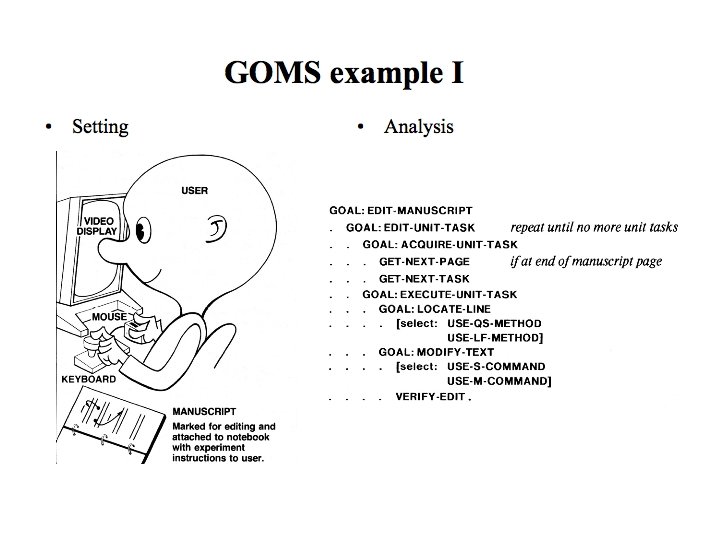
Original GOMS (CMN-GOMS) • Card, Moran & Newell (1983) • Engineering model of user interaction • Goals - user’s intentions (tasks) – e. g. , delete a file, edit text, assist a customer • Operators - actions to complete task – cognitive, perceptual & motor (MHP) – low-level (e. g. , move the mouse to menu)

CMN-GOMS Engineering model of user interaction (continued) • Methods - sequences of actions (operators) – based on error-free expert – may be multiple methods for accomplishing same goal » e. g. , shortcut key or menu selection • Selections - rules for choosing appropriate method – method predicted based on context – hierarchy of goals & sub-goals
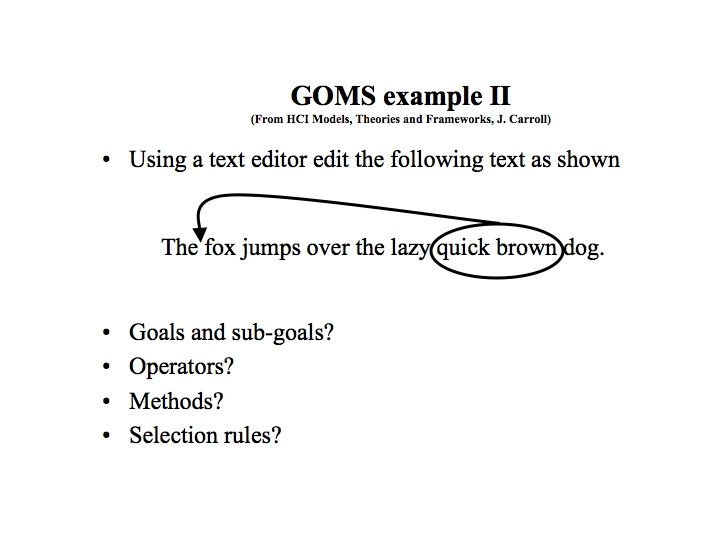
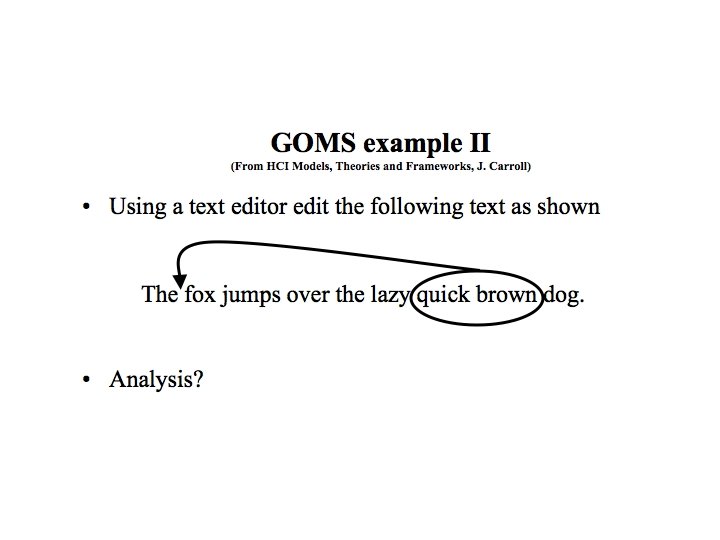
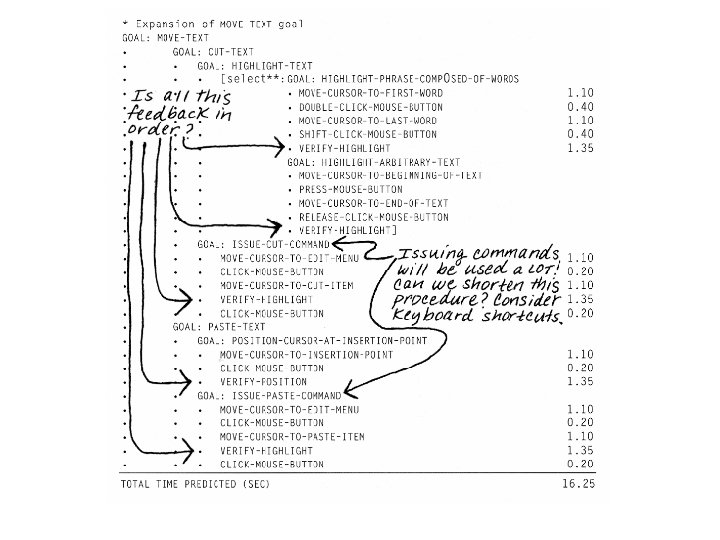
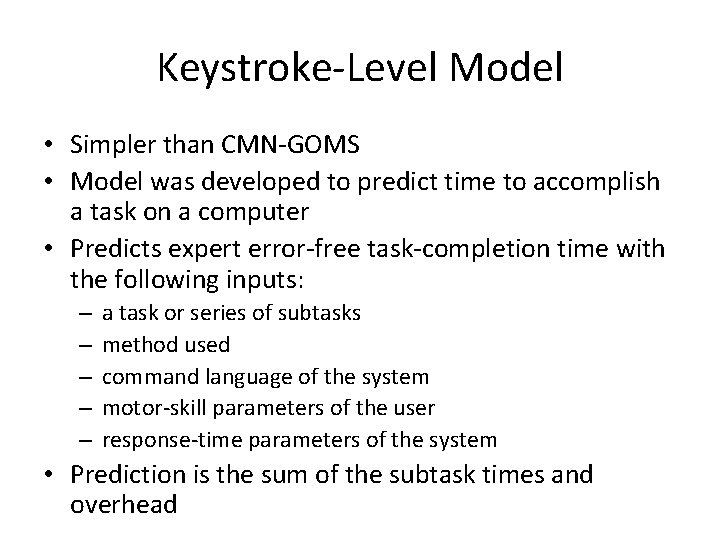
Keystroke-Level Model • Simpler than CMN-GOMS • Model was developed to predict time to accomplish a task on a computer • Predicts expert error-free task-completion time with the following inputs: – – – a task or series of subtasks method used command language of the system motor-skill parameters of the user response-time parameters of the system • Prediction is the sum of the subtask times and overhead

KLM-GOMS (What Raskin refers to as GOMS) Keystroke level model 1. Predict Action 1 x sec. Action 2 y sec. Action 3 + 2. Evaluate z sec. t sec. Time using interface 1 Slide adapted from Newstetter & Martin, Georgia Tech Time using interface 2
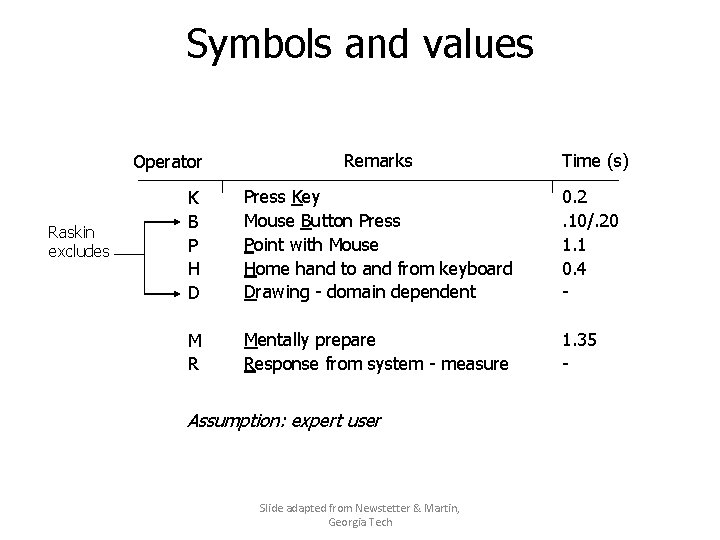
Symbols and values Remarks Time (s) K B P H D Press Key Mouse Button Press Point with Mouse Home hand to and from keyboard Drawing - domain dependent 0. 2. 10/. 20 1. 1 0. 4 - M R Mentally prepare Response from system - measure 1. 35 - Operator Raskin excludes Assumption: expert user Slide adapted from Newstetter & Martin, Georgia Tech
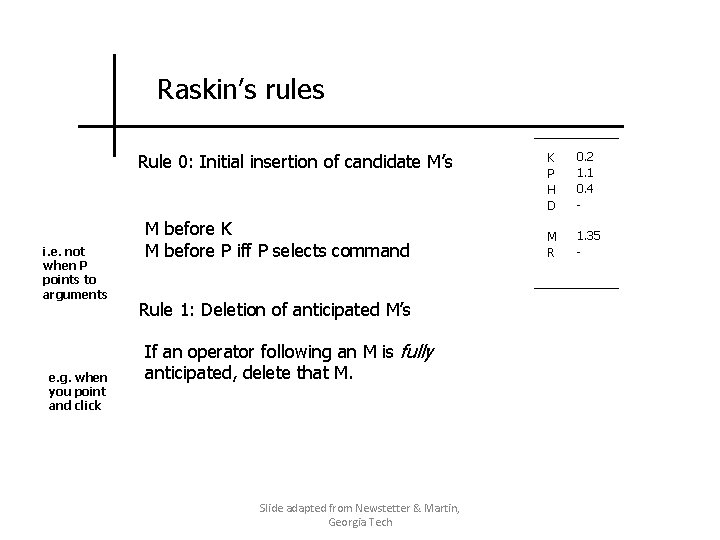
Raskin’s rules Rule 0: Initial insertion of candidate M’s i. e. not when P points to arguments e. g. when you point and click M before K M before P iff P selects command Rule 1: Deletion of anticipated M’s If an operator following an M is fully anticipated, delete that M. Slide adapted from Newstetter & Martin, Georgia Tech K P H D 0. 2 1. 1 0. 4 - M R 1. 35 -
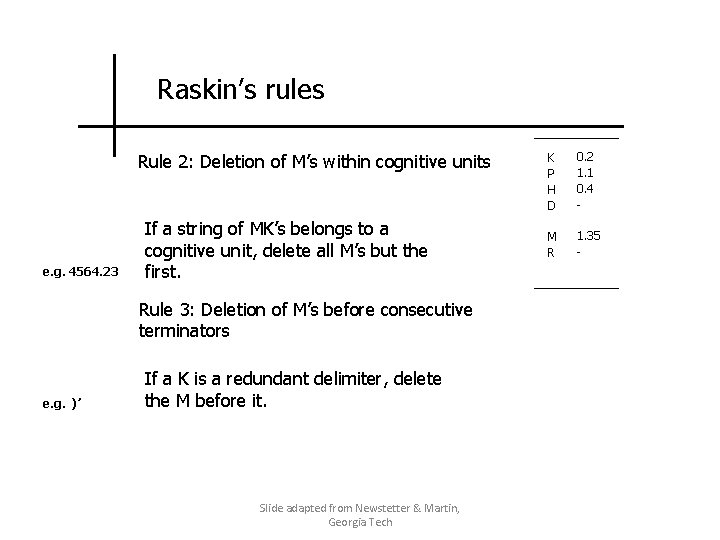
Raskin’s rules Rule 2: Deletion of M’s within cognitive units e. g. 4564. 23 If a string of MK’s belongs to a cognitive unit, delete all M’s but the first. Rule 3: Deletion of M’s before consecutive terminators e. g. )’ If a K is a redundant delimiter, delete the M before it. Slide adapted from Newstetter & Martin, Georgia Tech K P H D 0. 2 1. 1 0. 4 - M R 1. 35 -
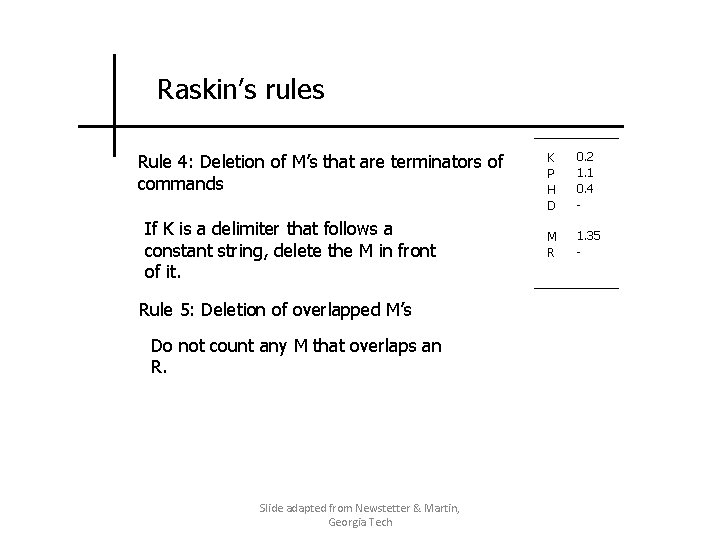
Raskin’s rules Rule 4: Deletion of M’s that are terminators of commands If K is a delimiter that follows a constant string, delete the M in front of it. Rule 5: Deletion of overlapped M’s Do not count any M that overlaps an R. Slide adapted from Newstetter & Martin, Georgia Tech K P H D 0. 2 1. 1 0. 4 - M R 1. 35 -
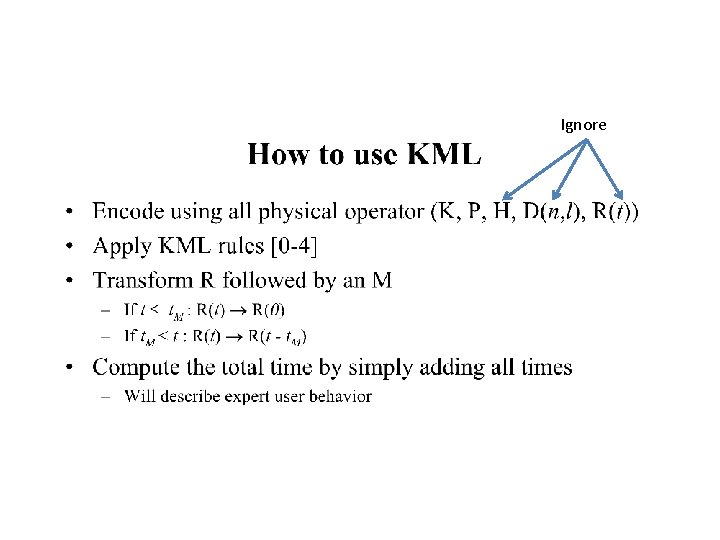
Ignore

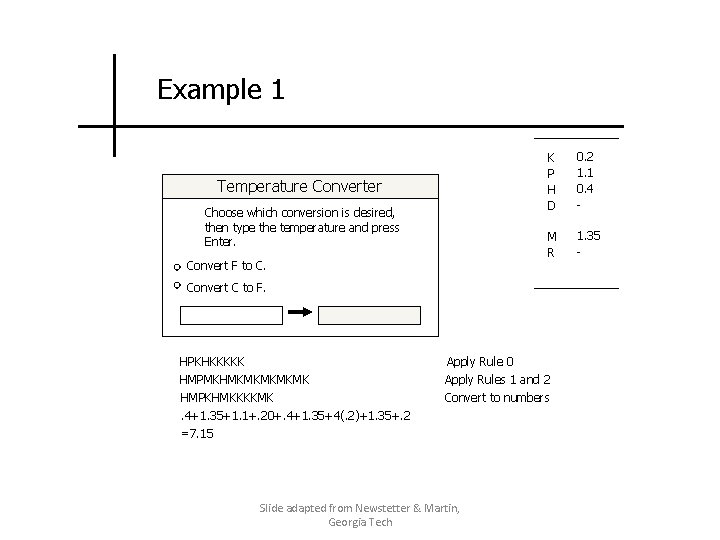
Example 1 Temperature Converter Choose which conversion is desired, then type the temperature and press Enter. Convert F to C. K P H D 0. 2 1. 1 0. 4 - M R 1. 35 - Convert C to F. HPKHKKKKK HMPMKHMKMKMK HMPKHMKKKKMK. 4+1. 35+1. 1+. 20+. 4+1. 35+4(. 2)+1. 35+. 2 =7. 15 Apply Rule 0 Apply Rules 1 and 2 Convert to numbers Slide adapted from Newstetter & Martin, Georgia Tech
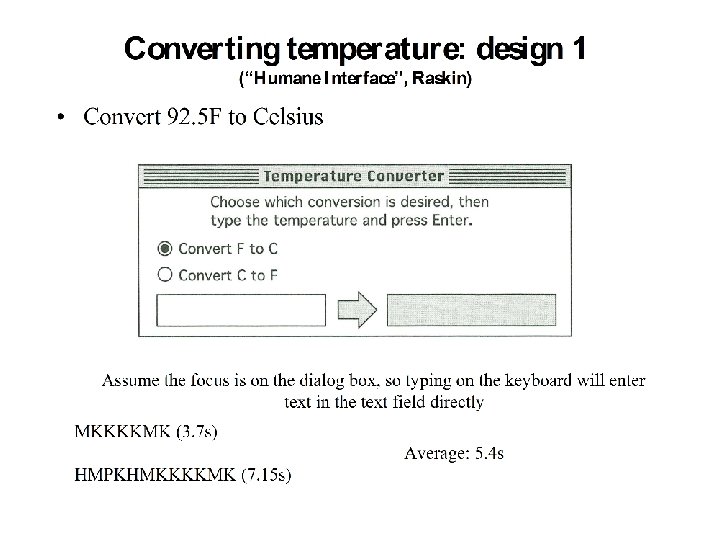
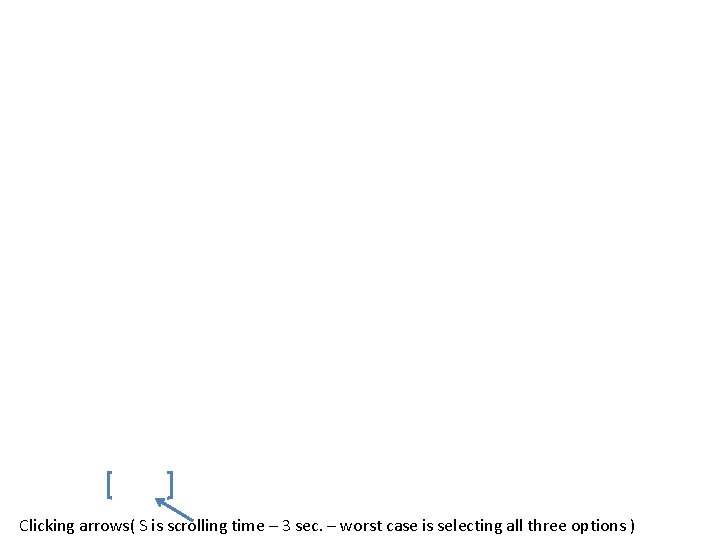
Clicking arrows( S is scrolling time – 3 sec. – worst case is selecting all three options )

Using KLM and Information Theory to Design More Efficient Interfaces (Raskin) • Armed with knowledge of the minimum information the user has to specify: – Assume inputting 4 digits on average – One more keystroke for C vs. F – Another keystroke for Enter • Can we design a more efficient interface?



GOMS in Practice • • • Mouse-driven text editor (KLM) CAD system (KLM) Television control system (NGOMSL) Minimalist documentation (NGOMSL) Telephone assistance operator workstation (CMP-GOMS) – saved about $2 million a year Slide adapted from Melody Ivory
Drawbacks • Assumes an expert user • Assumes an error-free usage • Overall, very idealized
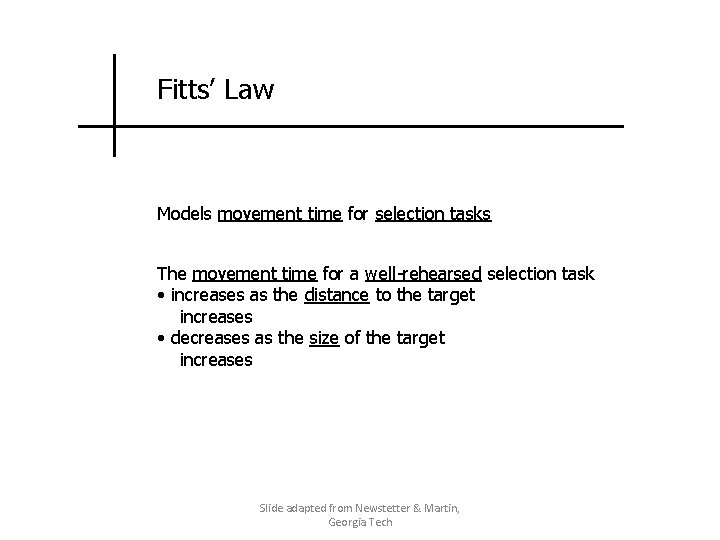
Fitts’ Law Models movement time for selection tasks The movement time for a well-rehearsed selection task • increases as the distance to the target increases • decreases as the size of the target increases Slide adapted from Newstetter & Martin, Georgia Tech
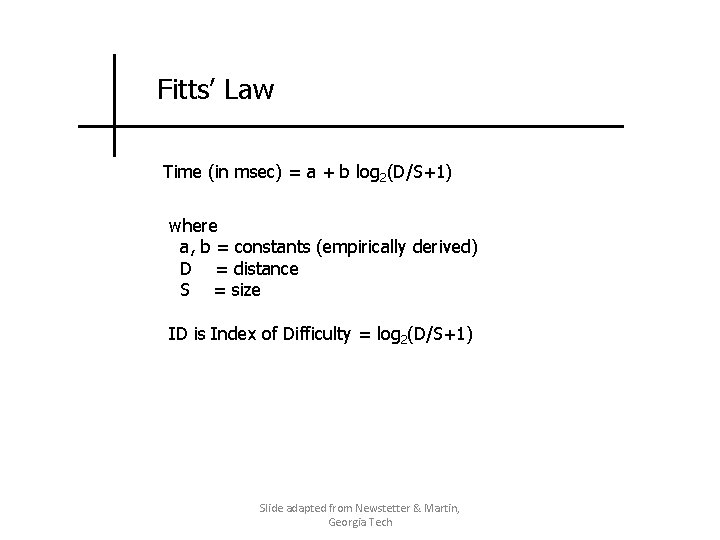
Fitts’ Law Time (in msec) = a + b log 2(D/S+1) where a, b = constants (empirically derived) D = distance S = size ID is Index of Difficulty = log 2(D/S+1) Slide adapted from Newstetter & Martin, Georgia Tech
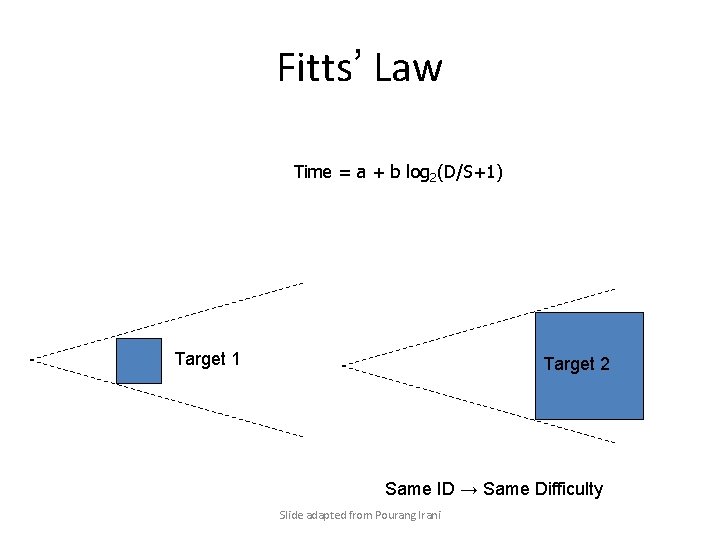
Fitts’ Law Time = a + b log 2(D/S+1) Target 1 Target 2 Same ID → Same Difficulty Slide adapted from Pourang Irani
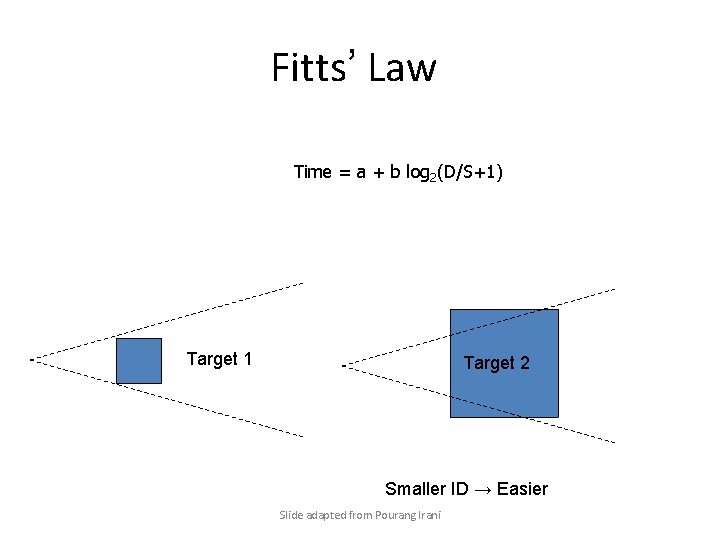
Fitts’ Law Time = a + b log 2(D/S+1) Target 1 Target 2 Smaller ID → Easier Slide adapted from Pourang Irani
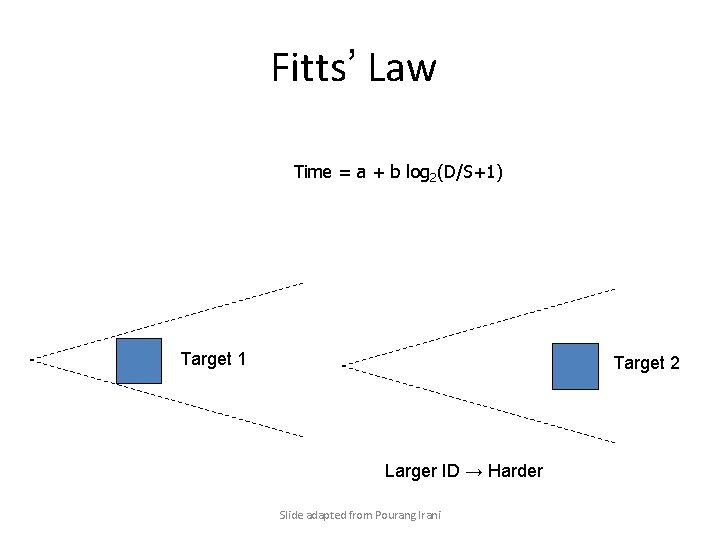
Fitts’ Law Time = a + b log 2(D/S+1) Target 1 Target 2 Larger ID → Harder Slide adapted from Pourang Irani
Determining Constants for Fitts’ Law • To determine a and b design a set of tasks with varying values for D and S (conditions) • For each task condition – multiple trials conducted and the time to execute each is recorded and stored electronically for statistical analysis • Accuracy is also recorded – either through the x-y coordinates of selection or – through the error rate — the percentage of trials selected with the cursor outside the target Slide adapted from Pourang Irani
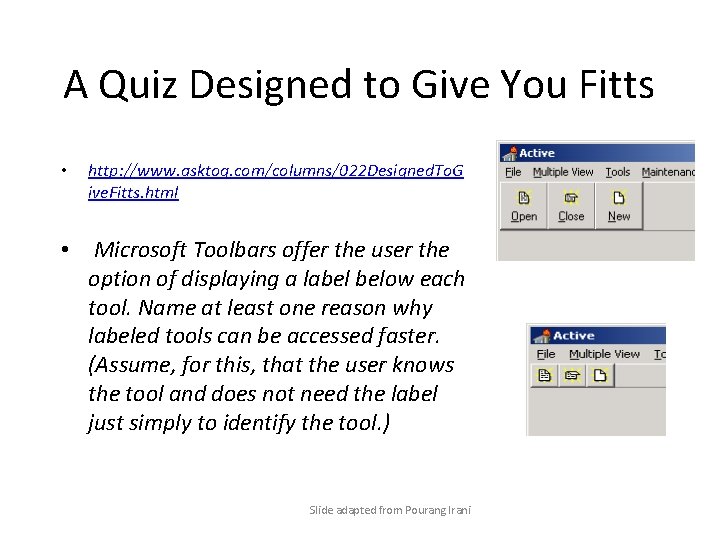
A Quiz Designed to Give You Fitts • http: //www. asktog. com/columns/022 Designed. To. G ive. Fitts. html • Microsoft Toolbars offer the user the option of displaying a label below each tool. Name at least one reason why labeled tools can be accessed faster. (Assume, for this, that the user knows the tool and does not need the label just simply to identify the tool. ) Slide adapted from Pourang Irani
A Quiz Designed to Give You Fitts 1. The label becomes part of the target. The target is therefore bigger. Bigger targets, all else being equal, can always be acccessed faster. Fitt's Law. 2. When labels are not used, the tool icons crowd together. Slide adapted from Pourang Irani
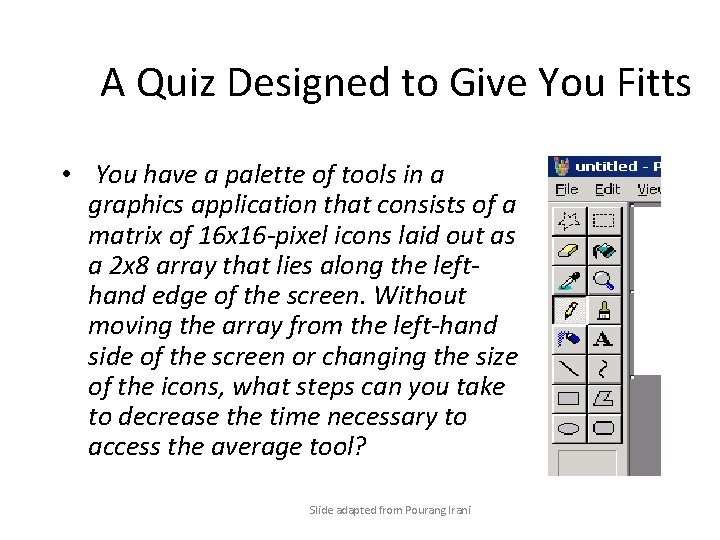
A Quiz Designed to Give You Fitts • You have a palette of tools in a graphics application that consists of a matrix of 16 x 16 -pixel icons laid out as a 2 x 8 array that lies along the lefthand edge of the screen. Without moving the array from the left-hand side of the screen or changing the size of the icons, what steps can you take to decrease the time necessary to access the average tool? Slide adapted from Pourang Irani
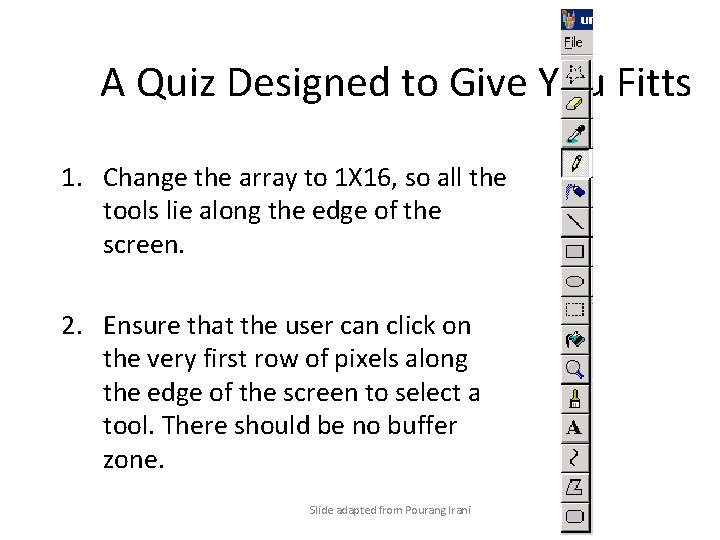
A Quiz Designed to Give You Fitts 1. Change the array to 1 X 16, so all the tools lie along the edge of the screen. 2. Ensure that the user can click on the very first row of pixels along the edge of the screen to select a tool. There should be no buffer zone. Slide adapted from Pourang Irani

• Take the reminder of the UI design quiz at http: //www. asktog. com/columns/022 Designed To. Give. Fitts. html • Keep track of your score and identify the questions that gave you Fitts. • You will probably see variants of these questions on Exam 2.
- Slides: 38