
Evaluating the Flexibility of the Java Sandbox By
Evaluating the Flexibility of the Java Sandbox By: Zack Coker, Michael Maass, Tianyuan Ding, Claire Le Goues, and Joshua Sunshine 1/28
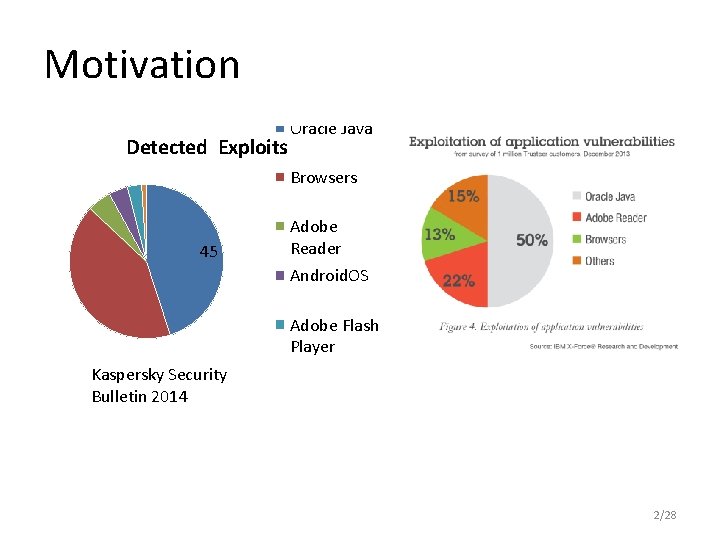
Motivation Detected Exploits Oracle Java Browsers 45 Adobe Reader Android. OS Adobe Flash Player Kaspersky Security Bulletin 2014 Microsoft Office 2/28
Java Sandbox Untrusted Java Applications 3/28
How is the Java sandbox actually used? Li Gong, the primary designer of the Java security architecture stated he didn’t know how extensively the “fined grained access control mechanism” (i. e. the Java sandbox) is used. [ACSAC 2009 Keynote] 4/28
Importance of investigating how security tools are used in practice • Design more intuitive security mechanisms • Possible language features • Differentiate between malicious and benign code 5/28
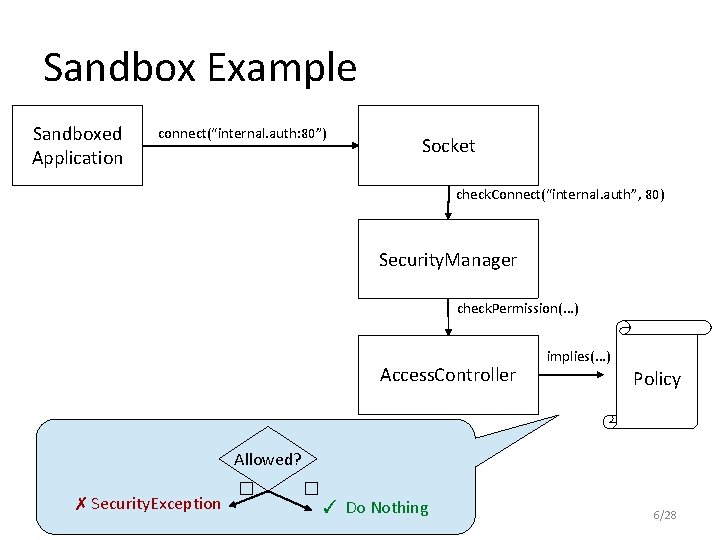
Sandbox Example Sandboxed Application connect(“internal. auth: 80”) Socket check. Connect(“internal. auth”, 80) Security. Manager check. Permission(. . . ) Access. Controller implies(. . . ) Policy Allowed? ✗ Security. Exception � � ✓ Do Nothing 6/28
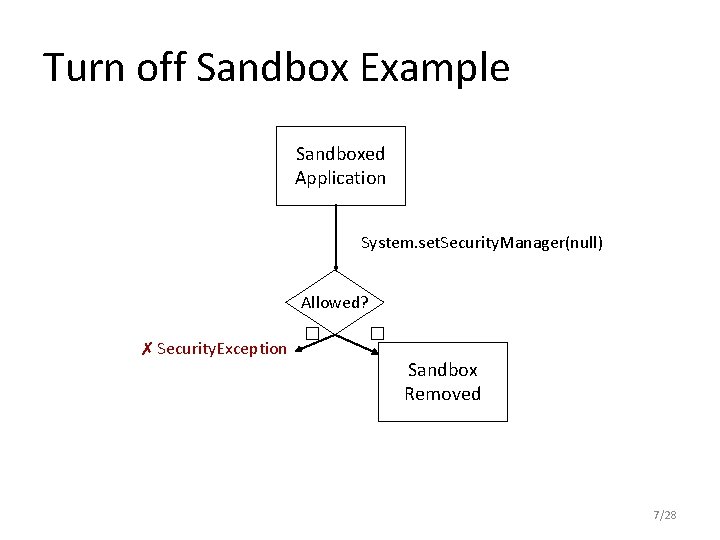
Turn off Sandbox Example Sandboxed Application System. set. Security. Manager(null) Allowed? ✗ Security. Exception � � Sandbox Removed 7/28
Study In this work, we investigated how benign open source Java programs interact with the Java sandbox to: • Characterize sandbox interactions • Detect malicious applications • Understand developer difficulties with the sandbox 8/28
Research Question How do benign open source Java applications interact with the security manager? 9/28
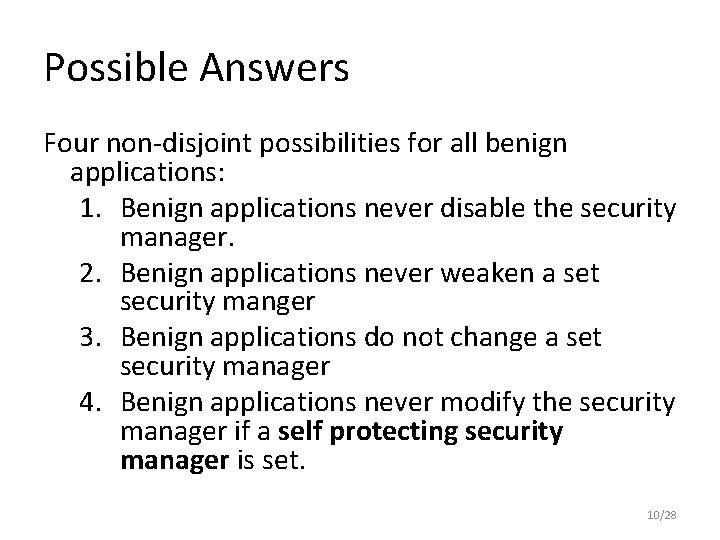
Possible Answers Four non-disjoint possibilities for all benign applications: 1. Benign applications never disable the security manager. 2. Benign applications never weaken a set security manger 3. Benign applications do not change a set security manager 4. Benign applications never modify the security manager if a self protecting security manager is set. 10/28
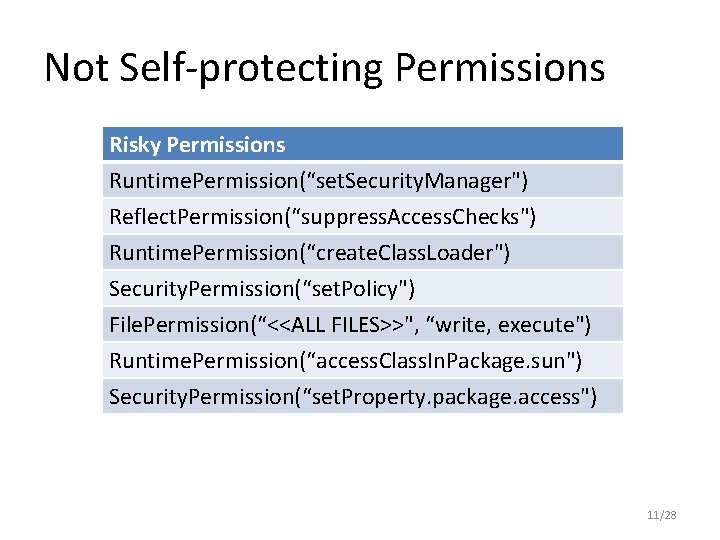
Not Self-protecting Permissions Risky Permissions Runtime. Permission(“set. Security. Manager") Reflect. Permission(“suppress. Access. Checks") Runtime. Permission(“create. Class. Loader") Security. Permission(“set. Policy") File. Permission(“<<ALL FILES>>", “write, execute") Runtime. Permission(“access. Class. In. Package. sun") Security. Permission(“set. Property. package. access") 11/28
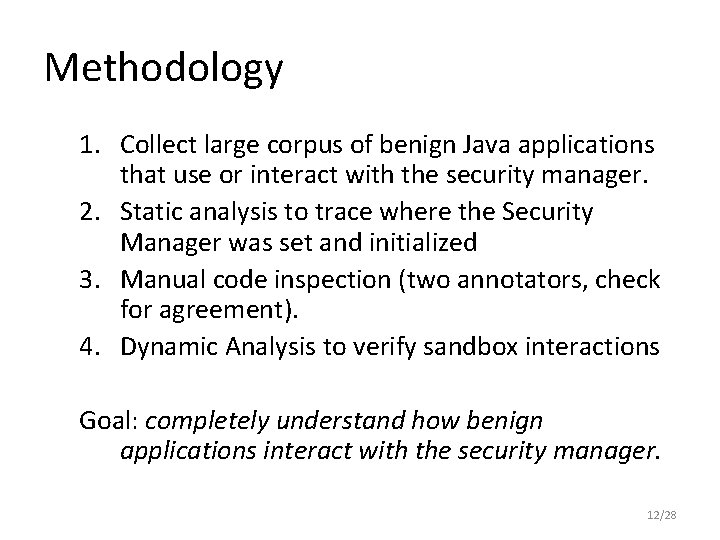
Methodology 1. Collect large corpus of benign Java applications that use or interact with the security manager. 2. Static analysis to trace where the Security Manager was set and initialized 3. Manual code inspection (two annotators, check for agreement). 4. Dynamic Analysis to verify sandbox interactions Goal: completely understand how benign applications interact with the security manager. 12/28
Qualitas Corpus 13/28
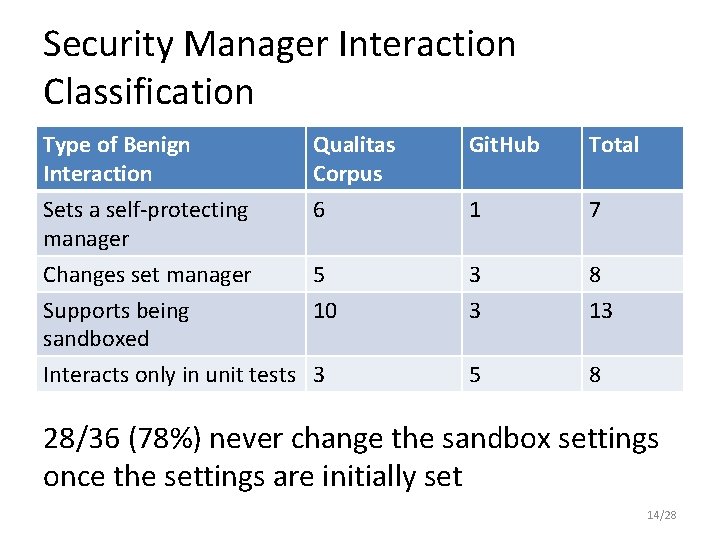
Security Manager Interaction Classification Type of Benign Interaction Qualitas Corpus Git. Hub Total Sets a self-protecting manager 6 1 7 3 3 8 13 5 8 Changes set manager 5 Supports being 10 sandboxed Interacts only in unit tests 3 28/36 (78%) never change the sandbox settings once the settings are initially set 14/28
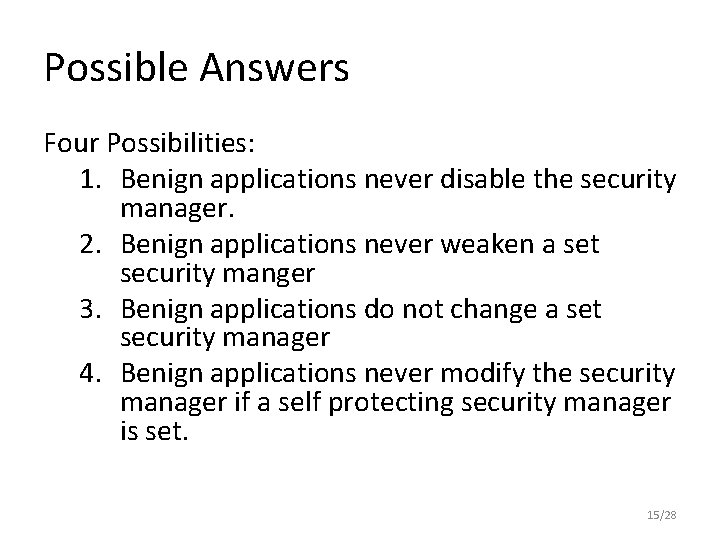
Possible Answers Four Possibilities: 1. Benign applications never disable the security manager. 2. Benign applications never weaken a set security manger 3. Benign applications do not change a set security manager 4. Benign applications never modify the security manager if a self protecting security manager is set. 15/28
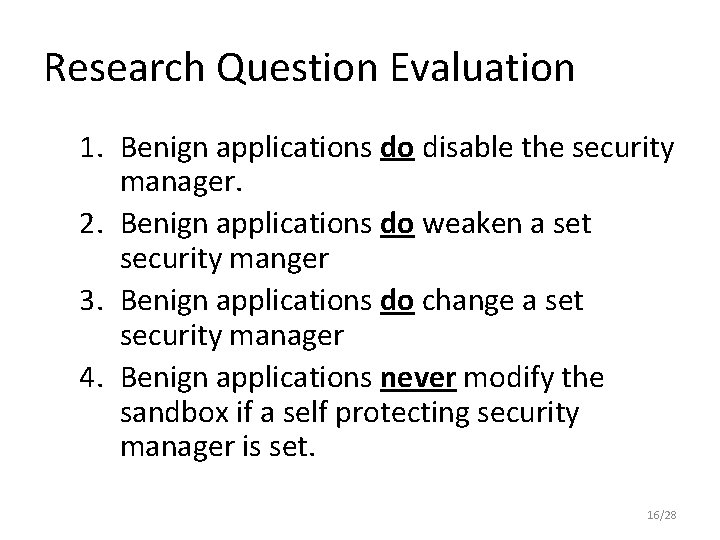
Research Question Evaluation 1. Benign applications do disable the security manager. 2. Benign applications do weaken a set security manger 3. Benign applications do change a set security manager 4. Benign applications never modify the sandbox if a self protecting security manager is set. 16/28
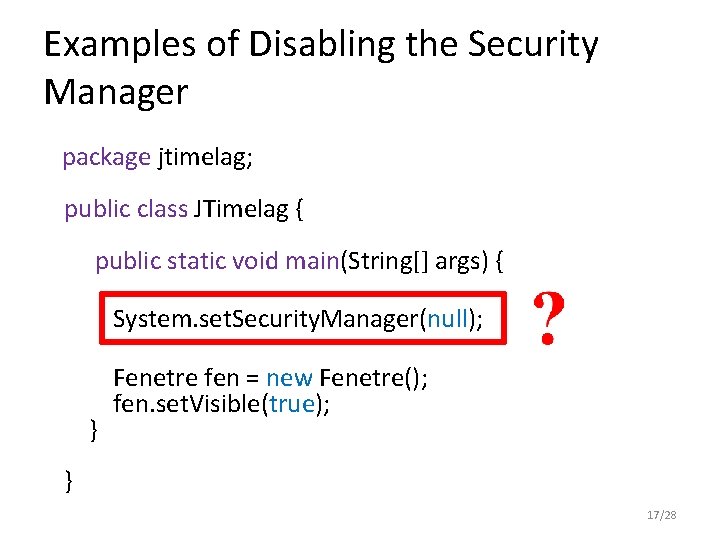
Examples of Disabling the Security Manager package jtimelag; public class JTimelag { public static void main(String[] args) { System. set. Security. Manager(null); } Fenetre fen = new Fenetre(); fen. set. Visible(true); } 17/28
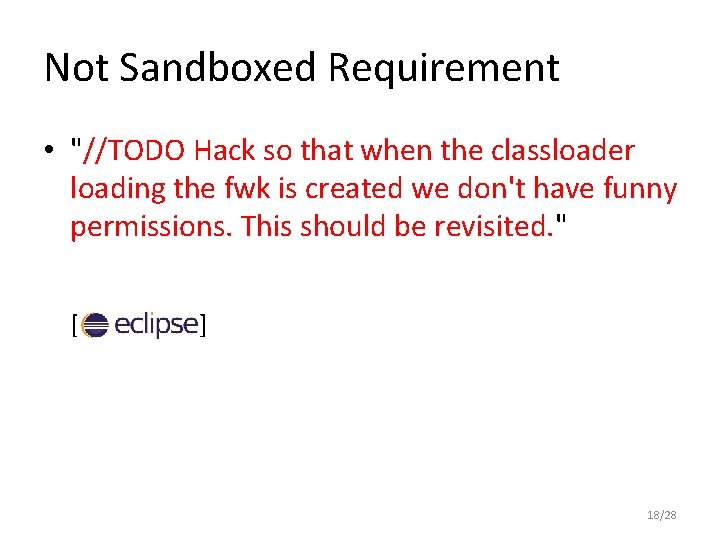
Not Sandboxed Requirement • "//TODO Hack so that when the classloader loading the fwk is created we don't have funny permissions. This should be revisited. " [ ] 18/28
Eclipse JVM 19/28
Eclipse JVM Ant 20/28
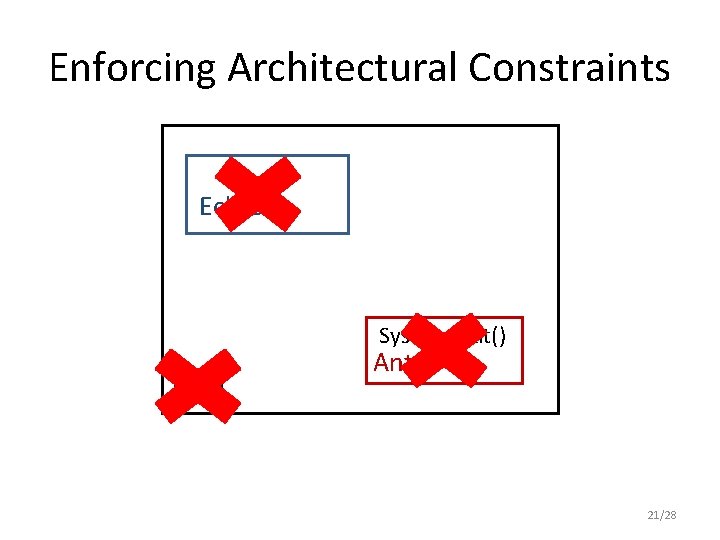
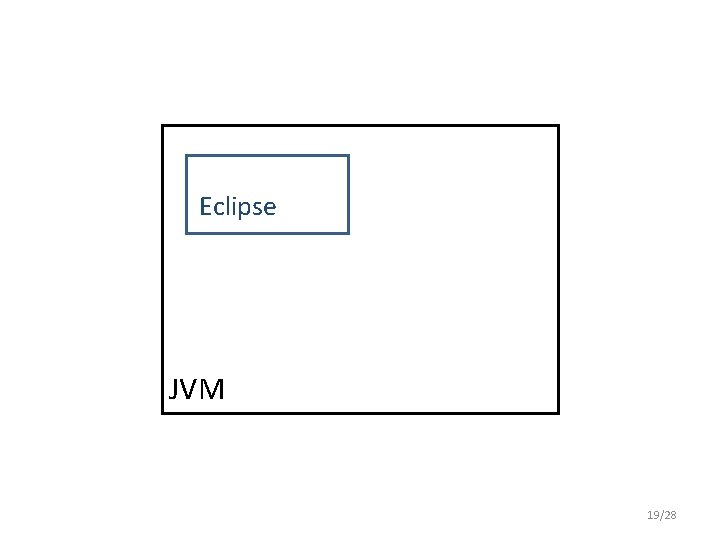
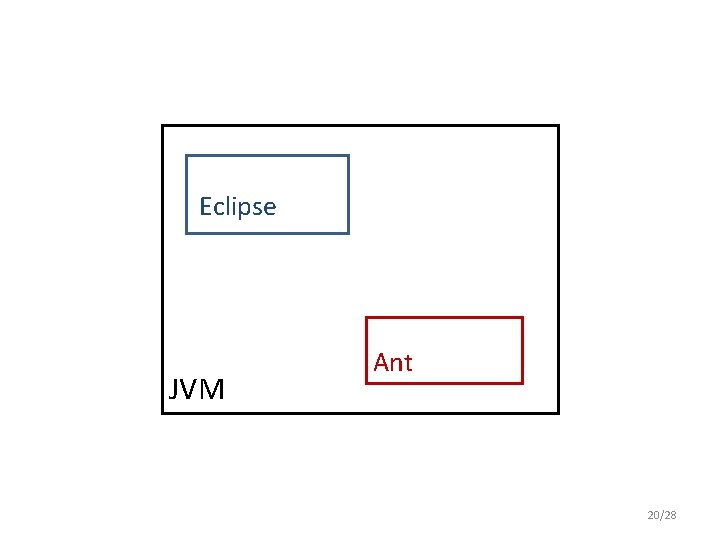
Enforcing Architectural Constraints Eclipse System. exit() JVM Ant 21/28
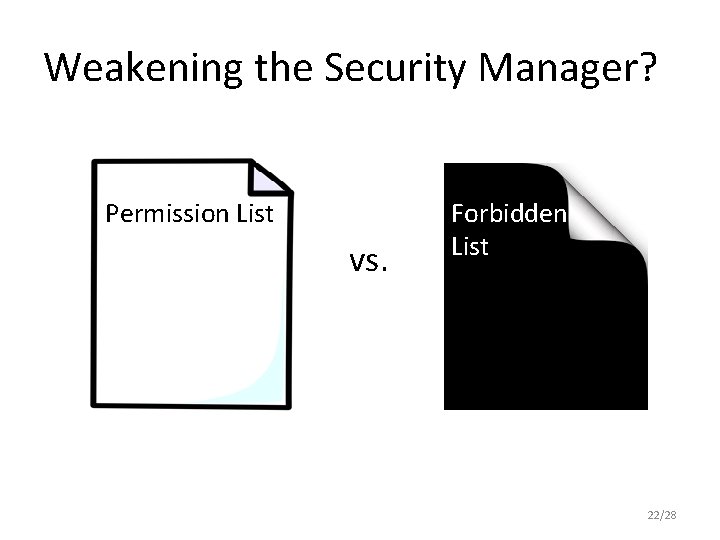
Weakening the Security Manager? Permission List vs. Forbidden List 22/28
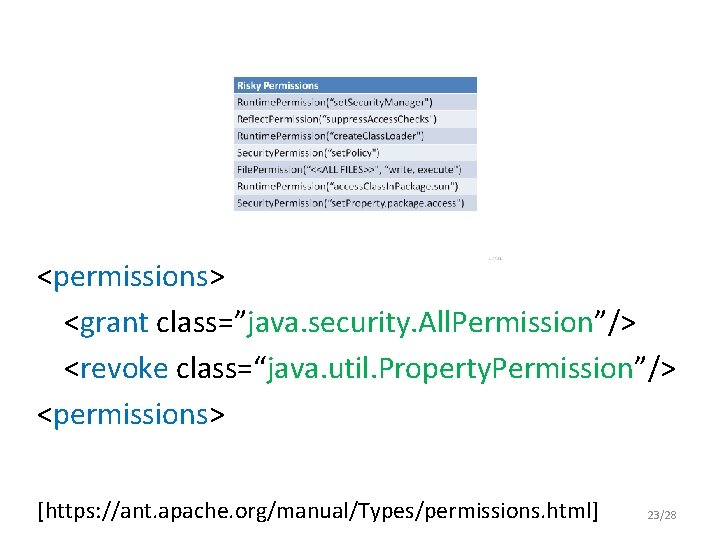
<permissions> <grant class=”java. security. All. Permission”/> <revoke class=“java. util. Property. Permission”/> <permissions> [https: //ant. apache. org/manual/Types/permissions. html] 23/28
Takeaways from empirical study • Applications interact with the sandbox for non security related reasons – Harder to design exploit mitigations • Sandbox complexity and flexibility leads to insecurity • A majority of applications in the dataset (78%) never change the security manager if a selfprotecting security manager is set 24/28
Can we differentiate benign and malicious applications? EMPIRICAL VALIDATION 25/28
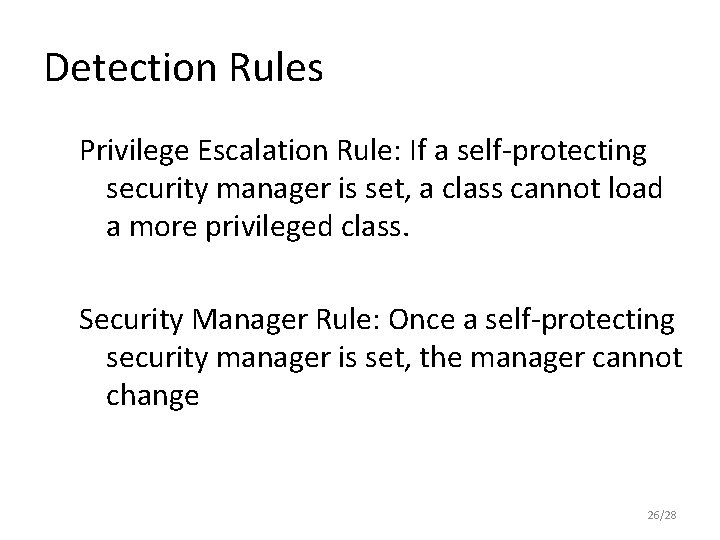
Detection Rules Privilege Escalation Rule: If a self-protecting security manager is set, a class cannot load a more privileged class. Security Manager Rule: Once a self-protecting security manager is set, the manager cannot change 26/28
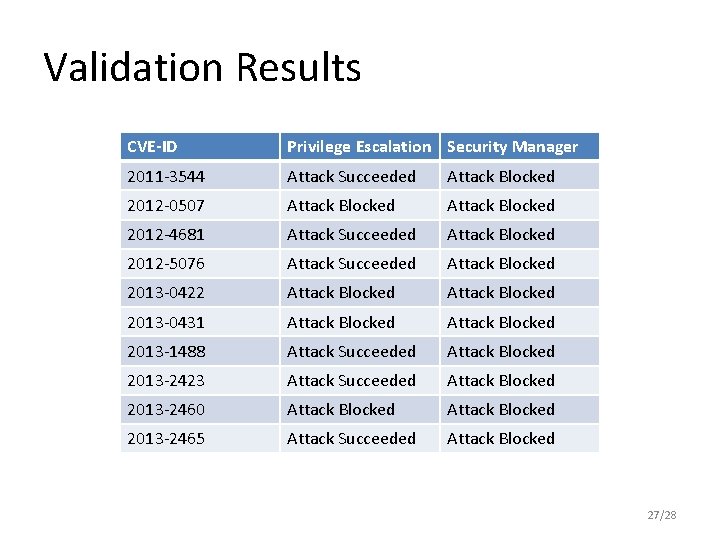
Validation Results CVE-ID Privilege Escalation Security Manager 2011 -3544 Attack Succeeded Attack Blocked 2012 -0507 Attack Blocked 2012 -4681 Attack Succeeded Attack Blocked 2012 -5076 Attack Succeeded Attack Blocked 2013 -0422 Attack Blocked 2013 -0431 Attack Blocked 2013 -1488 Attack Succeeded Attack Blocked 2013 -2423 Attack Succeeded Attack Blocked 2013 -2460 Attack Blocked 2013 -2465 Attack Succeeded Attack Blocked 27/28
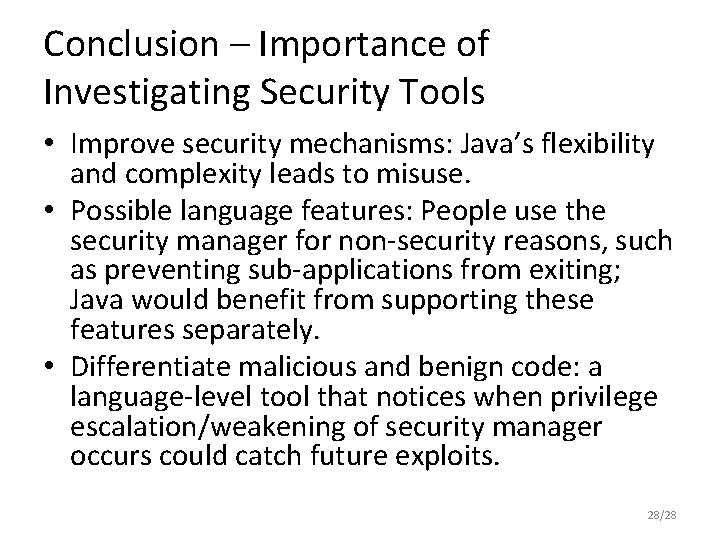
Conclusion – Importance of Investigating Security Tools • Improve security mechanisms: Java’s flexibility and complexity leads to misuse. • Possible language features: People use the security manager for non-security reasons, such as preventing sub-applications from exiting; Java would benefit from supporting these features separately. • Differentiate malicious and benign code: a language-level tool that notices when privilege escalation/weakening of security manager occurs could catch future exploits. 28/28
- Slides: 28