
European Computer Driving Licence Module 1 Concepts of



- Slides: 12
European Computer Driving Licence Module 1 – Concepts of IT Chapter 1. 3 - Software Pass ECDL 4 1
What is software? Z Primarily a list of instructions coded in a special way that computers can understand , , Operating system software – eg Windows which works in the background and controls your software and hardware devices Applications software – eg Microsoft Word – software used to perform tasks Pass ECDL 4 2
Software Updates Z Software is constantly updated to give the user improved features Z Most software manufacturers will provide updates to solve problem issues Z Software manufacturers will provide new versions to comply with new operating systems Z Be careful with software versions – a file created in Word 2003 may not be opened on a PC running Word 97 Pass ECDL 4 3
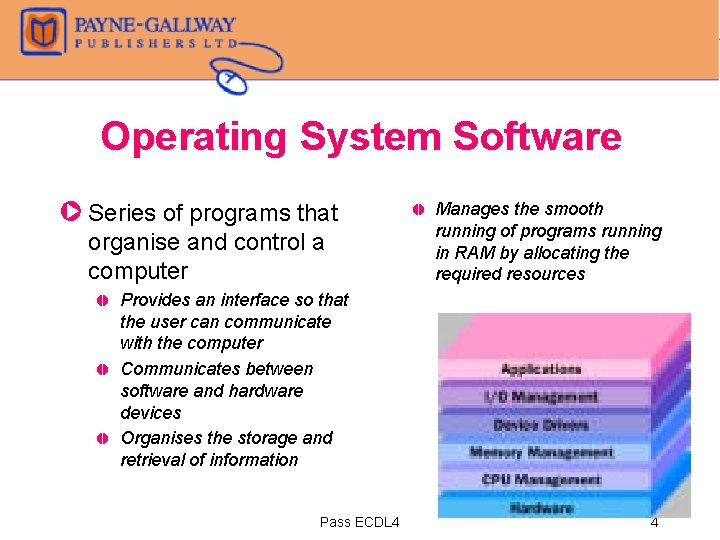
Operating System Software Z Series of programs that organise and control a computer , , Manages the smooth running of programs running in RAM by allocating the required resources Provides an interface so that the user can communicate with the computer Communicates between software and hardware devices Organises the storage and retrieval of information Pass ECDL 4 4
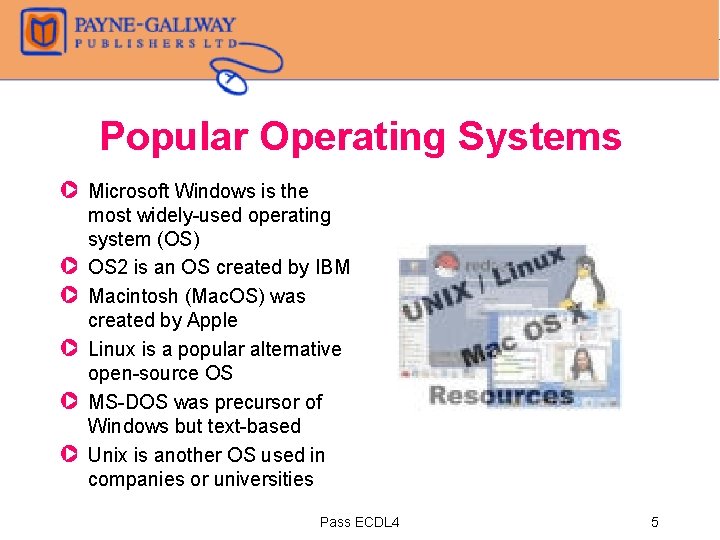
Popular Operating Systems Z Microsoft Windows is the most widely-used operating system (OS) Z OS 2 is an OS created by IBM Z Macintosh (Mac. OS) was created by Apple Z Linux is a popular alternative open-source OS Z MS-DOS was precursor of Windows but text-based Z Unix is another OS used in companies or universities Pass ECDL 4 5
Graphical User Interface Z Enables users to click and point at icons and menus on screen, instead of typing in computer commands Pass ECDL 4 6
Applications Software Z Word processor – used for typing letters, memos, reports etc Z Spreadsheet – used for performing calculations (eg Accounts) and for creating Charts Z Database – used for storing large quantities of data which can be interrogated to display specified pieces of information Z Desktop Publishing – used for creating newsletters, booklets, posters, cards etc Z Presentation – used for creating presentations which can either be displayed on screen, or printed onto overhead projection film or 35 mm slides. Z Web browsers – allows users to view and download information from the world wide web Pass ECDL 4 7
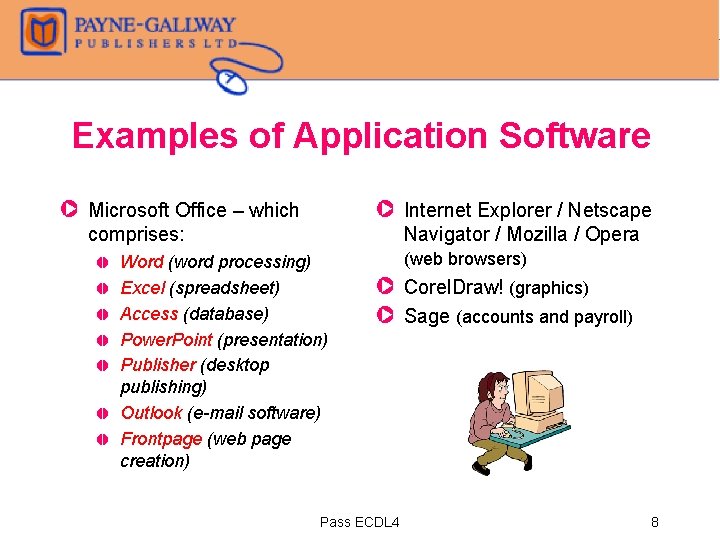
Examples of Application Software Z Microsoft Office – which comprises: , , , Z Internet Explorer / Netscape Navigator / Mozilla / Opera Word (word processing) Excel (spreadsheet) Access (database) Power. Point (presentation) Publisher (desktop publishing) Outlook (e-mail software) Frontpage (web page creation) (web browsers) Z Corel. Draw! (graphics) Z Sage (accounts and payroll) Pass ECDL 4 8
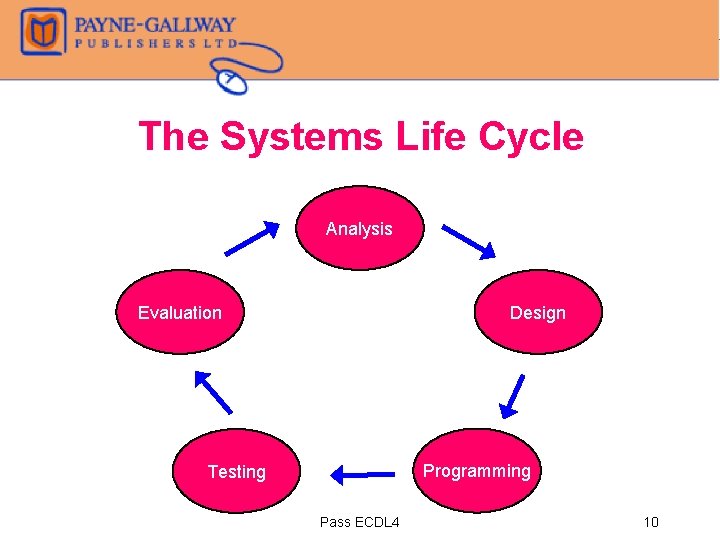
Systems Development Z Computer-based systems are developed by specialist teams of system analysts and programmers Z Development of large computer-based systems can involve dozens of people working over a few months or even years Z Formal methods and procedures are applied to ensure the project is delivered on time Z This process is known as the Systems Life Cycle Pass ECDL 4 9
The Systems Life Cycle Analysis Evaluation Design Programming Testing Pass ECDL 4 10
The Different Stages Z Analysis , When the need for a computer system is identified, a systems analyst will analyse the requirements – how will information be input? What processing is required? What output is required? Z Design , The overall system is designed with each subsection in fine detail, including screen layouts, user interfaces, format of stored data, processing and output Z Programming , A team of programmers will each work on a module of the final package. Pass ECDL 4 11
The Different Stages (cont’d) Z Testing , Each section is tested individually and then as part of the whole suite. Data is supplied (including ‘normal’ and ‘erroneous’) to test the system to make sure it is stable. Z Evaluation , , Once the system has been put into operation, it must be evaluated to see how well it performs. A new system may be needed and the whole process starts again Pass ECDL 4 12