
ETRIMS Image Viewer Tennessee Department of Transportation Strategic



- Slides: 17
E-TRIMS & Image Viewer Tennessee Department of Transportation Strategic Transportation Investments Division Project Safety Office Jeff Murphy
TDOT’s Safety Office Utilizes E-TRIMS to investigate crash locations Crashes are imported from TITAN (Dept of Safety) Crashes are automatically or manually located by log mile in the TRIMS database.
E-TRIMS Web Application Query data in the TRIM LRS database Used by TDOT HQ, Regions, other State Dept’ Used by Consultants Used by MPO’s, RPO’s Used by Local Governments
Primary Database Tables Highway (Centerline Geometry) Road Segment Route Feature Roadway Description Roadway Geometrics Structures Traffic Maintenance Feature Maintenance Inventory
Road Segment Table Functional Class Government Control Admin. System Incorporated Area Urban Area MPA Special Systems US Routes Road Name
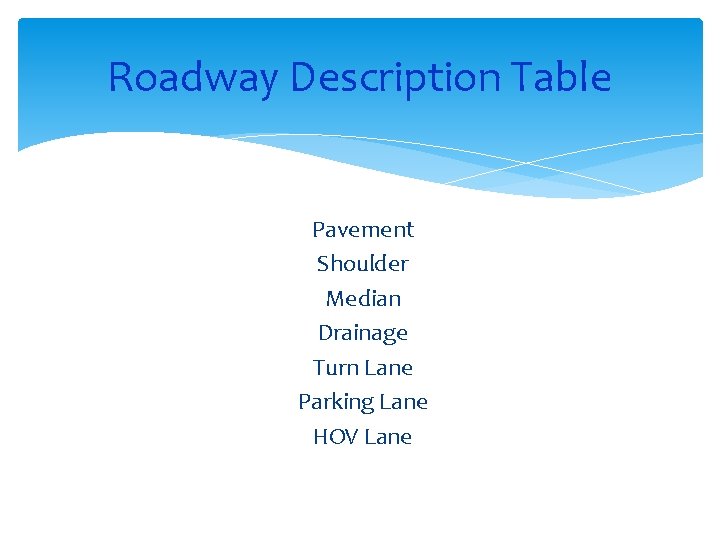
Roadway Description Table Pavement Shoulder Median Drainage Turn Lane Parking Lane HOV Lane
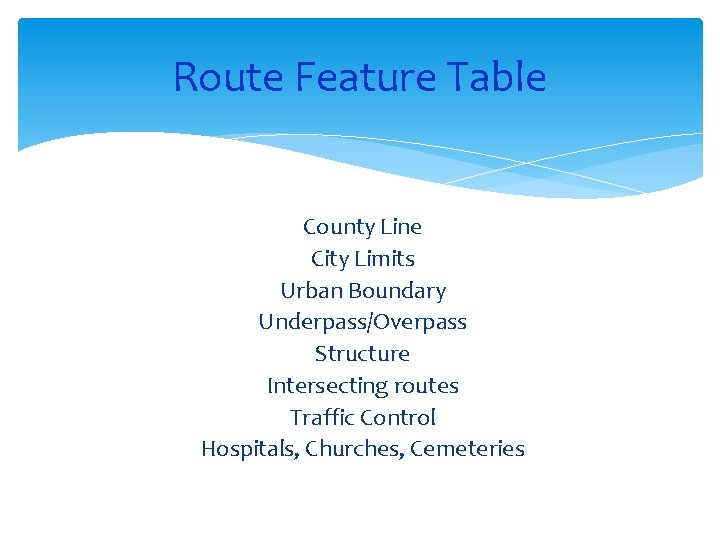
Route Feature Table County Line City Limits Urban Boundary Underpass/Overpass Structure Intersecting routes Traffic Control Hospitals, Churches, Cemeteries
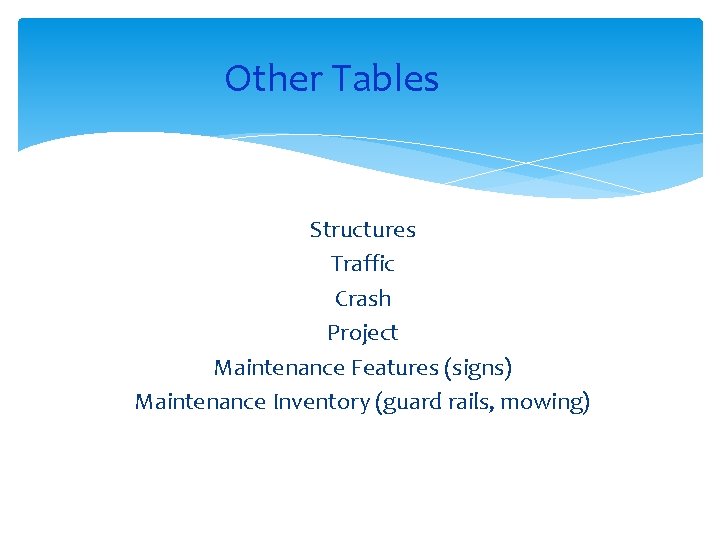
Other Tables Structures Traffic Crash Project Maintenance Features (signs) Maintenance Inventory (guard rails, mowing)
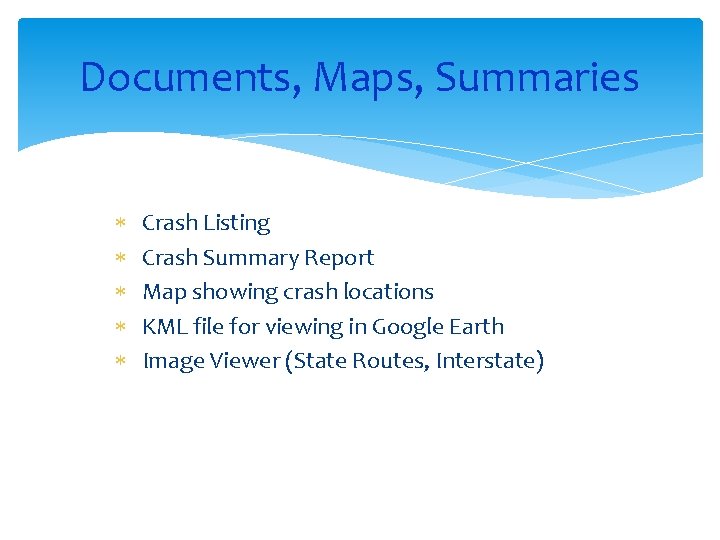
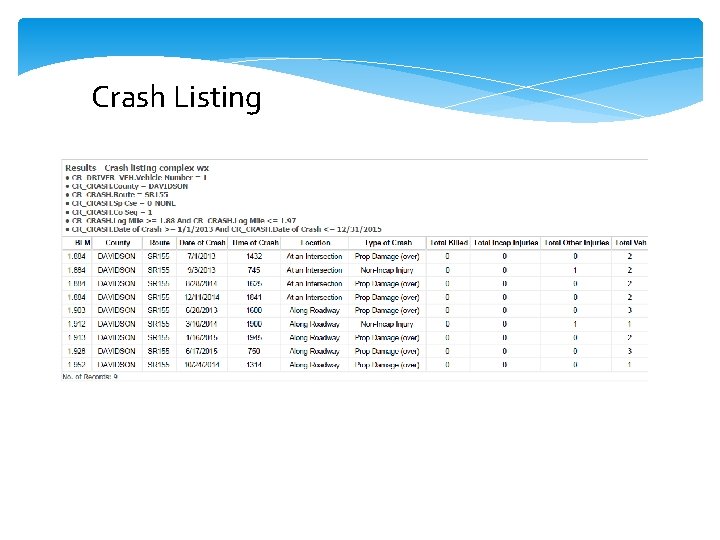
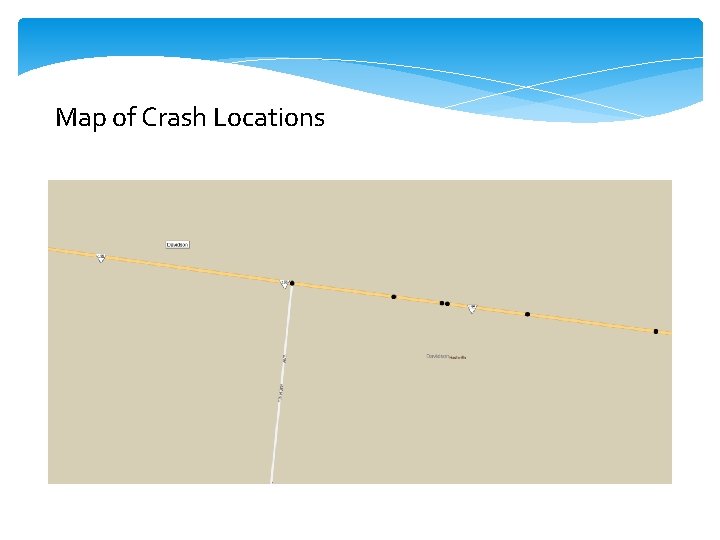
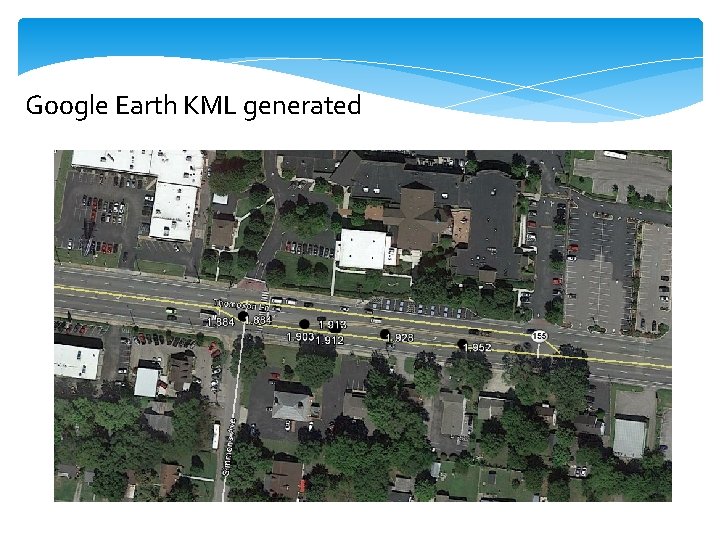
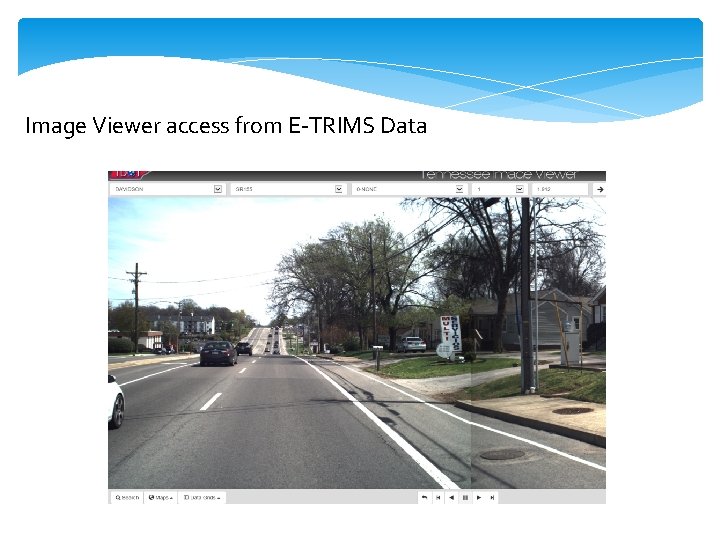
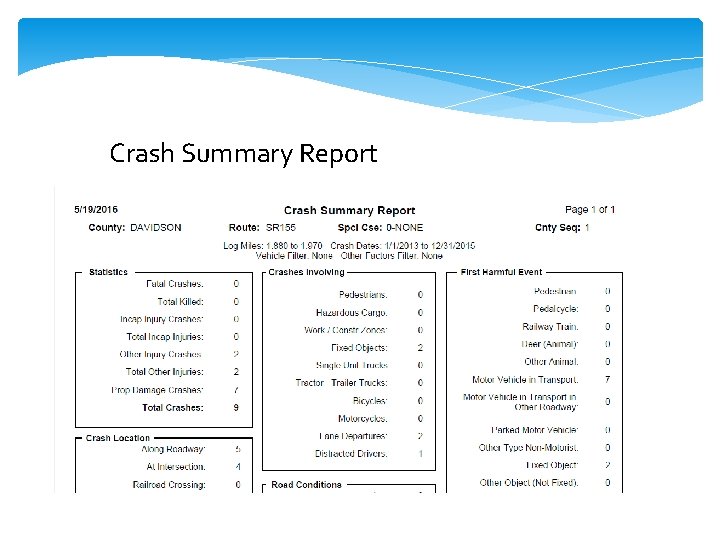
Documents, Maps, Summaries Crash Listing Crash Summary Report Map showing crash locations KML file for viewing in Google Earth Image Viewer (State Routes, Interstate)
Crash Listing
Map of Crash Locations
Google Earth KML generated
Image Viewer access from E-TRIMS Data
Crash Summary Report
Roadway Geometrics Number of lanes Thru lanes Speed limit Truck speed limit School speed limit Illumination Access Control
DEMO E-TRIMS & Image Viewer
Questions? Jeff Murphy Jeff. murphy@tn. gov (615) 741 -0968