
ETL from the Trenches Using SSIS in the

- Slides: 27
ETL from the Trenches: Using SSIS in the Real World Dave Fackler, BI Architect davef@rollinghillsky. com
Complete the Evaluation Form & Win! • You could win a Dell Mini Netbook – every day – just for handing in your completed form! Each session form is another chance to win! Pick up your Evaluation Form: • Within each presentation room • At the PASS Booth near registration area Drop off your completed Form: • Near the exit of each presentation room • At the PASS Booth near registration area Sponsored by Dell
Agenda • ETL case study • Data warehouse environment • ETL architecture/challenges • SSIS solution • Design patterns • Package standards • ETL auditing and logging • Team development • Package deployments
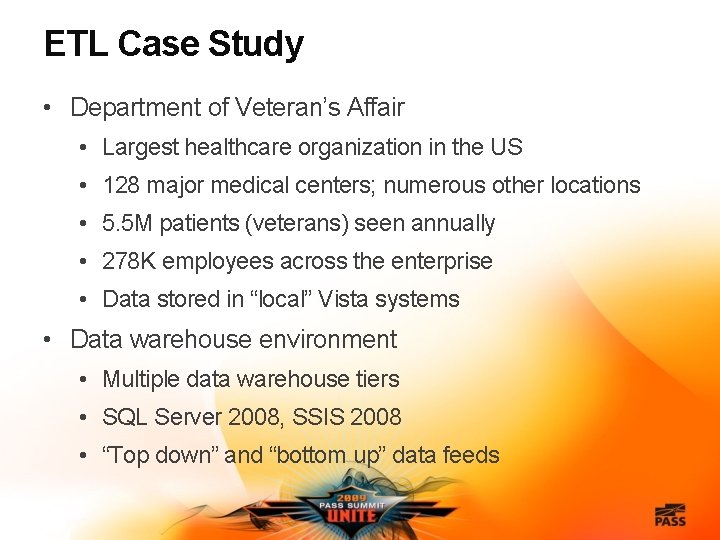
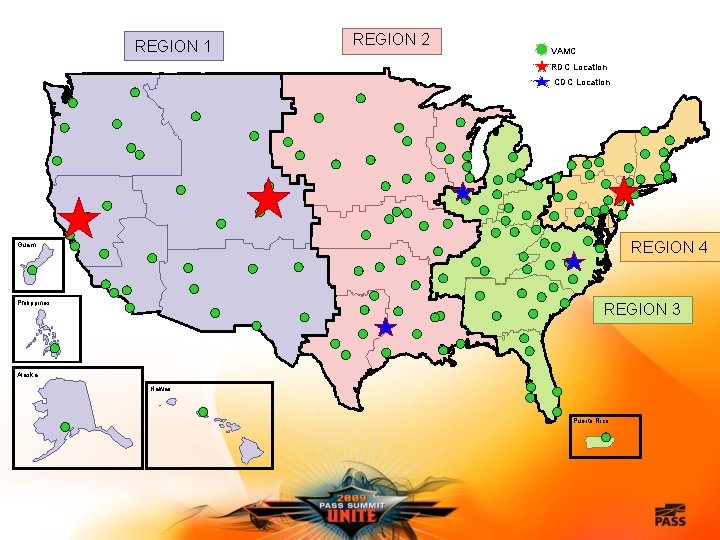
ETL Case Study • Department of Veteran’s Affair • Largest healthcare organization in the US • 128 major medical centers; numerous other locations • 5. 5 M patients (veterans) seen annually • 278 K employees across the enterprise • Data stored in “local” Vista systems • Data warehouse environment • Multiple data warehouse tiers • SQL Server 2008, SSIS 2008 • “Top down” and “bottom up” data feeds
REGION 1 REGION 2 VAMC RDC Location CDC Location REGION 4 Guam Philippines REGION 3 Alaska Hawaii Puerto Rico
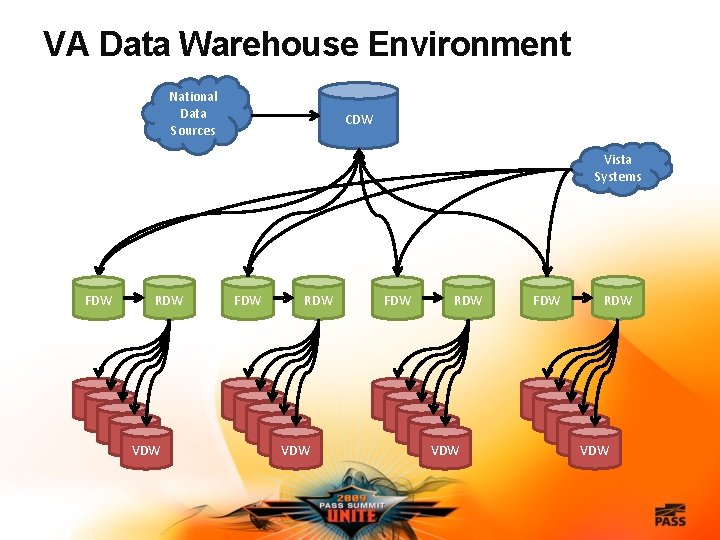
VA Data Warehouse Environment National Data Sources CDW Vista Systems FDW RDW VDW VDW VDW VDW VDW
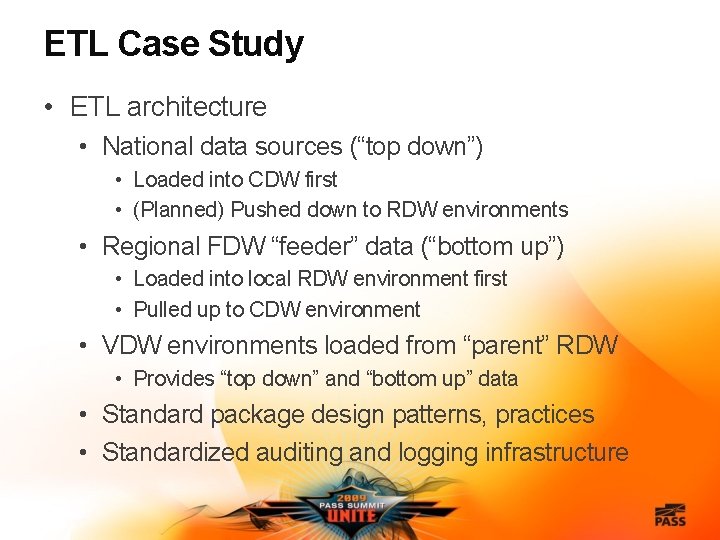
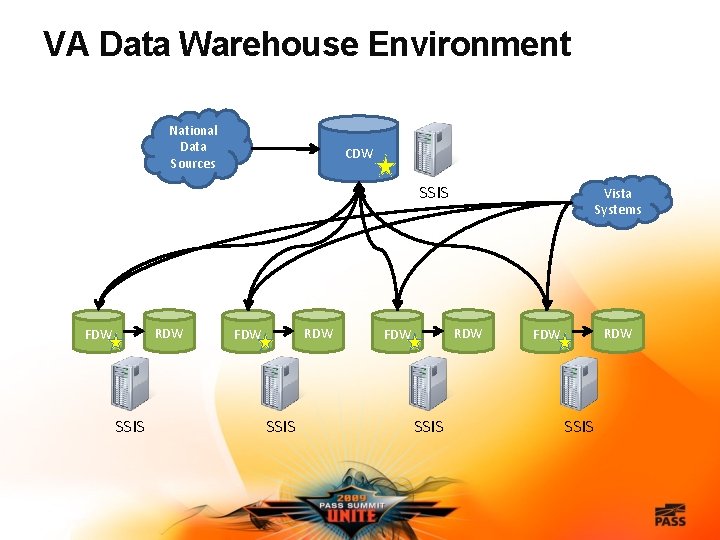
ETL Case Study • ETL architecture • National data sources (“top down”) • Loaded into CDW first • (Planned) Pushed down to RDW environments • Regional FDW “feeder” data (“bottom up”) • Loaded into local RDW environment first • Pulled up to CDW environment • VDW environments loaded from “parent” RDW • Provides “top down” and “bottom up” data • Standard package design patterns, practices • Standardized auditing and logging infrastructure
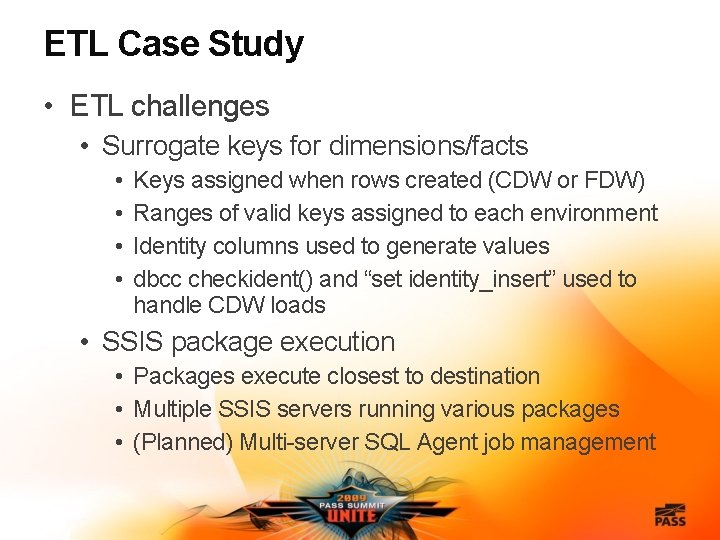
ETL Case Study • ETL challenges • Surrogate keys for dimensions/facts • • Keys assigned when rows created (CDW or FDW) Ranges of valid keys assigned to each environment Identity columns used to generate values dbcc checkident() and “set identity_insert” used to handle CDW loads • SSIS package execution • Packages execute closest to destination • Multiple SSIS servers running various packages • (Planned) Multi-server SQL Agent job management
VA Data Warehouse Environment National Data Sources CDW SSIS RDW FDW SSIS Vista Systems RDW FDW SSIS
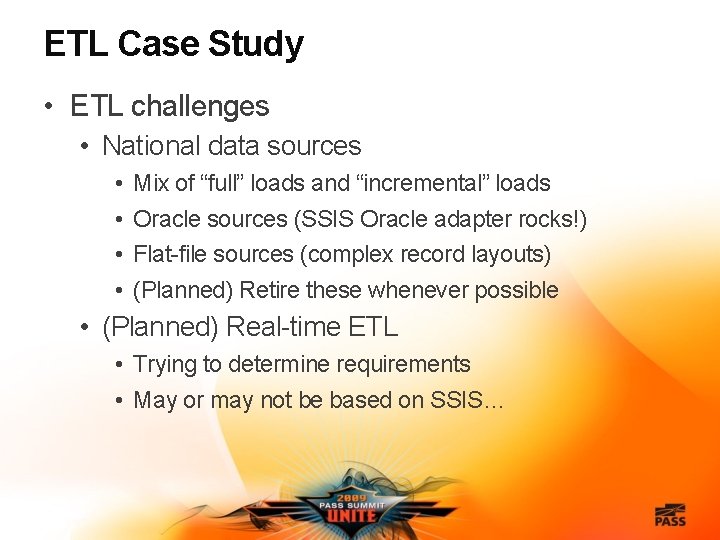
ETL Case Study • ETL challenges • National data sources • • Mix of “full” loads and “incremental” loads Oracle sources (SSIS Oracle adapter rocks!) Flat-file sources (complex record layouts) (Planned) Retire these whenever possible • (Planned) Real-time ETL • Trying to determine requirements • May or may not be based on SSIS…
Agenda • ETL case study • Data warehouse environment • ETL architecture/challenges • SSIS solution • Design patterns • Package standards • ETL auditing and logging • Team development • Package deployments
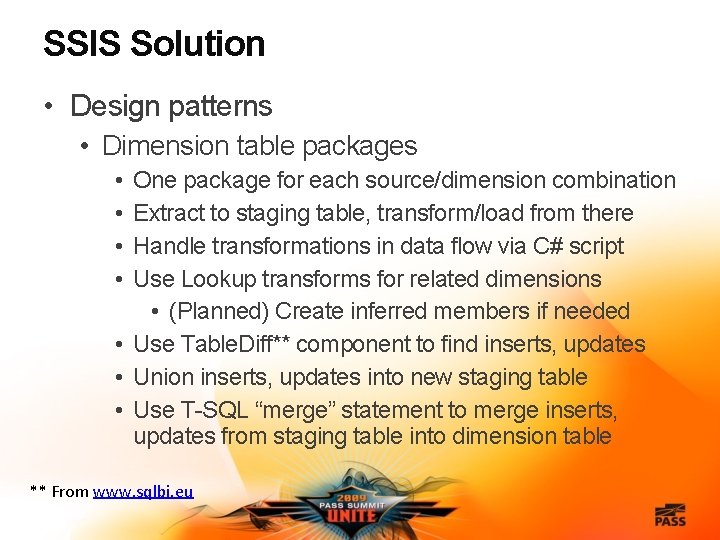
SSIS Solution • Design patterns • Dimension table packages • • One package for each source/dimension combination Extract to staging table, transform/load from there Handle transformations in data flow via C# script Use Lookup transforms for related dimensions • (Planned) Create inferred members if needed • Use Table. Diff** component to find inserts, updates • Union inserts, updates into new staging table • Use T-SQL “merge” statement to merge inserts, updates from staging table into dimension table ** From www. sqlbi. eu
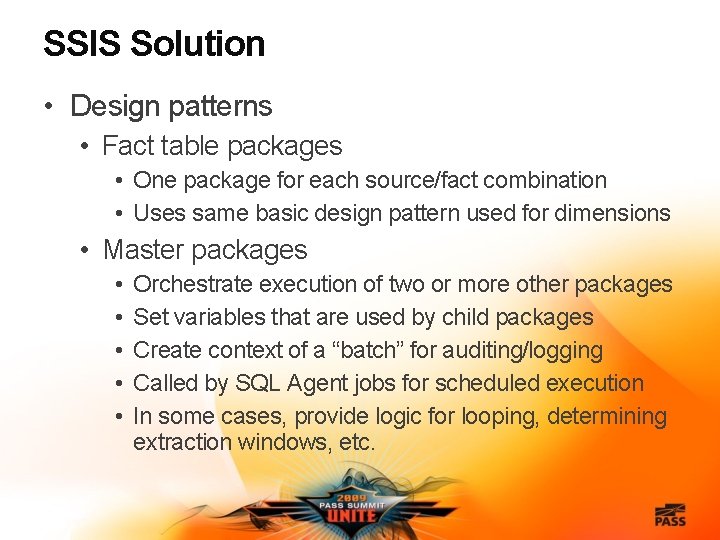
SSIS Solution • Design patterns • Fact table packages • One package for each source/fact combination • Uses same basic design pattern used for dimensions • Master packages • • • Orchestrate execution of two or more other packages Set variables that are used by child packages Create context of a “batch” for auditing/logging Called by SQL Agent jobs for scheduled execution In some cases, provide logic for looping, determining extraction windows, etc.
Package Design Patterns DEMO
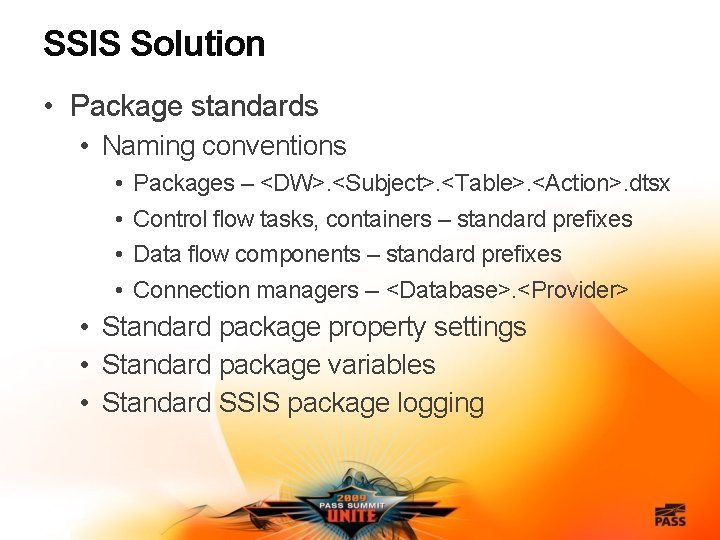
SSIS Solution • Package standards • Naming conventions • • Packages – <DW>. <Subject>. <Table>. <Action>. dtsx Control flow tasks, containers – standard prefixes Data flow components – standard prefixes Connection managers -- <Database>. <Provider> • Standard package property settings • Standard package variables • Standard SSIS package logging
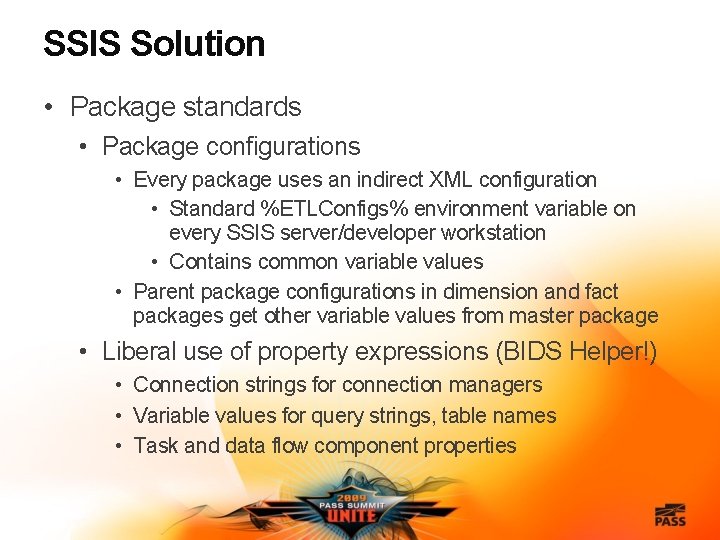
SSIS Solution • Package standards • Package configurations • Every package uses an indirect XML configuration • Standard %ETLConfigs% environment variable on every SSIS server/developer workstation • Contains common variable values • Parent package configurations in dimension and fact packages get other variable values from master package • Liberal use of property expressions (BIDS Helper!) • Connection strings for connection managers • Variable values for query strings, table names • Task and data flow component properties
Package Standards DEMO
Agenda • ETL case study • Data warehouse environment • ETL architecture/challenges • SSIS solution • Design patterns • Package standards • ETL auditing and logging • Team development • Package deployments
ETL Auditing and Logging • Defined set of tables for capturing details regarding package execution, ETL results, etc. • Stored in ETL database • Tables exist in ETLAudit schema • Stored procedures used (called via Execute SQL tasks) to interact with tables • (Planned) Maybe put some in Event Handlers • All rows in DW tables tagged with ETLBatch. ID • Several SSRS reports used to review data
ETL Auditing and Logging DEMO
Agenda • ETL case study • Data warehouse environment • ETL architecture/challenges • SSIS solution • Design patterns • Package standards • ETL auditing and logging • Team development • Package deployments
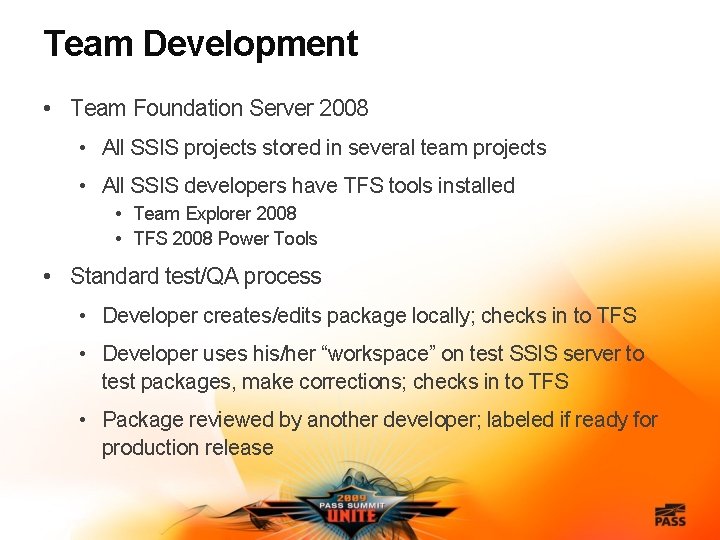
Team Development • Team Foundation Server 2008 • All SSIS projects stored in several team projects • All SSIS developers have TFS tools installed • Team Explorer 2008 • TFS 2008 Power Tools • Standard test/QA process • Developer creates/edits package locally; checks in to TFS • Developer uses his/her “workspace” on test SSIS server to test packages, make corrections; checks in to TFS • Package reviewed by another developer; labeled if ready for production release
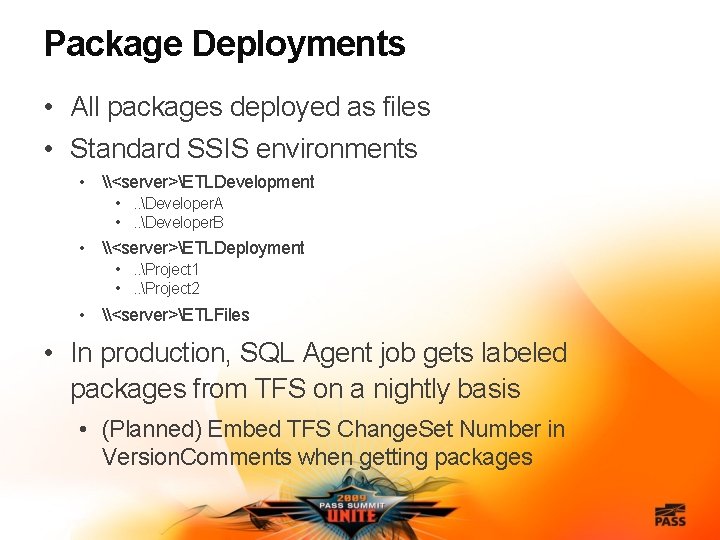
Package Deployments • All packages deployed as files • Standard SSIS environments • \<server>ETLDevelopment • . . Developer. A • . . Developer. B • \<server>ETLDeployment • . . Project 1 • . . Project 2 • \<server>ETLFiles • In production, SQL Agent job gets labeled packages from TFS on a nightly basis • (Planned) Embed TFS Change. Set Number in Version. Comments when getting packages
Team Development, Package Deployments DEMO
Agenda • ETL case study • Data warehouse environment • ETL architecture/challenges • SSIS solution • Design patterns • Package standards • ETL auditing and logging • Team development • Package deployments
Complete the Evaluation Form & Win! • You could win a Dell Mini Netbook – every day – just for handing in your completed form! Each session form is another chance to win! Pick up your Evaluation Form: • Within each presentation room • At the PASS Booth near registration area Drop off your completed Form: • Near the exit of each presentation room • At the PASS Booth near registration area Sponsored by Dell
Thank you for attending this session and the 2009 PASS Summit in Seattle -- and don’t forget that you can get the conference sessions DVD for $125!!