
Estructura For Each Leonel Morales Daz Ingeniera Simple
- Slides: 10
Estructura For Each Leonel Morales Díaz Ingeniería Simple leonel@ingenieriasimple. com Copyright 2008 by Leonel Morales Díaz – Ingeniería Simple. Derechos reservados Disponible en: http: //www. ingenieriasimple. com/introprogra
Estructura For Each • Recorrer una lista o colección • Arrays o colecciones de objetos • Equivalente Javascript: – for (variable in colección) { instrucciones } • Facilita acceso • No garantiza orden
Repaso del Examen Document. Write “<Table Id=Tabla. Archivos Border=1></Table>” • ¿Por qué la tabla está “cerrada”? • ¿Se le podrán agregar datos? • ¿Por qué tiene un id=?
Repaso del Examen Sub Lista. Archivos(Fld. Obj) • ¿Qué hace Lista. Archivos(Fld. Obj)? • ¿Por qué tiene un parámetro? – ¿Qué función tiene el parámetro? • ¿De qué tipo es el parámetro?
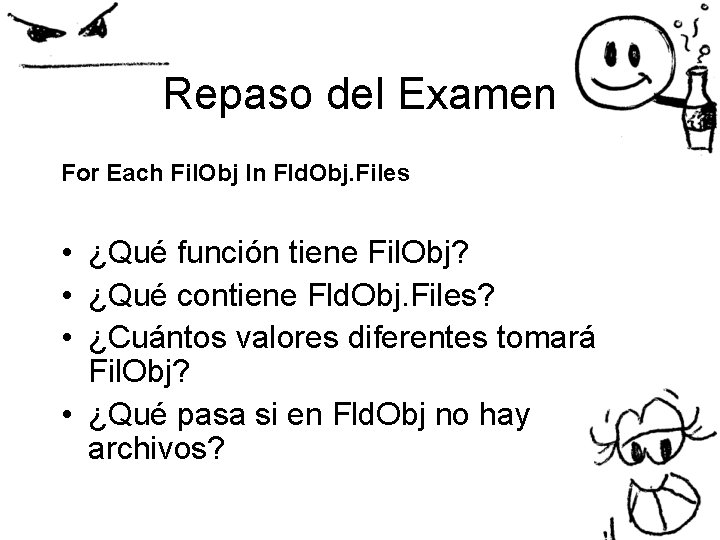
Repaso del Examen For Each Fil. Obj In Fld. Obj. Files • ¿Qué función tiene Fil. Obj? • ¿Qué contiene Fld. Obj. Files? • ¿Cuántos valores diferentes tomará Fil. Obj? • ¿Qué pasa si en Fld. Obj no hay archivos?
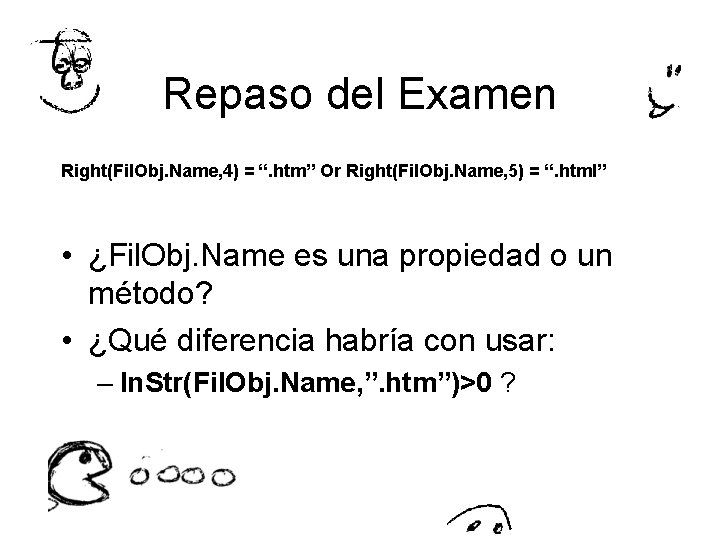
Repaso del Examen Right(Fil. Obj. Name, 4) = “. htm” Or Right(Fil. Obj. Name, 5) = “. html” • ¿Fil. Obj. Name es una propiedad o un método? • ¿Qué diferencia habría con usar: – In. Str(Fil. Obj. Name, ”. htm”)>0 ?
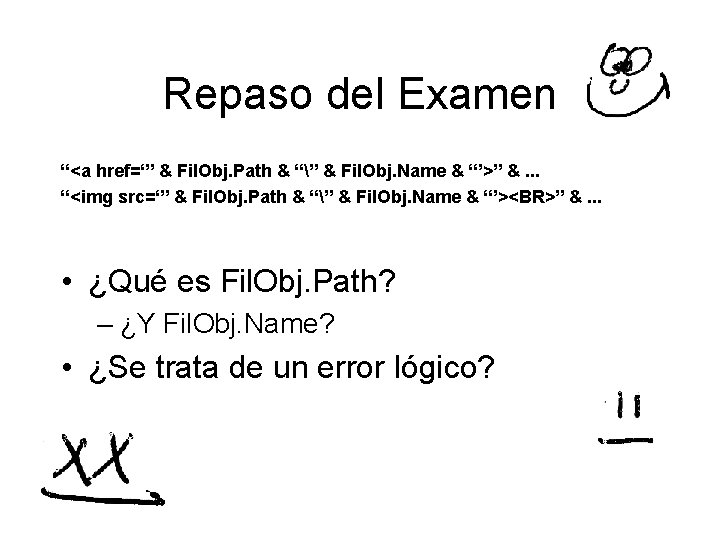
Repaso del Examen “<a href=‘” & Fil. Obj. Path & “” & Fil. Obj. Name & “’>” &. . . “<img src=‘” & Fil. Obj. Path & “” & Fil. Obj. Name & “’><BR>” &. . . • ¿Qué es Fil. Obj. Path? – ¿Y Fil. Obj. Name? • ¿Se trata de un error lógico?
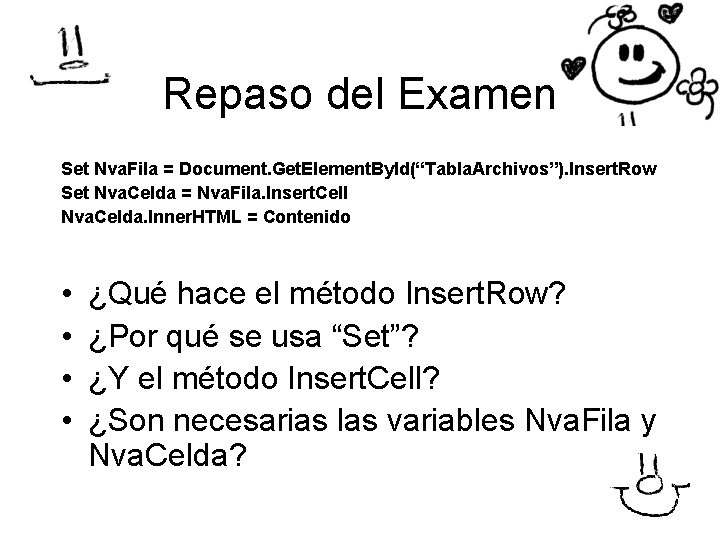
Repaso del Examen Set Nva. Fila = Document. Get. Element. By. Id(“Tabla. Archivos”). Insert. Row Set Nva. Celda = Nva. Fila. Insert. Cell Nva. Celda. Inner. HTML = Contenido • • ¿Qué hace el método Insert. Row? ¿Por qué se usa “Set”? ¿Y el método Insert. Cell? ¿Son necesarias las variables Nva. Fila y Nva. Celda?
Repaso del Examen For Each Sub. Fld. Obj in Fld. Obj. Sub. Folders Lista. Archivos Sub. Fld. Obj Next • ¿Está dentro del Sub Lista. Archivos? • ¿Por qué está adentro? • ¿Qué contiene Fld. Obj. Sub. Folders?
Ejercicio • En grupos – Máximo 5 por grupo • Probar el código (2 miembros) – Investigar las instrucciones – Identificar los problemas que tiene – Comunicarlos al resto • Diseñar algo mejor (el resto) – La idea es buscar todos los. htm, . jpg y. gif – Presentarlos y hacerlos accesibles • Implementarlo (todos)