
Essentials 3 Content Types and Metadata Jason Morrill


- Slides: 14
Essentials 3 – Content Types and Metadata Jason Morrill Program Manager Windows Share. Point Services
Agenda • What’s a content type • Content type creation & management • Office client integration • Extensibility hooks • Building a solution on content types
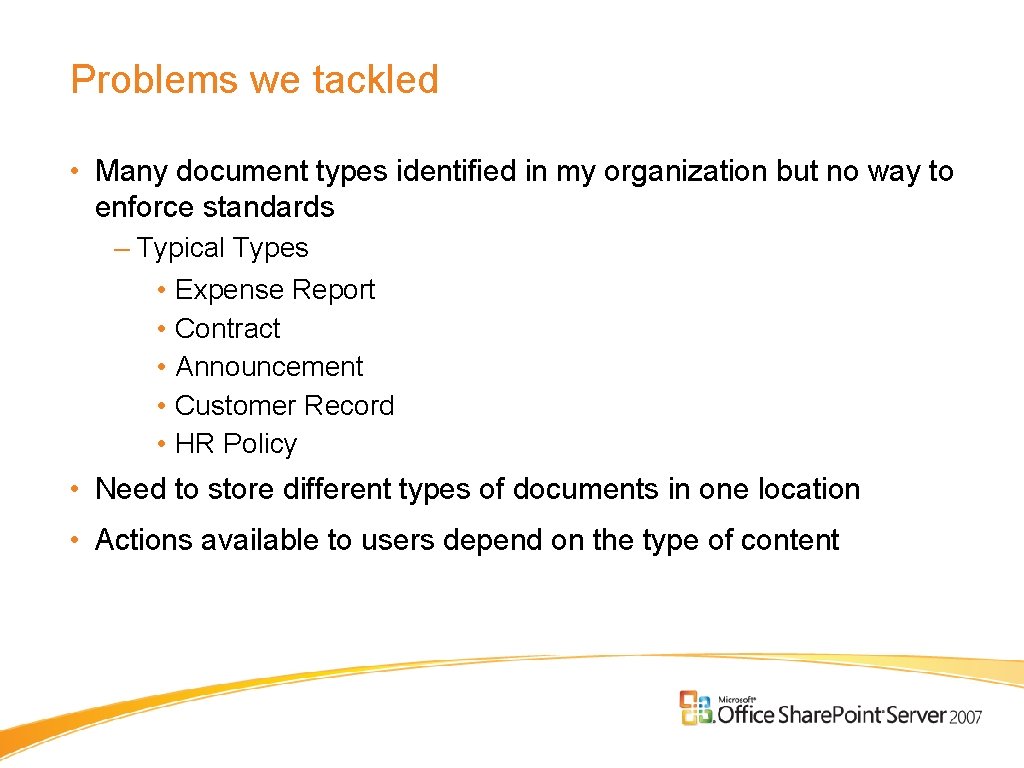
Problems we tackled • Many document types identified in my organization but no way to enforce standards – Typical Types • Expense Report • Contract • Announcement • Customer Record • HR Policy • Need to store different types of documents in one location • Actions available to users depend on the type of content 4
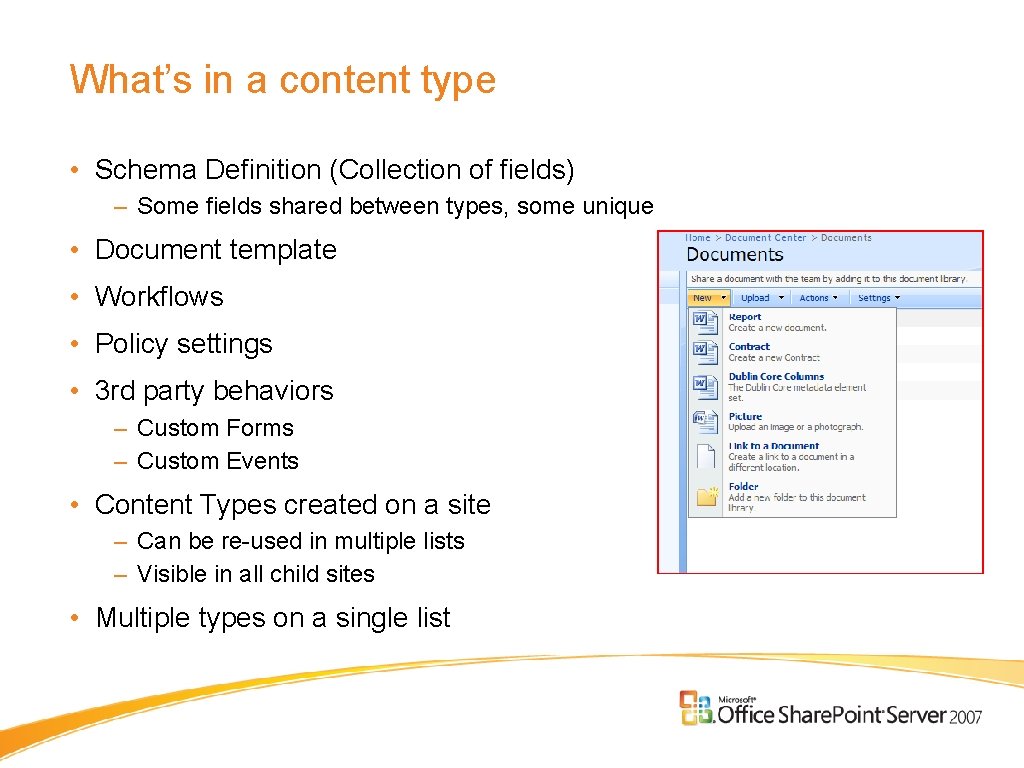
What’s in a content type • Schema Definition (Collection of fields) – Some fields shared between types, some unique • Document template • Workflows • Policy settings • 3 rd party behaviors – Custom Forms – Custom Events • Content Types created on a site – Can be re-used in multiple lists – Visible in all child sites • Multiple types on a single list
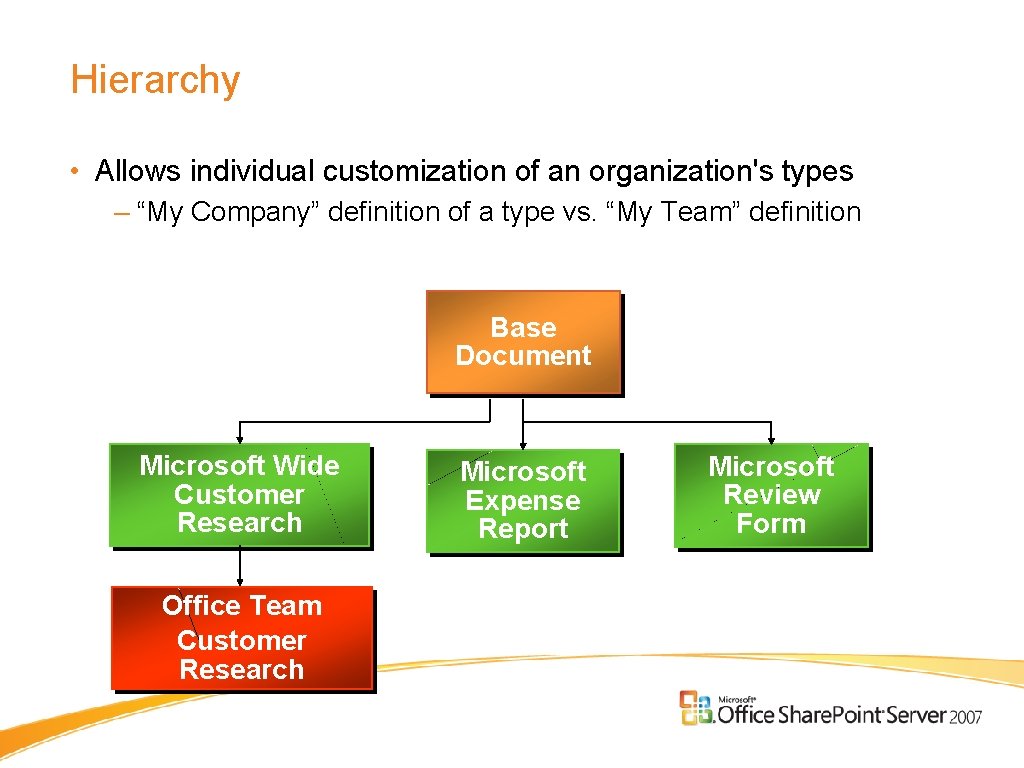
Hierarchy • Allows individual customization of an organization's types – “My Company” definition of a type vs. “My Team” definition Base Document Microsoft Wide Customer Research Office Team Customer Research Microsoft Expense Report Microsoft Review Form
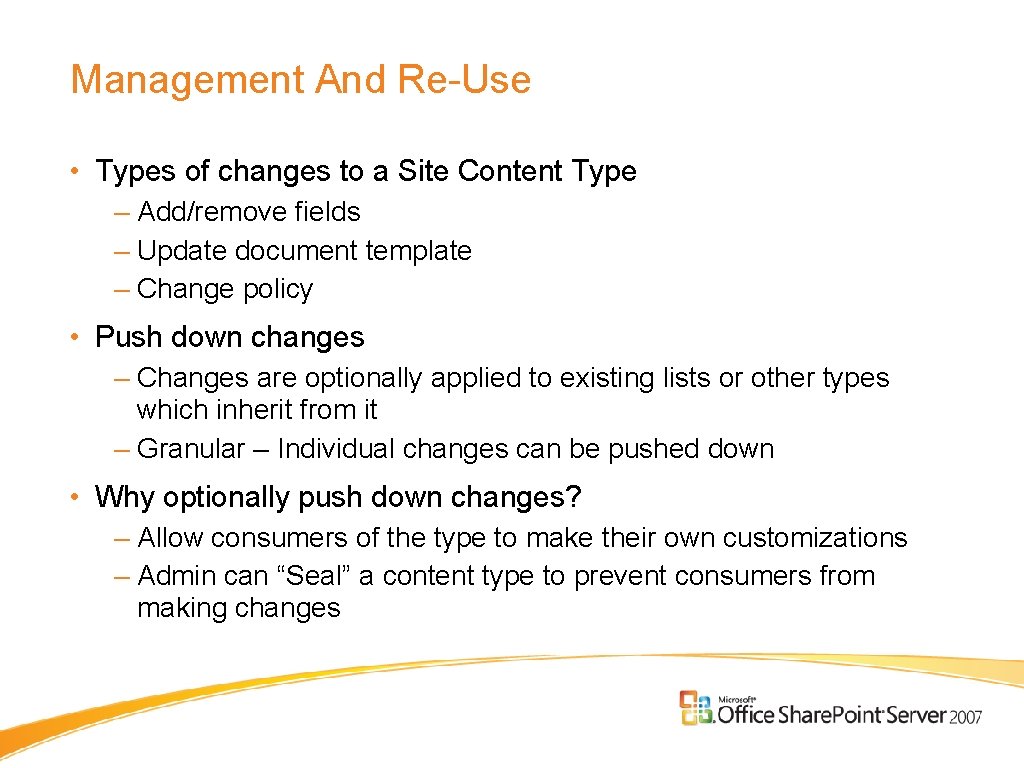
Management And Re-Use • Types of changes to a Site Content Type – Add/remove fields – Update document template – Change policy • Push down changes – Changes are optionally applied to existing lists or other types which inherit from it – Granular – Individual changes can be pushed down • Why optionally push down changes? – Allow consumers of the type to make their own customizations – Admin can “Seal” a content type to prevent consumers from making changes 7
Content Type Creation/Management
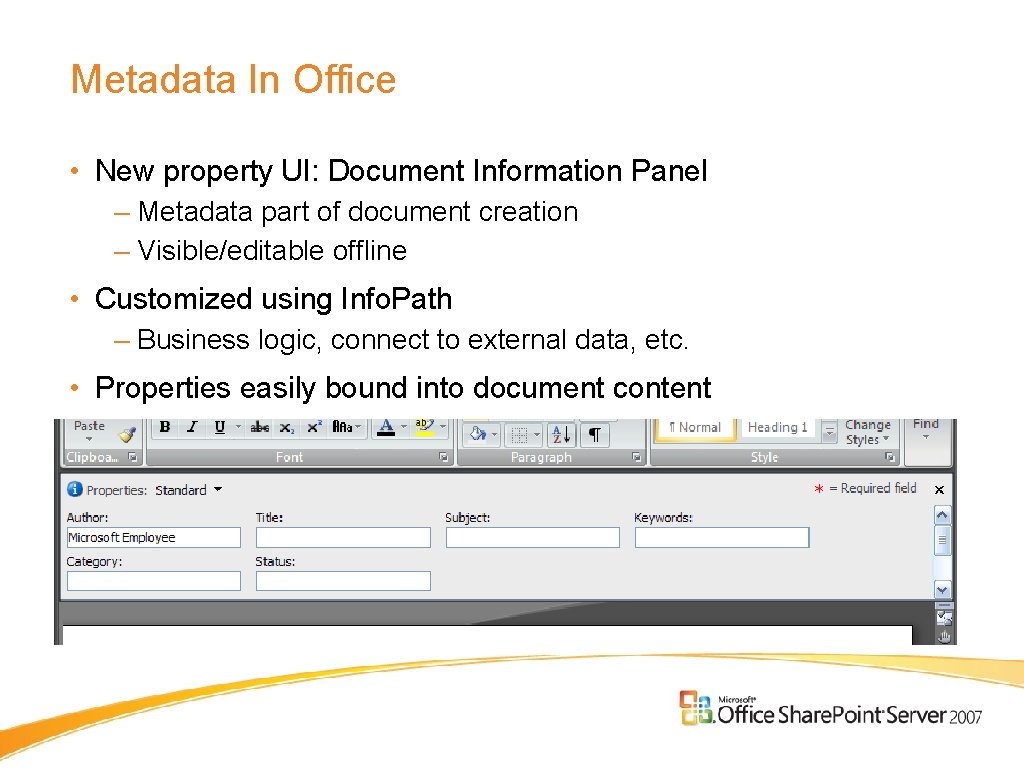
Metadata In Office • New property UI: Document Information Panel – Metadata part of document creation – Visible/editable offline • Customized using Info. Path – Business logic, connect to external data, etc. • Properties easily bound into document content
Office Client Integration
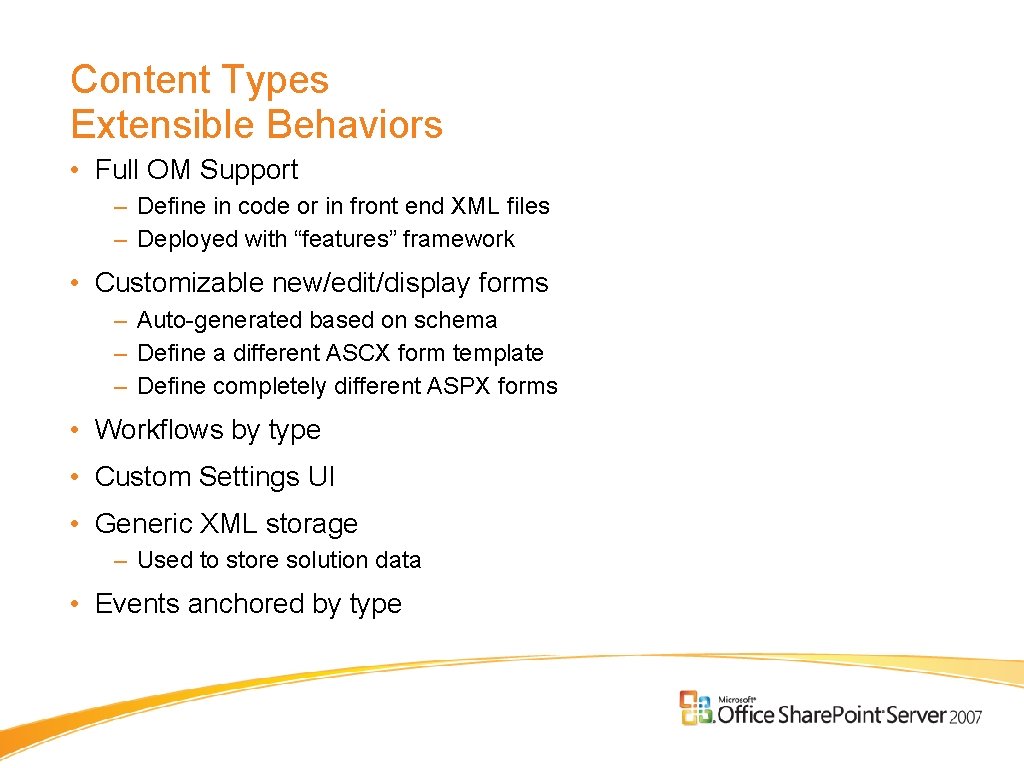
Content Types Extensible Behaviors • Full OM Support – Define in code or in front end XML files – Deployed with “features” framework • Customizable new/edit/display forms – Auto-generated based on schema – Define a different ASCX form template – Define completely different ASPX forms • Workflows by type • Custom Settings UI • Generic XML storage – Used to store solution data • Events anchored by type 11
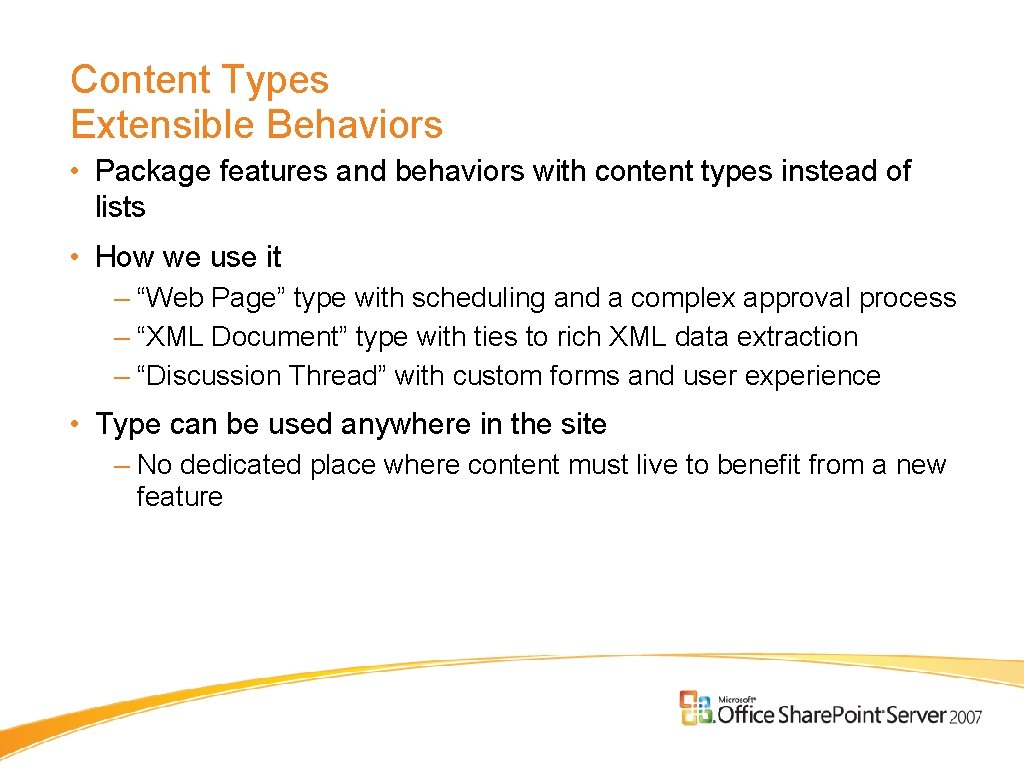
Content Types Extensible Behaviors • Package features and behaviors with content types instead of lists • How we use it – “Web Page” type with scheduling and a complex approval process – “XML Document” type with ties to rich XML data extraction – “Discussion Thread” with custom forms and user experience • Type can be used anywhere in the site – No dedicated place where content must live to benefit from a new feature 12
Custom Content Type: Expense Report
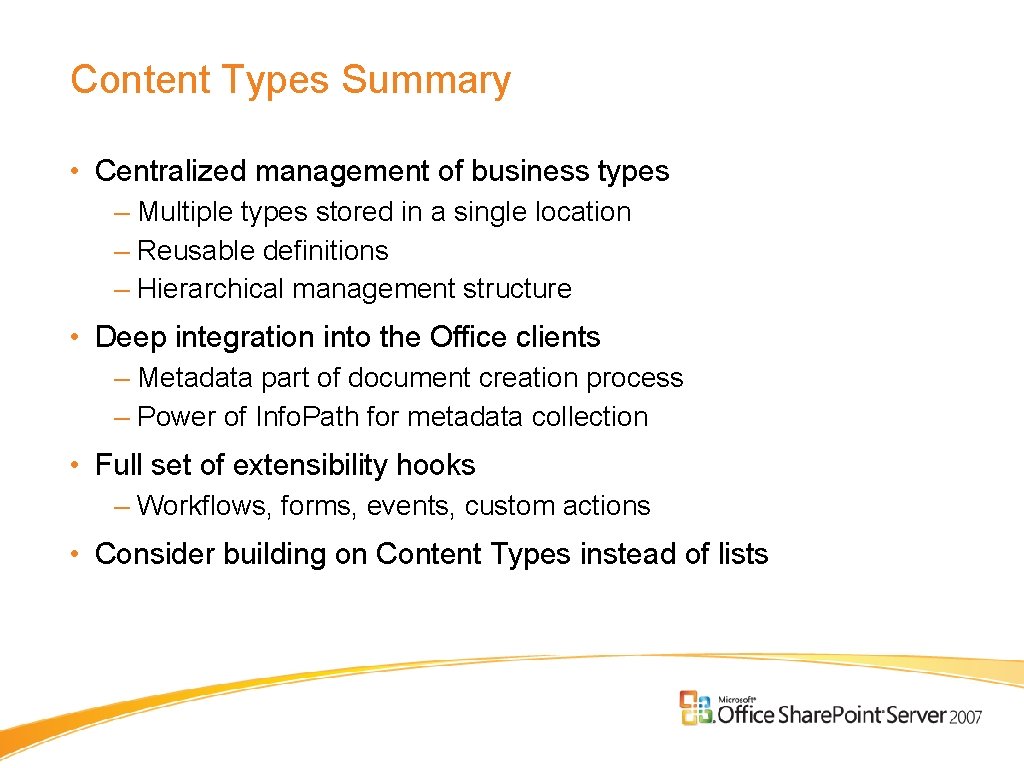
Content Types Summary • Centralized management of business types – Multiple types stored in a single location – Reusable definitions – Hierarchical management structure • Deep integration into the Office clients – Metadata part of document creation process – Power of Info. Path for metadata collection • Full set of extensibility hooks – Workflows, forms, events, custom actions • Consider building on Content Types instead of lists