
Essential Concepts Why OO What is OO What
![In Java for example public static long sum. Shapes(Shape shapes[]) { long sum =](https://slidetodoc.com/presentation_image_h2/9117205593b8477365dfca90076a5643/image-25.jpg "In Java for example public static long sum. Shapes(Shape shapes[]) { long sum =")
- Slides: 30
Essential Concepts Why OO? • What is OO? • What are the benefits? • What are the KEY concepts? • Basis for all the lectures • Stéphane Ducasse 6. 1
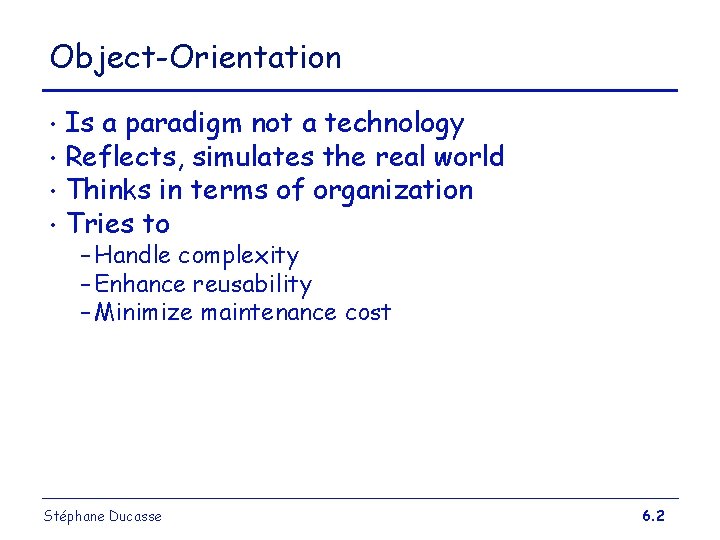
Object-Orientation Is a paradigm not a technology • Reflects, simulates the real world • Thinks in terms of organization • Tries to • – Handle complexity – Enhance reusability – Minimize maintenance cost Stéphane Ducasse 6. 2
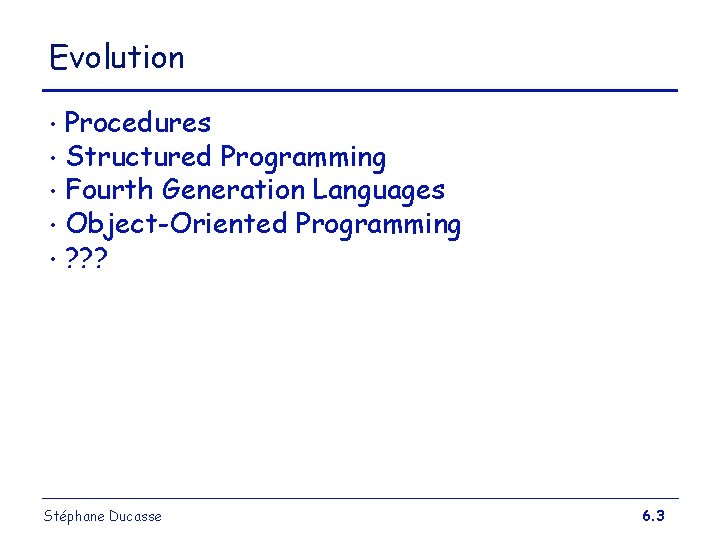
Evolution Procedures • Structured Programming • Fourth Generation Languages • Object-Oriented Programming • ? ? ? • Stéphane Ducasse 6. 3
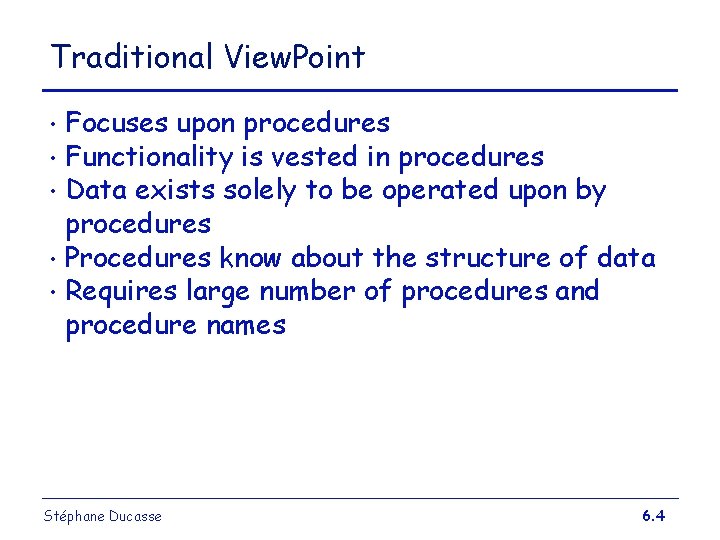
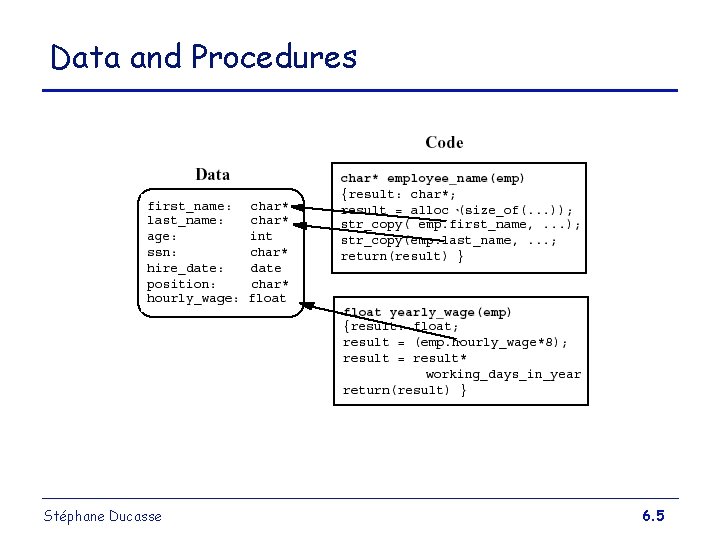
Traditional View. Point Focuses upon procedures • Functionality is vested in procedures • Data exists solely to be operated upon by procedures • Procedures know about the structure of data • Requires large number of procedures and procedure names • Stéphane Ducasse 6. 4
Data and Procedures Stéphane Ducasse 6. 5
What is OOP? An application is a collection of interacting entities (objects) • Objects are characterised by behaviour and state • Inter-object behaviour needs to be coordinated • Inter-object communication is the key to coordination • Stéphane Ducasse 6. 6
Object-Oriented Viewpoint An application is a set of objects interacting by sending messages • The functionality of an object is described by its methods, it’s data is stored in private variables • An object’s functionality can be invoked by sending a message • Everything is an object • Stéphane Ducasse 6. 7
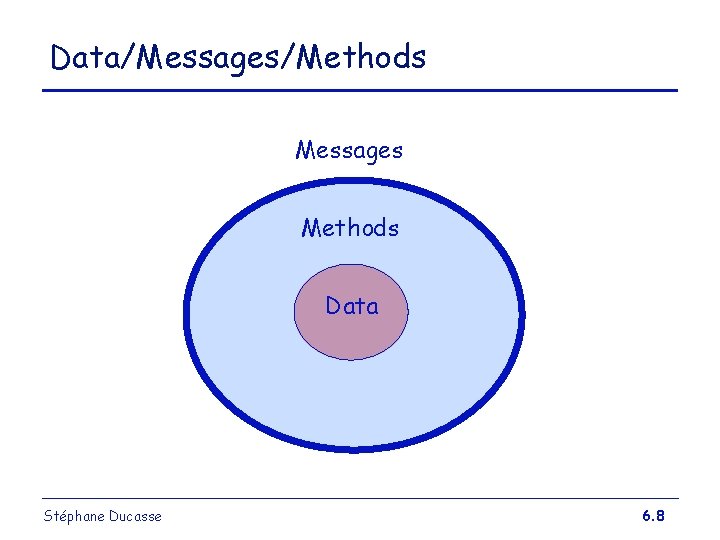
Data/Messages/Methods Messages Methods Data Stéphane Ducasse 6. 8
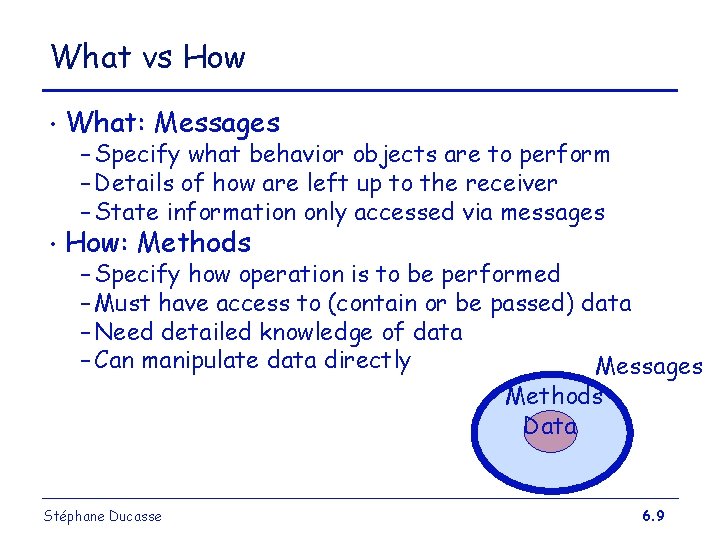
What vs How • What: Messages • How: Methods – Specify what behavior objects are to perform – Details of how are left up to the receiver – State information only accessed via messages – Specify how operation is to be performed – Must have access to (contain or be passed) data – Need detailed knowledge of data – Can manipulate data directly Messages Methods Data Stéphane Ducasse 6. 9
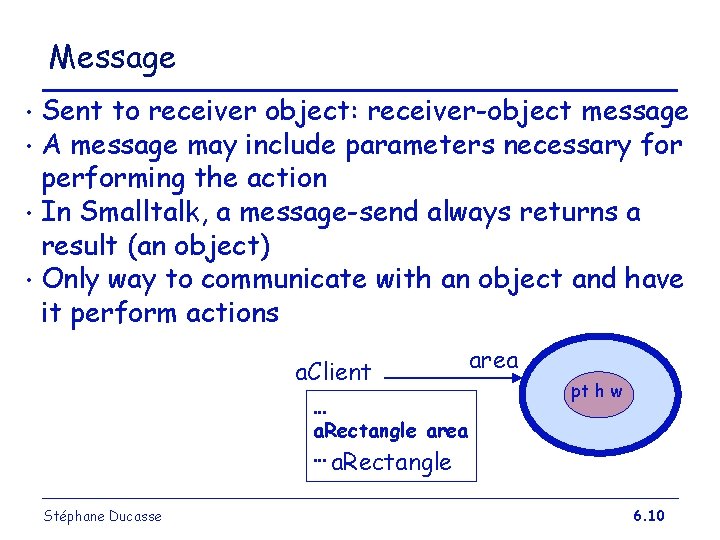
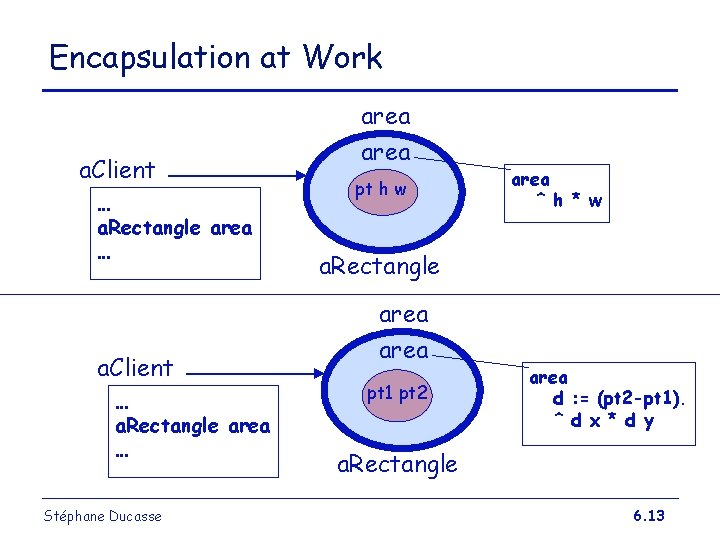
Message Sent to receiver object: receiver-object message • A message may include parameters necessary for performing the action • In Smalltalk, a message-send always returns a result (an object) • Only way to communicate with an object and have it perform actions • a. Client … a. Rectangle area … a. Rectangle Stéphane Ducasse area pt h w 6. 10
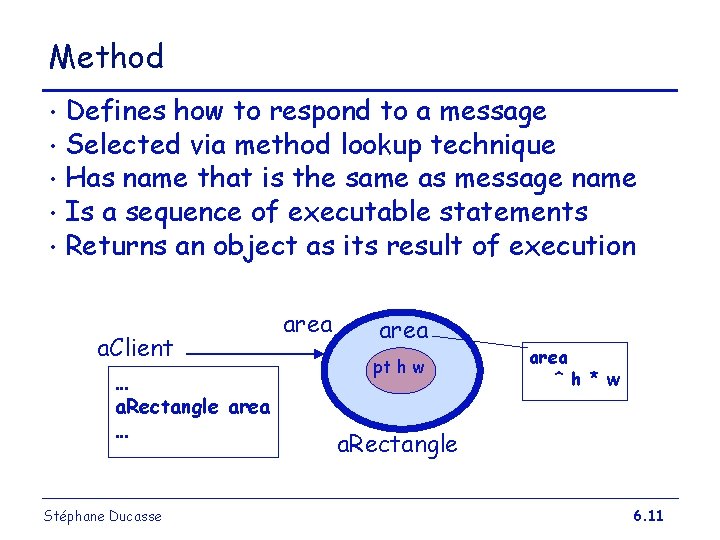
Method Defines how to respond to a message • Selected via method lookup technique • Has name that is the same as message name • Is a sequence of executable statements • Returns an object as its result of execution • a. Client … a. Rectangle area … Stéphane Ducasse area pt h w area ^ h * w a. Rectangle 6. 11
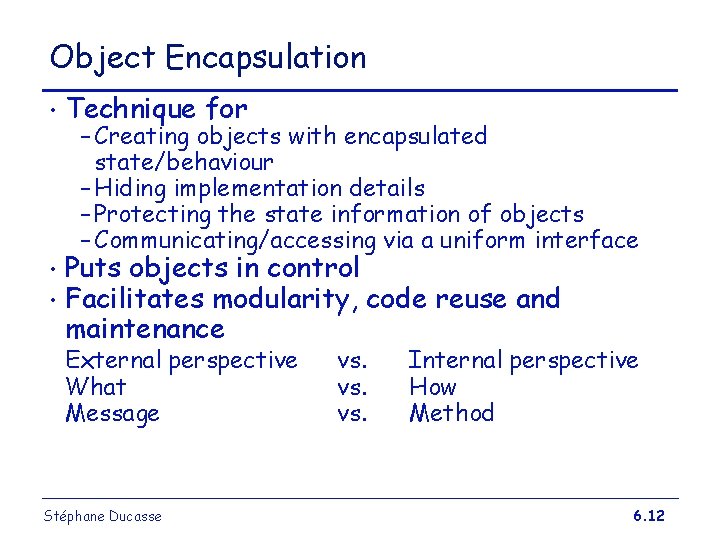
Object Encapsulation • Technique for • • Puts objects in control Facilitates modularity, code reuse and maintenance – Creating objects with encapsulated state/behaviour – Hiding implementation details – Protecting the state information of objects – Communicating/accessing via a uniform interface External perspective What Message Stéphane Ducasse vs. vs. Internal perspective How Method 6. 12
Encapsulation at Work area a. Client … a. Rectangle area … Stéphane Ducasse area pt h w area ^ h * w a. Rectangle area pt 1 pt 2 area d : = (pt 2 -pt 1). ^ d x * d y a. Rectangle 6. 13
Objects Unique identity • Private state • Shared behavior among other similar objects • Stéphane Ducasse 6. 14
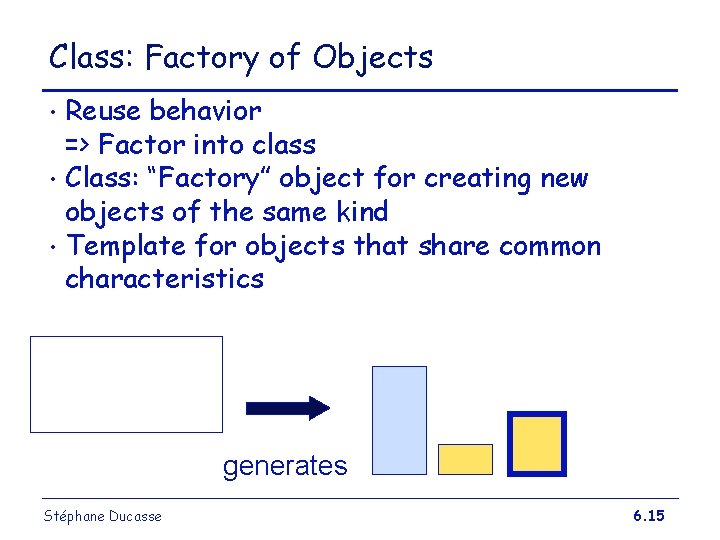
Class: Factory of Objects Reuse behavior => Factor into class • Class: “Factory” object for creating new objects of the same kind • Template for objects that share common characteristics • generates Stéphane Ducasse 6. 15
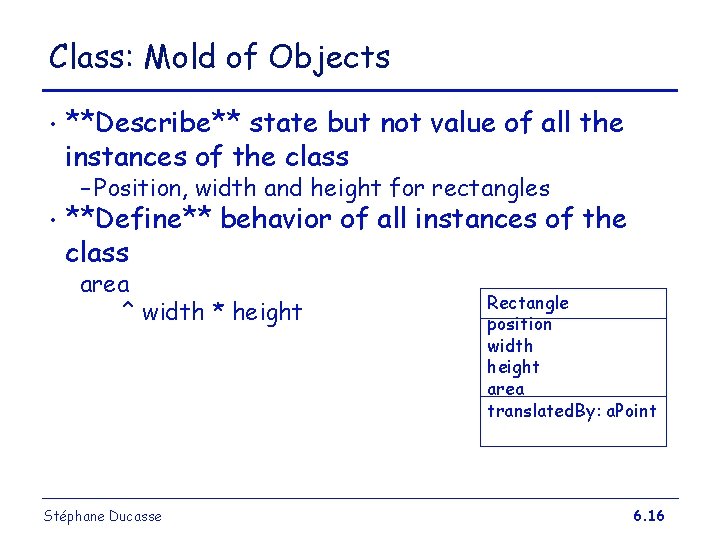
Class: Mold of Objects • **Describe** state but not value of all the instances of the class – Position, width and height for rectangles • **Define** behavior of all instances of the class area ^ width * height Stéphane Ducasse Rectangle position width height area translated. By: a. Point 6. 16
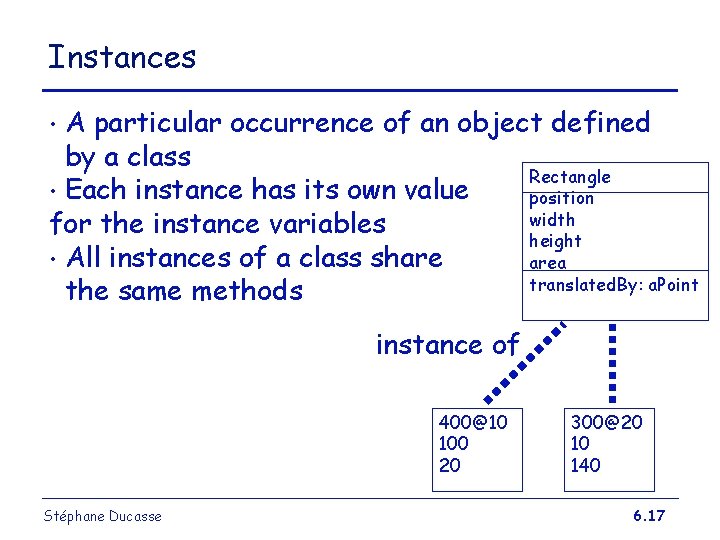
Instances A particular occurrence of an object defined by a class Rectangle • Each instance has its own value position width for the instance variables height • All instances of a class share area translated. By: a. Point the same methods • instance of 400@10 100 20 Stéphane Ducasse 300@20 10 140 6. 17
How to Share Specification? Do not want to rewrite everything! • Often times want small changes • Class hierarchies for sharing of definitions • Each class defines or refines the definition of its ancestors • => inheritance • Stéphane Ducasse 6. 18
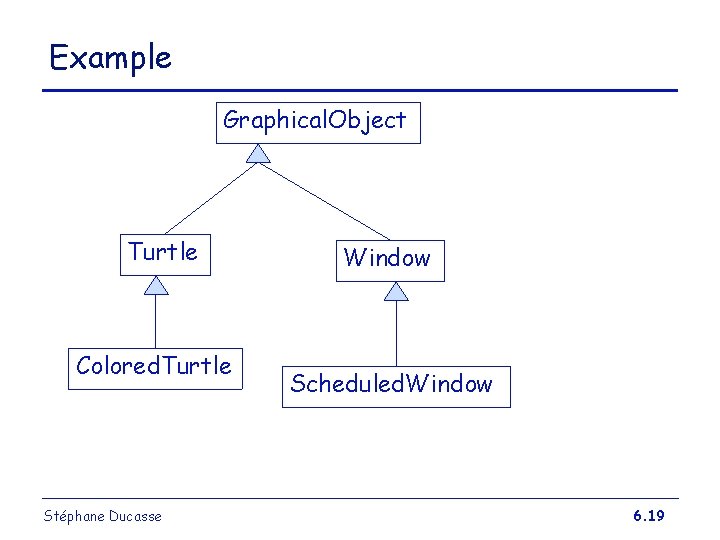
Example Graphical. Object Turtle Colored. Turtle Stéphane Ducasse Window Scheduled. Window 6. 19
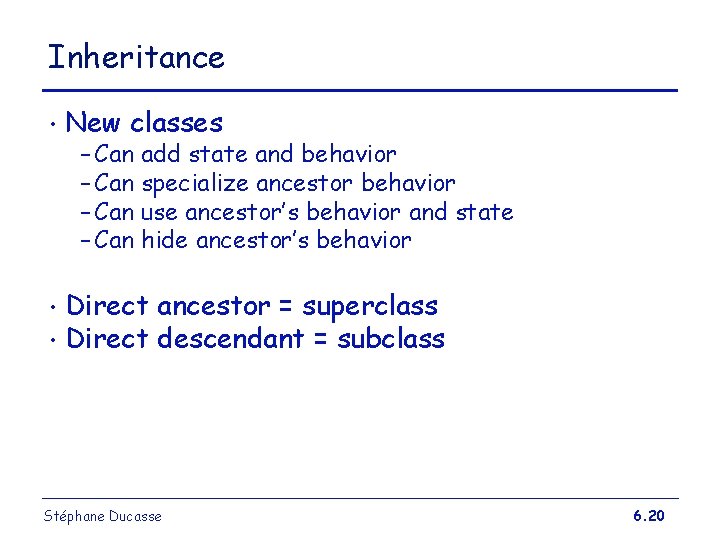
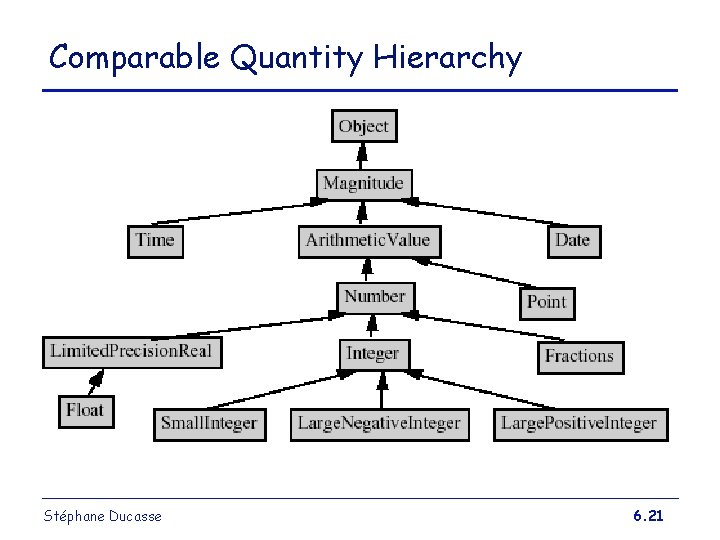
Inheritance • New classes – Can add state and behavior – Can specialize ancestor behavior – Can use ancestor’s behavior and state – Can hide ancestor’s behavior Direct ancestor = superclass • Direct descendant = subclass • Stéphane Ducasse 6. 20
Comparable Quantity Hierarchy Stéphane Ducasse 6. 21
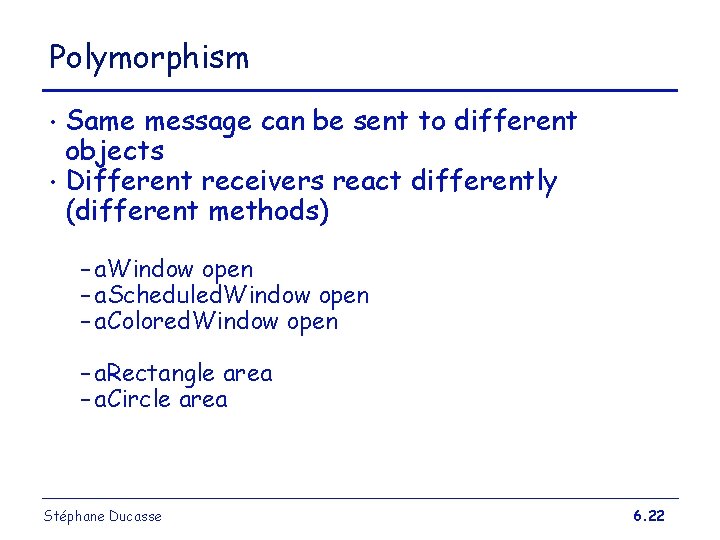
Polymorphism Same message can be sent to different objects • Different receivers react differently (different methods) • – a. Window open – a. Scheduled. Window open – a. Colored. Window open – a. Rectangle area – a. Circle area Stéphane Ducasse 6. 22
Late binding: “Let’s the Receiver decides” Mapping of messages to methods deferred until run-time (dynamic binding) • Allows for rapid incremental development without the need to recompile (in Smalltalk) • Most traditionl languages do this at compile time (static binding) • Stéphane Ducasse 6. 23
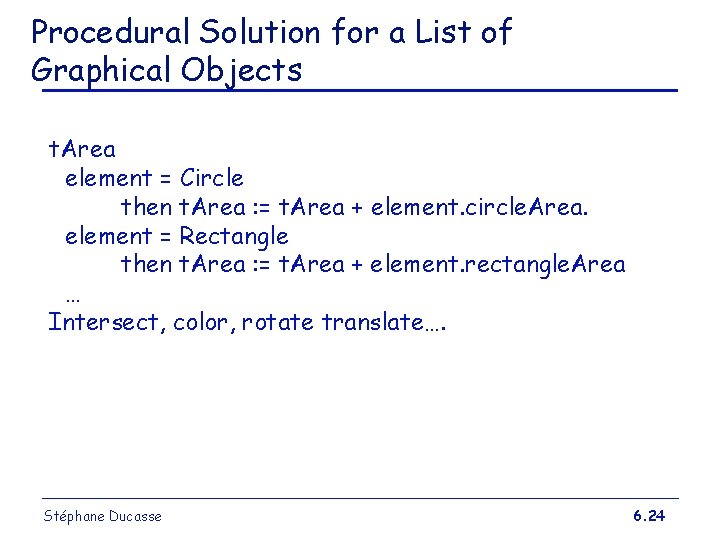
Procedural Solution for a List of Graphical Objects t. Area element = Circle then t. Area : = t. Area + element. circle. Area. element = Rectangle then t. Area : = t. Area + element. rectangle. Area … Intersect, color, rotate translate…. Stéphane Ducasse 6. 24
In Java for example public static long sum. Shapes(Shape shapes[]) { long sum = 0; for (int i=0; i<shapes. length; i++) { switch (shapes[i]. kind()) { // a class constant case Shape. CIRCLE: sum += shapes[i]. circle. Area(); break; case Shape. RECTANGLE: sum += shapes[i]. rectangle. Area(); break; . . . // more cases } } return sum; } Stéphane Ducasse 6. 25
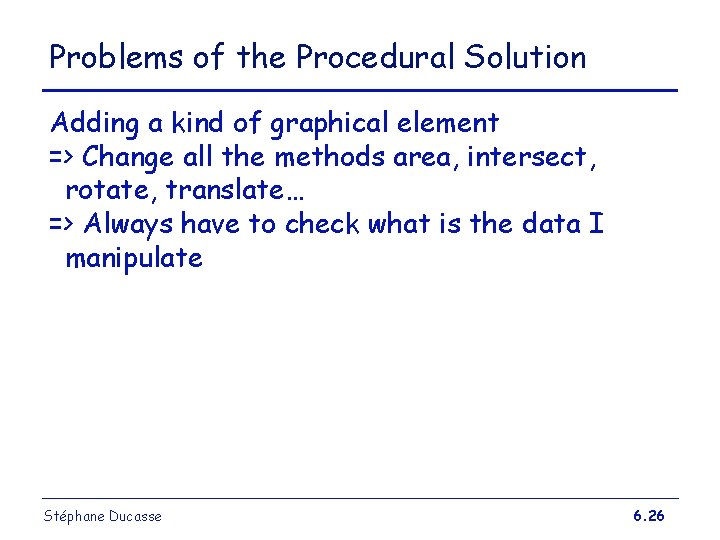
Problems of the Procedural Solution Adding a kind of graphical element => Change all the methods area, intersect, rotate, translate… => Always have to check what is the data I manipulate Stéphane Ducasse 6. 26
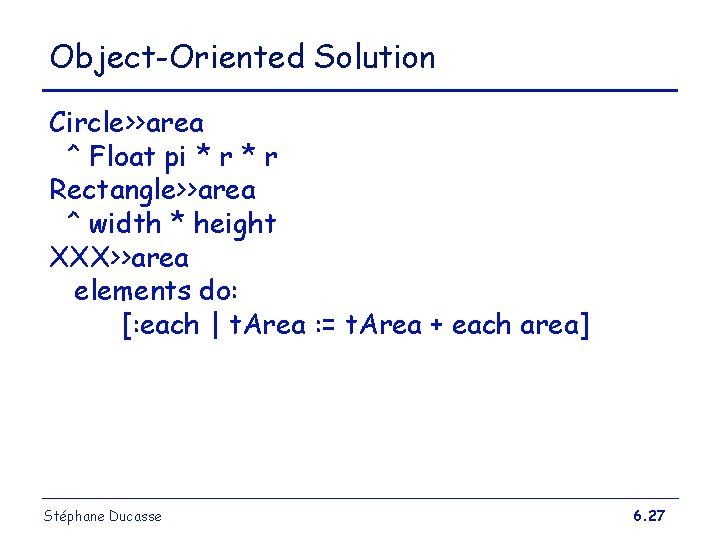
Object-Oriented Solution Circle>>area ^ Float pi * r Rectangle>>area ^ width * height XXX>>area elements do: [: each | t. Area : = t. Area + each area] Stéphane Ducasse 6. 27
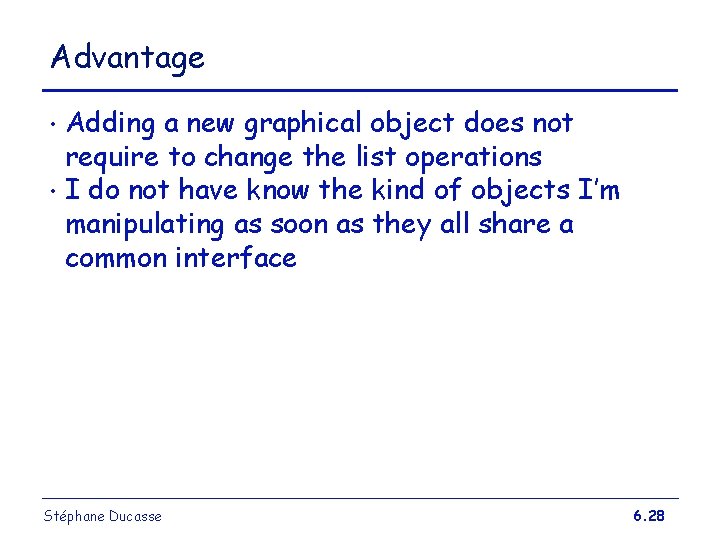
Advantage Adding a new graphical object does not require to change the list operations • I do not have know the kind of objects I’m manipulating as soon as they all share a common interface • Stéphane Ducasse 6. 28
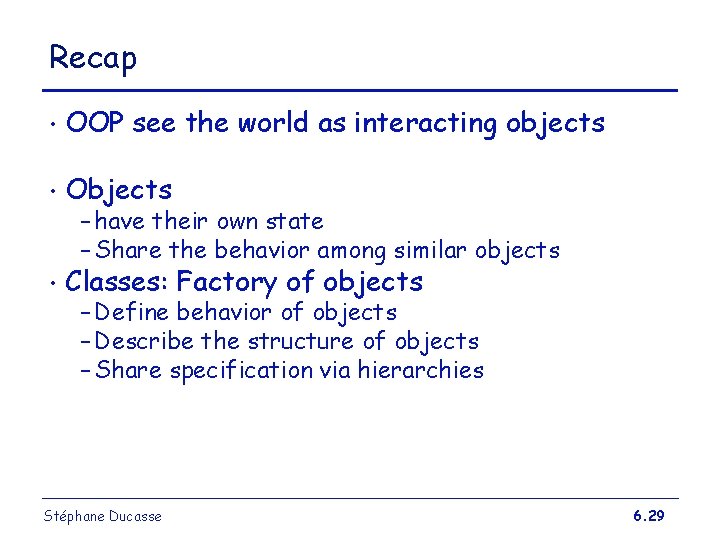
Recap • OOP see the world as interacting objects • Objects • Classes: Factory of objects – have their own state – Share the behavior among similar objects – Define behavior of objects – Describe the structure of objects – Share specification via hierarchies Stéphane Ducasse 6. 29
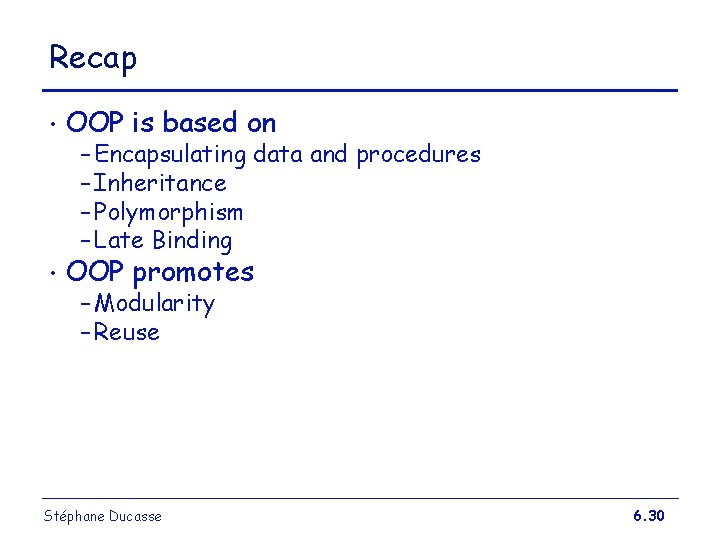
Recap • OOP is based on • OOP promotes – Encapsulating data and procedures – Inheritance – Polymorphism – Late Binding – Modularity – Reuse Stéphane Ducasse 6. 30