
ESL 732332 Jessica Pardoe Class Schedule Attendance QuestionnaireIntroductions

- Slides: 20
ESL 732/332 Jessica Pardoe
Class Schedule � Attendance � Questionnaire/Introductions � Overview of class � Review of computer basics � Introduction to Microsoft Suite: Microsoft Word ◦ Syllabus ◦ Textbook ◦ Typing practice ◦ Mouse practice ◦ Vocabulary to know ◦ Some basics
Welcome! � Please fill out the information sheet. � You can practice typing while you wait for the class to start ◦ www. sense-lang. org/typing
Introductions � Directions: Please interview your partner. Ask him/her the following questions. Be prepared to introduce your partner to the class. � What is your name? � Where are you from? � Why do you want to learn more about computers? � Besides taking this class, what else are you doing this semester?
Welcome! Syllabus � Instructor: Jessica Pardoe � Office: Barnet 1218 � Office Hours: 15 minutes before and after class or by appointment � Email: jpardoe@santarosa. edu � Phone: 707 -522 -2768
Text � Murphy, J. Welcome to Microsoft Office 2013 (1 st) � Publisher: Labyrinth Learning � ISBN: 1 -59136 -659 -3
If you don’t have a computer… � SRJC Doyle Library � Sonoma � …. . it’s County Library on E Street free! � Business Computer Lab is in Maggini 2811 ◦ Monday – Thursday, 8 am to 9 pm and Friday 9 am to 3 pm. ◦ Pay-for-print services through Go. Print. ◦ Black and white printouts are $. 10 per page, color printouts are $. 35 per page.
In this class… � We ◦ ◦ will learn about: Computer Basics Microsoft Word Microsoft Excel Microsoft Powerpoint
Fundamentals Review Have you been using a computer?
Let’s get started! �Do you remember how to. . . ◦ Turn on/off your computer/monitor ◦ Left click ◦ Right click ◦ Double click ◦ Use Backspace ◦ Desktop ◦ Web Browser ◦ USB drive
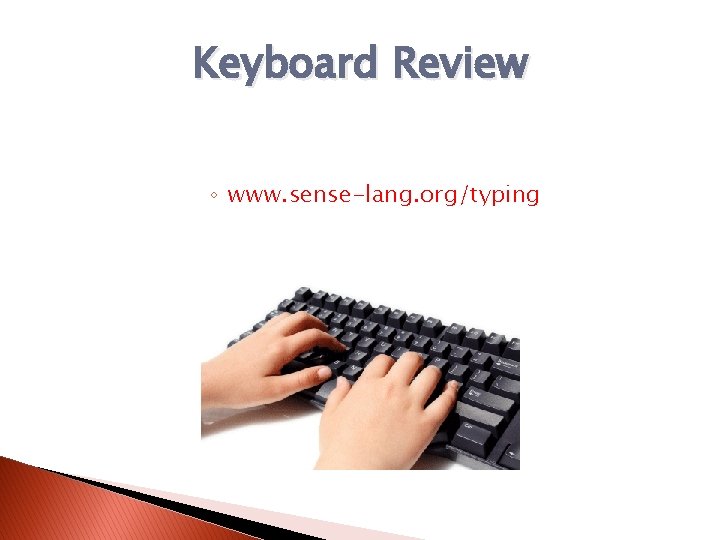
Keyboard Review ◦ www. sense-lang. org/typing
Now, let’s open up your web browser � Mozilla Firefox
Review of Computer Basics � Class website: http: //www. srjcesl 732. weebly. com �Practice using your mouse: http: //tinyurl. com/esl 332 mouse �Practice typing: �www. sense-lang. org/typing
Using the text in class How to work on tasks
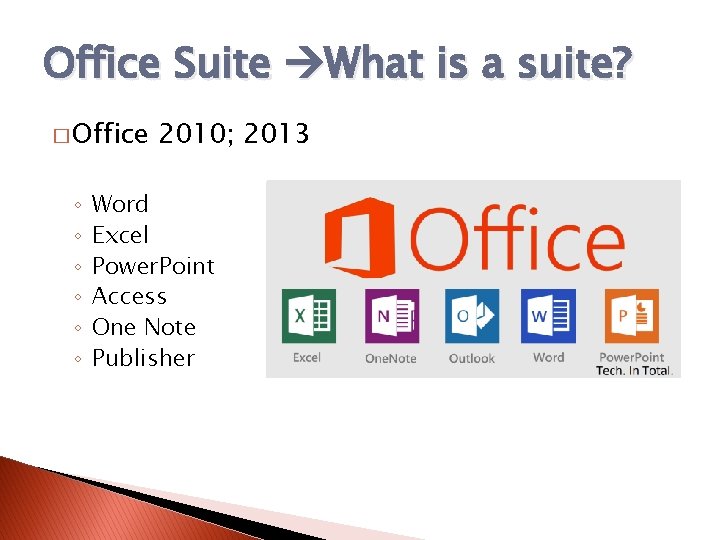
Office Suite What is a suite? � Office ◦ ◦ ◦ 2010; 2013 Word Excel Power. Point Access One Note Publisher
Open a new tab � www. translate. google. com ◦ compatibility ◦ insertion ◦ margin � Then, open MS Word � When you don’t understand. . .
I need help! � There � Please � I’ll are OVER 30 students. be patient. try my best. � Ask me after class, I can stay to help!
Open a new tab. . . � labyrinthelab. com/wtmo 10 � Download Student Exercise Files ◦ Click OK ◦ Check Desktop � Unzip file
Try to follow the instructions � Try your best to use Google Translate to follow the instructions.
Next Class. . . � Please get the text book. � Read pages 1 -18 � More MS Word! � Have a great weekend!