
ERO TRAINING The ELECTRONIC RETURN ORIGINATOR ERO is
- Slides: 24
ERO TRAINING The ELECTRONIC RETURN ORIGINATOR (ERO) is the Transmitter in Tax-Aide NTTC/NTC ERO Training 2010 1
ERO QUALIFICATIONS EROs must: § Be certified AARP Tax-Aide volunteers § Be (or become) proficient with IRSsupplied tax preparation software. NTTC/NTC ERO Training 2010 2
ERO RESPONSIBILITIES § Security of taxpayer data § Transmission of e-file returns § Record keeping § Communications NTTC/NTC ERO Training 2010 3
SECURITY OF TAXPAYER DATA Tax-Aide Policy and IRS Pub 3189 Require all volunteers: § To be vigilant § To physically protect § Printed data § Electronic data § Equipment NTTC/NTC ERO Training 2010 4
SECURITY OF TAXPAYER DATA This means: § § Computers must be physically secured OS and TW must be password protected Taxpayer documents must be secured When using Tax. Wise Desktop… § § Taxpayer data must be encrypted Returns must be deleted from nontransmitting Computers regularly and from all computers at the end of the tax season NTTC/NTC ERO Training 2010 5
TRANSMISSION OF E-FILE RETURNS § Print and review Declaration Control Report (DCR)– verify that Refund/Due matches Form 8879 – to ensure return wasn’t changed after printing § Transmit returns and get Acknowledgments (ACKs) § Update Filing Status reports See PUB 3189 NTTC/NTC ERO Training 2010 6
TRANSMISSION OF E-FILE RETURNS § Restore returns to transmitting computer, if necessary (Tax. Wise Desktop only) § Check for errors, completed 8879’s, and required attachments § Re-create e-files, if necessary § Tools> Make e-files – for all 8879’s in hand (TW Desktop only) NTTC/NTC ERO Training 2010 7
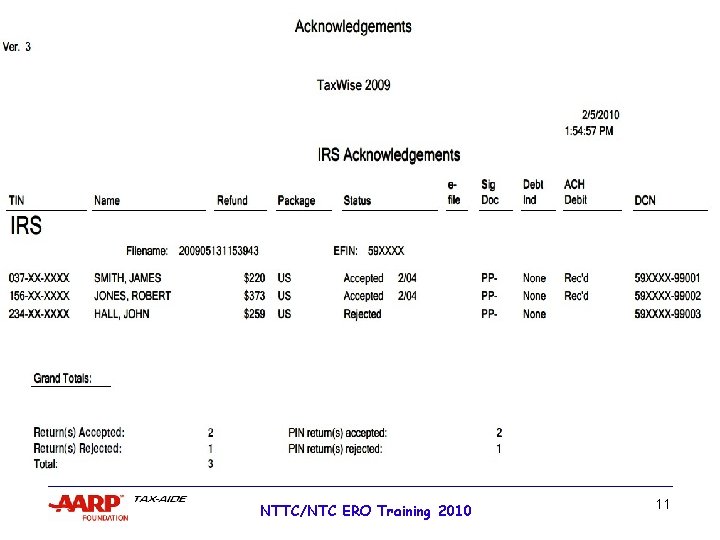
ACKNOWLEDGEMENTS § Get Acknowledgements § Federal ACKs – can print automatically § State ACKs – can print automatically § Tax. Wise e-mails – must print separately § Print Acknowledgement Report and/or “export” to Excel or. pdf – Exported files must be put on an encrypted drive. § Check for rejects NTTC/NTC ERO Training 2010 8
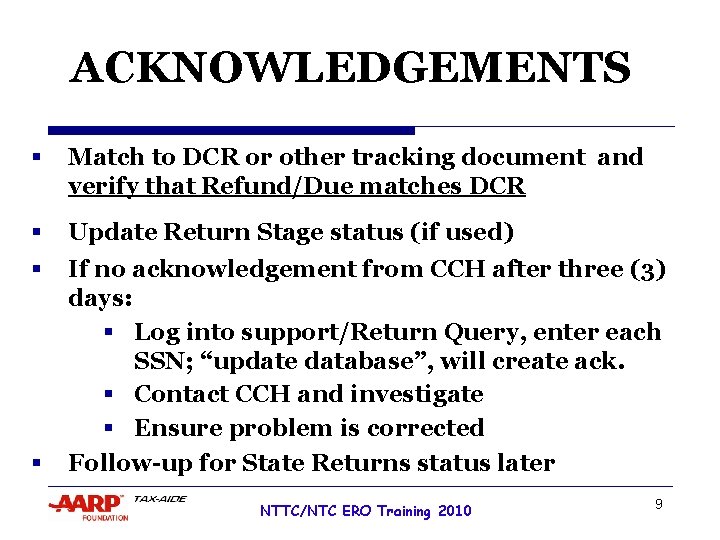
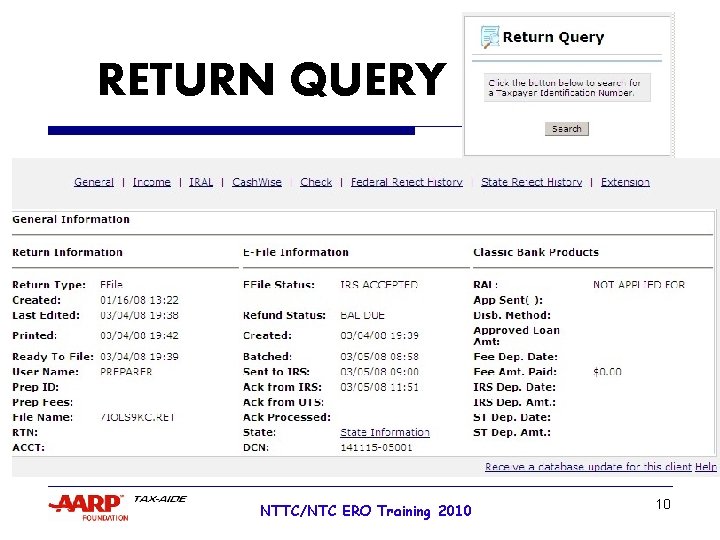
ACKNOWLEDGEMENTS § Match to DCR or other tracking document and verify that Refund/Due matches DCR § Update Return Stage status (if used) § If no acknowledgement from CCH after three (3) days: § Log into support/Return Query, enter each SSN; “update database”, will create ack. § Contact CCH and investigate § Ensure problem is corrected Follow-up for State Returns status later § NTTC/NTC ERO Training 2010 9
RETURN QUERY NTTC/NTC ERO Training 2010 . 10
NTTC/NTC ERO Training 2010 11
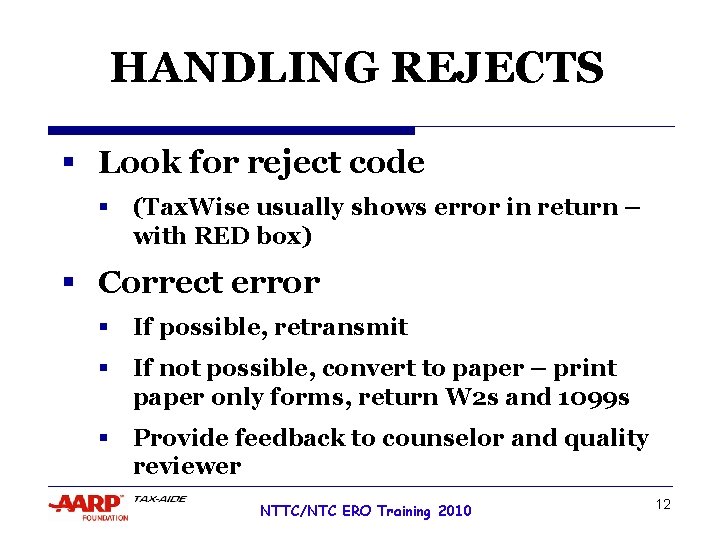
HANDLING REJECTS § Look for reject code § (Tax. Wise usually shows error in return – with RED box) § Correct error § If possible, retransmit § If not possible, convert to paper – print paper only forms, return W 2 s and 1099 s § Provide feedback to counselor and quality reviewer NTTC/NTC ERO Training 2010 12
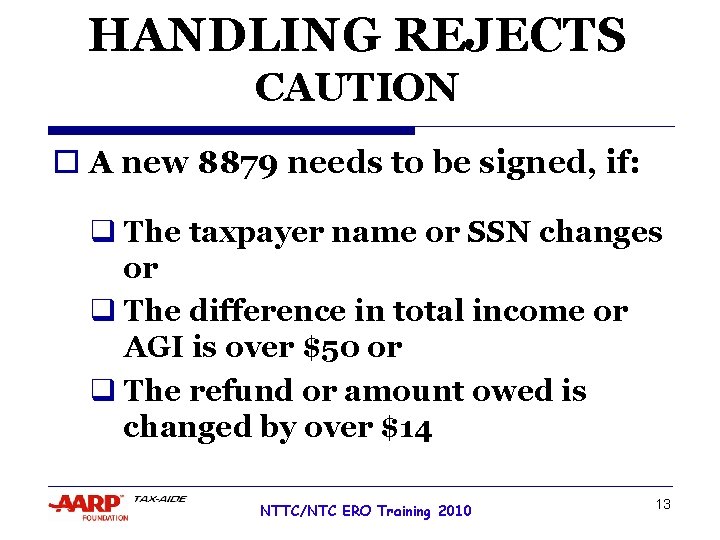
HANDLING REJECTS CAUTION o A new 8879 needs to be signed, if: q The taxpayer name or SSN changes or q The difference in total income or AGI is over $50 or q The refund or amount owed is changed by over $14 NTTC/NTC ERO Training 2010 13
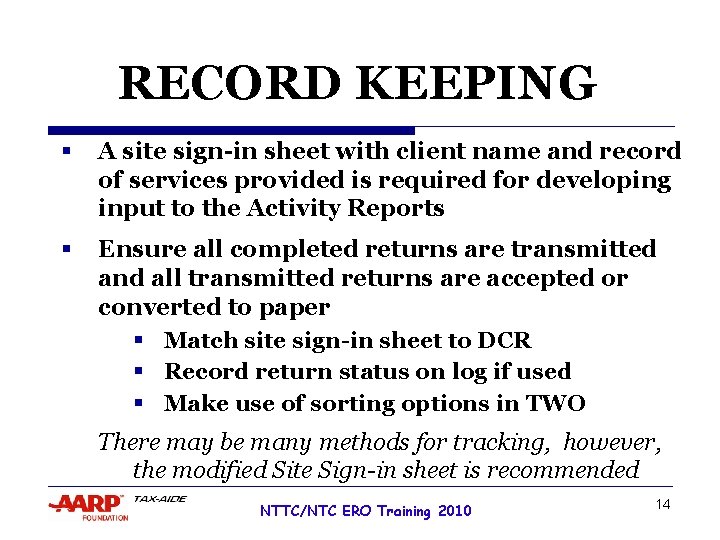
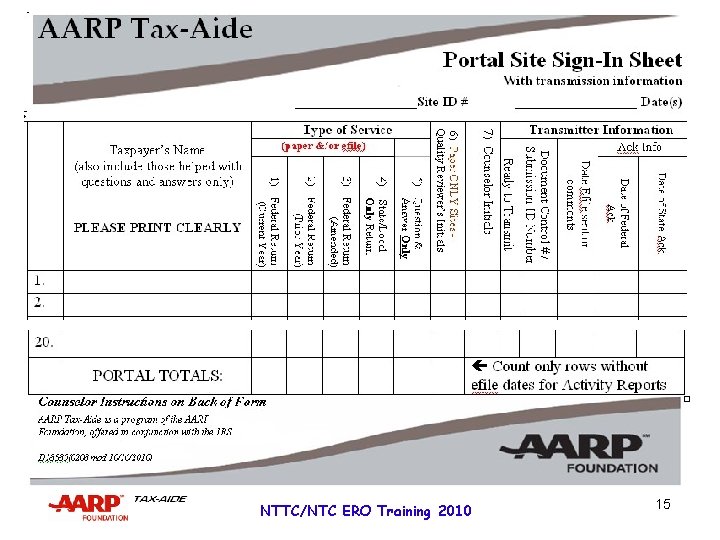
RECORD KEEPING § A site sign-in sheet with client name and record of services provided is required for developing input to the Activity Reports § Ensure all completed returns are transmitted and all transmitted returns are accepted or converted to paper § Match site sign-in sheet to DCR § Record return status on log if used § Make use of sorting options in TWO There may be many methods for tracking, however, the modified Site Sign-in sheet is recommended NTTC/NTC ERO Training 2010 14
NTTC/NTC ERO Training 2010 15
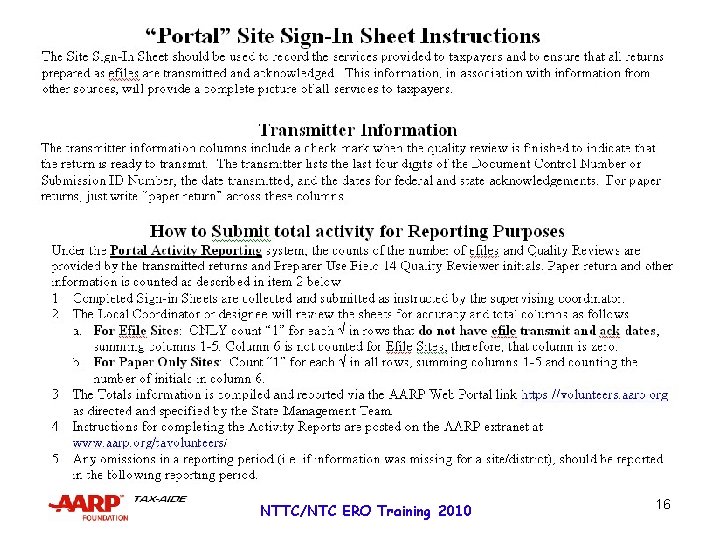
NTTC/NTC ERO Training 2010 16
RECORD KEEPING § Completed 8879 s with required W-2 s, 1099 Rs, etc…. § DCRs (Document Control Reports) § ACKs (Acknowledgement Reports) § Tax. Wise reports, as requested by DC § Sign-in sheets – used for activity reports and to show that every return was transmitted and acknowledged or issued in paper NTTC/NTC ERO Training 2010 17
RECORD KEEPING § Send 8879 s to IRS SPEC periodically, or all at end of season – check with your SPEC representative § Send 8453 s, if required, immediately after returns are acknowledged NTTC/NTC ERO Training 2010 18
END-OF-SEASON CLOSEOUT Both Desktop and TWO § Ensure that all prepared returns have been transmitted and accepted - or converted to paper and taxpayer provided a copy to mail to the IRS § Create any reports requested by your local SPEC office for yearend submittal NTTC/NTC ERO Training 2010 19
END-OF-SEASON CLOSEOUT Desktop Version of Tax. Wise § Backup all returns § Create files on removable media for: § IRS SPEC § AARP SC (data retention) § Delete returns § Clear Taxpayer Data – AARP § Delete any exported reports – AARP § Wipe Disk – IRS Laptops NTTC/NTC ERO Training 2010 20
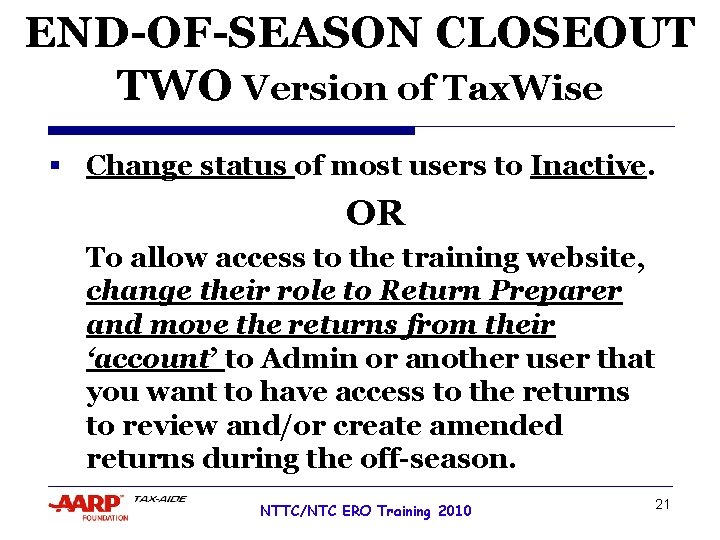
END-OF-SEASON CLOSEOUT TWO Version of Tax. Wise § Change status of most users to Inactive. OR To allow access to the training website, change their role to Return Preparer and move the returns from their ‘account’ to Admin or another user that you want to have access to the returns to review and/or create amended returns during the off-season. NTTC/NTC ERO Training 2010 21
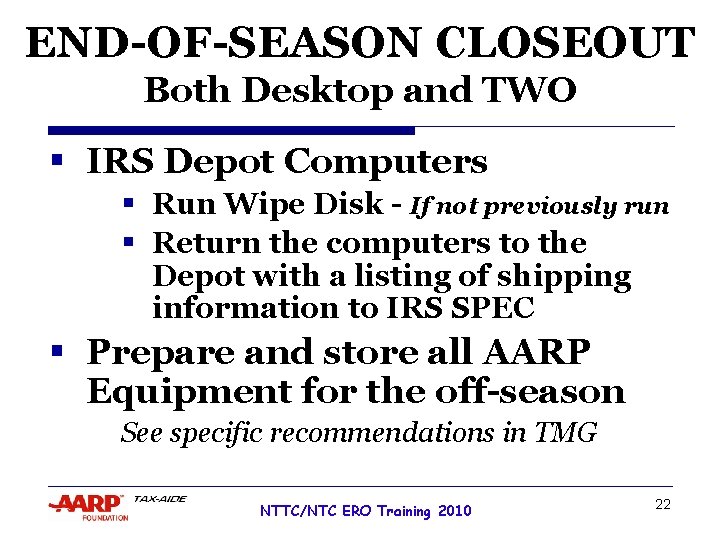
END-OF-SEASON CLOSEOUT Both Desktop and TWO § IRS Depot Computers § Run Wipe Disk - If not previously run § Return the computers to the Depot with a listing of shipping information to IRS SPEC § Prepare and store all AARP Equipment for the off-season See specific recommendations in TMG NTTC/NTC ERO Training 2010 22
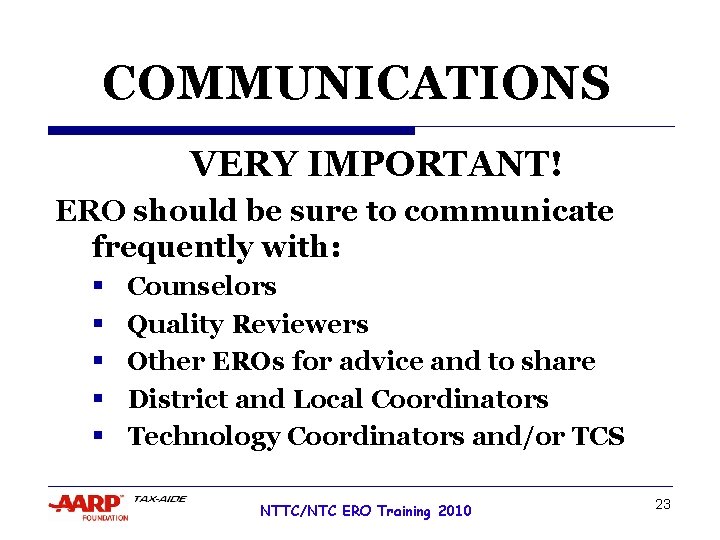
COMMUNICATIONS VERY IMPORTANT! ERO should be sure to communicate frequently with: § § § Counselors Quality Reviewers Other EROs for advice and to share District and Local Coordinators Technology Coordinators and/or TCS NTTC/NTC ERO Training 2010 23
ERO TRAINING QUESTIONS? COMMENTS? NTTC/NTC ERO Training 2010 24