
ERIC Educational Resources Information Center St Francis College

- Slides: 32
ERIC Educational Resources Information Center St. Francis College Library Instructor: Librarian: Alex Kustanovich
To search ERIC, start at the St. Francis Library Homepage. http: //library. stfranciscollege. edu/
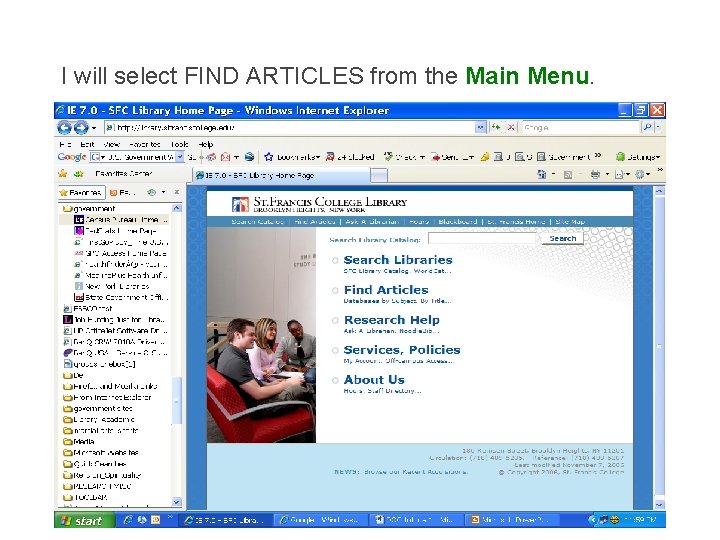
I will select FIND ARTICLES from the Main Menu.
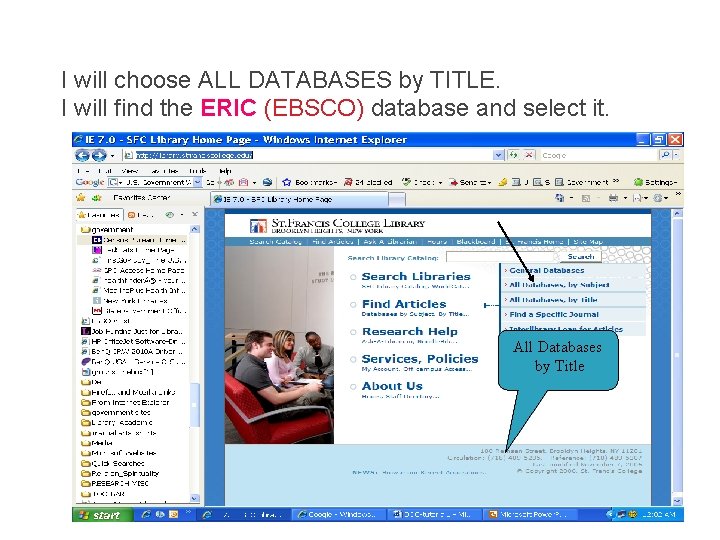
I will choose ALL DATABASES by TITLE. I will find the ERIC (EBSCO) database and select it. All Databases by Title
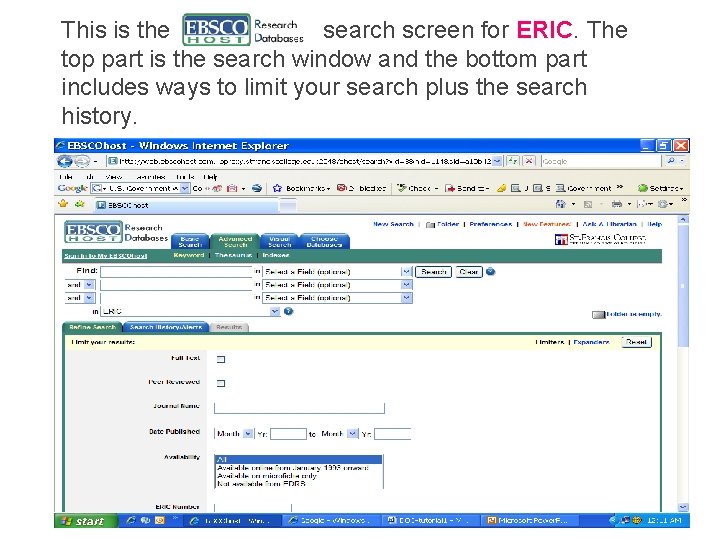
This is the search screen for ERIC. The top part is the search window and the bottom part includes ways to limit your search plus the search history.
ERIC is an similar on all database. Searching is databases.
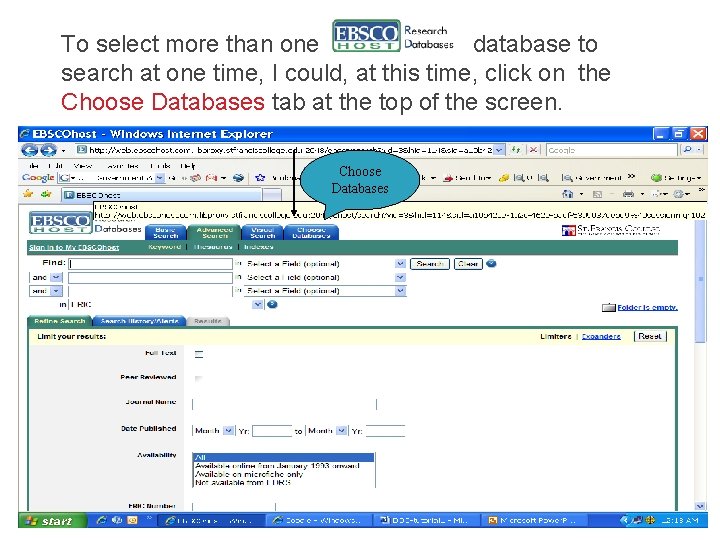
To select more than one database to search at one time, I could, at this time, click on the Choose Databases tab at the top of the screen. Choose Databases
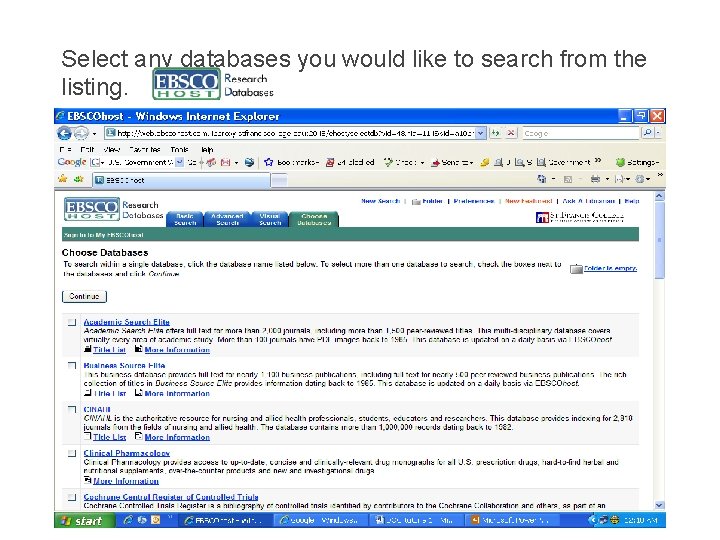
Select any databases you would like to search from the listing.
ERIC Subject (descriptor) Searching For this demonstration, I will be using only ERIC and looking for information on the effects of Physical Exercise on Academic Achievement.
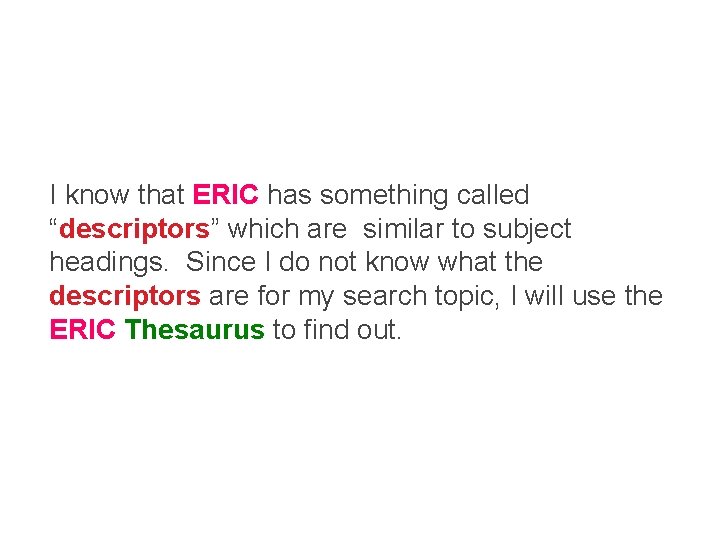
I know that ERIC has something called “descriptors” which are similar to subject headings. Since I do not know what the descriptors are for my search topic, I will use the ERIC Thesaurus to find out.
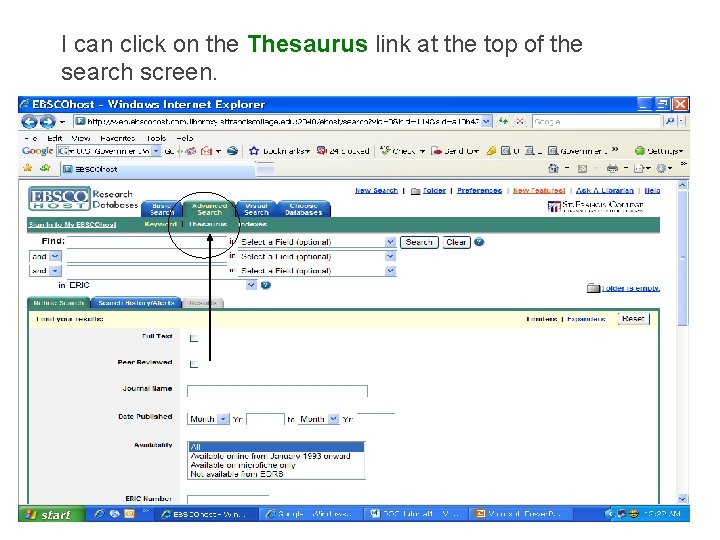
I can click on the Thesaurus link at the top of the search screen.
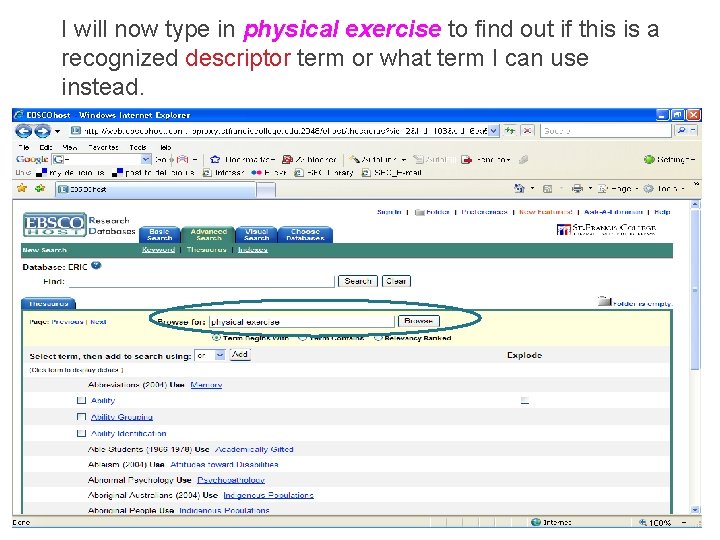
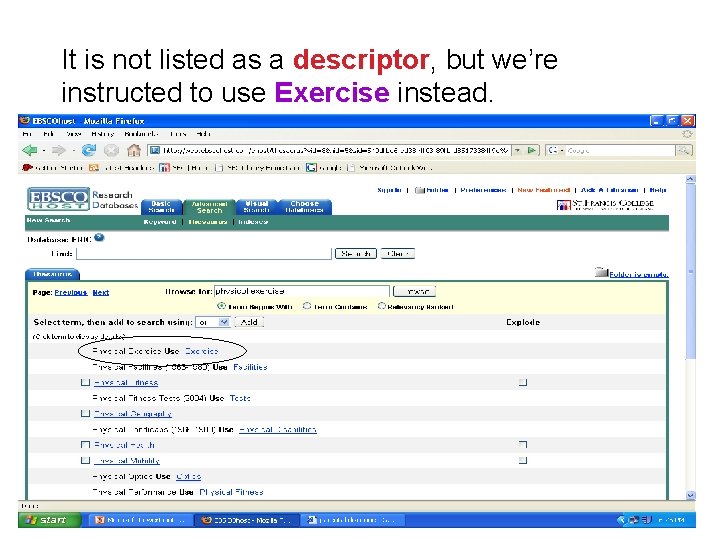
I will now type in physical exercise to find out if this is a recognized descriptor term or what term I can use instead.
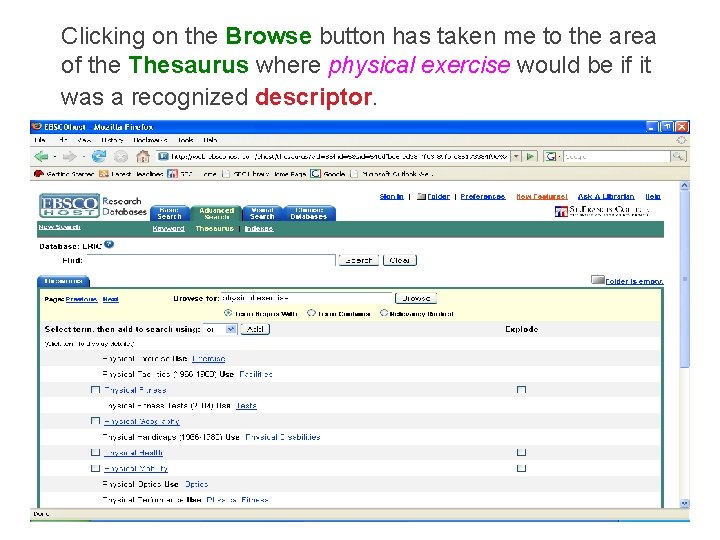
Clicking on the Browse button has taken me to the area of the Thesaurus where physical exercise would be if it was a recognized descriptor.
It is not listed as a descriptor, but we’re instructed to use Exercise instead.
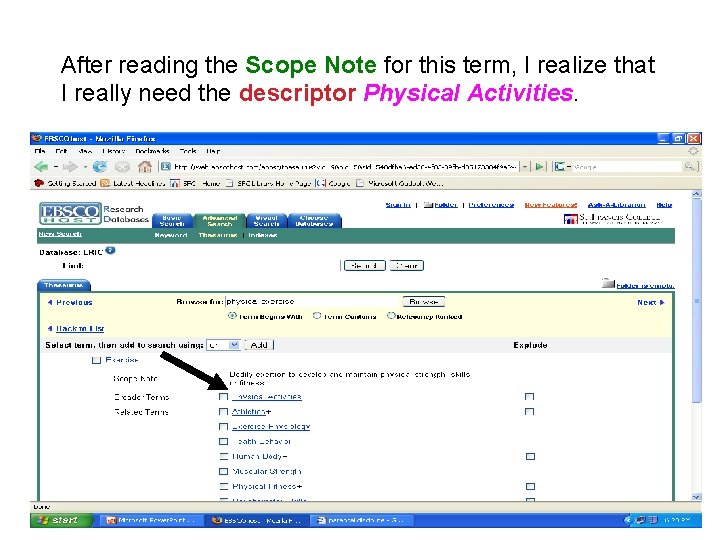
After reading the Scope Note for this term, I realize that I really need the descriptor Physical Activities.
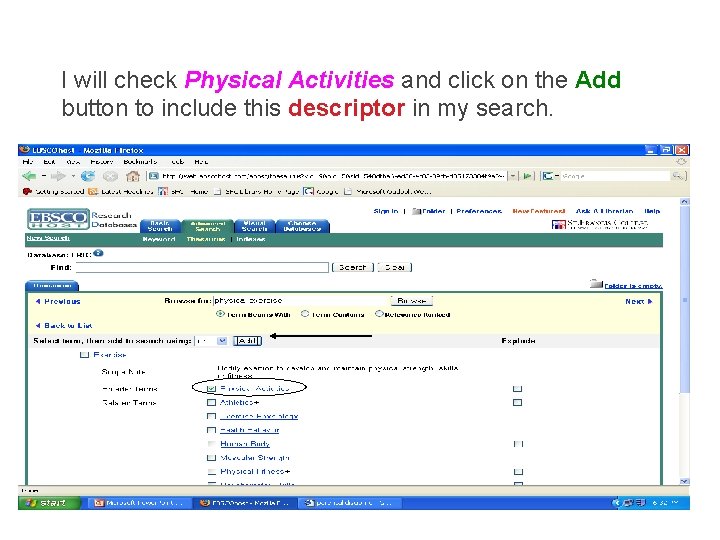
I will check Physical Activities and click on the Add button to include this descriptor in my search.
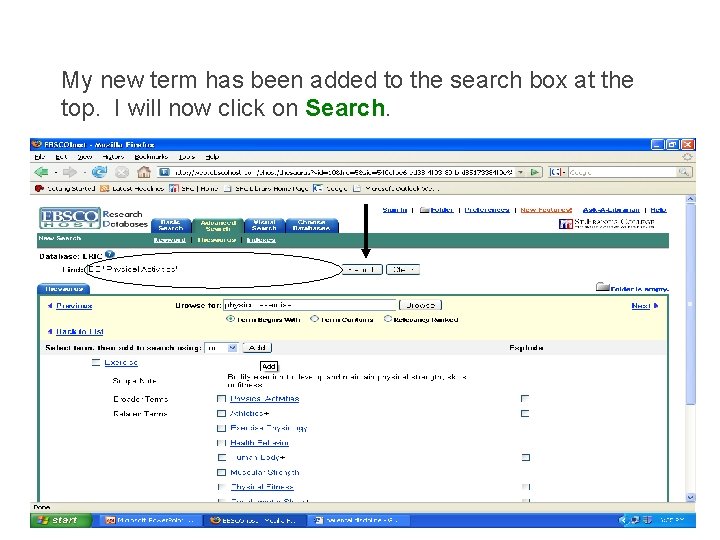
My new term has been added to the search box at the top. I will now click on Search.
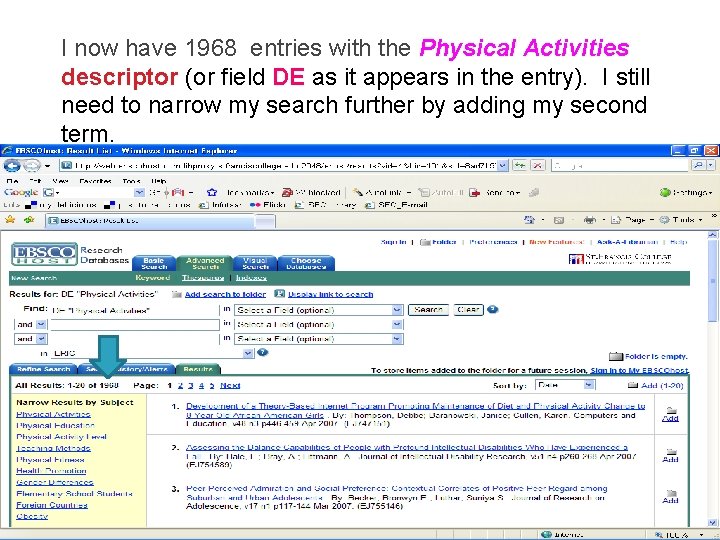
I now have 1968 entries with the Physical Activities descriptor (or field DE as it appears in the entry). I still need to narrow my search further by adding my second term.
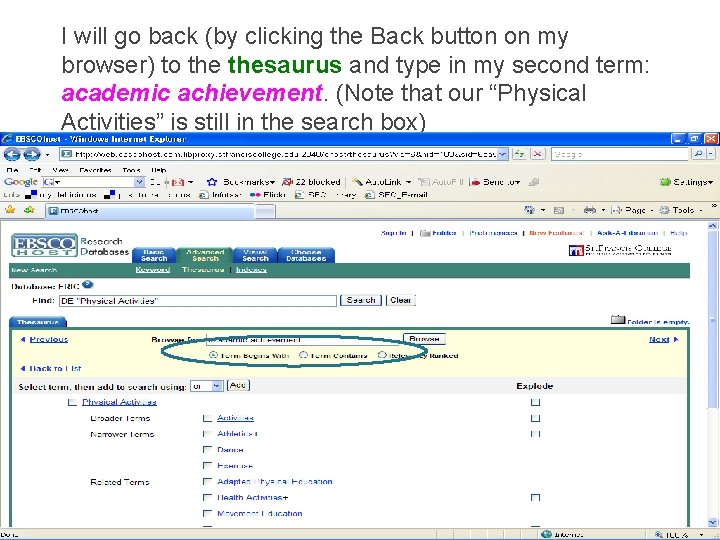
I will go back (by clicking the Back button on my browser) to thesaurus and type in my second term: academic achievement. (Note that our “Physical Activities” is still in the search box)
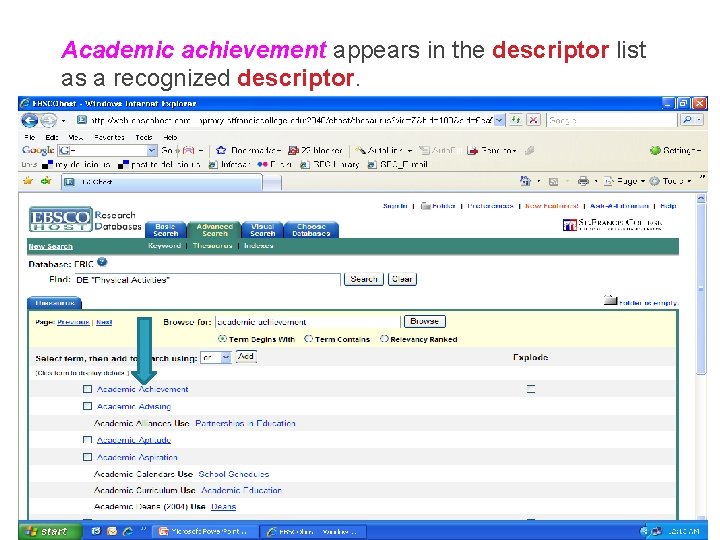
Academic achievement appears in the descriptor list as a recognized descriptor.
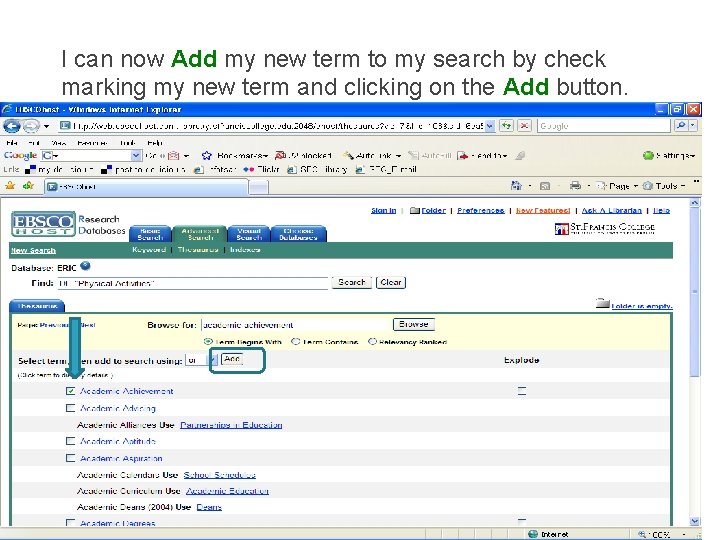
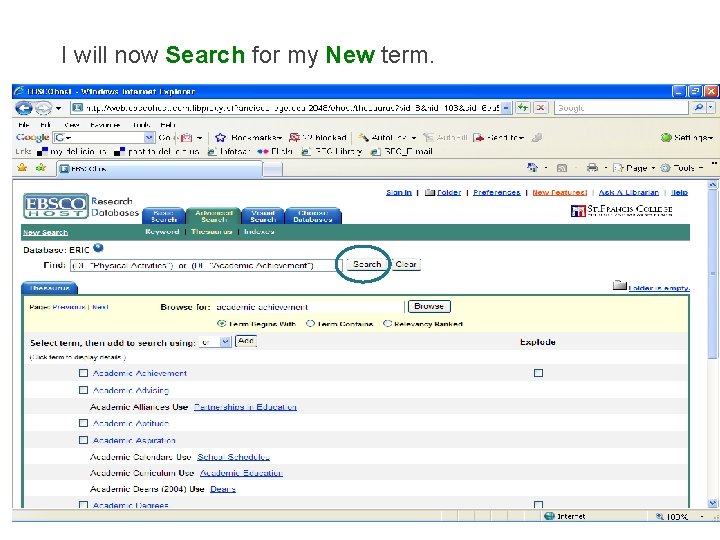
I can now Add my new term to my search by check marking my new term and clicking on the Add button.
I will now Search for my New term.
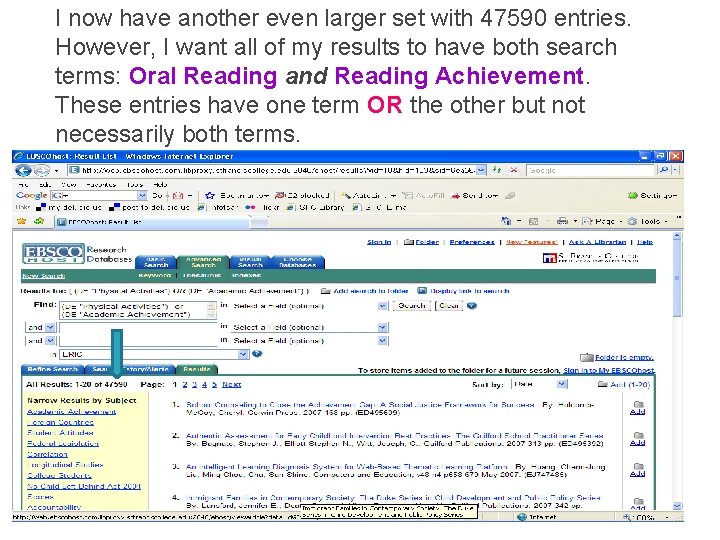
I now have another even larger set with 47590 entries. However, I want all of my results to have both search terms: Oral Reading and Reading Achievement. These entries have one term OR the other but not necessarily both terms.
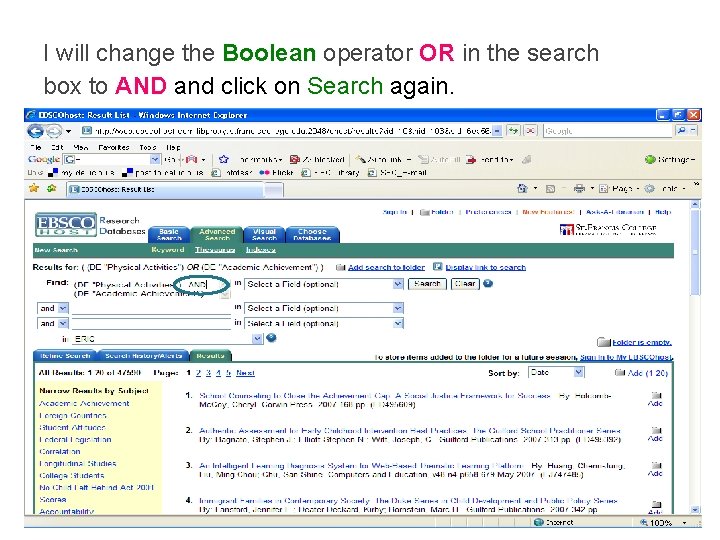
I will change the Boolean operator OR in the search box to AND and click on Search again.
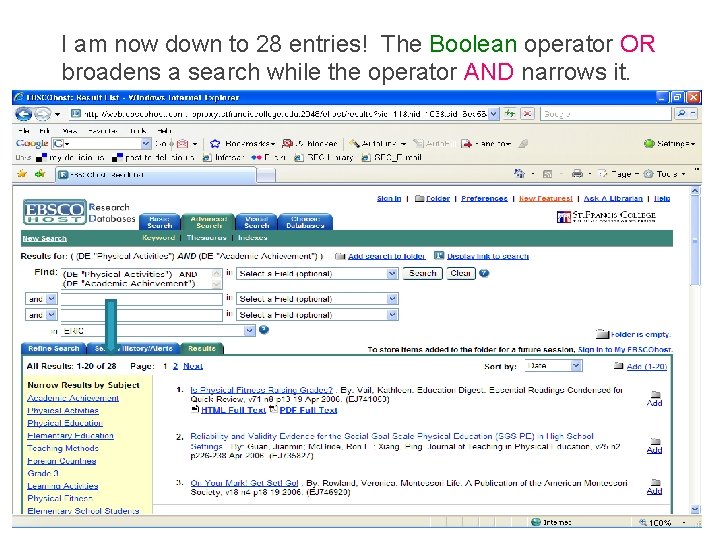
I am now down to 28 entries! The Boolean operator OR broadens a search while the operator AND narrows it.
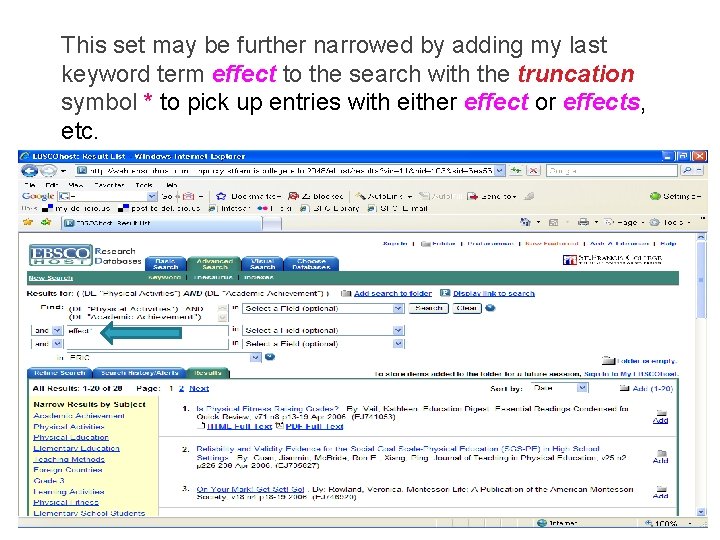
This set may be further narrowed by adding my last keyword term effect to the search with the truncation symbol * to pick up entries with either effect or effects, etc.
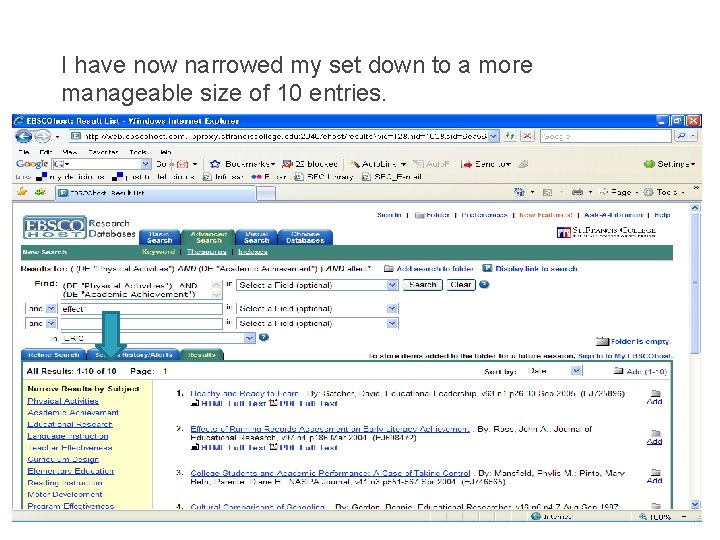
I have now narrowed my set down to a more manageable size of 10 entries.
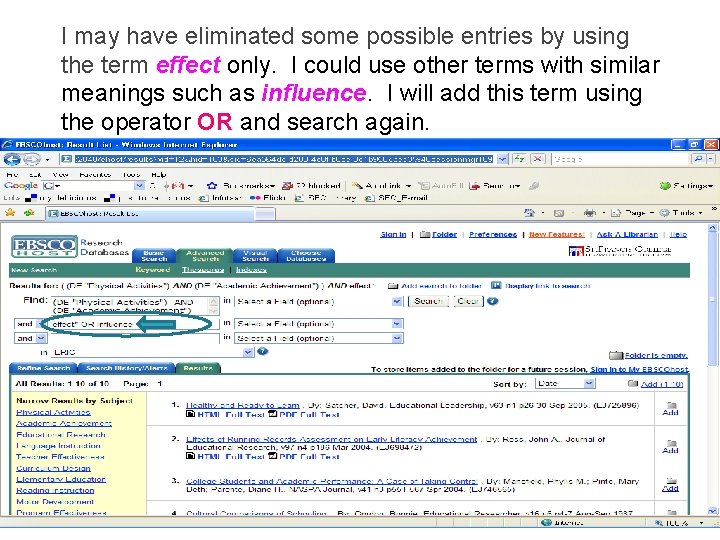
I may have eliminated some possible entries by using the term effect only. I could use other terms with similar meanings such as influence. I will add this term using the operator OR and search again.
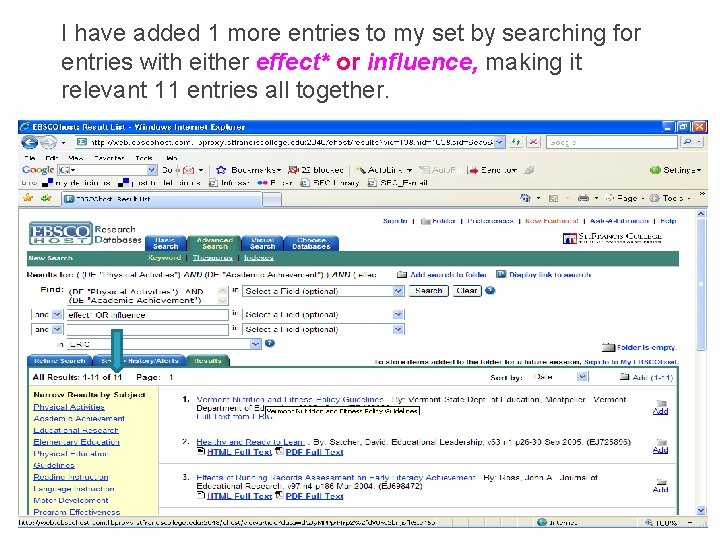
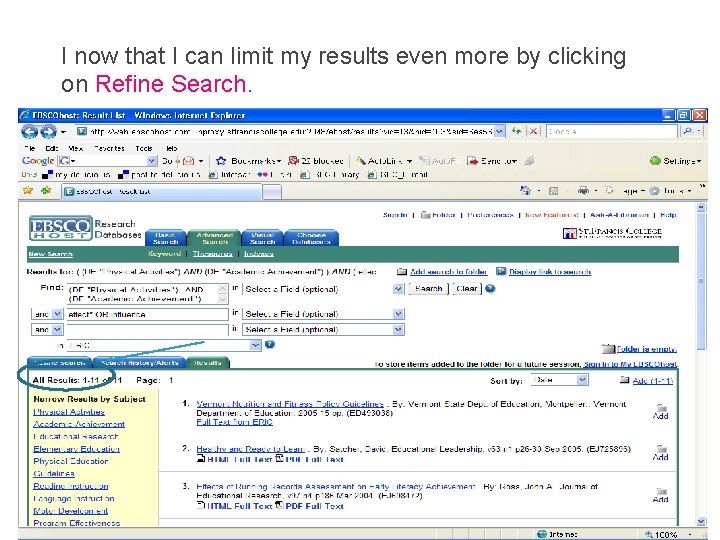
I have added 1 more entries to my set by searching for entries with either effect* or influence, making it relevant 11 entries all together.
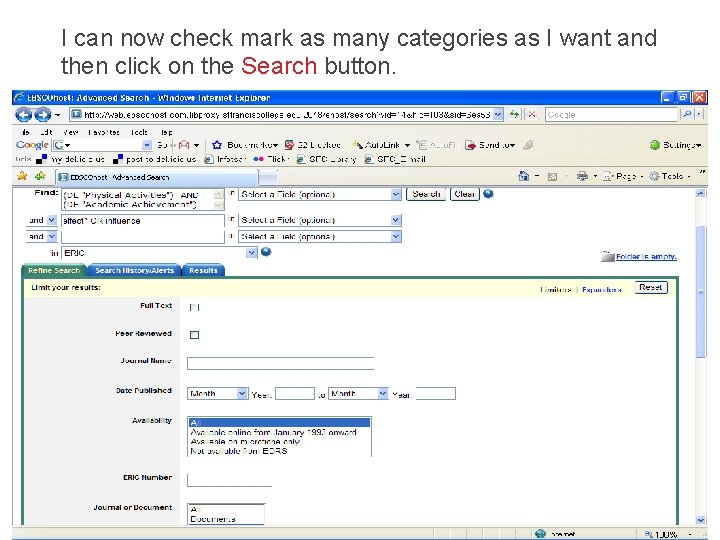
I now that I can limit my results even more by clicking on Refine Search.
I can now check mark as many categories as I want and then click on the Search button.
If you have any further questions on searching ERIC, please stop at the Reference Desk, call us at 718 -489 -5307, or e-mail us: library@stfranciscollege. edu