
Ergonomics Your Chair Your Chair Seat Height Your


- Slides: 18
Ergonomics
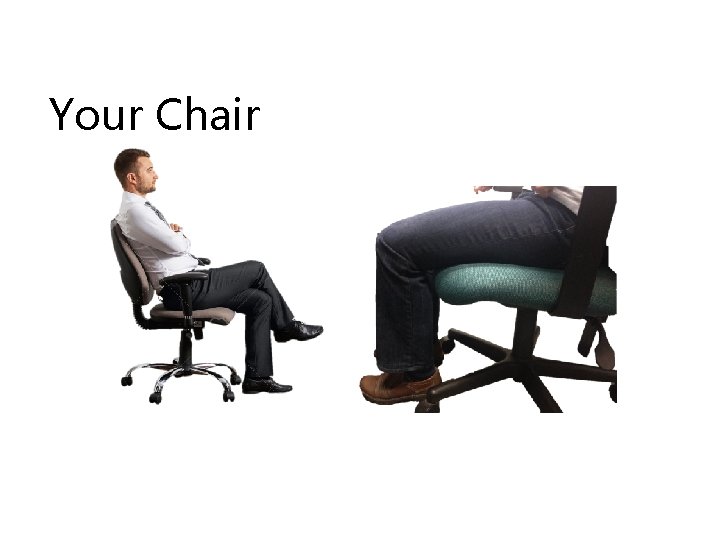
Your Chair
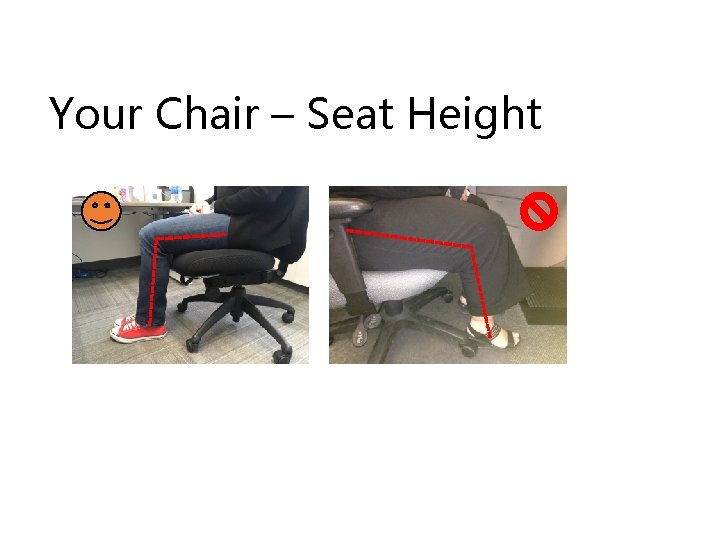
Your Chair – Seat Height
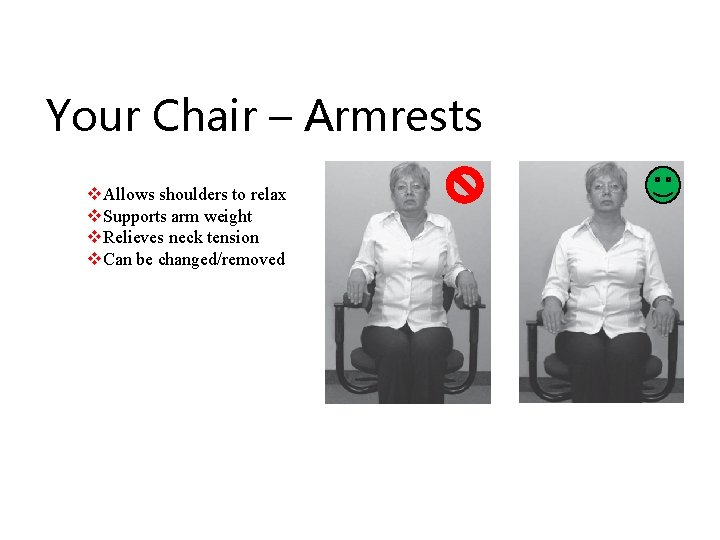
Your Chair – Armrests v. Allows shoulders to relax v. Supports arm weight v. Relieves neck tension v. Can be changed/removed
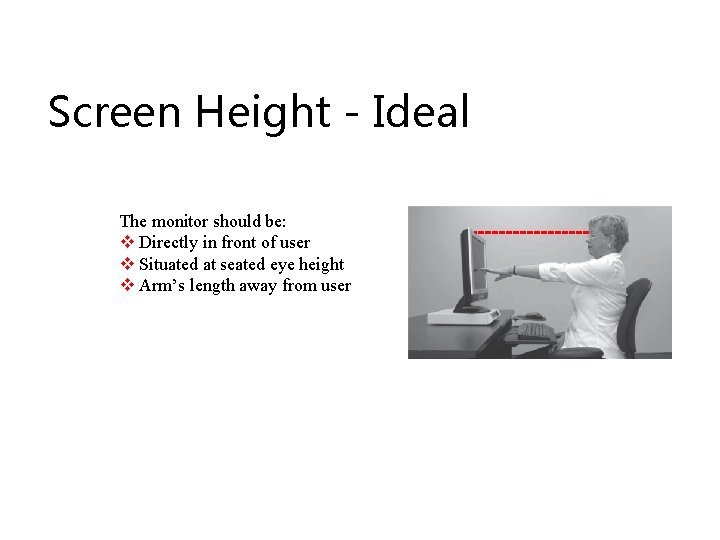
Screen Height - Ideal The monitor should be: v Directly in front of user v Situated at seated eye height v Arm’s length away from user
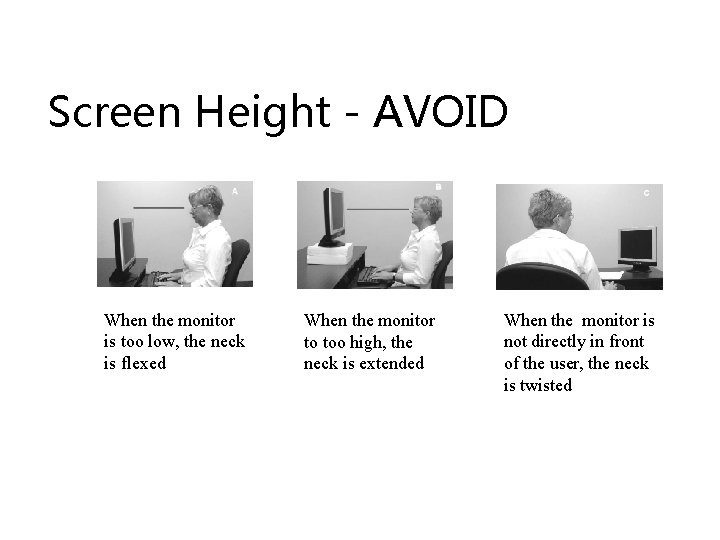
Screen Height - AVOID When the monitor is too low, the neck is flexed When the monitor to too high, the neck is extended When the monitor is not directly in front of the user, the neck is twisted
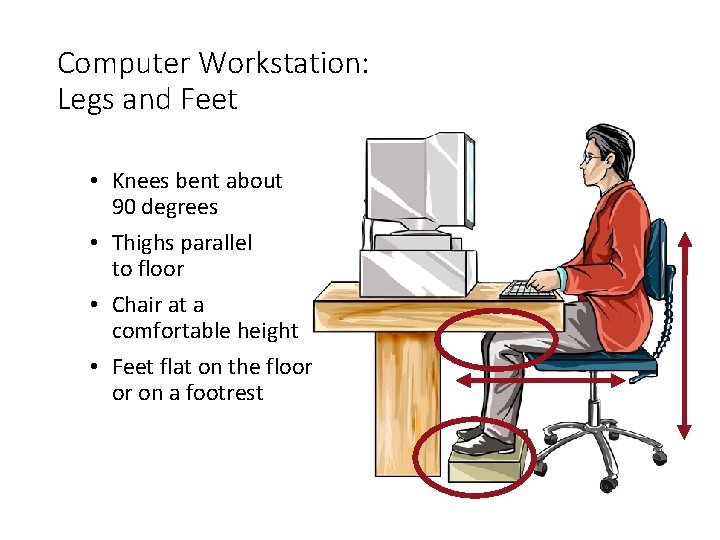
Computer Workstation: Legs and Feet • Knees bent about 90 degrees • Thighs parallel to floor • Chair at a comfortable height • Feet flat on the floor or on a footrest
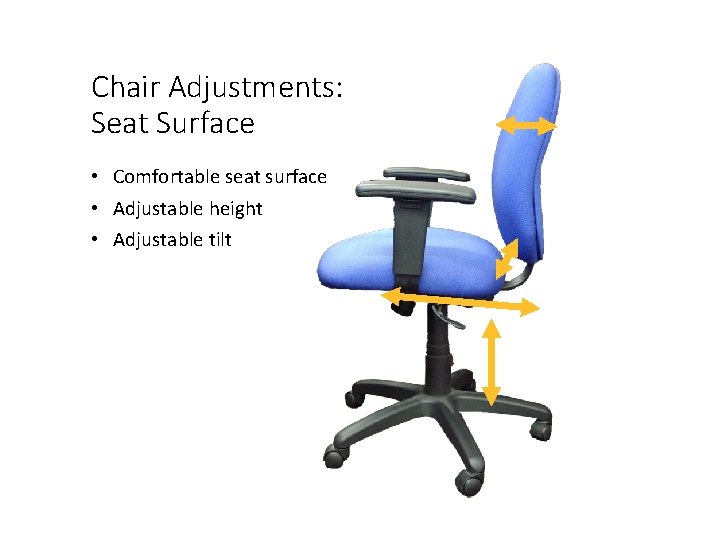
Chair Adjustments: Seat Surface • Comfortable seat surface • Adjustable height • Adjustable tilt
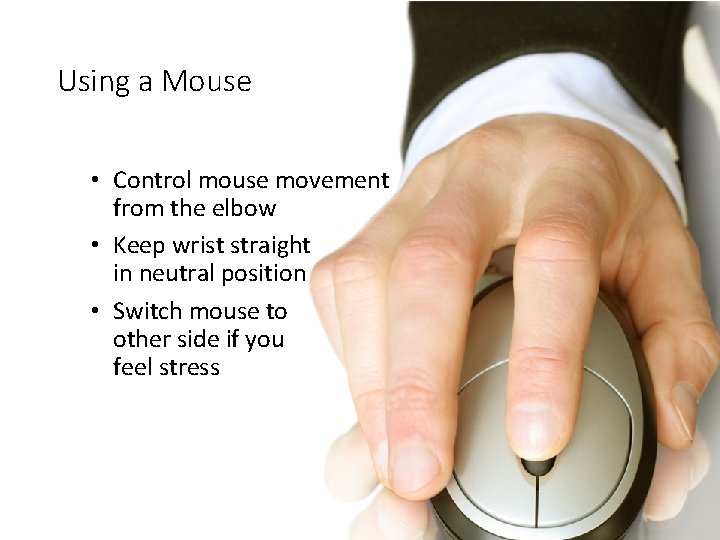
Using a Mouse • Control mouse movement from the elbow • Keep wrist straight in neutral position • Switch mouse to other side if you feel stress
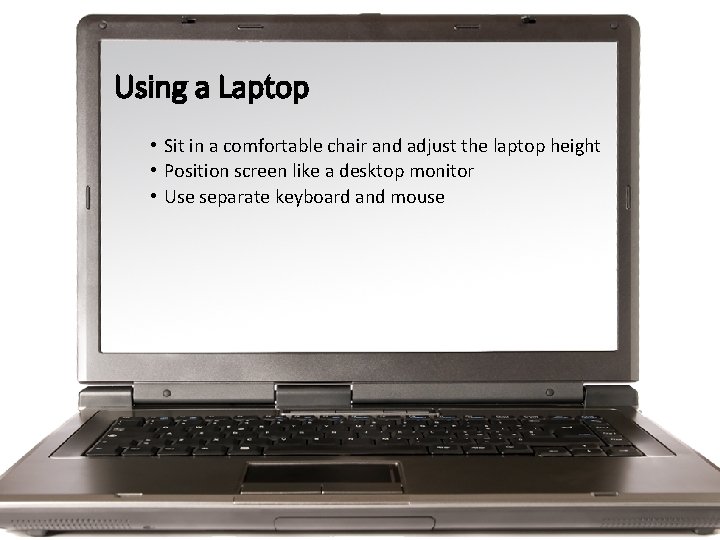
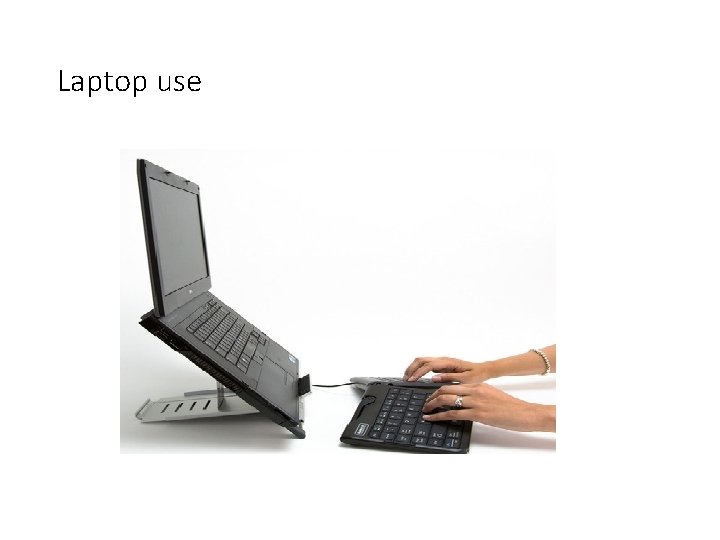
Using a Laptop • Sit in a comfortable chair and adjust the laptop height • Position screen like a desktop monitor • Use separate keyboard and mouse
Laptop use
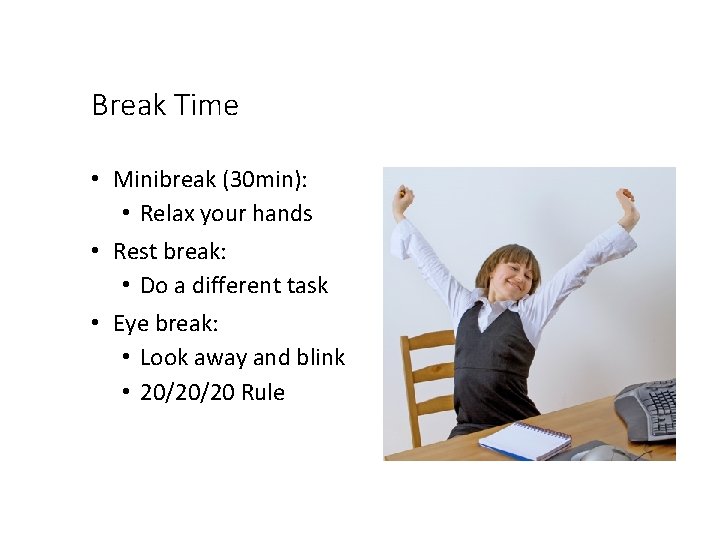
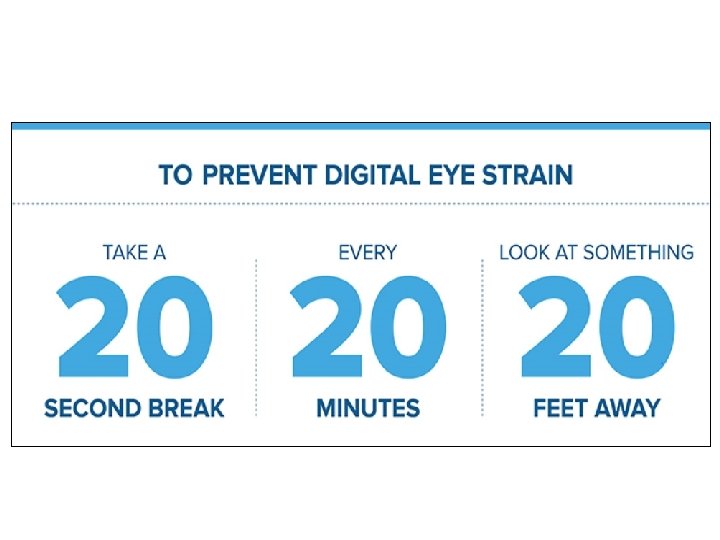
Break Time • Minibreak (30 min): • Relax your hands • Rest break: • Do a different task • Eye break: • Look away and blink • 20/20/20 Rule
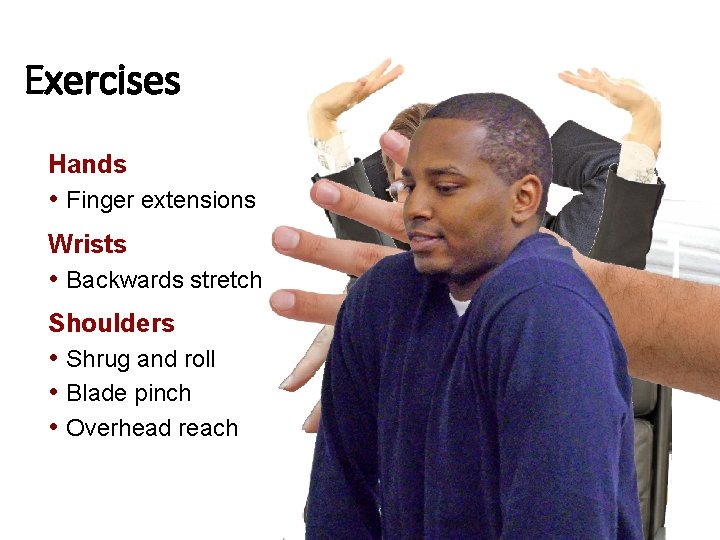
Exercises Hands • Finger extensions Wrists • Backwards stretch Shoulders • Shrug and roll • Blade pinch • Overhead reach
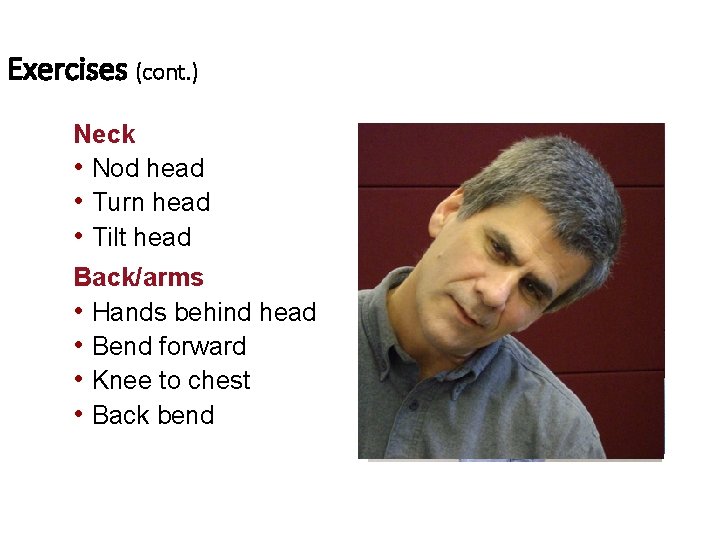
Exercises (cont. ) Neck • Nod head • Turn head • Tilt head Back/arms • Hands behind head • Bend forward • Knee to chest • Back bend
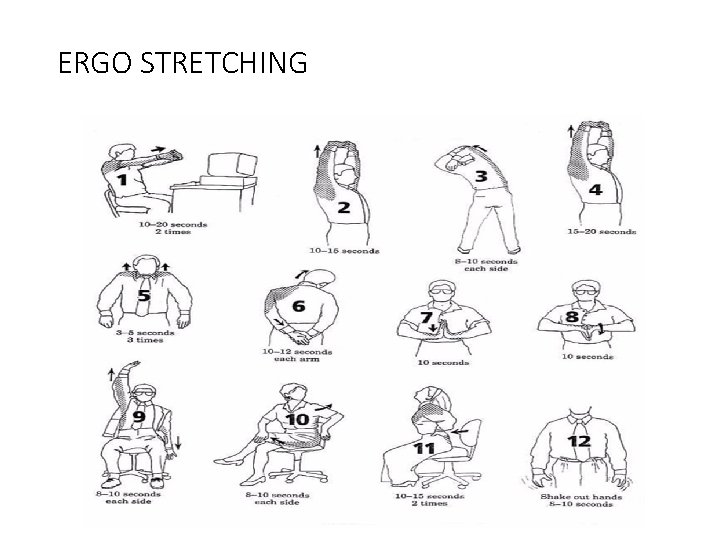
ERGO STRETCHING
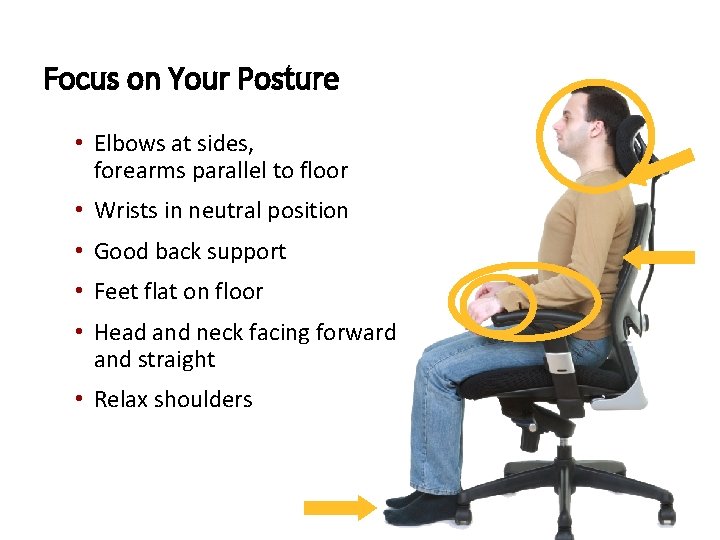
Focus on Your Posture • Elbows at sides, forearms parallel to floor • Wrists in neutral position • Good back support • Feet flat on floor • Head and neck facing forward and straight • Relax shoulders
If you have questions, please contact Carlos Morales carlosm@wgbib. com