
Ergonomics Tips Top of monitor at eye level
- Slides: 2
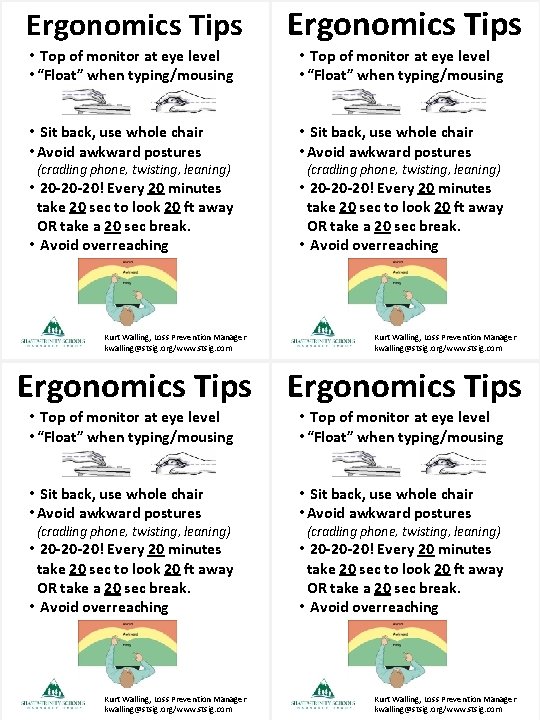
Ergonomics Tips • Top of monitor at eye level • “Float” when typing/mousing • Sit back, use whole chair • Avoid awkward postures • 20 -20 -20! Every 20 minutes take 20 sec to look 20 ft away OR take a 20 sec break. • Avoid overreaching (cradling phone, twisting, leaning) Kurt Walling, Loss Prevention Manager kwalling@stsig. org/www. stsig. com Ergonomics Tips • Top of monitor at eye level • “Float” when typing/mousing • Sit back, use whole chair • Avoid awkward postures • 20 -20 -20! Every 20 minutes take 20 sec to look 20 ft away OR take a 20 sec break. • Avoid overreaching (cradling phone, twisting, leaning) Kurt Walling, Loss Prevention Manager kwalling@stsig. org/www. stsig. com
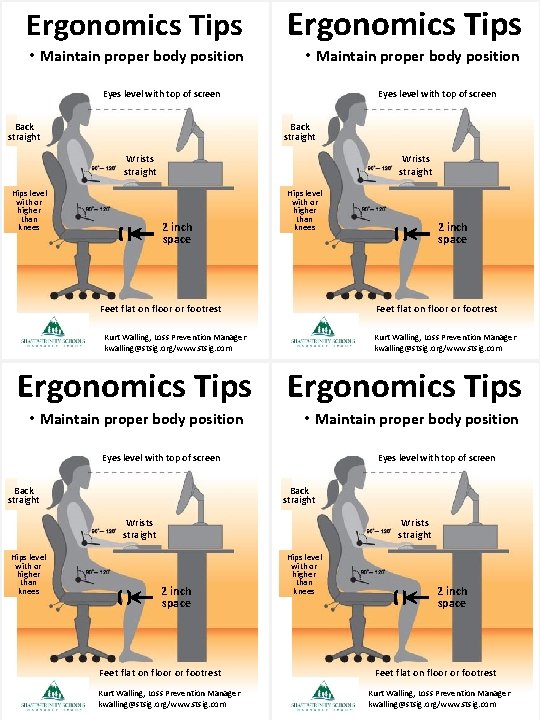
Ergonomics Tips • Maintain proper body position Eyes level with top of screen Back straight Wrists straight Hips level with or higher than knees Wrists straight 2 inch space Hips level with or higher than knees Feet flat on floor or footrest 2 inch space Feet flat on floor or footrest Kurt Walling, Loss Prevention Manager kwalling@stsig. org/www. stsig. com Ergonomics Tips • Maintain proper body position Eyes level with top of screen Back straight Wrists straight Hips level with or higher than knees Wrists straight 2 inch space Feet flat on floor or footrest Kurt Walling, Loss Prevention Manager kwalling@stsig. org/www. stsig. com Hips level with or higher than knees 2 inch space Feet flat on floor or footrest Kurt Walling, Loss Prevention Manager kwalling@stsig. org/www. stsig. com