
EOF and Error Handling in Files Computer ScienceApplications
- Slides: 14
EOF and Error Handling in Files Computer Science/Applications Programming in C M. RAVI KIRAN KUMAR MCA, M. Tech. Govt. Degree College , Gummalakshmipuram Email. Id: rkk. meduri@gmail. com
Objectives At the end of the session, students should be able to understand: - How to detect end-of-file - Issues that we encounter with files - How to capture errors - How to display error messages - Random selection of data from files
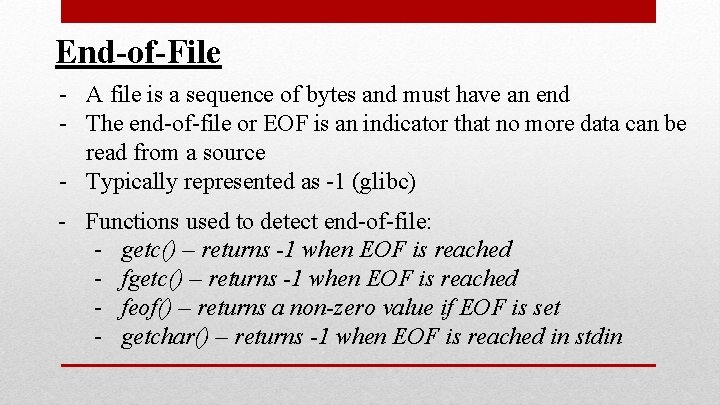
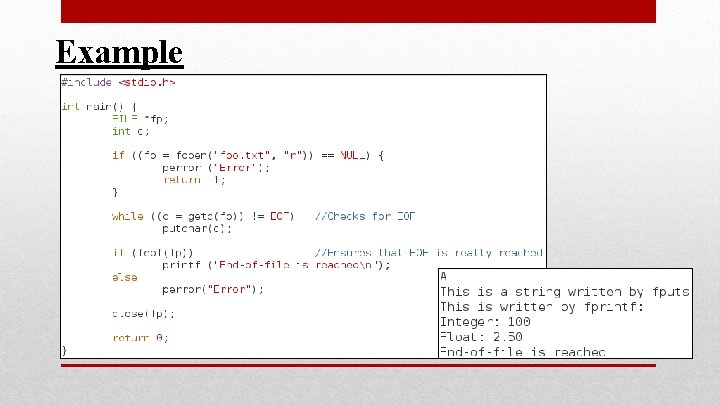
End-of-File - A file is a sequence of bytes and must have an end - The end-of-file or EOF is an indicator that no more data can be read from a source - Typically represented as -1 (glibc) - Functions used to detect end-of-file: - getc() – returns -1 when EOF is reached - feof() – returns a non-zero value if EOF is set - getchar() – returns -1 when EOF is reached in stdin
Example
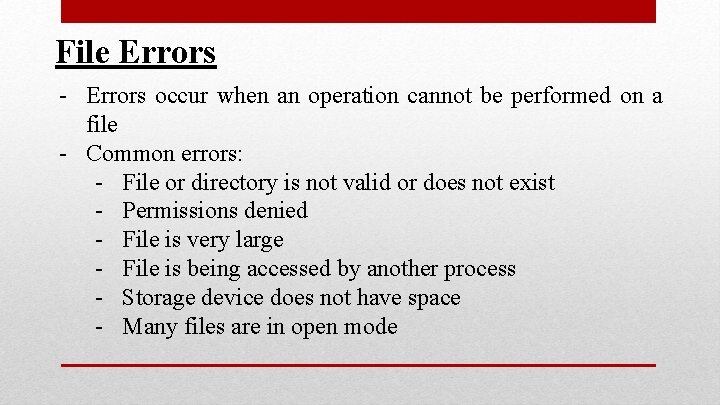
File Errors - Errors occur when an operation cannot be performed on a file - Common errors: - File or directory is not valid or does not exist - Permissions denied - File is very large - File is being accessed by another process - Storage device does not have space - Many files are in open mode
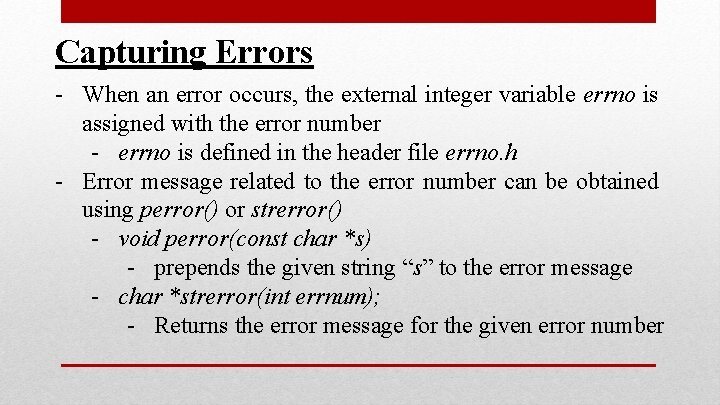
Capturing Errors - When an error occurs, the external integer variable errno is assigned with the error number - errno is defined in the header file errno. h - Error message related to the error number can be obtained using perror() or strerror() - void perror(const char *s) - prepends the given string “s” to the error message - char *strerror(int errnum); - Returns the error message for the given error number
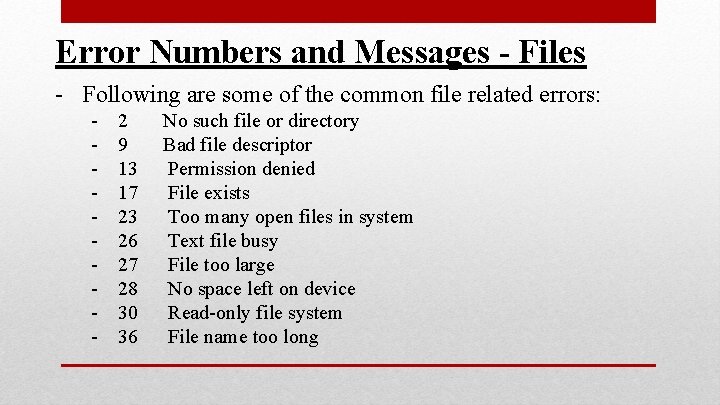
Error Numbers and Messages - Files - Following are some of the common file related errors: - 2 9 13 17 23 26 27 28 30 36 No such file or directory Bad file descriptor Permission denied File exists Too many open files in system Text file busy File too large No space left on device Read-only file system File name too long
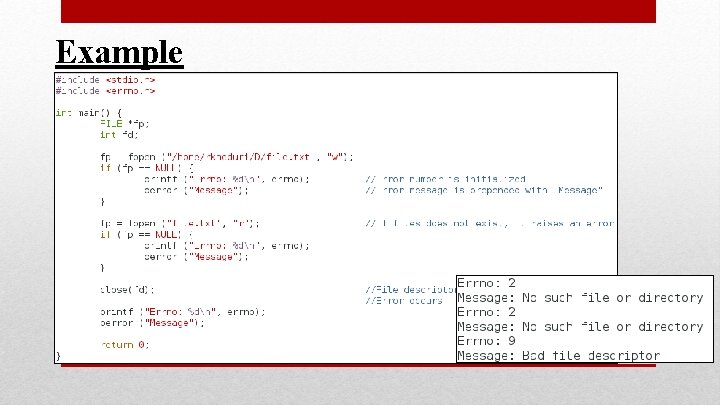
Example
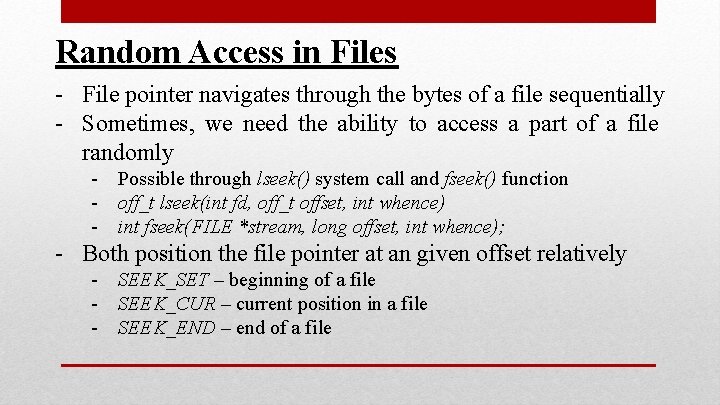
Random Access in Files - File pointer navigates through the bytes of a file sequentially - Sometimes, we need the ability to access a part of a file randomly - Possible through lseek() system call and fseek() function - off_t lseek(int fd, off_t offset, int whence) - int fseek(FILE *stream, long offset, int whence); - Both position the file pointer at an given offset relatively - SEEK_SET – beginning of a file - SEEK_CUR – current position in a file - SEEK_END – end of a file
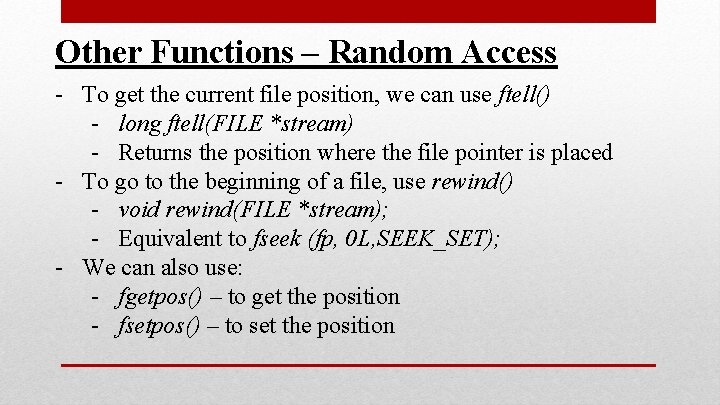
Other Functions – Random Access - To get the current file position, we can use ftell() - long ftell(FILE *stream) - Returns the position where the file pointer is placed - To go to the beginning of a file, use rewind() - void rewind(FILE *stream); - Equivalent to fseek (fp, 0 L, SEEK_SET); - We can also use: - fgetpos() – to get the position - fsetpos() – to set the position
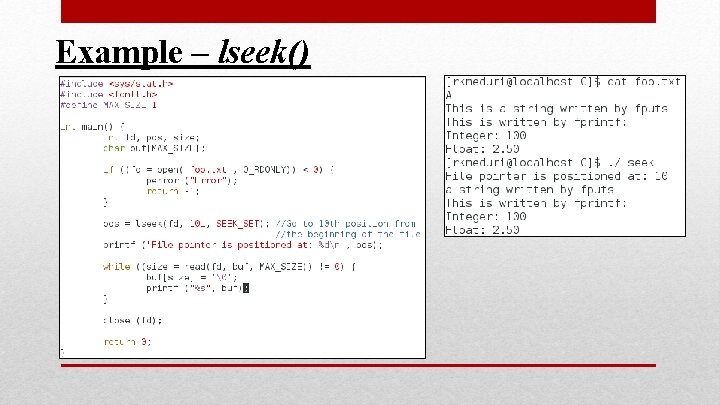
Example – lseek()
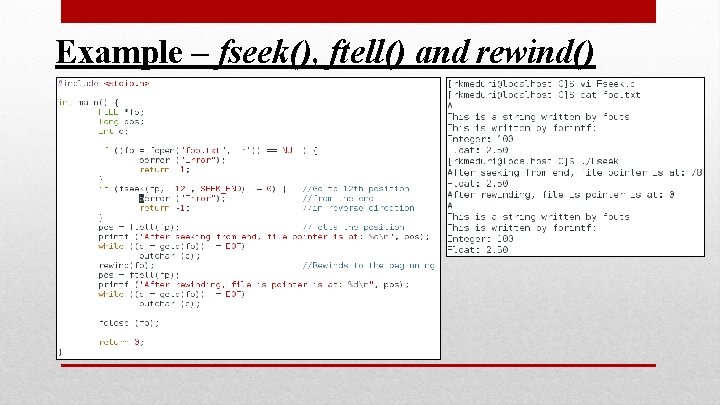
Example – fseek(), ftell() and rewind()
Summary § EOF is an integer that determines that there is no data to read from a source. § Functions like getc(), fgetc() and getchar() return -1 (EOF) when the source does not have any more data § While dealing with files, error handling is essential. § Error number can be captured using errno and error message can be extracted using perror()/strerror() functions § To randomly navigate through a file, we can use lseek() and fseek() along with ftell(), fgetpos(), fsetpos() and rewind()
References Text Books: - The C Programming Language – Brian W Kernighan and Dennis M Ritchie – Second Edition - Introduction to C Programming – Reema Thareja – Second Edition Unix Man Pages: - Man pages of perror and strerror - Man pages of lseek, ftell and rewind