
EOC NCFE Training Fall 2016 NCTest Admin logins
- Slides: 54
EOC & NCFE Training Fall 2016 • NCTest Admin logins should already be set up • Rosters verified in NCTest and Tutorial completion due Dec. 21 st • EOC/NCFE review guides due Jan. 6 th • Rooms/halls ready for testing by Jan. 10 th
Testing Window • Last 5 days of the first semester • All make up testing must be completed within the make up testing window – Make-up exams can extend 10 days after the first day of testing • Traditional Calendar: – January 17 th – January 23 rd – Make up window: January 18 th – 31 st – Contact parents each day regarding makeups; if students are absent on the 23 rd for makeups teacher will have to find a proctor to administer after school (can do as a PLC) • The testing windows include teacher made exams EOC Online p. 3 – 4 2
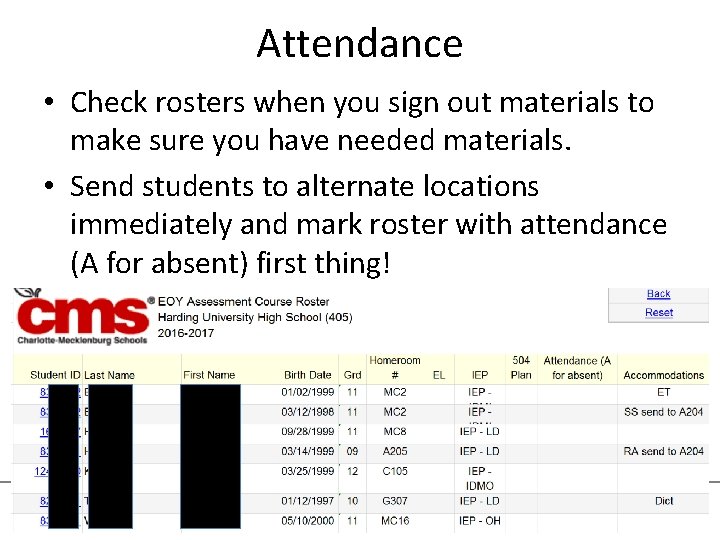
Attendance • Check rosters when you sign out materials to make sure you have needed materials. • Send students to alternate locations immediately and mark roster with attendance (A for absent) first thing! 3
End of Course Tests EOC
Eligible Students • Students enrolled in a course requiring an EOC – NC Math I, English II, Biology Traditional Classroom and all Online Platforms AP & Honors Courses Suspended Students failing the course Students receiving instruction in Hospital or Homebound settings • 95% Participation required • • • EOC Online p. 2 -3 5
Exempt Students • EL students scoring below Proficiency Level 4. 0 on the reading subtest of the W-APT and who enrolled after June 9, 2016 are exempt from English II EOC – These students are NOT exempt from Biology or Math I EOC • Students granted medical exemptions – Apply ASAP (Instructions on Share. Point) • Students who have previously obtained a proficient score (level 3 or above) on the EOC assessment may choose to use the banked score or retake the EOC and keep the new score – Special Code in NC education for banked score – J 9 student list is available on School Shares EOC Online p. 3 6
Credit Recovery • EOC Courses – NC Math I, English II, and Biology – If a student is enrolled in an EOC credit recovery course, the student does not have to take the EOC exam UNLESS the following applies: 1. 2. The student does not have a previous score If taking NC Math I, the student is in grade 9 or 10 If taking English II, the student is in grade 9 or 10 If taking Biology, the student is in grade 9, 10 or 11 • NCFE Courses – If a student is enrolled in an NCFE Credit recovery course, the student will NOT participate in the NCFE for any reason EOC Online p. 2 -3 7
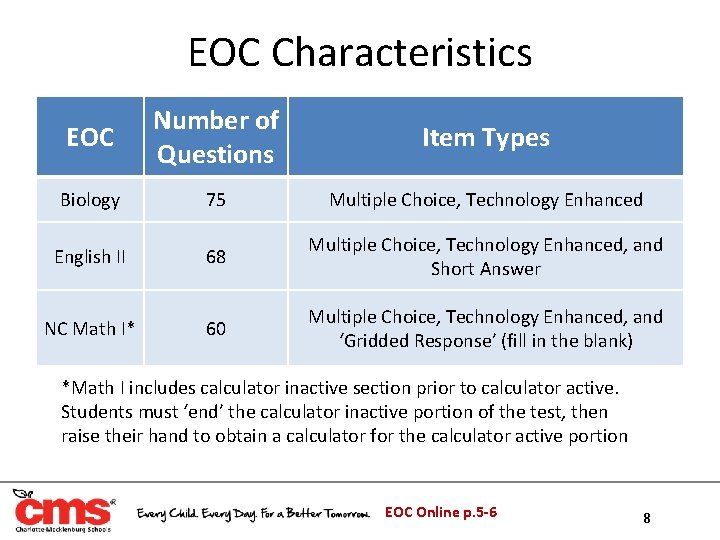
EOC Characteristics EOC Number of Questions Item Types Biology 75 Multiple Choice, Technology Enhanced English II 68 Multiple Choice, Technology Enhanced, and Short Answer NC Math I* 60 Multiple Choice, Technology Enhanced, and ‘Gridded Response’ (fill in the blank) *Math I includes calculator inactive section prior to calculator active. Students must ‘end’ the calculator inactive portion of the test, then raise their hand to obtain a calculator for the calculator active portion EOC Online p. 5 -6 8
Estimated Time • Estimated administration time – Biology & English II: 150 minutes – Math I: 180 minutes • Two 2 minute breaks – Additional 2 minute break every 60 minutes for students working beyond estimated administration time • Testing must be the first activity of the day • All students must be permitted to: – Eat lunch during the school day – Travel home at their regularly scheduled time EOC Online p. 5 -6 9
Test Administrator’s Responsibilities • Must be a school staff member – Must have professional training in education – Long Term Subs cannot serve as a Test Administrator – Retired teachers can serve as a Test Administrator if employed by the school on test day • • • Must receive a face to face training, including accommodations Read Assessment Guide prior to training Have a current NC Education account Be familiar with the NC Test platform Account for test materials Conduct unbiased test administration – Follow the script and directions exactly as written in the AG • Monitor the testing session • Report any irregularities immediately EOC Online p. 8 -11 10
Proctor’s Responsibilities • Assigned in all EOC test sessions regardless of the number of students testing – Must be 18 years or older and not a student enrolled in the K-12 public school system – Cannot be assigned to a room where relative or ward is to be tested – Must be registered in the CMS volunteer system www. cmsvolunteers. com • Cannot assist students nor be left alone with testing materials at any time – Cannot pick up/return test materials to STC – Cannot handle any test materials (collect or pass out) • Cannot read test directions • Cannot touch a student’s computer • Cannot answer questions EOC Online p. 11 -13 11
Hallway Monitors • Hallway monitors must be trained – NC Testing Code of Ethics and the hallway monitor’s responsibilities – Sign Testing Code of Ethics Affidavit and training sign-in sheet • If serving as a Test Administrator or Proctor (during emergencies) must also be trained in those roles • Should actively monitor assigned areas – Walk through hallways, look in classroom windows – Make sure rooms are prepared for testing (desk spacing, walls cleared, and 2 adults in test session) – Assist Test Administrators and proctors with issues – Assist students during restroom breaks and emergencies 12
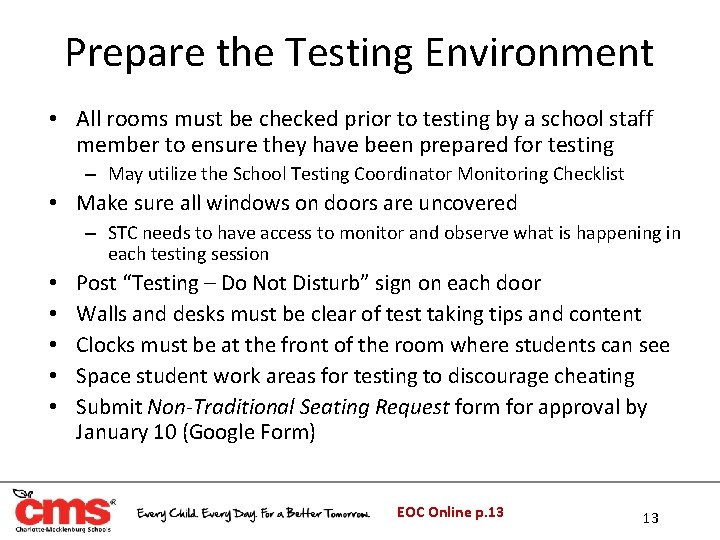
Prepare the Testing Environment • All rooms must be checked prior to testing by a school staff member to ensure they have been prepared for testing – May utilize the School Testing Coordinator Monitoring Checklist • Make sure all windows on doors are uncovered – STC needs to have access to monitor and observe what is happening in each testing session • • • Post “Testing – Do Not Disturb” sign on each door Walls and desks must be clear of test taking tips and content Clocks must be at the front of the room where students can see Space student work areas for testing to discourage cheating Submit Non-Traditional Seating Request form for approval by January 10 (Google Form) EOC Online p. 13 13
Prepare for Test Day • Check to be sure that all computers meet specified technical requirements and are in working order • Ensure all devices that will be used for testing have the NCTest App and that you have a sufficient number • In NC Education (all staff must have an account setup): – Confirm that all students are listed in the Admin Entry Tab for the test they will take – Verify all SIQ’s are entered correctly – Enter all special codes • Fully charge all test devices and have power cords available for test day 14
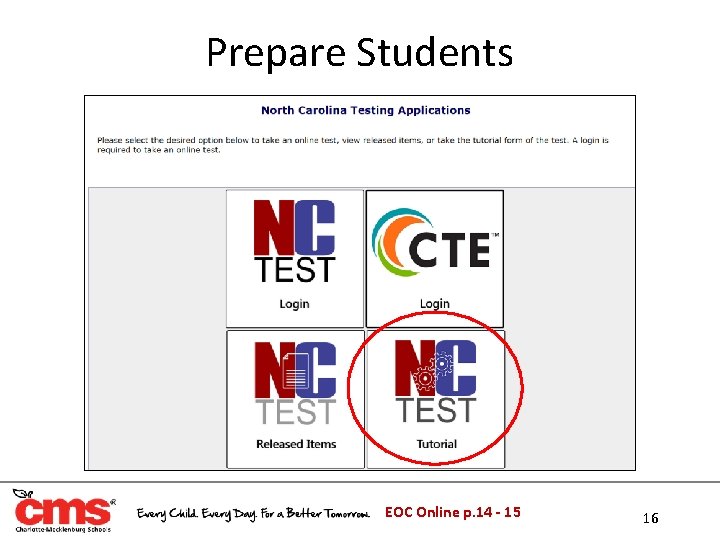
Prepare Students • Purpose of assessment • Test-taking strategies • REQUIRED: Students must participate in the online assessment tutorial through NCTest each subject they will be testing online before test day – Maintain documentation of tutorial completion for all eligible students – Students should use the same type of computer or tablet for the tutorial that they will use during the actual assessment – Teachers must use the tutorial video or standard script when completing the online tutorial – Ensure students understand how/when to PAUSE and END test. • REQUIRED: Students must participate in gridded response practice using the gridded response activity provided by the state for Math I ─ Maintain documentation of completion for all eligible students EOC Online p. 14 -15 15
Prepare Students EOC Online p. 14 - 15 16
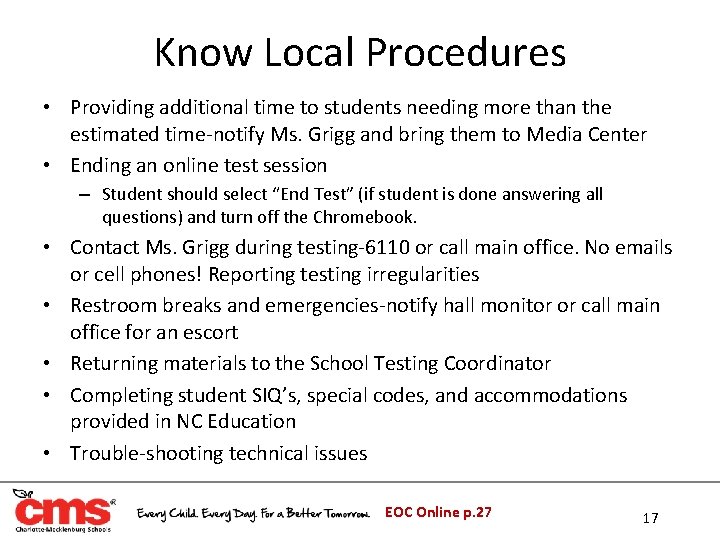
Know Local Procedures • Providing additional time to students needing more than the estimated time-notify Ms. Grigg and bring them to Media Center • Ending an online test session – Student should select “End Test” (if student is done answering all questions) and turn off the Chromebook. • Contact Ms. Grigg during testing-6110 or call main office. No emails or cell phones! Reporting testing irregularities • Restroom breaks and emergencies-notify hall monitor or call main office for an escort • Returning materials to the School Testing Coordinator • Completing student SIQ’s, special codes, and accommodations provided in NC Education • Trouble-shooting technical issues EOC Online p. 27 17
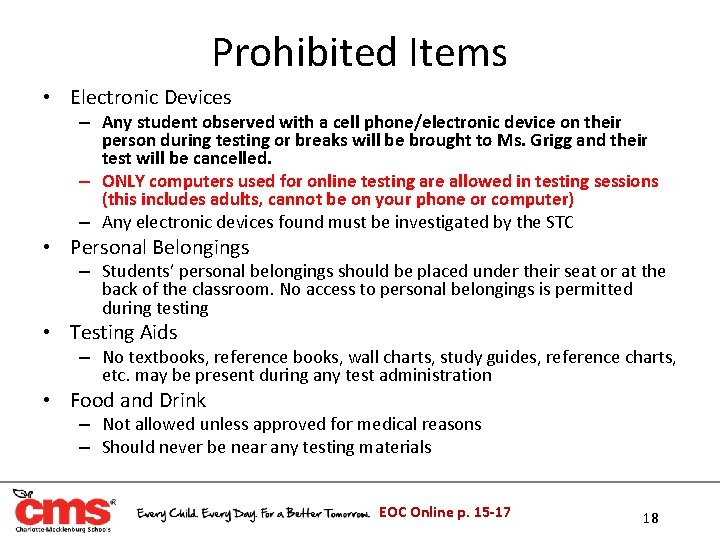
Prohibited Items • Electronic Devices – Any student observed with a cell phone/electronic device on their person during testing or breaks will be brought to Ms. Grigg and their test will be cancelled. – ONLY computers used for online testing are allowed in testing sessions (this includes adults, cannot be on your phone or computer) – Any electronic devices found must be investigated by the STC • Personal Belongings – Students’ personal belongings should be placed under their seat or at the back of the classroom. No access to personal belongings is permitted during testing • Testing Aids – No textbooks, reference books, wall charts, study guides, reference charts, etc. may be present during any test administration • Food and Drink – Not allowed unless approved for medical reasons – Should never be near any testing materials EOC Online p. 15 -17 18
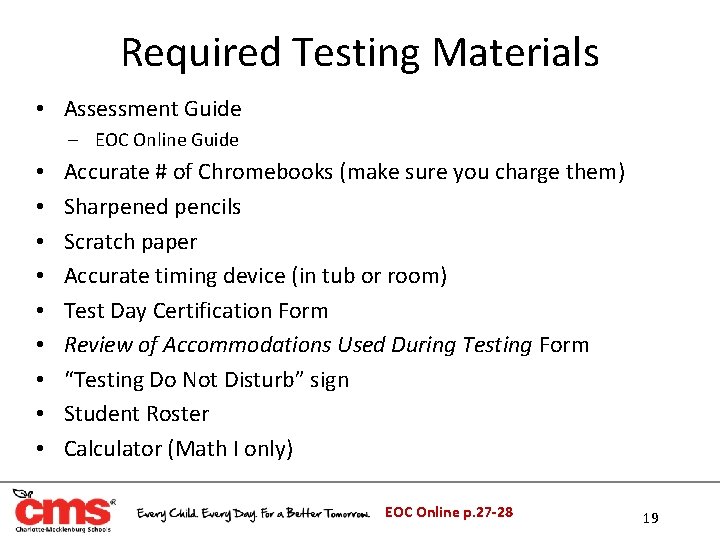
Required Testing Materials • Assessment Guide ‒ EOC Online Guide • • • Accurate # of Chromebooks (make sure you charge them) Sharpened pencils Scratch paper Accurate timing device (in tub or room) Test Day Certification Form Review of Accommodations Used During Testing Form “Testing Do Not Disturb” sign Student Roster Calculator (Math I only) EOC Online p. 27 -28 19
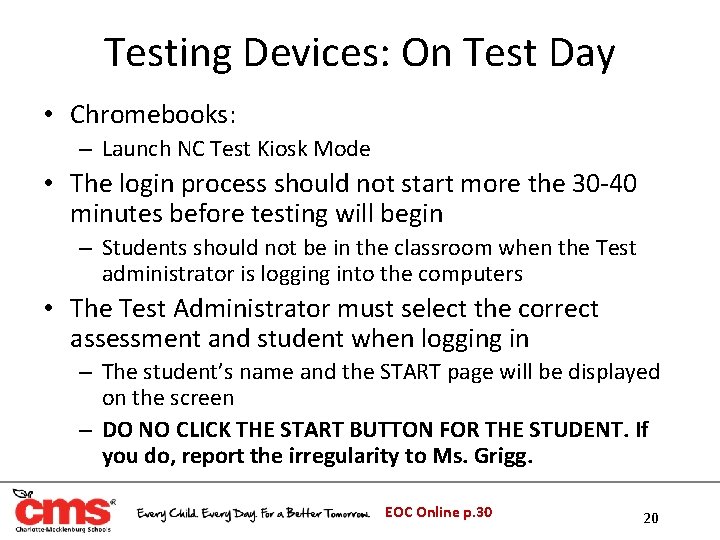
Testing Devices: On Test Day • Chromebooks: – Launch NC Test Kiosk Mode • The login process should not start more the 30 -40 minutes before testing will begin – Students should not be in the classroom when the Test administrator is logging into the computers • The Test Administrator must select the correct assessment and student when logging in – The student’s name and the START page will be displayed on the screen – DO NO CLICK THE START BUTTON FOR THE STUDENT. If you do, report the irregularity to Ms. Grigg. EOC Online p. 30 20
Student Directions • Biology and English II – P. 36 • NC Math I – P. 46 • The Test Administrator must read from the appropriate call-out boxes in the Student Directions EOC Online p. 36 21
Student Monitoring • Test Administrator and Proctor must turn off their cell phones and all electronic devices prior to testing – Cannot be visible during testing or breaks • Test Administrators and Proctors MUST: – – – – Walk frequently throughout the room When seated, have an unobstructed view Avoid distracting behaviors NOT be on a computer or reading NOT read test questions over students’ shoulders NOT indicate answers in any way to students NOT explain test directions, meanings of words, rephrase test questions, etc. EOC Online p. 17 -18 22
Student Restroom Breaks & Emergencies • If a student must leave the testing session for restroom breaks, becoming ill, lunch, etc. – Secure test materials (scratch paper, etc. ) – PAUSE must be clicked to prevent test items from being visible on the computer monitor – A test can be paused for 60 minutes – Upon return CONTINUE must be clicked to resume testing • Only one student permitted outside of the testing room at a time • Have hallway monitors in place to supervise students during breaks or emergencies • Test Administrator must record the time the student leaves and returns to ensure the maximum testing time is provided EOC Online p. 19 23
Sample Questions • Once the Test Administrator has directed the student to start testing, the student will begin by answering the sample questions • Students will be prompted with the correct answer after completing each sample question • The assessment guide does not provide directions to the student as they complete each sample question • Students should not spend too much time answering the sample questions as they do not count in their final exam score • If the test administrator observes a student spending more than 10 minutes on the sample questions, they should tell the student to quickly complete the remainder of the questions and move on 24
Early Finishers • Students who complete the test before the estimated time has expired must be allowed to read novels or other non textbooks – Verify that students have finished and checked their answers – Ensure that the student pressed ‘End Test, ’ then collect the computer – Give the student the reading material o The reading material must be checked to ensure that it does not contain information regarding tested content • If all students finish the test, review their responses, and end their tests before the scheduled time is over, the TA may end the testing session EOC Online p. 26 -27 25
Maximum Time • NCDPI requires all students be allowed ample opportunity to complete required tests – No administration of an EOC assessment may exceed the maximum testing time of 4 hours (except for those involving students with documented accommodation of Scheduled Extended Time) • Students who complete the test during the scheduled (estimated) time must not be allowed to remain in the testing room with any students who require maximum time – Schools must create a plan to relocate students who are finished or those still working after the estimated time for testing has been reached • Students must be alerted that five minutes remain prior to the end of the maximum time session • STC must develop a plan to move students after the estimated testing time has ended EOC Online p. 6 -7 26
Constructed Response • Monitor students to ensure that all Constructed Response answers are recorded on the computer screen • 1, 000 character limit provided for each response • If students are writing on scratch paper remind them that all answers must be typed on the computer screen – Students are not to be given time beyond the maximum time allowed for testing to transfer their answers EOC Online p. 16 27
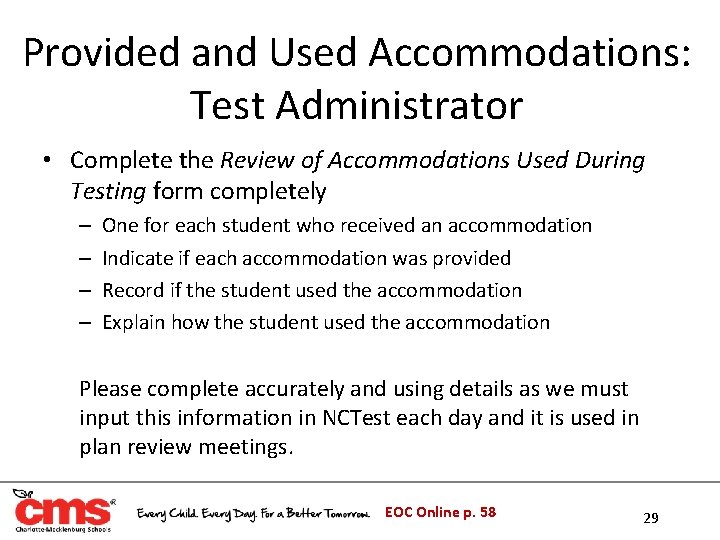
After Testing Checklist: TA • Use rosters to indicate form letter/ # and attendance • Count and verify materials distributed and collected from students on the TA’s Materials Checklist • Complete any Review of Accommodations Used During Testing forms • Complete and sign both sides of the Test Day Certification Form (Test Administrator and Proctor) • Clear all calculator memory (Math I Only) • Walk all materials directly to the Media Center for returning materials EOC Online p. 57 28
Provided and Used Accommodations: Test Administrator • Complete the Review of Accommodations Used During Testing form completely – – One for each student who received an accommodation Indicate if each accommodation was provided Record if the student used the accommodation Explain how the student used the accommodation Please complete accurately and using details as we must input this information in NCTest each day and it is used in plan review meetings. EOC Online p. 58 29
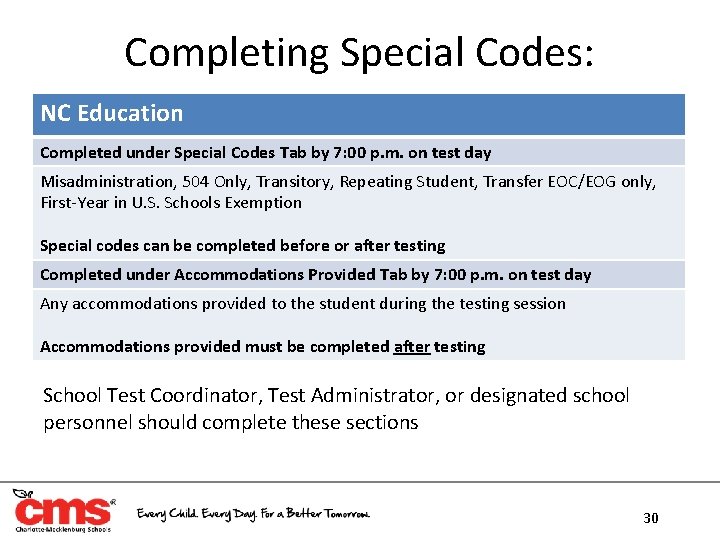
Completing Special Codes: NC Education Completed under Special Codes Tab by 7: 00 p. m. on test day Misadministration, 504 Only, Transitory, Repeating Student, Transfer EOC/EOG only, First-Year in U. S. Schools Exemption Special codes can be completed before or after testing Completed under Accommodations Provided Tab by 7: 00 p. m. on test day Any accommodations provided to the student during the testing session Accommodations provided must be completed after testing School Test Coordinator, Test Administrator, or designated school personnel should complete these sections 30
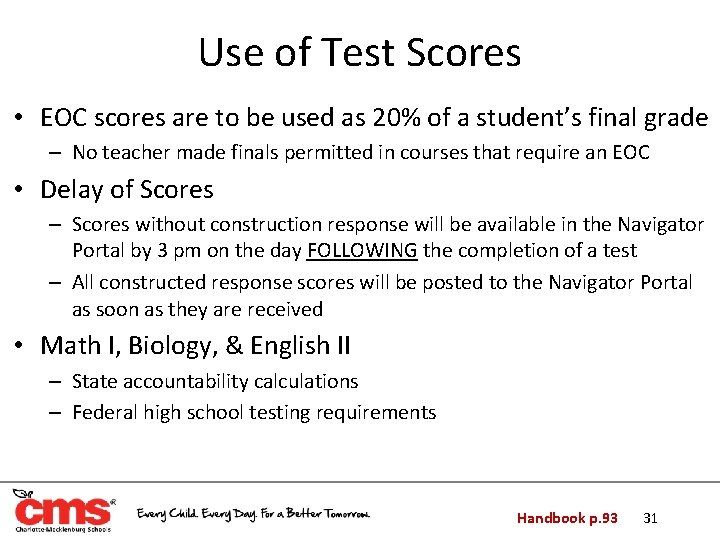
Use of Test Scores • EOC scores are to be used as 20% of a student’s final grade – No teacher made finals permitted in courses that require an EOC • Delay of Scores – Scores without construction response will be available in the Navigator Portal by 3 pm on the day FOLLOWING the completion of a test – All constructed response scores will be posted to the Navigator Portal as soon as they are received • Math I, Biology, & English II – State accountability calculations – Federal high school testing requirements Handbook p. 93 31
NC Final Exams
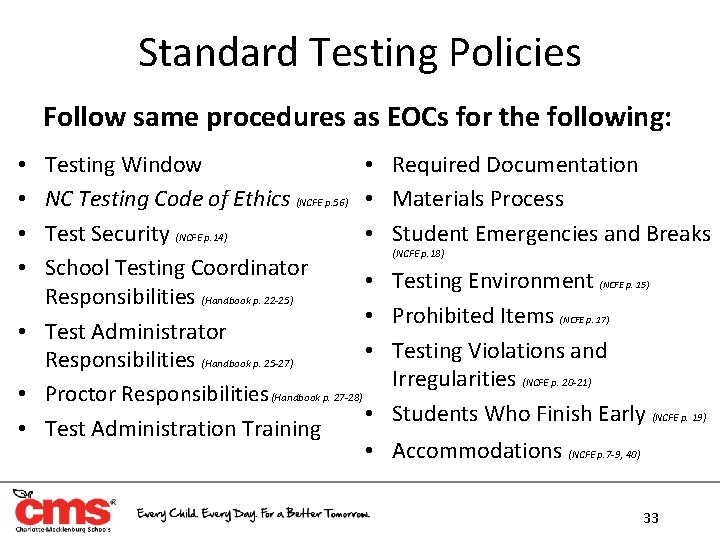
Standard Testing Policies Follow same procedures as EOCs for the following: • Testing Window NC Testing Code of Ethics (NCFE p. 56) • • Test Security (NCFE p. 14) School Testing Coordinator • Responsibilities (Handbook p. 22 -25) • • Test Administrator • Responsibilities (Handbook p. 25 -27) • Proctor Responsibilities (Handbook p. 27 -28) • • Test Administration Training • • • Required Documentation Materials Process Student Emergencies and Breaks (NCFE p. 18) Testing Environment (NCFE p. 15) Prohibited Items (NCFE p. 17) Testing Violations and Irregularities (NCFE p. 20 -21) Students Who Finish Early (NCFE p. 19) Accommodations (NCFE p. 7 -9, 40) 33
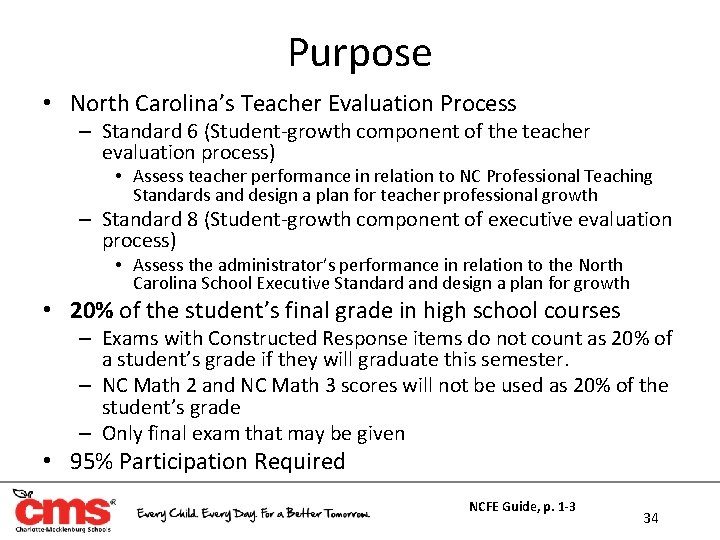
Purpose • North Carolina’s Teacher Evaluation Process – Standard 6 (Student-growth component of the teacher evaluation process) • Assess teacher performance in relation to NC Professional Teaching Standards and design a plan for teacher professional growth – Standard 8 (Student-growth component of executive evaluation process) • Assess the administrator’s performance in relation to the North Carolina School Executive Standard and design a plan for growth • 20% of the student’s final grade in high school courses – Exams with Constructed Response items do not count as 20% of a student’s grade if they will graduate this semester. – NC Math 2 and NC Math 3 scores will not be used as 20% of the student’s grade – Only final exam that may be given • 95% Participation Required NCFE Guide, p. 1 -3 34
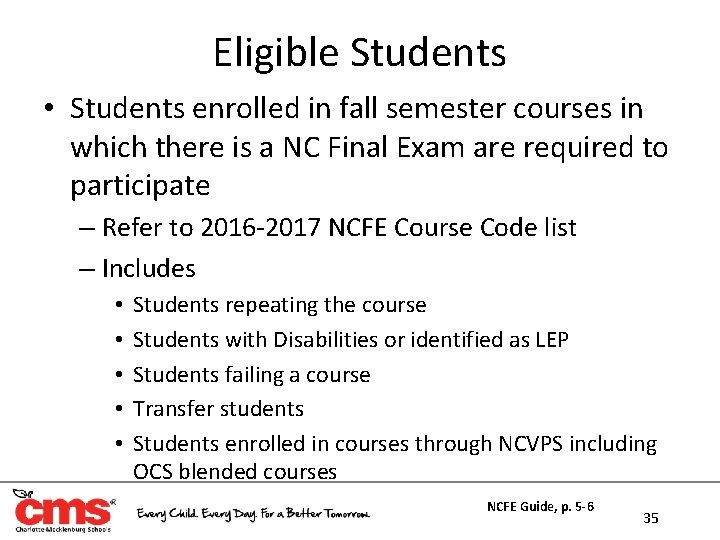
Eligible Students • Students enrolled in fall semester courses in which there is a NC Final Exam are required to participate – Refer to 2016 -2017 NCFE Course Code list – Includes • • • Students repeating the course Students with Disabilities or identified as LEP Students failing a course Transfer students Students enrolled in courses through NCVPS including OCS blended courses NCFE Guide, p. 5 -6 35
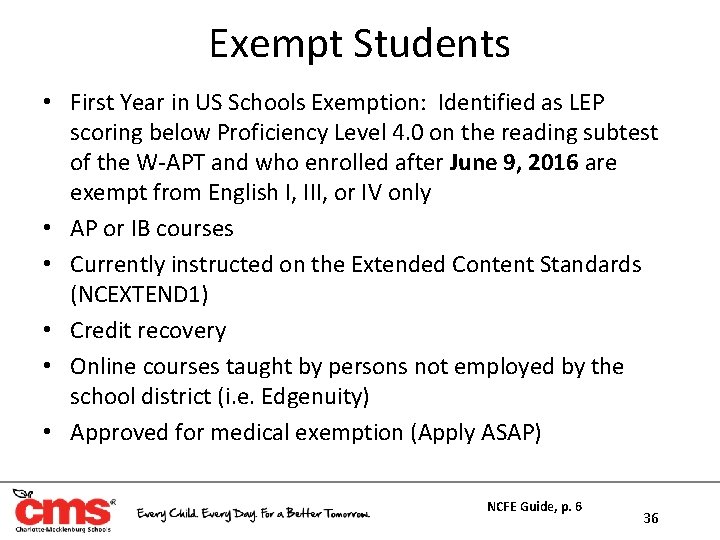
Exempt Students • First Year in US Schools Exemption: Identified as LEP scoring below Proficiency Level 4. 0 on the reading subtest of the W-APT and who enrolled after June 9, 2016 are exempt from English I, III, or IV only • AP or IB courses • Currently instructed on the Extended Content Standards (NCEXTEND 1) • Credit recovery • Online courses taught by persons not employed by the school district (i. e. Edgenuity) • Approved for medical exemption (Apply ASAP) NCFE Guide, p. 6 36
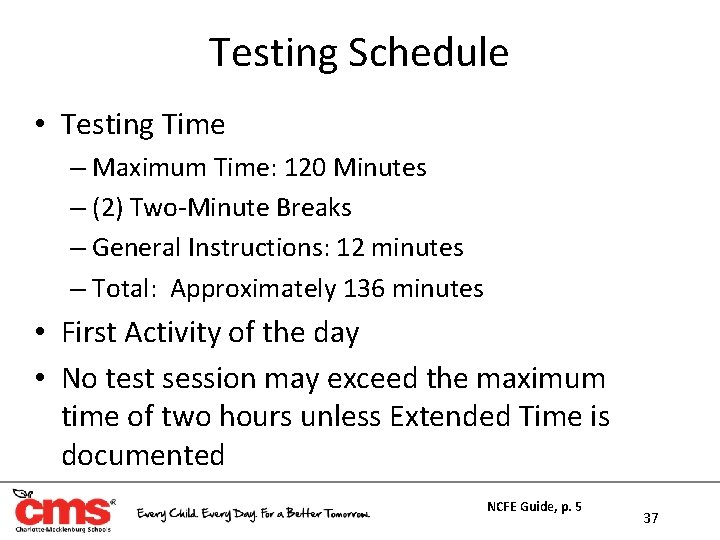
Testing Schedule • Testing Time – Maximum Time: 120 Minutes – (2) Two-Minute Breaks – General Instructions: 12 minutes – Total: Approximately 136 minutes • First Activity of the day • No test session may exceed the maximum time of two hours unless Extended Time is documented NCFE Guide, p. 5 37
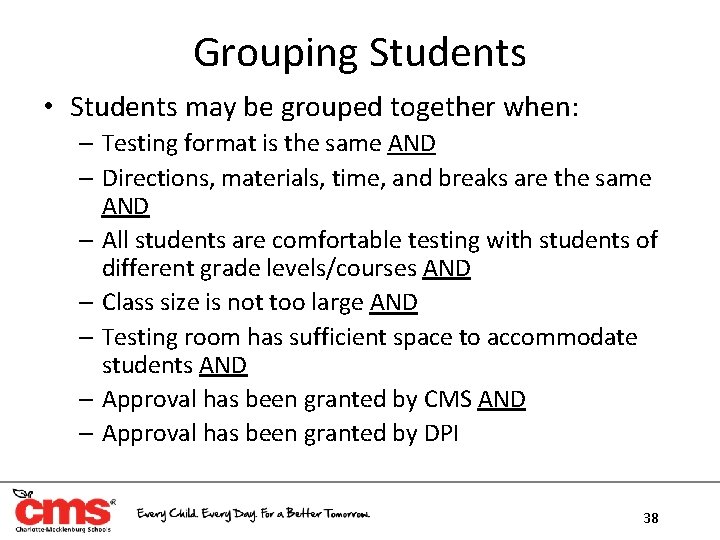
Grouping Students • Students may be grouped together when: – Testing format is the same AND – Directions, materials, time, and breaks are the same AND – All students are comfortable testing with students of different grade levels/courses AND – Class size is not too large AND – Testing room has sufficient space to accommodate students AND – Approval has been granted by CMS AND – Approval has been granted by DPI 38
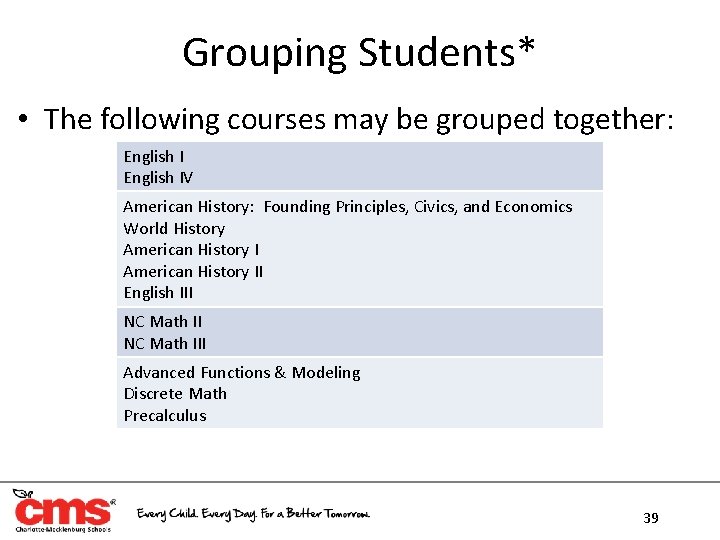
Grouping Students* • The following courses may be grouped together: English IV American History: Founding Principles, Civics, and Economics World History American History II English III NC Math III Advanced Functions & Modeling Discrete Math Precalculus 39
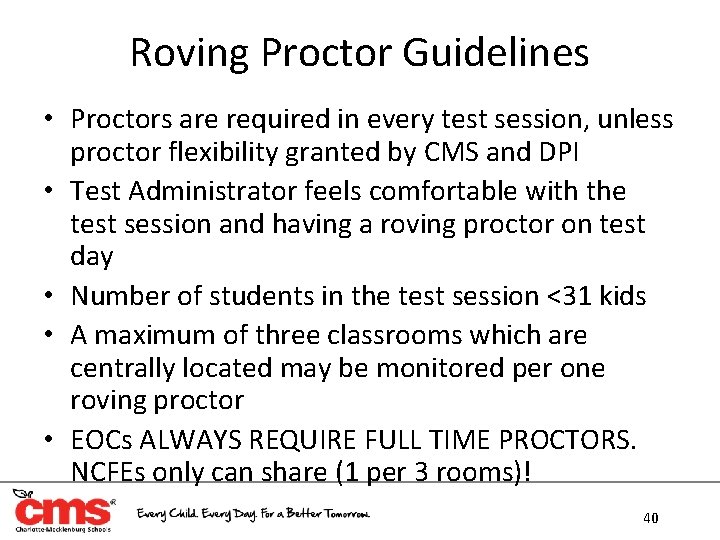
Roving Proctor Guidelines • Proctors are required in every test session, unless proctor flexibility granted by CMS and DPI • Test Administrator feels comfortable with the test session and having a roving proctor on test day • Number of students in the test session <31 kids • A maximum of three classrooms which are centrally located may be monitored per one roving proctor • EOCs ALWAYS REQUIRE FULL TIME PROCTORS. NCFEs only can share (1 per 3 rooms)! 40
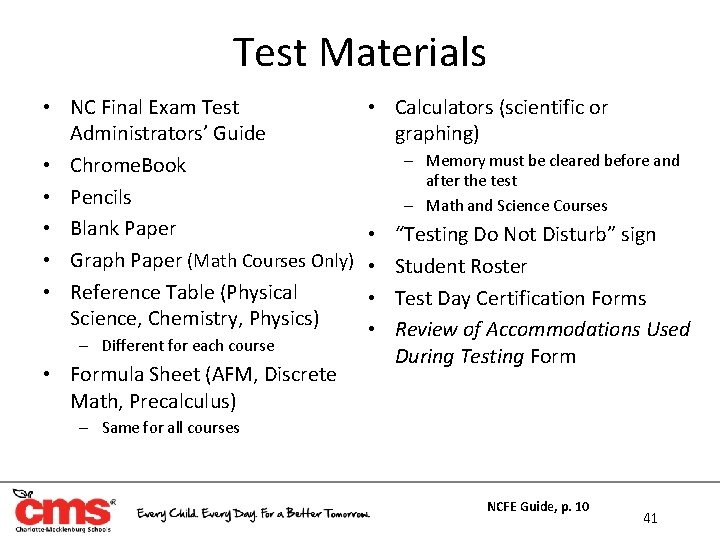
Test Materials • NC Final Exam Test Administrators’ Guide • Chrome. Book • Pencils • Blank Paper • Graph Paper (Math Courses Only) • Reference Table (Physical Science, Chemistry, Physics) – Different for each course • Formula Sheet (AFM, Discrete Math, Precalculus) • Calculators (scientific or graphing) – Memory must be cleared before and after the test – Math and Science Courses • • “Testing Do Not Disturb” sign Student Roster Test Day Certification Forms Review of Accommodations Used During Testing Form – Same for all courses NCFE Guide, p. 10 41
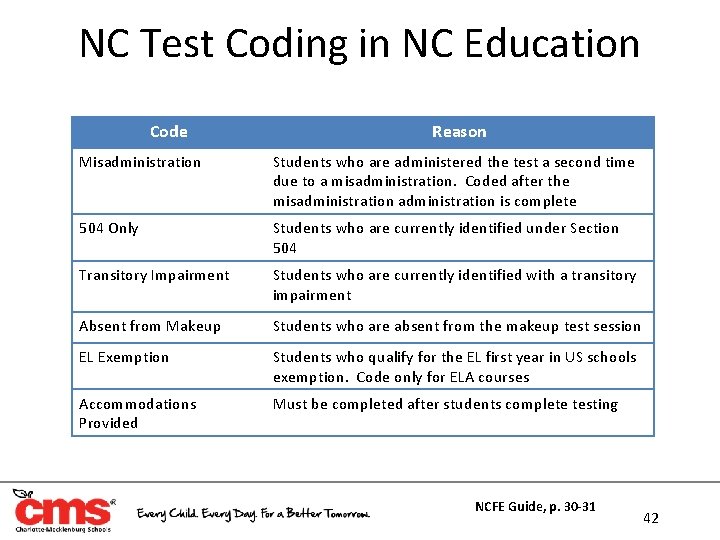
NC Test Coding in NC Education Code Reason Misadministration Students who are administered the test a second time due to a misadministration. Coded after the misadministration is complete 504 Only Students who are currently identified under Section 504 Transitory Impairment Students who are currently identified with a transitory impairment Absent from Makeup Students who are absent from the makeup test session EL Exemption Students who qualify for the EL first year in US schools exemption. Code only for ELA courses Accommodations Provided Must be completed after students complete testing NCFE Guide, p. 30 -31 42
Accommodations
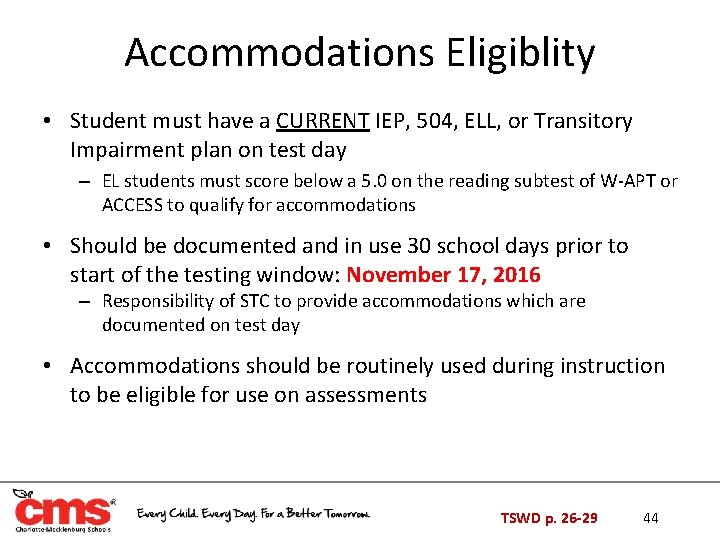
Accommodations Eligiblity • Student must have a CURRENT IEP, 504, ELL, or Transitory Impairment plan on test day – EL students must score below a 5. 0 on the reading subtest of W-APT or ACCESS to qualify for accommodations • Should be documented and in use 30 school days prior to start of the testing window: November 17, 2016 – Responsibility of STC to provide accommodations which are documented on test day • Accommodations should be routinely used during instruction to be eligible for use on assessments TSWD p. 26 -29 44
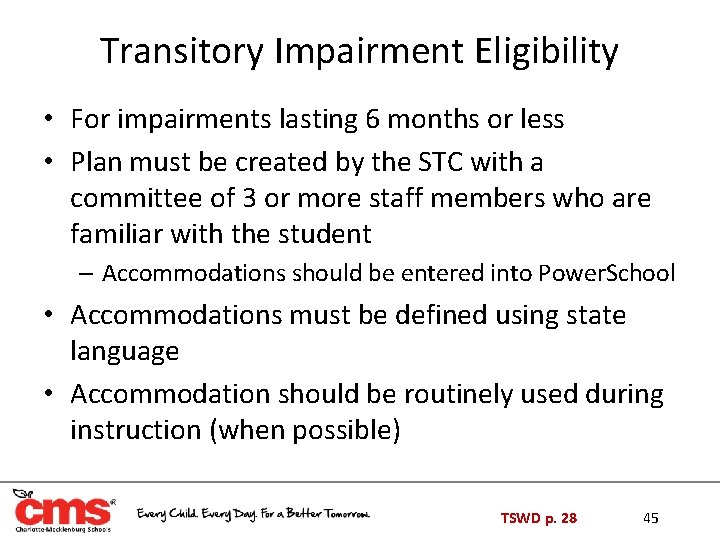
Transitory Impairment Eligibility • For impairments lasting 6 months or less • Plan must be created by the STC with a committee of 3 or more staff members who are familiar with the student – Accommodations should be entered into Power. School • Accommodations must be defined using state language • Accommodation should be routinely used during instruction (when possible) TSWD p. 28 45
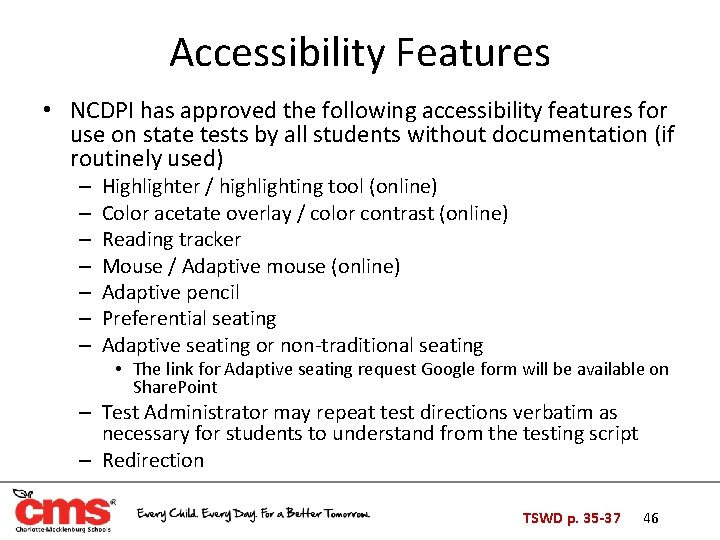
Accessibility Features • NCDPI has approved the following accessibility features for use on state tests by all students without documentation (if routinely used) – – – – Highlighter / highlighting tool (online) Color acetate overlay / color contrast (online) Reading tracker Mouse / Adaptive mouse (online) Adaptive pencil Preferential seating Adaptive seating or non-traditional seating • The link for Adaptive seating request Google form will be available on Share. Point – Test Administrator may repeat test directions verbatim as necessary for students to understand from the testing script – Redirection TSWD p. 35 -37 46
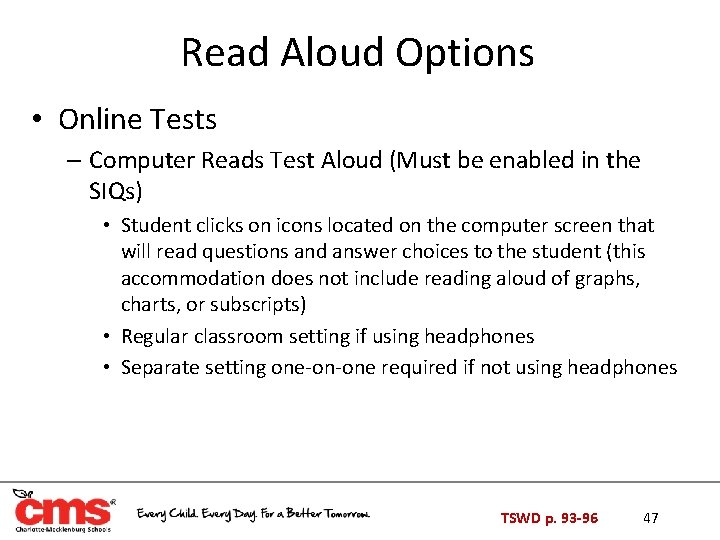
Read Aloud Options • Online Tests – Computer Reads Test Aloud (Must be enabled in the SIQs) • Student clicks on icons located on the computer screen that will read questions and answer choices to the student (this accommodation does not include reading aloud of graphs, charts, or subscripts) • Regular classroom setting if using headphones • Separate setting one-on-one required if not using headphones TSWD p. 93 -96 47
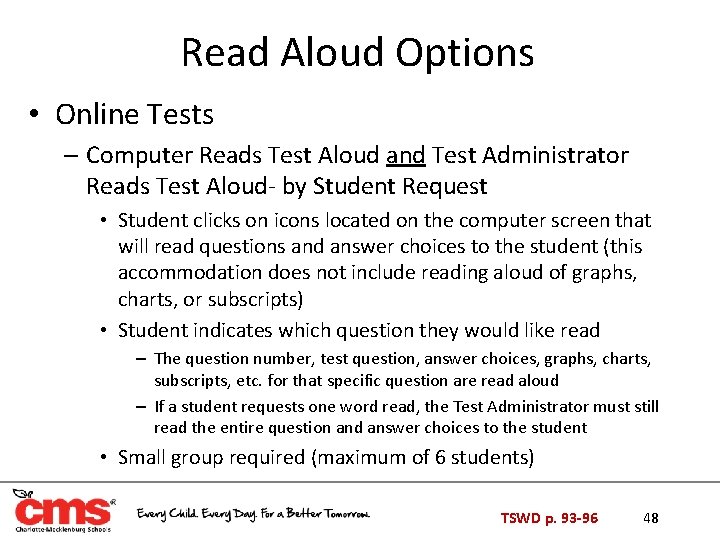
Read Aloud Options • Online Tests – Computer Reads Test Aloud and Test Administrator Reads Test Aloud- by Student Request • Student clicks on icons located on the computer screen that will read questions and answer choices to the student (this accommodation does not include reading aloud of graphs, charts, or subscripts) • Student indicates which question they would like read – The question number, test question, answer choices, graphs, charts, subscripts, etc. for that specific question are read aloud – If a student requests one word read, the Test Administrator must still read the entire question and answer choices to the student • Small group required (maximum of 6 students) TSWD p. 93 -96 48
Read Aloud Options • Online Tests and Paper/Pencil Administrations – Test Administrator Reads Test Aloud- Everything • All test questions, words, graphs, charts, subscripts, etc. from the student’s computer • Small group one-on-one required since same form of the test cannot be selected – Test Administrator Reads Test Aloud- by Student Request • Student indicates which question they would like read • The question number, test question, answer choices, graphs, charts, subscripts, etc. for that specific question are read aloud • If a student requests one word read, the Test Administrator must still read the entire question and answer choices to the student • Small group required (maximum of 6 students) – Test Administrator Reads Test Aloud- Other • Must specify (i. e. Words only, no graphs, etc. ) • Small group one-on-one required, same form of the test cannot be selected TSWD p. 93 -96 49
Multiple Testing Sessions • More frequent breaks – Separate Setting required if breaks are different than the standard script – Only students with same breaks can test together • Testing over Multiple Days – Students must finish in maximum time – May not begin testing earlier than other students – Multiple day administrations to be completed on consecutive school day or makeup day • Take into account when creating test schedule TSWD p. 105 -109 50
Multiple Testing Sessions • • MTS must be enabled through the SIQs for the student During the break student clicks PAUSE button If the break is longer than sixty minutes or if the student has completed testing for the day, the TA must close NCTest by clicking the EXIT button on the Review or Pause page On subsequent test days students will have access to previous items – TA should navigate to where the student stopped on the previous test day – TA must ensure students do not return to previous items TSWD p. 105 -109 51
Scheduled Extended Time • For students who need extra time • Estimated extended time is documented in the student’s plan, but the student is allowed as much time as needed up to a full school day (Standard time EOC-4 hrs; NCFE– 2 hrs) • Must complete test in one day with regular break schedule • May not begin testing early, must eat lunch, and travel home at regular dismissal time • Separate Setting not required TSWD p. 111 -114 52
Testing in a Separate Room • All students in a small group setting must have matching other accommodations also • Test administrator and proctor required • Must document specifics: – One-on-One – Small Group (and group size- Maximum 12) • If an accommodation requires separate room (i. e. Read Aloud), then separate room must be documented • Use of study carrel, special furniture, or lighting can be used if students are in a separate setting (if documented) – Special Accommodation Request Form not required TSWD p. 115 -116 53
Word-to-Word Bilingual Dictionary/ Electronic Translator • LEP- Identified ONLY • Allowed for all state-mandated tests – Except for W-APT and ACCESS • Document language and type (paper or electronic) • Must be word-to-word or word-to-phrase • Must not contain diagrams, written notes, formulas, etc. • Must be a published document, not teacher made • Make sure student uses paper version all year • Electronic devices MUST be approved, send to State and Federal Programs Guidelines p. 25 54