
Enterprise Submission Platform The Clients Story Function owners

Enterprise Submission Platform
The Client’s Story Function owners who want to automate their business processes to enhance their performance and productivity are faced with many challenges; having to deal with IT Service Providers who take up a lot of their time to understand the exact business requirements, and then take even longer to develop a system for them to use, all the while charging a lot of money and still being reliant on them for any changes they might need in the future to enhance these processes. ESP PRESENTATION | 2
What is ESP? “The Enterprise Submission Platform is a platform that enables function owners in an organization who want to automate their business processes to have control over creating their processes in just a few minutes” ESP PRESENTATION | 3

Personas & ESP Journey ESP PRESENTATION | 4
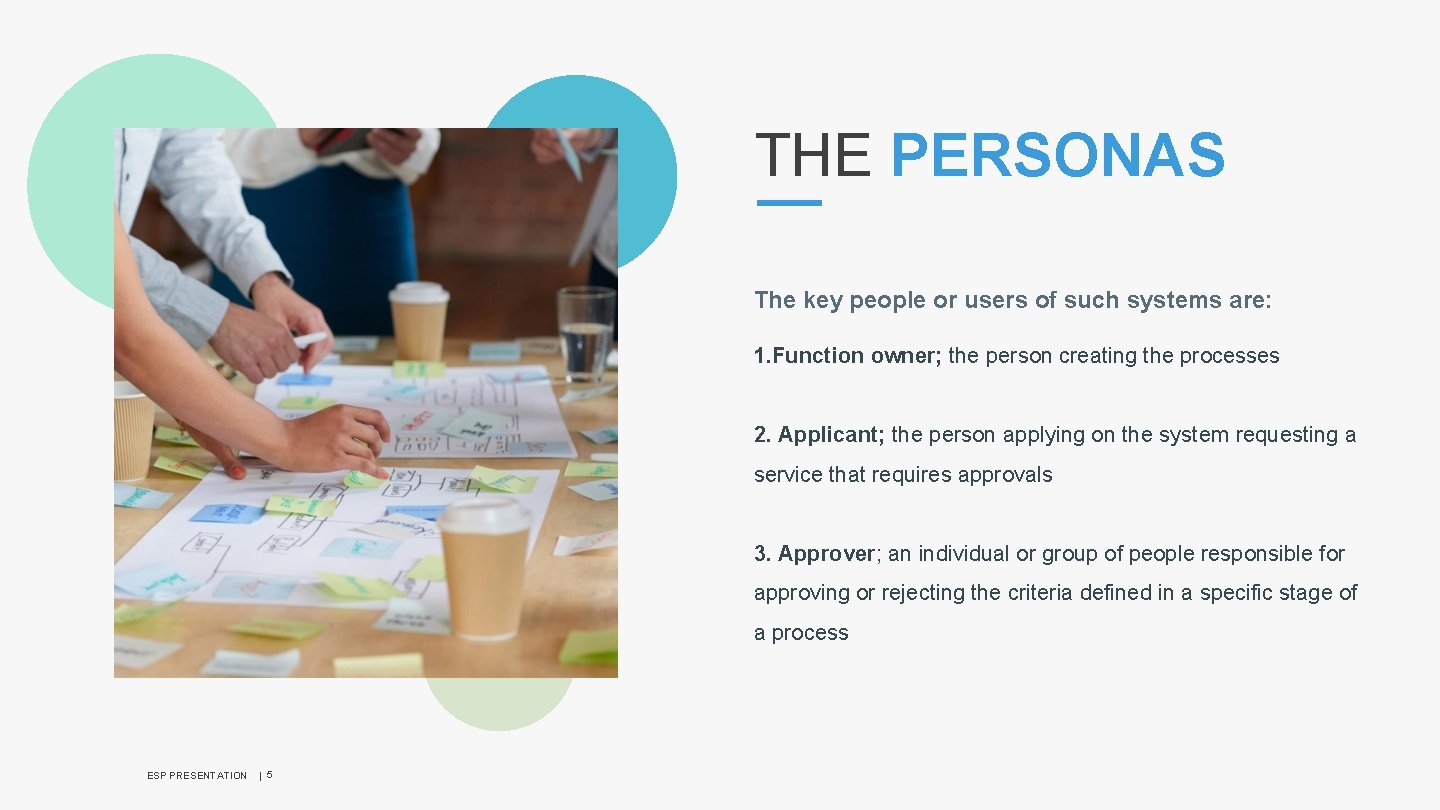
THE PERSONAS The key people or users of such systems are: 1. Function owner; the person creating the processes 2. Applicant; the person applying on the system requesting a service that requires approvals 3. Approver; an individual or group of people responsible for approving or rejecting the criteria defined in a specific stage of a process ESP PRESENTATION | 5
The ESP Journey ESP PRESENTATION | 6 Application Registration Submission
Application Processing Review Approval ESP PRESENTATION | 7
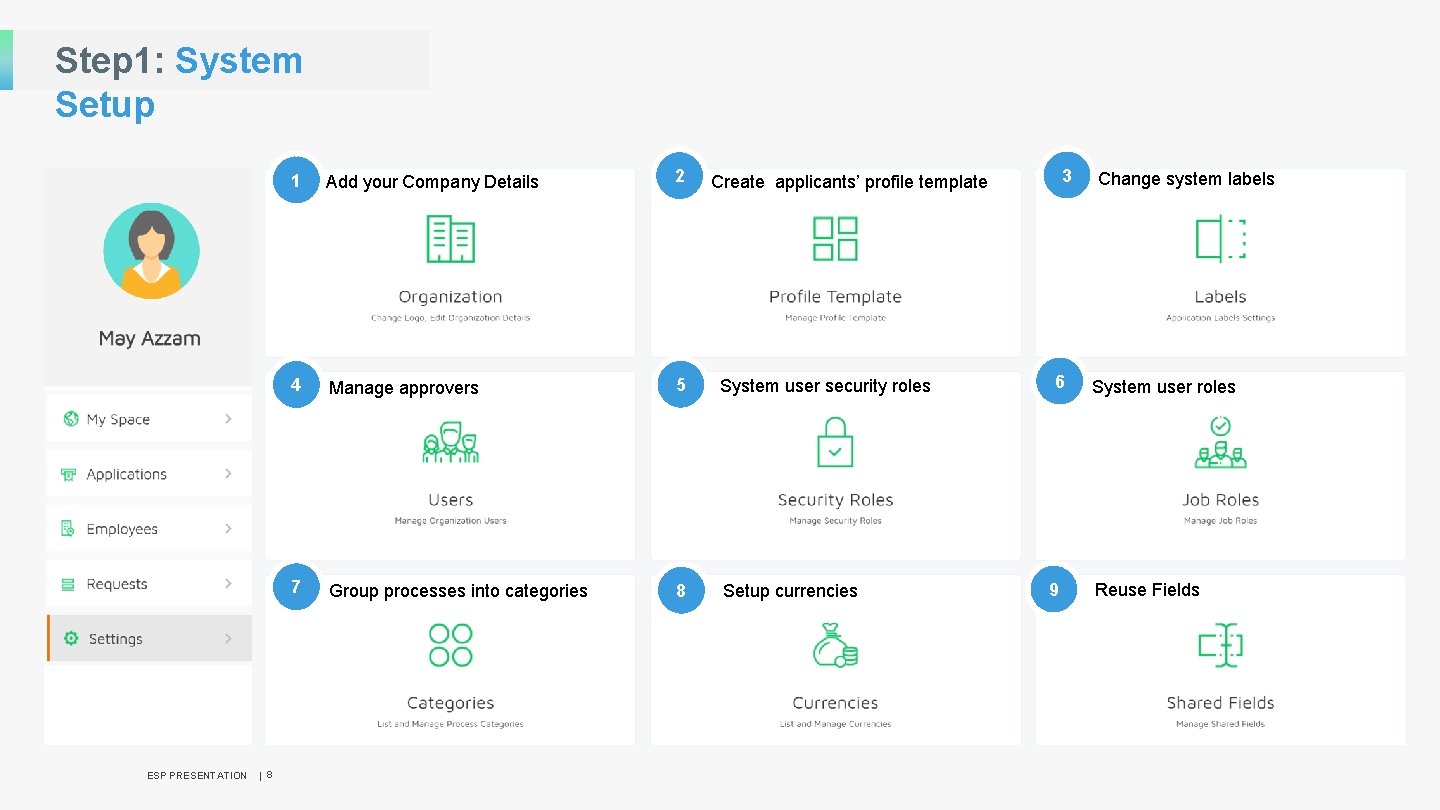
Step 1: System Setup ESP PRESENTATION | 8 1 Add your Company Details 2 4 Manage approvers 5 System user security roles 7 Group processes into categories 8 Setup currencies 3 Create applicants’ profile template 6 9 Change system labels System user roles Reuse Fields
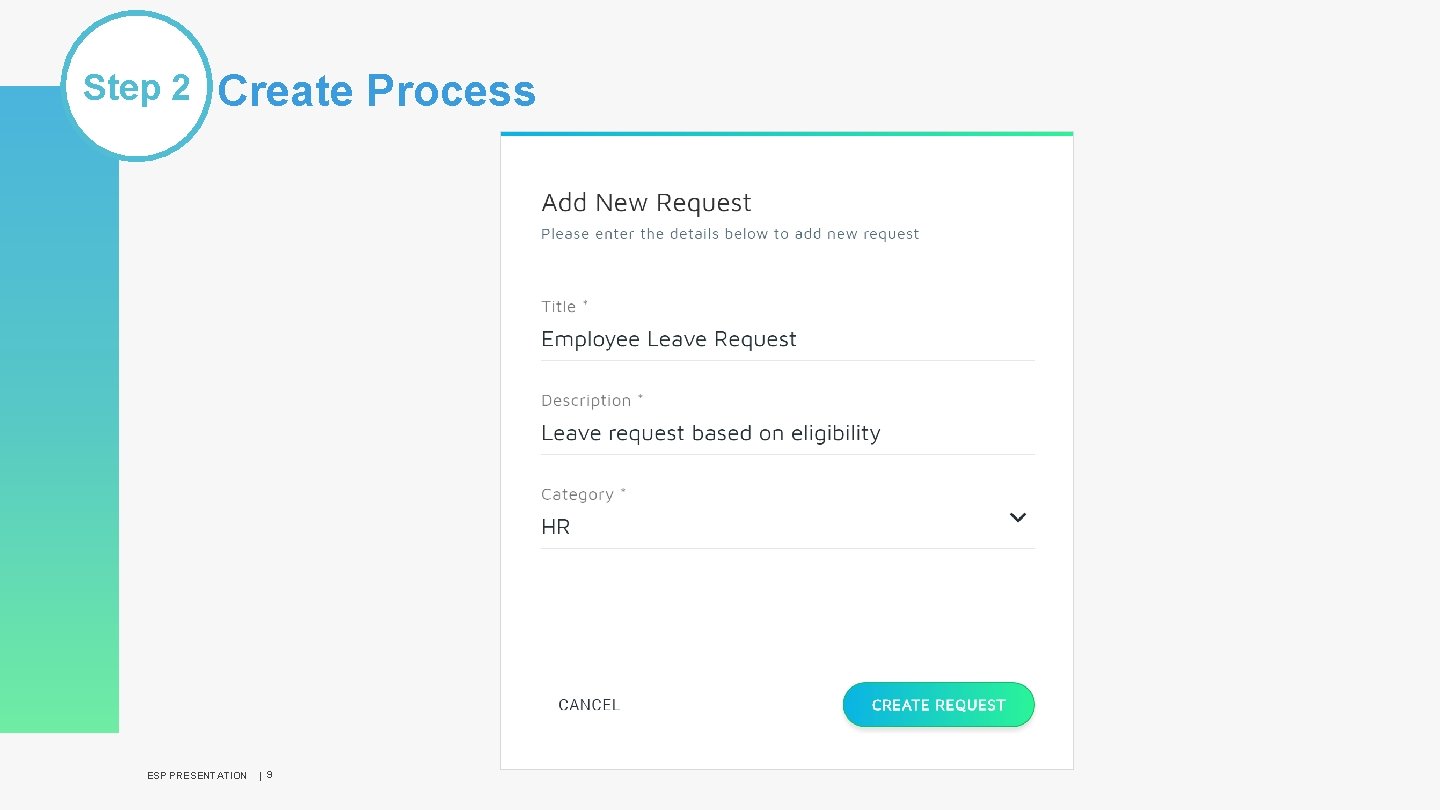
Step 2 Create Process ESP PRESENTATION | 9
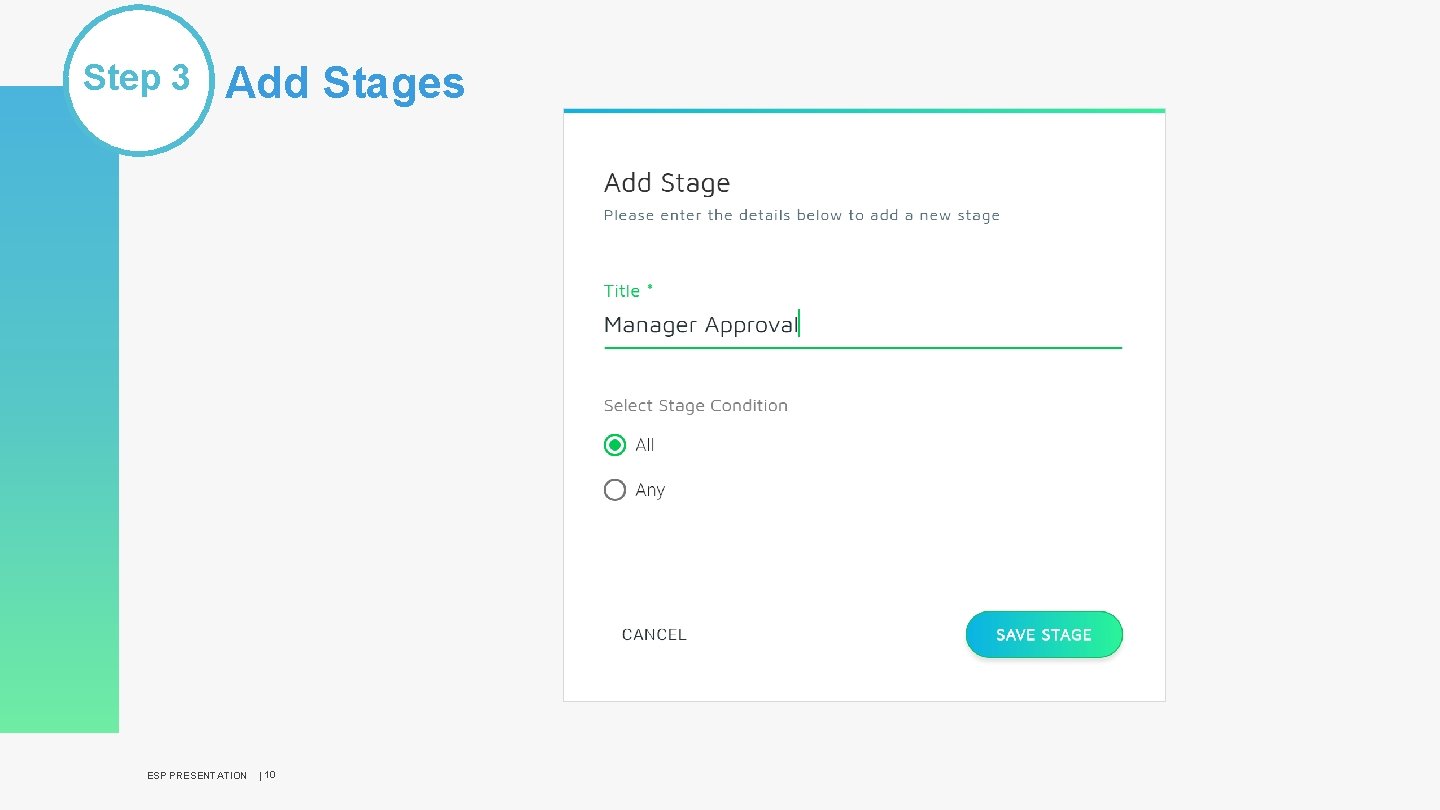
Step 3 Add Stages ESP PRESENTATION | 10
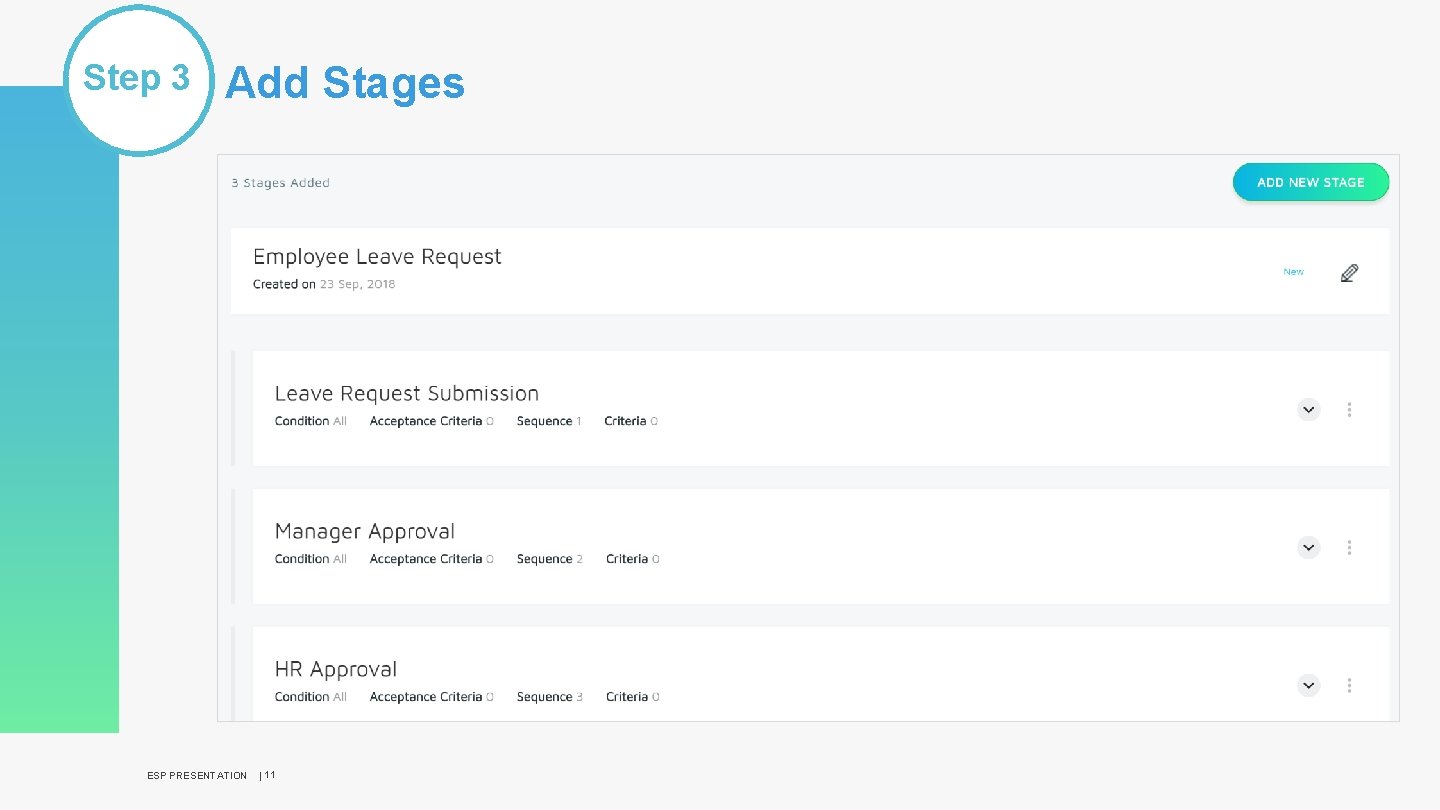
Step 3 Add Stages ESP PRESENTATION | 11
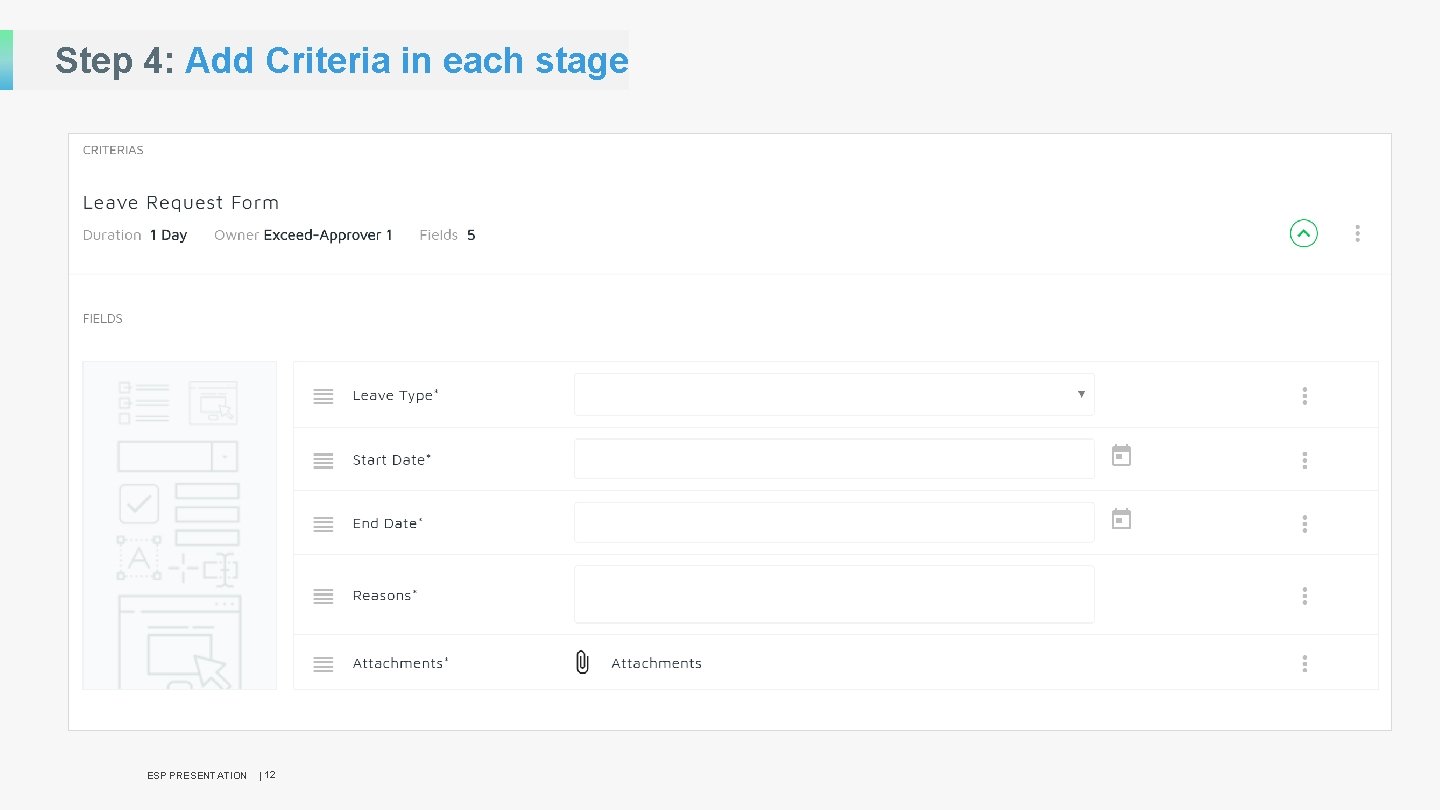
Step 4: Add Criteria in each stage ESP PRESENTATION | 12
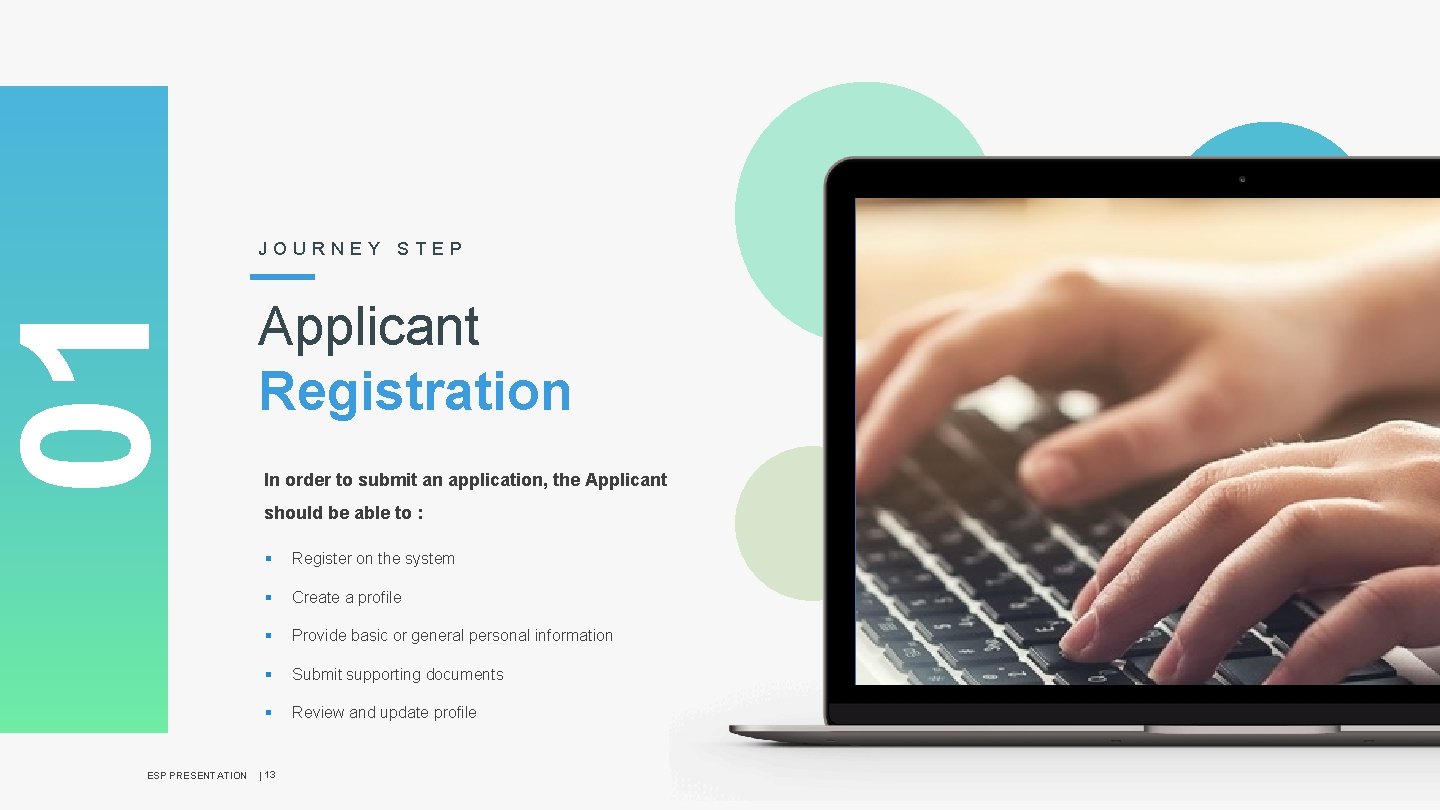
01 JOURNEY STEP Applicant Registration In order to submit an application, the Applicant should be able to : ESP PRESENTATION § Register on the system § Create a profile § Provide basic or general personal information § Submit supporting documents § Review and update profile | 13
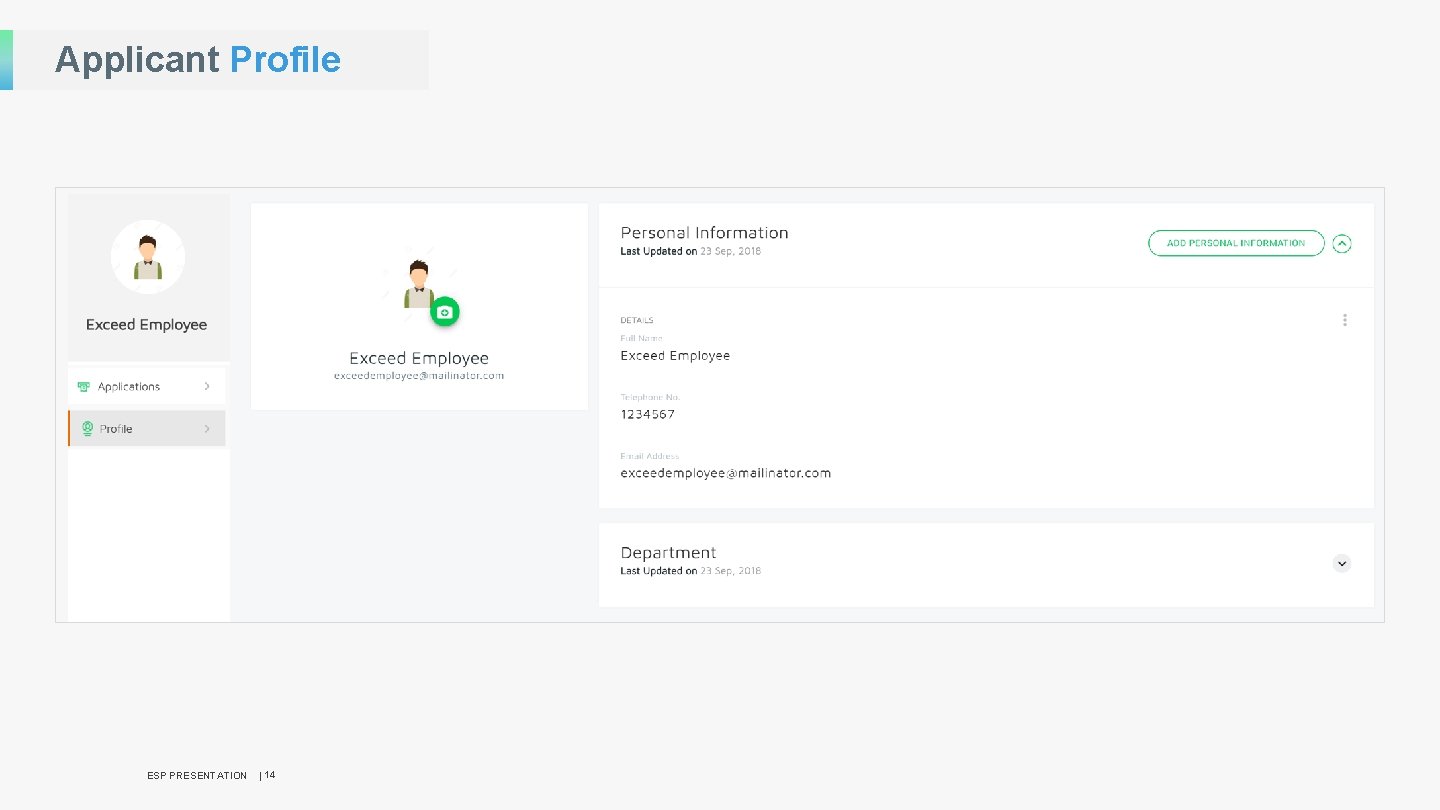
Applicant Profile ESP PRESENTATION | 14
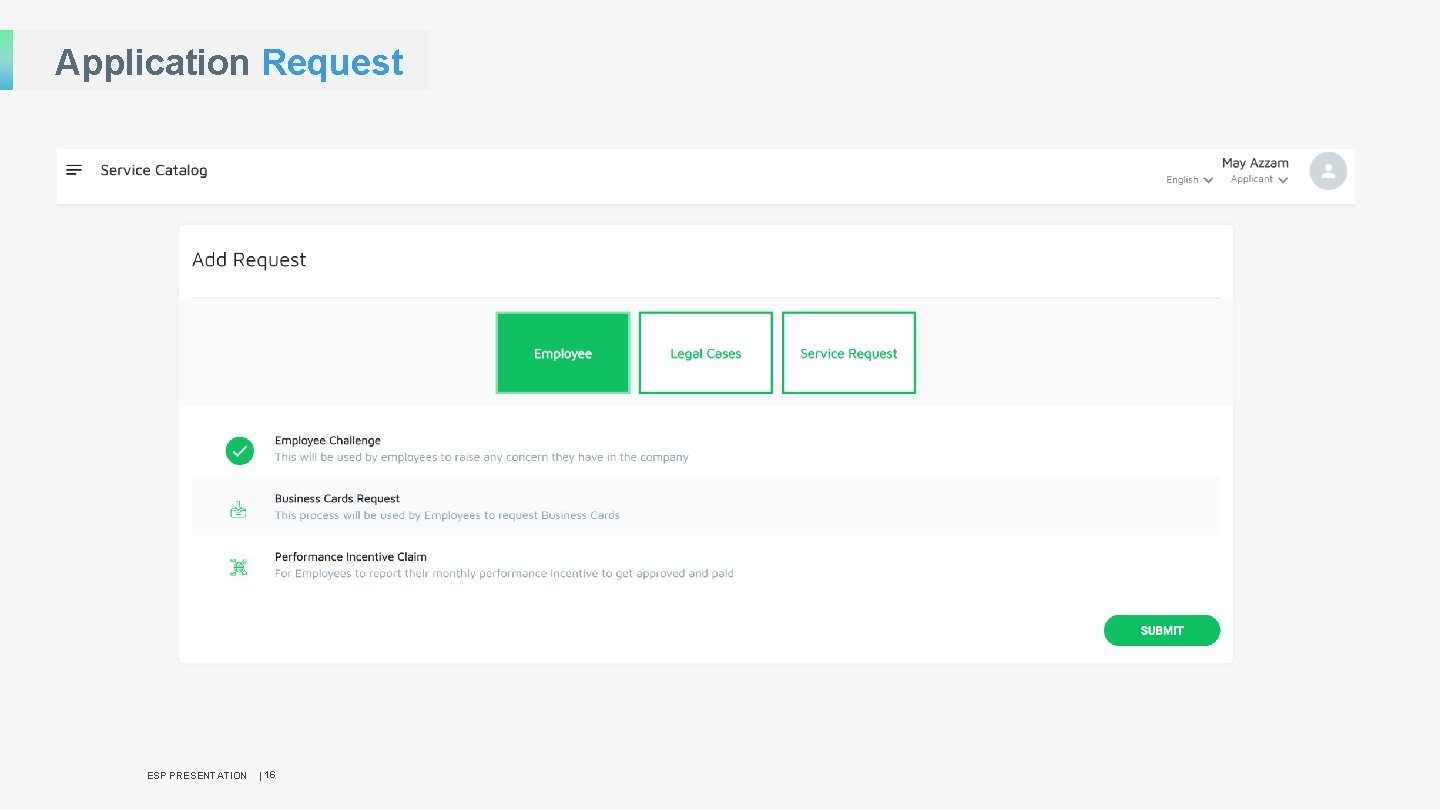
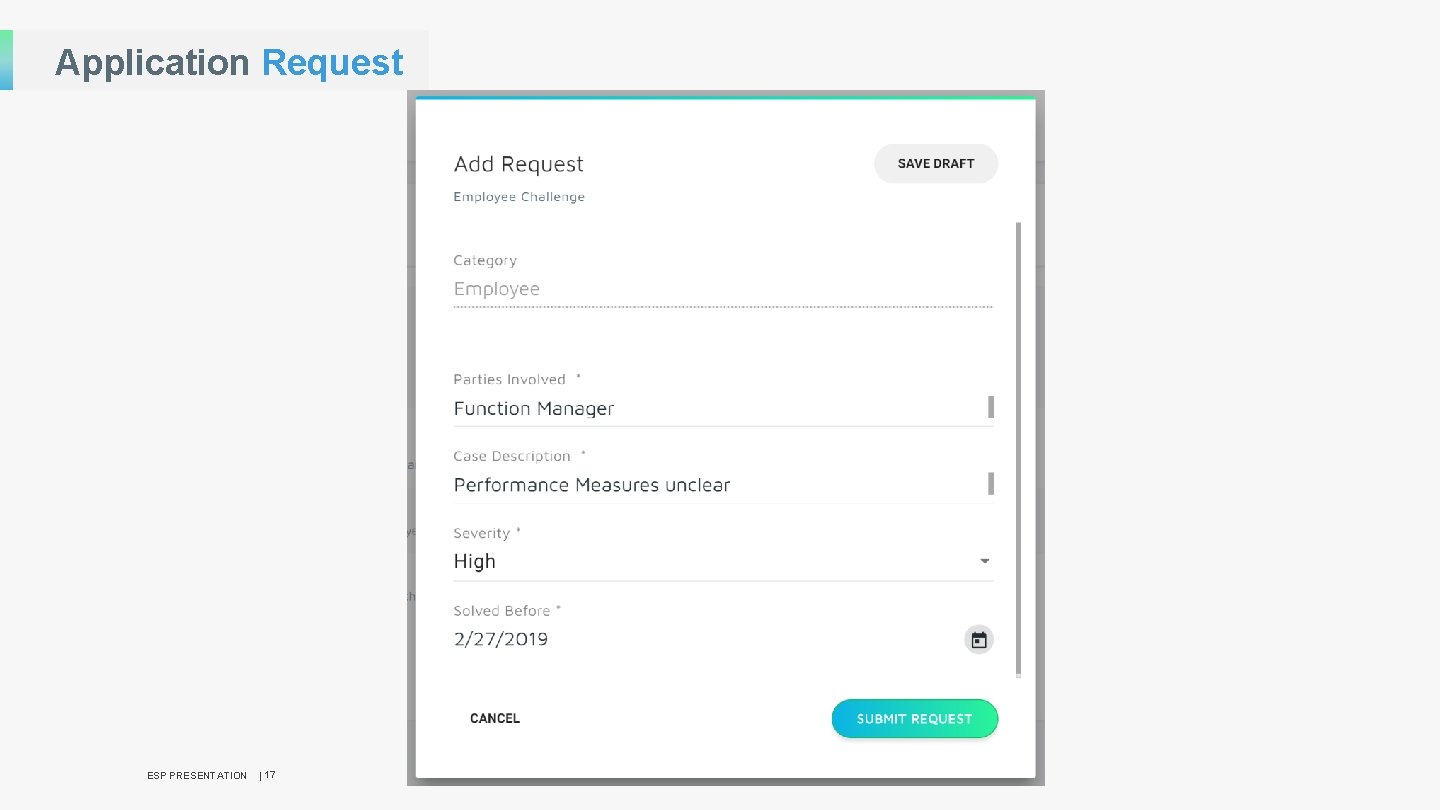
02 JOURNEY STEP Application Submission After successfully registering onto the system and creating a profile, the applicant will need to do the following: ESP PRESENTATION § Provide specific information in relation to the application § Submit supporting documents § Review and update application § Submit application § Track application status | 15
Application Request ESP PRESENTATION | 16
Application Request ESP PRESENTATION | 17
03 JOURNEY STEP Application Processing Upon submission, the application will undergo processing in the form of: ESP PRESENTATION § Verification of information provided by applicant § Assessment of application to ensure acceptance criteria is met § Feedback on assessment done § Score application | 18
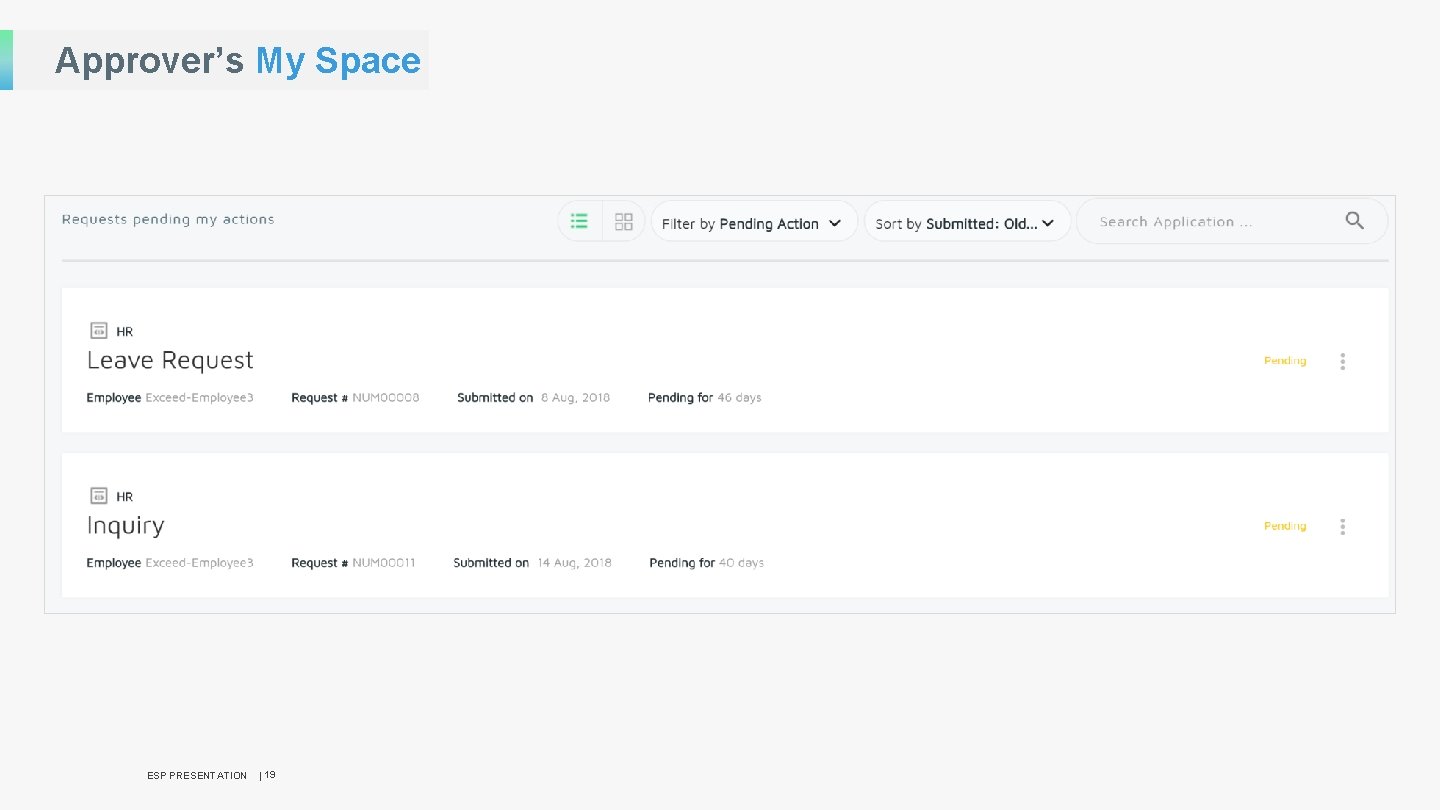
Approver’s My Space ESP PRESENTATION | 19
04 JOURNEY STEP Application Review After all the necessary assessments are completed, the application will be reviewed : ESP PRESENTATION § Review of assessment feedback § Review of assessment scoring § Final decision on Application is taken | 20
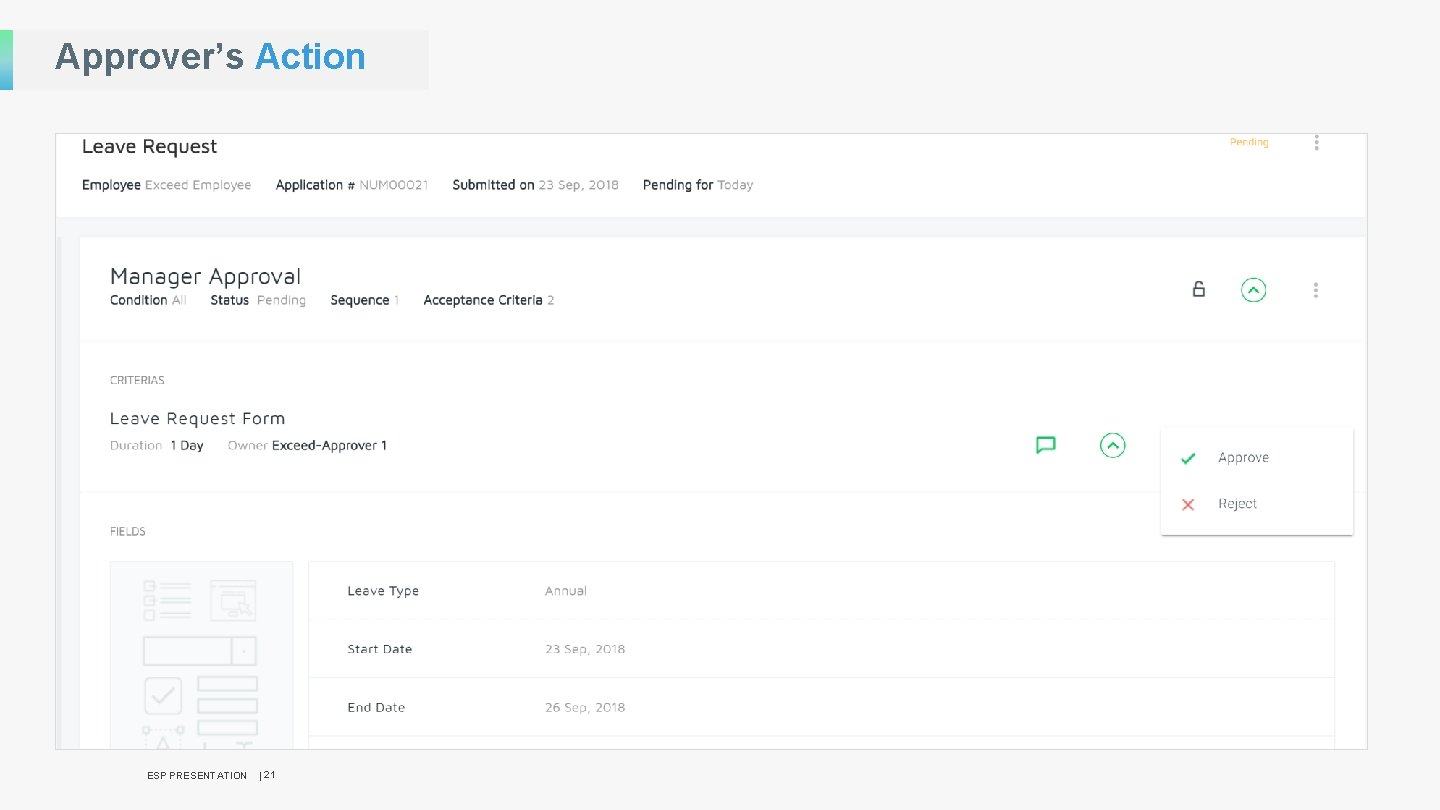
Approver’s Action ESP PRESENTATION | 21
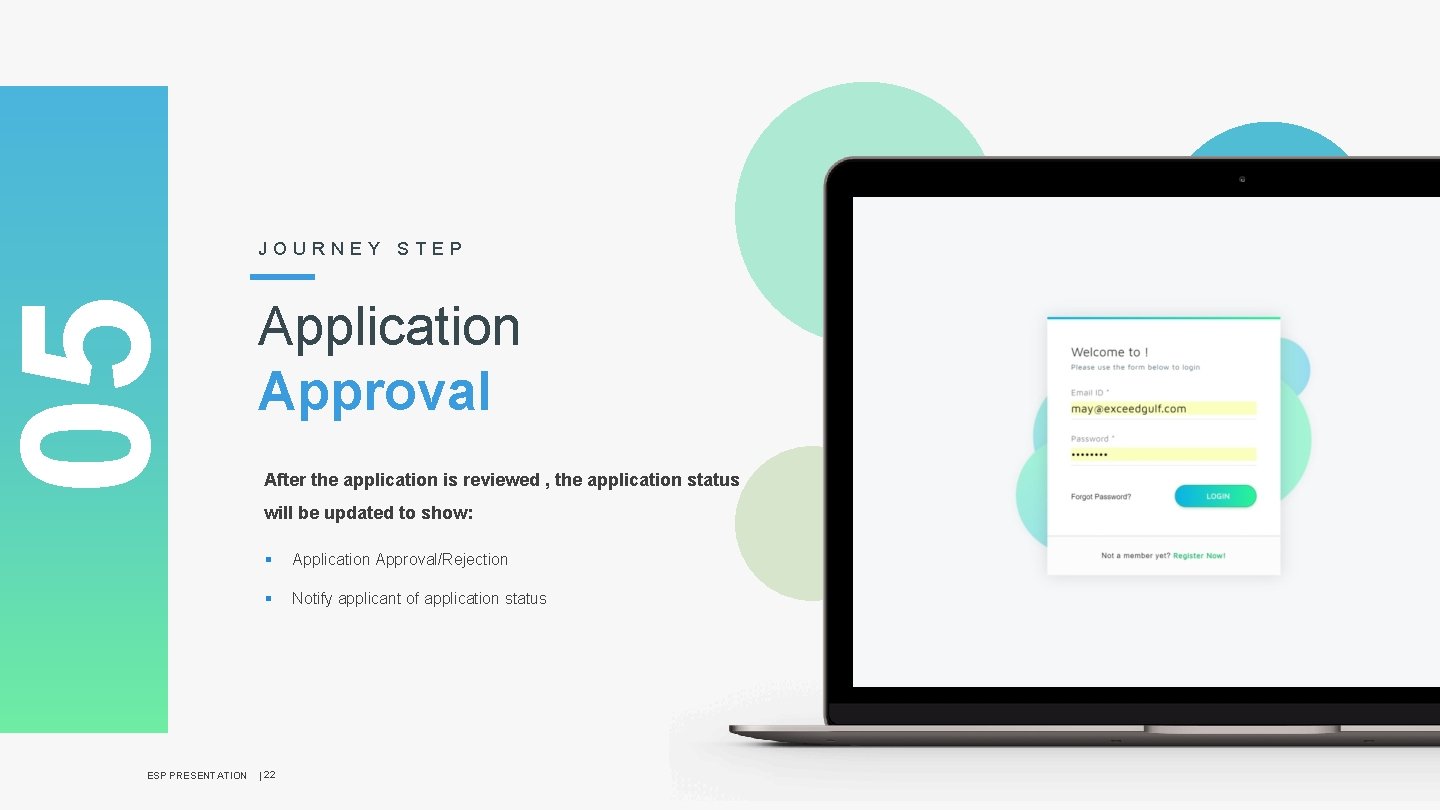
05 JOURNEY STEP Application Approval After the application is reviewed , the application status will be updated to show: ESP PRESENTATION § Application Approval/Rejection § Notify applicant of application status | 22
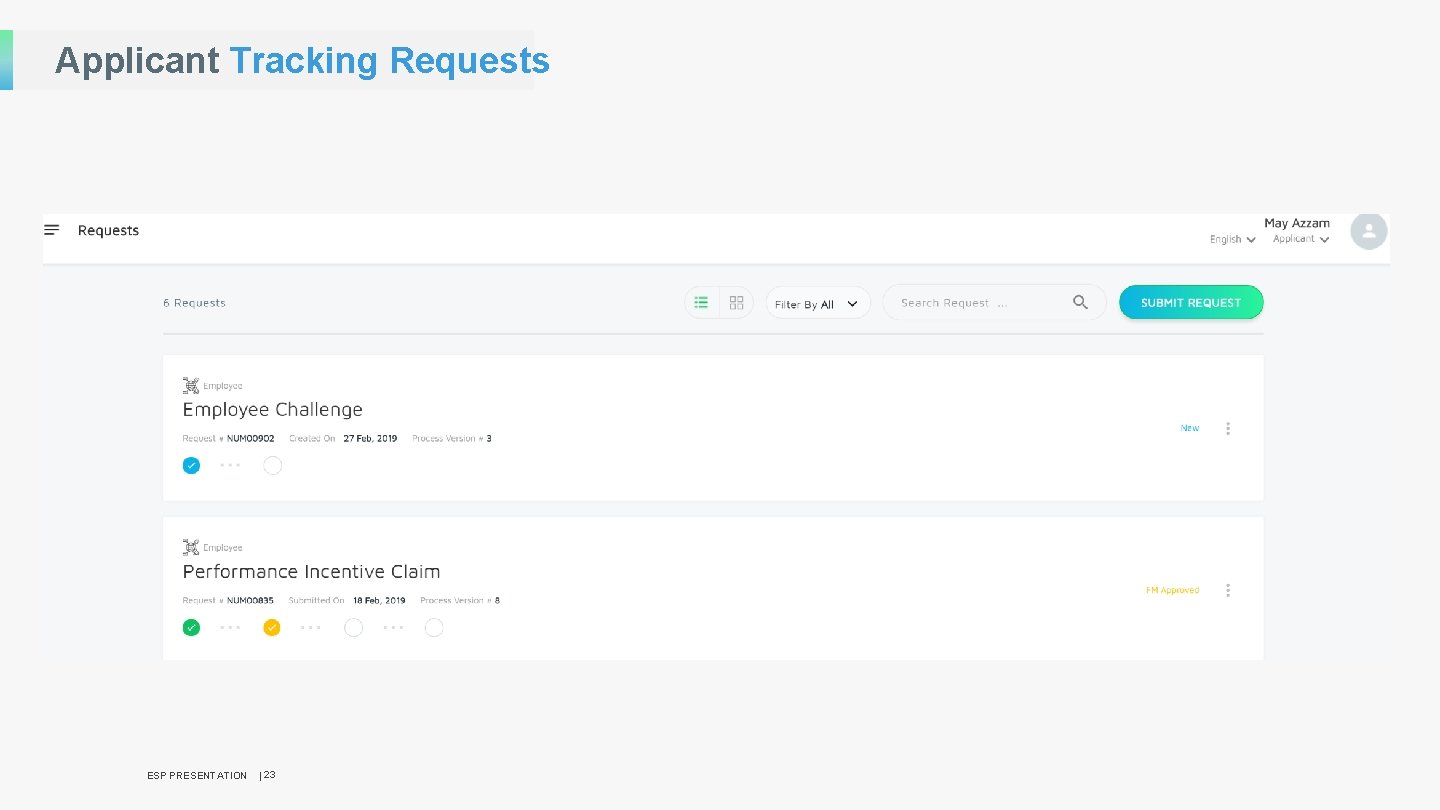
Applicant Tracking Requests ESP PRESENTATION | 23
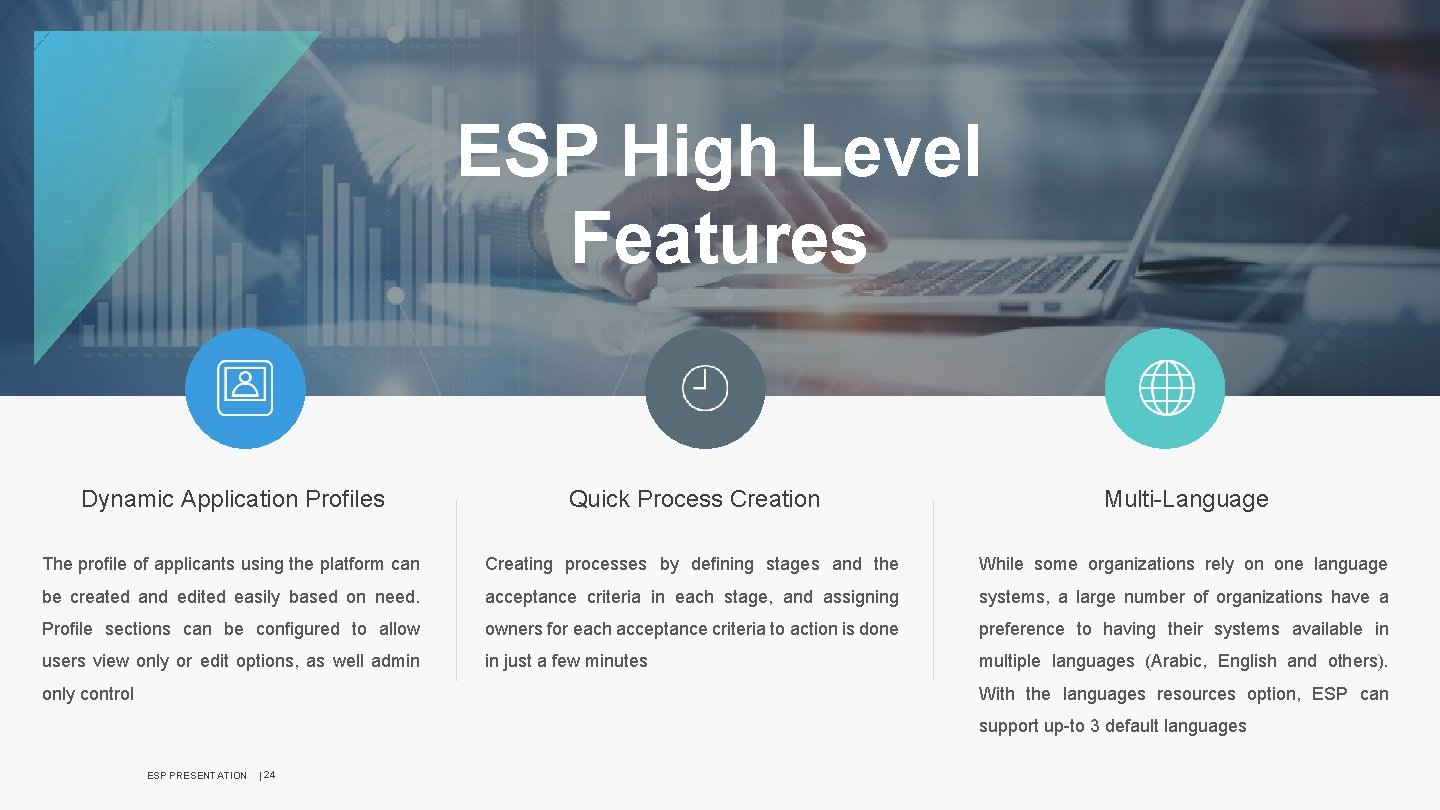
ESP High Level Features Dynamic Application Profiles Quick Process Creation Multi-Language The profile of applicants using the platform can Creating processes by defining stages and the While some organizations rely on one language be created and edited easily based on need. acceptance criteria in each stage, and assigning systems, a large number of organizations have a Profile sections can be configured to allow owners for each acceptance criteria to action is done preference to having their systems available in users view only or edit options, as well admin in just a few minutes multiple languages (Arabic, English and others). With the languages resources option, ESP can only control support up-to 3 default languages ESP PRESENTATION | 24
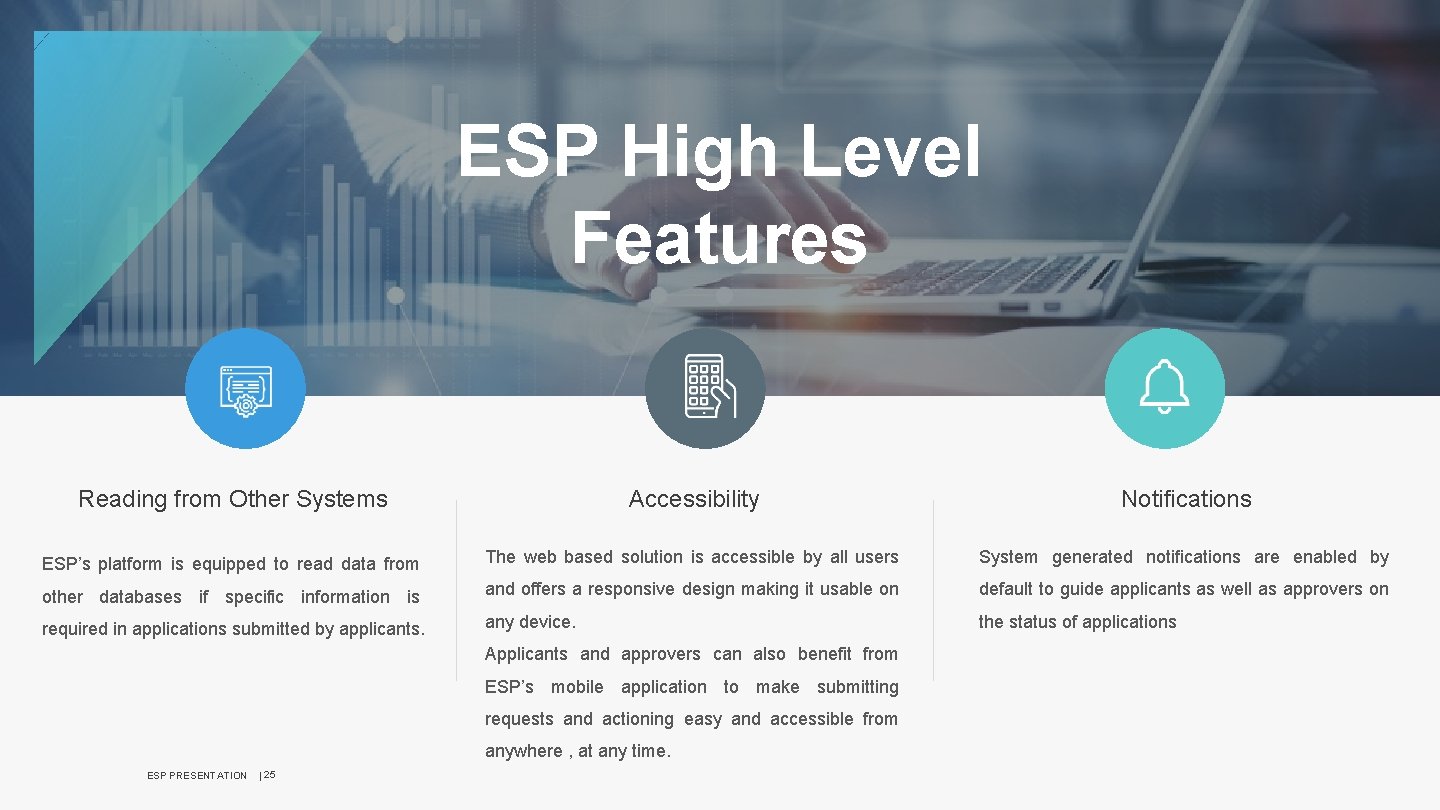
ESP High Level Features Reading from Other Systems Accessibility Notifications ESP’s platform is equipped to read data from The web based solution is accessible by all users System generated notifications are enabled by other databases if specific information is and offers a responsive design making it usable on default to guide applicants as well as approvers on required in applications submitted by applicants. any device. the status of applications Applicants and approvers can also benefit from ESP’s mobile application to make submitting requests and actioning easy and accessible from anywhere , at any time. ESP PRESENTATION | 25
Why ESP? What differentiates ESP from other solutions in the market is: § Business Processes are created by the business users, not the techies § Creating a process takes just a couple of minutes § Extremely fast deployment § Less fees § User friendly § Smart Dashboards ESP PRESENTATION | 26

Thank You ESP PRESENTATION | 27
- Slides: 27