
Enterprise Storage Advances In Windows John Loveall Director

- Slides: 37
Enterprise Storage Advances In Windows John Loveall Director of Program Management Windows Storage Platform Microsoft Corporation
Key Takeaways Provide details of Enterprise Storage Stack Features planned for Windows Server codenamed “Longhorn” Highlight technology trends for Enterprise Storage
Agenda Storage Trends Microsoft MPIO Support Server Storage Stack Changes i. SCSI Initiator Integration Storage Management and APIs Remote Boot Support Server Backup Changes in Online/Offline behavior Technology Futures
Key Storage Trends For Server Move toward stateless servers Security/Key Management Flash in the system Broad SAN Adoption Growing Adoption for Ethernet storage
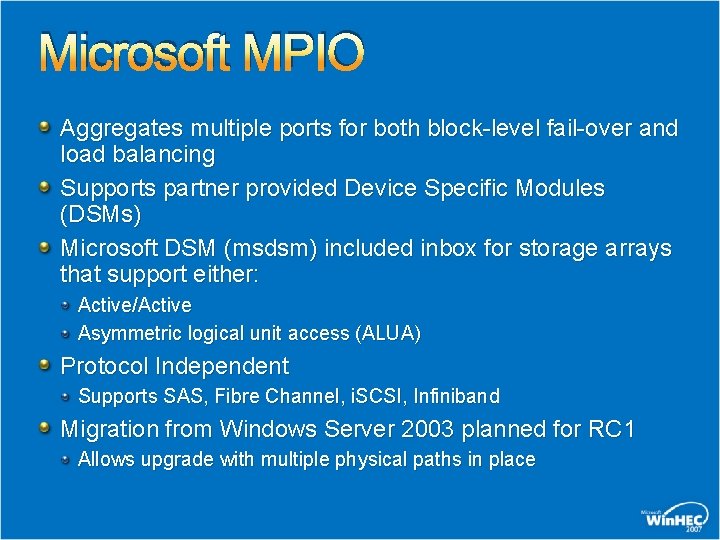
Microsoft MPIO Aggregates multiple ports for both block-level fail-over and load balancing Supports partner provided Device Specific Modules (DSMs) Microsoft DSM (msdsm) included inbox for storage arrays that support either: Active/Active Asymmetric logical unit access (ALUA) Protocol Independent Supports SAS, Fibre Channel, i. SCSI, Infiniband Migration from Windows Server 2003 planned for RC 1 Allows upgrade with multiple physical paths in place
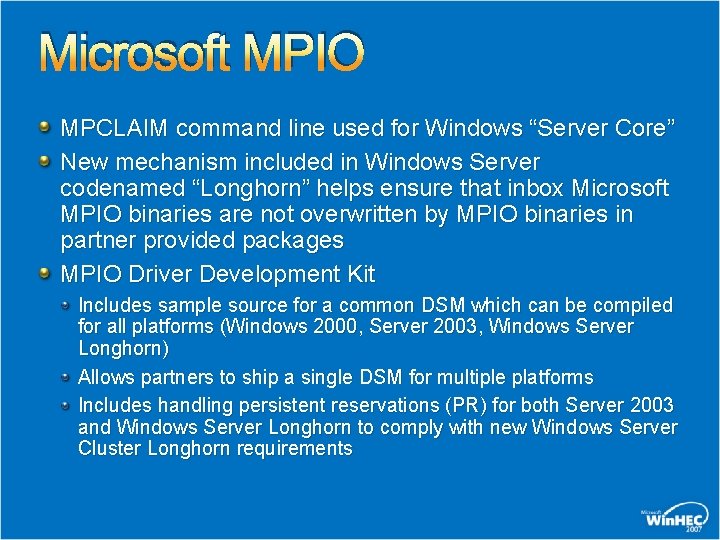
Microsoft MPIO MPCLAIM command line used for Windows “Server Core” New mechanism included in Windows Server codenamed “Longhorn” helps ensure that inbox Microsoft MPIO binaries are not overwritten by MPIO binaries in partner provided packages MPIO Driver Development Kit Includes sample source for a common DSM which can be compiled for all platforms (Windows 2000, Server 2003, Windows Server Longhorn) Allows partners to ship a single DSM for multiple platforms Includes handling persistent reservations (PR) for both Server 2003 and Windows Server Longhorn to comply with new Windows Server Cluster Longhorn requirements
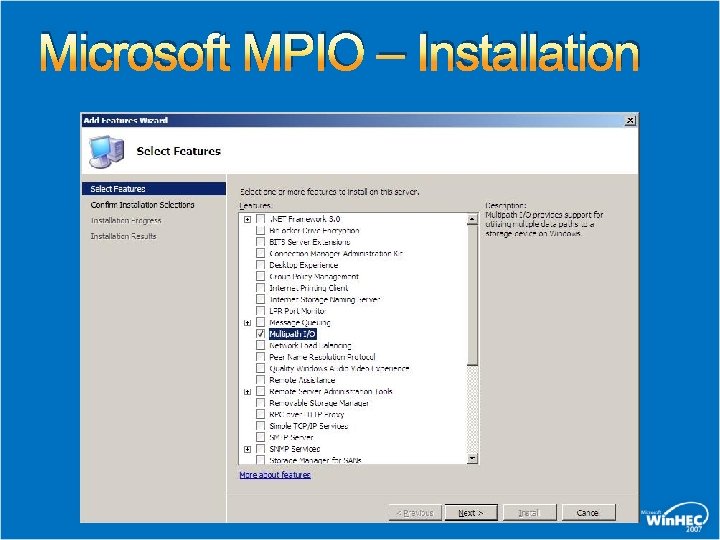
Microsoft MPIO – Installation
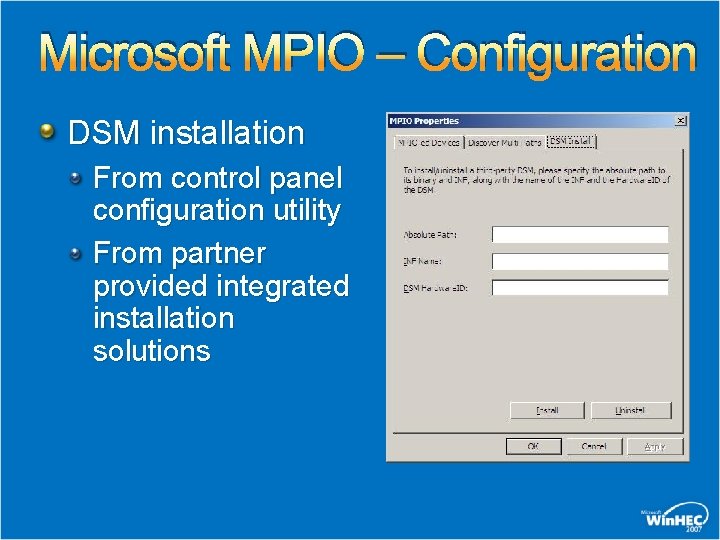
Microsoft MPIO – Configuration DSM installation From control panel configuration utility From partner provided integrated installation solutions
Microsoft MPIO Program Change Announcement MPIO Becomes “Mainstream” Program agreement not required for Windows Server codenamed “Longhorn” Program Agreement still available for redistributing binaries on Windows Server 2003/Windows 2000 Server Targeting availability of sample DSM code through standard Windows Server Longhorn development kit
Server Port Driver Stack Windows Server Longhorn Storport Hardened for SANs IO Timeout modified for BUSY Targets Enables Long-Distance LUN Queue Handling Full Support of MSI-X Enabled HBAs Stabilization of Power Management Handling Virtual Miniports enabled for SAN Diversity i. SCSI Miniport now a Storport Miniport
Server Class Driver Stack Windows Server Longhorn Class. Pn. P Improvements for Robust MPIO Deployments Crashdump Removed dependency on NTOS Multipathing Supports crashing to an alternate device connected to any miniport driver Disk Unchanged – Extremely Stable
IP SAN Management Using i. SNS Internet Storage Name Service Centralized Discovery of i. SCSI devices on an IP Storage network using the i. SNS protocol Included in Windows Server codenamed “Longhorn” Installs as an optional component
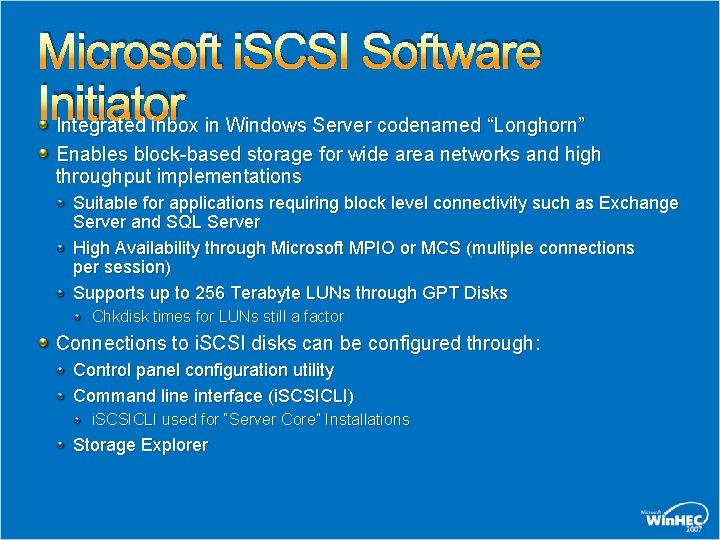
Microsoft i. SCSI Software Initiator Integrated inbox in Windows Server codenamed “Longhorn” Enables block-based storage for wide area networks and high throughput implementations Suitable for applications requiring block level connectivity such as Exchange Server and SQL Server High Availability through Microsoft MPIO or MCS (multiple connections per session) Supports up to 256 Terabyte LUNs through GPT Disks Chkdisk times for LUNs still a factor Connections to i. SCSI disks can be configured through: Control panel configuration utility Command line interface (i. SCSICLI) i. SCSICLI used for “Server Core” Installations Storage Explorer
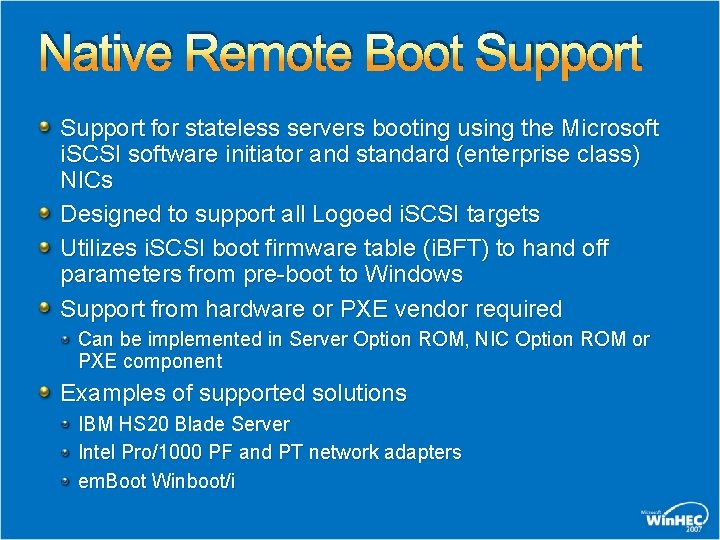
Native Remote Boot Support for stateless servers booting using the Microsoft i. SCSI software initiator and standard (enterprise class) NICs Designed to support all Logoed i. SCSI targets Utilizes i. SCSI boot firmware table (i. BFT) to hand off parameters from pre-boot to Windows Support from hardware or PXE vendor required Can be implemented in Server Option ROM, NIC Option ROM or PXE component Examples of supported solutions IBM HS 20 Blade Server Intel Pro/1000 PF and PT network adapters em. Boot Winboot/i
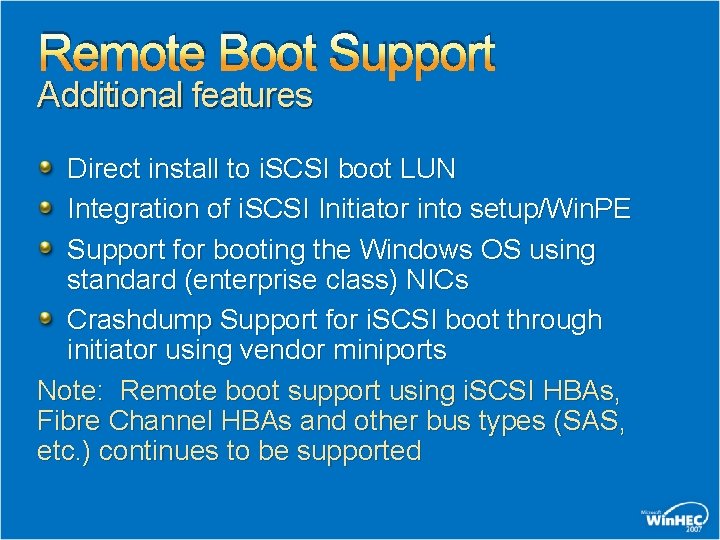
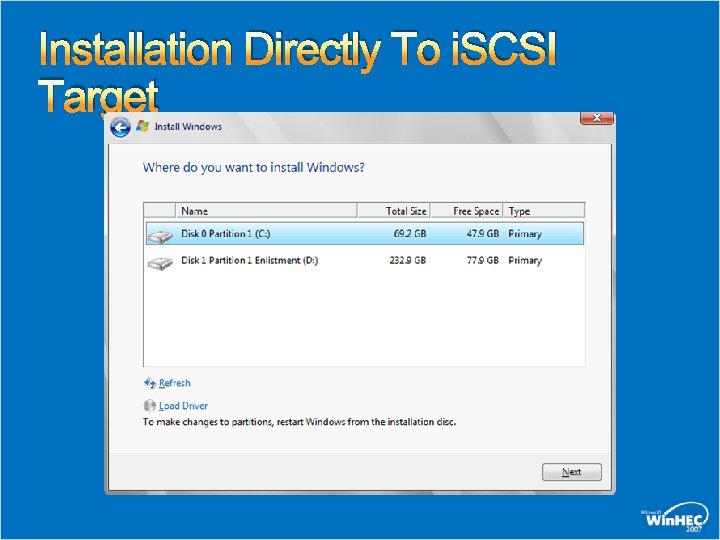
Remote Boot Support Additional features Direct install to i. SCSI boot LUN Integration of i. SCSI Initiator into setup/Win. PE Support for booting the Windows OS using standard (enterprise class) NICs Crashdump Support for i. SCSI boot through initiator using vendor miniports Note: Remote boot support using i. SCSI HBAs, Fibre Channel HBAs and other bus types (SAS, etc. ) continues to be supported
Installation Directly To i. SCSI Target
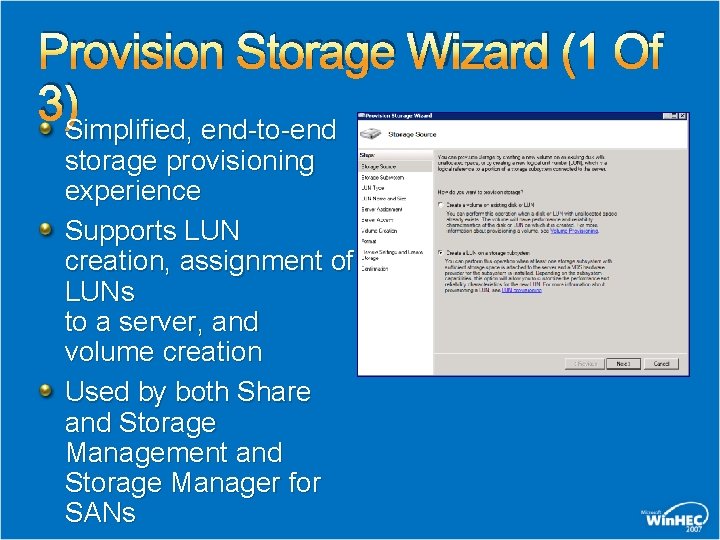
Provision Storage Wizard (1 Of 3)Simplified, end-to-end storage provisioning experience Supports LUN creation, assignment of LUNs to a server, and volume creation Used by both Share and Storage Management and Storage Manager for SANs
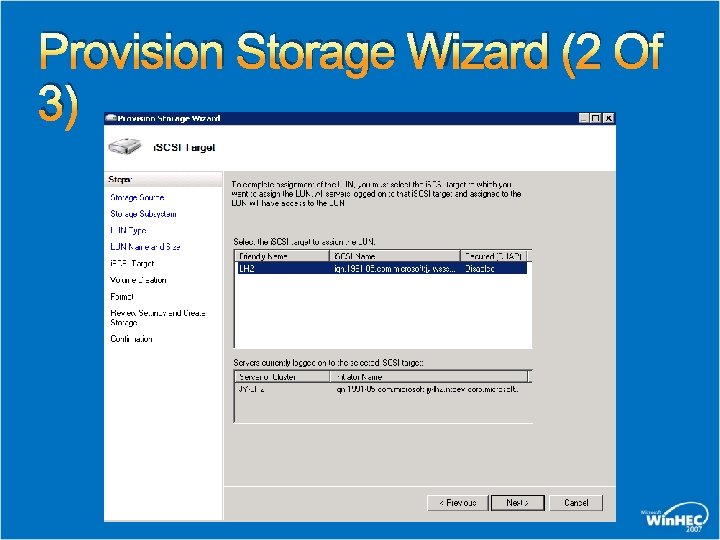
Provision Storage Wizard (2 Of 3)
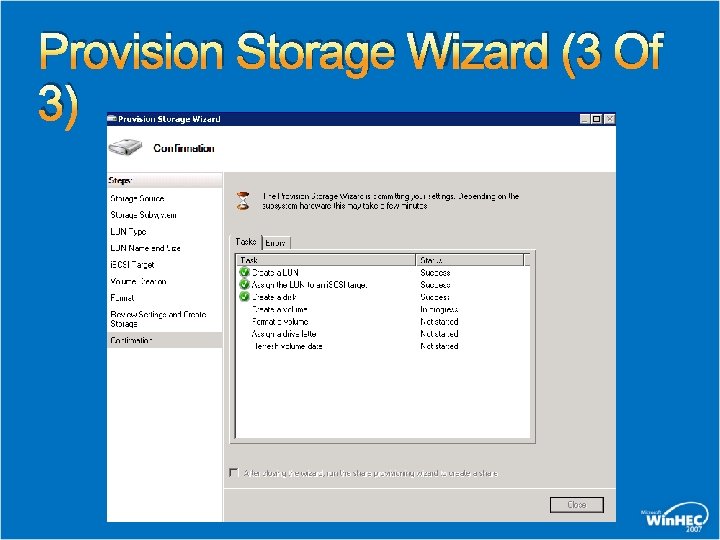
Provision Storage Wizard (3 Of 3)
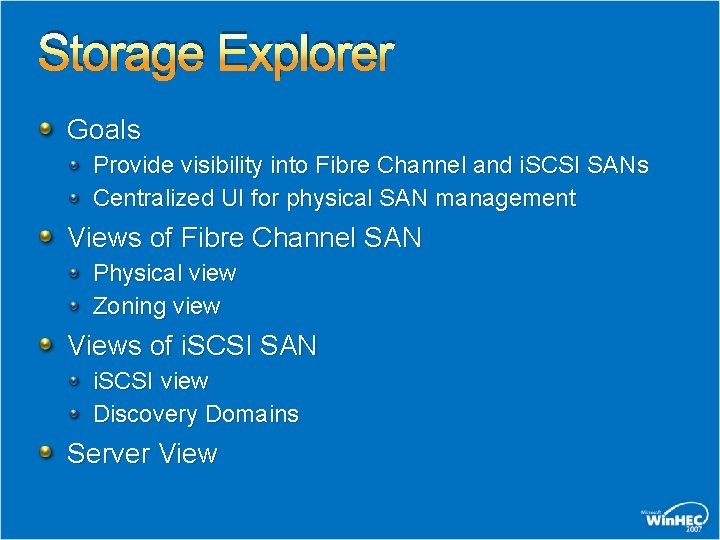
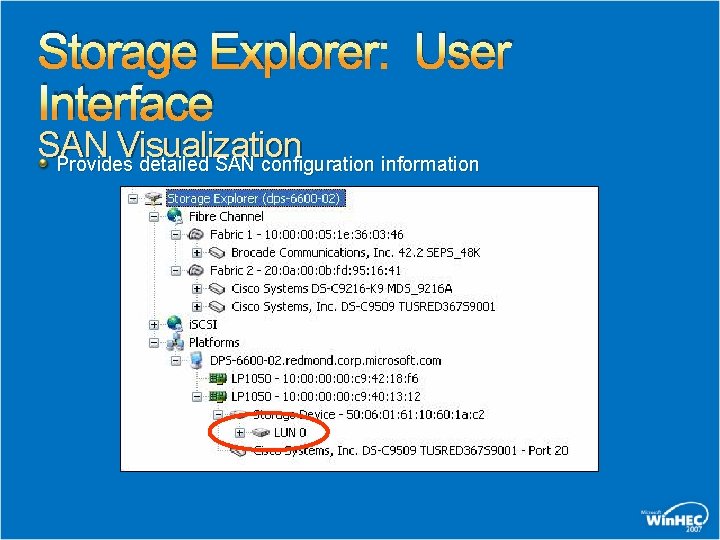
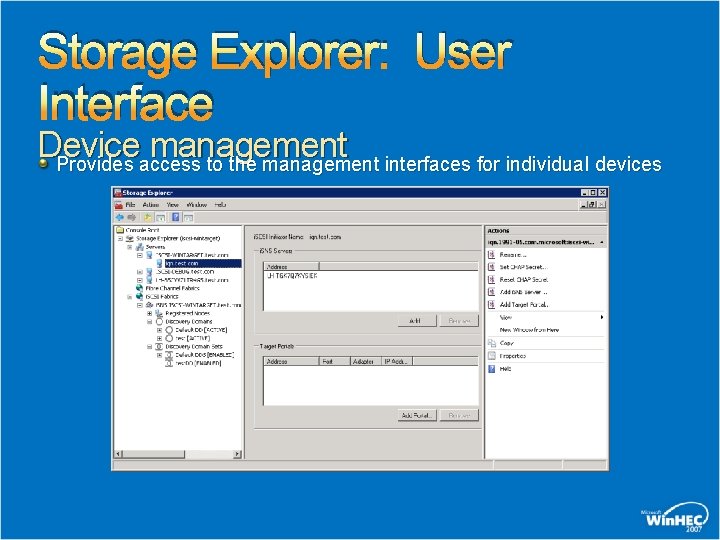
Storage Explorer Goals Provide visibility into Fibre Channel and i. SCSI SANs Centralized UI for physical SAN management Views of Fibre Channel SAN Physical view Zoning view Views of i. SCSI SAN i. SCSI view Discovery Domains Server View
Storage Explorer: User Interface SAN Visualization Provides detailed SAN configuration information
Storage Explorer: User Interface Device management Provides access to the management interfaces for individual devices
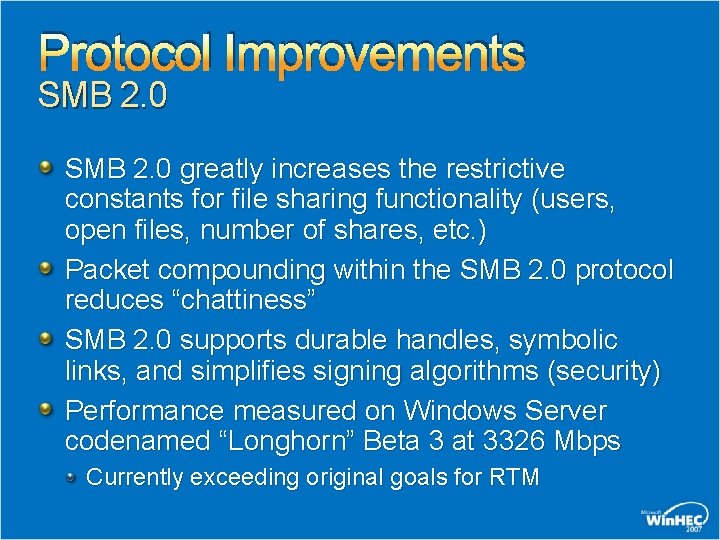
Protocol Improvements SMB 2. 0 greatly increases the restrictive constants for file sharing functionality (users, open files, number of shares, etc. ) Packet compounding within the SMB 2. 0 protocol reduces “chattiness” SMB 2. 0 supports durable handles, symbolic links, and simplifies signing algorithms (security) Performance measured on Windows Server codenamed “Longhorn” Beta 3 at 3326 Mbps Currently exceeding original goals for RTM
Protocol Improvements Transactional File I/O (Tx. F) Provides atomic I/O operations throughout the OS (database, Registry, file system, etc. ) Meets the performance and scale-up requirements of larger and more complex data operations Protocol improvements provide the foundation for advanced storage workload functionality going forward
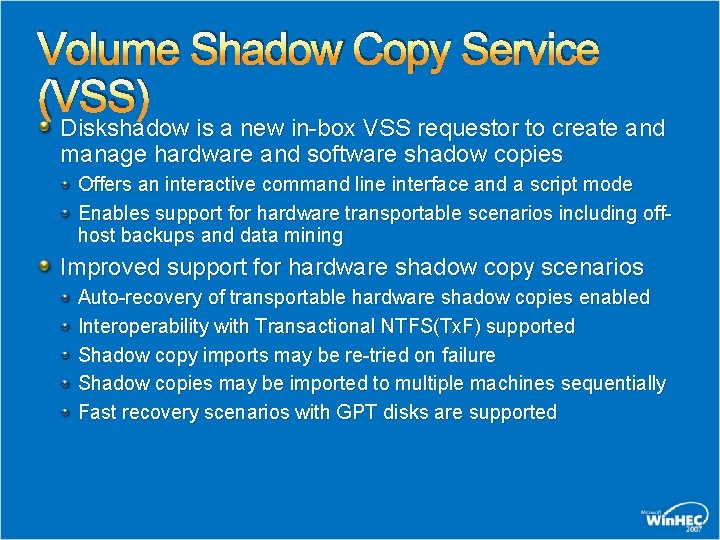
Volume Shadow Copy Service (VSS) Diskshadow is a new in-box VSS requestor to create and manage hardware and software shadow copies Offers an interactive command line interface and a script mode Enables support for hardware transportable scenarios including offhost backups and data mining Improved support for hardware shadow copy scenarios Auto-recovery of transportable hardware shadow copies enabled Interoperability with Transactional NTFS(Tx. F) supported Shadow copy imports may be re-tried on failure Shadow copies may be imported to multiple machines sequentially Fast recovery scenarios with GPT disks are supported
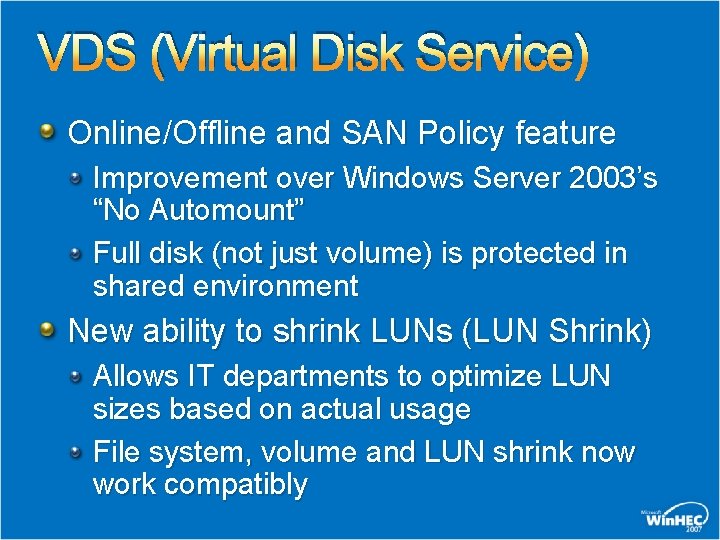
VDS (Virtual Disk Service) Online/Offline and SAN Policy feature Improvement over Windows Server 2003’s “No Automount” Full disk (not just volume) is protected in shared environment New ability to shrink LUNs (LUN Shrink) Allows IT departments to optimize LUN sizes based on actual usage File system, volume and LUN shrink now work compatibly
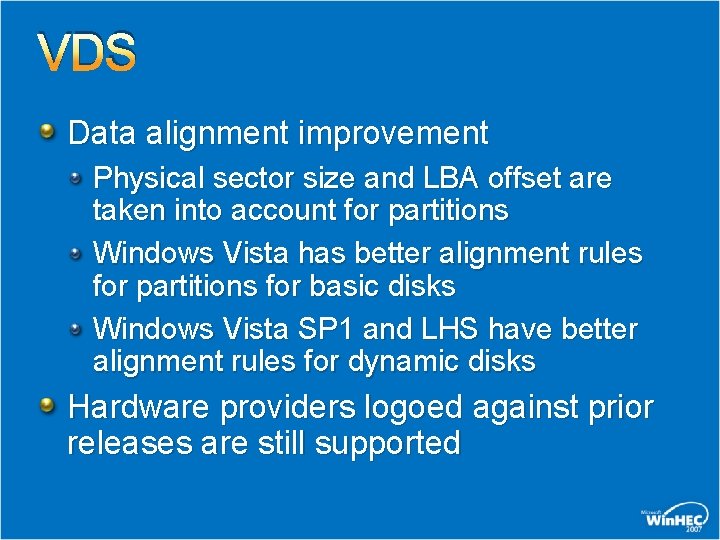
VDS Data alignment improvement Physical sector size and LBA offset are taken into account for partitions Windows Vista has better alignment rules for partitions for basic disks Windows Vista SP 1 and LHS have better alignment rules for dynamic disks Hardware providers logoed against prior releases are still supported
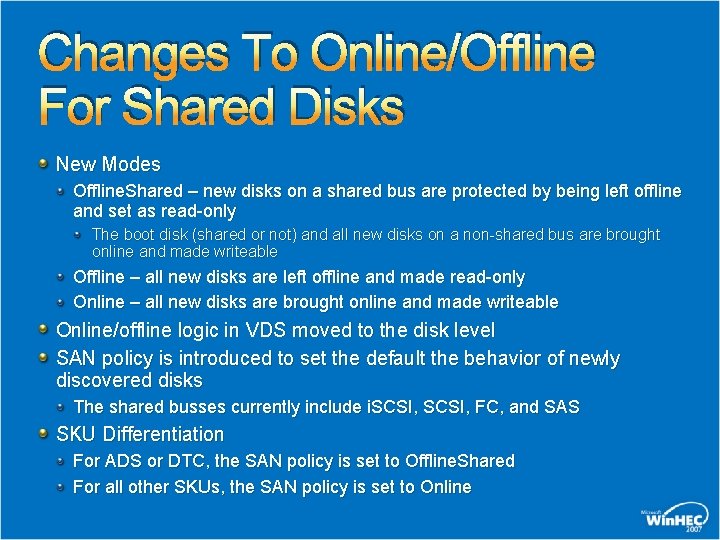
Changes To Online/Offline For Shared Disks New Modes Offline. Shared – new disks on a shared bus are protected by being left offline and set as read-only The boot disk (shared or not) and all new disks on a non-shared bus are brought online and made writeable Offline – all new disks are left offline and made read-only Online – all new disks are brought online and made writeable Online/offline logic in VDS moved to the disk level SAN policy is introduced to set the default the behavior of newly discovered disks The shared busses currently include i. SCSI, FC, and SAS SKU Differentiation For ADS or DTC, the SAN policy is set to Offline. Shared For all other SKUs, the SAN policy is set to Online
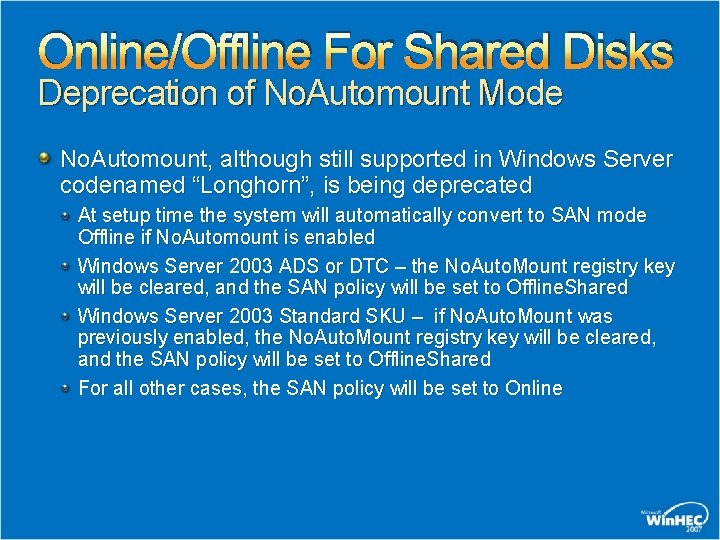
Online/Offline For Shared Disks Deprecation of No. Automount Mode No. Automount, although still supported in Windows Server codenamed “Longhorn”, is being deprecated At setup time the system will automatically convert to SAN mode Offline if No. Automount is enabled Windows Server 2003 ADS or DTC – the No. Auto. Mount registry key will be cleared, and the SAN policy will be set to Offline. Shared Windows Server 2003 Standard SKU – if No. Auto. Mount was previously enabled, the No. Auto. Mount registry key will be cleared, and the SAN policy will be set to Offline. Shared For all other cases, the SAN policy will be set to Online
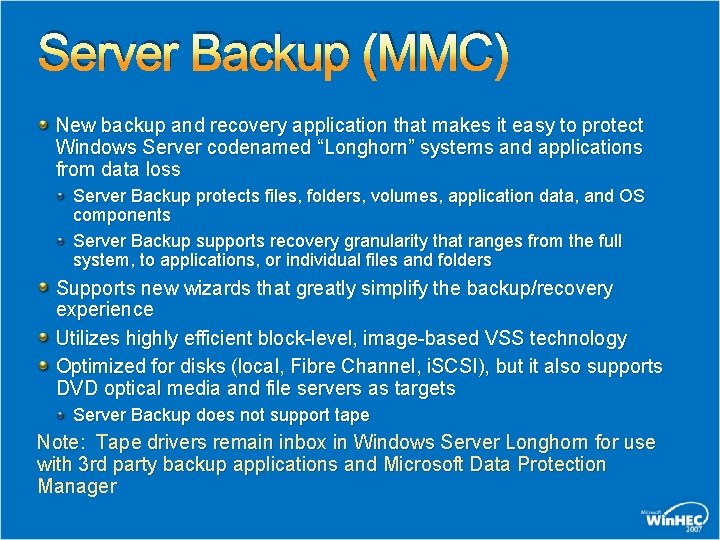
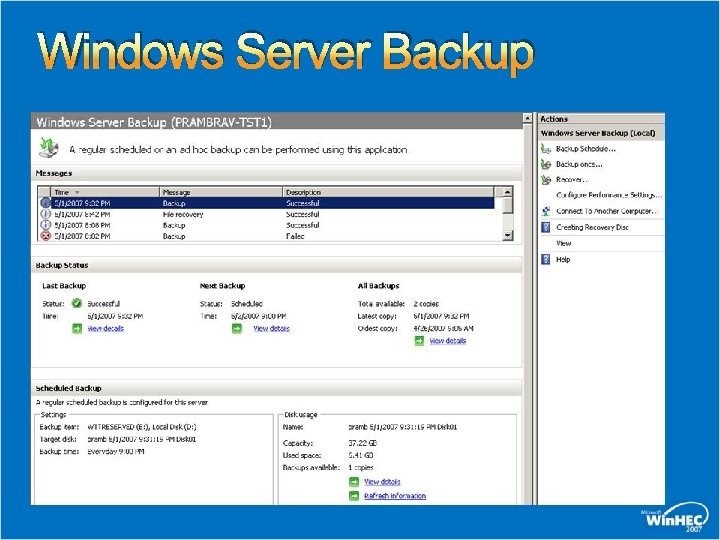
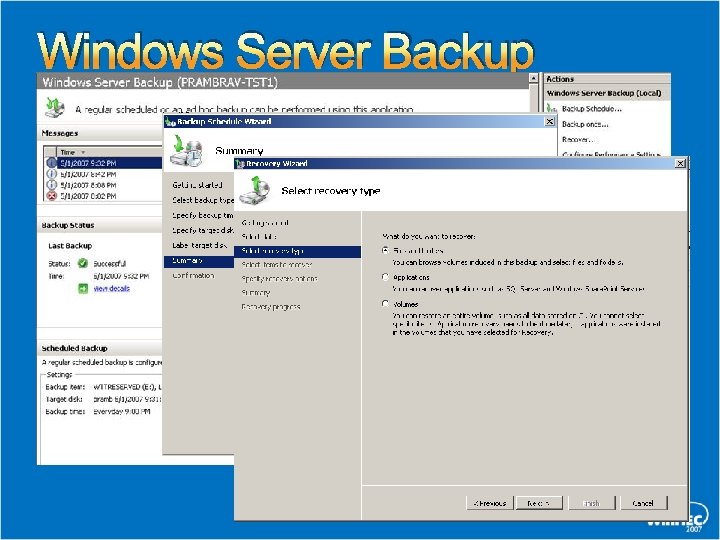
Server Backup (MMC) New backup and recovery application that makes it easy to protect Windows Server codenamed “Longhorn” systems and applications from data loss Server Backup protects files, folders, volumes, application data, and OS components Server Backup supports recovery granularity that ranges from the full system, to applications, or individual files and folders Supports new wizards that greatly simplify the backup/recovery experience Utilizes highly efficient block-level, image-based VSS technology Optimized for disks (local, Fibre Channel, i. SCSI), but it also supports DVD optical media and file servers as targets Server Backup does not support tape Note: Tape drivers remain inbox in Windows Server Longhorn for use with 3 rd party backup applications and Microsoft Data Protection Manager
Windows Server Backup
Windows Server Backup
Storage Security Futures Ñ Ñ Full Volume Encryption Options Services Opportunities to select from block or file based encryption from Microsoft and partners for combined hardware/software solutions Industry Standard Storage KMI Platform Opportunities for leveraging key management standards Storage Security Management Opportunity for centralized, comprehensive management of storage security controls
Storage Technologies Gaining Traction Flash Integrated system flash Solid State Disk Drives “Green” Data Center “Diskless” Servers Growing Adoption for Ethernet storage Emergence of new standards DCE
Calls To Action Contact Microsoft if you have requirements related to futures for the enterprise storage stack or emerging technologies hec 7 stor @ microsoft. com Install and evaluate new enterprise storage features in Windows Server codenamed “Longhorn” Beta 3 Backup Application vendors should review disk online/offline changes to ensure VSS supportability of their applications for Windows Server Longhorn
Questions?
© 2007 Microsoft Corporation. All rights reserved. Microsoft, Windows Vista and other product names are or may be registered trademarks and/or trademarks in the U. S. and/or other countries. The information herein is for informational purposes only and represents the current view of Microsoft Corporation as of the date of this presentation. Because Microsoft must respond to changing market conditions, it should not be interpreted to be a commitment on the part of Microsoft, and Microsoft cannot guarantee the accuracy of any information provided after the date of this presentation. MICROSOFT MAKES NO WARRANTIES, EXPRESS, IMPLIED OR STATUTORY, AS TO THE INFORMATION IN THIS PRESENTATION.