
Enterprise Collaboration Avaya Aura Conferencing Avaya Flare Experience
Enterprise Collaboration Avaya Aura® Conferencing & Avaya Flare® Experience October 2012
Disclaimer if roadmap content is included "The information contained herein is provided for information purposes only and is intended only to outline Avaya’s presently anticipated general technology direction. The information in the roadmap is not a commitment or an obligation to deliver any product, product feature or software functionality and Avaya reserves the right to make changes to the content and timing of any product, product feature or software release. Prices for any future product or software included herein will be separately negotiated when and if such product or software becomes available. " © 2012 Avaya Inc. All rights reserved. 2
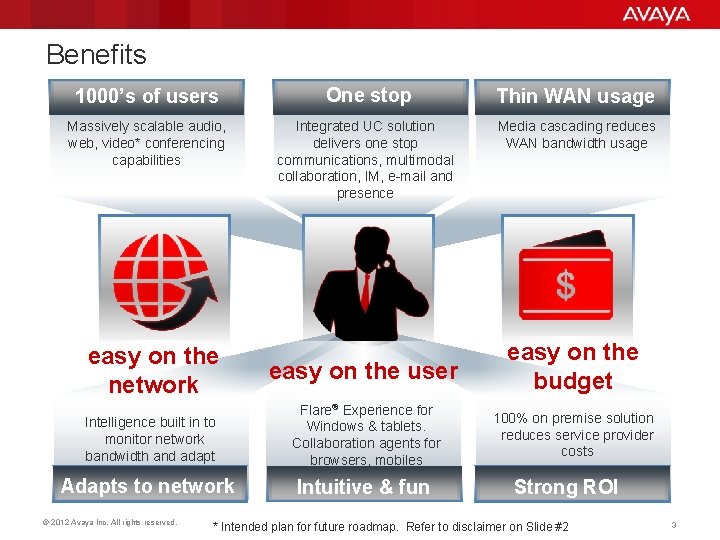
Benefits 1000’s of users One stop Thin WAN usage Massively scalable audio, web, video* conferencing capabilities Integrated UC solution delivers one stop communications, multimodal collaboration, IM, e-mail and presence Media cascading reduces WAN bandwidth usage easy on the network easy on the user easy on the budget Intelligence built in to monitor network bandwidth and adapt Flare® Experience for Windows & tablets. Collaboration agents for browsers, mobiles 100% on premise solution reduces service provider costs Adapts to network Intuitive & fun © 2012 Avaya Inc. All rights reserved. Strong ROI * Intended plan for future roadmap. Refer to disclaimer on Slide #2 3
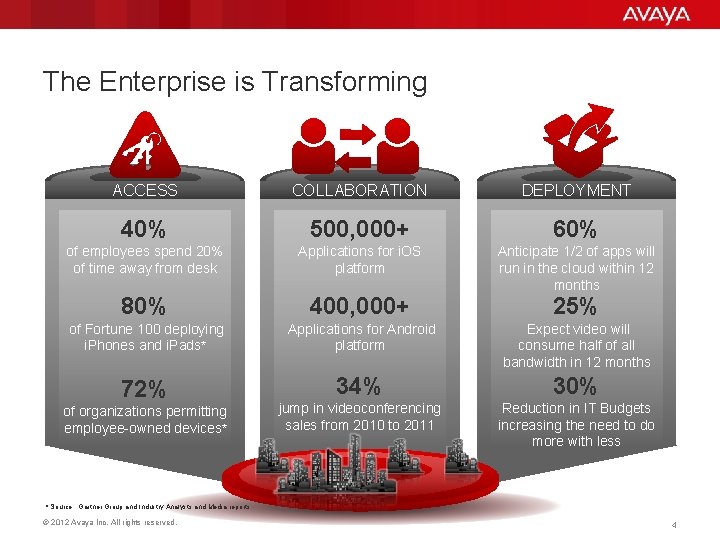
The Enterprise is Transforming ACCESS COLLABORATION DEPLOYMENT 40% 500, 000+ 60% of employees spend 20% of time away from desk Applications for i. OS platform Anticipate 1/2 of apps will run in the cloud within 12 months 80% 400, 000+ 25% of Fortune 100 deploying i. Phones and i. Pads* Applications for Android platform Expect video will consume half of all bandwidth in 12 months 72% 34% 30% jump in videoconferencing sales from 2010 to 2011 Reduction in IT Budgets increasing the need to do more with less of organizations permitting employee-owned devices* * Source: Gartner Group and Industry Analysts and Media reports © 2012 Avaya Inc. All rights reserved. 4
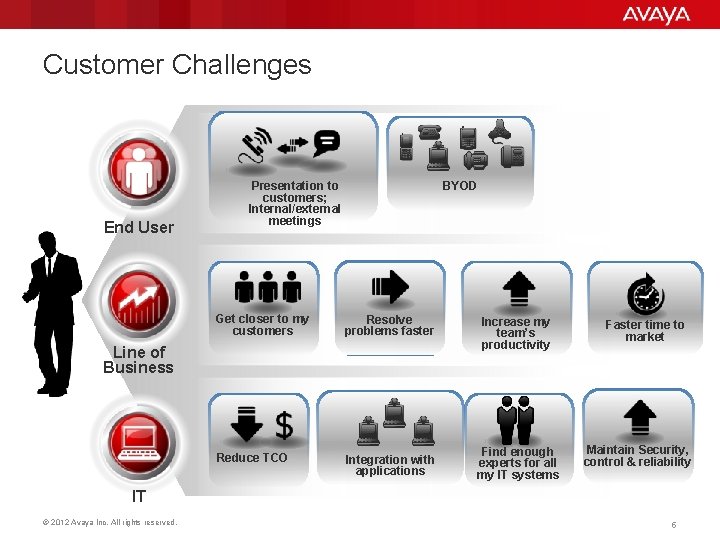
Customer Challenges End User Presentation to customers; Internal/external meetings BYOD Get closer to my customers Resolve problems faster Reduce TCO Integration with applications Line of Business Increase my team’s productivity Find enough experts for all my IT systems Faster time to market Maintain Security, control & reliability IT © 2012 Avaya Inc. All rights reserved. 5
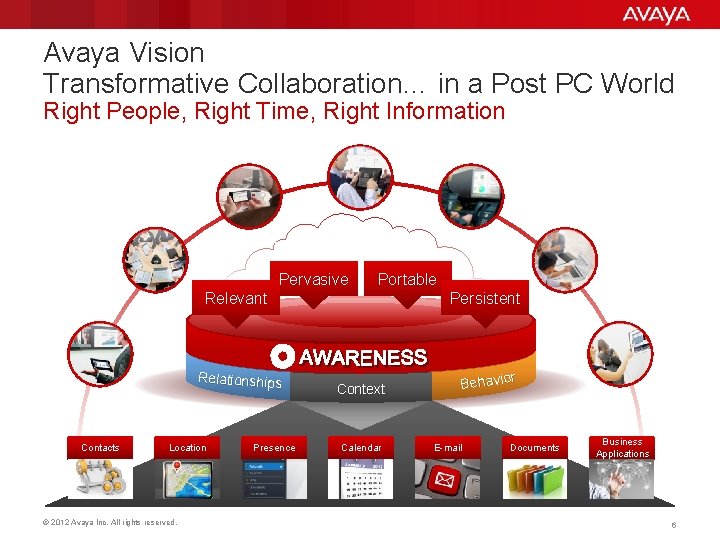
Avaya Vision Transformative Collaboration… in a Post PC World Right People, Right Time, Right Information Pervasive Portable Relevant Relationships Contacts Location © 2012 Avaya Inc. All rights reserved. Presence Persistent Context Calendar Behavior E-mail Documents Business Applications 6
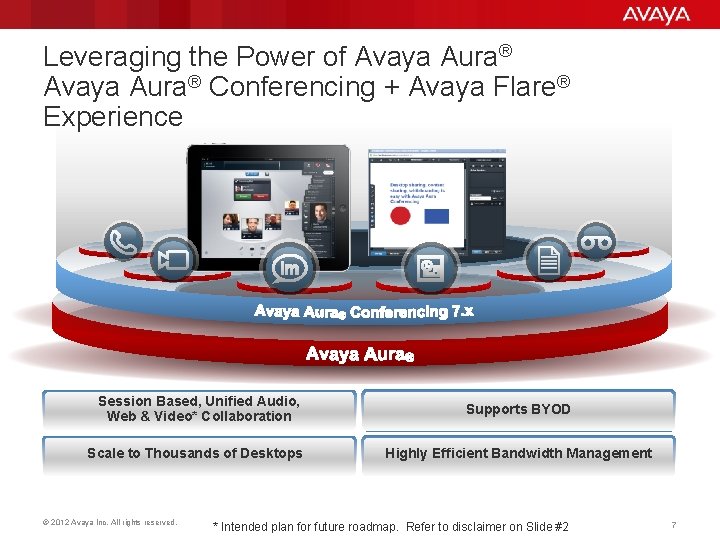
Leveraging the Power of Avaya Aura® Conferencing + Avaya Flare® Experience Session Based, Unified Audio, Web & Video* Collaboration Supports BYOD Scale to Thousands of Desktops Highly Efficient Bandwidth Management © 2012 Avaya Inc. All rights reserved. * Intended plan for future roadmap. Refer to disclaimer on Slide #2 7
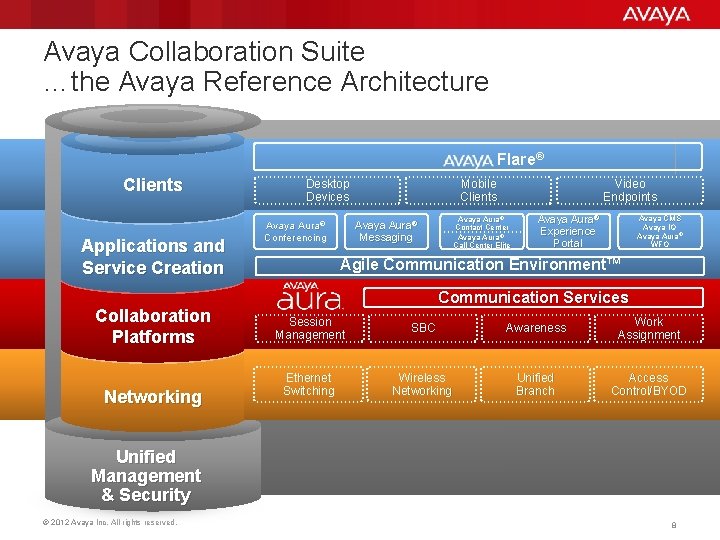
Avaya Collaboration Suite …the Avaya Reference Architecture Flare® Clients Applications and Service Creation Collaboration Platforms Networking Desktop Devices Mobile Clients Avaya Aura ® Contact Center Avaya Aura ® Call Center Elite Avaya Aura® Messaging Avaya Aura® Conferencing Video Endpoints Avaya Aura® Experience Portal Avaya CMS Avaya IQ Avaya Aura ® WFO Agile Communication Environment™ Communication Services Session Management SBC Awareness Work Assignment Ethernet Switching Wireless Networking Unified Branch Access Control/BYOD Unified Management & Security © 2012 Avaya Inc. All rights reserved. 8
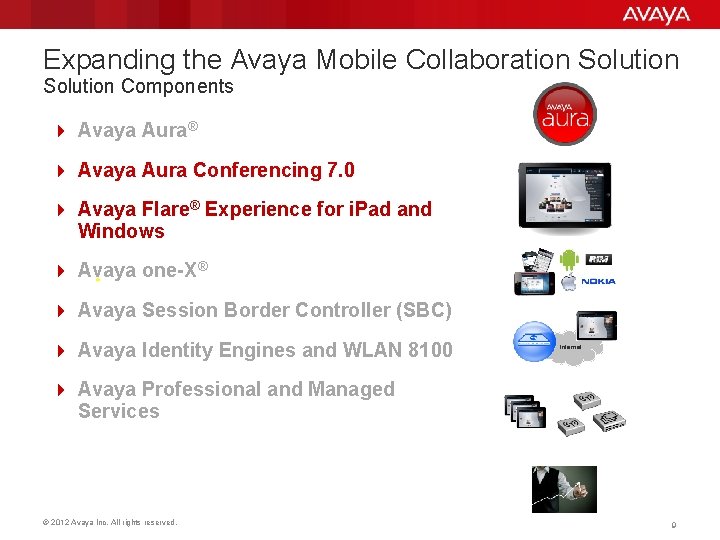
Expanding the Avaya Mobile Collaboration Solution Components 4 Avaya Aura® 4 Avaya Aura Conferencing 7. 0 4 Avaya Flare® Experience for i. Pad and Windows 4 Avaya one-X® 4 Avaya Session Border Controller (SBC) 4 Avaya Identity Engines and WLAN 8100 Internet 4 Avaya Professional and Managed Services © 2012 Avaya Inc. All rights reserved. 9
Simply, a Better Way to Collaborate Easy on the User Intuitive and fun © 2012 Avaya Inc. All rights reserved. One stop collaboration Access from Web browsers From any device 10
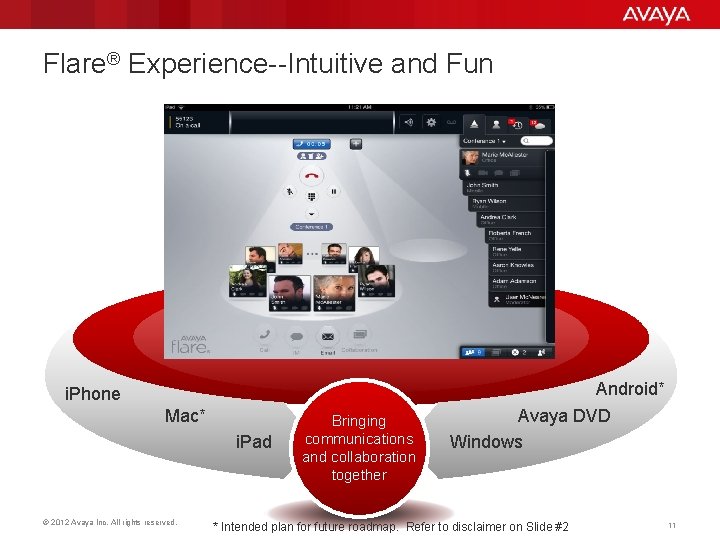
Flare® Experience--Intuitive and Fun i. Phone Mac* i. Pad © 2012 Avaya Inc. All rights reserved. Bringing communications and collaboration together Android* Avaya DVD Windows * Intended plan for future roadmap. Refer to disclaimer on Slide #2 11
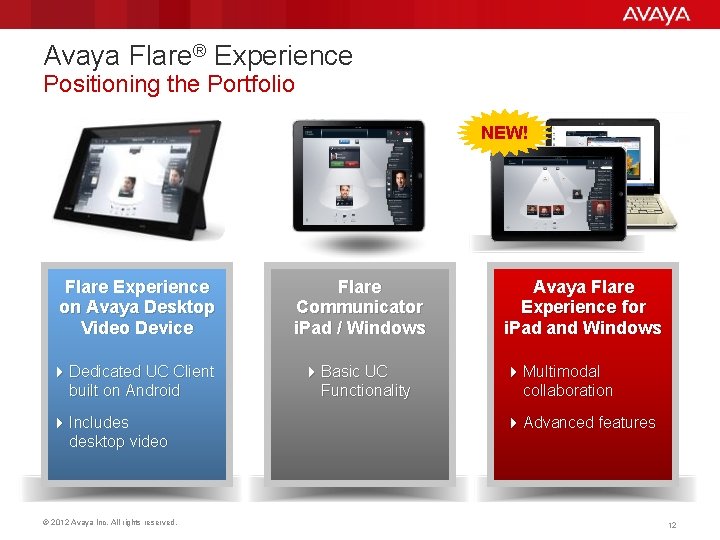
Avaya Flare® Experience Positioning the Portfolio NEW! Flare Experience on Avaya Desktop Video Device Flare Communicator i. Pad / Windows 4 Dedicated UC Client built on Android 4 Basic UC Functionality 4 Includes desktop video © 2012 Avaya Inc. All rights reserved. Avaya Flare Experience for i. Pad and Windows 4 Multimodal collaboration 4 Advanced features 12
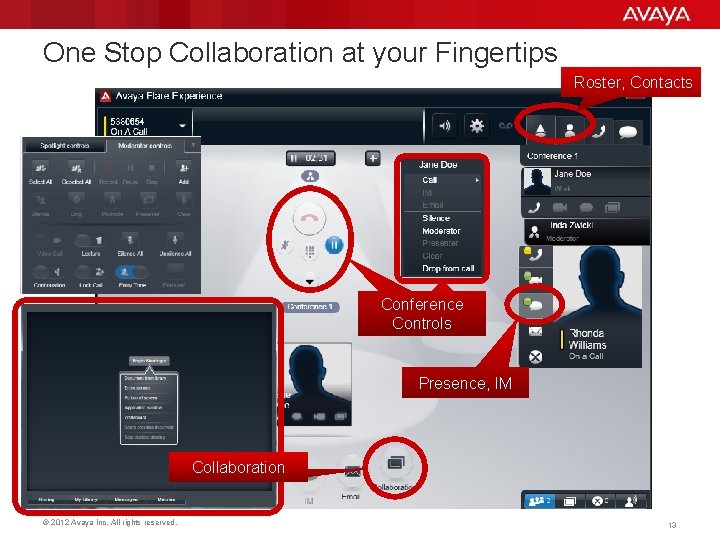
One Stop Collaboration at your Fingertips Roster, Contacts Conference Controls Presence, IM Collaboration © 2012 Avaya Inc. All rights reserved. 13
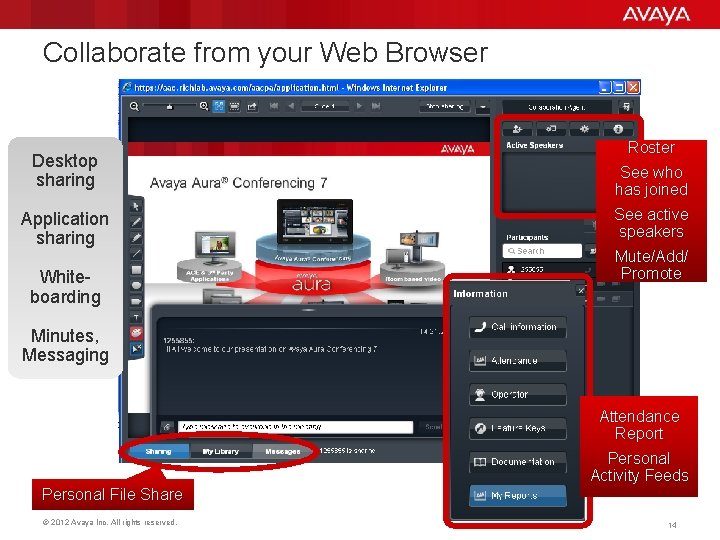
Collaborate from your Web Browser Desktop sharing Application sharing Whiteboarding Roster See who has joined See active speakers Mute/Add/ Promote Minutes, Messaging Attendance Report Personal Activity Feeds Personal File Share © 2012 Avaya Inc. All rights reserved. 14
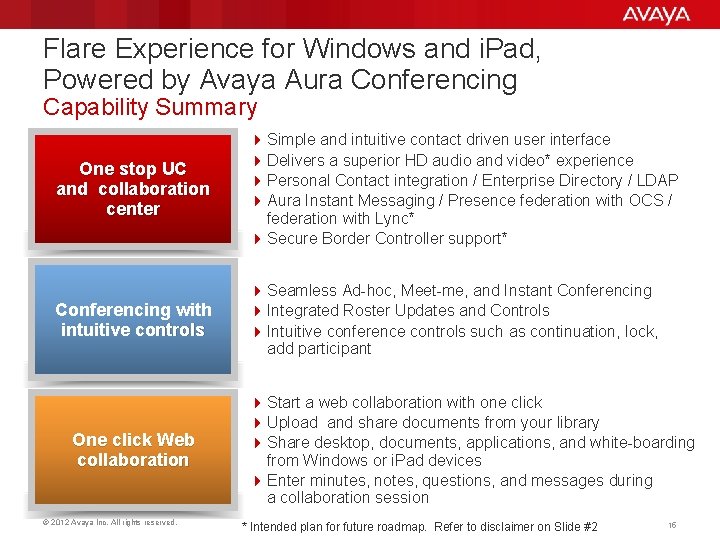
Flare Experience for Windows and i. Pad, Powered by Avaya Aura Conferencing Capability Summary One stop UC and collaboration center 4 Simple and intuitive contact driven user interface 4 Delivers a superior HD audio and video* experience 4 Personal Contact integration / Enterprise Directory / LDAP 4 Aura Instant Messaging / Presence federation with OCS / federation with Lync* 4 Secure Border Controller support* Conferencing with intuitive controls 4 Seamless Ad-hoc, Meet-me, and Instant Conferencing 4 Integrated Roster Updates and Controls 4 Intuitive conference controls such as continuation, lock, add participant One click Web collaboration © 2012 Avaya Inc. All rights reserved. 4 Start a web collaboration with one click 4 Upload and share documents from your library 4 Share desktop, documents, applications, and white-boarding from Windows or i. Pad devices 4 Enter minutes, notes, questions, and messages during a collaboration session * Intended plan for future roadmap. Refer to disclaimer on Slide #2 15
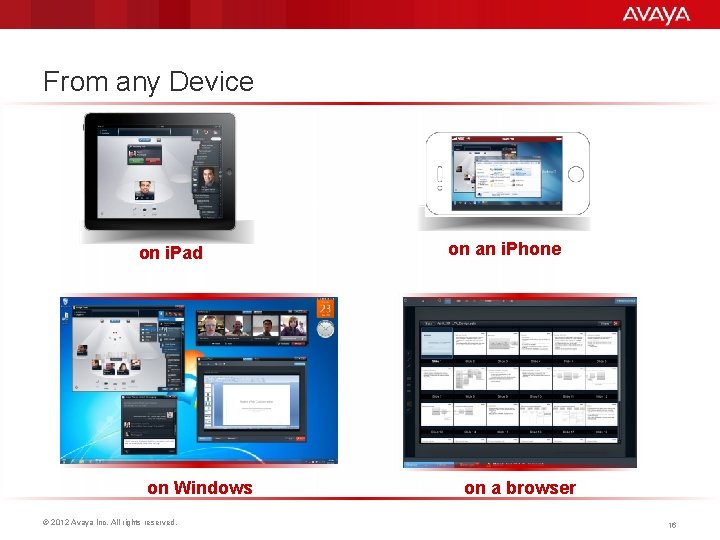
From any Device on i. Pad on Windows © 2012 Avaya Inc. All rights reserved. on an i. Phone on a browser 16
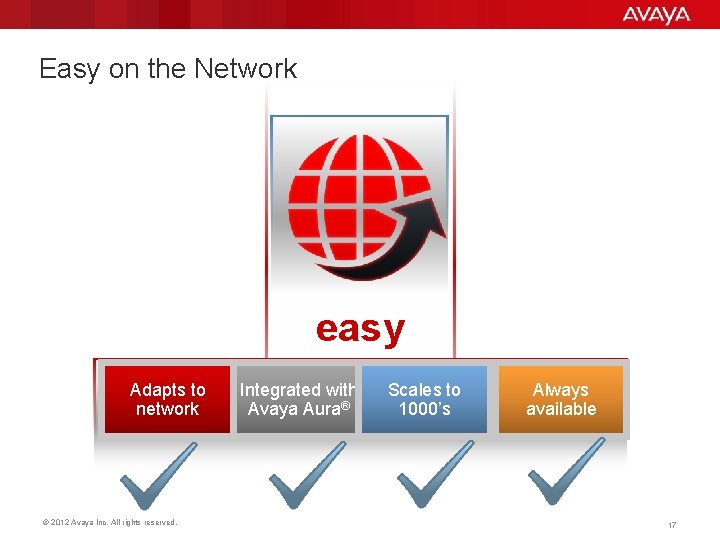
Easy on the Network easy Adapts to network © 2012 Avaya Inc. All rights reserved. Integrated with Avaya Aura® Scales to 1000’s Always available 17
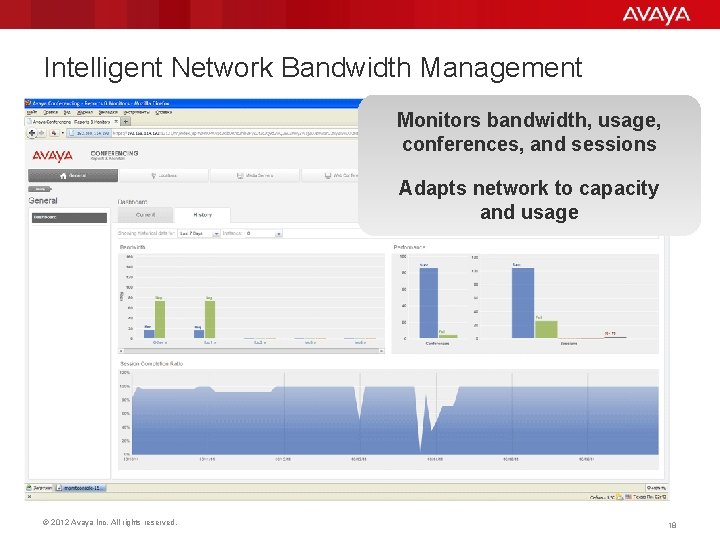
Intelligent Network Bandwidth Management Monitors bandwidth, usage, conferences, and sessions Adapts network to capacity and usage © 2012 Avaya Inc. All rights reserved. 18
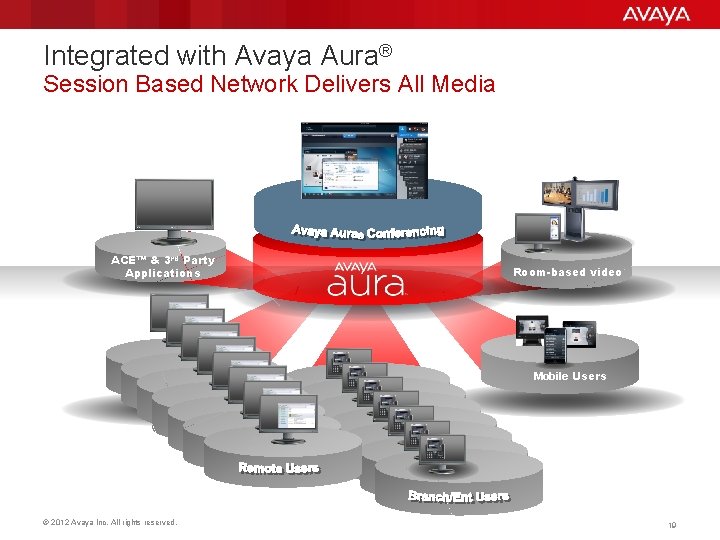
Integrated with Avaya Aura® Session Based Network Delivers All Media ACE™ & 3 rd Party Applications Room-based video Mobile Users © 2012 Avaya Inc. All rights reserved. 19
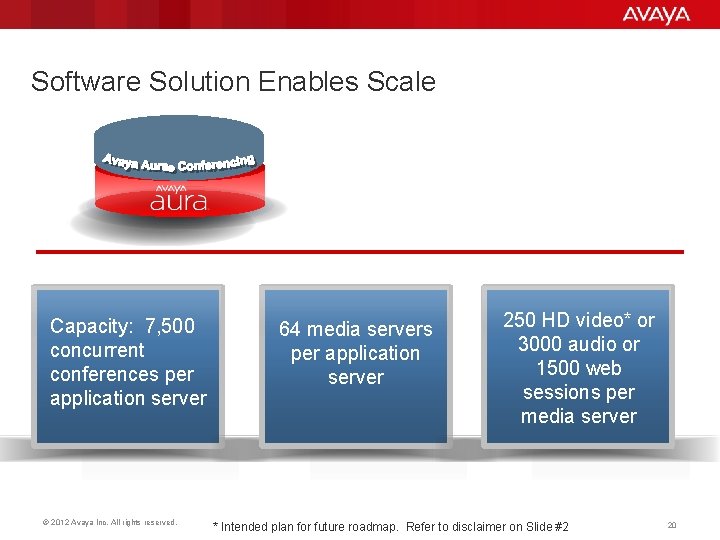
Software Solution Enables Scale Capacity: 7, 500 concurrent conferences per application server © 2012 Avaya Inc. All rights reserved. 64 media servers per application server 250 HD video* or 3000 audio or 1500 web sessions per media server * Intended plan for future roadmap. Refer to disclaimer on Slide #2 20
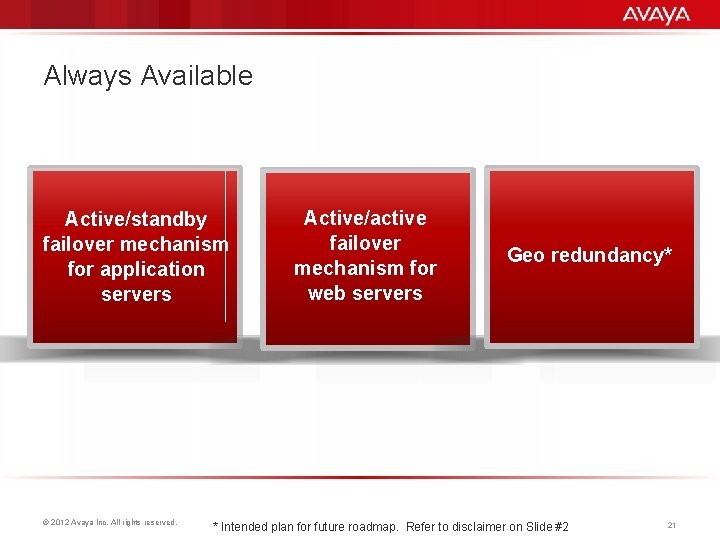
Always Available Active/standby failover mechanism for application servers © 2012 Avaya Inc. All rights reserved. Active/active failover mechanism for web servers Geo redundancy* * Intended plan for future roadmap. Refer to disclaimer on Slide #2 21
Easy on the Budget easy Save on conferencing © 2012 Avaya Inc. All rights reserved. Save on WAN Save with software 22
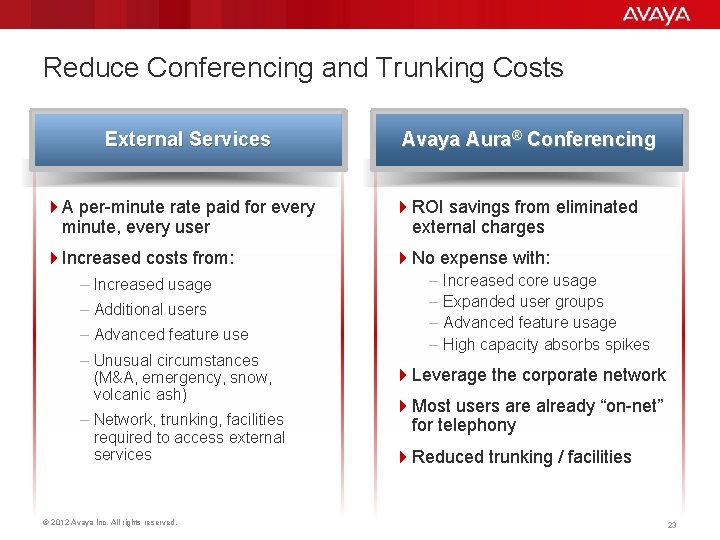
Reduce Conferencing and Trunking Costs External Services Avaya Aura® Conferencing 4 A per-minute rate paid for every minute, every user 4 ROI savings from eliminated external charges 4 Increased costs from: 4 No expense with: – Increased usage – Additional users – Advanced feature use – Unusual circumstances (M&A, emergency, snow, volcanic ash) – Network, trunking, facilities required to access external services © 2012 Avaya Inc. All rights reserved. – Increased core usage – Expanded user groups – Advanced feature usage – High capacity absorbs spikes 4 Leverage the corporate network 4 Most users are already “on-net” for telephony 4 Reduced trunking / facilities 23
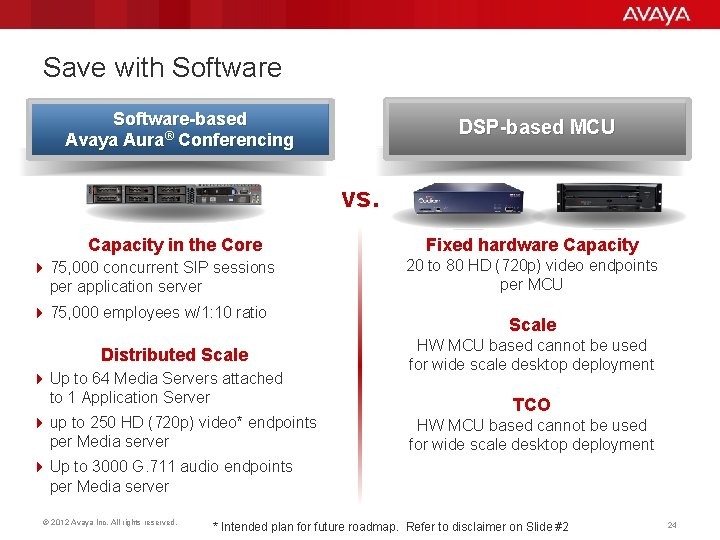
Save with Software-based Avaya Aura® Conferencing DSP-based MCU vs. Capacity in the Core 4 75, 000 concurrent SIP sessions per application server 4 75, 000 employees w/1: 10 ratio Distributed Scale 4 Up to 64 Media Servers attached to 1 Application Server 4 up to 250 HD (720 p) video* endpoints per Media server Fixed hardware Capacity 20 to 80 HD (720 p) video endpoints per MCU Scale HW MCU based cannot be used for wide scale desktop deployment TCO HW MCU based cannot be used for wide scale desktop deployment 4 Up to 3000 G. 711 audio endpoints per Media server © 2012 Avaya Inc. All rights reserved. * Intended plan for future roadmap. Refer to disclaimer on Slide #2 24
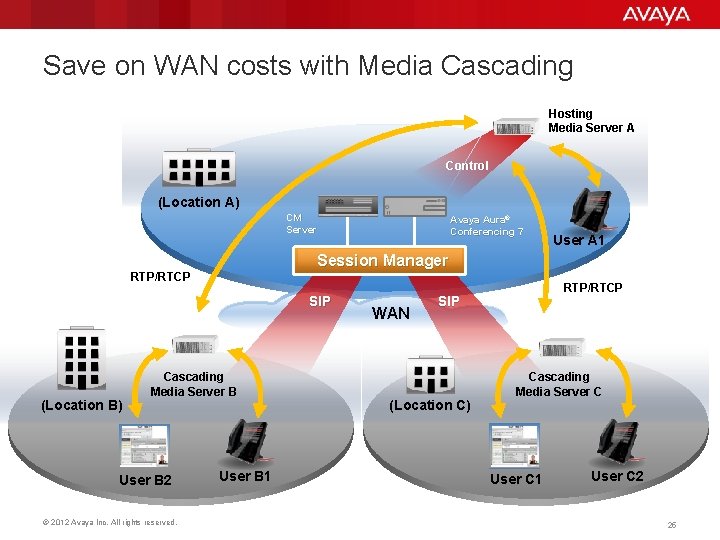
Save on WAN costs with Media Cascading Hosting Media Server A Control (Location A) CM Server SIP Cascading Media Server B User B 2 © 2012 Avaya Inc. All rights reserved. User A 1 Session Manager RTP/RTCP (Location B) Avaya Aura® Conferencing 7 User B 1 WAN RTP/RTCP SIP (Location C) Cascading Media Server C User C 1 User C 2 25
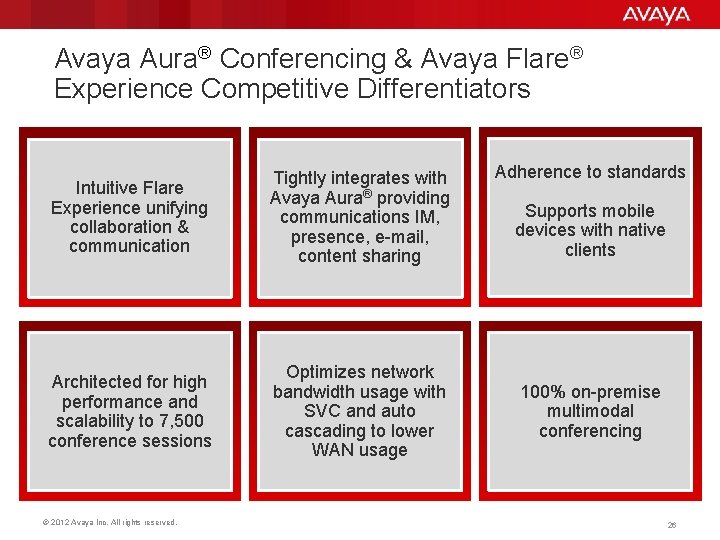
Avaya Aura® Conferencing & Avaya Flare® Experience Competitive Differentiators Intuitive Flare Experience unifying collaboration & communication Tightly integrates with Avaya Aura® providing communications IM, presence, e-mail, content sharing Architected for high performance and scalability to 7, 500 conference sessions Optimizes network bandwidth usage with SVC and auto cascading to lower WAN usage © 2012 Avaya Inc. All rights reserved. Adherence to standards Supports mobile devices with native clients 100% on-premise multimodal conferencing 26
Avaya Aura® Conferencing & Avaya Flare® Experience Now Makes Collaboration Easier USER NETWORK Budget easy © 2012 Avaya Inc. All rights reserved. 27
- Slides: 28