
Entering Transaction Interface Data Concept Entering Transaction Interface
- Slides: 19
Entering Transaction Interface Data Concept
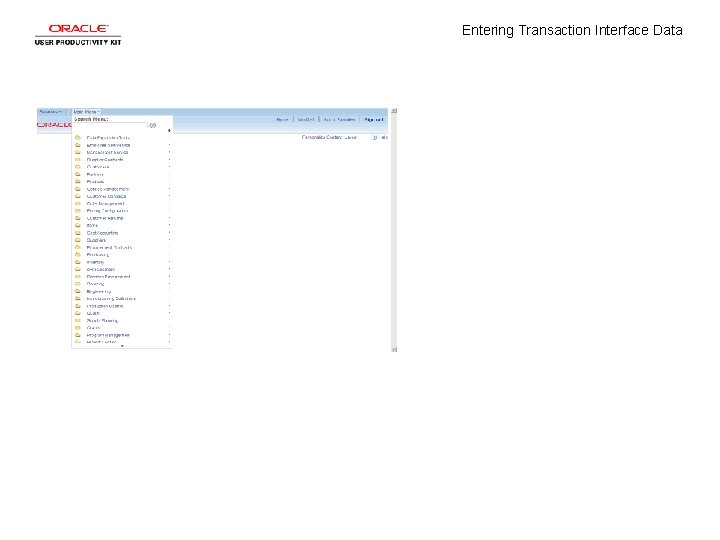
Entering Transaction Interface Data
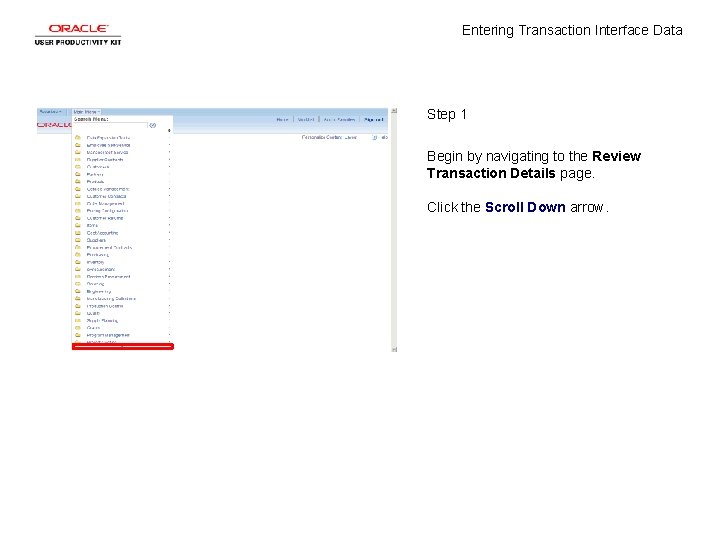
Entering Transaction Interface Data Step 1 Begin by navigating to the Review Transaction Details page. Click the Scroll Down arrow.
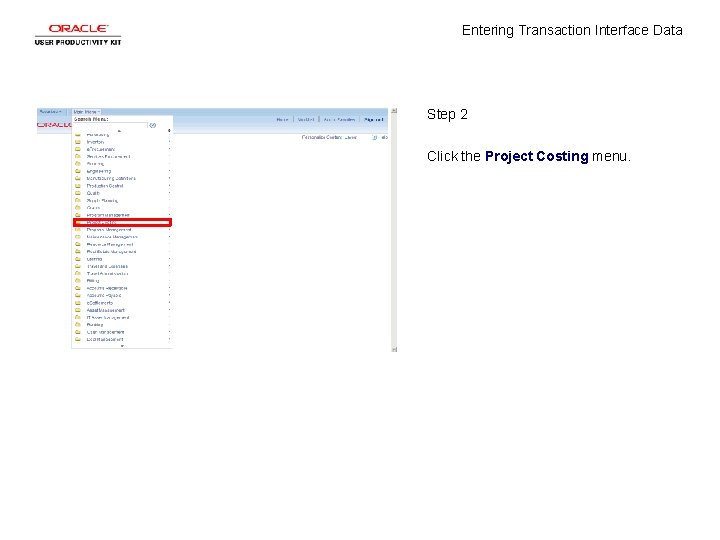
Entering Transaction Interface Data Step 2 Click the Project Costing menu.
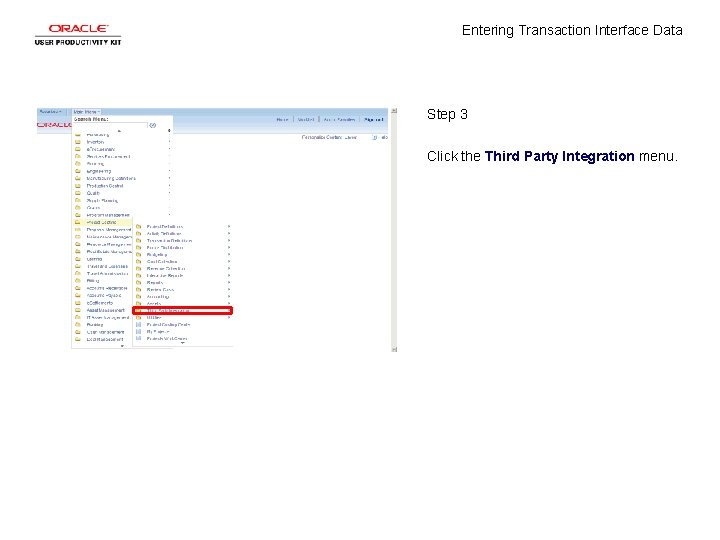
Entering Transaction Interface Data Step 3 Click the Third Party Integration menu.
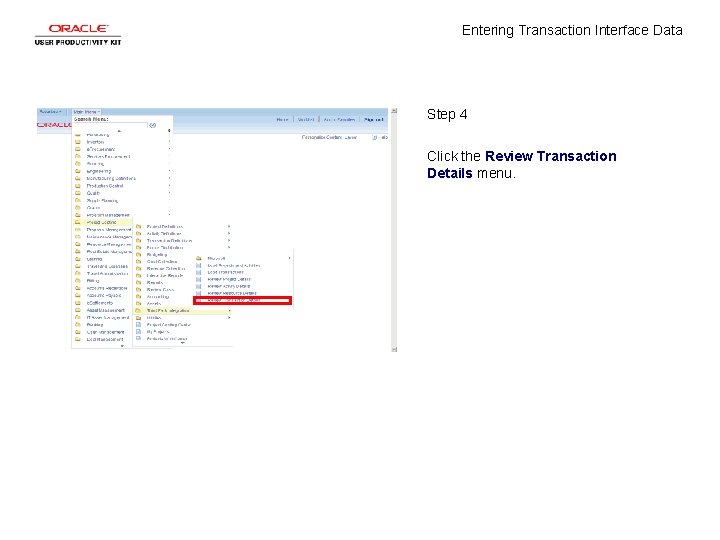
Entering Transaction Interface Data Step 4 Click the Review Transaction Details menu.
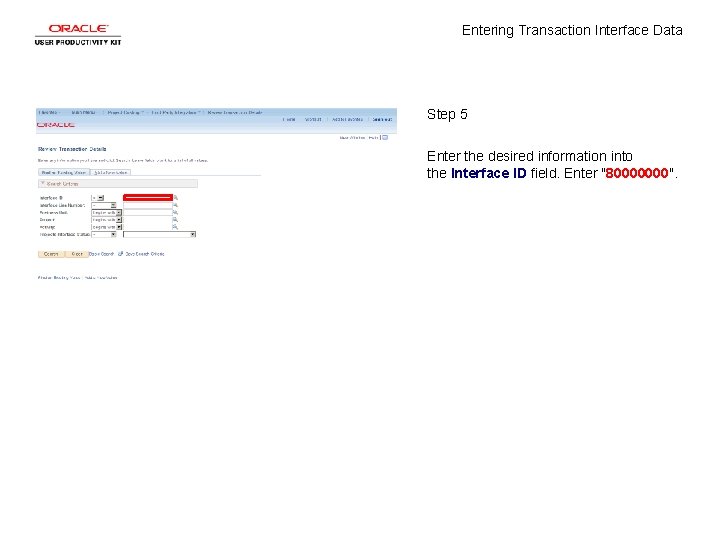
Entering Transaction Interface Data Step 5 Enter the desired information into the Interface ID field. Enter "80000000".
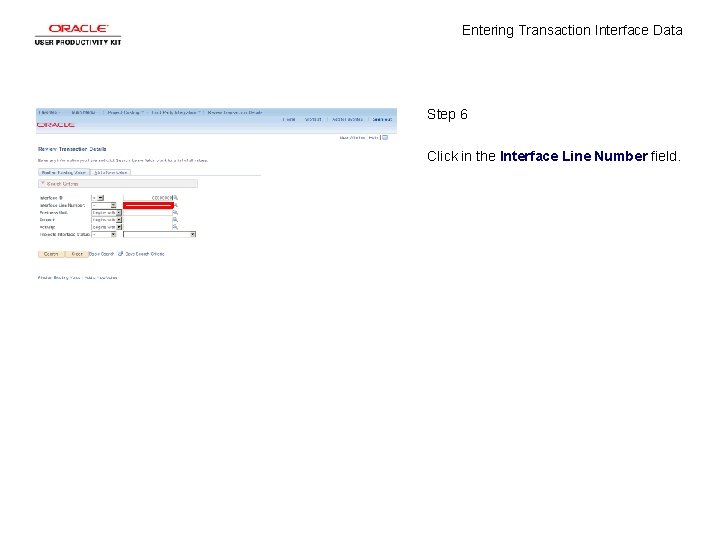
Entering Transaction Interface Data Step 6 Click in the Interface Line Number field.
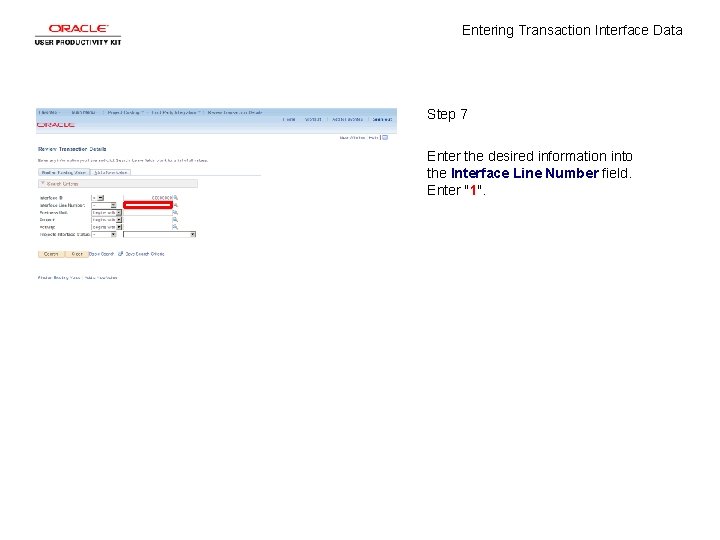
Entering Transaction Interface Data Step 7 Enter the desired information into the Interface Line Number field. Enter "1".
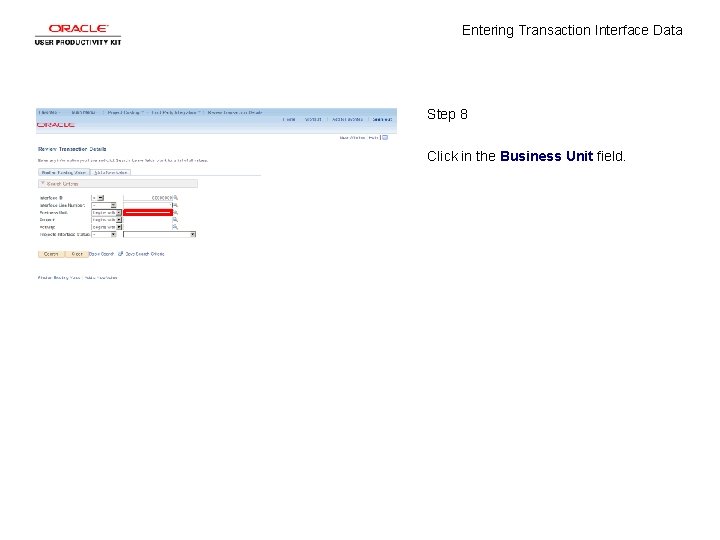
Entering Transaction Interface Data Step 8 Click in the Business Unit field.
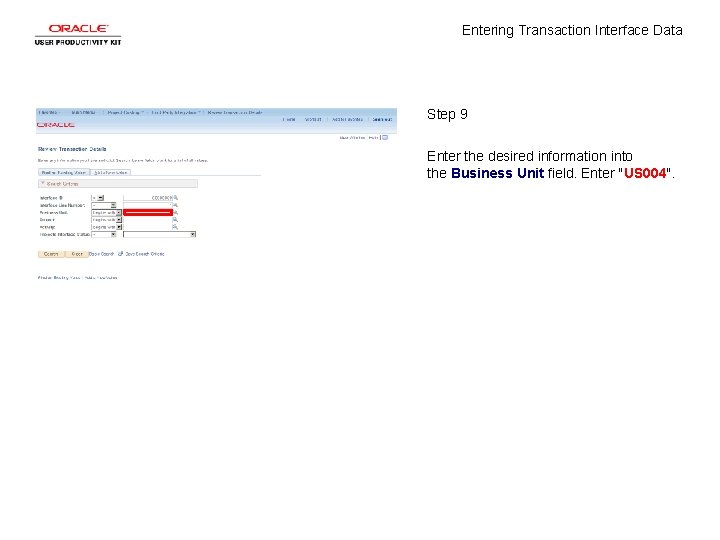
Entering Transaction Interface Data Step 9 Enter the desired information into the Business Unit field. Enter "US 004".
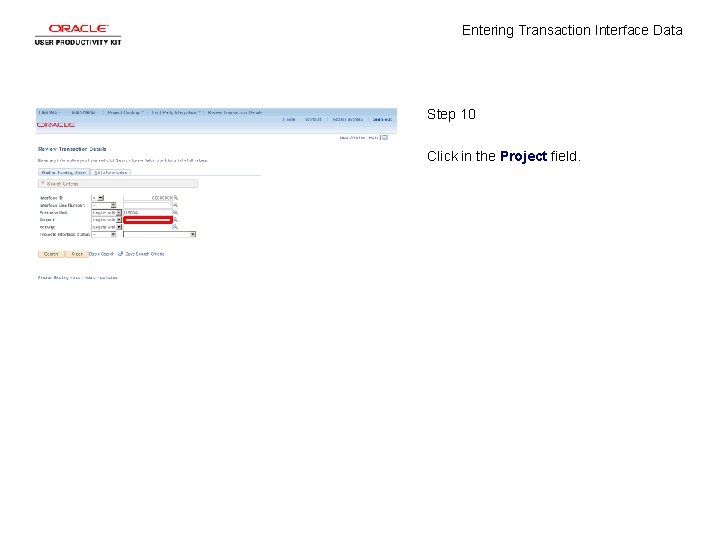
Entering Transaction Interface Data Step 10 Click in the Project field.
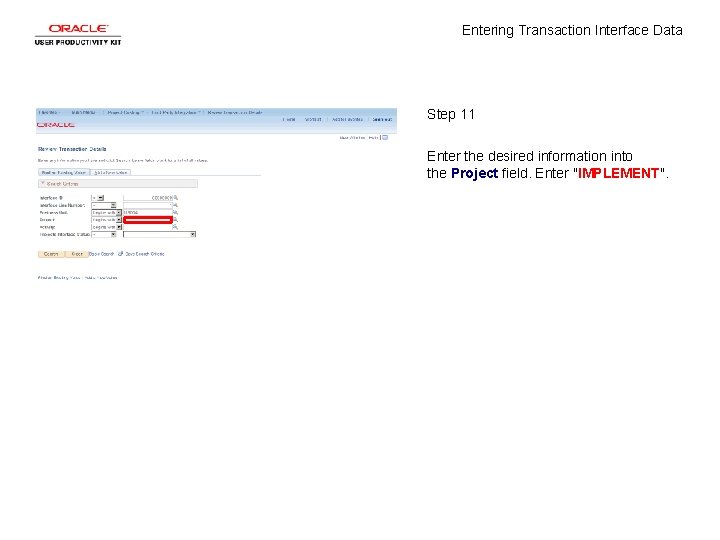
Entering Transaction Interface Data Step 11 Enter the desired information into the Project field. Enter "IMPLEMENT".
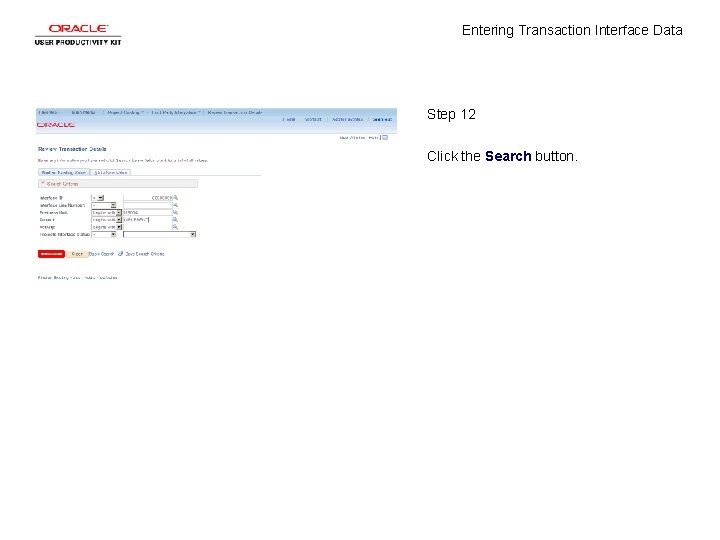
Entering Transaction Interface Data Step 12 Click the Search button.
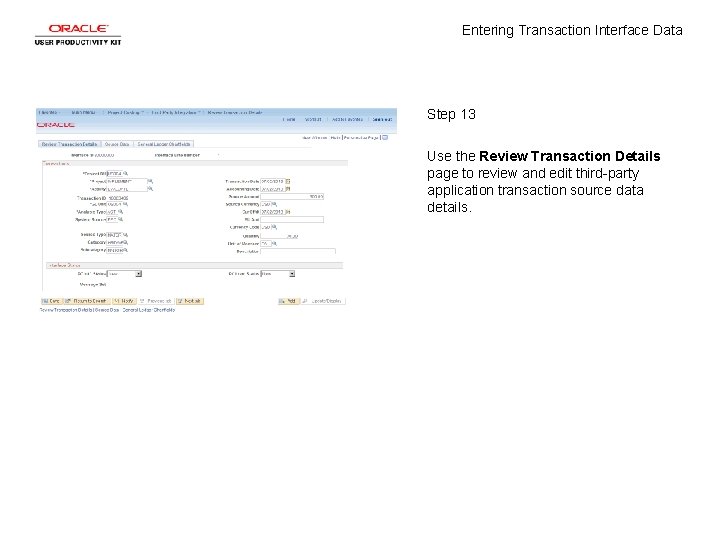
Entering Transaction Interface Data Step 13 Use the Review Transaction Details page to review and edit third-party application transaction source data details.
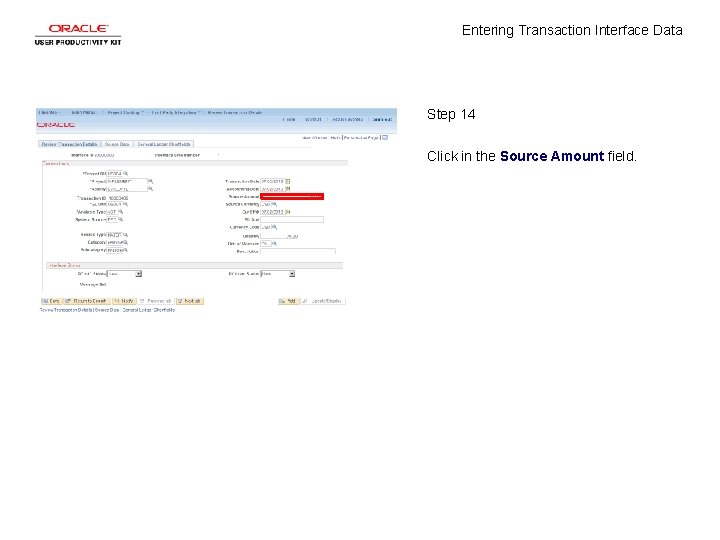
Entering Transaction Interface Data Step 14 Click in the Source Amount field.
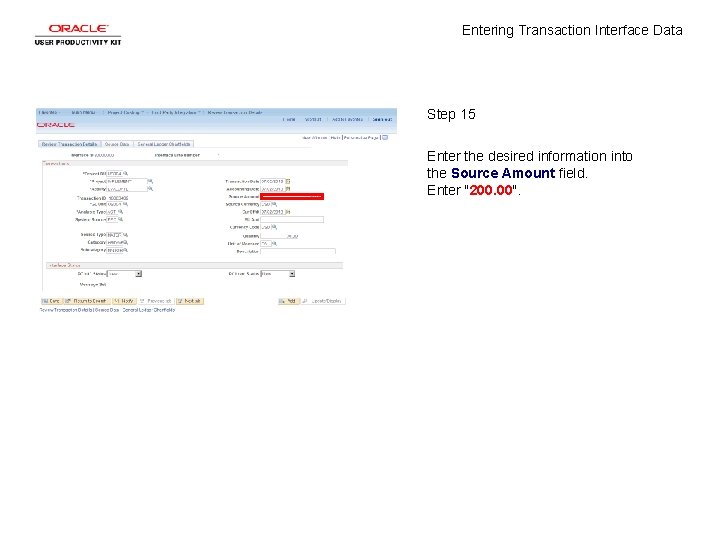
Entering Transaction Interface Data Step 15 Enter the desired information into the Source Amount field. Enter "200. 00".
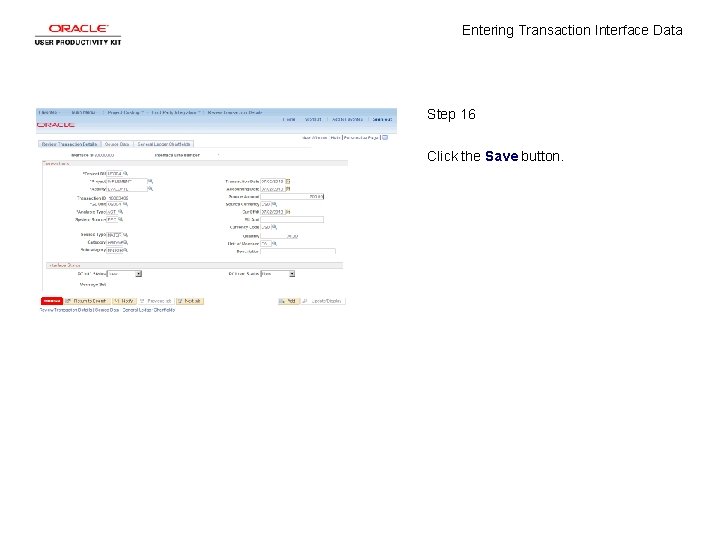
Entering Transaction Interface Data Step 16 Click the Save button.
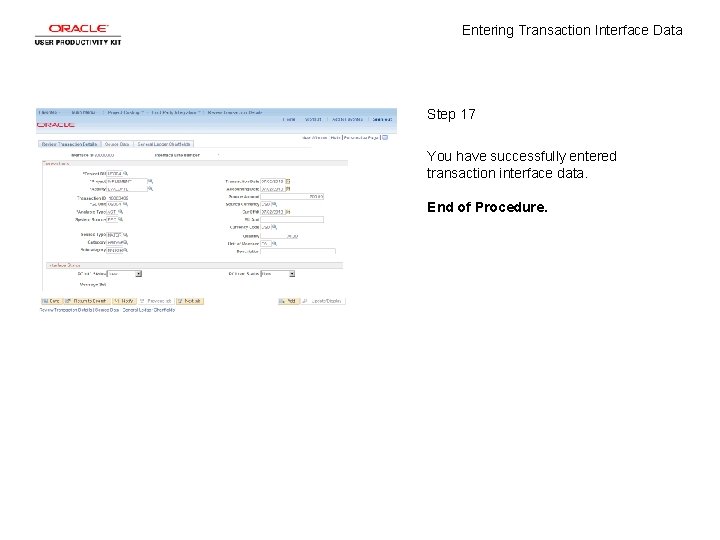
Entering Transaction Interface Data Step 17 You have successfully entered transaction interface data. End of Procedure.