
Entering Market Rate Types Concept Entering Market Rate
- Slides: 17
Entering Market Rate Types Concept
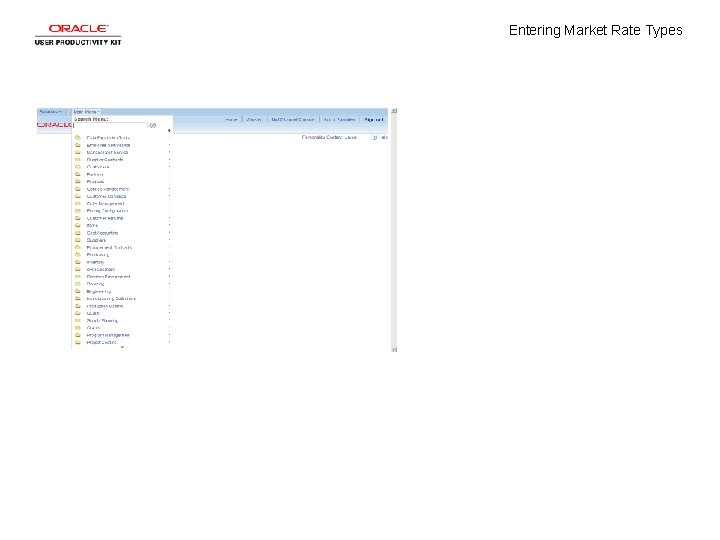
Entering Market Rate Types
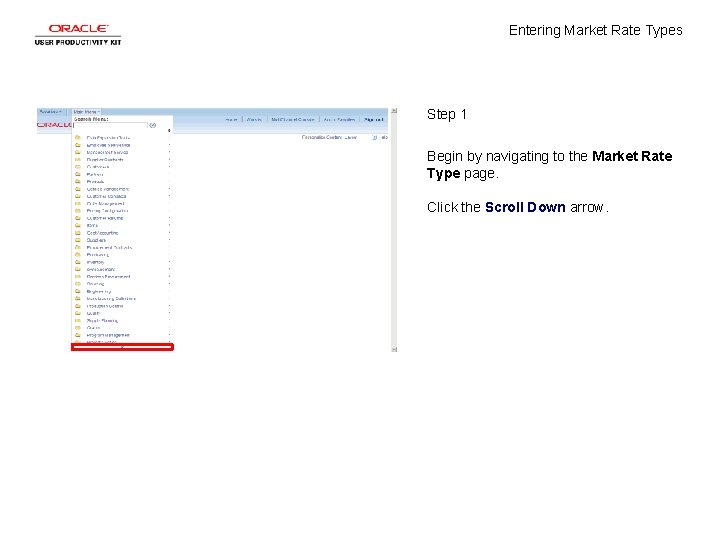
Entering Market Rate Types Step 1 Begin by navigating to the Market Rate Type page. Click the Scroll Down arrow.
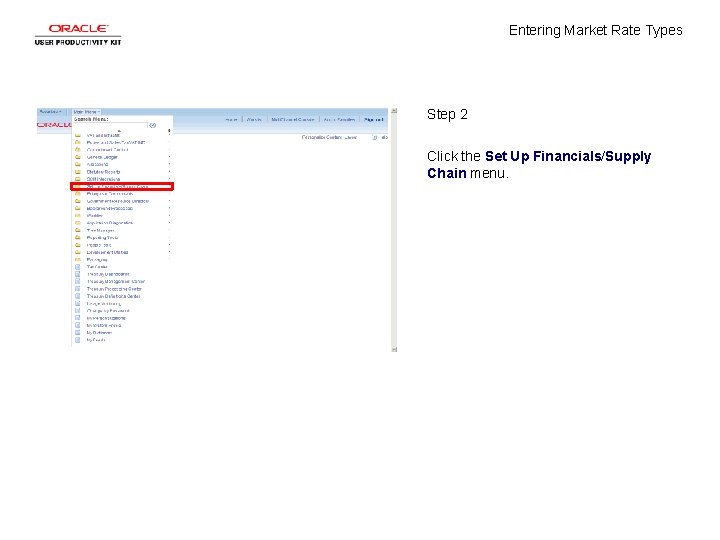
Entering Market Rate Types Step 2 Click the Set Up Financials/Supply Chain menu.
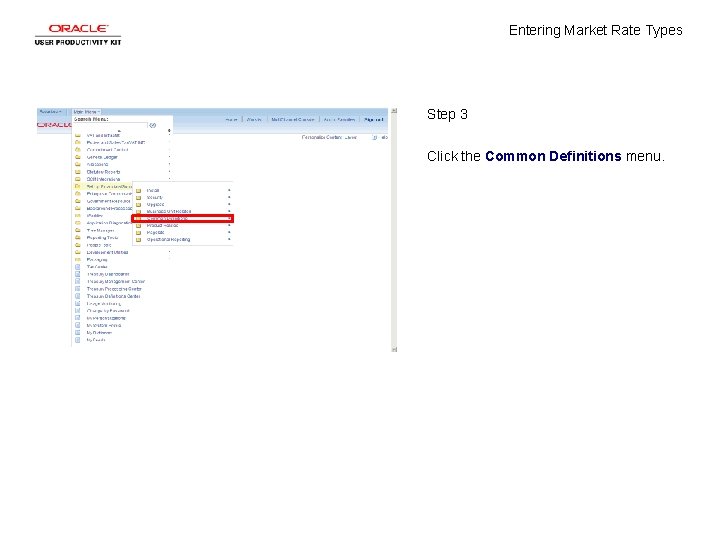
Entering Market Rate Types Step 3 Click the Common Definitions menu.
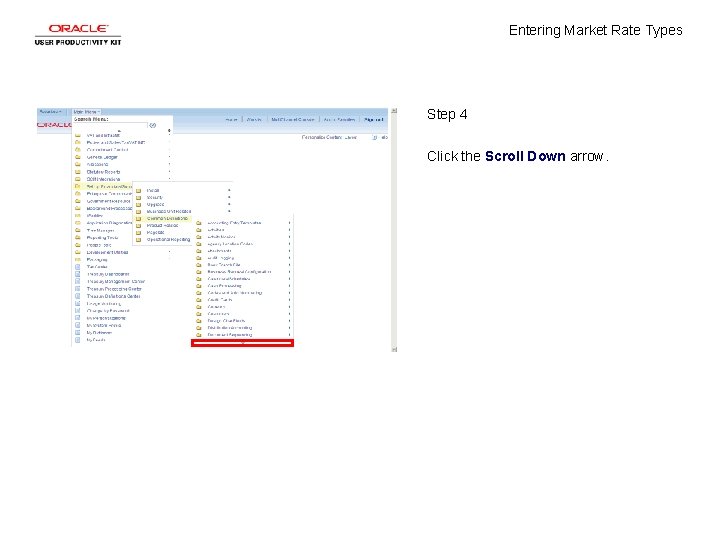
Entering Market Rate Types Step 4 Click the Scroll Down arrow.
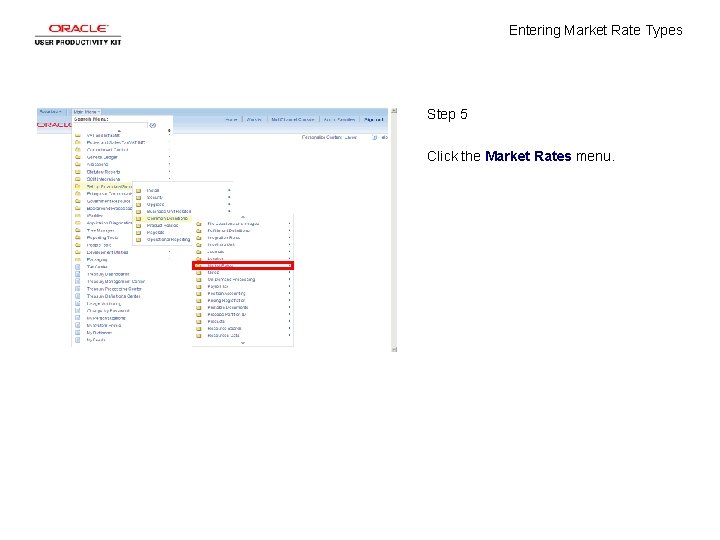
Entering Market Rate Types Step 5 Click the Market Rates menu.
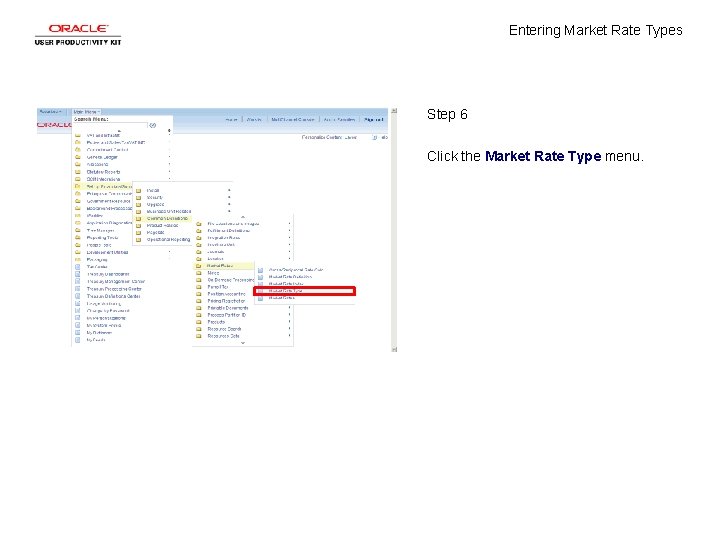
Entering Market Rate Types Step 6 Click the Market Rate Type menu.
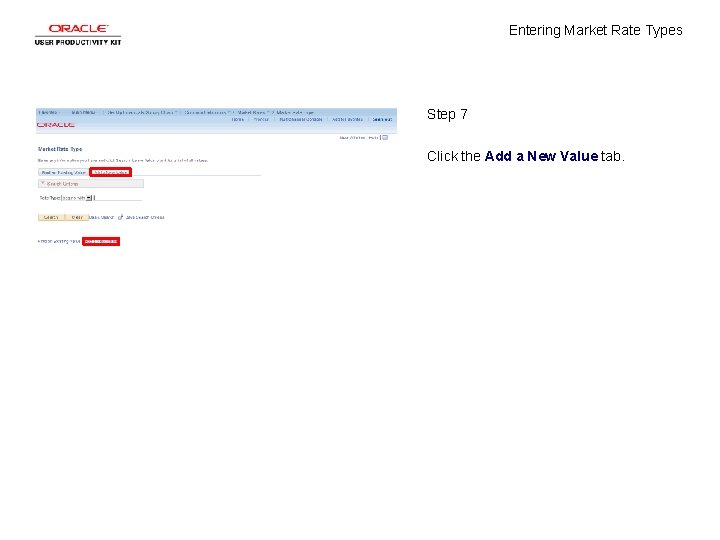
Entering Market Rate Types Step 7 Click the Add a New Value tab.
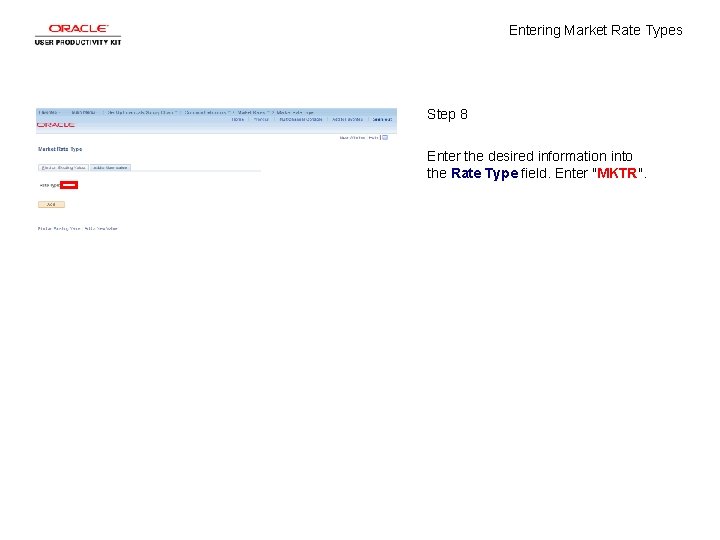
Entering Market Rate Types Step 8 Enter the desired information into the Rate Type field. Enter "MKTR".
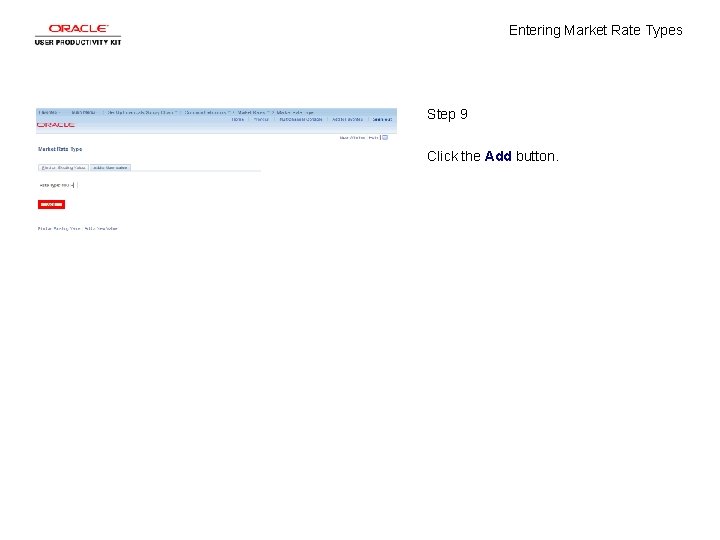
Entering Market Rate Types Step 9 Click the Add button.
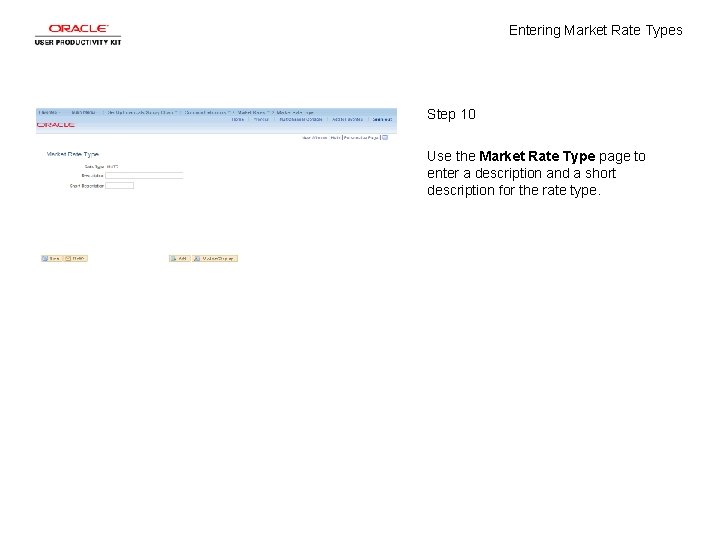
Entering Market Rate Types Step 10 Use the Market Rate Type page to enter a description and a short description for the rate type.
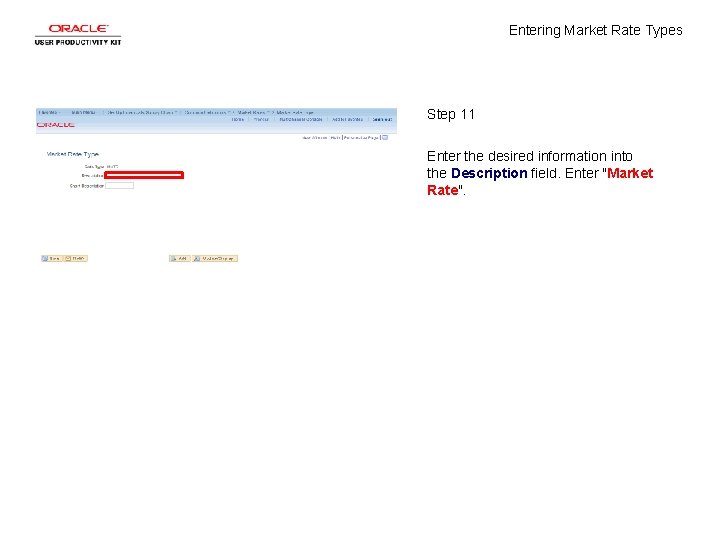
Entering Market Rate Types Step 11 Enter the desired information into the Description field. Enter "Market Rate".
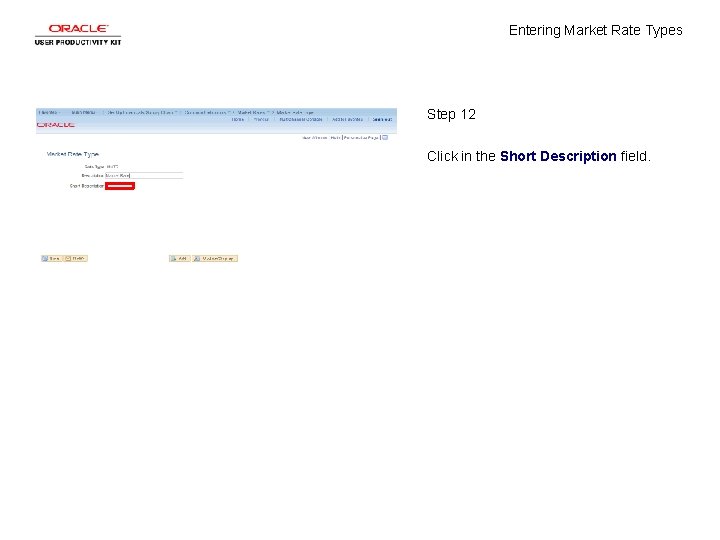
Entering Market Rate Types Step 12 Click in the Short Description field.
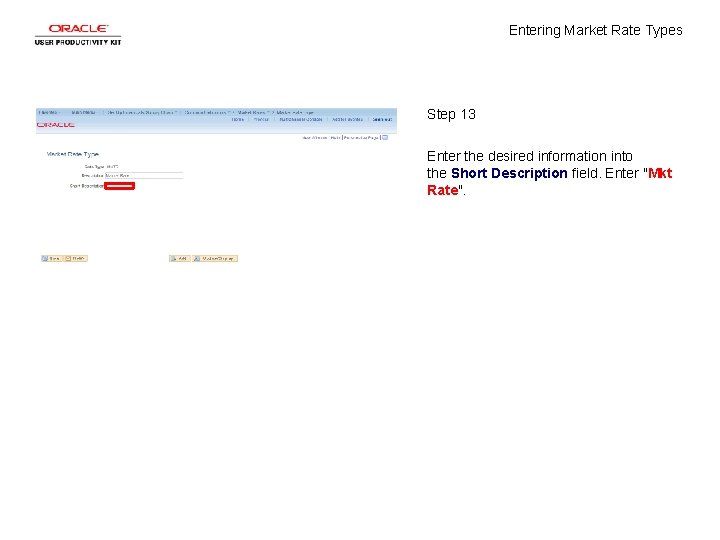
Entering Market Rate Types Step 13 Enter the desired information into the Short Description field. Enter "Mkt Rate".
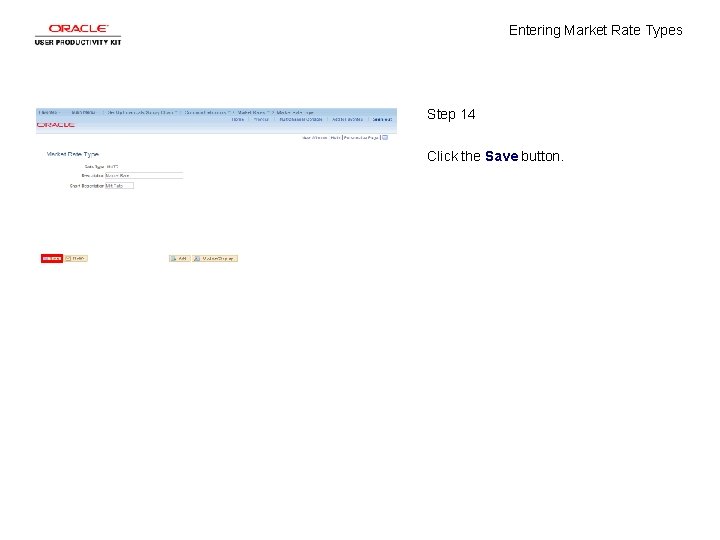
Entering Market Rate Types Step 14 Click the Save button.
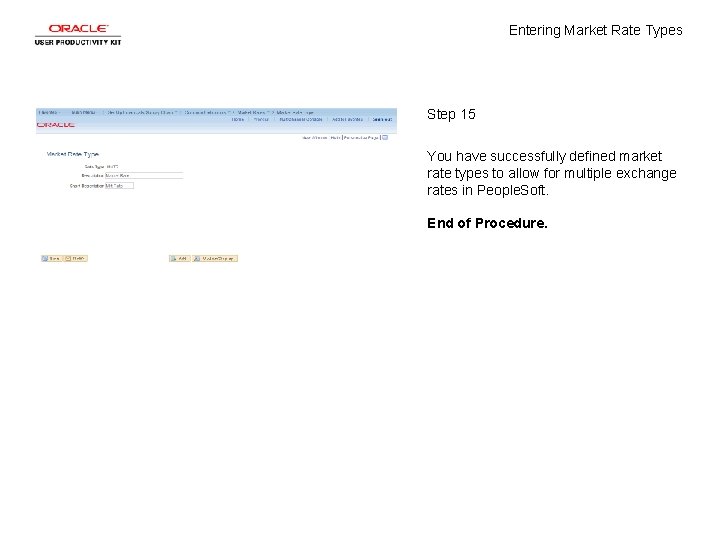
Entering Market Rate Types Step 15 You have successfully defined market rate types to allow for multiple exchange rates in People. Soft. End of Procedure.