
Entering CA EDD Control Information Concept Entering CA





- Slides: 30
Entering CA EDD Control Information Concept
Entering CA EDD Control Information
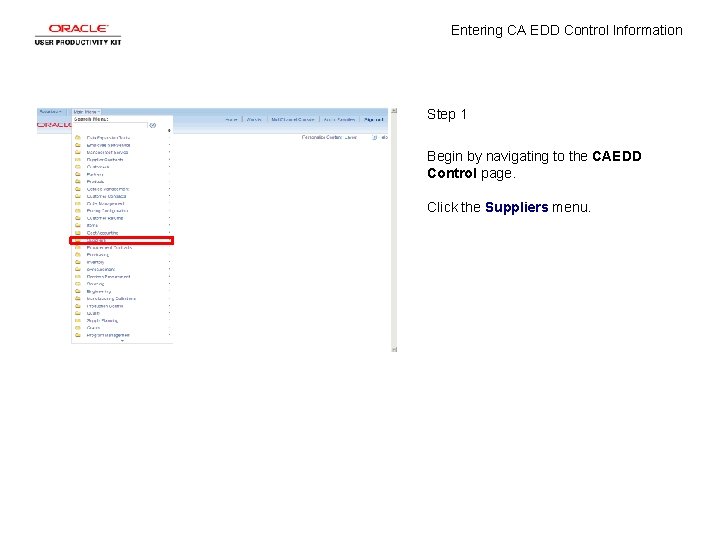
Entering CA EDD Control Information Step 1 Begin by navigating to the CAEDD Control page. Click the Suppliers menu.
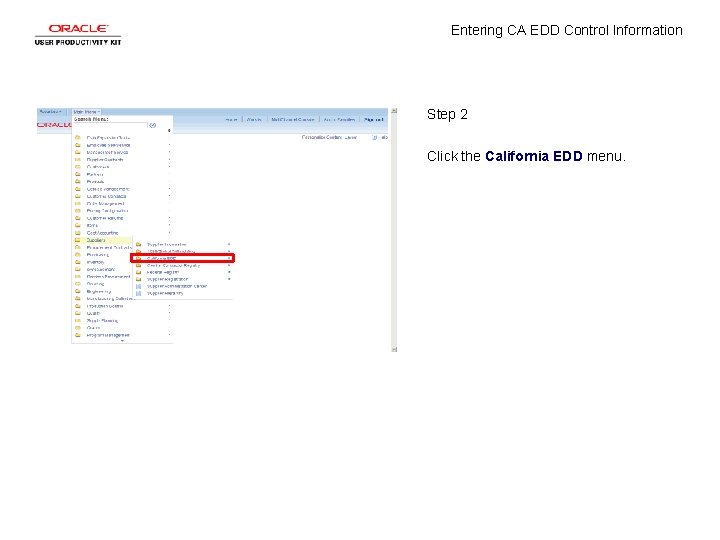
Entering CA EDD Control Information Step 2 Click the California EDD menu.
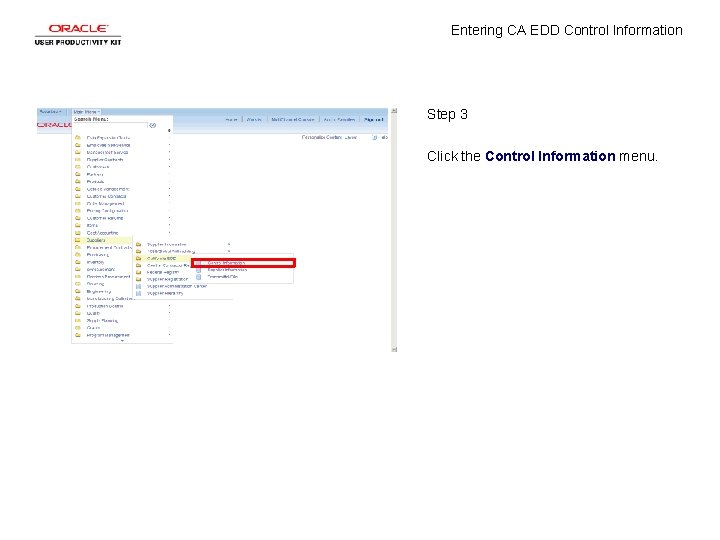
Entering CA EDD Control Information Step 3 Click the Control Information menu.
Entering CA EDD Control Information Step 4 Click the Add a New Value tab.
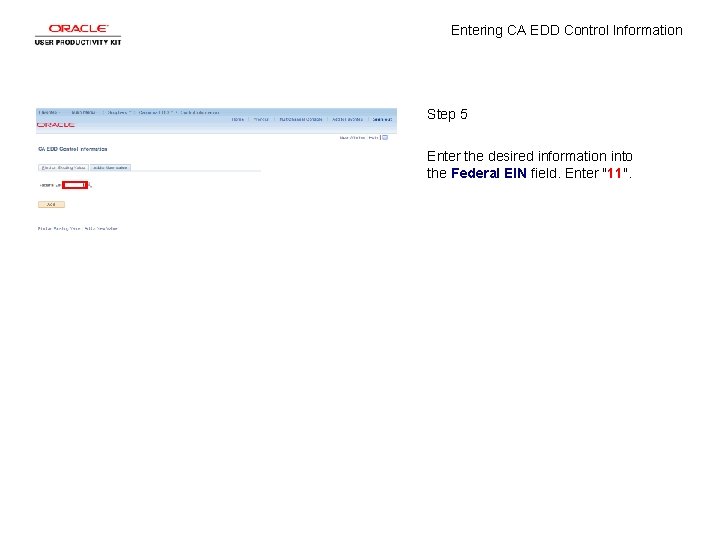
Entering CA EDD Control Information Step 5 Enter the desired information into the Federal EIN field. Enter "11".
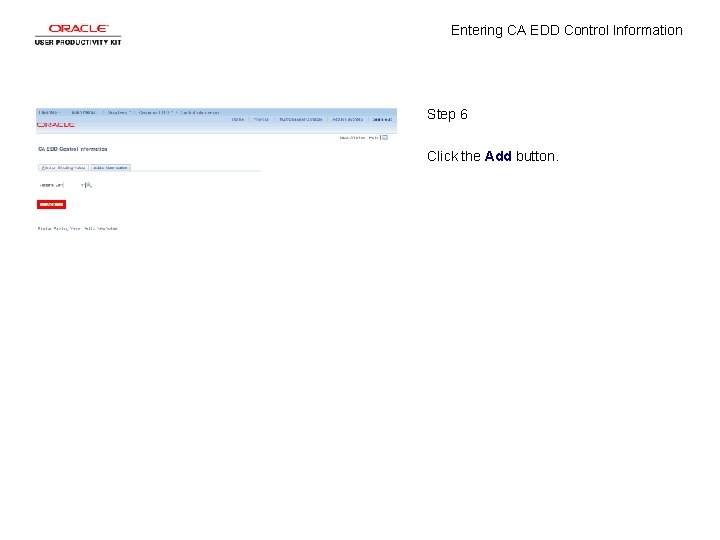
Entering CA EDD Control Information Step 6 Click the Add button.
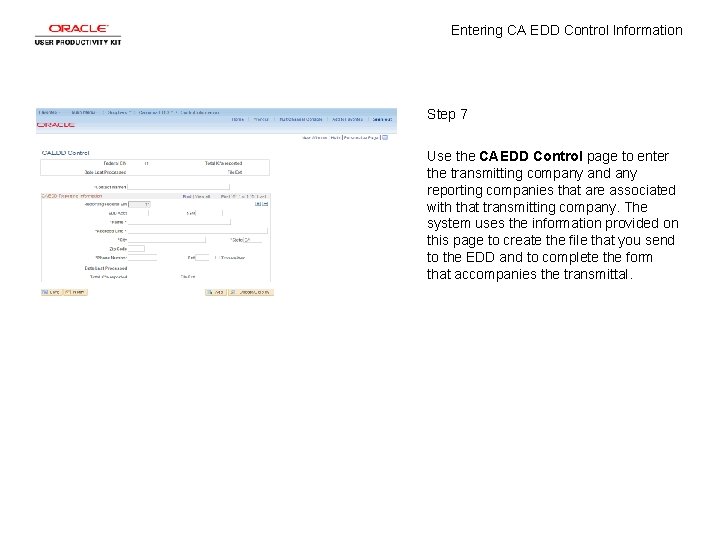
Entering CA EDD Control Information Step 7 Use the CAEDD Control page to enter the transmitting company and any reporting companies that are associated with that transmitting company. The system uses the information provided on this page to create the file that you send to the EDD and to complete the form that accompanies the transmittal.
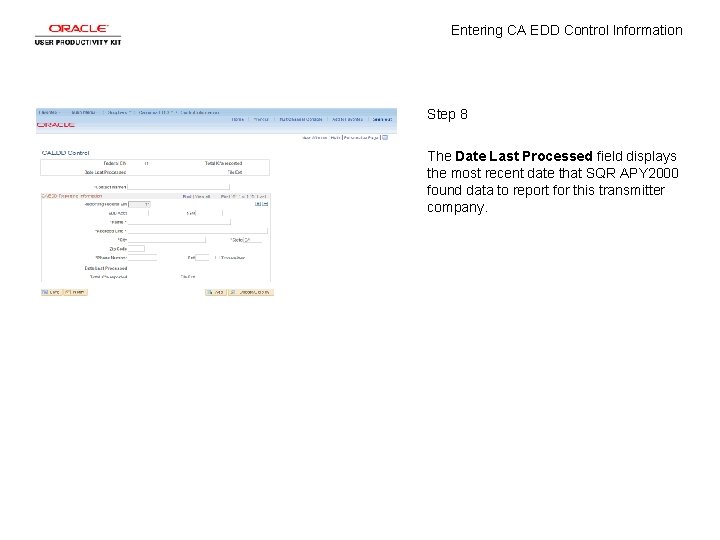
Entering CA EDD Control Information Step 8 The Date Last Processed field displays the most recent date that SQR APY 2000 found data to report for this transmitter company.
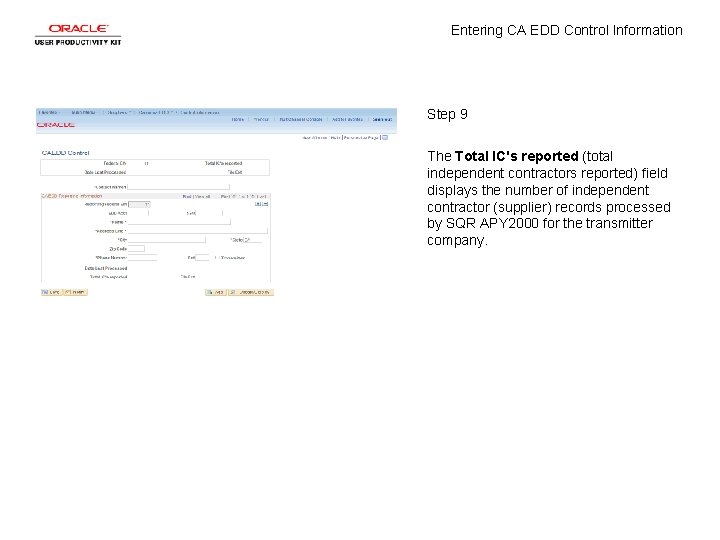
Entering CA EDD Control Information Step 9 The Total IC's reported (total independent contractors reported) field displays the number of independent contractor (supplier) records processed by SQR APY 2000 for the transmitter company.
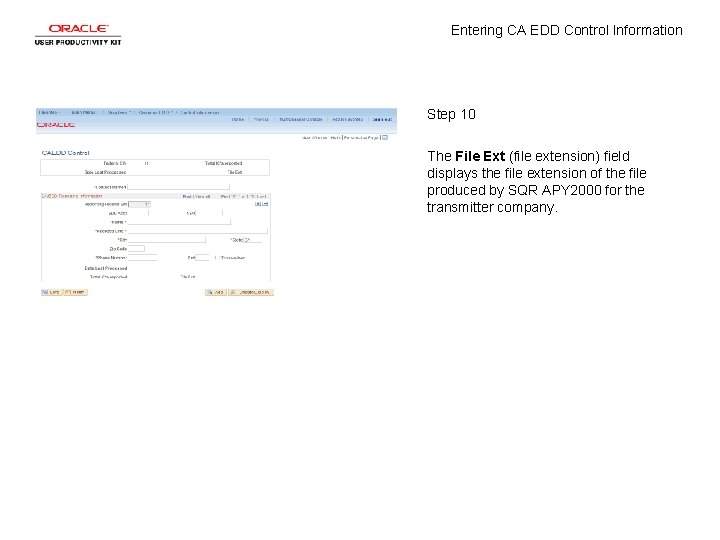
Entering CA EDD Control Information Step 10 The File Ext (file extension) field displays the file extension of the file produced by SQR APY 2000 for the transmitter company.
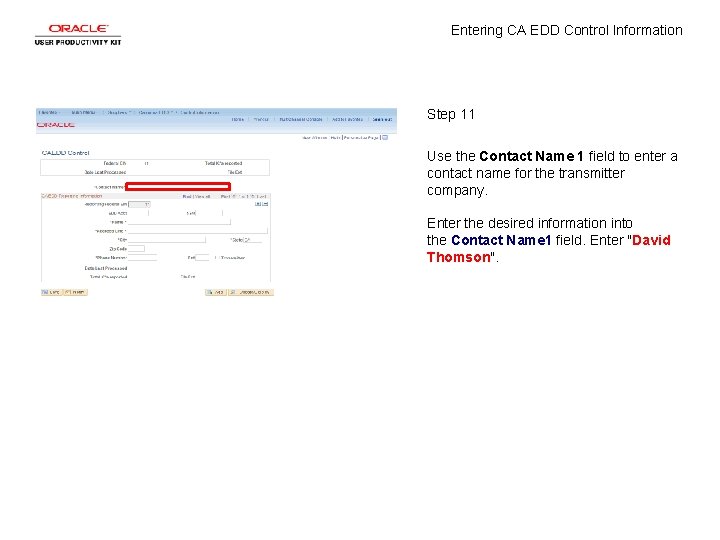
Entering CA EDD Control Information Step 11 Use the Contact Name 1 field to enter a contact name for the transmitter company. Enter the desired information into the Contact Name 1 field. Enter "David Thomson".
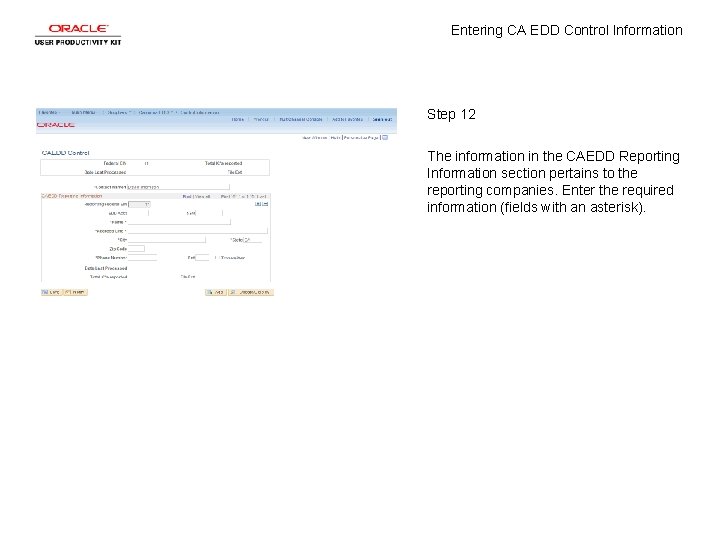
Entering CA EDD Control Information Step 12 The information in the CAEDD Reporting Information section pertains to the reporting companies. Enter the required information (fields with an asterisk).
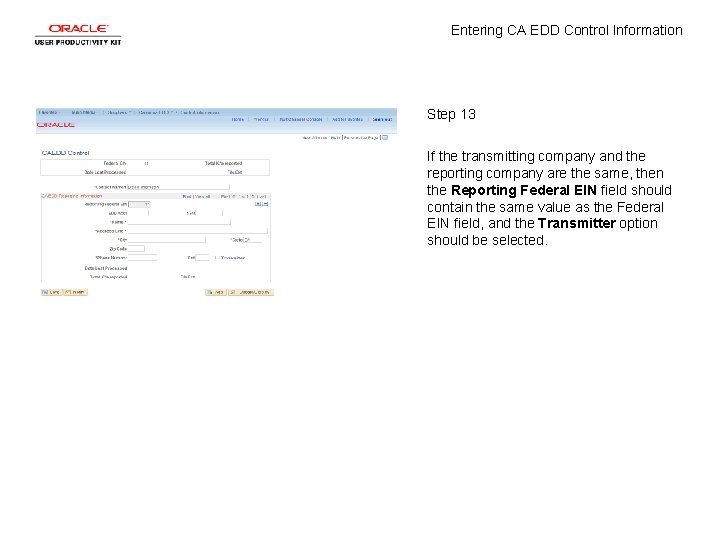
Entering CA EDD Control Information Step 13 If the transmitting company and the reporting company are the same, then the Reporting Federal EIN field should contain the same value as the Federal EIN field, and the Transmitter option should be selected.
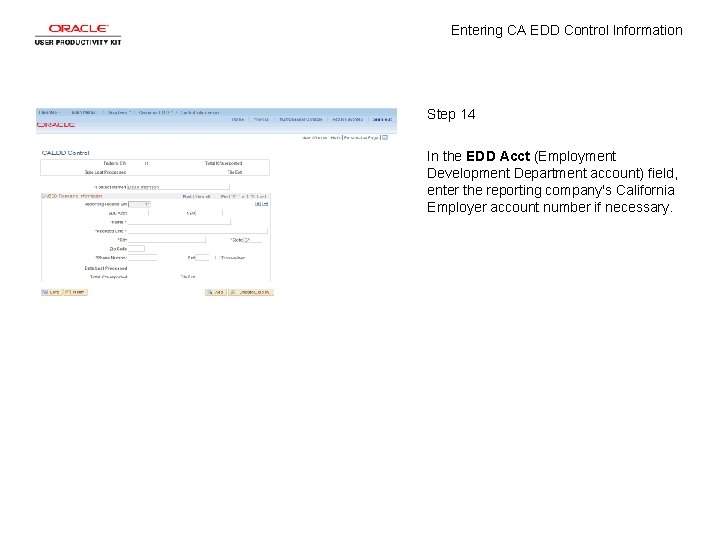
Entering CA EDD Control Information Step 14 In the EDD Acct (Employment Development Department account) field, enter the reporting company's California Employer account number if necessary.
Entering CA EDD Control Information Step 15 In the SSN field, enter the reporting company's Social Security Number, if applicable.
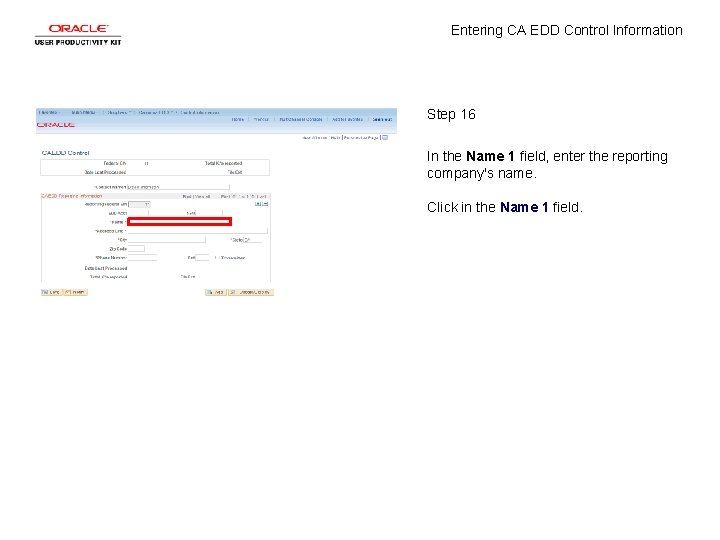
Entering CA EDD Control Information Step 16 In the Name 1 field, enter the reporting company's name. Click in the Name 1 field.
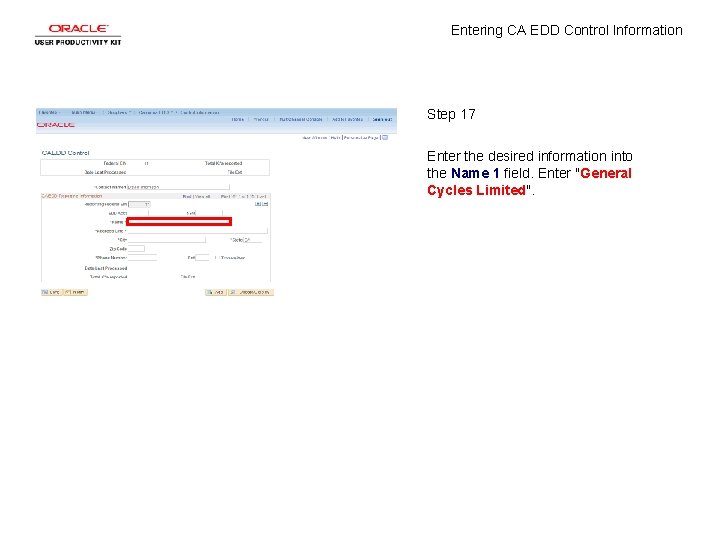
Entering CA EDD Control Information Step 17 Enter the desired information into the Name 1 field. Enter "General Cycles Limited".
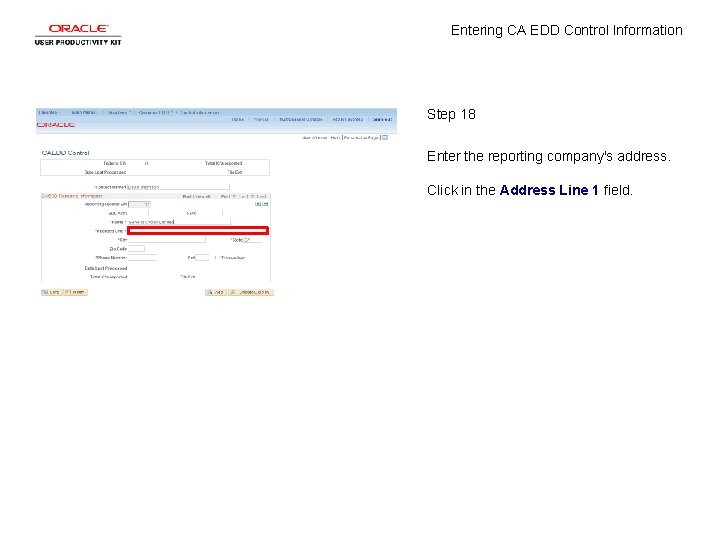
Entering CA EDD Control Information Step 18 Enter the reporting company's address. Click in the Address Line 1 field.
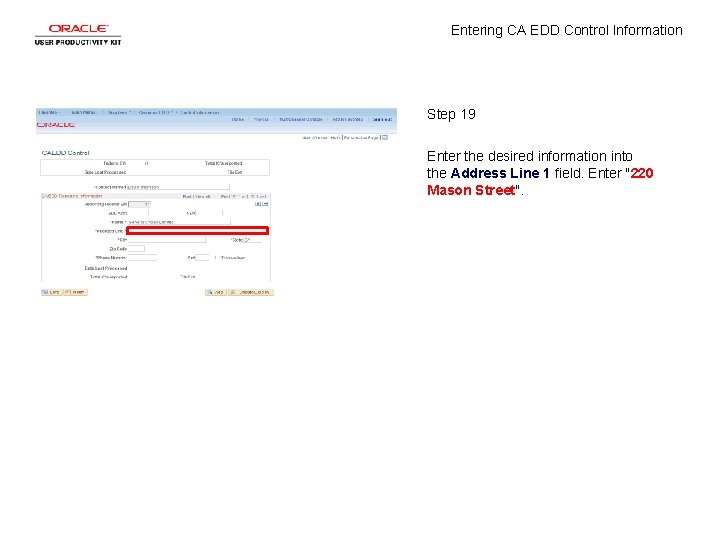
Entering CA EDD Control Information Step 19 Enter the desired information into the Address Line 1 field. Enter "220 Mason Street".
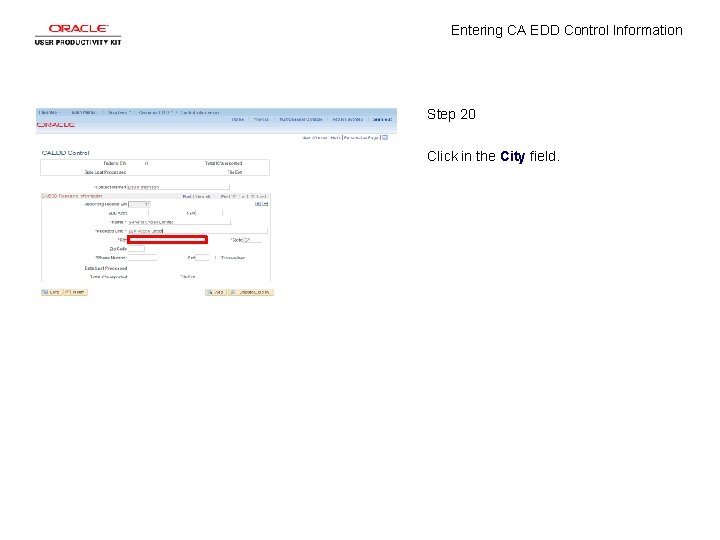
Entering CA EDD Control Information Step 20 Click in the City field.
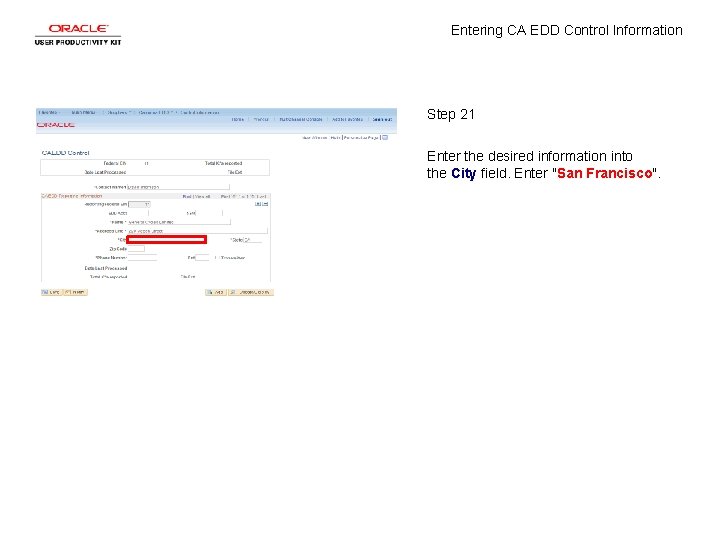
Entering CA EDD Control Information Step 21 Enter the desired information into the City field. Enter "San Francisco".
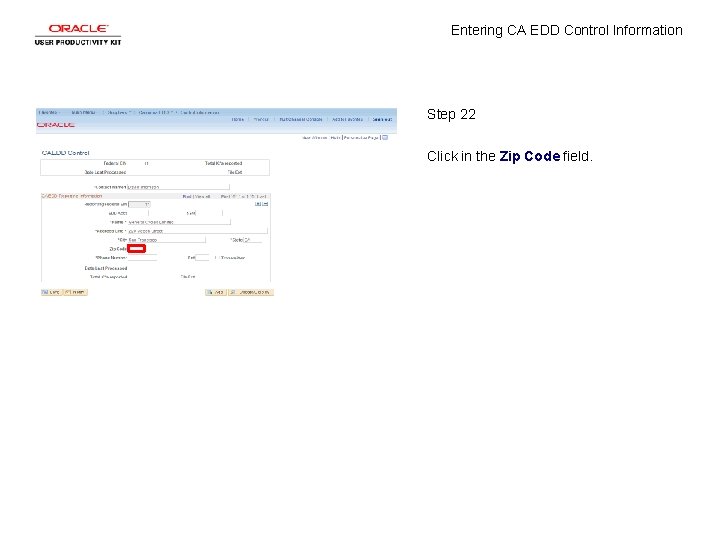
Entering CA EDD Control Information Step 22 Click in the Zip Code field.
Entering CA EDD Control Information Step 23 Enter the desired information into the Zip Code field. Enter "90201".
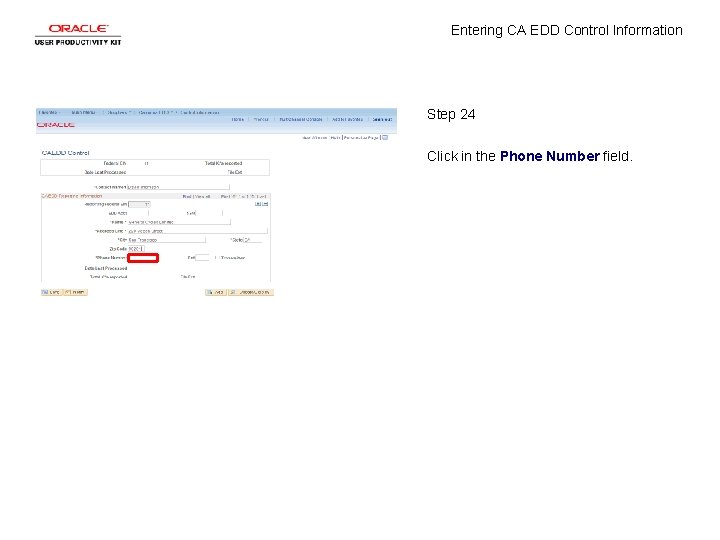
Entering CA EDD Control Information Step 24 Click in the Phone Number field.
Entering CA EDD Control Information Step 25 Enter the desired information into the Phone Number field. Enter "4152427232".
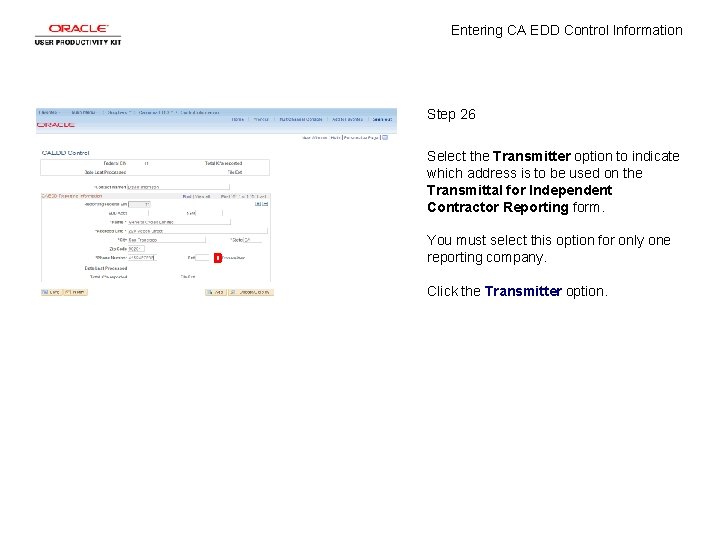
Entering CA EDD Control Information Step 26 Select the Transmitter option to indicate which address is to be used on the Transmittal for Independent Contractor Reporting form. You must select this option for only one reporting company. Click the Transmitter option.
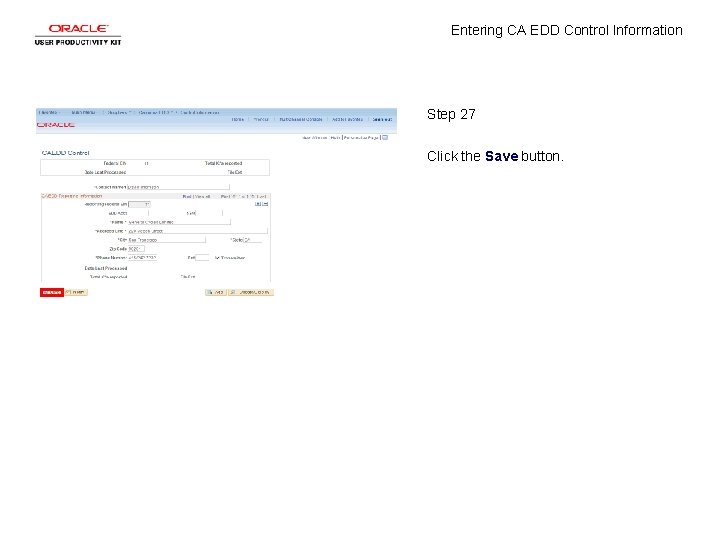
Entering CA EDD Control Information Step 27 Click the Save button.
Entering CA EDD Control Information Step 28 You have successfully entered CA EDD control information. End of Procedure.