
ENMAXs Improvements Made to Maximo HSE Through Configuration
- Slides: 8
ENMAX's Improvements Made to Maximo HSE Through Configuration IBM Maximo HSE Improvements and Wish List February 2015
Improvements and one Wish List Item Incident and Problem Summary Tab Dialog Box for Incident Creation Addition of Trend Codes Attach a PDF report to a communication in workflow (Small customization) Add Progress Bar Technology from SCCD to Baseline Maximo (whish list item)
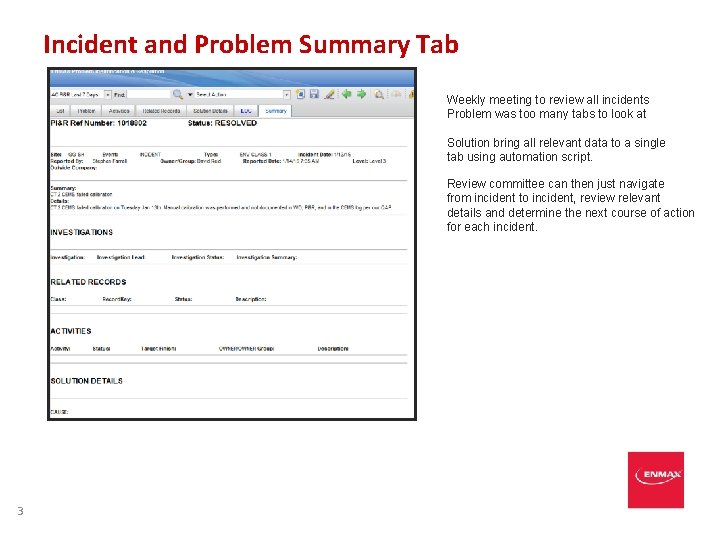
Incident and Problem Summary Tab Weekly meeting to review all incidents Problem was too many tabs to look at Solution bring all relevant data to a single tab using automation script. Review committee can then just navigate from incident to incident, review relevant details and determine the next course of action for each incident. 3
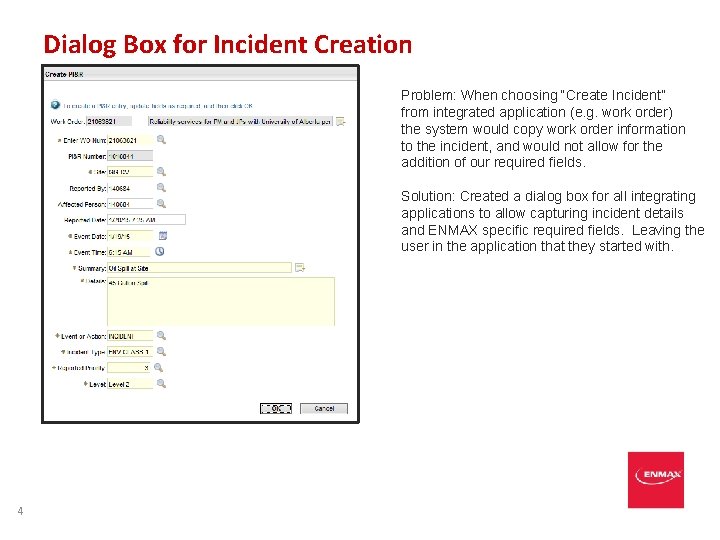
Dialog Box for Incident Creation Problem: When choosing “Create Incident” from integrated application (e. g. work order) the system would copy work order information to the incident, and would not allow for the addition of our required fields. Solution: Created a dialog box for all integrating applications to allow capturing incident details and ENMAX specific required fields. Leaving the user in the application that they started with. 4
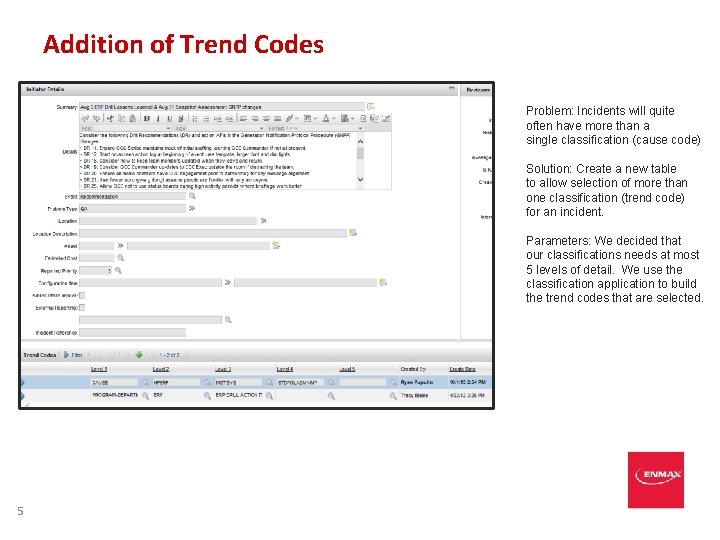
Addition of Trend Codes Problem: Incidents will quite often have more than a single classification (cause code) Solution: Create a new table to allow selection of more than one classification (trend code) for an incident. Parameters: We decided that our classifications needs at most 5 levels of detail. We use the classification application to build the trend codes that are selected. 5
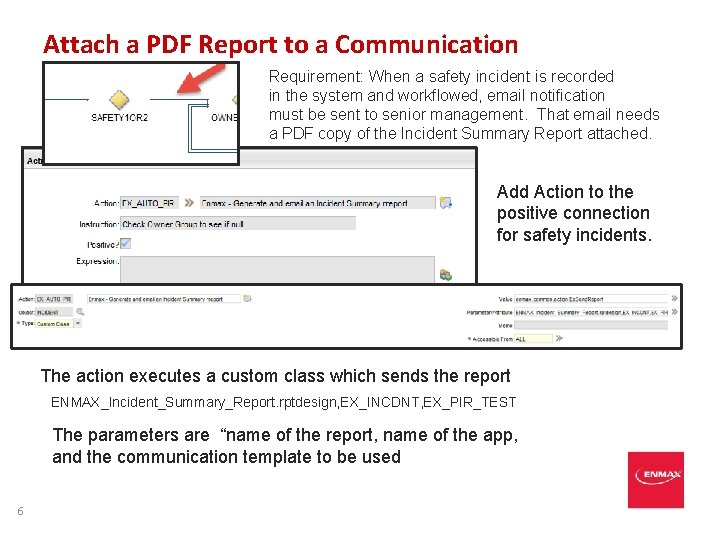
Attach a PDF Report to a Communication Requirement: When a safety incident is recorded in the system and workflowed, email notification must be sent to senior management. That email needs a PDF copy of the Incident Summary Report attached. Add Action to the positive connection for safety incidents. The action executes a custom class which sends the report ENMAX_Incident_Summary_Report. rptdesign, EX_INCDNT, EX_PIR_TEST The parameters are “name of the report, name of the app, and the communication template to be used 6
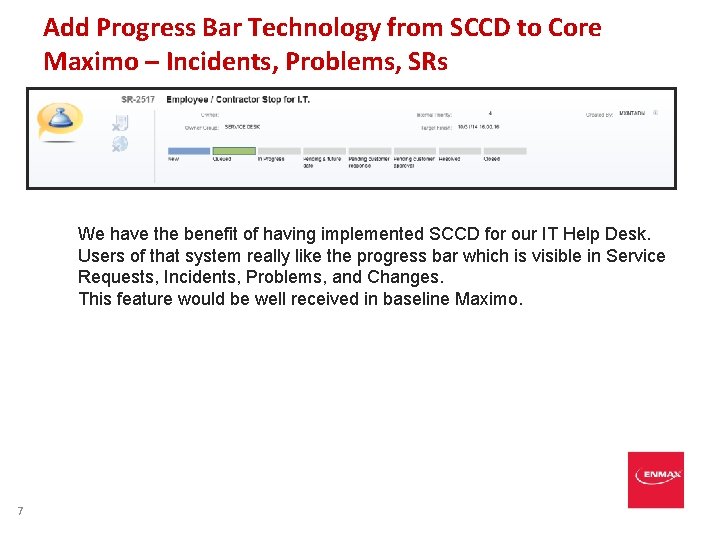
Add Progress Bar Technology from SCCD to Core Maximo – Incidents, Problems, SRs We have the benefit of having implemented SCCD for our IT Help Desk. Users of that system really like the progress bar which is visible in Service Requests, Incidents, Problems, and Changes. This feature would be well received in baseline Maximo. 7
MAXIMO HSE Contact: Stephen Hume EAM Specialist ENMAX Energy Phone: 403 -514 -3099 Email: shume@enmax. com