
Enhancing The Learning of Second Language Learners using
- Slides: 12
Enhancing The Learning of Second Language Learners using Seesaw The Digital Learning Journal
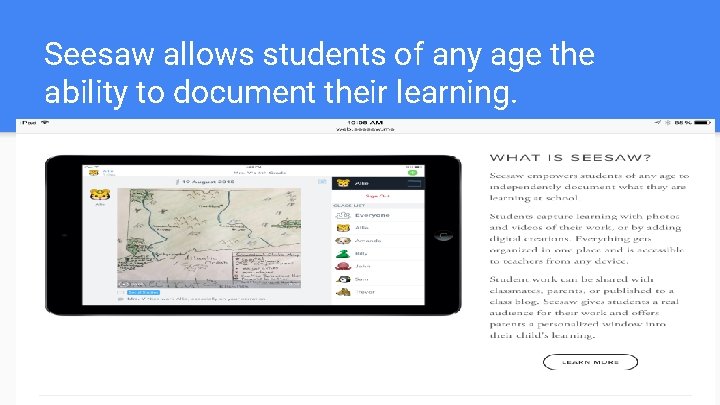
Seesaw allows students of any age the ability to document their learning. What’s this presentation about? Use this slide to introduce yourself and give a high level overview of the topic you’re about to explain.
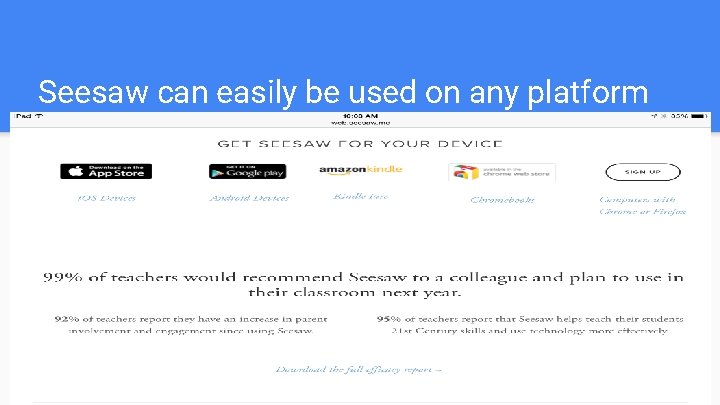
Seesaw can easily be used on any platform Lorem ipsum dolor sit amet, consectetur adipiscing elit, sed do eiusmod tempor incididunt ut labore et dolore magna aliqua
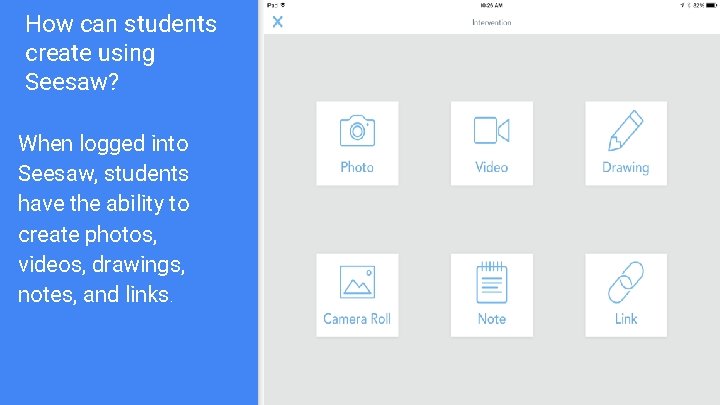
How can students create using Seesaw? When logged into Seesaw, students have the ability to create photos, videos, drawings, notes, and links.
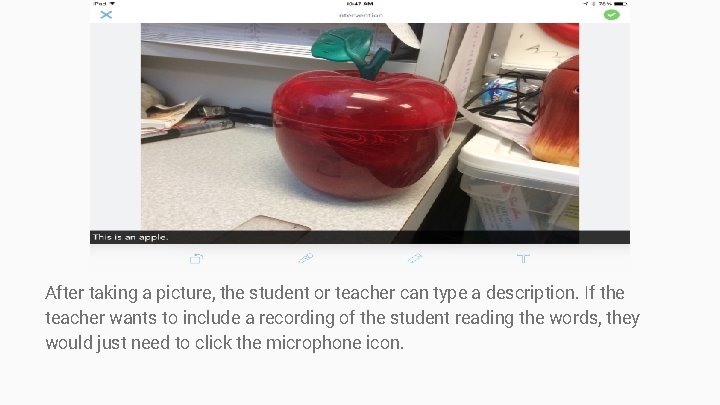
After taking a picture, the student or teacher can type a description. If the teacher wants to include a recording of the student reading the words, they would just need to click the microphone icon.
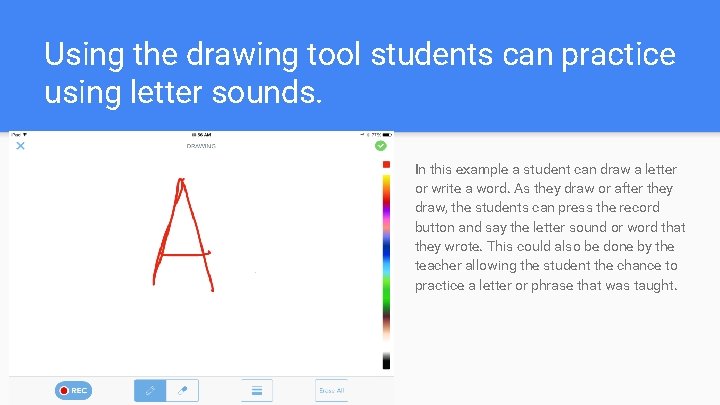
Using the drawing tool students can practice using letter sounds. In this example a student can draw a letter or write a word. As they draw or after they draw, the students can press the record button and say the letter sound or word that they wrote. This could also be done by the teacher allowing the student the chance to practice a letter or phrase that was taught.
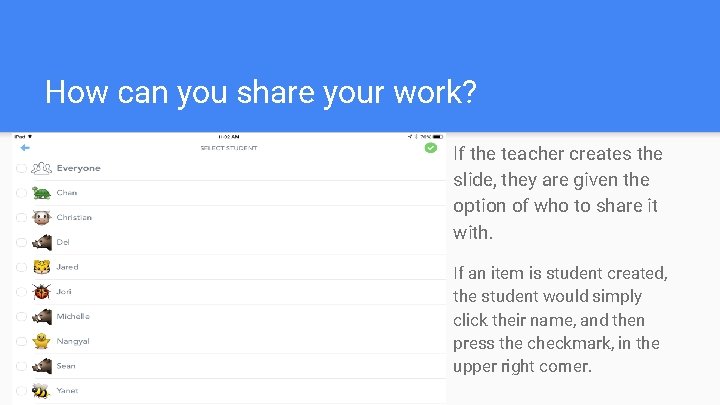
How can you share your work? If the teacher creates the slide, they are given the option of who to share it with. If an item is student created, the student would simply click their name, and then press the checkmark, in the upper right corner.
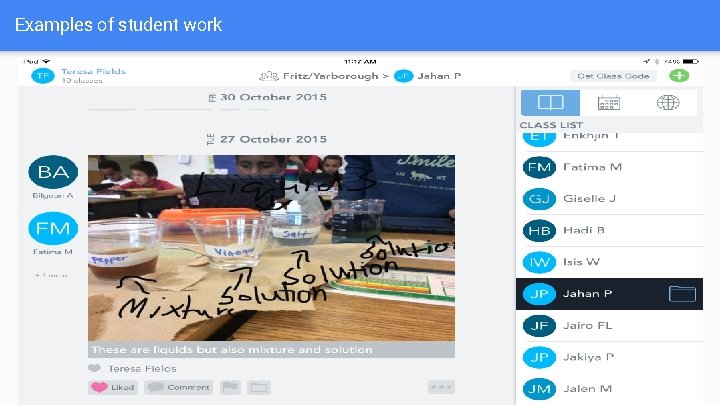
Examples of student work
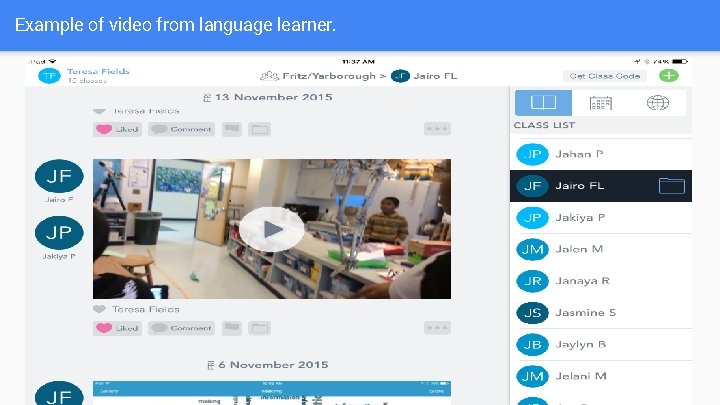
Example of video from language learner.
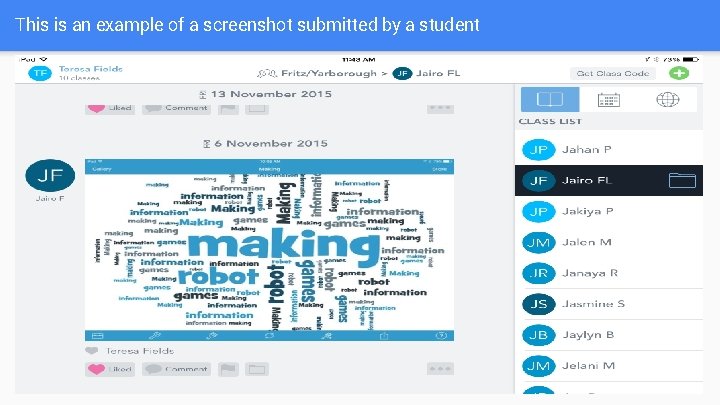
This is an example of a screenshot submitted by a student
“Why do I use Seesaw? ” I love Seesaw also because it's so easy to use! The technology does not get in the way. I highly recommend Seesaw to teachers who want to push your students to think and make their thinking visible. This platform allows you to do that and it also acts as a documentation for future reference. One important aspect of making thinking visible is also to document their thinking so that students can refer to their past work and see how much they have grown and progressed.
Thanks! Contact us: Teresa Fields Hoffman-Boston Elementary 1415 South Queen Street Arlington, VA 22204 Teresa. fields @apsva. us www. seesaw. me