
Enhancing Oral Presentations Using Electronic Slides and Overhead
- Slides: 20
Enhancing Oral Presentations Using Electronic Slides and Overhead Transparencies © Prentice Hall, 2003 Business Communication Today 1
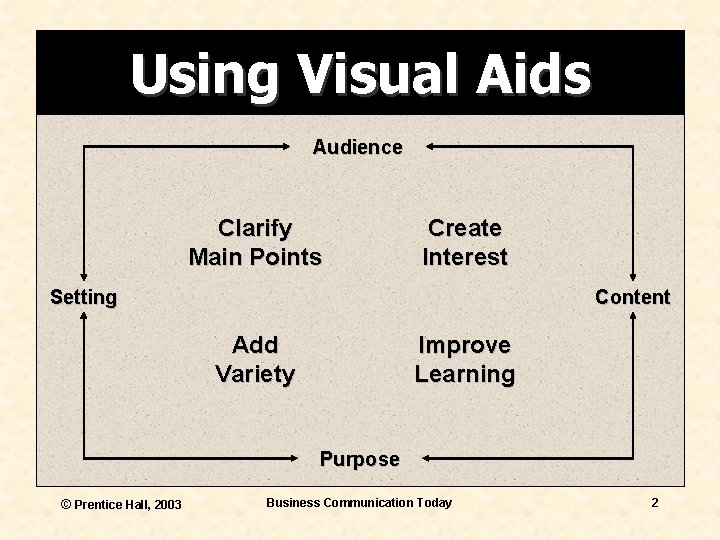
Using Visual Aids Audience Clarify Main Points Create Interest Setting Content Add Variety Improve Learning Purpose © Prentice Hall, 2003 Business Communication Today 2
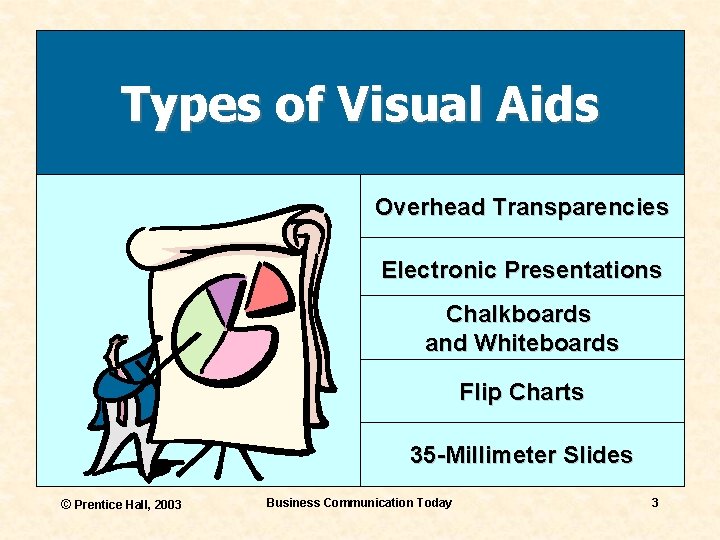
Types of Visual Aids Overhead Transparencies Electronic Presentations Chalkboards and Whiteboards Flip Charts 35 -Millimeter Slides © Prentice Hall, 2003 Business Communication Today 3
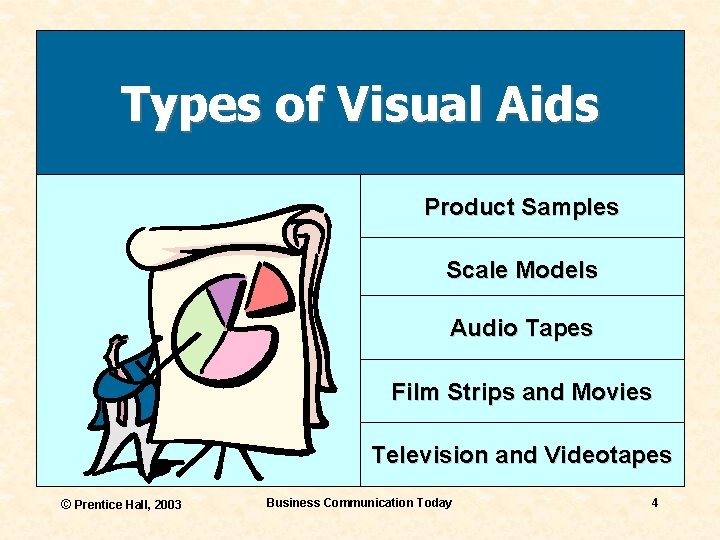
Types of Visual Aids Product Samples Scale Models Audio Tapes Film Strips and Movies Television and Videotapes © Prentice Hall, 2003 Business Communication Today 4
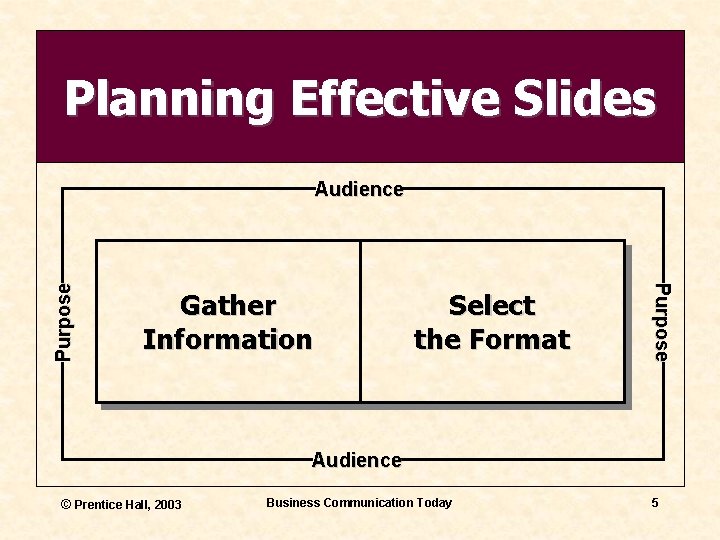
Planning Effective Slides Gather Information Select the Format Purpose Audience © Prentice Hall, 2003 Business Communication Today 5
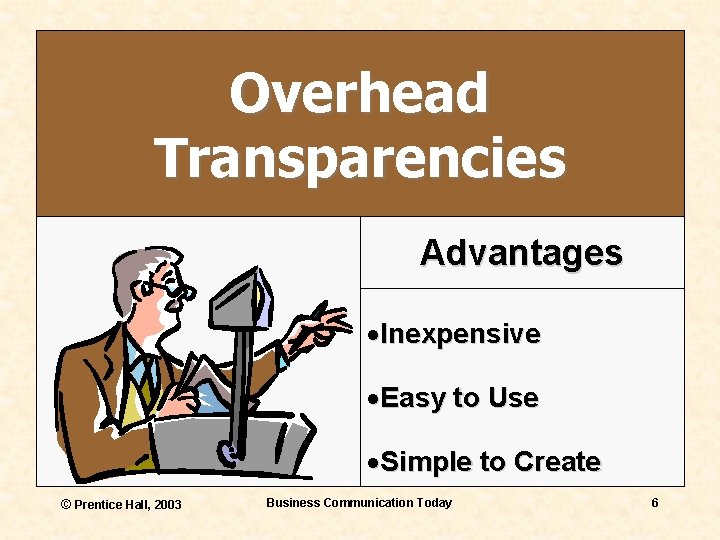
Overhead Transparencies Advantages ·Inexpensive ·Easy to Use ·Simple to Create © Prentice Hall, 2003 Business Communication Today 6
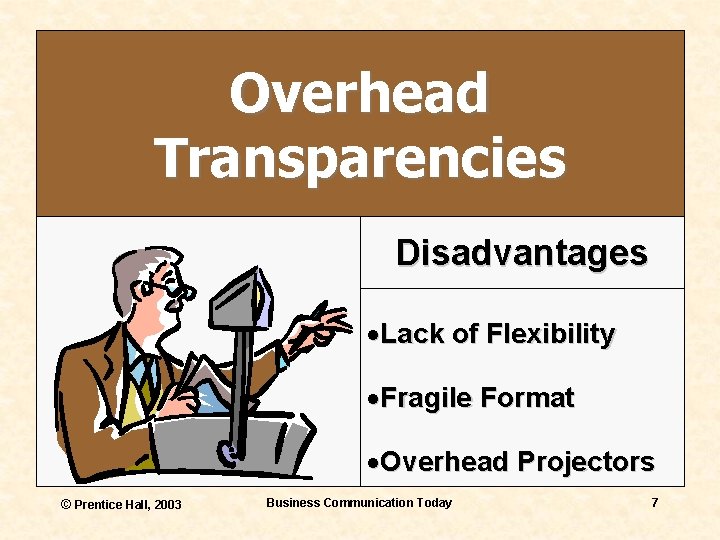
Overhead Transparencies Disadvantages ·Lack of Flexibility ·Fragile Format ·Overhead Projectors © Prentice Hall, 2003 Business Communication Today 7
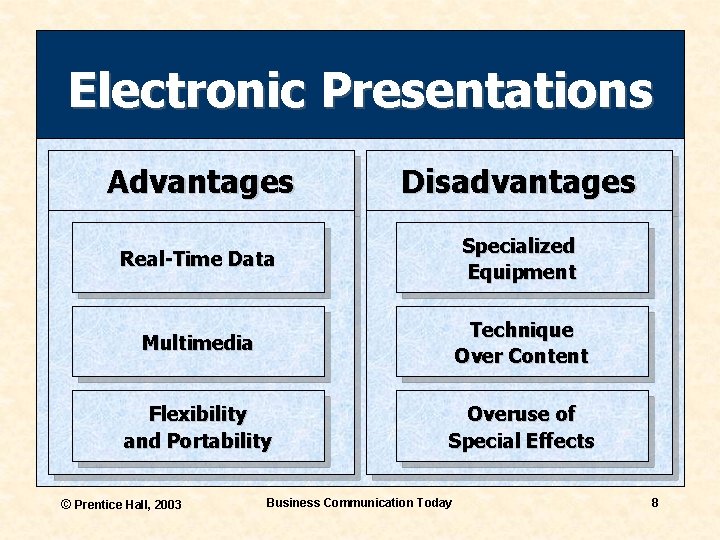
Electronic Presentations Advantages Disadvantages Real-Time Data Specialized Equipment Multimedia Technique Over Content Flexibility and Portability Overuse of Special Effects © Prentice Hall, 2003 Business Communication Today 8
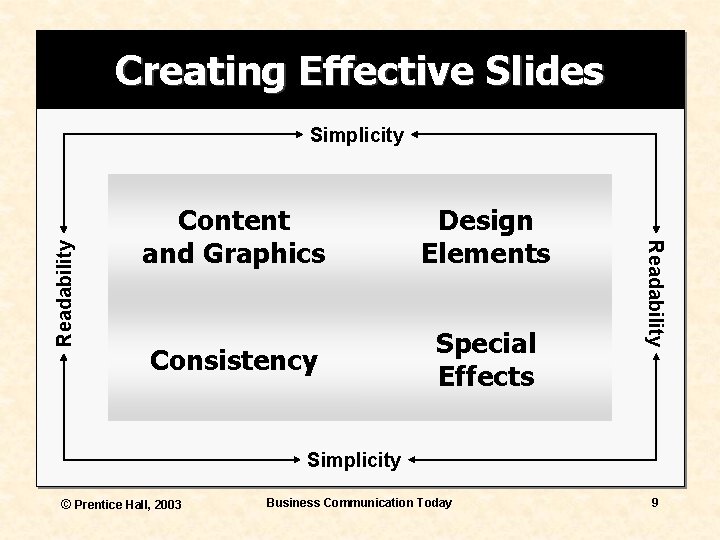
Creating Effective Slides Content and Graphics Design Elements Consistency Special Effects Readability Simplicity © Prentice Hall, 2003 Business Communication Today 9
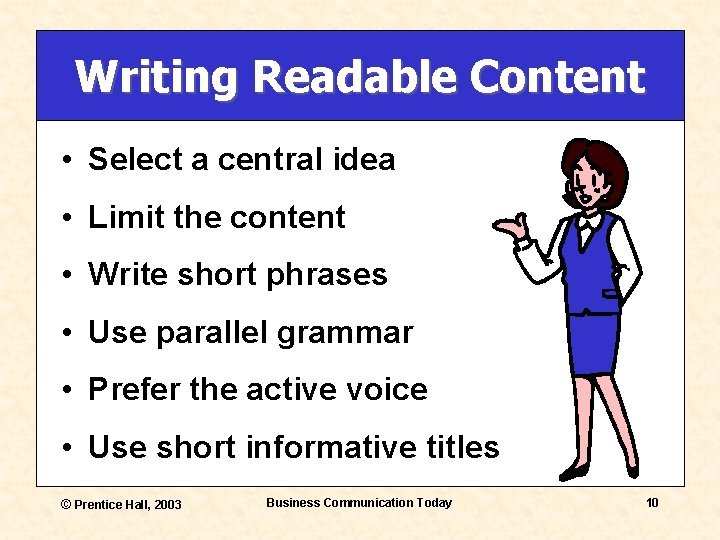
Writing Readable Content • Select a central idea • Limit the content • Write short phrases • Use parallel grammar • Prefer the active voice • Use short informative titles © Prentice Hall, 2003 Business Communication Today 10
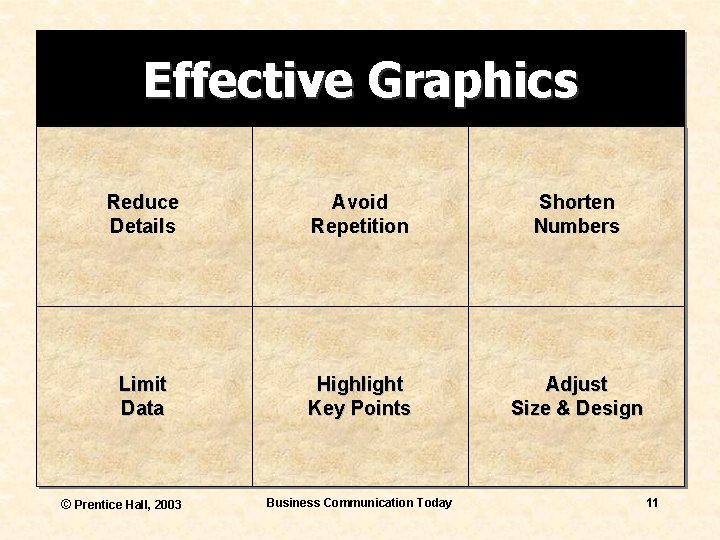
Effective Graphics Reduce Details Avoid Repetition Shorten Numbers Limit Data Highlight Key Points Adjust Size & Design © Prentice Hall, 2003 Business Communication Today 11
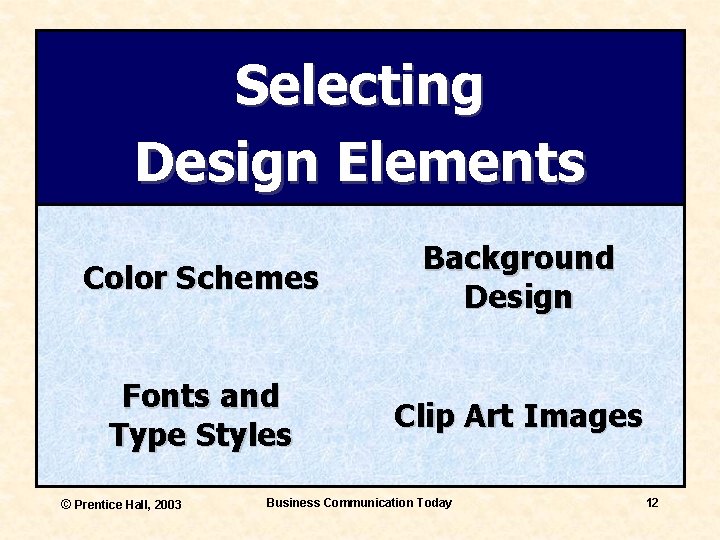
Selecting Design Elements Color Schemes Background Design Fonts and Type Styles Clip Art Images © Prentice Hall, 2003 Business Communication Today 12
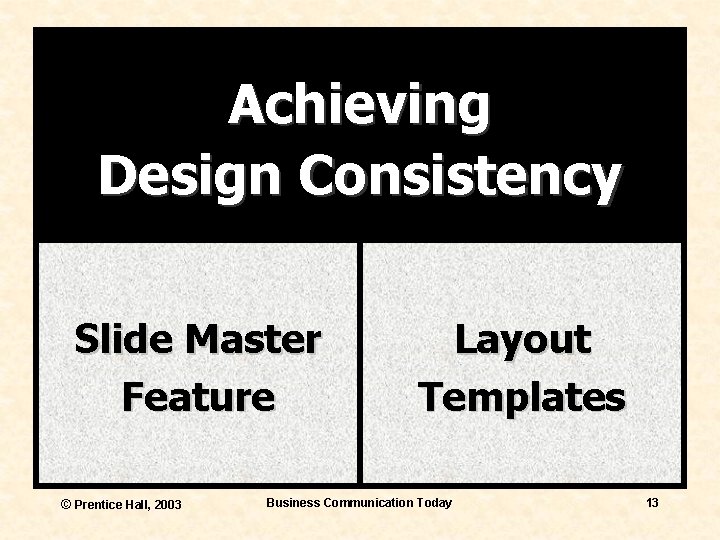
Achieving Design Consistency Slide Master Feature © Prentice Hall, 2003 Layout Templates Business Communication Today 13
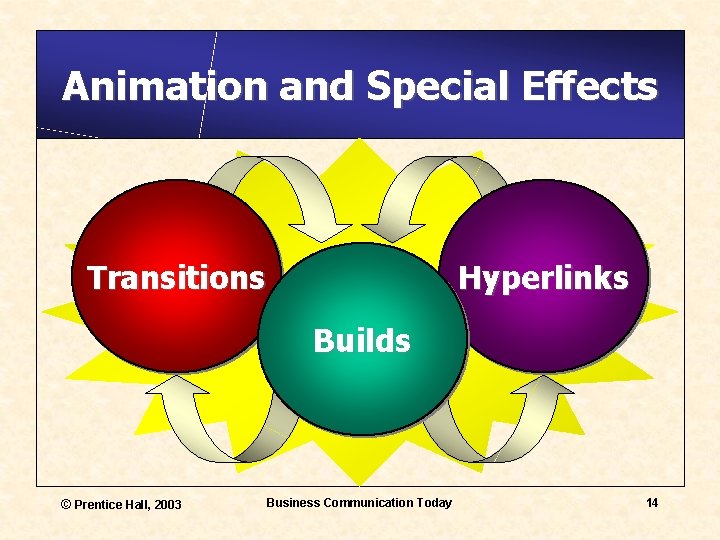
Animation and Special Effects Transitions Hyperlinks Builds © Prentice Hall, 2003 Business Communication Today 14
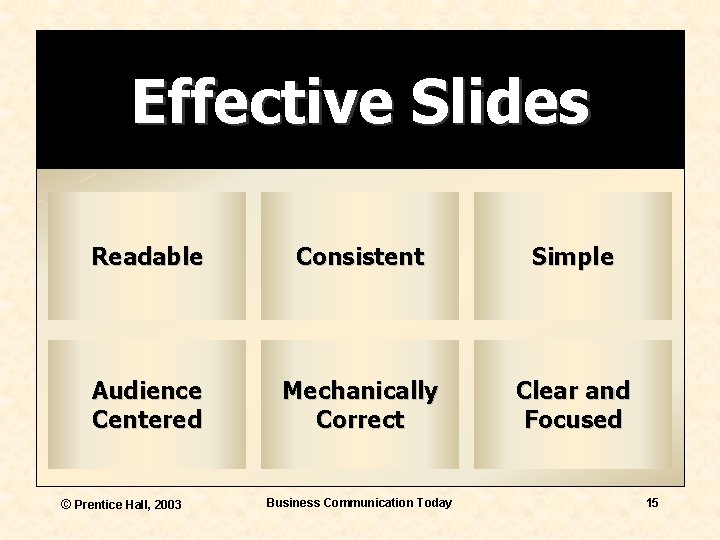
Effective Slides Readable Consistent Simple Audience Centered Mechanically Correct Clear and Focused © Prentice Hall, 2003 Business Communication Today 15
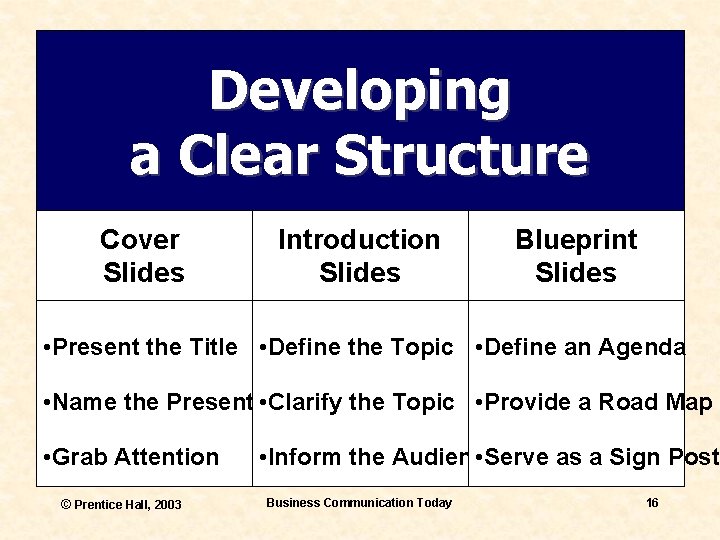
Developing a Clear Structure Cover Slides Introduction Slides Blueprint Slides • Present the Title • Define the Topic • Define an Agenda • Name the Presenter • Clarify the Topic • Provide a Road Map • Grab Attention © Prentice Hall, 2003 • Inform the Audience • Serve as a Sign Post Business Communication Today 16
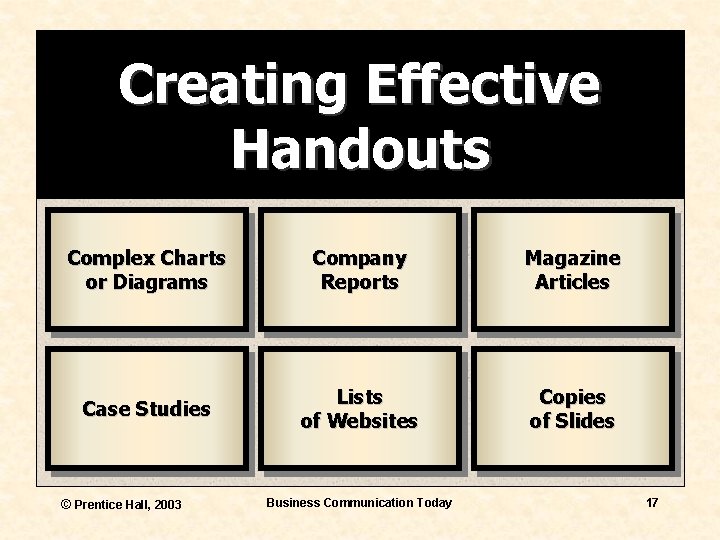
Creating Effective Handouts Complex Charts or Diagrams Company Reports Magazine Articles Case Studies Lists of Websites Copies of Slides © Prentice Hall, 2003 Business Communication Today 17
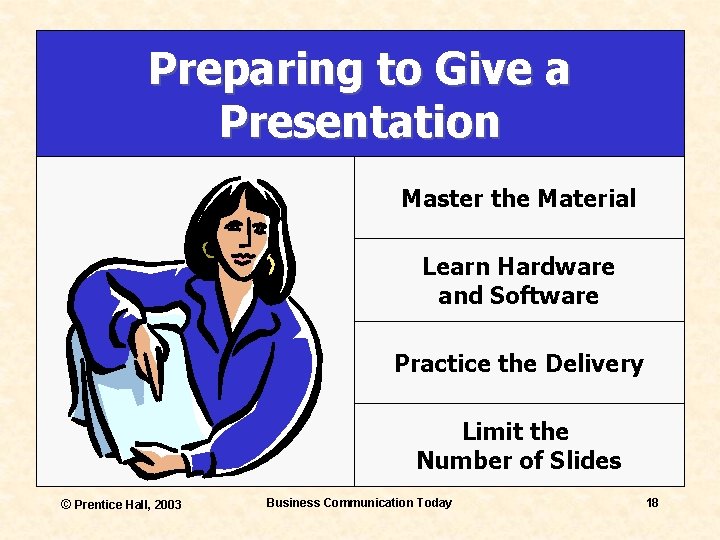
Preparing to Give a Presentation Master the Material Learn Hardware and Software Practice the Delivery Limit the Number of Slides © Prentice Hall, 2003 Business Communication Today 18
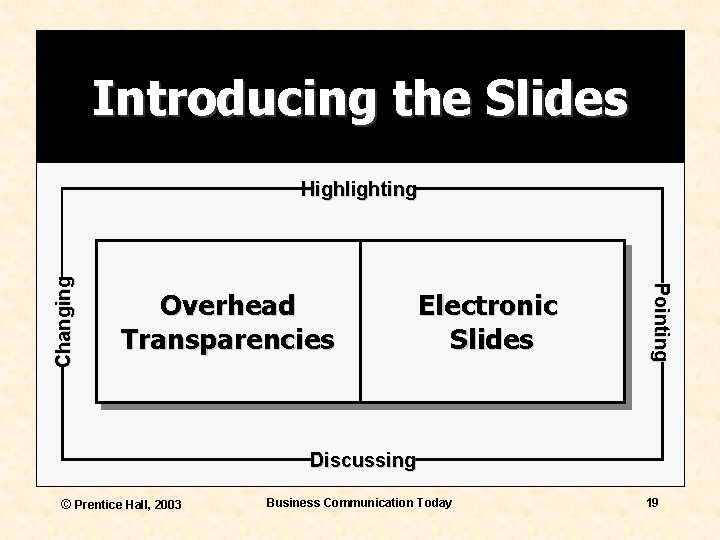
Introducing the Slides Overhead Transparencies Electronic Slides Pointing Changing Highlighting Discussing © Prentice Hall, 2003 Business Communication Today 19
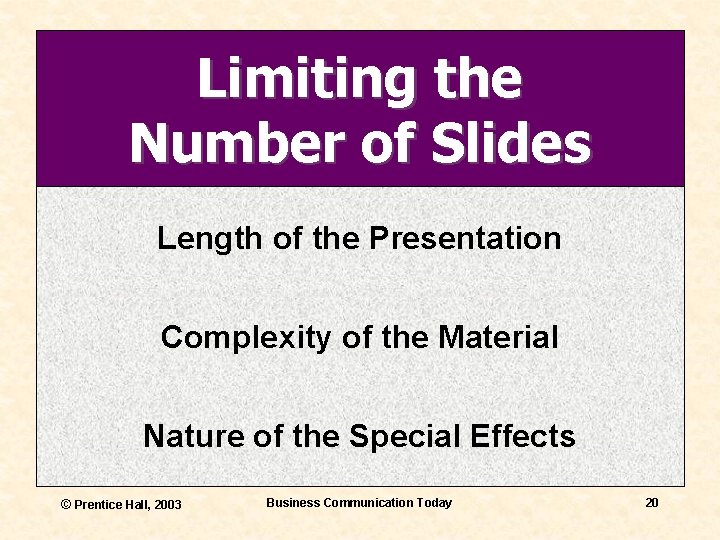
Limiting the Number of Slides Length of the Presentation Complexity of the Material Nature of the Special Effects © Prentice Hall, 2003 Business Communication Today 20