
Engineering Secure Software DEFENSIVE CODING TECHNIQUES Defensive Coding

- Slides: 15
Engineering Secure Software DEFENSIVE CODING TECHNIQUES
Defensive Coding vs. Risk Analysis Risk analysis All about domain, assets, threats, what-ifs Global-minded Prioritization is critical Defensive Coding One small change in code big change in risk analysis e. g. storing passwords in the Customer table vs. Users table e. g. website allowing uploading files for one feature “Weakest Link” mentality ○ Less about prioritization ○ Technology-specific We should always code defensively
Defensive Coding Principles Writing insecure code is surprisingly easy Arcane coding assumptions Many different technologies to know Maintainability still counts Duplicate code is even harder to secure. Vulnerabilities often have regressions and incomplete fixes Know thy APIs Misusing an API in the wrong context can be a vulnerability e. g. an XML parser that also executes includes Copying from Internet examples without understanding? For shame. Don’t be paranoid. Know what you can trust.
Complexity “Complexity is the enemy of security” – Gary Mc. Graw Structural complexity Lots of inter-connected subsystems Architectural complexity Lots of if’s & loops Cyclomatic complexity Cognitive complexity Lack of understanding Mistakes (vulnerabilities) How much do I have to think about how this feature works? Subjective, but important Complexity in inputs big security risks e. g. apps to operating systems e. g. pages to web browsers Obviously No Vulnerabilities vs. no obvious vulnerabilities
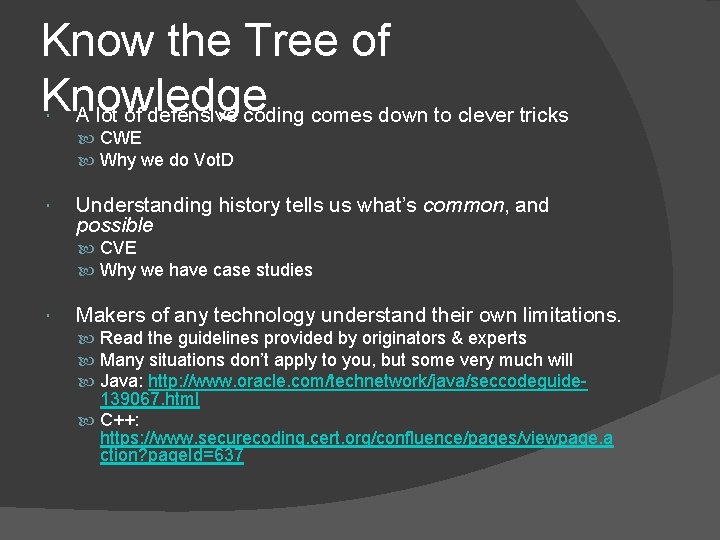
Know the Tree of Knowledge A lot of defensive coding comes down to clever tricks CWE Why we do Vot. D Understanding history tells us what’s common, and possible CVE Why we have case studies Makers of any technology understand their own limitations. Read the guidelines provided by originators & experts Many situations don’t apply to you, but some very much will Java: http: //www. oracle. com/technetwork/java/seccodeguide- 139067. html C++: https: //www. securecoding. cert. org/confluence/pages/viewpage. a ction? page. Id=637
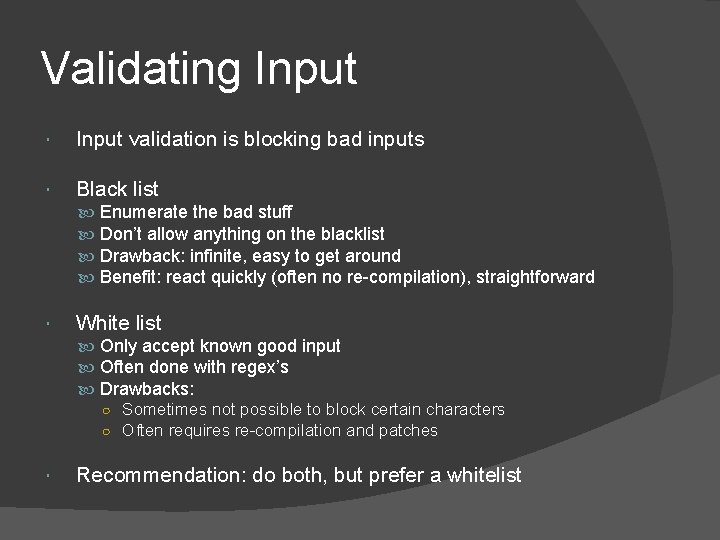
Validating Input validation is blocking bad inputs Black list Enumerate the bad stuff Don’t allow anything on the blacklist Drawback: infinite, easy to get around Benefit: react quickly (often no re-compilation), straightforward White list Only accept known good input Often done with regex’s Drawbacks: ○ Sometimes not possible to block certain characters ○ Often requires re-compilation and patches Recommendation: do both, but prefer a whitelist
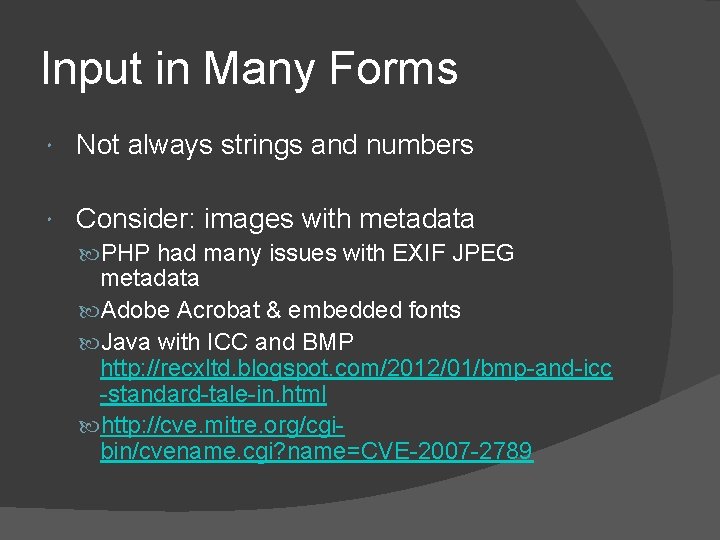
Input in Many Forms Not always strings and numbers Consider: images with metadata PHP had many issues with EXIF JPEG metadata Adobe Acrobat & embedded fonts Java with ICC and BMP http: //recxltd. blogspot. com/2012/01/bmp-and-icc -standard-tale-in. html http: //cve. mitre. org/cgibin/cvename. cgi? name=CVE-2007 -2789
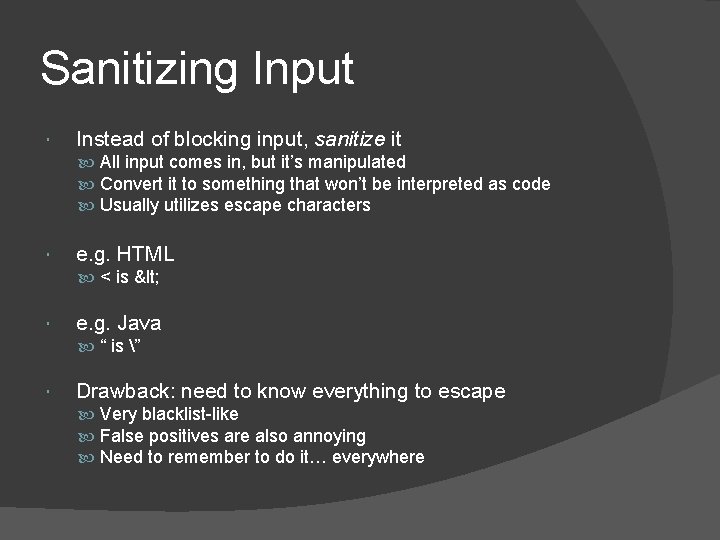
Sanitizing Input Instead of blocking input, sanitize it All input comes in, but it’s manipulated Convert it to something that won’t be interpreted as code Usually utilizes escape characters e. g. HTML < is < e. g. Java “ is ” Drawback: need to know everything to escape Very blacklist-like False positives are also annoying Need to remember to do it… everywhere
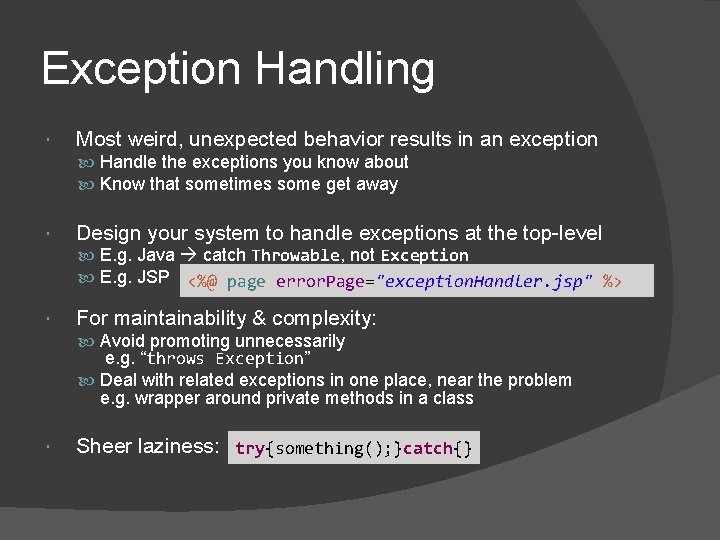
Exception Handling Most weird, unexpected behavior results in an exception Handle the exceptions you know about Know that sometimes some get away Design your system to handle exceptions at the top-level E. g. Java catch Throwable, not Exception E. g. JSP <%@ page error. Page="exception. Handler. jsp" %> For maintainability & complexity: Avoid promoting unnecessarily e. g. “throws Exception” Deal with related exceptions in one place, near the problem e. g. wrapper around private methods in a class Sheer laziness: try{something(); }catch{}
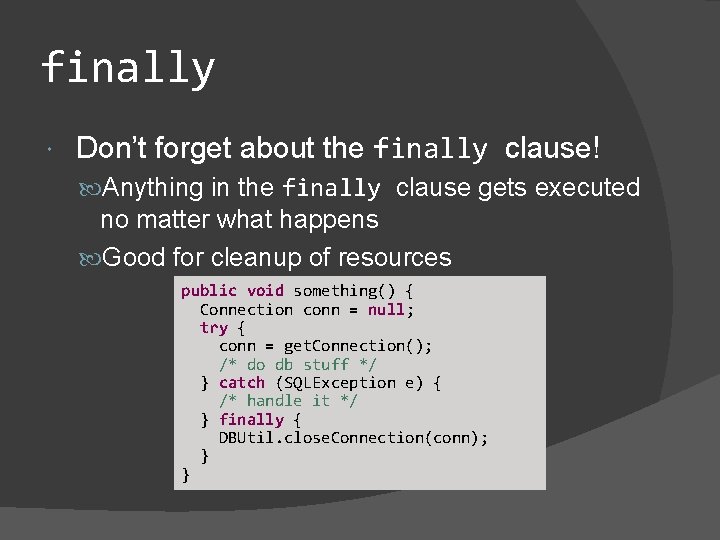
finally Don’t forget about the finally clause! Anything in the finally clause gets executed no matter what happens Good for cleanup of resources public void something() { Connection conn = null; try { conn = get. Connection(); /* do db stuff */ } catch (SQLException e) { /* handle it */ } finally { DBUtil. close. Connection(conn); } }
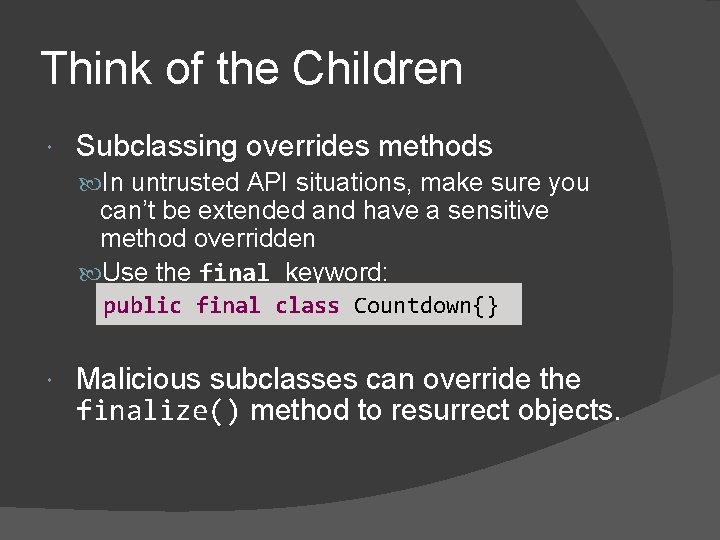
Think of the Children Subclassing overrides methods In untrusted API situations, make sure you can’t be extended and have a sensitive method overridden Use the final keyword: public final class Countdown{} Malicious subclasses can override the finalize() method to resurrect objects.
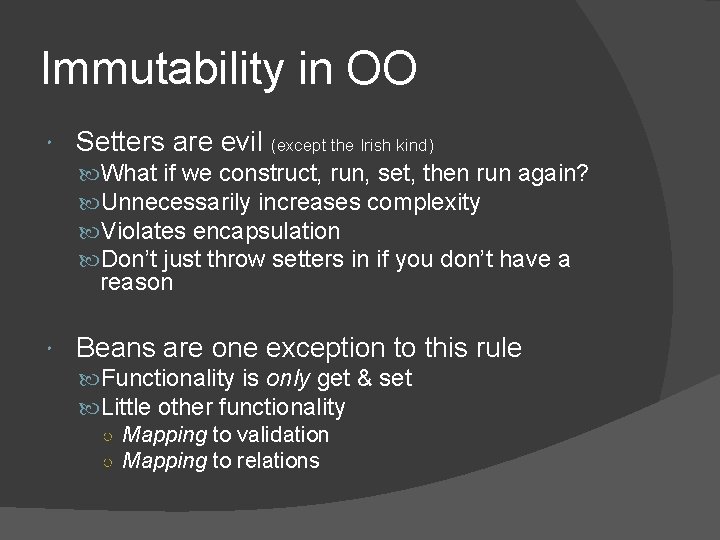
Immutability in OO Setters are evil (except the Irish kind) What if we construct, run, set, then run again? Unnecessarily increases complexity Violates encapsulation Don’t just throw setters in if you don’t have a reason Beans are one exception to this rule Functionality is only get & set Little other functionality ○ Mapping to validation ○ Mapping to relations
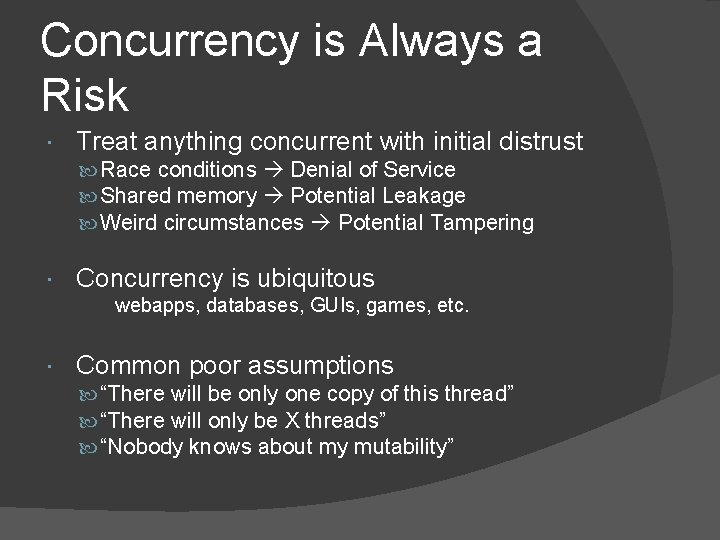
Concurrency is Always a Risk Treat anything concurrent with initial distrust Race conditions Denial of Service Shared memory Potential Leakage Weird circumstances Potential Tampering Concurrency is ubiquitous webapps, databases, GUIs, games, etc. Common poor assumptions “There will be only one copy of this thread” “There will only be X threads” “Nobody knows about my mutability”
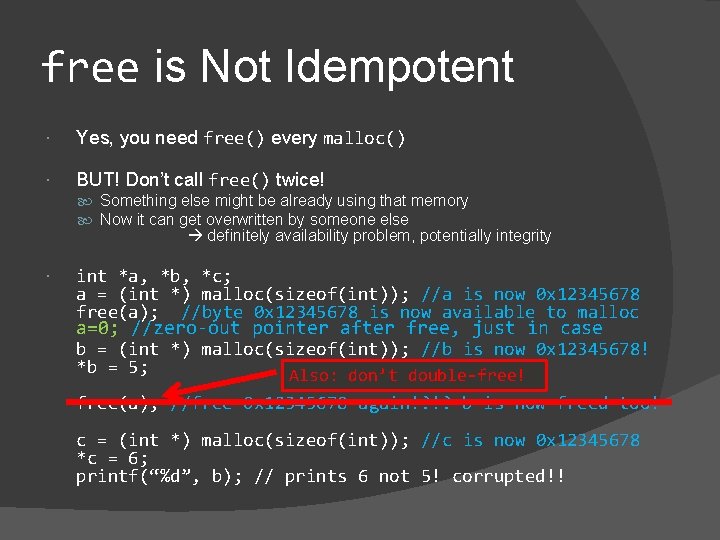
free is Not Idempotent Yes, you need free() every malloc() BUT! Don’t call free() twice! Something else might be already using that memory Now it can get overwritten by someone else definitely availability problem, potentially integrity int *a, *b, *c; a = (int *) malloc(sizeof(int)); //a is now 0 x 12345678 free(a); //byte 0 x 12345678 is now available to malloc a=0; //zero-out pointer after free, just in case b = (int *) malloc(sizeof(int)); //b is now 0 x 12345678! *b = 5; Also: don’t double-free! free(a); //free 0 x 12345678 again!? !? b is now freed too! c = (int *) malloc(sizeof(int)); //c is now 0 x 12345678 *c = 6; printf(“%d”, b); // prints 6 not 5! corrupted!!
To be continued…