
Engineering Projects in a Physics Classroom Josh Miranda
- Slides: 27
Engineering Projects in a Physics Classroom Josh Miranda Physics Teacher Revere High School
General information 3 levels of physics: AP, Honors, and College Prep Projects and activities for most units ◦ Start unit with in-class activity ◦ Follow up with take-home project at end of unit Paper describing EDP and blueprint along with project
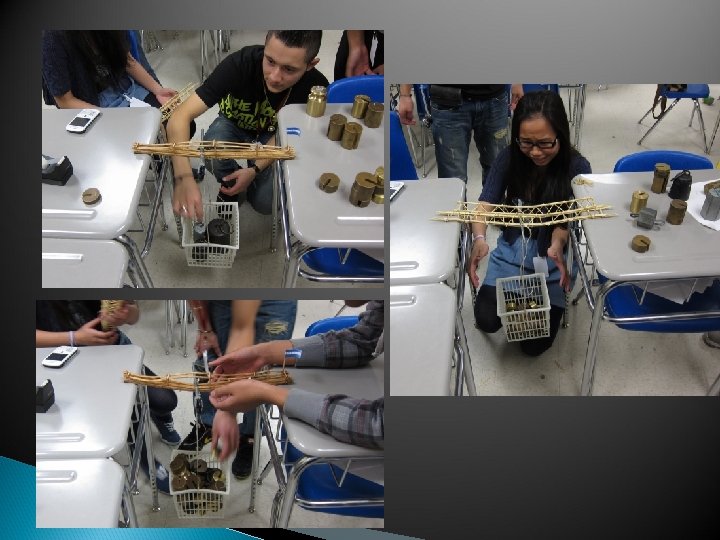
Forces: Bridges In-class activity using straws and tape ◦ One class period to design, build and test ◦ Groups of 5 or 6 (classroom limitation) Unit project to build bridges out of toothpicks ◦ Students were given approximately two weeks
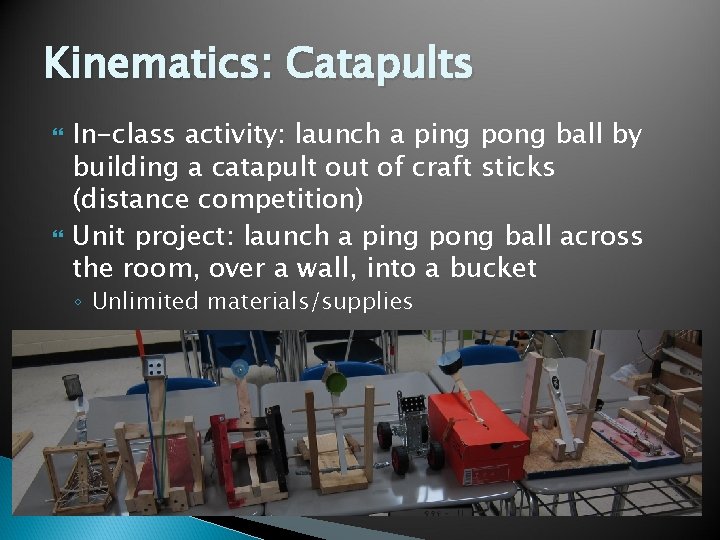
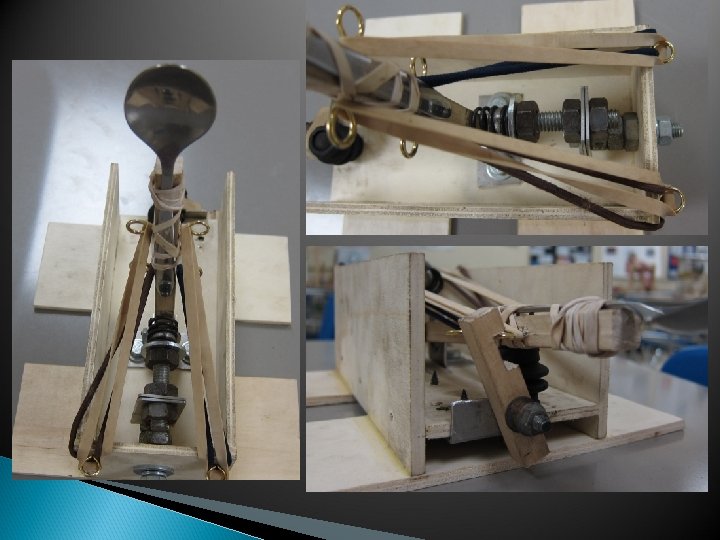
Kinematics: Catapults In-class activity: launch a ping pong ball by building a catapult out of craft sticks (distance competition) Unit project: launch a ping pong ball across the room, over a wall, into a bucket ◦ Unlimited materials/supplies
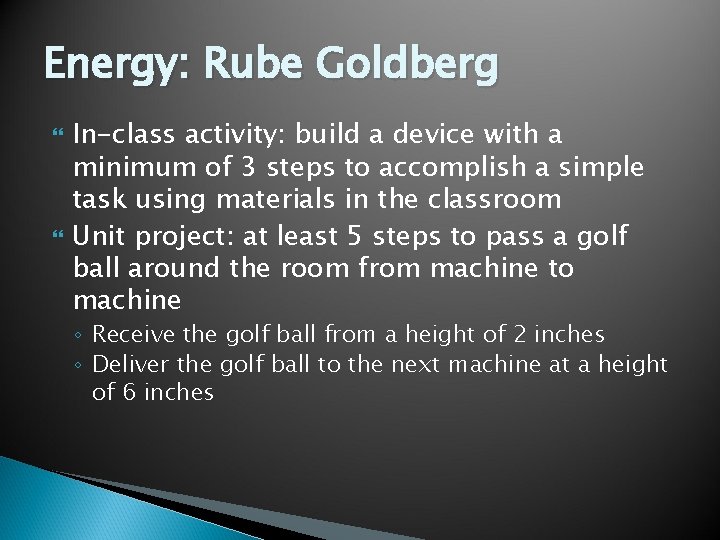
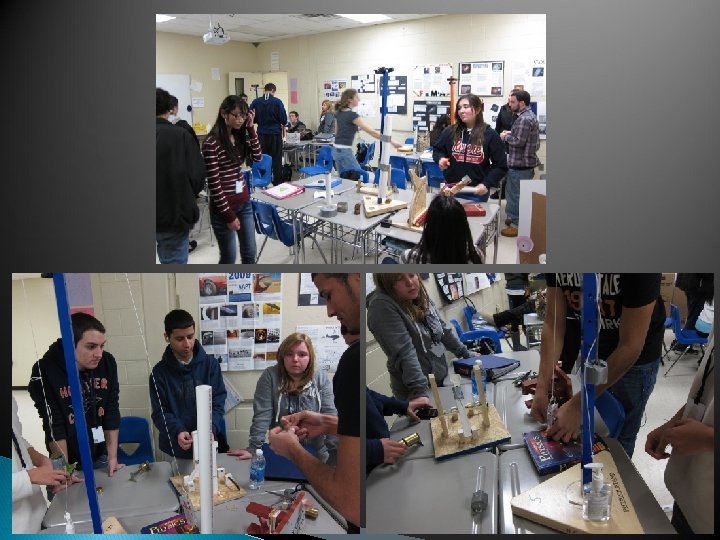
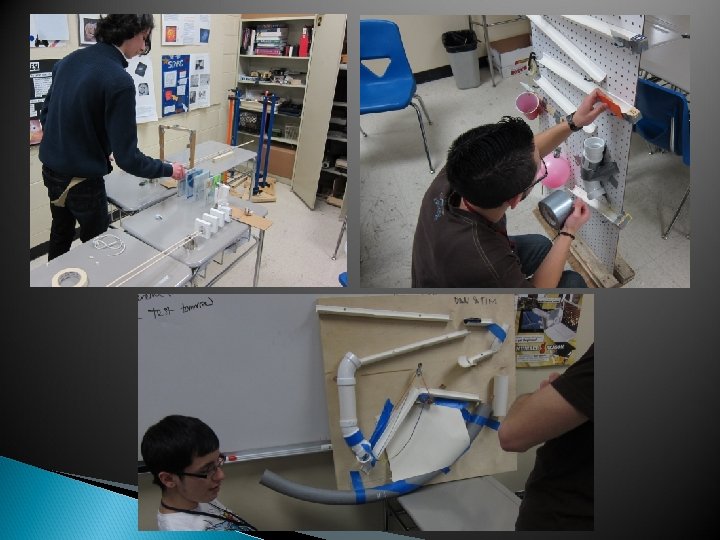
Energy: Rube Goldberg In-class activity: build a device with a minimum of 3 steps to accomplish a simple task using materials in the classroom Unit project: at least 5 steps to pass a golf ball around the room from machine to machine ◦ Receive the golf ball from a height of 2 inches ◦ Deliver the golf ball to the next machine at a height of 6 inches
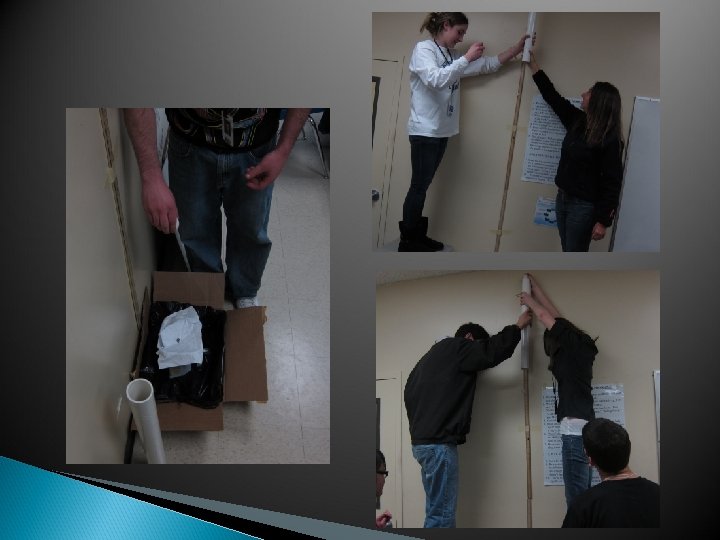
Momentum: Egg Drop In-class activity: create a device to safely catch a dropped egg ◦ 4 pieces of paper ◦ 5 straws ◦ 1 m of tape Skipped unit project
Mini-Capstone Design Project Mousetrap cars ◦ ◦ ◦ All classes Strict design requirements EDP more important Covered multiple topics Initial Design and paper Redesign, paper and presentation
Capstone Honors ◦ Initially science fair projects ◦ Design/redesign ongoing through the end of the year Independent study students ◦ Two groups: Reduce energy lost through showerheads Design an RFID system for use in the school
Using CAD in High Schools Josh Miranda Physics Teacher Revere High School
Using CAD in High Schools CAD can be an effective tool for high school students in the engineering design process when introduced carefully, and given realistic expectations. • Student Response to using CAD • My Experiences • Mastering CAD vs using CAD • Expectations
Using CAD in High Schools • Students often find CAD intimidating • Learning curve can be very steep for first-time users • Can be viewed as the boring or tedious part of the design process • Good engineering can sometimes be lost in getting the CAD details right
Using CAD in High Schools • My experience – mostly students involved with the NU FIRST robotics team o. Students from Boston, Brookline, and Revere o. Range from freshman through seniors o. Mix of “veteran” team members and “rookies” • “when can we stop CAD-ing and get to the fun stuff? ” • First time CAD users – sometimes a (strong) push is needed • Design details skipped to perfect aesthetics of design
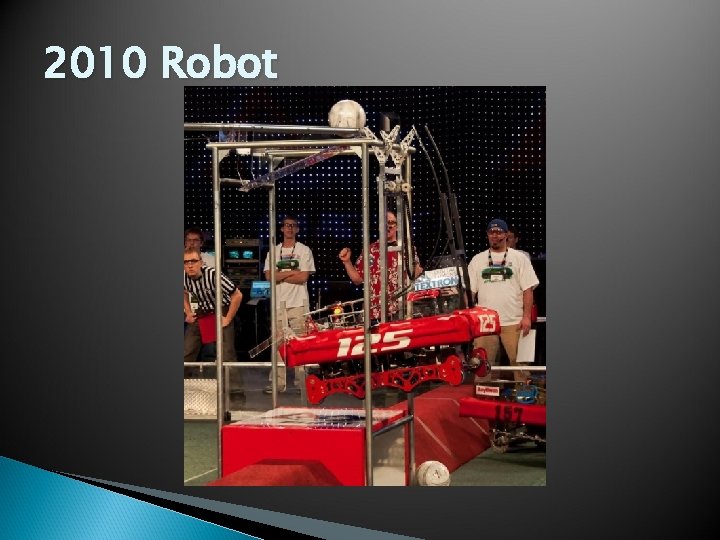
2010 Robot
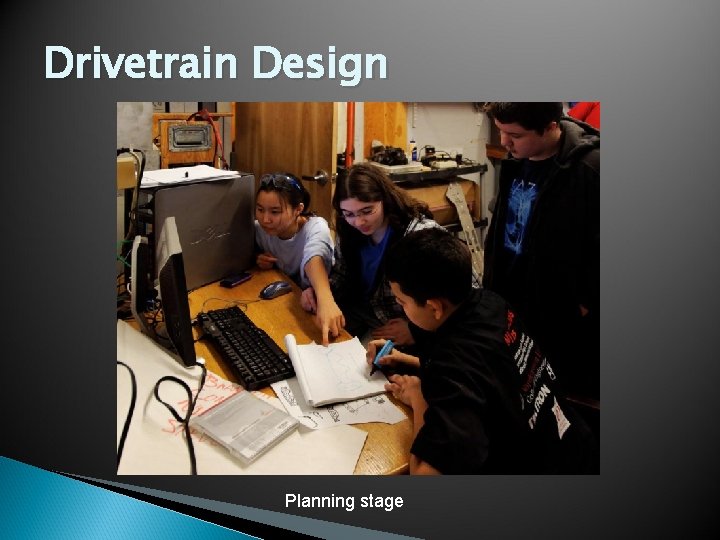
Drivetrain Design Planning stage
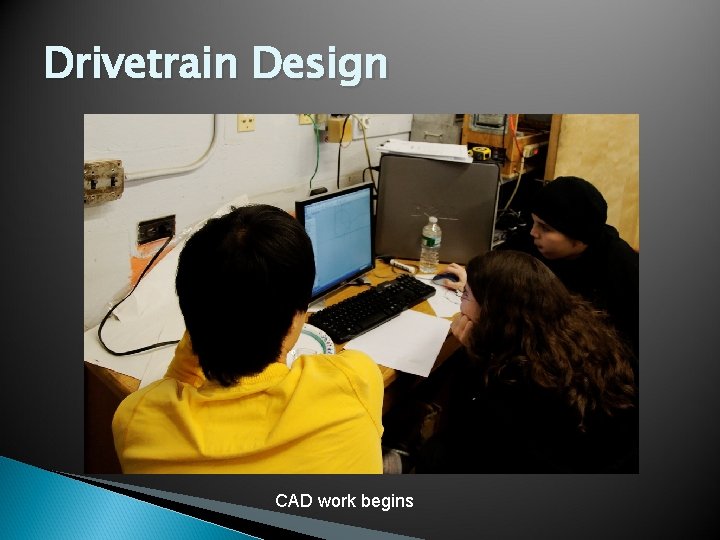
Drivetrain Design CAD work begins
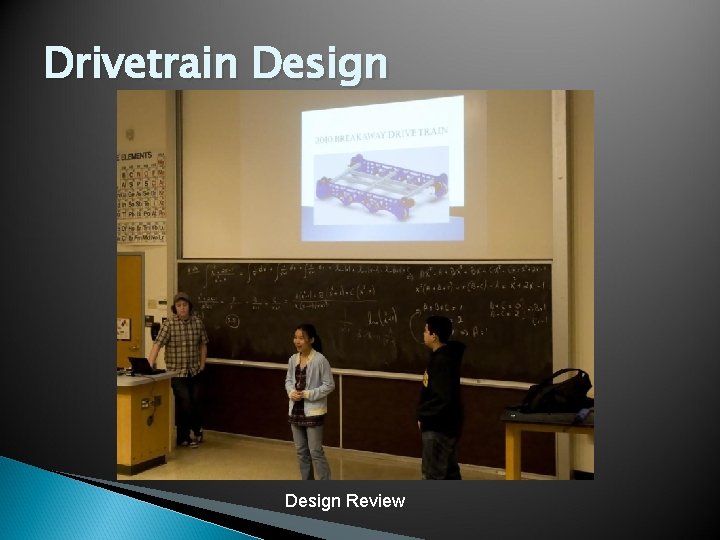
Drivetrain Design Review
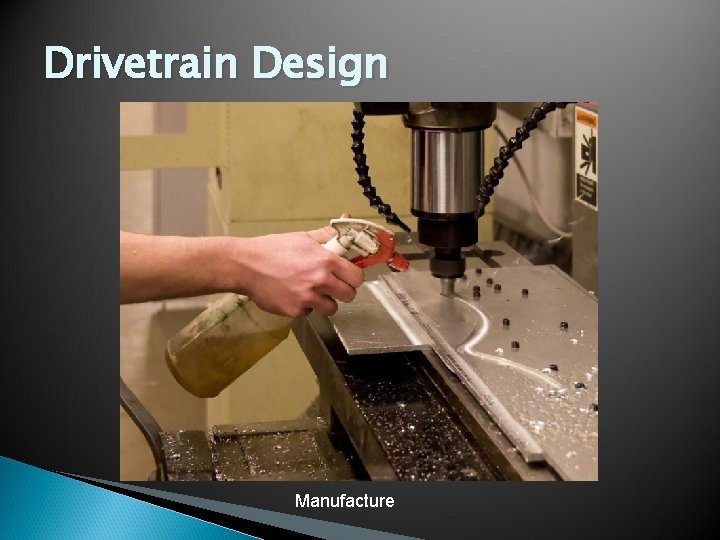
Drivetrain Design Manufacture
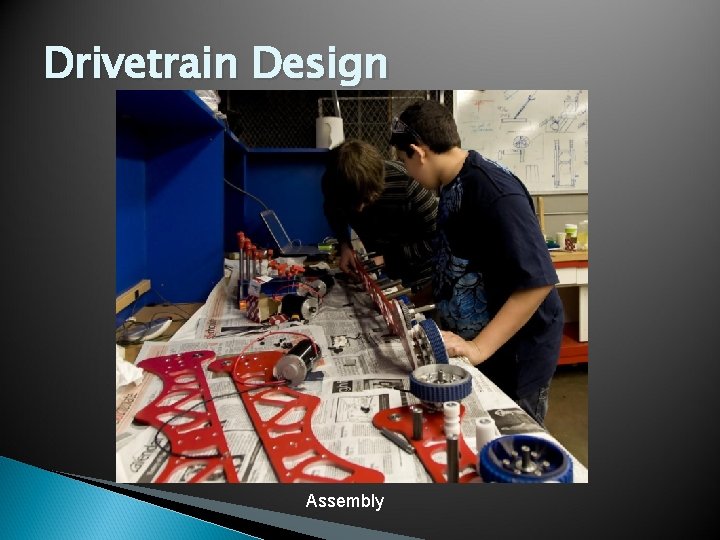
Drivetrain Design Assembly
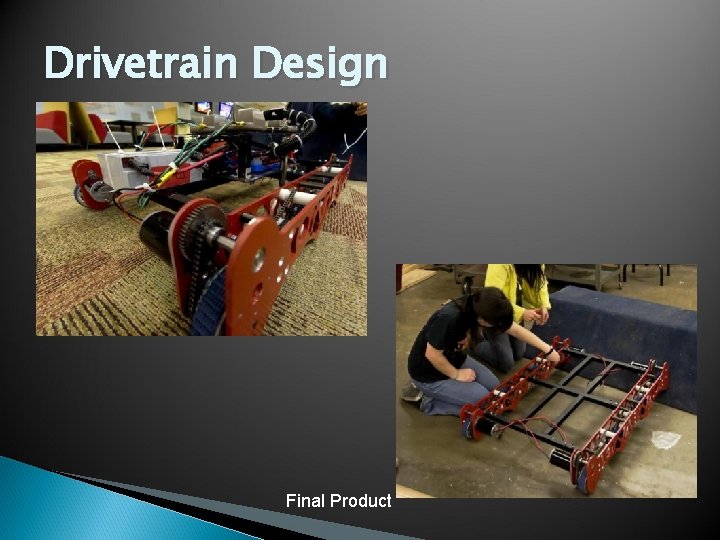
Drivetrain Design Final Product
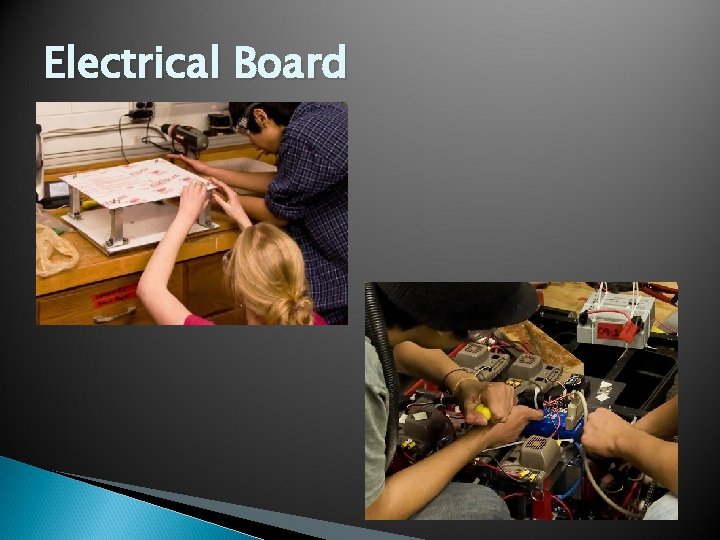
Electrical Board
Using CAD in High Schools • Mastering CAD vs Using CAD • Students do not have to be experts to effectively use CAD in design • For a Capstone project or course, CAD should be used as a tool – or method to solve a problem • Students can start with only basic proficiency and then learn more as necessary for their designs
Using CAD in High Schools • Students will not become CAD experts in anything other than a CAD class • Students should recognize when CAD can be used as a tool to solve a problem and what CAD is capable of • Even just effectively using the 2 D sketch features to adjust designs is a great start • Most designs can be made using simple 2 D sketches to create 3 D models and assemblies