
Engineering H 192 Computer Programming File IO in
- Slides: 16
Engineering H 192 - Computer Programming File I/O in C Lecture 7 Winter Quarter The Ohio State University Gateway Engineering Education Coalition 1
Engineering H 192 - Computer Programming Files in C • In C, each file is simply a sequential stream of bytes. C imposes no structure on a file. • A file must first be opened properly before it can be accessed for reading or writing. When a file is opened, a stream is associated with the file. • Successfully opening a file returns a pointer to (i. e. , the address of) a file structure, which contains a file descriptor and a file control block. Winter Quarter The Ohio State University Gateway Engineering Education Coalition 2
Engineering H 192 - Computer Programming Files in C • The statement: FILE *fptr 1, *fptr 2 ; declares that fptr 1 and fptr 2 are pointer variables of type FILE. They will be assigned the address of a file descriptor, that is, an area of memory that will be associated with an input or output stream. • Whenever you are to read from or write to the file, you must first open the file and assign the address of its file descriptor (or structure) to the file pointer variable. Winter Quarter The Ohio State University Gateway Engineering Education Coalition 3
Engineering H 192 - Computer Programming Opening Files • The statement: fptr 1 = fopen ( "mydata", "r" ) ; would open the file mydata for input (reading). • The statement: fptr 2 = fopen ("results", "w" ) ; would open the file results for output (writing). • Once the files are open, they stay open until you close them or end the program (which will close all files. ) Winter Quarter The Ohio State University Gateway Engineering Education Coalition 4
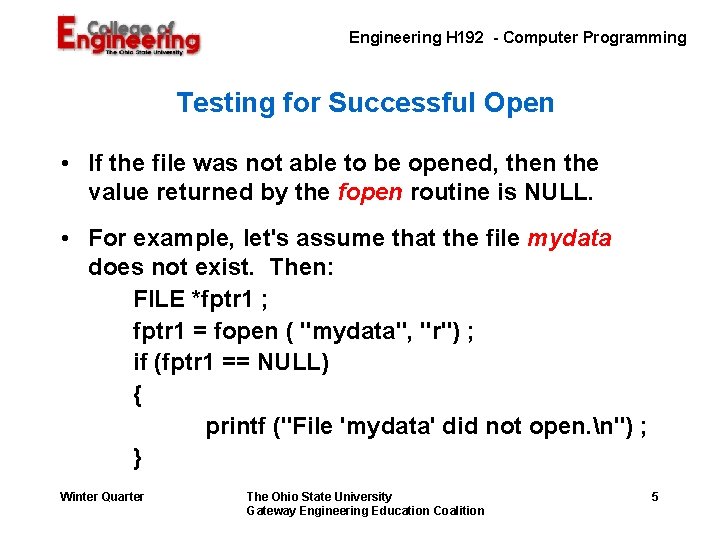
Engineering H 192 - Computer Programming Testing for Successful Open • If the file was not able to be opened, then the value returned by the fopen routine is NULL. • For example, let's assume that the file mydata does not exist. Then: FILE *fptr 1 ; fptr 1 = fopen ( "mydata", "r") ; if (fptr 1 == NULL) { printf ("File 'mydata' did not open. n") ; } Winter Quarter The Ohio State University Gateway Engineering Education Coalition 5
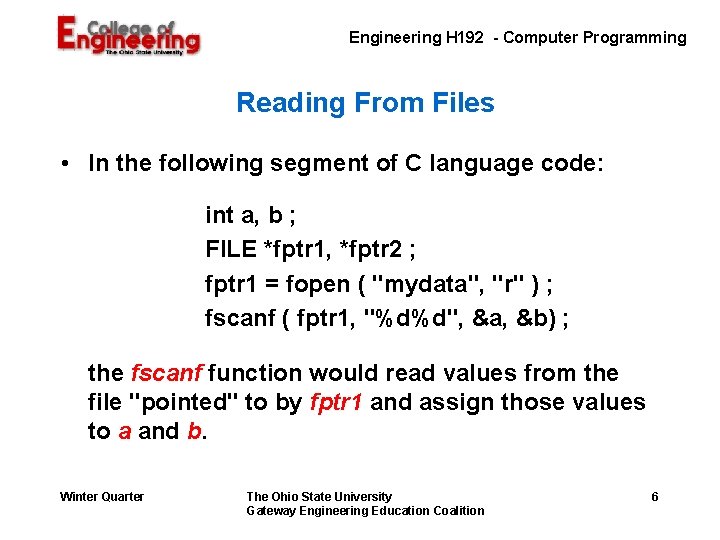
Engineering H 192 - Computer Programming Reading From Files • In the following segment of C language code: int a, b ; FILE *fptr 1, *fptr 2 ; fptr 1 = fopen ( "mydata", "r" ) ; fscanf ( fptr 1, "%d%d", &a, &b) ; the fscanf function would read values from the file "pointed" to by fptr 1 and assign those values to a and b. Winter Quarter The Ohio State University Gateway Engineering Education Coalition 6
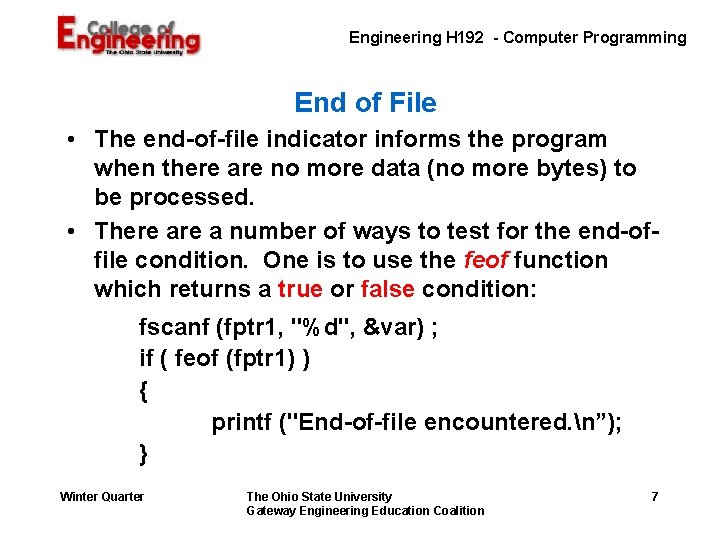
Engineering H 192 - Computer Programming End of File • The end-of-file indicator informs the program when there are no more data (no more bytes) to be processed. • There a number of ways to test for the end-offile condition. One is to use the feof function which returns a true or false condition: fscanf (fptr 1, "%d", &var) ; if ( feof (fptr 1) ) { printf ("End-of-file encountered. n”); } Winter Quarter The Ohio State University Gateway Engineering Education Coalition 7
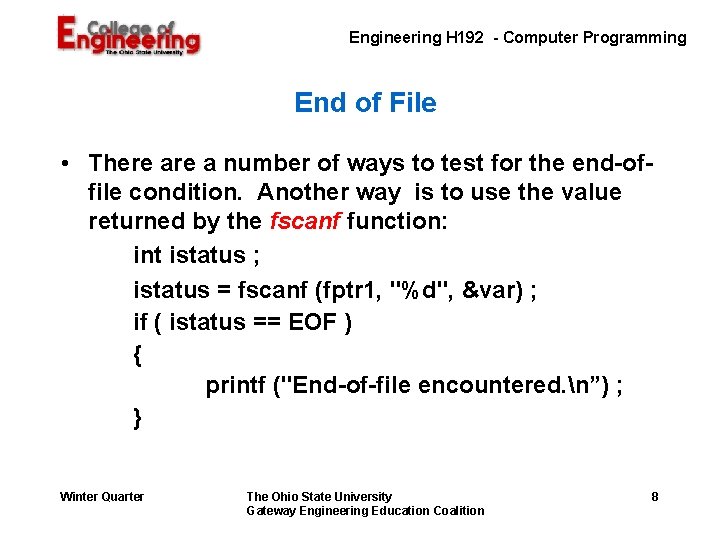
Engineering H 192 - Computer Programming End of File • There a number of ways to test for the end-offile condition. Another way is to use the value returned by the fscanf function: int istatus ; istatus = fscanf (fptr 1, "%d", &var) ; if ( istatus == EOF ) { printf ("End-of-file encountered. n”) ; } Winter Quarter The Ohio State University Gateway Engineering Education Coalition 8
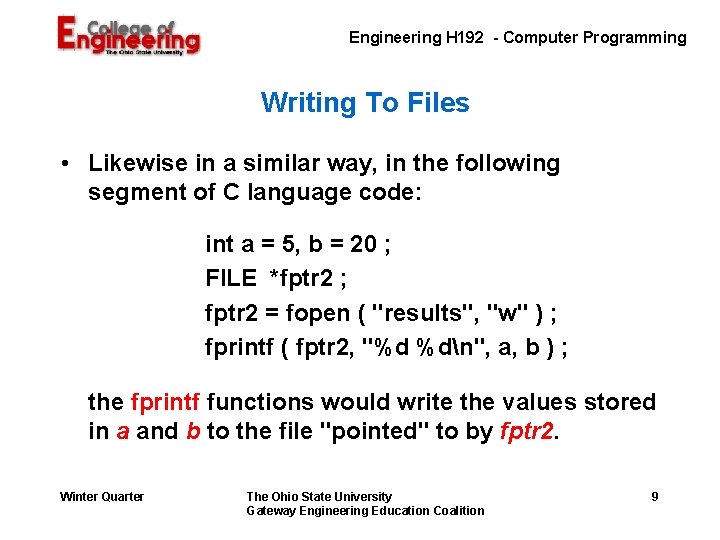
Engineering H 192 - Computer Programming Writing To Files • Likewise in a similar way, in the following segment of C language code: int a = 5, b = 20 ; FILE *fptr 2 ; fptr 2 = fopen ( "results", "w" ) ; fprintf ( fptr 2, "%d %dn", a, b ) ; the fprintf functions would write the values stored in a and b to the file "pointed" to by fptr 2. Winter Quarter The Ohio State University Gateway Engineering Education Coalition 9
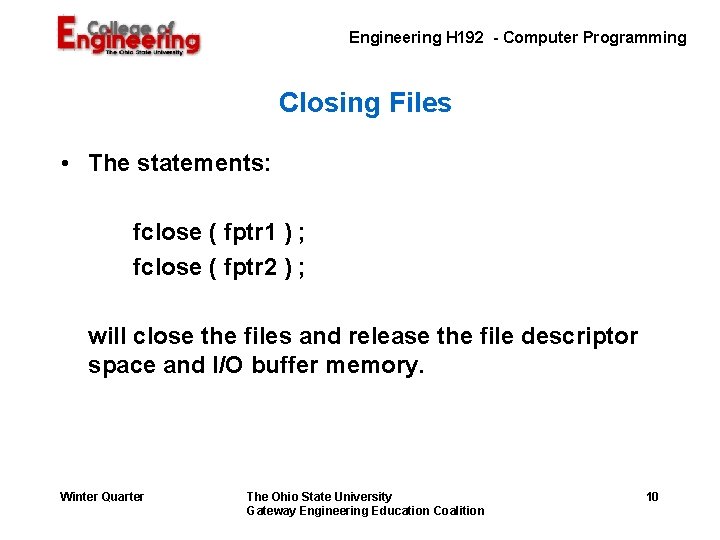
Engineering H 192 - Computer Programming Closing Files • The statements: fclose ( fptr 1 ) ; fclose ( fptr 2 ) ; will close the files and release the file descriptor space and I/O buffer memory. Winter Quarter The Ohio State University Gateway Engineering Education Coalition 10
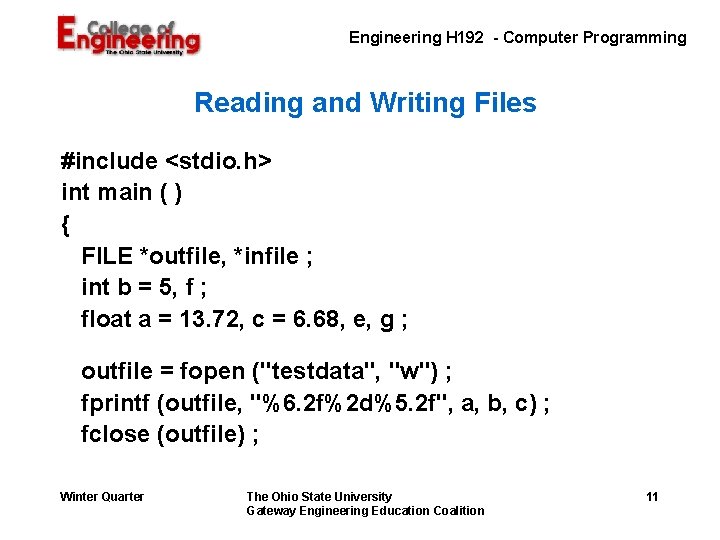
Engineering H 192 - Computer Programming Reading and Writing Files #include <stdio. h> int main ( ) { FILE *outfile, *infile ; int b = 5, f ; float a = 13. 72, c = 6. 68, e, g ; outfile = fopen ("testdata", "w") ; fprintf (outfile, "%6. 2 f%2 d%5. 2 f", a, b, c) ; fclose (outfile) ; Winter Quarter The Ohio State University Gateway Engineering Education Coalition 11
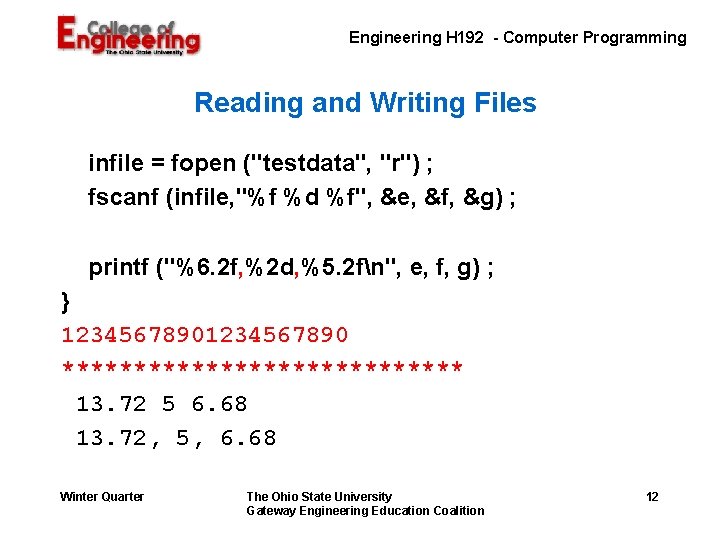
Engineering H 192 - Computer Programming Reading and Writing Files infile = fopen ("testdata", "r") ; fscanf (infile, "%f %d %f", &e, &f, &g) ; printf ("%6. 2 f, %2 d, %5. 2 fn", e, f, g) ; } 1234567890 ************** 13. 72 5 6. 68 13. 72, 5, 6. 68 Winter Quarter The Ohio State University Gateway Engineering Education Coalition 12
Engineering H 192 - Computer Programming A Little Help for Assignment G 06 • Some things that make it easier to understand: – Copy the file from the common directory to your directory – Use more g 06. dat to see what is in the file – What kind of numbers are the numbers in the file? How many columns and how many rows? – Based on your observations, you can declare a couple of variables, example: dat 1 and dat 2 – You want to sum these columns so you need a couple more variables, example: sum 1 and sum 2 Winter Quarter The Ohio State University Gateway Engineering Education Coalition 13
Engineering H 192 - Computer Programming A Little Help for Assignment G 06 – You want the average of the columns so you need some additional variables. – You will be dealing with a couple of files so you need a couple of file pointers – Assignment G 06 requires us to read several lines of some information from a disk file and write it out to the screen and to a file. (Sounds repetitive, doesn't it? ) Winter Quarter The Ohio State University Gateway Engineering Education Coalition 14
Engineering H 192 - Computer Programming A Little Help for Assignment G 06 • Simple repetitive tasks are easily performed with a "for" loop. We'll talk more about for loops very soon. Today, use something like the following: for ( k = 1 ; k <= n ; k++ ) { /* put statements to be repeated here */ } • What is the value of n? The Ohio State University Gateway Engineering Education Coalition 15
Engineering H 192 - Computer Programming A Little Help for Assignment G 06 • In order to use the for loop, the counter, k, must be declared to be an integer at the beginning of the main function along with all of the other variables Winter Quarter The Ohio State University Gateway Engineering Education Coalition 16