
Engineering Design Process The Antidote FTC 14320 Engineering
- Slides: 13
Engineering Design Process The Antidote - FTC 14320
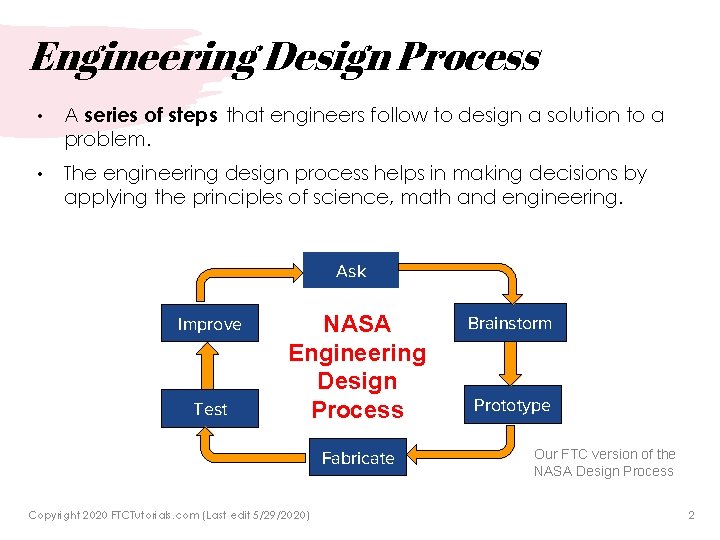
Engineering Design Process • A series of steps that engineers follow to design a solution to a problem. • The engineering design process helps in making decisions by applying the principles of science, math and engineering. Ask Improve Test NASA Engineering Design Process Fabricate Copyright 2020 FTCTutorials. com (Last edit 5/29/2020) Brainstorm Prototype Our FTC version of the NASA Design Process 2
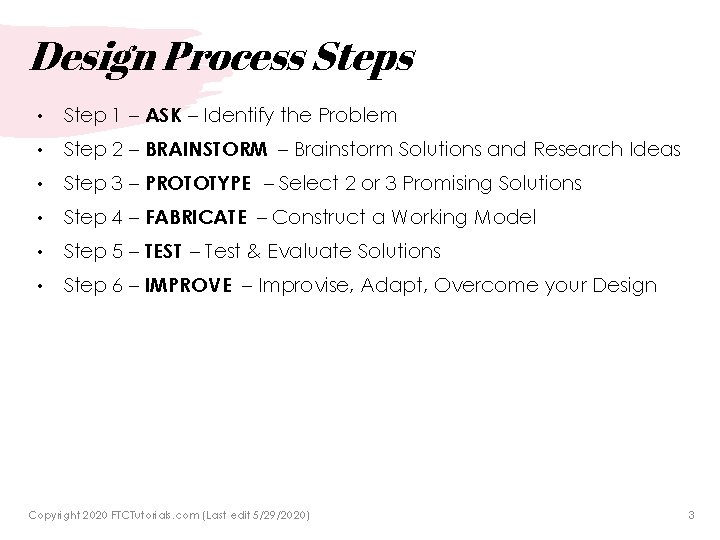
Design Process Steps • Step 1 – ASK – Identify the Problem • Step 2 – BRAINSTORM – Brainstorm Solutions and Research Ideas • Step 3 – PROTOTYPE – Select 2 or 3 Promising Solutions • Step 4 – FABRICATE – Construct a Working Model • Step 5 – TEST – Test & Evaluate Solutions • Step 6 – IMPROVE – Improvise, Adapt, Overcome your Design Copyright 2020 FTCTutorials. com (Last edit 5/29/2020) 3
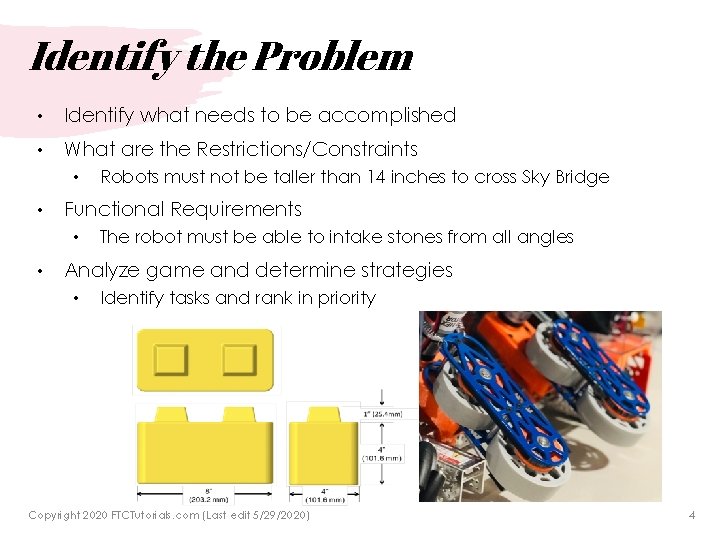
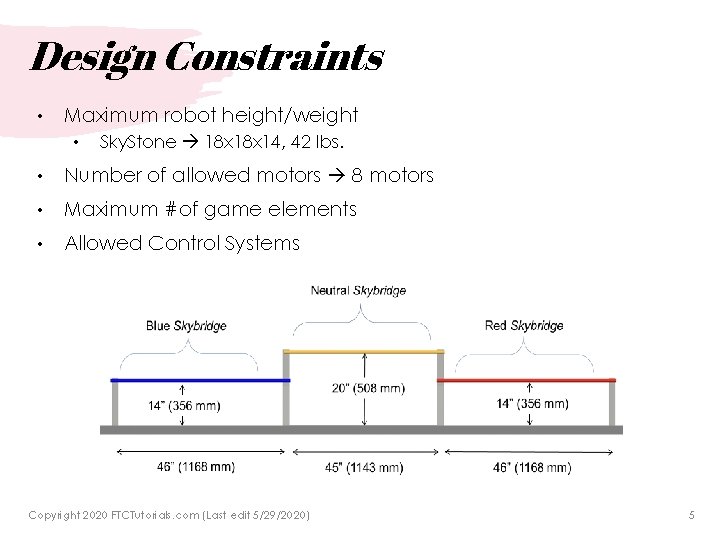
Identify the Problem • Identify what needs to be accomplished • What are the Restrictions/Constraints • • Functional Requirements • • Robots must not be taller than 14 inches to cross Sky Bridge The robot must be able to intake stones from all angles Analyze game and determine strategies • Identify tasks and rank in priority Copyright 2020 FTCTutorials. com (Last edit 5/29/2020) 4
Design Constraints • Maximum robot height/weight • Sky. Stone 18 x 14, 42 lbs. • Number of allowed motors 8 motors • Maximum #of game elements • Allowed Control Systems Copyright 2020 FTCTutorials. com (Last edit 5/29/2020) 5
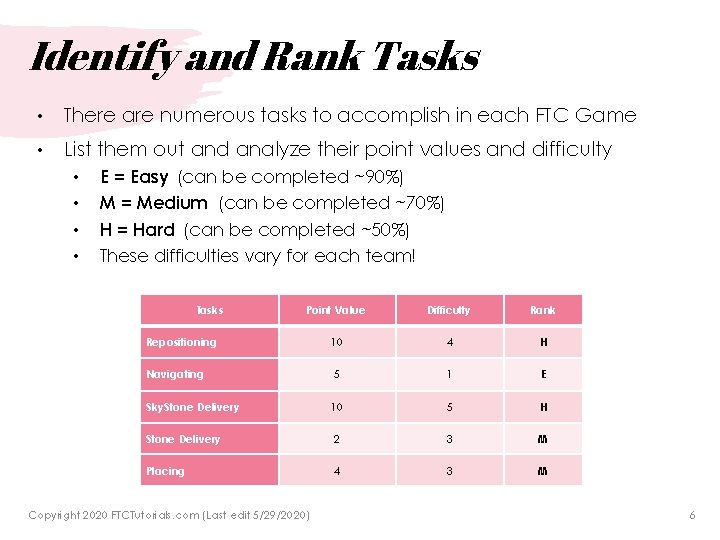
Identify and Rank Tasks • There are numerous tasks to accomplish in each FTC Game • List them out and analyze their point values and difficulty • • E = Easy (can be completed ~90%) M = Medium (can be completed ~70%) H = Hard (can be completed ~50%) These difficulties vary for each team! Tasks Point Value Difficulty Rank Repositioning 10 4 H Navigating 5 1 E Sky. Stone Delivery 10 5 H Stone Delivery 2 3 M Placing 4 3 M Copyright 2020 FTCTutorials. com (Last edit 5/29/2020) 6
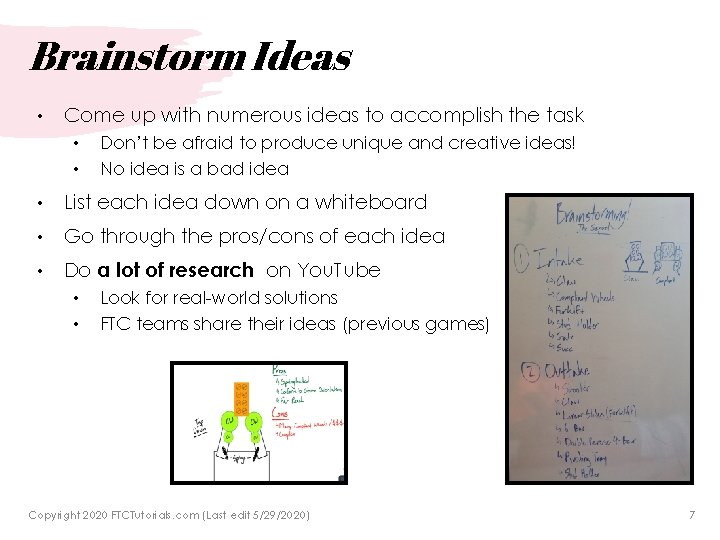
Brainstorm Ideas • Come up with numerous ideas to accomplish the task • • Don’t be afraid to produce unique and creative ideas! No idea is a bad idea • List each idea down on a whiteboard • Go through the pros/cons of each idea • Do a lot of research on You. Tube • • Look for real-world solutions FTC teams share their ideas (previous games) Copyright 2020 FTCTutorials. com (Last edit 5/29/2020) 7
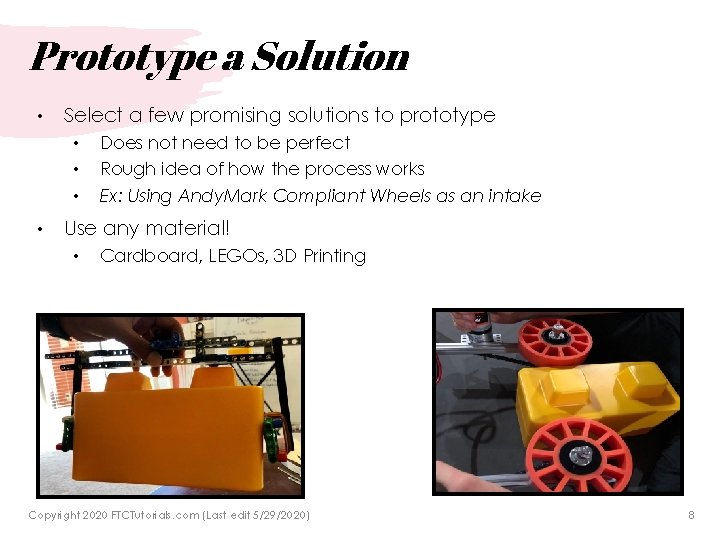
Prototype a Solution • Select a few promising solutions to prototype • • Does not need to be perfect Rough idea of how the process works Ex: Using Andy. Mark Compliant Wheels as an intake Use any material! • Cardboard, LEGOs, 3 D Printing Copyright 2020 FTCTutorials. com (Last edit 5/29/2020) 8
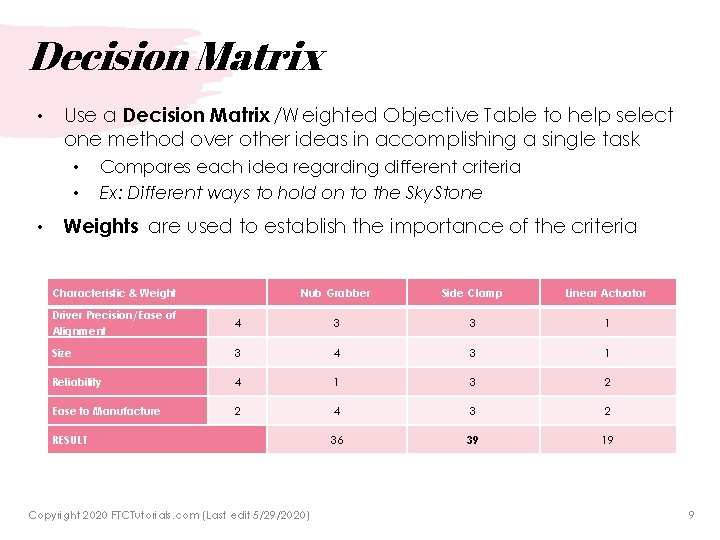
Decision Matrix • Use a Decision Matrix /Weighted Objective Table to help select one method over other ideas in accomplishing a single task • • • Compares each idea regarding different criteria Ex: Different ways to hold on to the Sky. Stone Weights are used to establish the importance of the criteria Characteristic & Weight Nub Grabber Side Clamp Linear Actuator Driver Precision/Ease of Alignment 4 3 3 1 Size 3 4 3 1 Reliability 4 1 3 2 Ease to Manufacture 2 4 3 2 36 39 19 RESULT Copyright 2020 FTCTutorials. com (Last edit 5/29/2020) 9
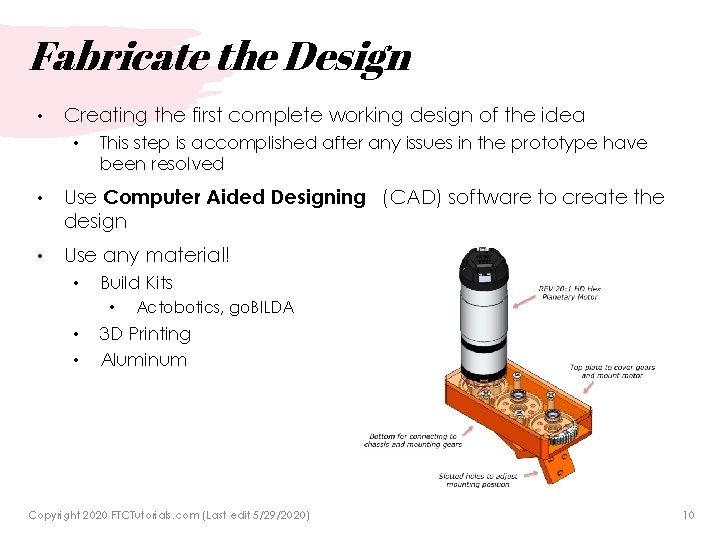
Fabricate the Design • Creating the first complete working design of the idea • This step is accomplished after any issues in the prototype have been resolved • Use Computer Aided Designing (CAD) software to create the design • Use any material! • • • Build Kits • Actobotics, go. BILDA 3 D Printing Aluminum Copyright 2020 FTCTutorials. com (Last edit 5/29/2020) 10
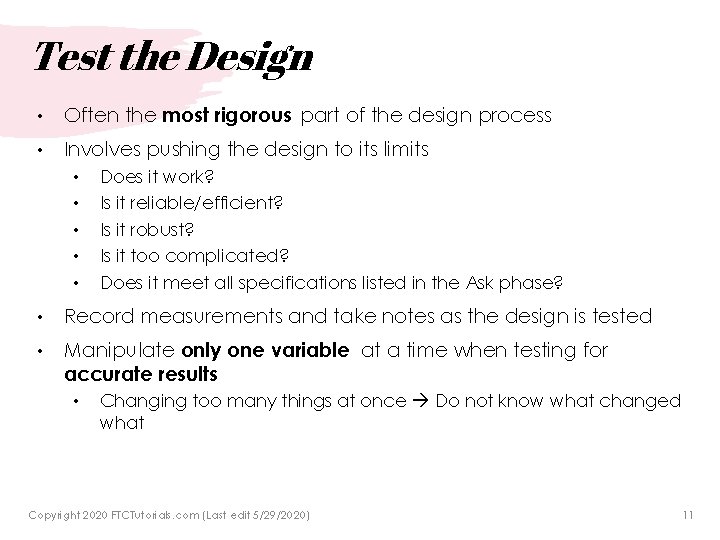
Test the Design • Often the most rigorous part of the design process • Involves pushing the design to its limits • • • Does it work? Is it reliable/efficient? Is it robust? Is it too complicated? Does it meet all specifications listed in the Ask phase? • Record measurements and take notes as the design is tested • Manipulate only one variable at a time when testing for accurate results • Changing too many things at once Do not know what changed what Copyright 2020 FTCTutorials. com (Last edit 5/29/2020) 11
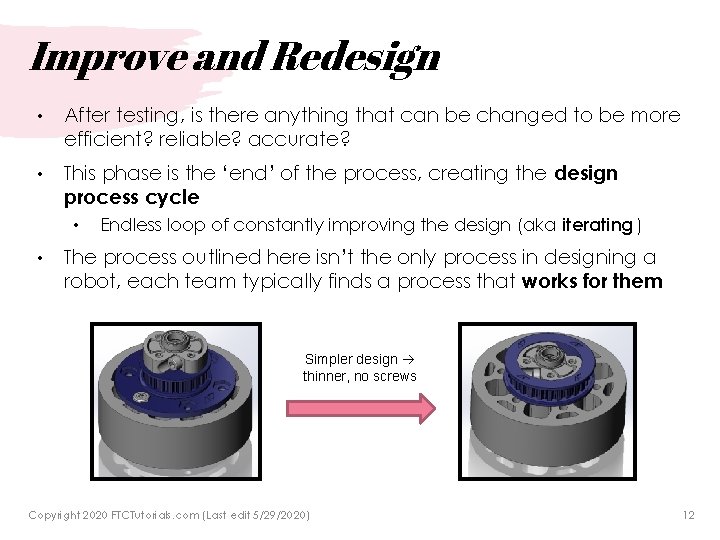
Improve and Redesign • After testing, is there anything that can be changed to be more efficient? reliable? accurate? • This phase is the ‘end’ of the process, creating the design process cycle • • Endless loop of constantly improving the design (aka iterating ) The process outlined here isn’t the only process in designing a robot, each team typically finds a process that works for them Simpler design thinner, no screws Copyright 2020 FTCTutorials. com (Last edit 5/29/2020) 12
Credits • This lesson was written by The Antidote 14320 for FTCTutorials. com • You can contact the author at: • • Website: • http: //theantidoterobotics. com Twitter: • @theantidote. FTC Email: • theantidoteftc@gmail. com More lessons for FIRST Tech Challenge are available at www. FTCtutorials. com This work is licensed under a Creative Commons Attribution-Non. Commercial-Share. Alike 4. 0 International License. Copyright 2020 FTCTutorials. com (Last edit 5/29/2020) 13