
ENGINEERING 2304 Computer Programming for Engineers ENGR 2304




- Slides: 13
ENGINEERING 2304 Computer Programming for Engineers ENGR 2304 -51191 Spring 2015 Week 2
Class Outline • Quiz • Review Homework • Excel References: Absolute vs. Relative • Sum Command • Log, Natural Log, and Trigonometric References • Excel Practice Exercises
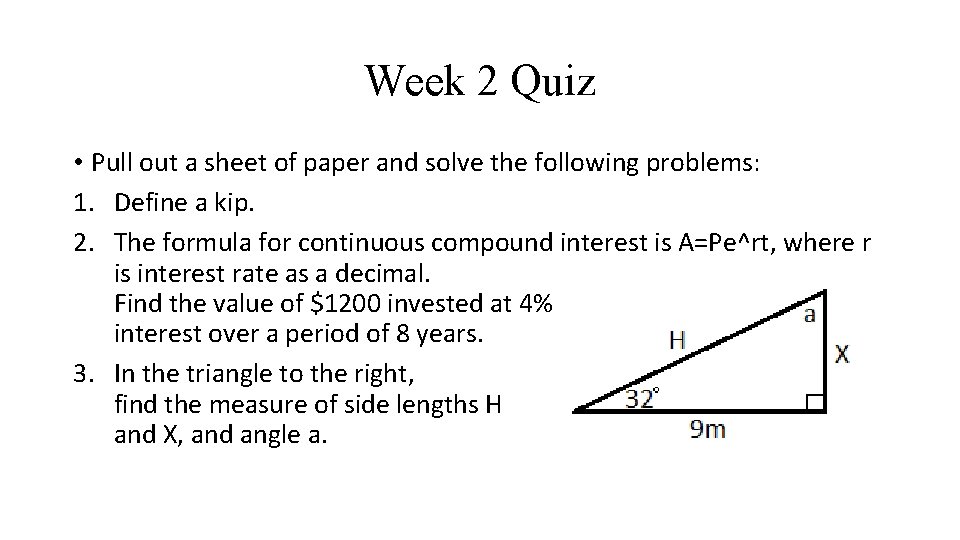
Week 2 Quiz • Pull out a sheet of paper and solve the following problems: 1. Define a kip. 2. The formula for continuous compound interest is A=Pe^rt, where r is interest rate as a decimal. Find the value of $1200 invested at 4% interest over a period of 8 years. 3. In the triangle to the right, find the measure of side lengths H and X, and angle a.
Quote of the Day: “Compound Interest is the most powerful force in the universe. ” –Albert Einstein
Homework 1 Overview
Relative vs. Absolute Cells Relative Cell References: • Most commonly used cell reference. • Tells Excel to look for referenced cell a certain number of cells up/down and left/right from origin cell. • When cell is copied or pasted, formula retains relative position. • Good for multi-cell calculations. Absolute Cell References: • Tells Excel to look at a specific row and column. Does not change when formula is moved. • Excellent for referring back to worksheet inputs.
Sum Command • Sums cells in a given range • Can use relative or absolute cell references
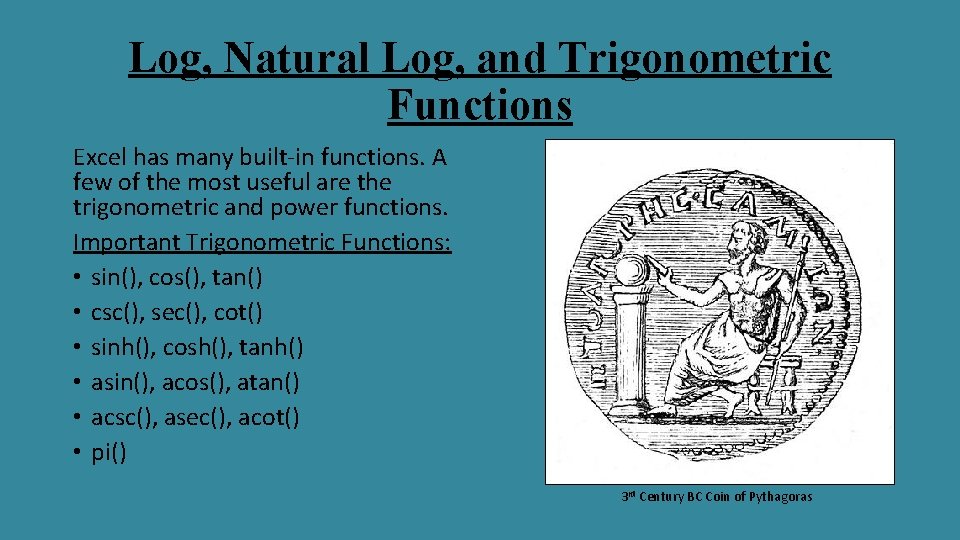
Log, Natural Log, and Trigonometric Functions Excel has many built-in functions. A few of the most useful are the trigonometric and power functions. Important Trigonometric Functions: • sin(), cos(), tan() • csc(), sec(), cot() • sinh(), cosh(), tanh() • asin(), acos(), atan() • acsc(), asec(), acot() • pi() 3 rd Century BC Coin of Pythagoras
Next US Coin?
Log, Natural Log, and Trigonometric Functions Important Exponential Functions: • ln() • log() • exp() Grégoire de Saint-Vincent
Excel Lab Example 1 • Goal: Create a table for the trigonometric ratios for every 15 degrees from 0 to 360.
Excel Lab Example 2 • Goal: Create a monthly profit and loss table for a company over a single year. • Calculate profit/loss for each month. • Calculate percent and total profit/loss for the entire year.
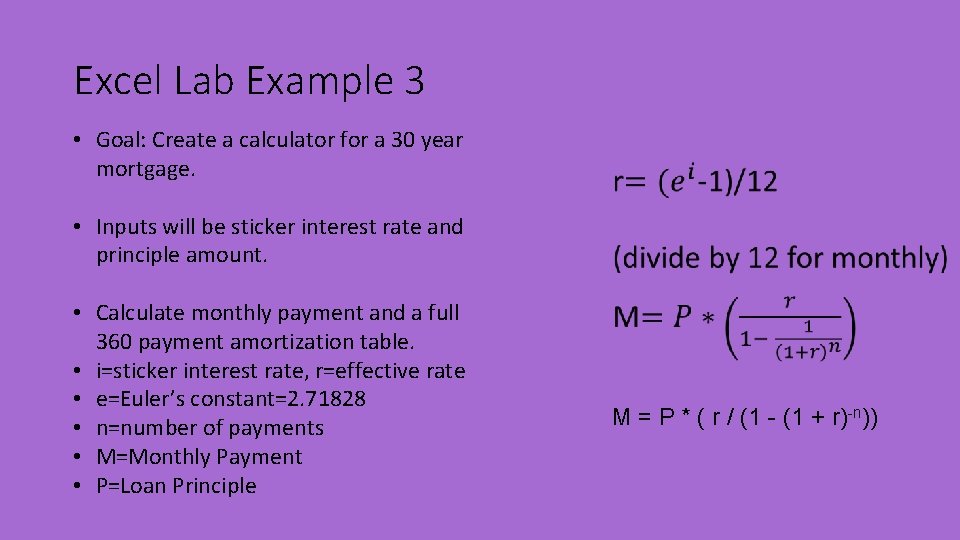
Excel Lab Example 3 • Goal: Create a calculator for a 30 year mortgage. • Inputs will be sticker interest rate and principle amount. • Calculate monthly payment and a full 360 payment amortization table. • i=sticker interest rate, r=effective rate • e=Euler’s constant=2. 71828 • n=number of payments • M=Monthly Payment • P=Loan Principle M = P * ( r / (1 - (1 + r)-n))