
Employee SelfService ESS Navigating the Portal Home Screen

- Slides: 9
Employee Self-Service (ESS) Navigating the Portal
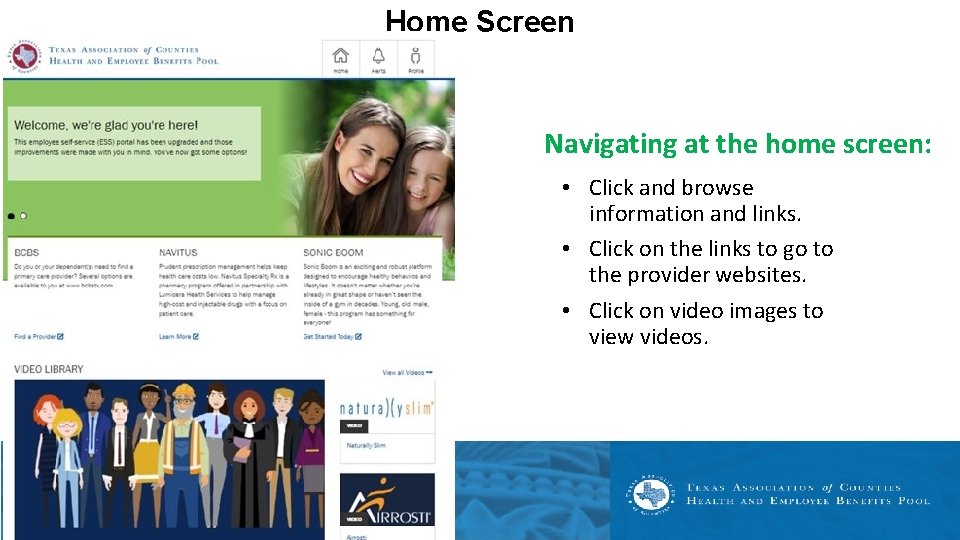
Home Screen Navigating at the home screen: • Click and browse information and links. • Click on the links to go to the provider websites. • Click on video images to view videos.
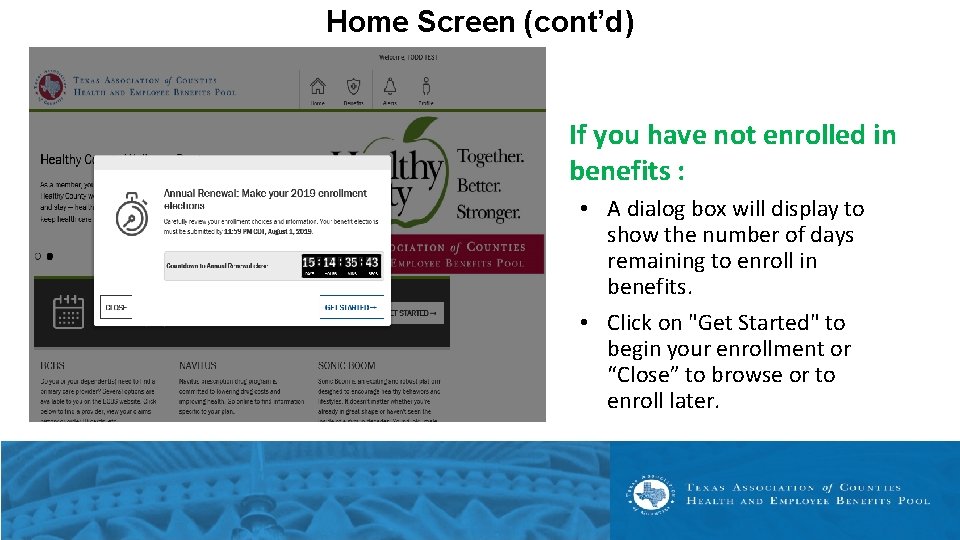
Home Screen (cont’d) If you have not enrolled in benefits : • A dialog box will display to show the number of days remaining to enroll in benefits. • Click on "Get Started" to begin your enrollment or “Close” to browse or to enroll later.
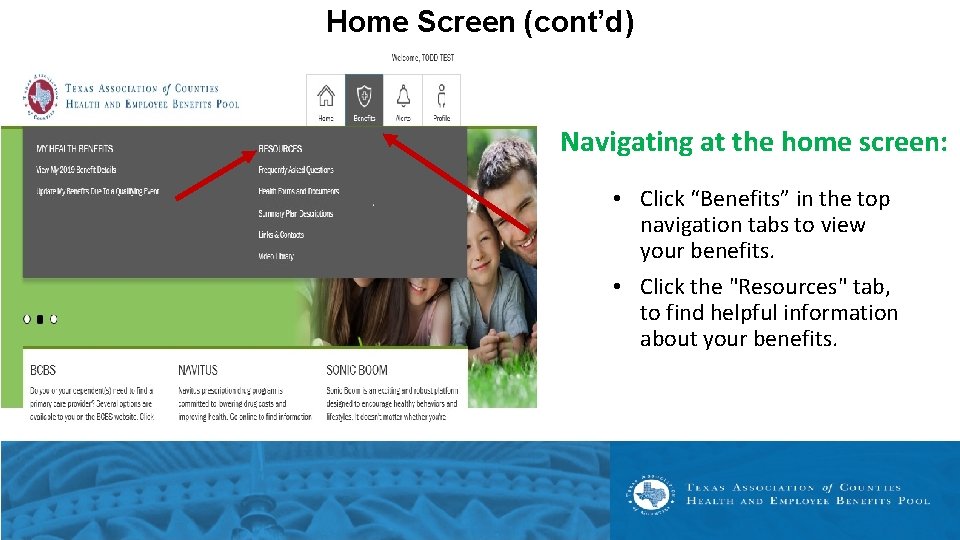
Home Screen (cont’d) Navigating at the home screen: • Click “Benefits” in the top navigation tabs to view your benefits. • Click the "Resources" tab, to find helpful information about your benefits.
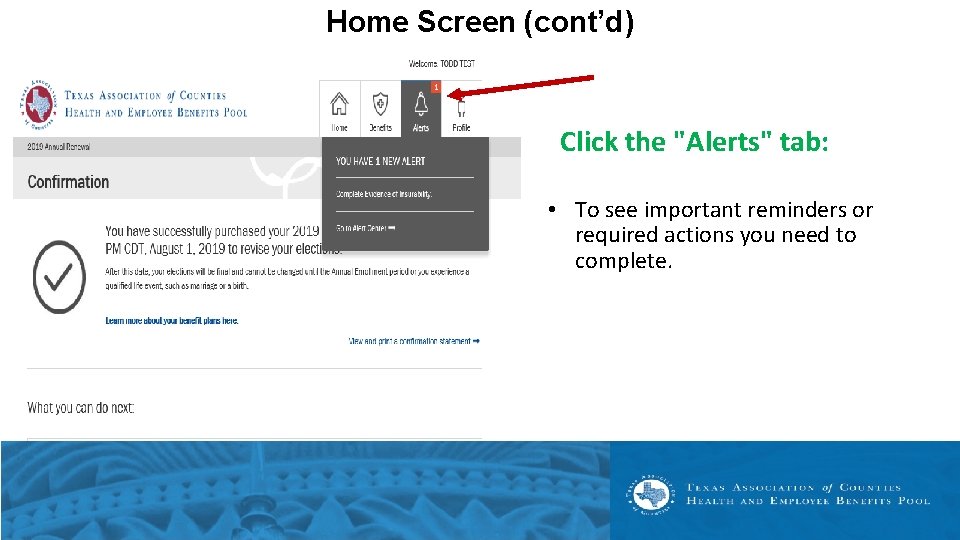
Home Screen (cont’d) Click the "Alerts" tab: • To see important reminders or required actions you need to complete.
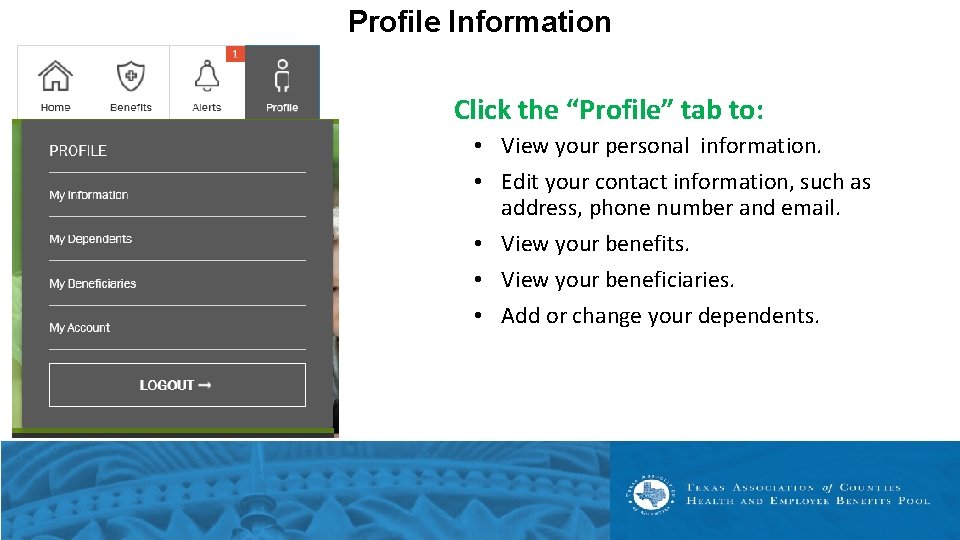
Profile Information Click the “Profile” tab to: • View your personal information. • Edit your contact information, such as address, phone number and email. • View your benefits. • View your beneficiaries. • Add or change your dependents.
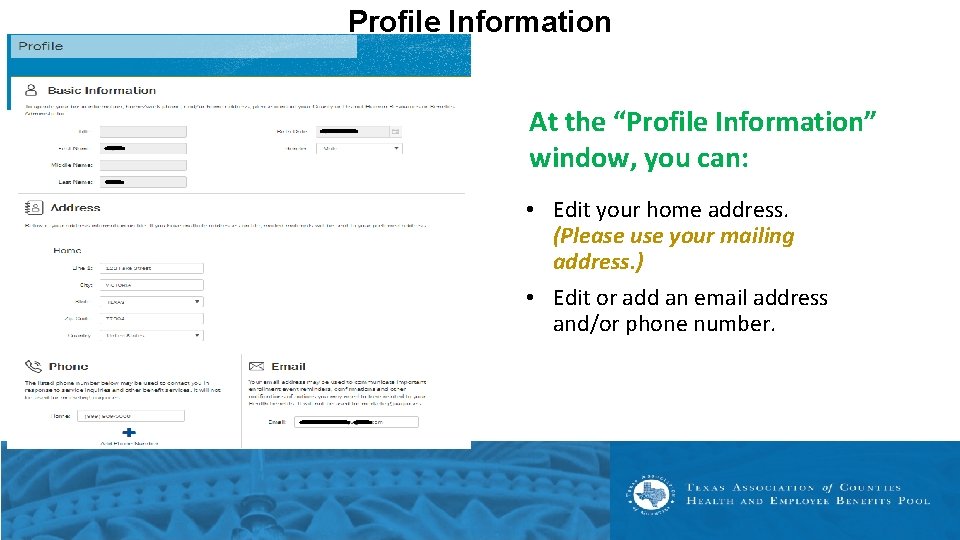
Profile Information At the “Profile Information” window, you can: • Edit your home address. (Please use your mailing address. ) • Edit or add an email address and/or phone number.
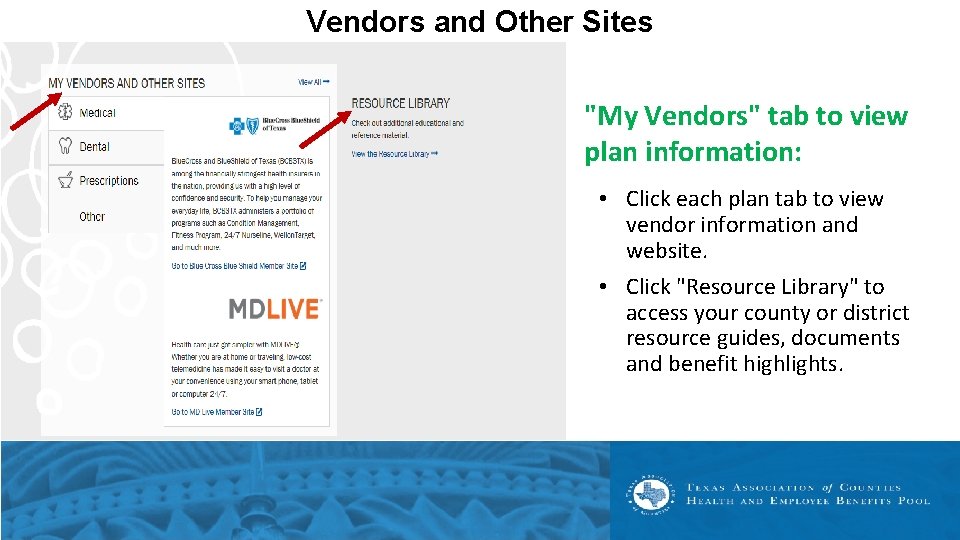
Vendors and Other Sites "My Vendors" tab to view plan information: • Click each plan tab to view vendor information and website. • Click "Resource Library" to access your county or district resource guides, documents and benefit highlights.
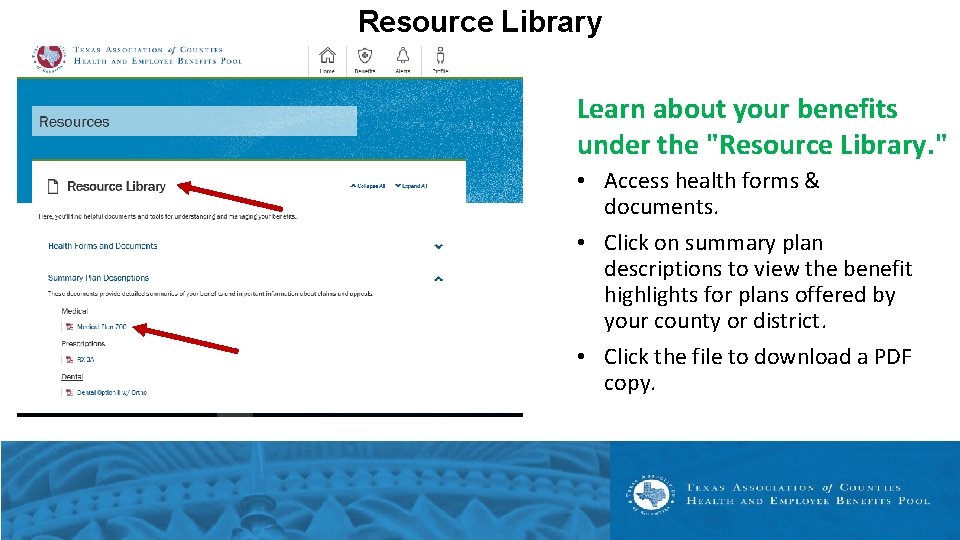
Resource Library Learn about your benefits under the "Resource Library. " • Access health forms & documents. • Click on summary plan descriptions to view the benefit highlights for plans offered by your county or district. • Click the file to download a PDF copy.