
Emoderation strategies in educational contexts Professor Gilly Salmon

- Slides: 27
E-moderation strategies in educational contexts Professor Gilly Salmon University of Leicester
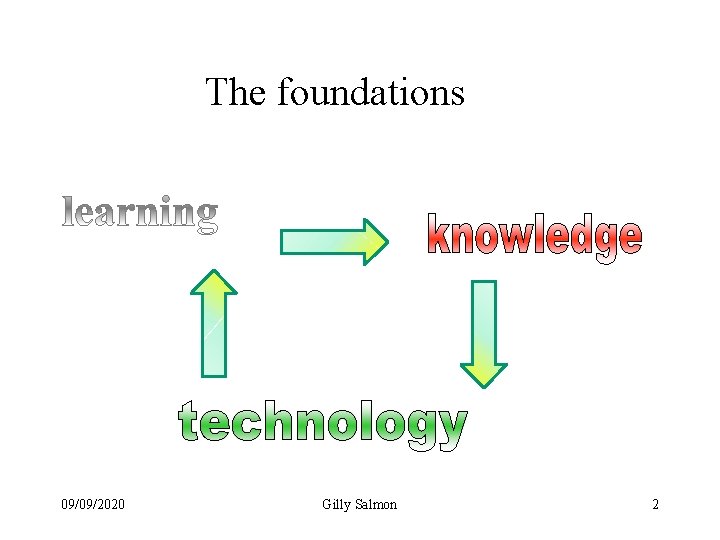
The foundations 09/09/2020 Gilly Salmon 2
Online as a place to teach Psychological domain Social domain • Imagination is intrinsic • Less tangible- • Whole new environment • Interactivity is a crucial aspect • New types of discourse…more explicit, fairer – more potential – but more risk 09/09/2020 Gilly Salmon 3
Key strategies • Prior design for participation • Human intervention (e-moderating) for successful learning • Within context…. • Different technologies 09/09/2020 4
Introducing the 5 stage model • Developed in asynchronous text based environments including wikis • Now also used in 3 D Multi Users environments, such as Second life 09/09/2020 5
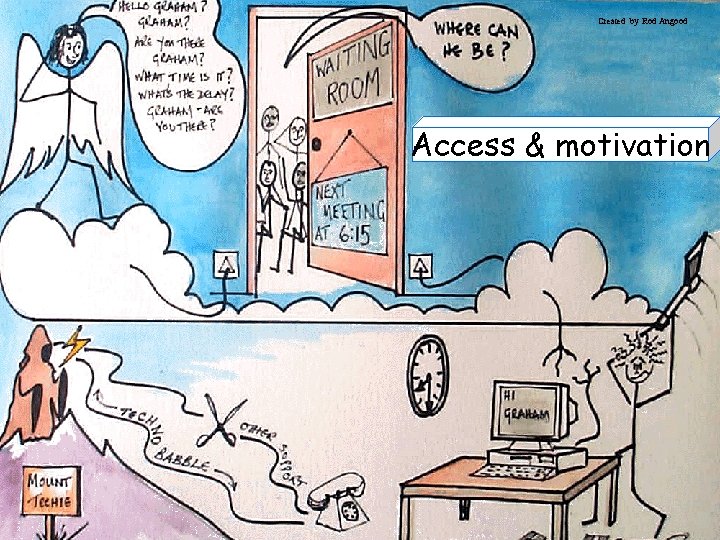
Created by Rod Angood Access & motivation 09/09/2020 6
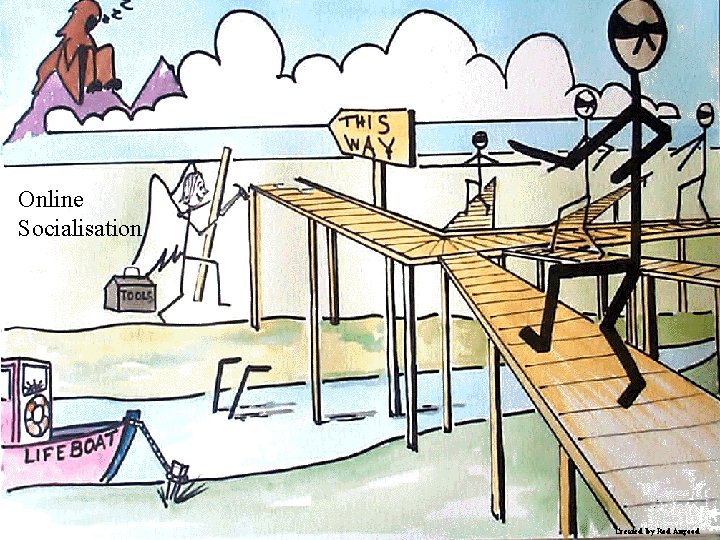
Online Socialisation 09/09/2020 7 Created by Rod Angood
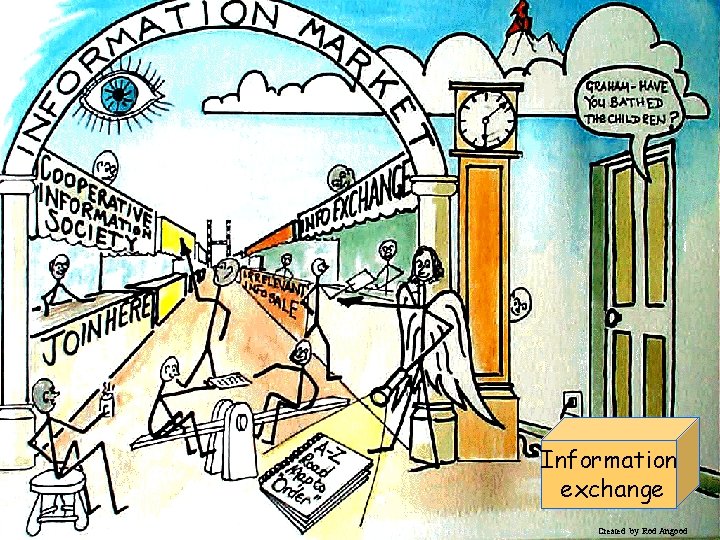
09/09/2020 Information exchange 8 Created by Rod Angood
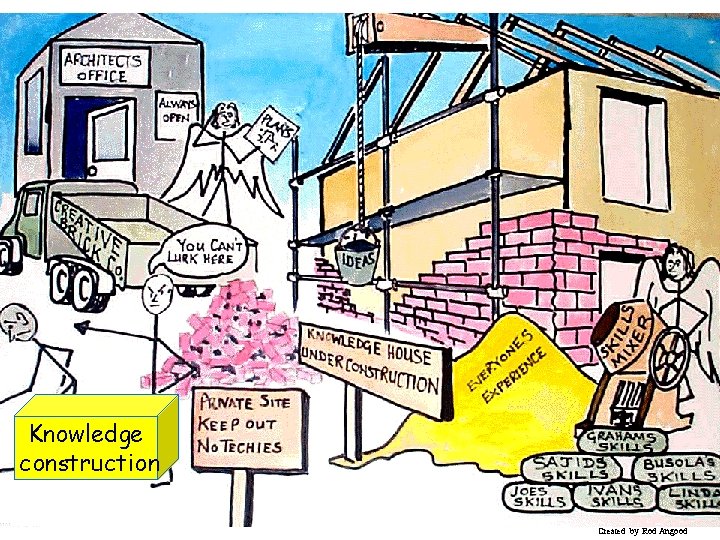
Knowledge construction 09/09/2020 9 Created by Rod Angood
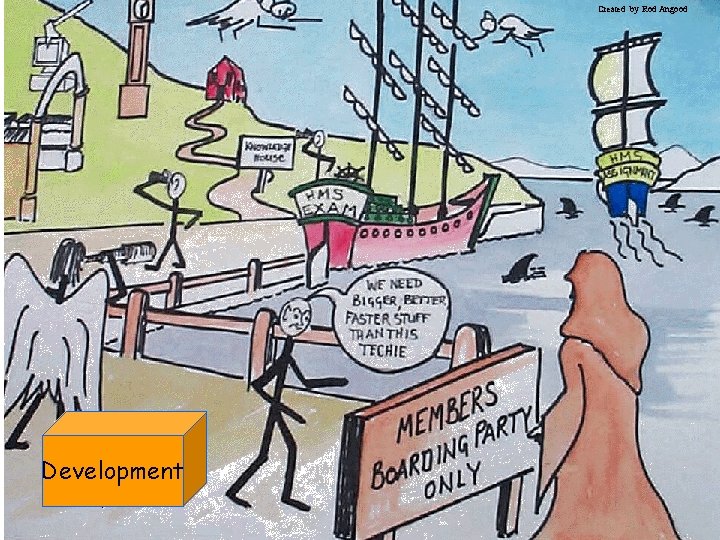
Created by Rod Angood Development 09/09/2020 10
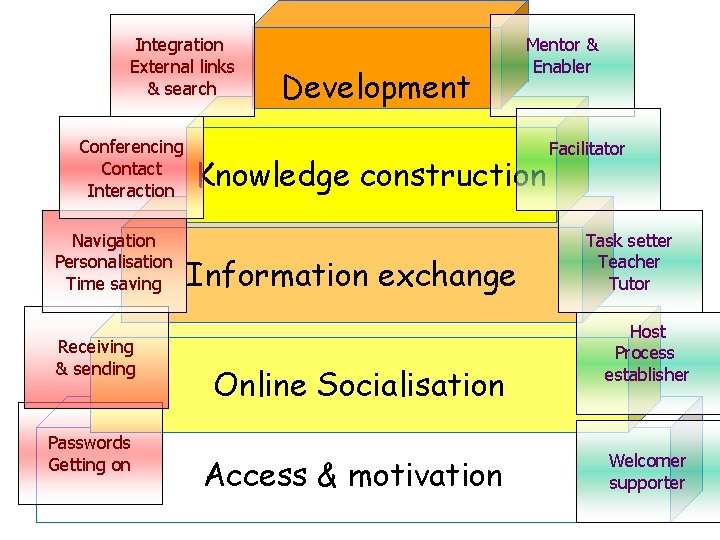
Integration External links & search Conferencing Contact Interaction Navigation Personalisation Time saving Receiving & sending Passwords Getting on Development Mentor & Enabler Knowledge construction Information exchange Online Socialisation Access & motivation Facilitator Task setter Teacher Tutor Host Process establisher Welcomer supporter
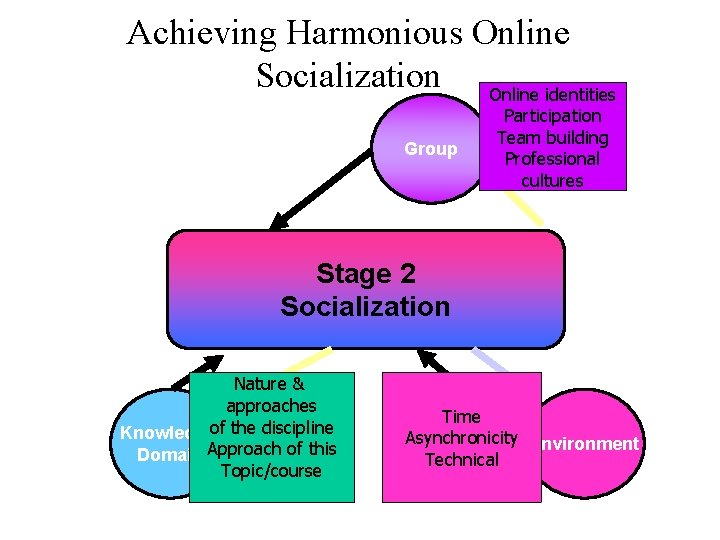
Achieving Harmonious Online Socialization Online identities Group Participation Team building Professional cultures Stage 2 Socialization Nature & approaches Knowledgeof the discipline Domain Approach of this Topic/course Time Asynchronicity Environment Technical
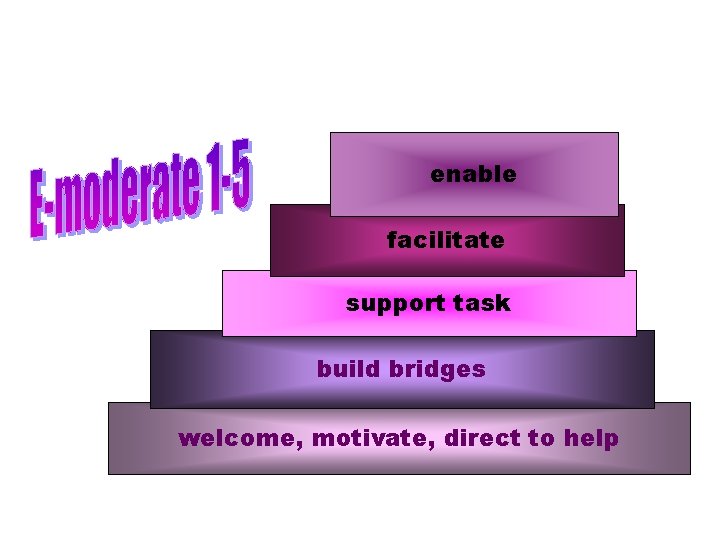
enable facilitate support task build bridges welcome, motivate, direct to help
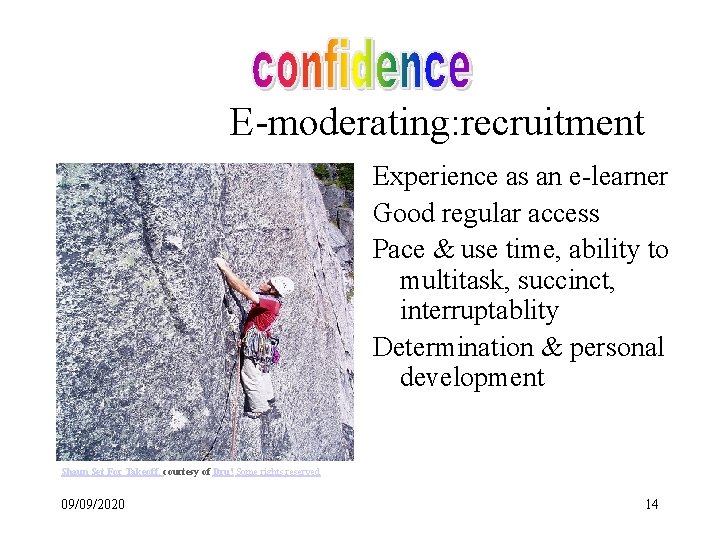
E-moderating: recruitment Experience as an e-learner Good regular access Pace & use time, ability to multitask, succinct, interruptablity Determination & personal development Shaun Set For Takeoff, courtesy of Dru! Some rights reserved 09/09/2020 14
E-moderating: recruitment Pyramid and Cairo suburbs courtesy of Alkan Chaglar , Some rights reserved 09/09/2020 Build trust and purpose for groups Understand pedagogy, affordances & structures Create concise, energising messages & responses Build learning from tiny chunks of contribution & resources Switch rapidly from task to task Build e-identity 15
E-moderating: training Hanging by a thread courtesy of Jenny Downing. Some rights reserved. 09/09/2020 Enable others, foster discussion, weave, summarize, restate, challenge, monitor understanding & misunderstanding, promote collaboration Take feedback Effective use of personal time Promote vicarious & connected learning 16
E-moderating: training Duty calls 80/365 courtesy of chris 5 aw. Some rights reserved. 09/09/2020 Control groups, bring in nonparticipants, pace discussion Understand scaffolding process in mobile context Be role model Scale up Show authority with sensitivity Appreciate social & emotional aspects 17
E-moderating: development Musings on Life from 87 Year Young Larry Spring courtesy of Thomas Hawk. Some rights reserved. 09/09/2020 Explore & develop arguments Use sparks of information for discussion Promote reflection & consideration Create links with e-learning & make choices for programmes Celebrate & use diversity Be positive about e-learning 18
E-moderating: development Linux Crossing courtesy of psd. Some rights reserved. 09/09/2020 Use range of approaches Use range of technologies Communicate with technical designers Communicate without visual cues Diagnose & solve problems Use humour appropriately, Work with emotion, handle conflict constructively Sustain a useful, relevant elearning community 19
E-moderator actions • • Feedback Challenge Different perspectives Relating to course objectives Being there (but not involved) Scanning Supporting 09/09/2020 Gilly Salmon 20
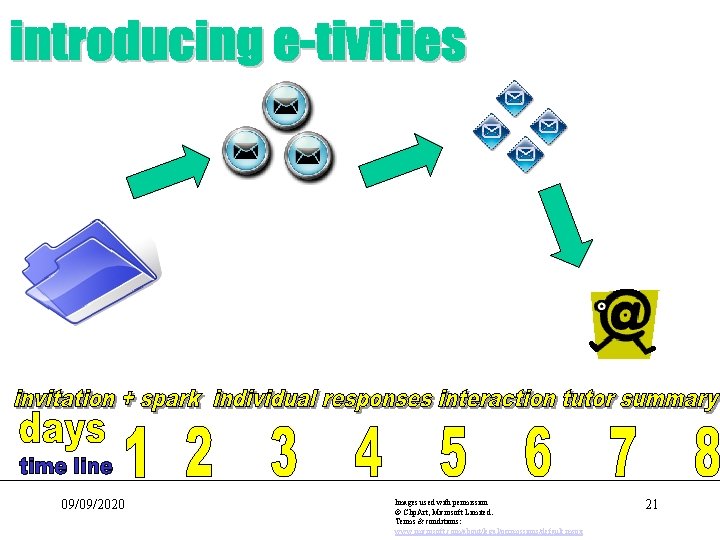
09/09/2020 Images used with permission © Clip. Art, Microsoft Limited. Terms & conditions: www. microsoft. com/about/legal/permissions/default. mspx 21
E-tivities • Participative group work online • Motivating, engaging & purposeful • Based on interaction between learners/students & active student contribution • Designed & led by an e-moderator • Usually asynchronous (i. e over time) • Cheap & easy to run- usually simple text based bulletin boards • On or off campus, blended or online only 09/09/2020 Gilly Salmon 22
Outcomes • • • More involvement Scaling up Lower costs Viable pilots E-learning more acceptable, more exciting Knowledge transfer 09/09/2020 Gilly Salmon 23
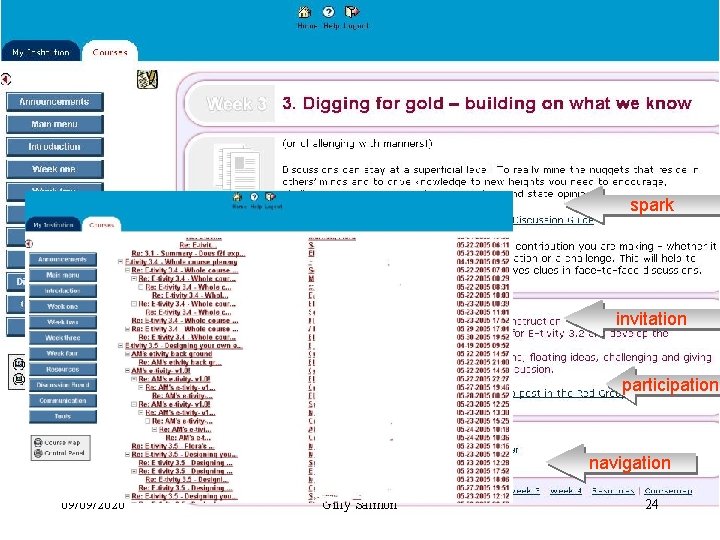
spark invitation participation navigation 09/09/2020 Gilly Salmon 24
Types of ‘sparks’ • • Simple one or two liners in message Focus on authenticity Quotation Make relevance obvious Worked exercise Attached A 4 sheet or short information page • Reference out to web pages, other electronic resources • Illustration/visual/audio 09/09/2020 Gilly Salmon 25
Pacing not portals! • • • Establish a pattern of online behaviour Model online behaviour Start on time Pace cohorts through together Give them a reason for being online Give them a reason for coming back, and back • Encourage to ‘go with the flow’ (not just ‘time management’ • Provide pacing on the home page 09/09/2020 Gilly Salmon 26
“Be the change you want to see in the world” Mahatma Ghandi “Never doubt the power of a small group of people to change the world. Nothing else ever has. ” Margaret Mead “Every society honors its live conformists and its dead troublemakers. " Mignon Mc. Laughlin No budgets or humans were harmed in the making of this presentation 09/09/2020 Gilly Salmon 27