
Email Ettiquette Four Contacts with the World We
- Slides: 37
Email Ettiquette
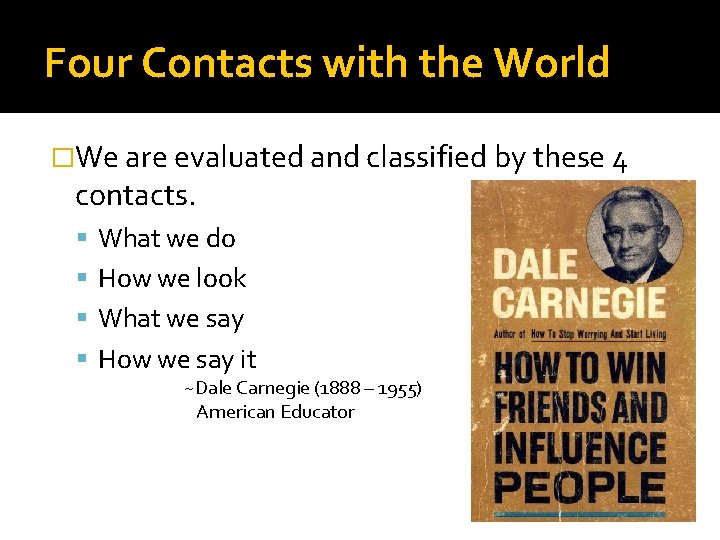
Four Contacts with the World �We are evaluated and classified by these 4 contacts. What we do How we look What we say How we say it ~Dale Carnegie (1888 – 1955) American Educator
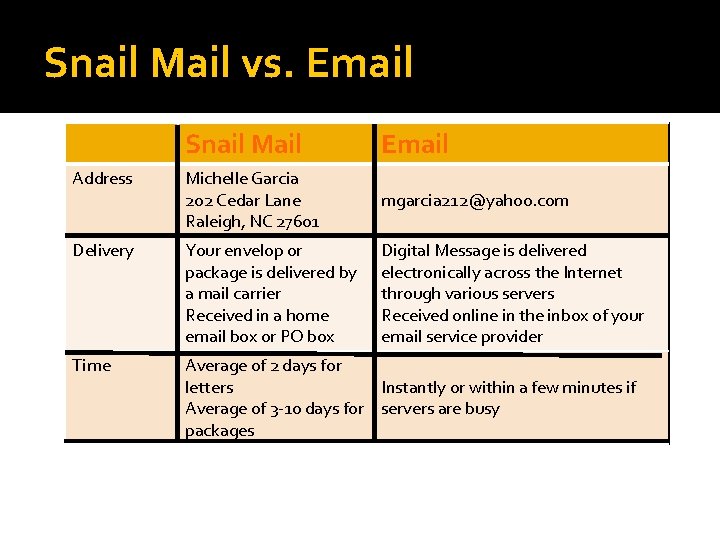
Snail Mail vs. Email Snail Mail Email Address Michelle Garcia 202 Cedar Lane Raleigh, NC 27601 mgarcia 212@yahoo. com Delivery Your envelop or package is delivered by a mail carrier Received in a home email box or PO box Digital Message is delivered electronically across the Internet through various servers Received online in the inbox of your email service provider Time Average of 2 days for letters Instantly or within a few minutes if Average of 3 -10 days for servers are busy packages
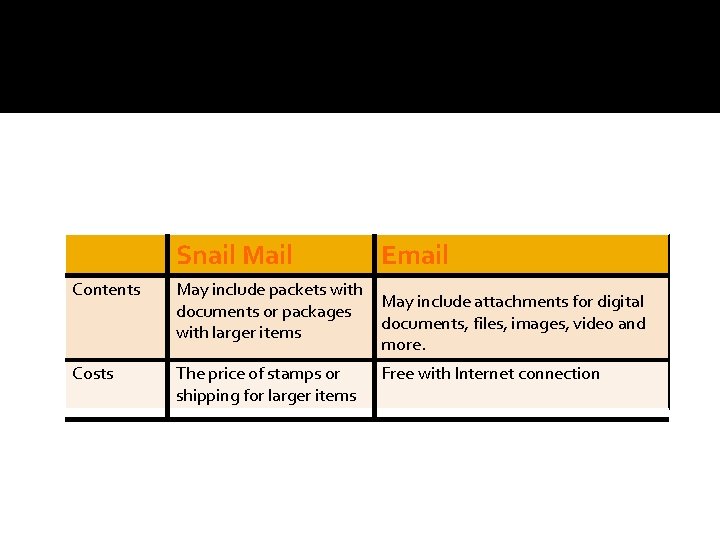
Snail Mail Contents May include packets with documents or packages with larger items Costs The price of stamps or shipping for larger items Email May include attachments for digital documents, files, images, video and more. Free with Internet connection
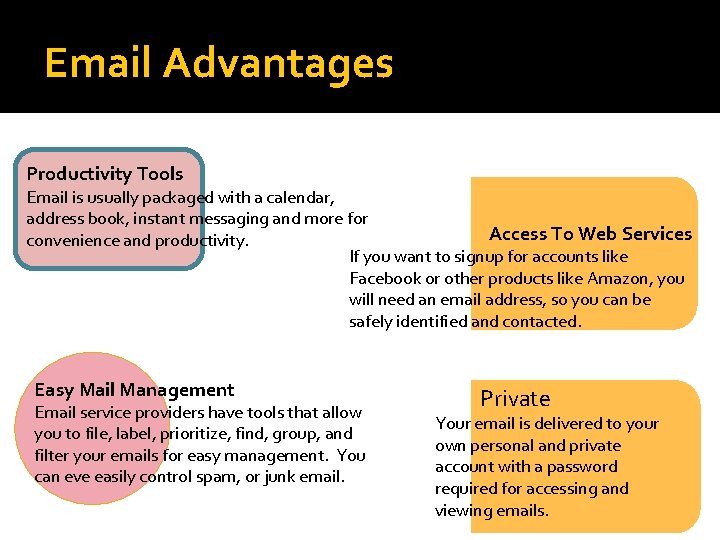
Email Advantages Productivity Tools Email is usually packaged with a calendar, address book, instant messaging and more for Access To Web Services convenience and productivity. If you want to signup for accounts like Facebook or other products like Amazon, you will need an email address, so you can be safely identified and contacted. Easy Mail Management Email service providers have tools that allow you to file, label, prioritize, find, group, and filter your emails for easy management. You can eve easily control spam, or junk email. Private Your email is delivered to your own personal and private account with a password required for accessing and viewing emails.
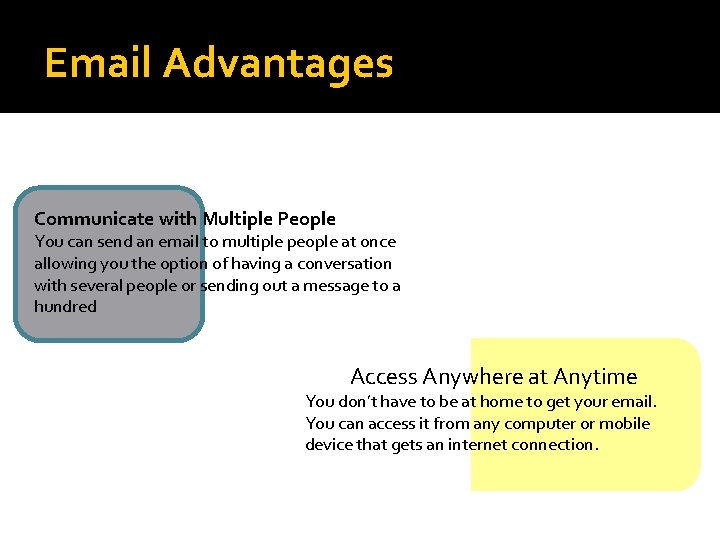
Email Advantages Communicate with Multiple People You can send an email to multiple people at once allowing you the option of having a conversation with several people or sending out a message to a hundred Access Anywhere at Anytime You don’t have to be at home to get your email. You can access it from any computer or mobile device that gets an internet connection.
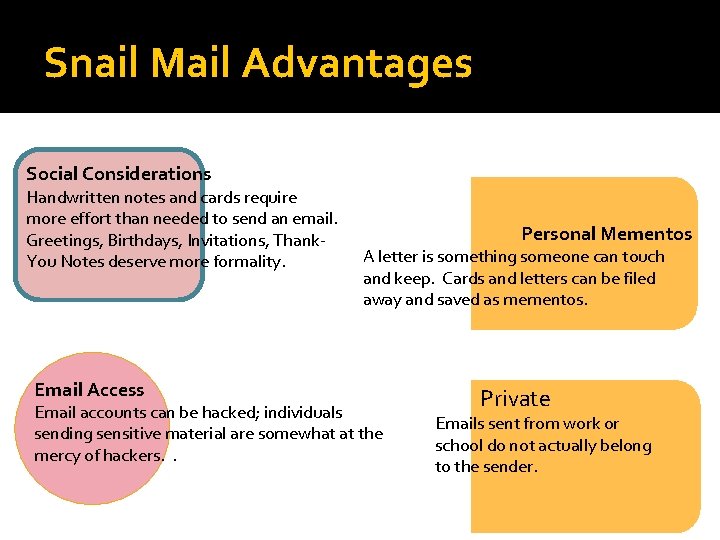
Snail Mail Advantages Social Considerations Handwritten notes and cards require more effort than needed to send an email. Greetings, Birthdays, Invitations, Thank. You Notes deserve more formality. Email Access Personal Mementos A letter is something someone can touch and keep. Cards and letters can be filed away and saved as mementos. Email accounts can be hacked; individuals sending sensitive material are somewhat at the mercy of hackers. . Private Emails sent from work or school do not actually belong to the sender.
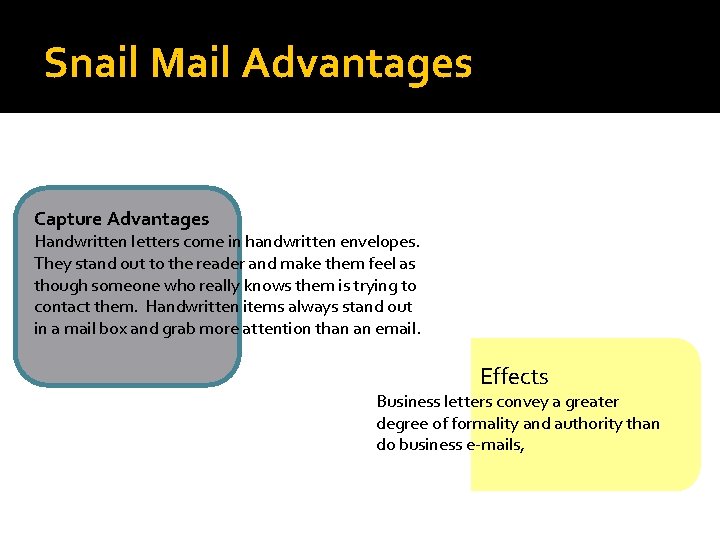
Snail Mail Advantages Capture Advantages Handwritten letters come in handwritten envelopes. They stand out to the reader and make them feel as though someone who really knows them is trying to contact them. Handwritten items always stand out in a mail box and grab more attention than an email. Effects Business letters convey a greater degree of formality and authority than do business e-mails,
Email Communications �Need to make impression You are indeed a credible professional enterprise Someone who will be easy & a pleasure to do business with. �One chance to make that first impression Invaluable to building Trust & Confidence
Professional Behavior on Job �Do not assume privacy when using Company resources & Equipment Sending non-business related emails, jokes & forwards or chain letters on company time to friends or coworkers
Open your Email �Open your Email in which you created your One. Drive (Sky. Drive).
Signature files: �No more than 5 -6 lines to avoid being viewed as egocentric. �Limit your signature to: Your name, Website link, company name, and slogan/offer or phone number. Include a link to your Web site where the recipient can get all your contact information from A-Z – that is what your site is for. ▪ Do not forget to include the “http: //” when including your Web site address within e-mails and your signature file to ensure the URL is recognized as a clickable URL regardless of the user’s software or platform.
Signature Line �Settings �General �Signature Line
Insert a Picture �If desired a picture can be added This will be seen by everyone who you email Choose Wisely – Remember the 4 Contact opportunities �Settings/Themes �This is where you can change the background and theme for your email account.
Setting the Theme �Settings/Themes This is where you can change the background and theme for your email account. You can do this at the end of the period time permitting.
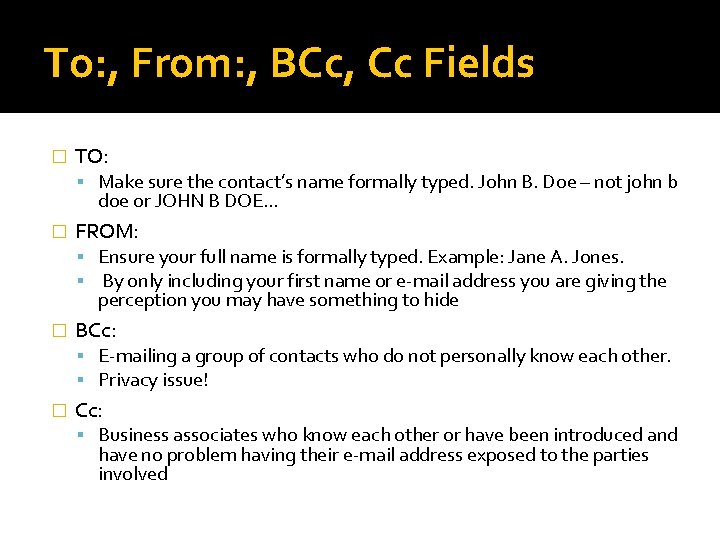
To: , From: , BCc, Cc Fields � TO: Make sure the contact’s name formally typed. John B. Doe – not john b doe or JOHN B DOE… � FROM: Ensure your full name is formally typed. Example: Jane A. Jones. By only including your first name or e-mail address you are giving the perception you may have something to hide � BCc: E-mailing a group of contacts who do not personally know each other. Privacy issue! � Cc: Business associates who know each other or have been introduced and have no problem having their e-mail address exposed to the parties involved
The Subject: �Window into your email May determine if email will be opened. �Subject line should be: Short and to the point Indicate clearly what the topic of the email is. �Typos, All Caps & All Small Caps Lend impression you may be a spammer
Level of Formality �One should communicate as if your e-mail is on your company letterhead Use: ▪ black text ▪ standard fonts This is your business’s image you are branding!
All CAPS �No ALL CAPS Considered yelling, screaming Very least adding emphasis to the word you type. �Studies Show Difficult to read Takes longer to read
Known Studies �Vartabedian, 1971 Searching for words is faster with uppercase characters, but reading of continuous text is slower. �Nes, 1986 Interline masking is greater with uppercase. �Rudnicky & Kolers, 1984 Lowercase enhances reading efficiency because word shape is helpful in word recognition
Reply to All: �Use with discretion! You need to carefully think about whether “all” really need to be aware of your reply to conduct business.
Formatting: �Refrain from using any formatting Spam filtering ▪ the more formatting or embedded images that higher the chance that your e-mail could be blocked as spammy. Font selection ▪ Even something as simple as using a different font makes your e-mail’s display contingent upon the recipient having that specific font on their system or it defaults to their designated default font. ▪ Recipient may not have their e-mail program configured in such a way as to display your formatting the way it appears on your system – if at all. �
Addressing: �How do you address your new contacts? Assume the highest level of courtesy: ▪ Hello, Mr. Anderson, Dear Ms. Jones, Dr. Osborne, etc. Until your new contact states, “call me Andy” or “you can call me Diane”. �Most business people do not mind being called by their first name ▪ However, in a global economy that can be perceived as taking premature liberties in the relationship if used too soon.
Attachments: �Large files can fill up inbox Can cause business correspondence to bounce as undeliverable on their email account. Never assume your potential customers have the software you do to open any file you may arbitrarily send. �PDF - Portable Document Format(PDF) open standard for electronic document exchange.
Using Previous Email Correspondence �Gives perception of being lazy. �Always start a new email Add contacts to your address book so they can be added to new email with 1 click.
Respond Promptly: �Respond to Business Communications as Quickly as Possible Customer Service Issue Failure to do so can be perceived as: ▪ Unorganized ▪ Uncaring ▪ Inefficient and not on the ball
Down Edit Your Replies: �Do Not Just Hit Reply and Start Typing Removing parts of the previous e-mail and signature files ▪ removes the clutter. ▪ keeps the conversation on track with fewer misunderstandings.
Copyrighted �All private email is copyrighted If you post private email to a public list or forum or forward it to an outside party; you must include the author’s permission to post material. �Not doing so can legal jeopardy In trouble with your friends
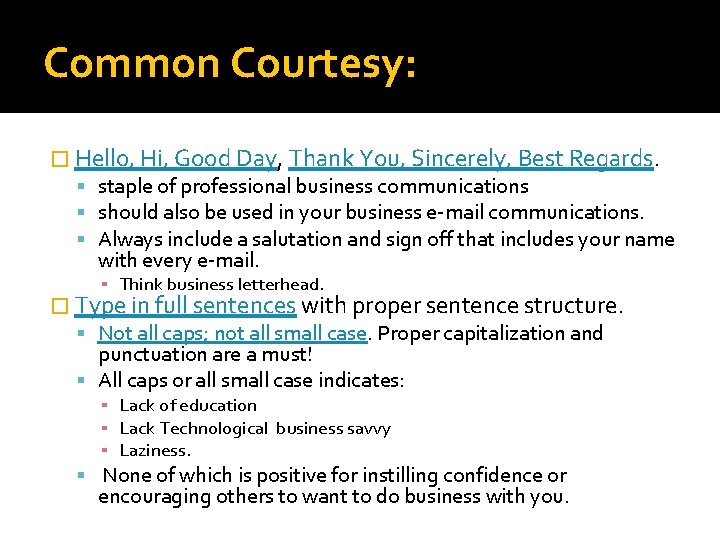
Common Courtesy: � Hello, Hi, Good Day, Thank You, Sincerely, Best Regards. staple of professional business communications should also be used in your business e-mail communications. Always include a salutation and sign off that includes your name with every e-mail. ▪ Think business letterhead. � Type in full sentences with proper sentence structure. Not all caps; not all small case. Proper capitalization and punctuation are a must! All caps or all small case indicates: ▪ Lack of education ▪ Lack Technological business savvy ▪ Laziness. None of which is positive for instilling confidence or encouraging others to want to do business with you.
Grammar and Spelling �Spellcheck �Proofread for errors �Capitalize your sentences � Use appropriate punctuation and grammar.
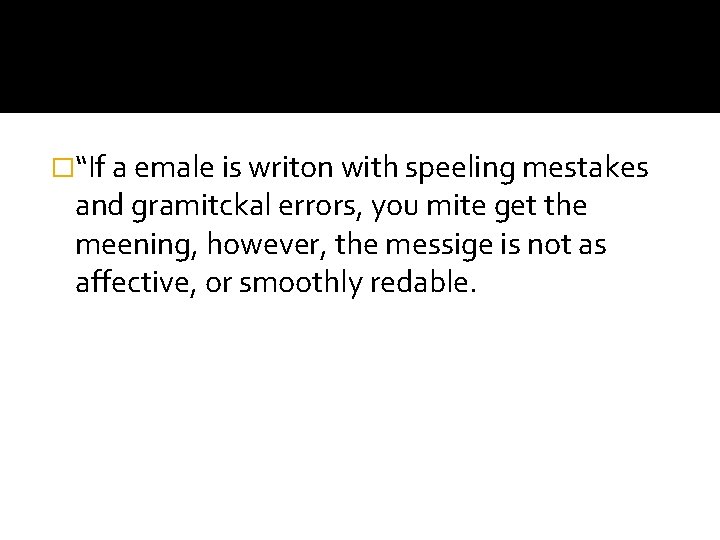
�“If a emale is writon with speeling mestakes and gramitckal errors, you mite get the meening, however, the messige is not as affective, or smoothly redable.
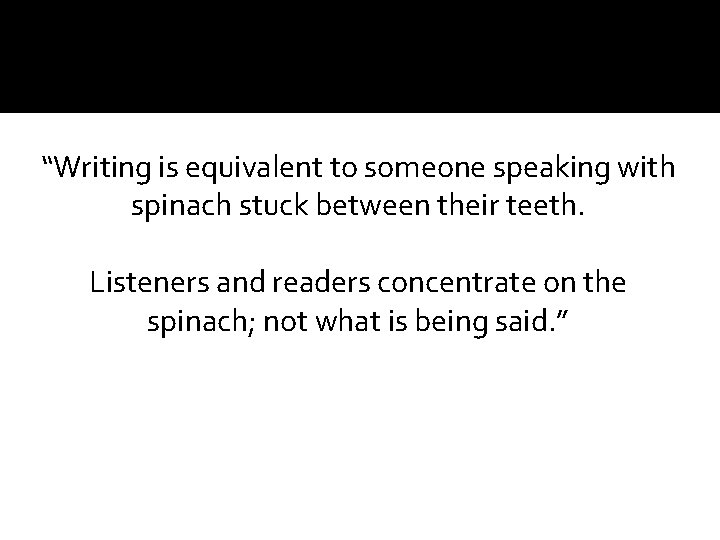
“Writing is equivalent to someone speaking with spinach stuck between their teeth. Listeners and readers concentrate on the spinach; not what is being said. ”
�Proper formatting is crucial to building your relationship and credibility. �Reflects on your level of education and professionalism.
? ? ? / !!!!!!! �Risks giving the perception that you are sarcastic and condescending. Do you understand? ? ?
Thank You’s �Only takes a moment Will be greatly appreciated
Closings �Always include a closing. Thank them in advance Signing your name will make you seem less terse and demanding �Create a Signature Line Automatically adds your name and desired information with each email sent.
Business Communications �When forging new business relationships and solidifying established partnerships, the level of professionalism and courtesy you relay in your business e-mail communications will always gain clients over the competition that may be anemic, uninformed or just plain lazy in this area. �When it comes to business, regardless of mode of communication used, professionalism and courtesy never go out of style!