
Email etiquette rules 1 2 Keep it short
- Slides: 13
Email etiquette rules 1
2 Keep it short and to the point 1 subject per email if possible. Short paragraphs (3 -5 sentences). Eliminate all the unnecessary information. State the most relevant and interesting information first – people are busy. Use acronyms sparingly.
3 Use the power of the internet Use live links in your emails Use online dictionaries
4 Don’t overuse ‘Reply to all’ Only use when the information is truly meant for everyone. Be kind. Avoid cluttering inboxes.
5 Don’t shout! Use small letters. Avoid using capital letters to emphasise what you mean. Capital letters are like shouting! Plus, they are difficult to read.
6 Use an effective subject line You want to catch reader‘s attention. Make it brief and specific.
7 Start with a greeting Depending on the formality of the relationship • Dear Mr. Case, Hello Monica • To Whom It May Concern
8 Thank the recipient Replying to client’s inquiry Thank you for contacting ABC company Find anything to thank for Thank you for your prompt reply
9 State your purpose If you are initiating the communication Make it clear early in the email I‘m writing to enquire about…
10 End with a closing Refer to future contact Closing line: Kind regards, Sincerely yours…
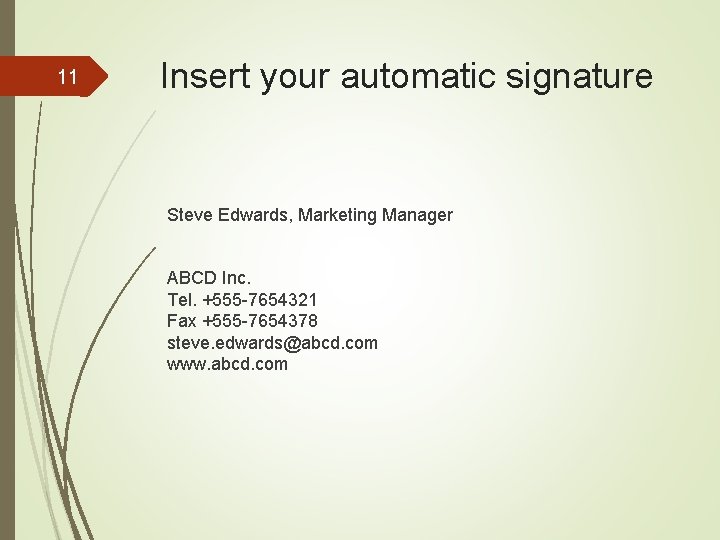
11 Insert your automatic signature Steve Edwards, Marketing Manager ABCD Inc. Tel. +555 -7654321 Fax +555 -7654378 steve. edwards@abcd. com www. abcd. com
12 Now, check… if there any mistakes: • spelling • grammar • punctuation • typos your hyperlinks work. you have attached the right files.
13 Sources Adapted from: http: //email. about. com/od/emailnetiquette/tp/core_netiquette. 0 1. htm https: //kedatgym 204. wikispaces. com/file/detail/how-to-writeemails-in-english. ppt