
Email Etiquette Adapted from the Purdue University Writing
- Slides: 11
Email Etiquette Adapted from the Purdue University Writing Lab Based on http: //owl. english. purdue. edu/workshops/pp/index. html
Why Is Email Etiquette Important? l l We all interact with the printed word as though it has a personality and that personality makes positive and negative impressions upon us. Without immediate feedback your document can easily be misinterpreted by your reader, so it is crucial that you follow the basic rules of etiquette to construct an appropriate tone.
The Elements of Email Etiquette l l l General format Writing long messages Attachments The curse of surprises Using a professional tone
General Format: The Basics l l l Write a clear subject line (ex. Proposal Question). Write a salutation for each email (ex. Ms. Boulineau). Try to keep the email brief (one screen length). Check for punctuation, spelling, and grammatical errors. Use a font that has a professional or neutral look. l l l Include a closing with your name and contact info Use caps when appropriate. Avoid text-message-type (ex. R U 4 getting s/thing? ).
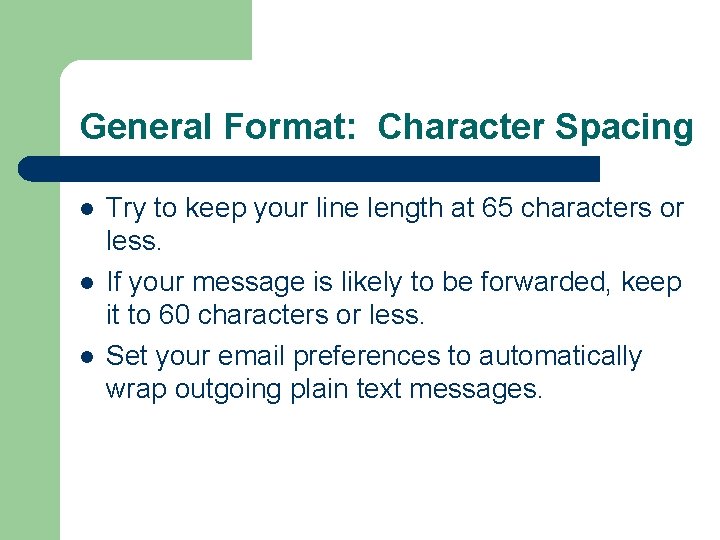
General Format: Character Spacing l l l Try to keep your line length at 65 characters or less. If your message is likely to be forwarded, keep it to 60 characters or less. Set your email preferences to automatically wrap outgoing plain text messages.
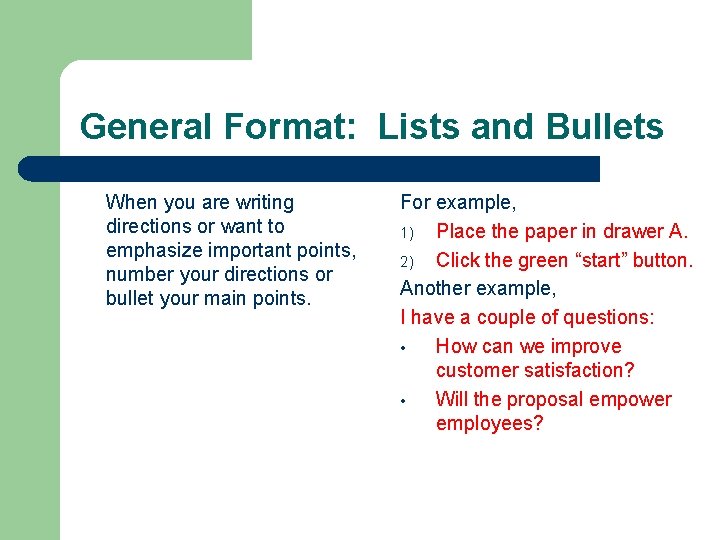
General Format: Lists and Bullets When you are writing directions or want to emphasize important points, number your directions or bullet your main points. For example, 1) Place the paper in drawer A. 2) Click the green “start” button. Another example, I have a couple of questions: • How can we improve customer satisfaction? • Will the proposal empower employees?
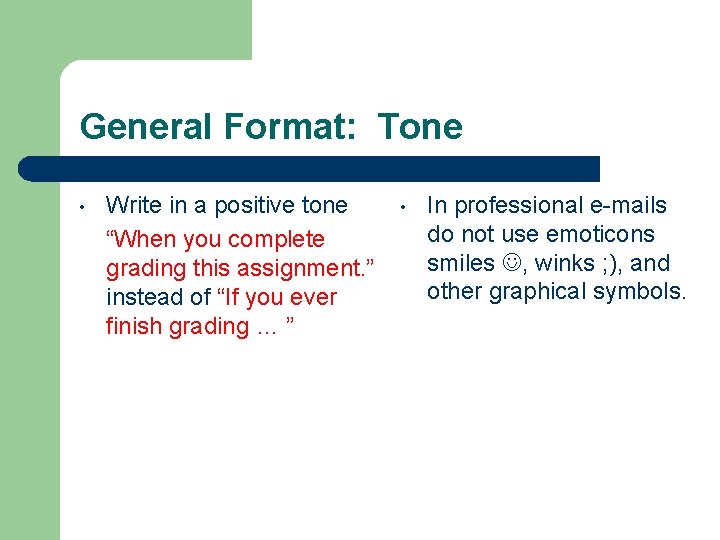
General Format: Tone • Write in a positive tone “When you complete grading this assignment. ” instead of “If you ever finish grading … ” • In professional e-mails do not use emoticons smiles , winks ; ), and other graphical symbols.
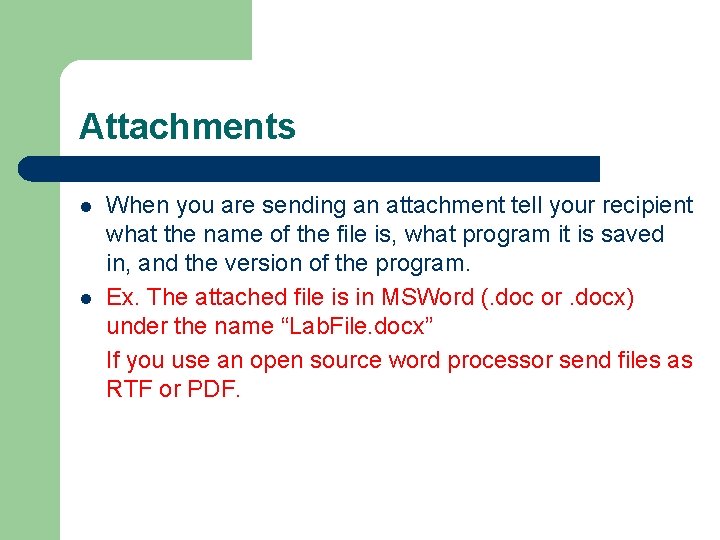
Attachments l l When you are sending an attachment tell your recipient what the name of the file is, what program it is saved in, and the version of the program. Ex. The attached file is in MSWord (. doc or. docx) under the name “Lab. File. docx” If you use an open source word processor send files as RTF or PDF.
Avoid Surprises or Last Minute Requests • • • Do not wait until the last minute to introduce a problem or concern via email. Express questions or concerns when you have them, rather than accumulating them. I am better able to answer your questions if you ask them early within an assignment or the semester. (I am a terrible mind reader. )
Keep Flaming under Control • • Before you send an email message, ask yourself, “would I say this to this person’s face? ” Calm down before responding to a message that offends you. Once you send the message it is gone. l Read your message twice before you send it and assume that you may be misinterpreted when proofreading.
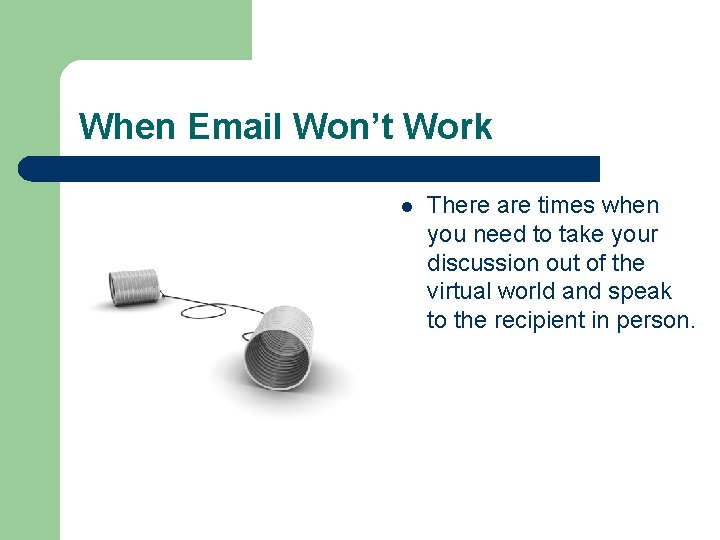
When Email Won’t Work l There are times when you need to take your discussion out of the virtual world and speak to the recipient in person.