
ELZAB K 10 Remote controled by Eureka Jakub
ELZAB K 10 Remote controled by Eureka! Jakub Czernik Export Specialist
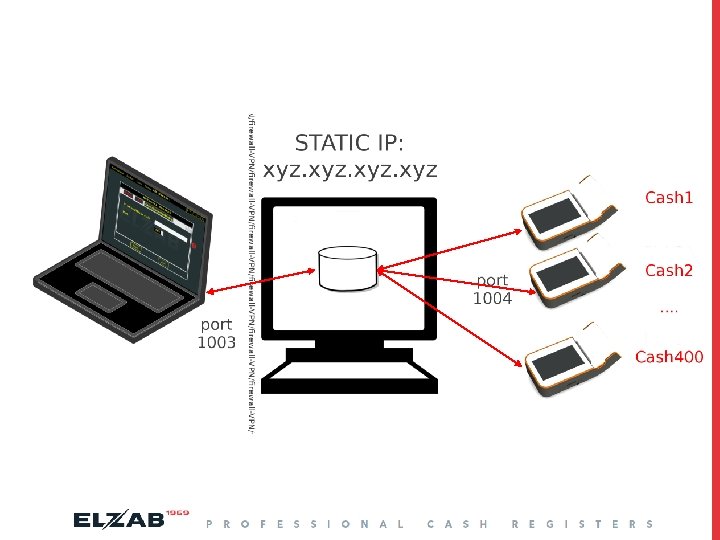
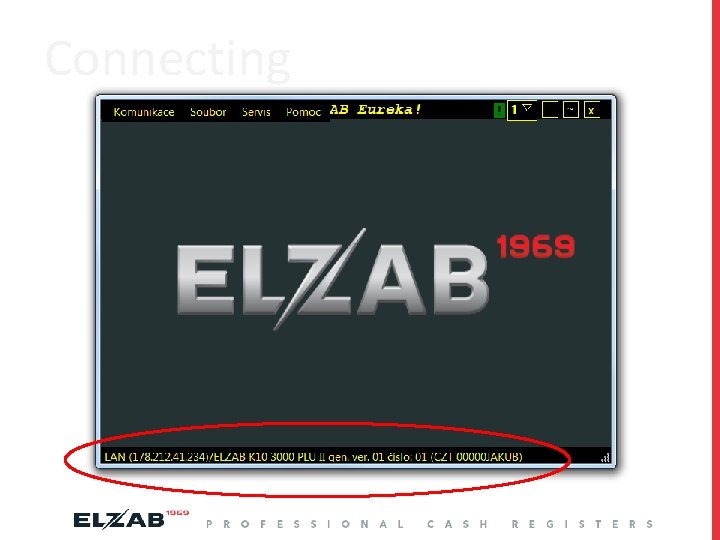
Assumptions: q Cashes (in client mode) will be connecting to server. q To manage them we will using modifed Eureka! program. q Server must be easy to install and run on distributor own platform.
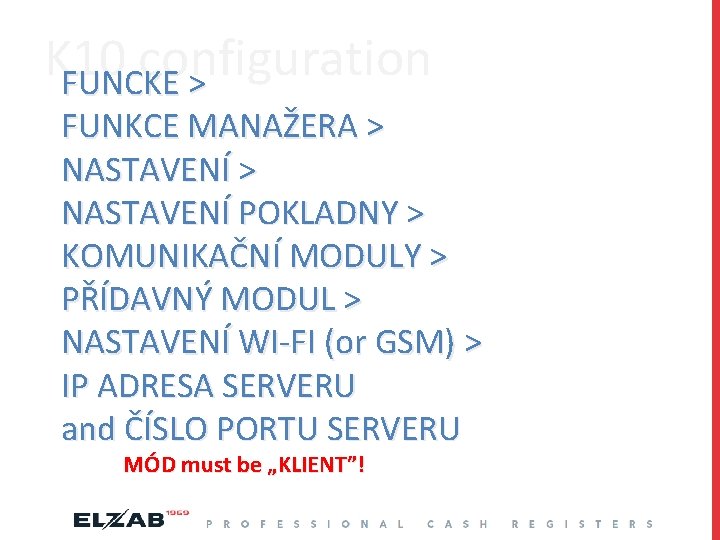
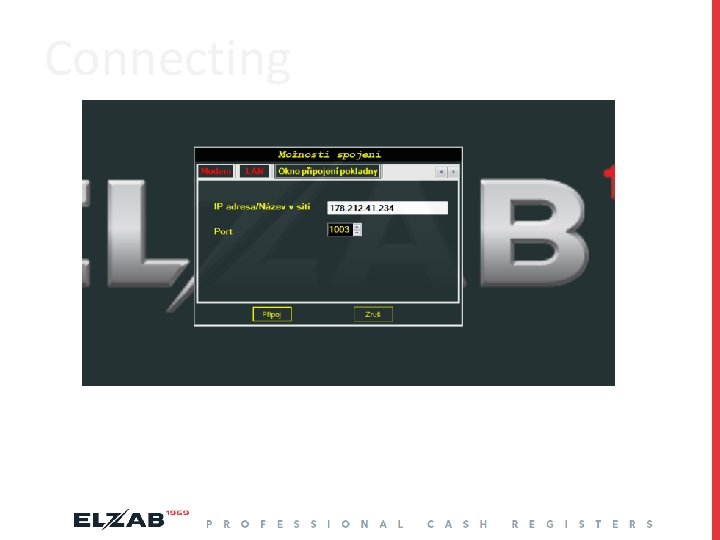
K 10 configuration FUNCKE > FUNKCE MANAŽERA > NASTAVENÍ POKLADNY > KOMUNIKAČNÍ MODULY > PŘÍDAVNÝ MODUL > NASTAVENÍ WI-FI (or GSM) > IP ADRESA SERVERU and ČÍSLO PORTU SERVERU MÓD must be „KLIENT”!
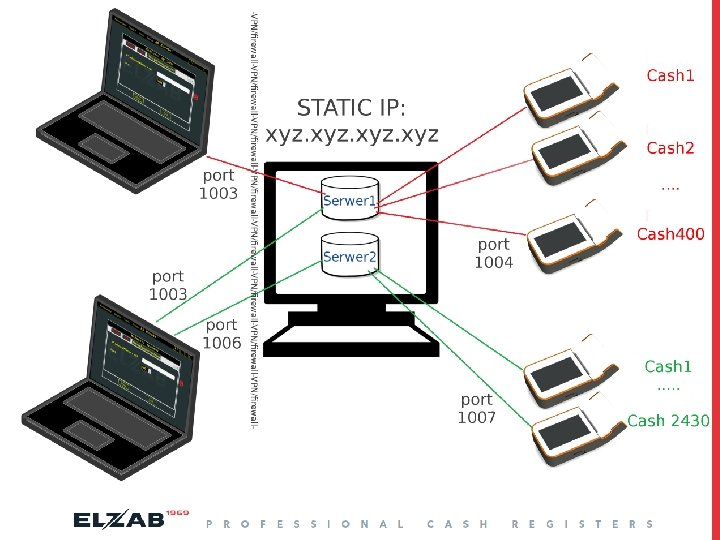
Server configuration This is a simple app „d 10. exe” With configuration file named „settings. txt”: 1 is Eureka (in) 2 is STX (port no 3+1) 3 is for K 10 (out) eg. 1003 1005 1004 1006 1008 1007
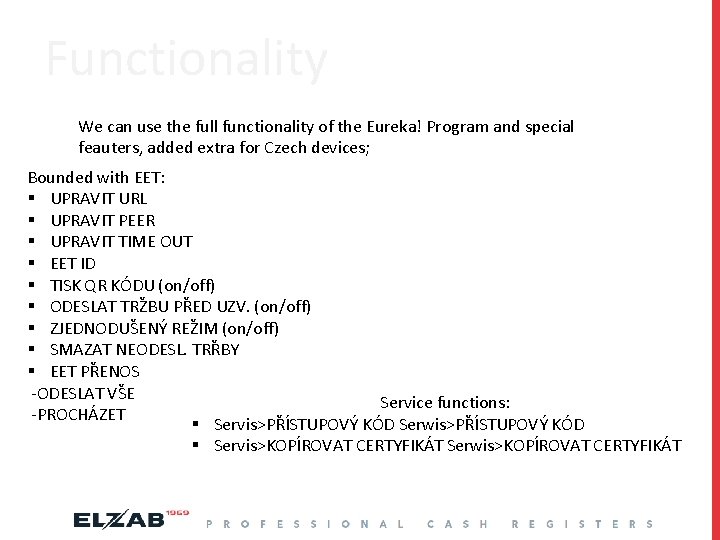
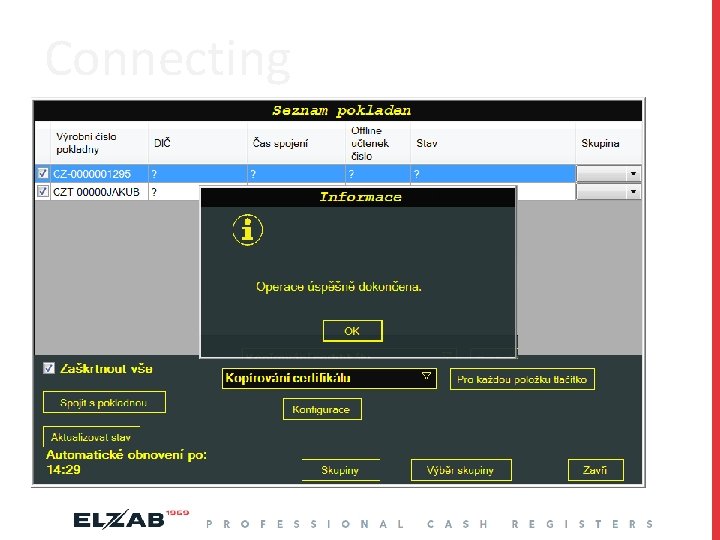
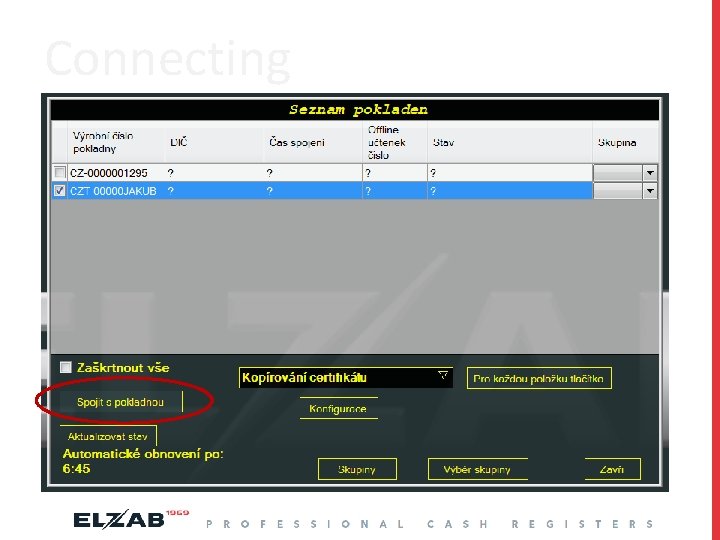
Functionality We can use the full functionality of the Eureka! Program and special feauters, added extra for Czech devices; Bounded with EET: § UPRAVIT URL § UPRAVIT PEER § UPRAVIT TIME OUT § EET ID § TISK QR KÓDU (on/off) § ODESLAT TRŽBU PŘED UZV. (on/off) § ZJEDNODUŠENÝ REŽIM (on/off) § SMAZAT NEODESL. TRŘBY § EET PŘENOS -ODESLAT VŠE Service functions: -PROCHÁZET § Servis>PŘÍSTUPOVÝ KÓD Serwis>PŘÍSTUPOVÝ KÓD § Servis>KOPÍROVAT CERTYFIKÁT Serwis>KOPÍROVAT CERTYFIKÁT
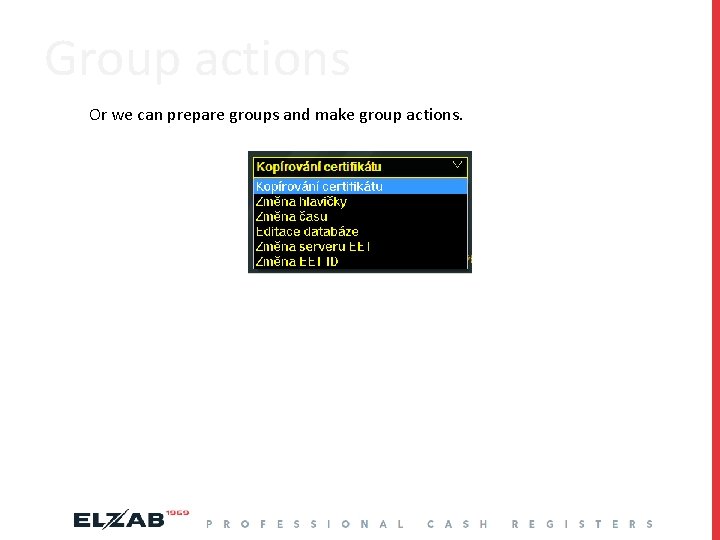
Group actions Or we can prepare groups and make group actions.
Connecting
Connecting
Connecting
Connecting
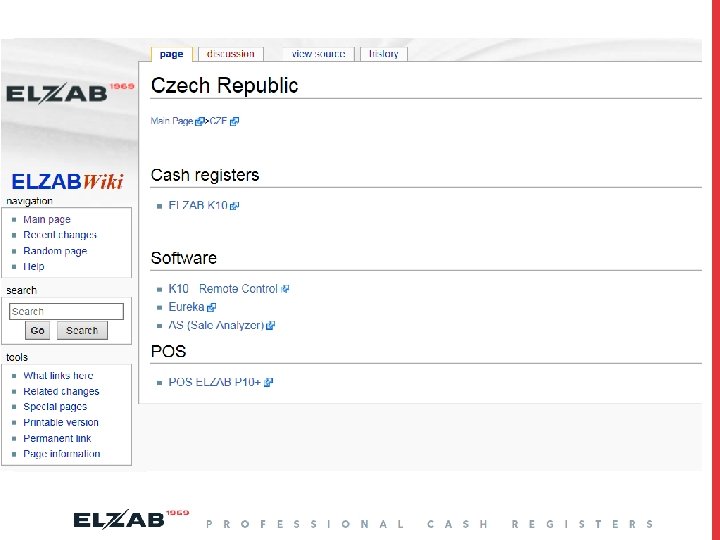
Where I can find it?
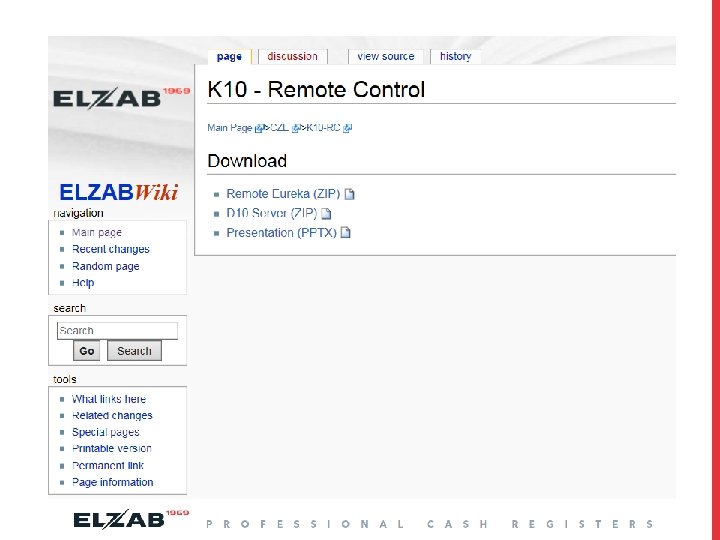

Thank you for your attention
- Slides: 15