
Ellucian Recruit The Journey of Implementing a CRM

- Slides: 26
Ellucian Recruit— The Journey of Implementing a CRM Sarah Hannes, Director of Admissions Julie Gerstner, Business Analyst
Outline • Why/How/Who/What? • Data/Setup • Customizing • More to do • Our Recommendations • Our Issues • Our Views • Our Results S
Implementing—WHY? • Streamline Admissions Process • Hand entry of Applications—Admissions and Records Staff • Communications • Automation • Data • Tracking of Prospects/Applicants • Competitive Efficiencies • Aligned with Strategic Direction • Departmental Efficiencies S
Implementing—How? • Research • Ellucian vs. third party vendor • Ellucian with Microsoft Dynamics • Budget--$150, 000 • • One-Time Budget Proposal and Acceptance Allocated budget to line items Funds not allocated to specific line items Negotiated consultant rate • Licenses • Who? J
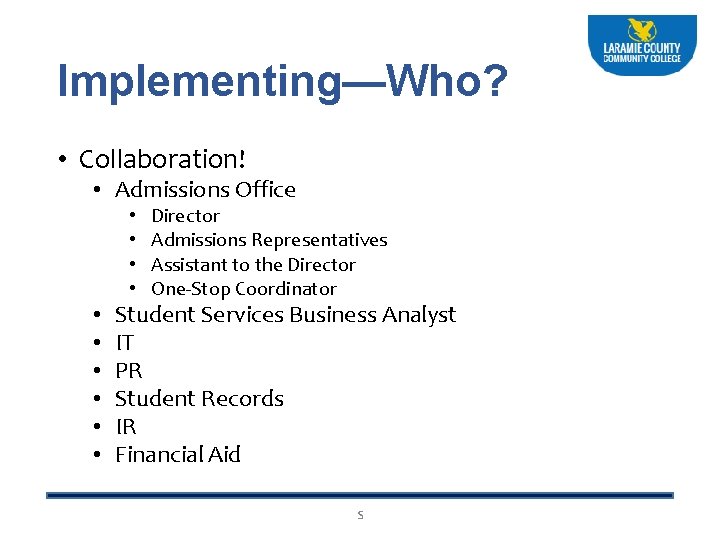
Implementing—Who? • Collaboration! • Admissions Office • • • Director Admissions Representatives Assistant to the Director One-Stop Coordinator Student Services Business Analyst IT PR Student Records IR Financial Aid S
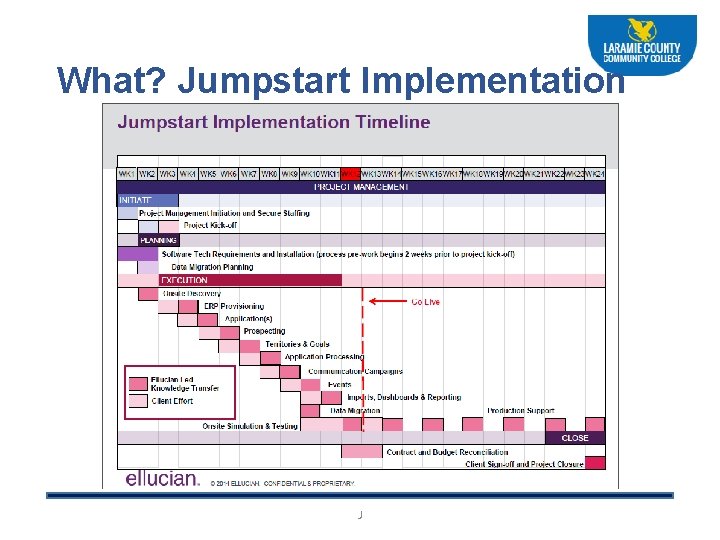
What? Jumpstart Implementation J
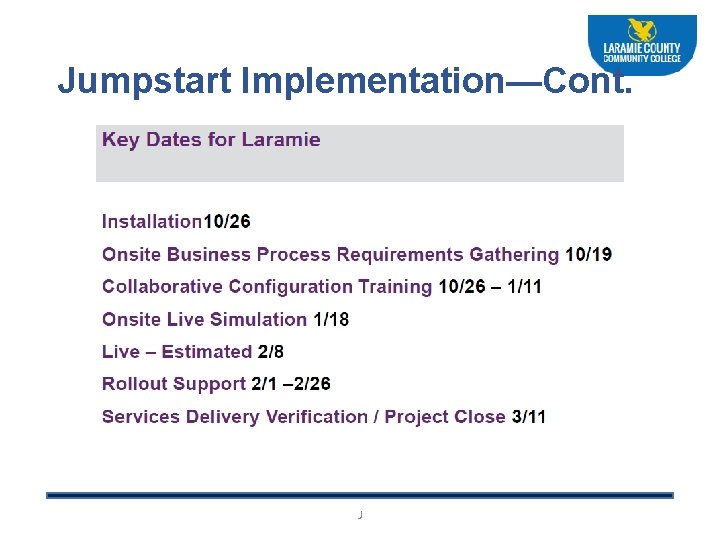
Jumpstart Implementation—Cont. J
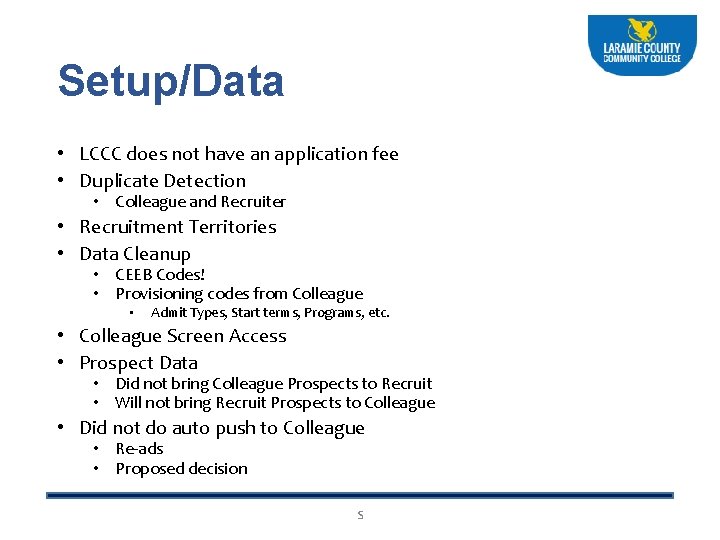
Setup/Data • LCCC does not have an application fee • Duplicate Detection • Colleague and Recruiter • Recruitment Territories • Data Cleanup • CEEB Codes! • Provisioning codes from Colleague • Admit Types, Start terms, Programs, etc. • Colleague Screen Access • Prospect Data • Did not bring Colleague Prospects to Recruit • Will not bring Recruit Prospects to Colleague • Did not do auto push to Colleague • Re-ads • Proposed decision S
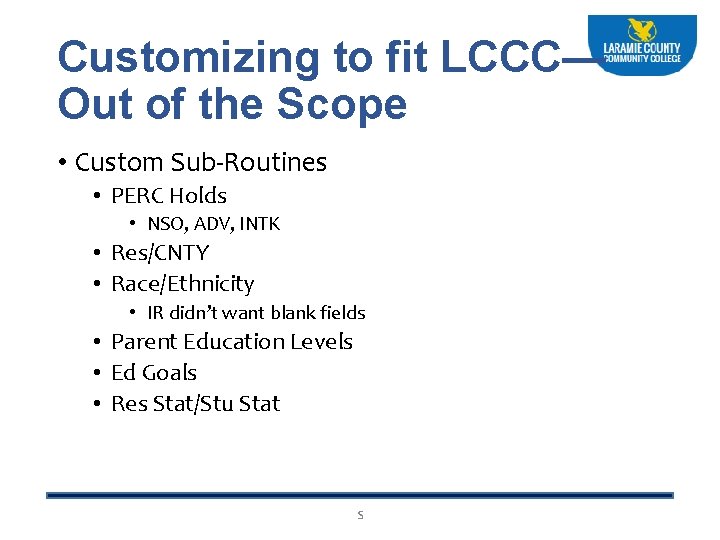
Customizing to fit LCCC— Out of the Scope • Custom Sub-Routines • PERC Holds • NSO, ADV, INTK • Res/CNTY • Race/Ethnicity • IR didn’t want blank fields • Parent Education Levels • Ed Goals • Res Stat/Stu Stat S
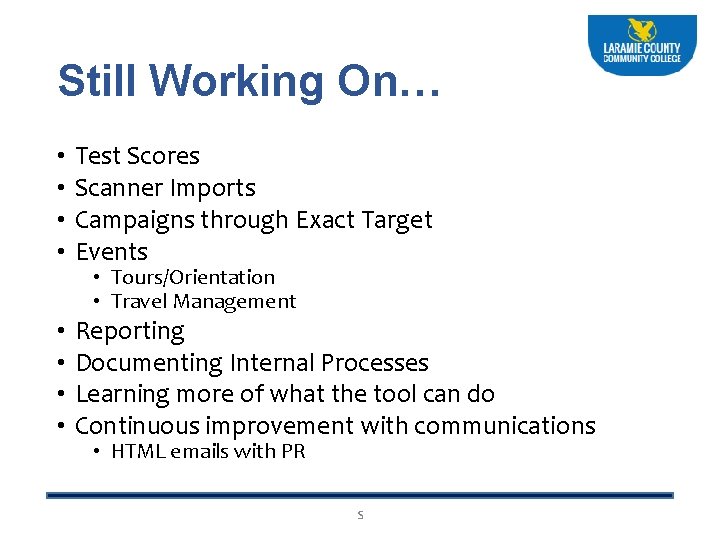
Still Working On… • • Test Scores Scanner Imports Campaigns through Exact Target Events • • Reporting Documenting Internal Processes Learning more of what the tool can do Continuous improvement with communications • Tours/Orientation • Travel Management • HTML emails with PR S
More Investigation Needed • Cloning current application • Concurrent Enrollment Application • Integrating with Outlook? J
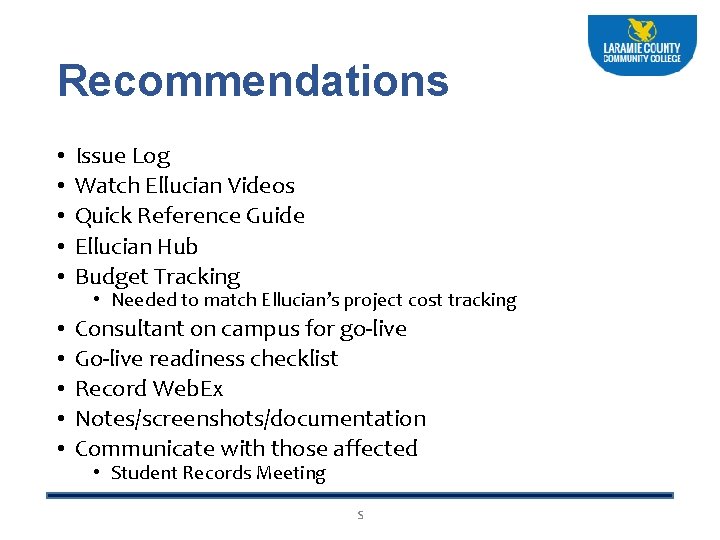
Recommendations • • • Issue Log Watch Ellucian Videos Quick Reference Guide Ellucian Hub Budget Tracking • • • Consultant on campus for go-live Go-live readiness checklist Record Web. Ex Notes/screenshots/documentation Communicate with those affected • Needed to match Ellucian’s project cost tracking • Student Records Meeting S
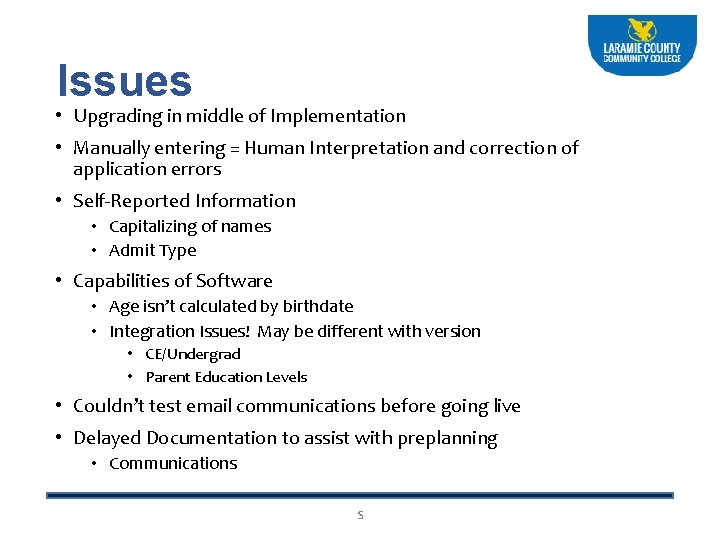
Issues • Upgrading in middle of Implementation • Manually entering = Human Interpretation and correction of application errors • Self-Reported Information • Capitalizing of names • Admit Type • Capabilities of Software • Age isn’t calculated by birthdate • Integration Issues! May be different with version • CE/Undergrad • Parent Education Levels • Couldn’t test email communications before going live • Delayed Documentation to assist with preplanning • Communications S
Issues (Cont. ) • Locked Accounts • Premade workflow of account inactivity • Permissions • Manual process of marking transcripts/orientation • Ellucian Project Manager • Status Report • Communication • Ellucian Consultant S
e i V s w
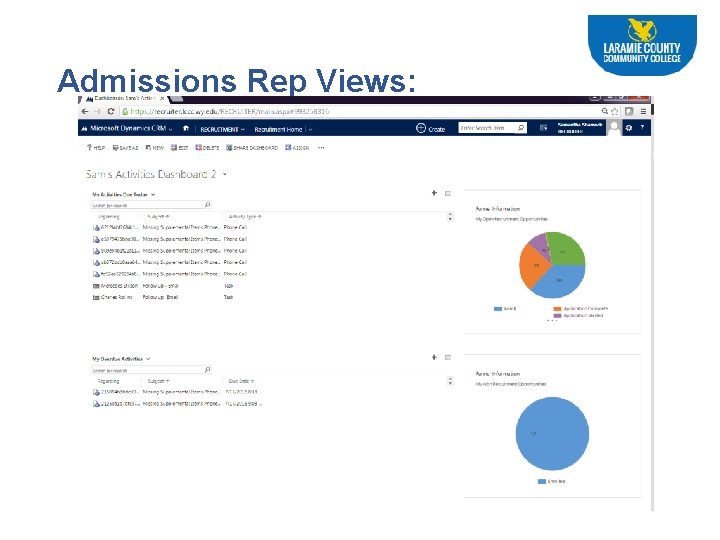
Admissions Rep Views:
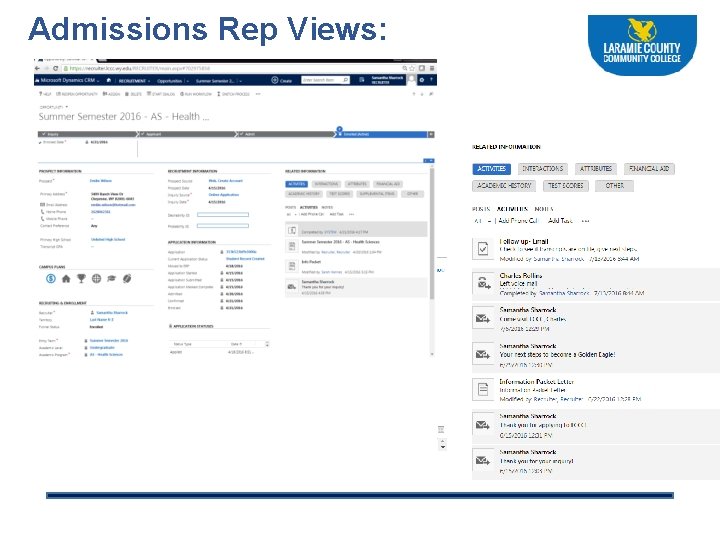
Admissions Rep Views:
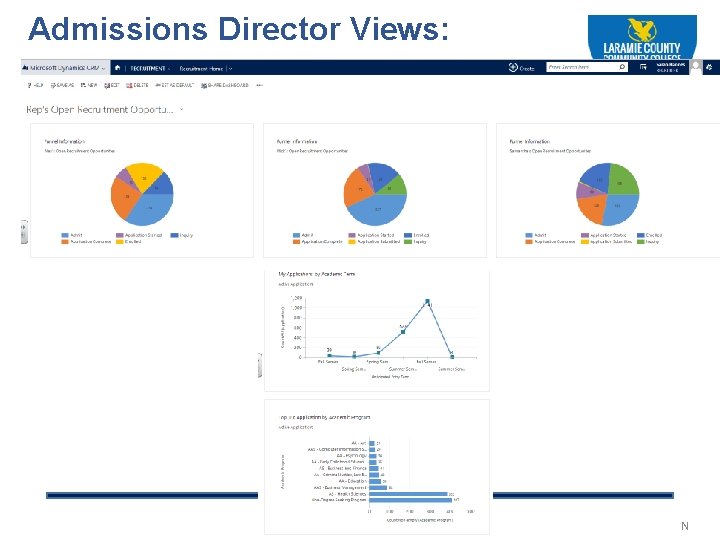
Admissions Director Views: N
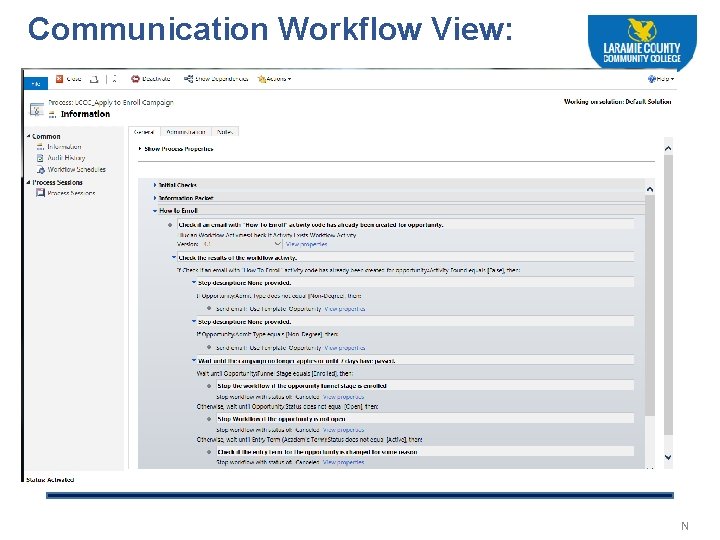
Communication Workflow View: N
R s e s t l u S
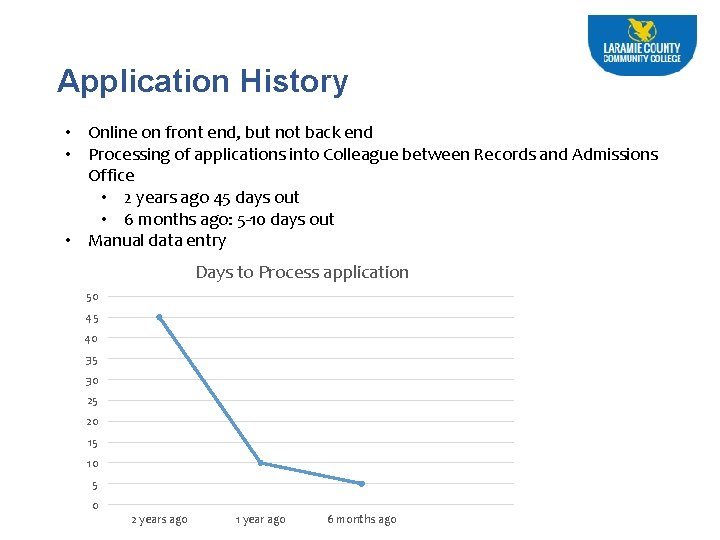
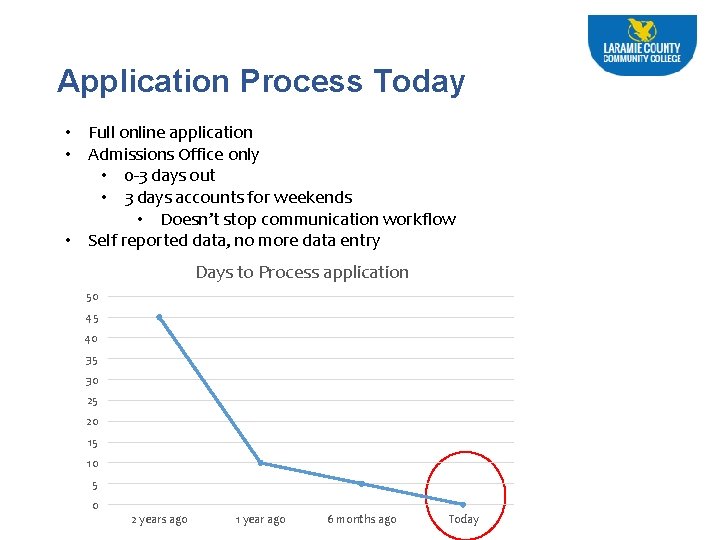
Application History • Online on front end, but not back end • Processing of applications into Colleague between Records and Admissions Office • 2 years ago 45 days out • 6 months ago: 5 -10 days out • Manual data entry Days to Process application 50 45 40 35 30 25 20 15 10 5 0 2 years ago 1 year ago 6 months ago
Application Process Today • Full online application • Admissions Office only • 0 -3 days out • 3 days accounts for weekends • Doesn’t stop communication workflow • Self reported data, no more data entry Days to Process application 50 45 40 35 30 25 20 15 10 5 0 2 years ago 1 year ago 6 months ago Today
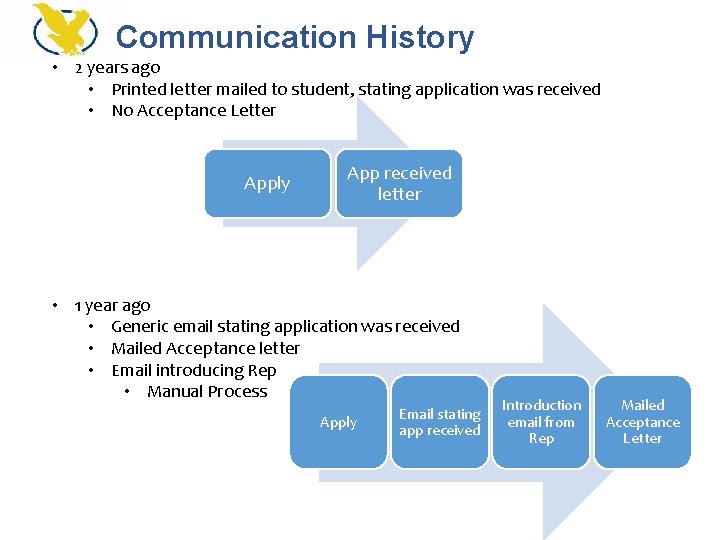
Communication History • 2 years ago • Printed letter mailed to student, stating application was received • No Acceptance Letter Apply App received letter • 1 year ago • Generic email stating application was received • Mailed Acceptance letter • Email introducing Rep • Manual Process Apply Email stating app received Introduction email from Rep Mailed Acceptance Letter
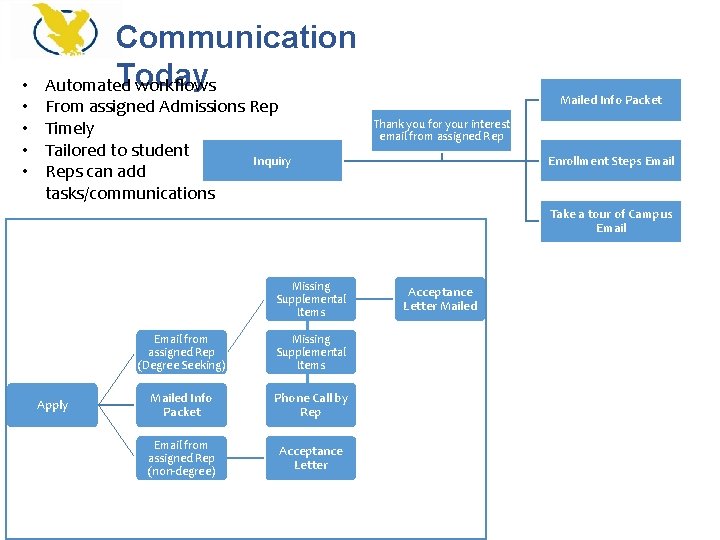
• • • Communication Today Automated workflows From assigned Admissions Rep Timely Tailored to student Inquiry Reps can add tasks/communications Mailed Info Packet Thank you for your interest email from assigned Rep Enrollment Steps Email Take a tour of Campus Email Missing Supplemental Items Apply Email from assigned Rep (Degree Seeking) Missing Supplemental Items Mailed Info Packet Phone Call by Rep Email from assigned Rep (non-degree) Acceptance Letter Mailed
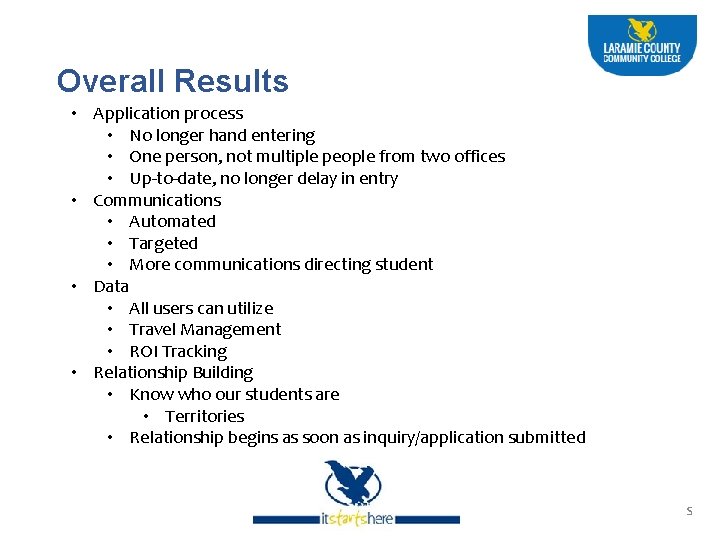
Overall Results • Application process • No longer hand entering • One person, not multiple people from two offices • Up-to-date, no longer delay in entry • Communications • Automated • Targeted • More communications directing student • Data • All users can utilize • Travel Management • ROI Tracking • Relationship Building • Know who our students are • Territories • Relationship begins as soon as inquiry/application submitted S
Thank You! Questions? S