
Elements of a programming language Input and output


- Slides: 16
Elements of a programming language Input and output Control structures Loops YM-Biochem
Simplest input from stdin Command line option can be read from the default variable “$_” YM-Biochem
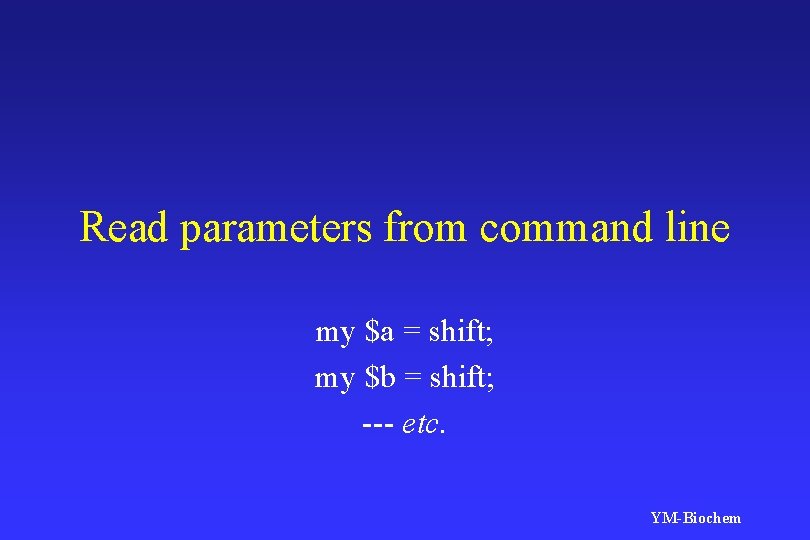
Read parameters from command line my $a = shift; my $b = shift; --- etc. YM-Biochem
Conditional statements If Unless Else Elsif (not “else if”) YM-Biochem
Features No “End if” Use blocks ({}) instead YM-Biochem
Do something extra when condition meets This forms a block If ($a == $b) Parenthesis is { required (? ) print “a equals b n”; } No “; ” here YM-Biochem
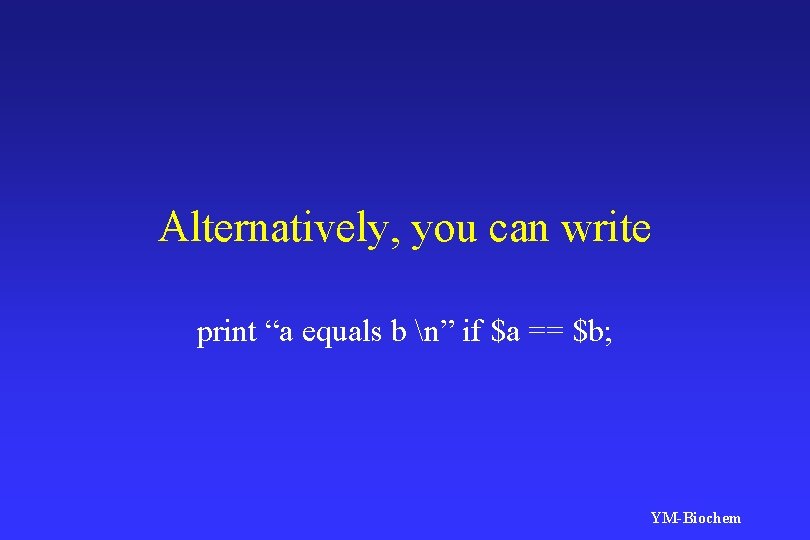
Alternatively, you can write print “a equals b n” if $a == $b; YM-Biochem
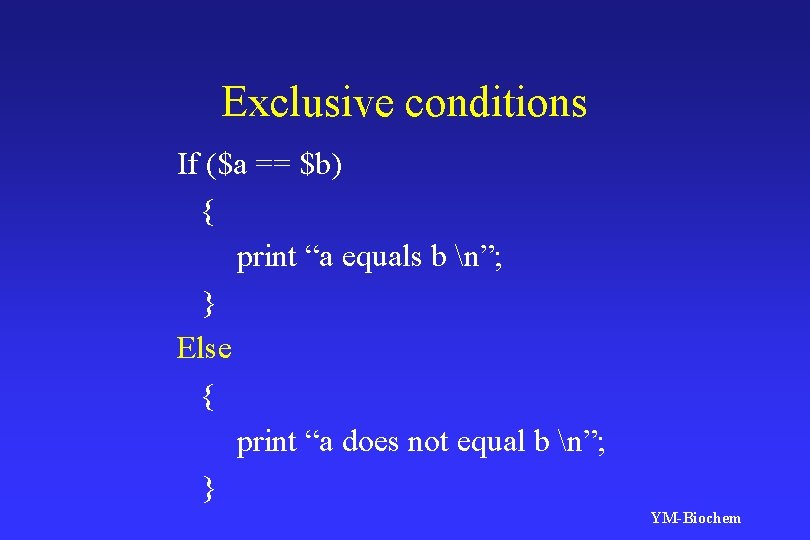
Exclusive conditions If ($a == $b) { print “a equals b n”; } Else { print “a does not equal b n”; } YM-Biochem
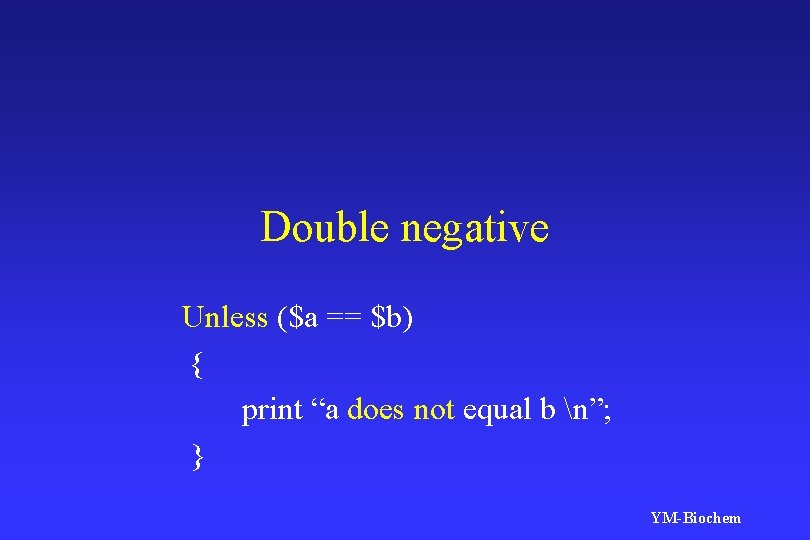
Double negative Unless ($a == $b) { print “a does not equal b n”; } YM-Biochem
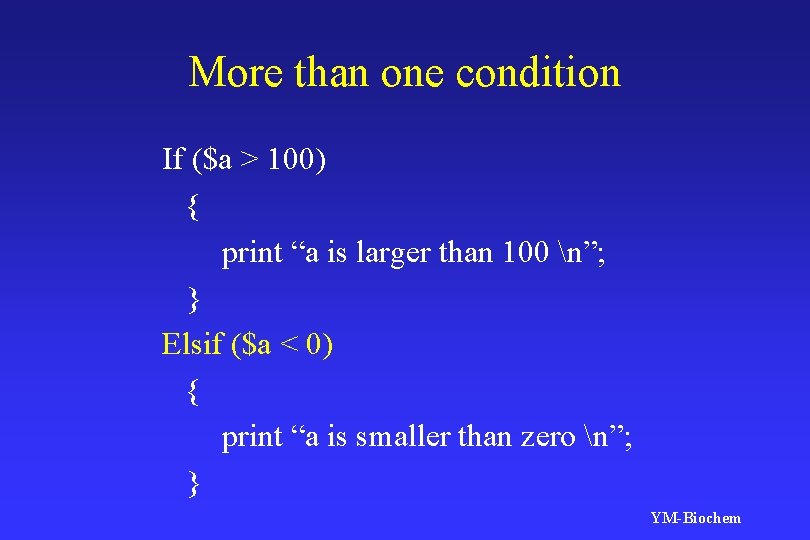
More than one condition If ($a > 100) { print “a is larger than 100 n”; } Elsif ($a < 0) { print “a is smaller than zero n”; } YM-Biochem
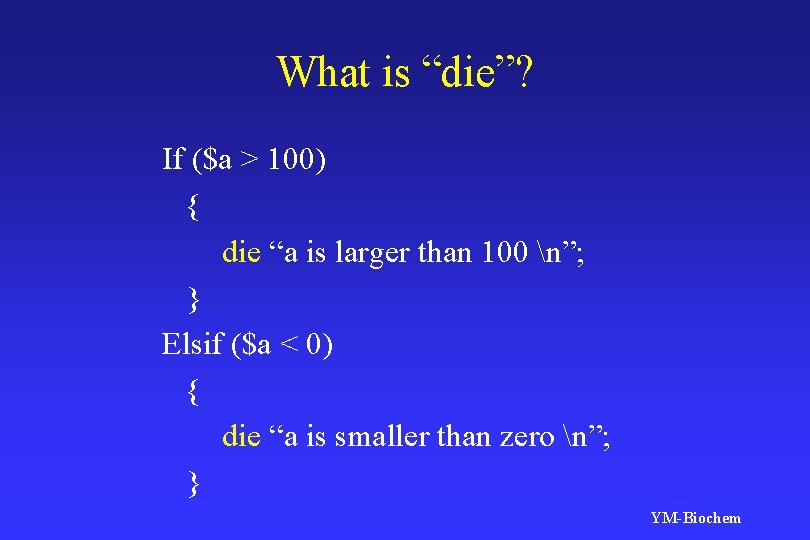
What is “die”? If ($a > 100) { die “a is larger than 100 n”; } Elsif ($a < 0) { die “a is smaller than zero n”; } YM-Biochem
What is truth? Look up Perl 2 YM-Biochem
Loops While Until Foreach For YM-Biochem
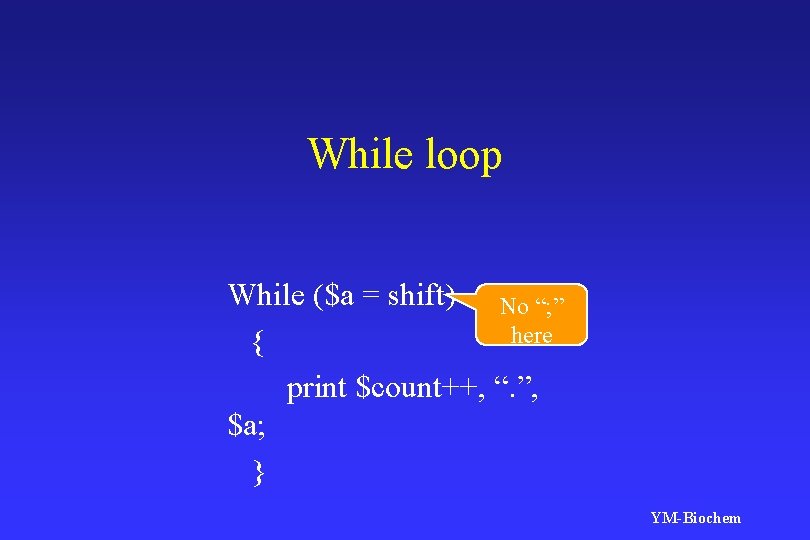
While loop While ($a = shift) No “; ” here { print $count++, “. ”, $a; } YM-Biochem
Exercise - benchmark Please measure the speed of running a perl script on your server YM-Biochem
Hints • To read time: use “localtime” • To set up a loop: use “while” • Set up a counter to count YM-Biochem