
Electronic Presentation Guidelines Safetitle box anything outside of
Electronic Presentation Guidelines Safe-title box: anything outside of this box may be cut off on the TV screen
Guidelines • Article Title and # on Each Slide • Text of Motion Should be on First and Last Slide Safe-title box: anything outside of this box may be cut off on the TV screen

Guidelines 1. Safe Title Box Ø Important content must be kept within the “safe-title” area, as shown on this slide. The margin is approximately one inch wide on all sides. Ø You can use the safe-title box in this file to create your presentation. You may remove it from your “Master Slide” when finished. Safe-title box: anything outside of this box may be cut off on the TV screen
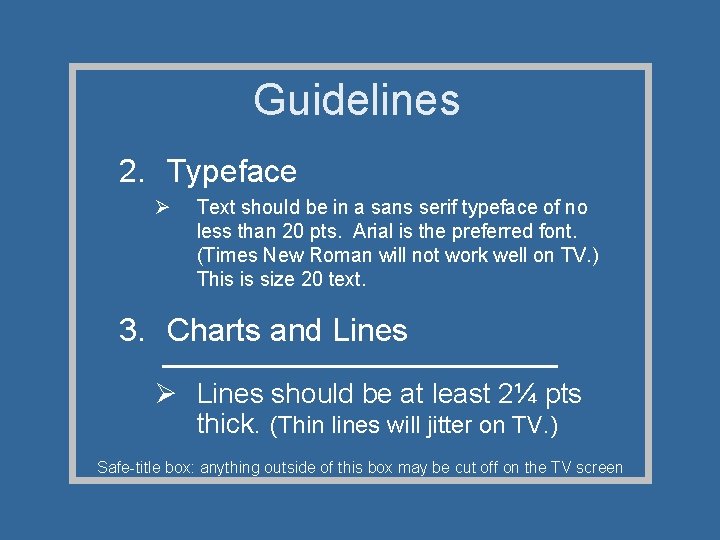
Guidelines 2. Typeface Ø Text should be in a sans serif typeface of no less than 20 pts. Arial is the preferred font. (Times New Roman will not work well on TV. ) This is size 20 text. 3. Charts and Lines Ø Lines should be at least 2¼ pts thick. (Thin lines will jitter on TV. ) Safe-title box: anything outside of this box may be cut off on the TV screen
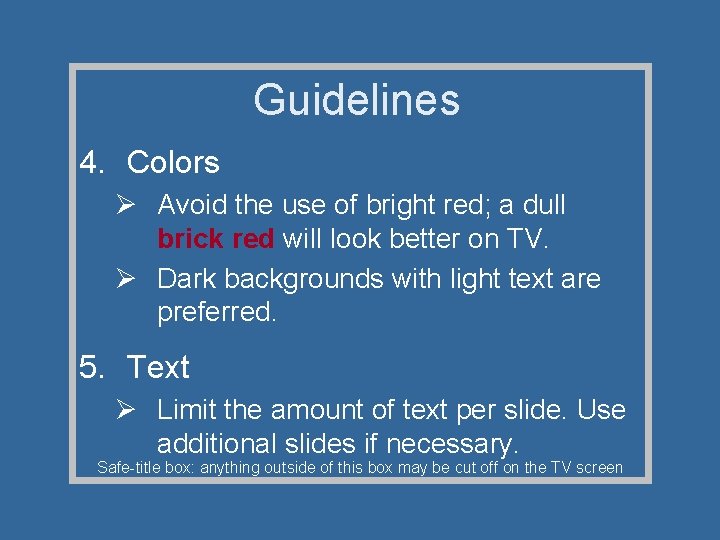
Guidelines 4. Colors Ø Avoid the use of bright red; a dull brick red will look better on TV. Ø Dark backgrounds with light text are preferred. 5. Text Ø Limit the amount of text per slide. Use additional slides if necessary. Safe-title box: anything outside of this box may be cut off on the TV screen
Guidelines 5. Text (cont. ) Ø To highlight titles or words, use a bold font or color. Ø Information on slides should complement your spoken words, not compete with them. Verbal and visual information should match, to avoid confusion for the viewer. Safe-title box: anything outside of this box may be cut off on the TV screen
Sample • Article Title and # on each slide • Text of Motion Safe-title box: anything outside of this box may be cut off on the TV screen
- Slides: 7