
Electronic PAPFWaiver System PAPFWaiver System Both the PAPF
Electronic PAPF/Waiver System
PAPF/Waiver System • Both the PAPF and waiver are started at the same time, but have independent processes from start to finish. • A sophisticated ‘chain of command’ will prevent people from making changes or submitting forms unless they have been granted permission. • This presentation will briefly explain the responsibilities of the following to complete a PAPF/Waiver. • Coach • Parent & Student • PAPF Coordinator • DEC
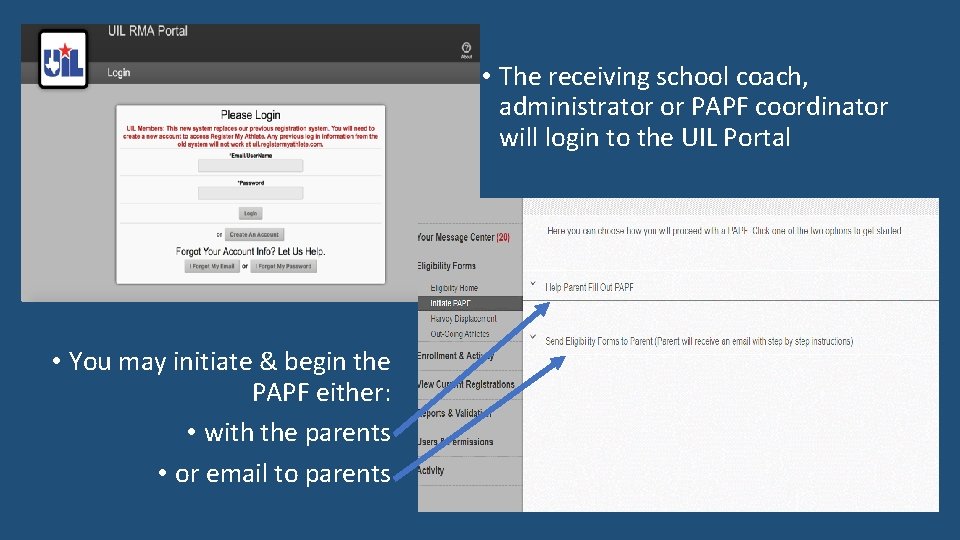
• The receiving school coach, administrator or PAPF coordinator will login to the UIL Portal • You may initiate & begin the PAPF either: • with the parents • or email to parents

Page 1 helps determine if the student meets eligibility requirements found in Subchapter M, UIL Constitution and Contest Rules.
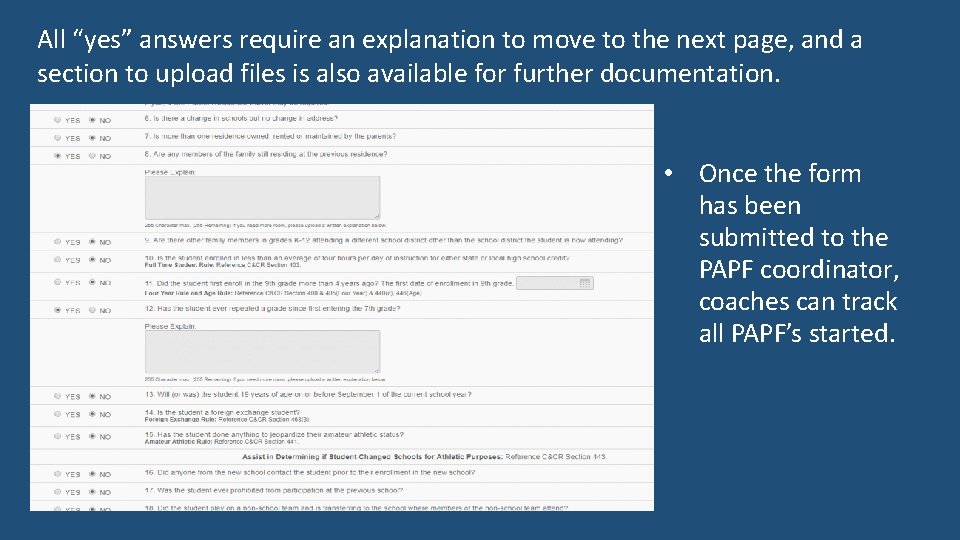
All “yes” answers require an explanation to move to the next page, and a section to upload files is also available for further documentation. • Once the form has been submitted to the PAPF coordinator, coaches can track all PAPF’s started.
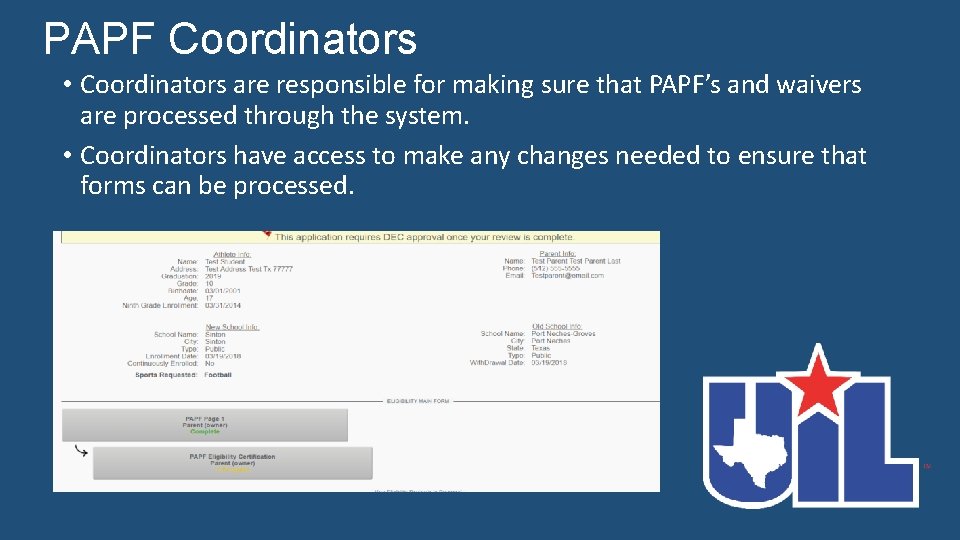
PAPF Coordinators • Coordinators are responsible for making sure that PAPF’s and waivers are processed through the system. • Coordinators have access to make any changes needed to ensure that forms can be processed.
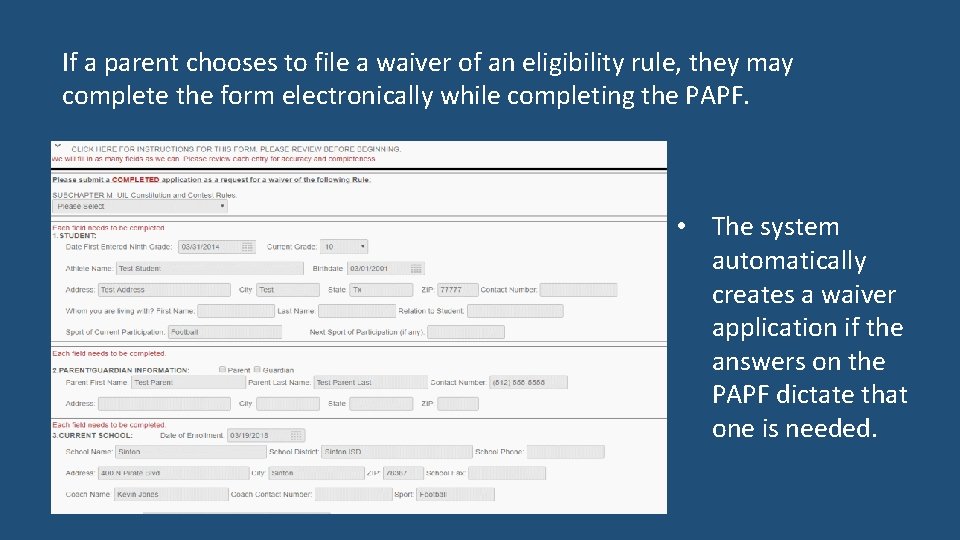
If a parent chooses to file a waiver of an eligibility rule, they may complete the form electronically while completing the PAPF. • The system automatically creates a waiver application if the answers on the PAPF dictate that one is needed.
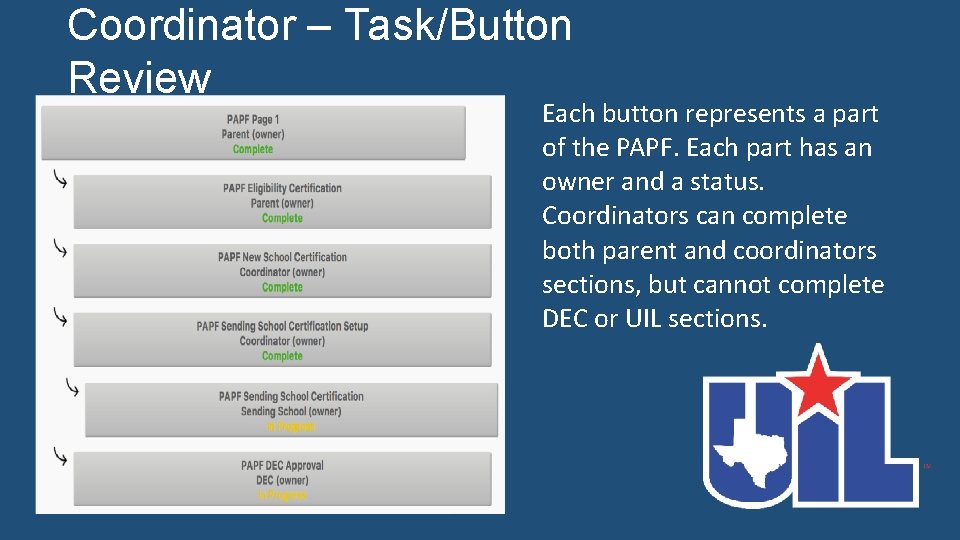
Coordinator – Task/Button Review Each button represents a part of the PAPF. Each part has an owner and a status. Coordinators can complete both parent and coordinators sections, but cannot complete DEC or UIL sections.
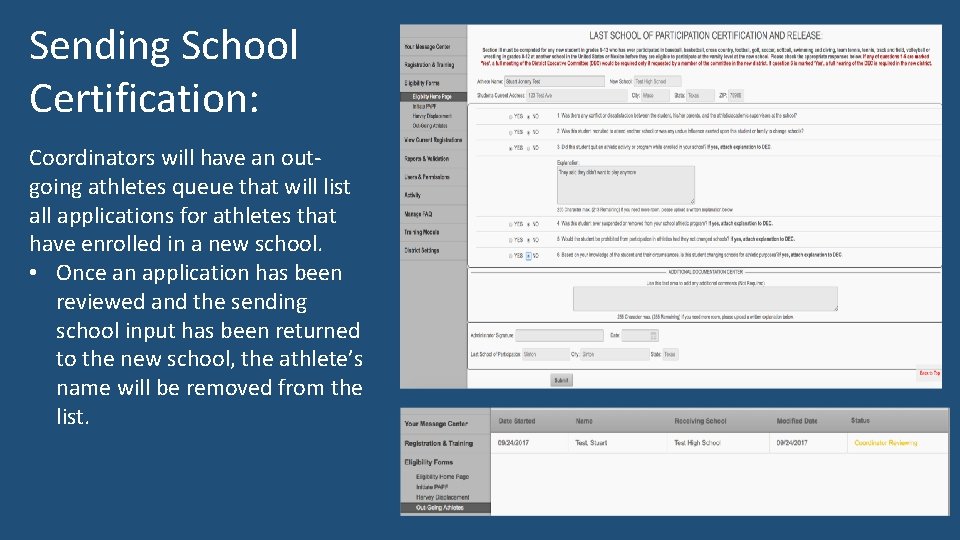
Sending School Certification: Coordinators will have an outgoing athletes queue that will list all applications for athletes that have enrolled in a new school. • Once an application has been reviewed and the sending school input has been returned to the new school, the athlete’s name will be removed from the list.
DEC Chair • When a school coordinator has finished processing a PAPF, they will submit it to DEC for review. • The system will determine who the DEC Chair and DEC members are and include these individuals on the PAPF. • Only DEC Chairs will be actively notified that a PAPF is ready for review, although all DEC members are invited to review the PAPF. • DEC members will receive communication from the Chair when member input is requested.
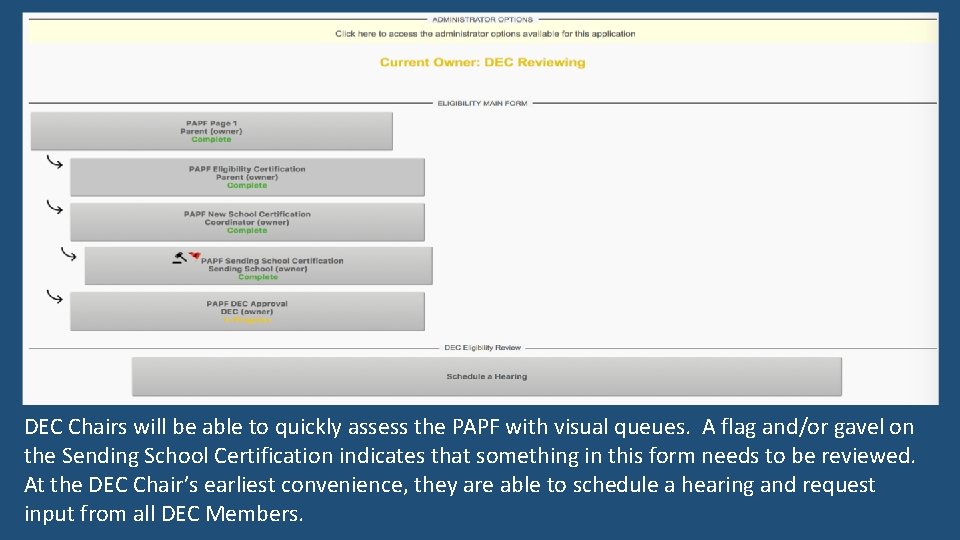
DEC Chairs will be able to quickly assess the PAPF with visual queues. A flag and/or gavel on the Sending School Certification indicates that something in this form needs to be reviewed. At the DEC Chair’s earliest convenience, they are able to schedule a hearing and request input from all DEC Members.
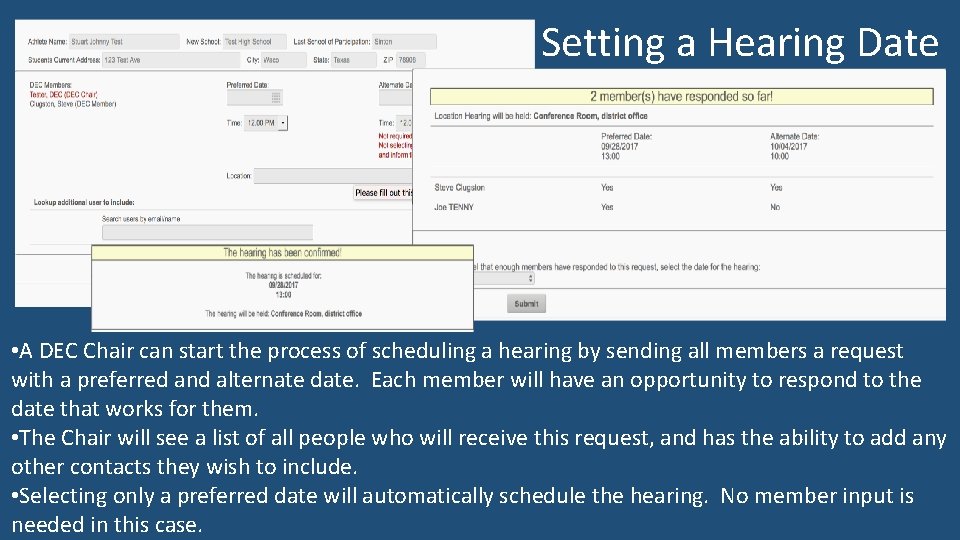
Setting a Hearing Date • A DEC Chair can start the process of scheduling a hearing by sending all members a request with a preferred and alternate date. Each member will have an opportunity to respond to the date that works for them. • The Chair will see a list of all people who will receive this request, and has the ability to add any other contacts they wish to include. • Selecting only a preferred date will automatically schedule the hearing. No member input is needed in this case.
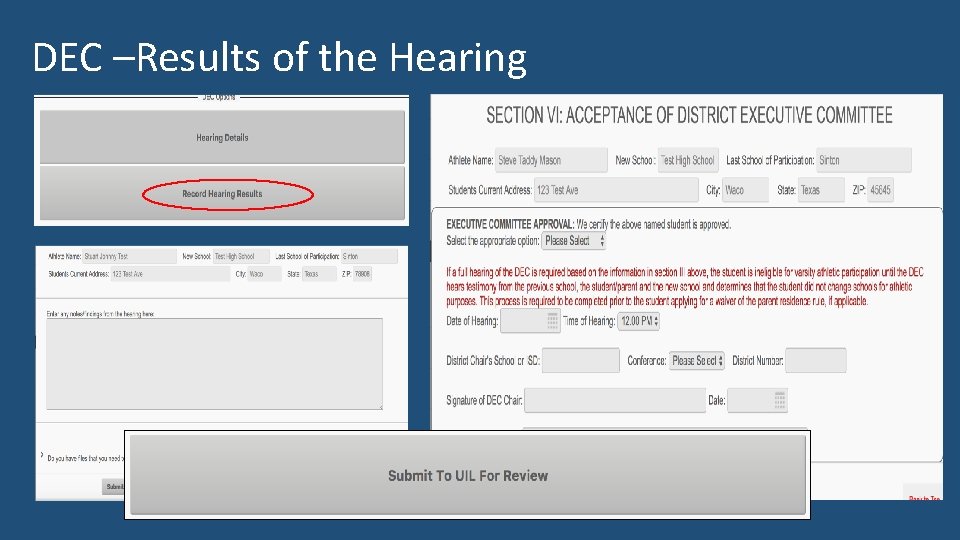
DEC –Results of the Hearing
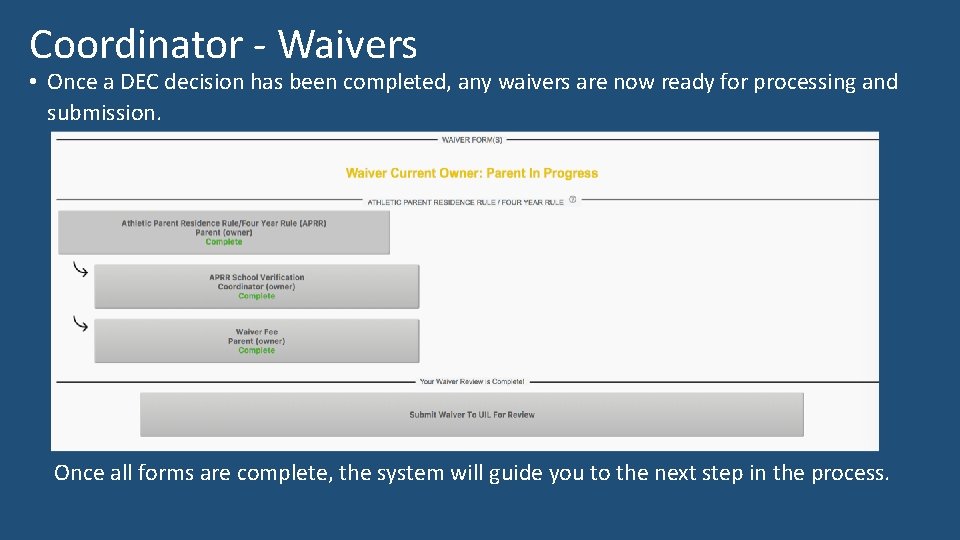
Coordinator - Waivers • Once a DEC decision has been completed, any waivers are now ready for processing and submission. Once all forms are complete, the system will guide you to the next step in the process.

Questions?
- Slides: 15