
Electronic Logging Devices Effects on Drivers and Organizations

- Slides: 26
Electronic Logging Devices – Effects on Drivers and Organizations 2016 BISC West Meeting Presented by Jacqui Fortsch Saucon Technologies
True/False ELD Pop Quiz Closing thoughts • Effects on Drivers • Effects on your organization • About ELD manufacturers and registration 2
True or False #1: “Our Drivers are going to quit because they have to use an ELD. ” False 3
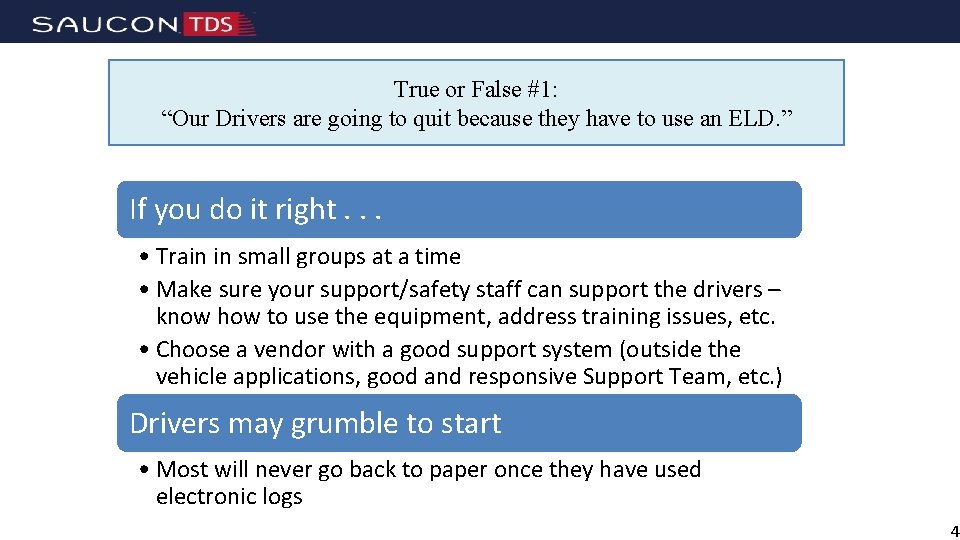
True or False #1: “Our Drivers are going to quit because they have to use an ELD. ” If you do it right. . . • Train in small groups at a time • Make sure your support/safety staff can support the drivers – know how to use the equipment, address training issues, etc. • Choose a vendor with a good support system (outside the vehicle applications, good and responsive Support Team, etc. ) Drivers may grumble to start • Most will never go back to paper once they have used electronic logs 4
True or False #2: “Our drivers will always need to keep paper logs AND electronic logs. We will never be able to go paperless. ” False 5
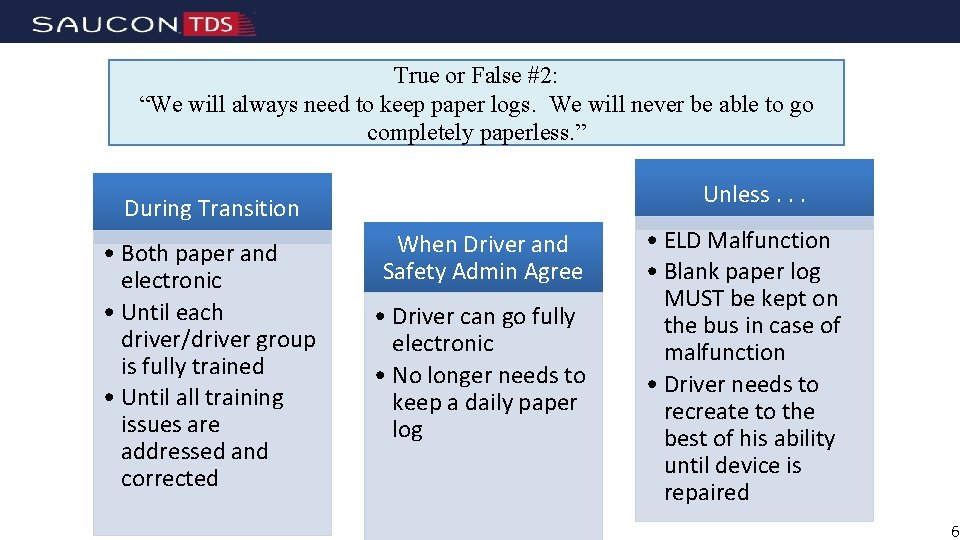
True or False #2: “We will always need to keep paper logs. We will never be able to go completely paperless. ” Unless. . . During Transition • Both paper and electronic • Until each driver/driver group is fully trained • Until all training issues are addressed and corrected When Driver and Safety Admin Agree • Driver can go fully electronic • No longer needs to keep a daily paper log • ELD Malfunction • Blank paper log MUST be kept on the bus in case of malfunction • Driver needs to recreate to the best of his ability until device is repaired 6
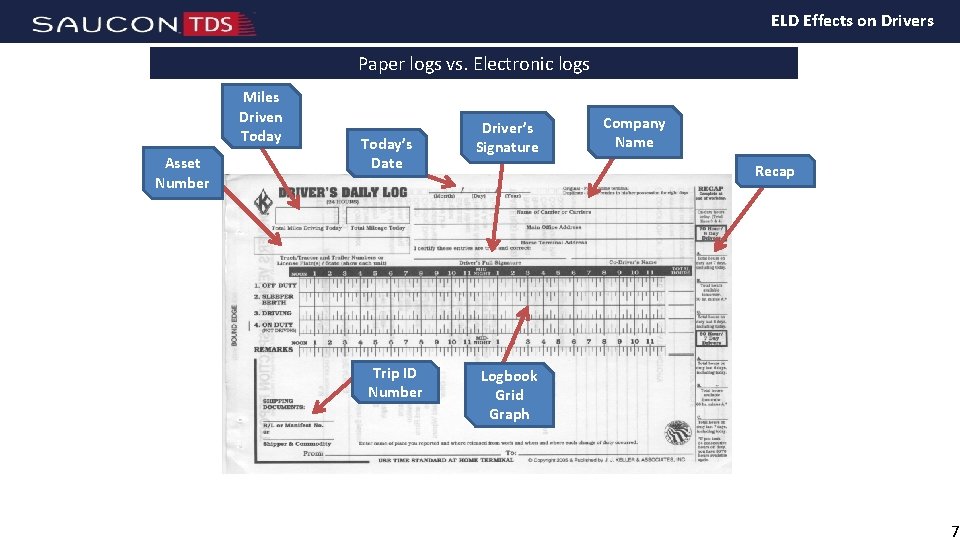
ELD Effects on Drivers Paper logs vs. Electronic logs Miles Driven Today Asset Number Today’s Date Trip ID Number Driver’s Signature Company Name Recap Logbook Grid Graph 7
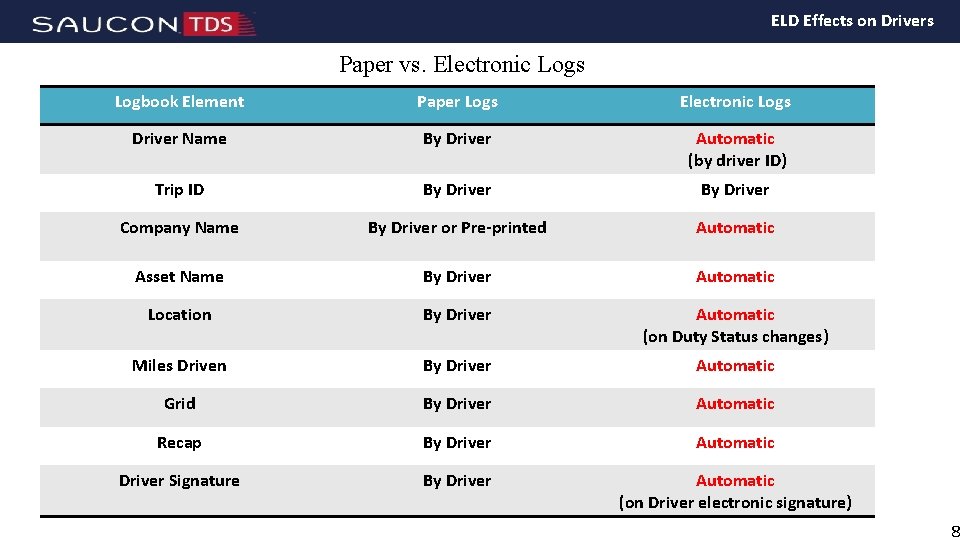
ELD Effects on Drivers Paper vs. Electronic Logs Logbook Element Paper Logs Electronic Logs Driver Name By Driver Automatic (by driver ID) Trip ID By Driver Company Name By Driver or Pre-printed Automatic Asset Name By Driver Automatic Location By Driver Automatic (on Duty Status changes) Miles Driven By Driver Automatic Grid By Driver Automatic Recap By Driver Automatic Driver Signature By Driver Automatic (on Driver electronic signature) 8
True or False #3: “Drivers need to pay attention to and interact with the device. It isn’t all automatic. ” True 9
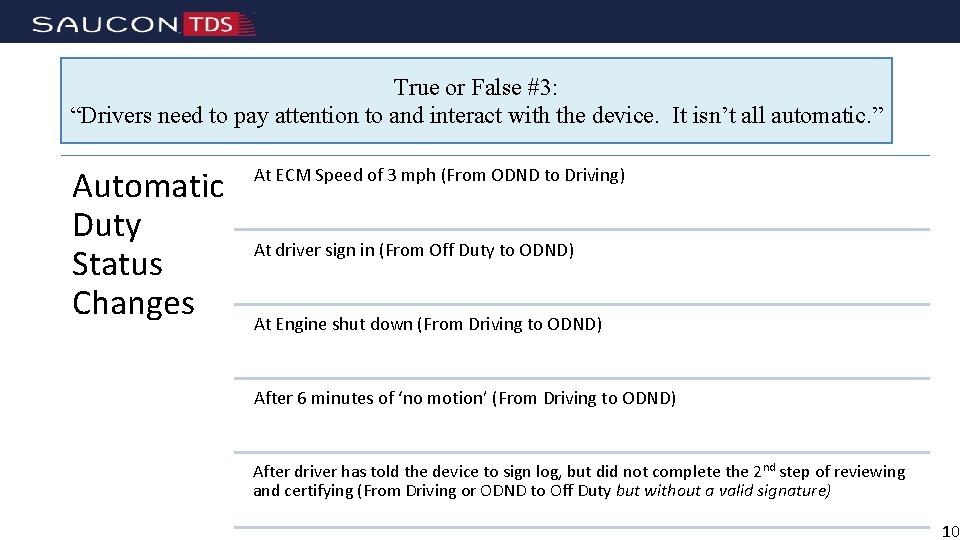
True or False #3: “Drivers need to pay attention to and interact with the device. It isn’t all automatic. ” Automatic Duty Status Changes At ECM Speed of 3 mph (From ODND to Driving) At driver sign in (From Off Duty to ODND) At Engine shut down (From Driving to ODND) After 6 minutes of ‘no motion’ (From Driving to ODND) After driver has told the device to sign log, but did not complete the 2 nd step of reviewing and certifying (From Driving or ODND to Off Duty but without a valid signature) 10
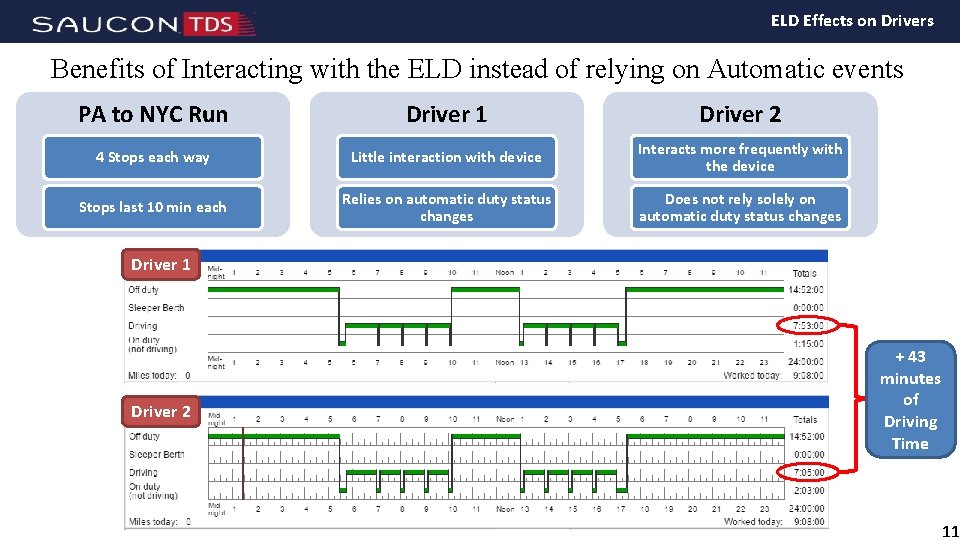
ELD Effects on Drivers Benefits of Interacting with the ELD instead of relying on Automatic events PA to NYC Run Driver 1 Driver 2 4 Stops each way Little interaction with device Interacts more frequently with the device Stops last 10 min each Relies on automatic duty status changes Does not rely solely on automatic duty status changes Driver 1 Driver 2 + 43 minutes of Driving Time 11
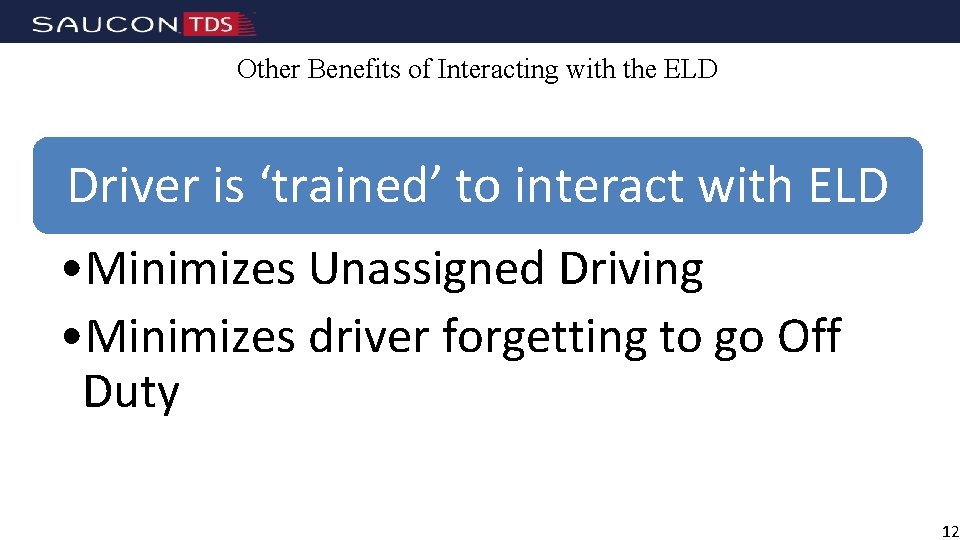
Other Benefits of Interacting with the ELD Driver is ‘trained’ to interact with ELD • Minimizes Unassigned Driving • Minimizes driver forgetting to go Off Duty 12
True or False #4: “Using Electronic Driver Logs will affect every aspect of your organization, not just drivers. ” True 13
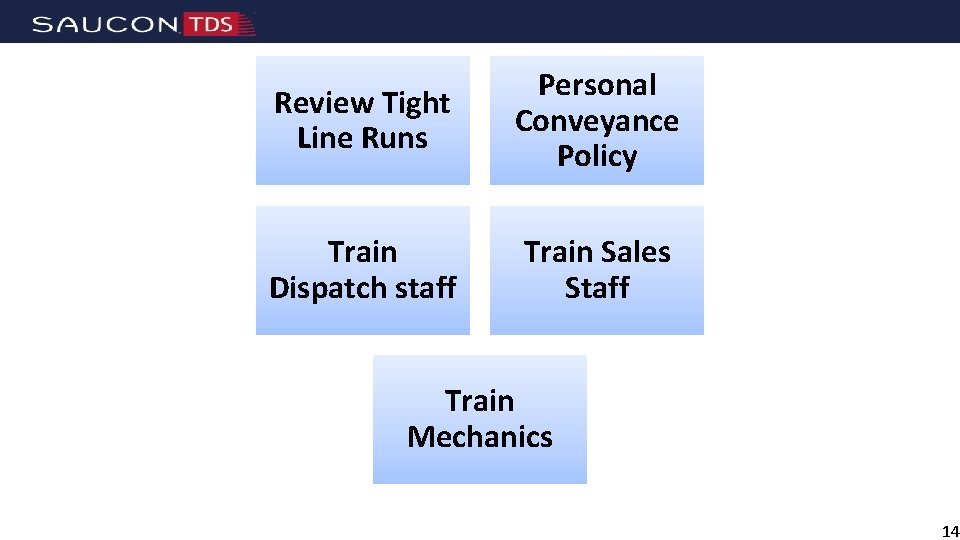
Review Tight Line Runs Personal Conveyance Policy Train Dispatch staff Train Sales Staff Train Mechanics 14
True or False #5: “Drivers may find more driving time available to them with electronic logs. ” “True” 15
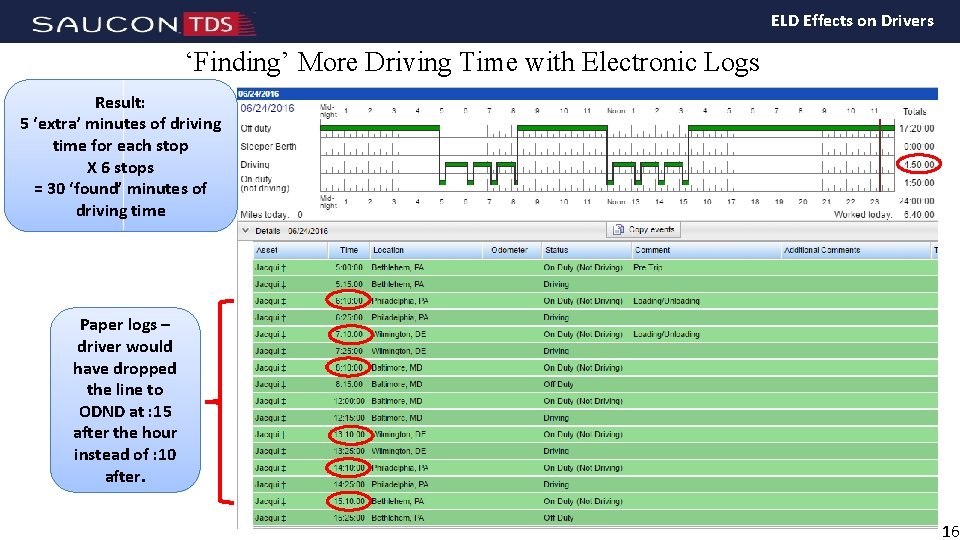
ELD Effects on Drivers ‘Finding’ More Driving Time with Electronic Logs Result: 5 ‘extra’ minutes of driving time for each stop X 6 stops = 30 ‘found’ minutes of driving time Paper logs – driver would have dropped the line to ODND at : 15 after the hour instead of : 10 after. 16
True or False #6: “When a driver is out of hours, the ELD will shut the bus down. ” False 17
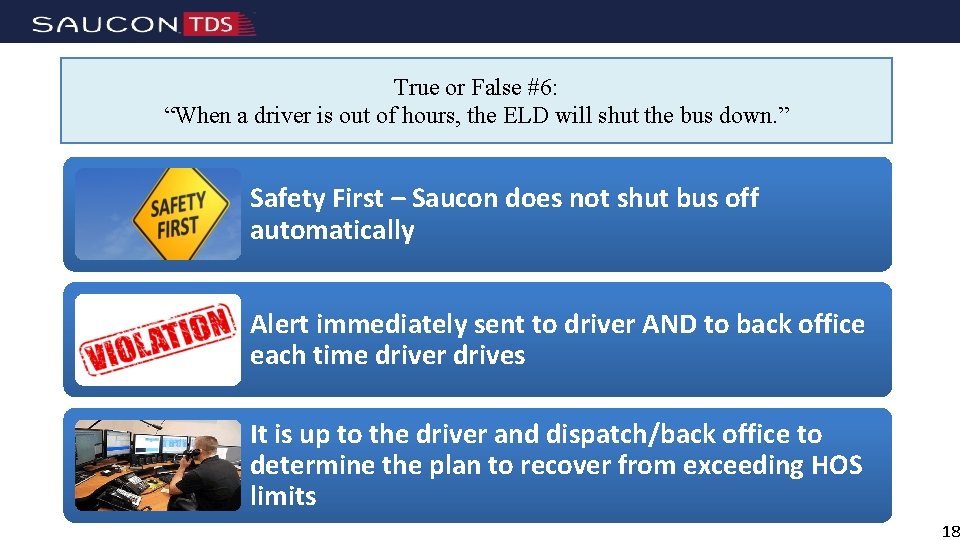
True or False #6: “When a driver is out of hours, the ELD will shut the bus down. ” Safety First – Saucon does not shut bus off automatically Alert immediately sent to driver AND to back office each time driver drives It is up to the driver and dispatch/back office to determine the plan to recover from exceeding HOS limits 18
True or False #7: “Safety Administrators don’t need to review drivers’ logs. Electronic logs are self-auditing. ” False 19
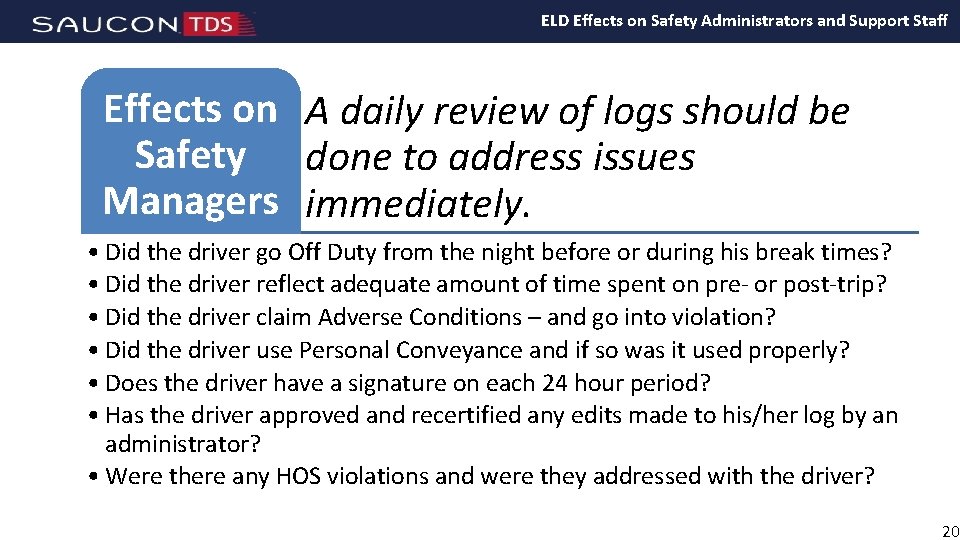
ELD Effects on Safety Administrators and Support Staff Effects on A daily review of logs should be Safety done to address issues Managers immediately. • Did the driver go Off Duty from the night before or during his break times? • Did the driver reflect adequate amount of time spent on pre- or post-trip? • Did the driver claim Adverse Conditions – and go into violation? • Did the driver use Personal Conveyance and if so was it used properly? • Does the driver have a signature on each 24 hour period? • Has the driver approved and recertified any edits made to his/her log by an administrator? • Were there any HOS violations and were they addressed with the driver? 20
ELD Effects on Safety Administrators and Support Staff Effects on Logs will eventually take less time to Safety review, but should be looked at from Managers the point of view of an external audit. • Have I assigned all ‘unassigned driving’ to a driver – or explained why an unassigned driving event is not attributable to a driver? • Can I explain this action to a regulating authority? • Can I justify the edit made to a driver’s log as a plausible, legal one? • Can the edit I proposed be interpreted as ‘log falsification? ’ • Can I prove that I took corrective action when I found a problem? • Can I show that I am using the data I receive from ELDs or Fleet Management System to take meaningful action? • Did I take immediate action when I was advised of an ELD malfunction? 21
True or False #8: “My driver needs to be able to print his/her log from the ELD at a Roadside inspection. ” False 22
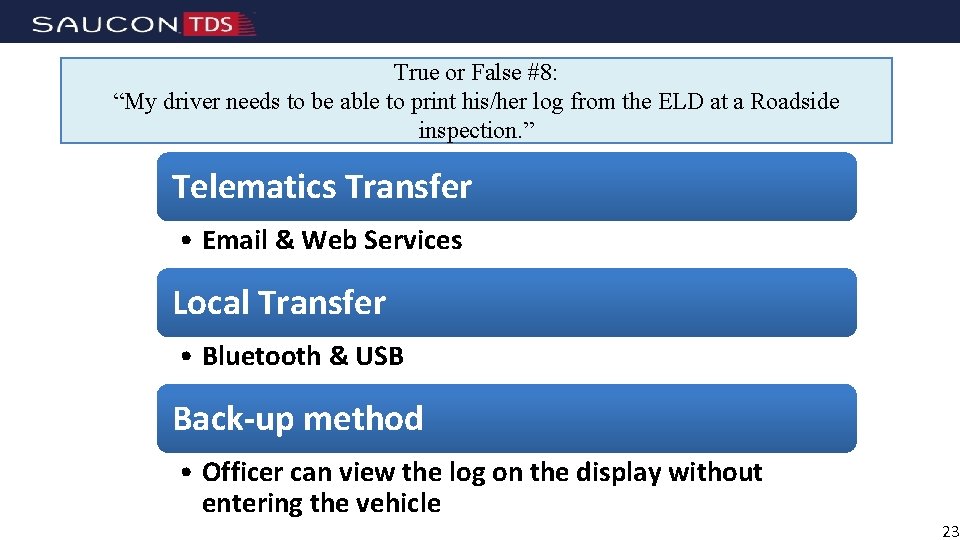
True or False #8: “My driver needs to be able to print his/her log from the ELD at a Roadside inspection. ” Telematics Transfer • Email & Web Services Local Transfer • Bluetooth & USB Back-up method • Officer can view the log on the display without entering the vehicle 23
ELD Effects on Safety Administrators and Support Staff Transitioning to electronic Planning logs will take investment and for elogs work • Install any hardware/software • Train drivers – recommend break them into groups • Drivers will likely be doing both paper and electronic during training period • Safety Managers will need to review logs daily and address training issues immediately 24
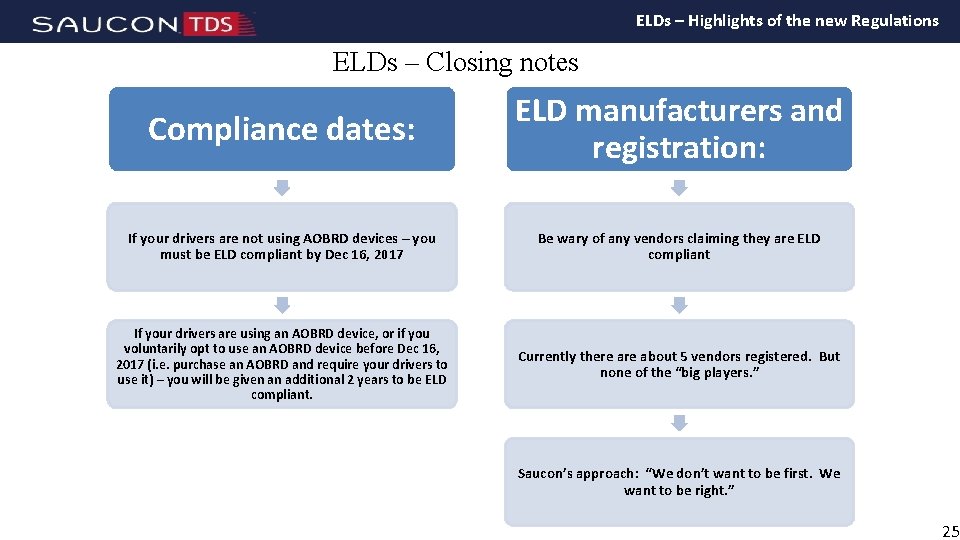
ELDs – Highlights of the new Regulations ELDs – Closing notes Compliance dates: ELD manufacturers and registration: If your drivers are not using AOBRD devices – you must be ELD compliant by Dec 16, 2017 Be wary of any vendors claiming they are ELD compliant If your drivers are using an AOBRD device, or if you voluntarily opt to use an AOBRD device before Dec 16, 2017 (i. e. purchase an AOBRD and require your drivers to use it) – you will be given an additional 2 years to be ELD compliant. Currently there about 5 vendors registered. But none of the “big players. ” Saucon’s approach: “We don’t want to be first. We want to be right. ” 25
Questions? 26