
Electronic Health Record EHR Optimization 5 tips to
- Slides: 16
Electronic Health Record (EHR) Optimization: 5 tips to Optimize Use of Your EHR and Get Your Time Back February 22 nd 2017 This presentation is provided free-of-charge and is supported by Grant Number 1 L 1 CMS-331480 -01 -00 from the U. S. Department of Health & Human Services, Centers for Medicare & Medicaid Services. The contents provided in this webinar are solely the responsibility of the presenters and do not necessarily represent the official views of HHS or any of its agencies.
Barbara Banks-Wiggins, MSA Ø Healthcare Consultant Ø 25 years experience leading multispecialty healthcare delivery systems Ø Population health Ø Care coordination Ø Workflow redesign Ø Community engagement Ø Health information technology adoption Ø Electronic medical record implementation Ø and optimization
Webinar Objectives ü You will learn how to optimize use of your Electronic Health Record (EHR) ü You will learn how to leverage your EHR ü You will learn strategies to improve clinical workflows ü You will learn strategies to increase productivity ü You will learn how to save time and improve patient outcomes
5 Tips to Optimize Use of your EHR and Get Your Time Back 1. Team based approach 2. Establish protocols 3. Visit preparation 4. Encounter documentation 5. Creating patient registries and reports
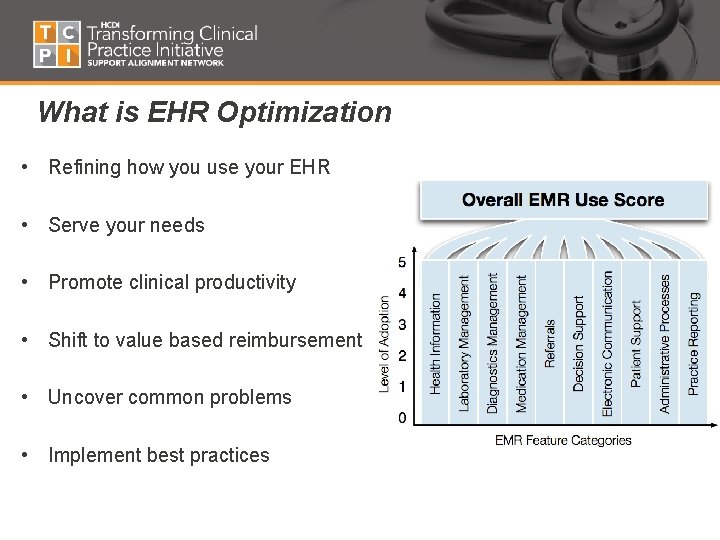
What is EHR Optimization • Refining how you use your EHR • Serve your needs • Promote clinical productivity • Shift to value based reimbursement • Uncover common problems • Implement best practices
Why optimize? • CMS-Medicare shift from paying fee-for service to paying for high value care • Need to meet the performance category • Advancing Care Information (ACI) under (MIPS) replaces MU • Improve quality, safety and efficiency • Improve technology use • Move from EHR fragmentation to Optimization • Receive financial incentives • Risk financial disincentives for failing to optimize
Common Challenges • Technical competency • Resistance to the “new way of doing things” • Inertia—not wanting to make changes & improvements • EHR Nuances • Competing demands • Finite Resources • Changing Roles Common Outcomes • • Inefficiencies Duplicate Work Inconsistent use among staff Frustration
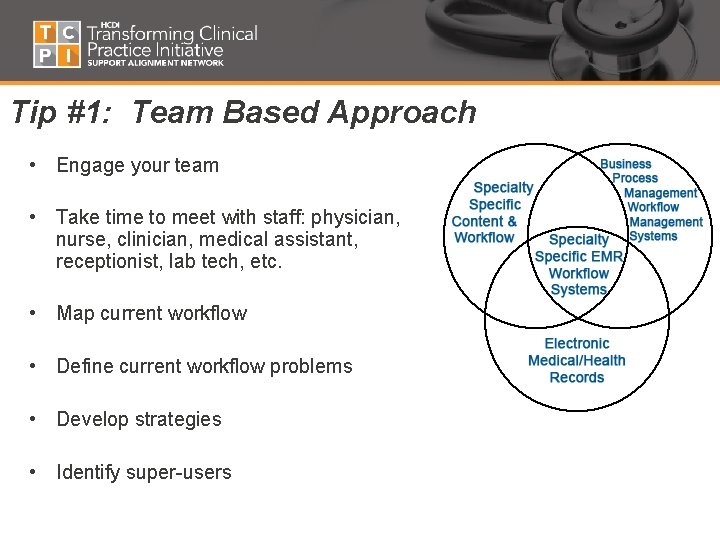
Tip #1: Team Based Approach • Engage your team • Take time to meet with staff: physician, nurse, clinician, medical assistant, receptionist, lab tech, etc. • Map current workflow • Define current workflow problems • Develop strategies • Identify super-users
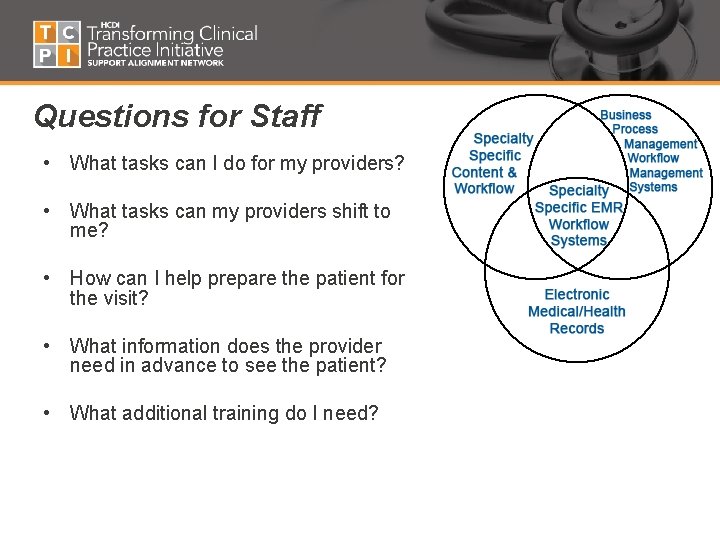
Questions for Staff • What tasks can I do for my providers? • What tasks can my providers shift to me? • How can I help prepare the patient for the visit? • What information does the provider need in advance to see the patient? • What additional training do I need?
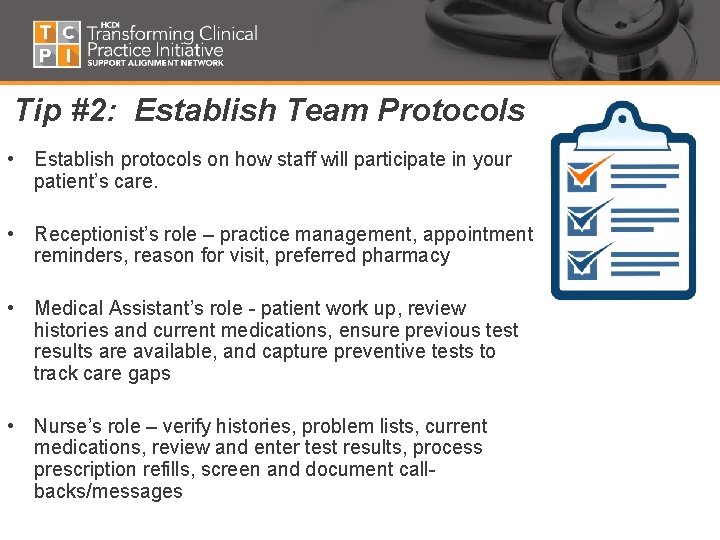
Tip #2: Establish Team Protocols • Establish protocols on how staff will participate in your patient’s care. • Receptionist’s role – practice management, appointment reminders, reason for visit, preferred pharmacy • Medical Assistant’s role - patient work up, review histories and current medications, ensure previous test results are available, and capture preventive tests to track care gaps • Nurse’s role – verify histories, problem lists, current medications, review and enter test results, process prescription refills, screen and document callbacks/messages
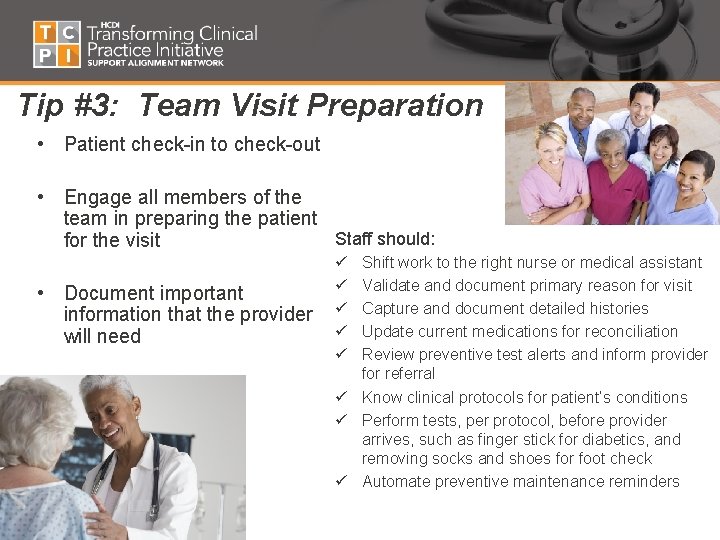
Tip #3: Team Visit Preparation • Patient check-in to check-out • Engage all members of the team in preparing the patient Staff should: for the visit • Document important information that the provider will need ü ü ü Shift work to the right nurse or medical assistant Validate and document primary reason for visit Capture and document detailed histories Update current medications for reconciliation Review preventive test alerts and inform provider for referral ü Know clinical protocols for patient’s conditions ü Perform tests, per protocol, before provider arrives, such as finger stick for diabetics, and removing socks and shoes for foot check ü Automate preventive maintenance reminders
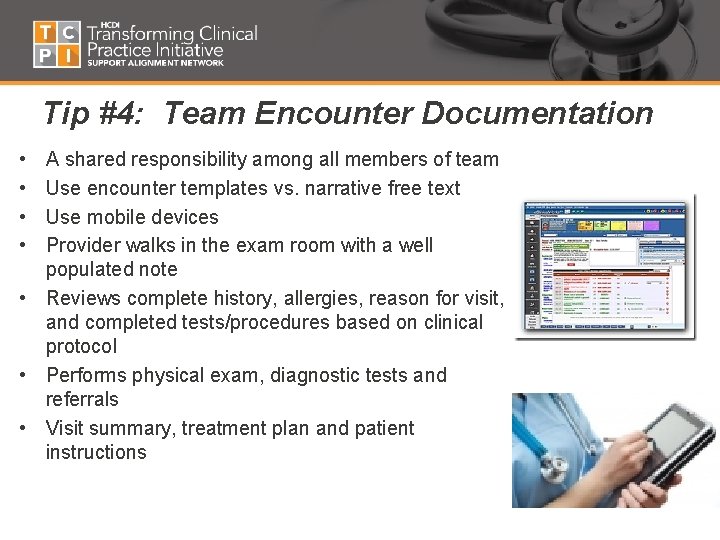
Tip #4: Team Encounter Documentation • • A shared responsibility among all members of team Use encounter templates vs. narrative free text Use mobile devices Provider walks in the exam room with a well populated note • Reviews complete history, allergies, reason for visit, and completed tests/procedures based on clinical protocol • Performs physical exam, diagnostic tests and referrals • Visit summary, treatment plan and patient instructions
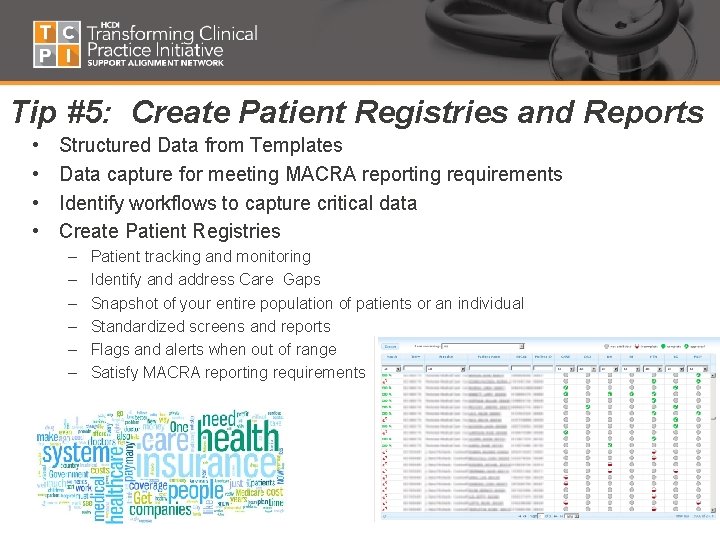
Tip #5: Create Patient Registries and Reports • • Structured Data from Templates Data capture for meeting MACRA reporting requirements Identify workflows to capture critical data Create Patient Registries – – – Patient tracking and monitoring Identify and address Care Gaps Snapshot of your entire population of patients or an individual Standardized screens and reports Flags and alerts when out of range Satisfy MACRA reporting requirements
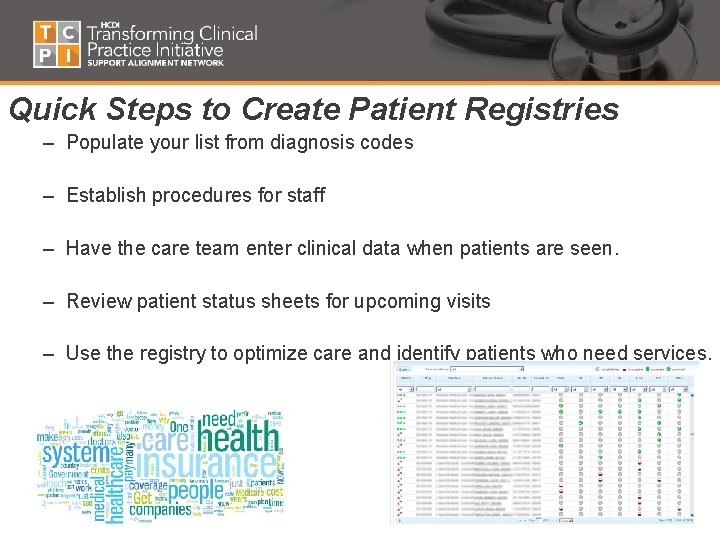
Quick Steps to Create Patient Registries – Populate your list from diagnosis codes – Establish procedures for staff – Have the care team enter clinical data when patients are seen. – Review patient status sheets for upcoming visits – Use the registry to optimize care and identify patients who need services.
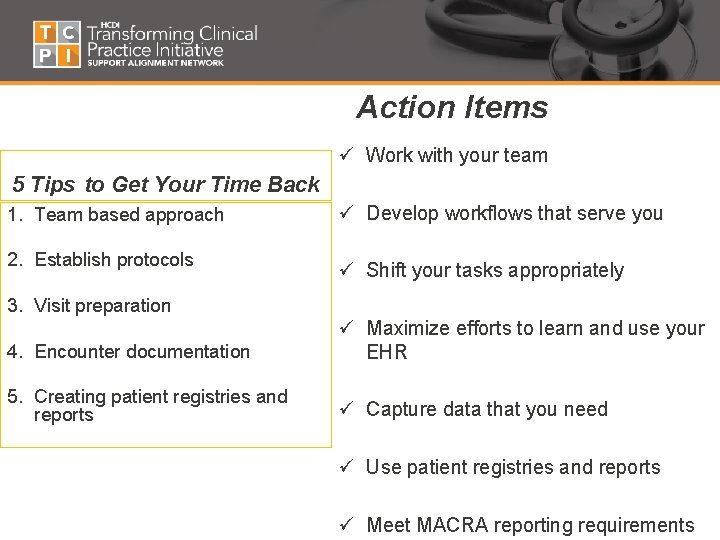
Action Items ü Work with your team 5 Tips to Get Your Time Back 1. Team based approach 2. Establish protocols ü Develop workflows that serve you ü Shift your tasks appropriately 3. Visit preparation 4. Encounter documentation ü Maximize efforts to learn and use your EHR 5. Creating patient registries and reports ü Capture data that you need ü Use patient registries and reports ü Meet MACRA reporting requirements
Presenter contact information Barbara Banks-Wiggins, MSA Strategic Management Alliance, LLC Washington, DC 20018 bbankswiggins@sm-alliance. com 202 -744 -0871